OLED vs IPS for Work: Which Should You Choose?

You've probably seen the glossy deep blacks of an OLED screen and wondered if that's the right choice for your desk. The truth is, choosing between OLED and IPS for work is about trade-offs, not clear victories. We've looked at manufacturer specs, aggregate user feedback, and real office scenarios to give you a straight answer.
Most people pick based on gaming or media consumption, not the 40-hour week they spend in spreadsheets and code editors. As of 2026, an average IPS panel hits about 300-350 nits of brightness with a 1000:1 contrast ratio. An OLED panel offers near-infinite contrast but tops out around 200-250 nits full-screen.
That difference matters more than you might think. Let's break down exactly why.
Why This Comparison Matters for Work (Not Gaming)
Most monitor comparisons revolve around gaming performance. Refresh rates, response times, and HDR gaming are the headline features. But when you spend eight hours a day reading text, staring at toolbars, and switching between windows, a completely different set of priorities emerges.
Text clarity is a huge factor. OLED panels use a different subpixel layout than the standard RGB arrangement found on IPS monitors. This can cause colored fringing around small text, especially on black backgrounds.
For developers and writers, that's a real annoyance.
Burn-in is another concern that gamers rarely worry about. Static elements like your taskbar or browser tabs can leave permanent marks on an OLED panel after months of daily use. IPS panels are effectively immune to this problem.
Then there's brightness. A bright office with windows and overhead lights will wash out an OLED screen much faster than a high-nit IPS display. If your workspace is anything but dim, IPS has a clear advantage.
For most productivity-focused users, these issues matter far more than pixel response times or color volume. That's why we're treating this as a work comparison first. If you're also curious about how screen size and shape affect workflow, our guide on whether ultrawide monitors boost productivity covers that angle.
Quick Answer: Which One You Should Pick
Choose IPS for text-heavy work in bright offices. Choose OLED for creative work in controlled lighting.
That is the simplest version. An IPS panel gives you consistent brightness, sharp text, and zero burn-in risk. An OLED panel gives you perfect blacks and superior contrast for video editing or color grading.
Per VESA DisplayHDR testing, OLED can hit near-infinite contrast ratios. But IPS panels offer higher sustained brightness for everyday use.
Most office workers, coders, and writers should buy IPS. Most video editors and graphic designers should buy OLED. There is no single best panel for every job.
How OLED Works – And What That Means on Your Desk
OLED stands for Organic Light Emitting Diode. Each pixel produces its own light. No backlight, no LCD layer, no light bleed.
When a pixel is off, it is truly black.
That means infinite contrast. A black pixel emits zero light. In a dark room, an OLED monitor looks like a window into a void.
Colors pop because they sit next to absolute darkness. For video editing and HDR content, that is transformative.
But there's a cost. Each organic pixel degrades over time. Red, green, and blue subpixels wear at different rates.
Static images accelerate that wear unevenly. That is burn-in.

Subpixel layout is also different. Most OLED monitors use a PenTile or similar non-standard arrangement. This can make sharp edges look slightly jagged or colored on small fonts.
On a 32-inch 4K panel, it is less noticeable. On a 27-inch 1440p panel, it is more visible.
Another issue is brightness. An OLED panel's full-screen brightness is limited because driving every pixel at maximum draws too much current and generates heat. Peak brightness can hit 600 to 1000 nits for small highlights.
But a full white screen might only reach 200 to 250 nits. In a bright room, that feels dim.
If you work in a dark or dim environment, OLED is stunning. If you work under fluorescent lights or near a window, it will feel like a compromise.
How IPS Works – The Reliable Workhorse
IPS stands for In-Plane Switching. It is a type of LCD panel. Liquid crystals twist to let light from a backlight pass through.
The key advantage is consistent color and brightness from almost any viewing angle.
Most office monitors use IPS. It has been the standard for decades. The technology is mature, well understood, and cheap to manufacture.
A decent 27-inch 4K IPS monitor costs around $300 to $500. An equivalent OLED costs $800 to $1500.
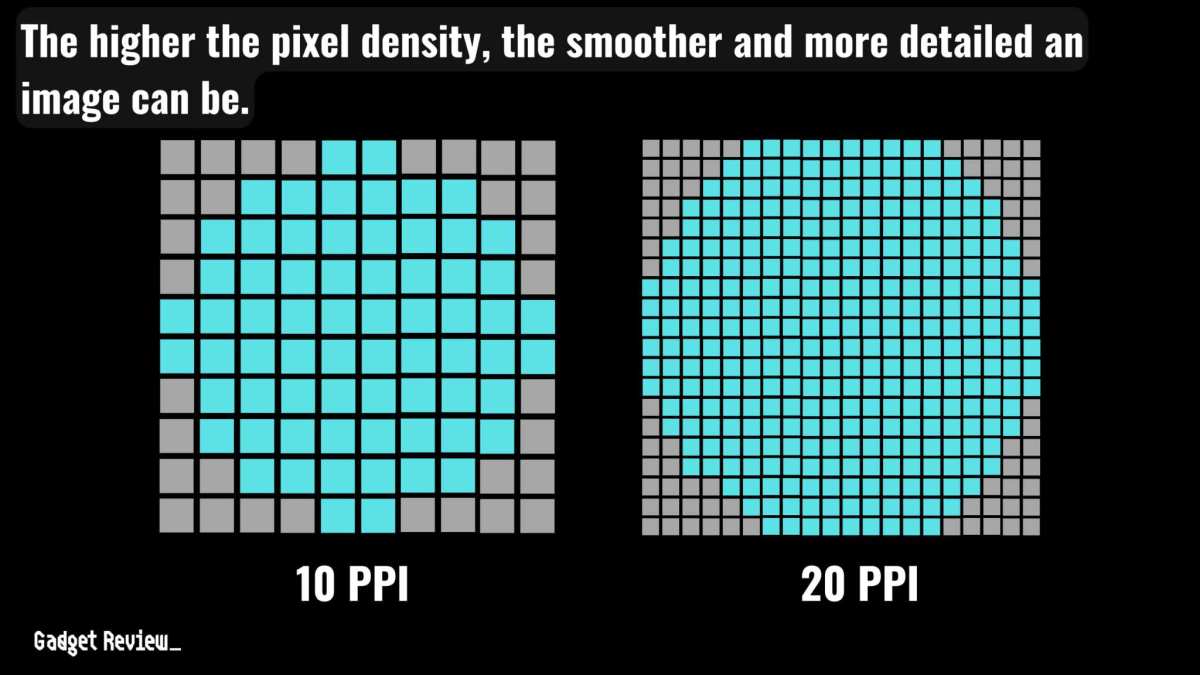
IPS panels use a standard RGB subpixel layout. Text is crisp and sharp at any resolution. No fringing, no weird artifacts.
If you write code or read documents all day, that matters.

The downside is contrast. IPS panels have a backlight that is always on. Even at minimum brightness, black pixels let some light through.
Typical contrast is around 1000:1. Dark scenes look grayish in a dark room. Backlight bleed along the edges is common on cheaper models.
Brightness is a strength. IPS monitors routinely hit 300 to 400 nits full-screen. Many office models offer 350 nits, and some go above 500.
That is enough to fight glare in a brightly lit room.
Burn-in is not a concern with IPS. Uneven wear can still happen with backlights, but it is rare and reversible. You can leave a static taskbar on an IPS monitor for years without permanent marks.
If your desk is in a bright room or you work in productivity apps all day, IPS is the safe, reliable choice. Many people find that using a curved IPS panel improves focus and reduces desk clutter.
Side-by-Side: OLED vs IPS for Key Work Tasks
This is where the rubber meets the road. Spec sheets are one thing. Daily use is another.
Let's look at four critical work tasks and how each panel handles them.
Text Clarity & Reading Comfort
IPS wins here, hands down. The standard RGB subpixel layout produces sharp, crisp text at any font size. OLED's non-standard layout introduces color fringing on small fonts.
At 100% scaling on a 27-inch 1440p display, the difference is obvious. At 4K, it is less visible but still present.
If you read code, documents, or spreadsheets all day, IPS is noticeably easier on the eyes. Some OLED monitors use firmware tricks to reduce fringing, but they cannot fully fix the hardware limitation.
Color Accuracy for Design & Photo Editing
OLED has the edge for color-critical work. Its wide color gamut covers 100% DCI-P3 in most models. IPS monitors cover 95-100% sRGB, but DCI-P3 coverage varies.
OLED also offers near-infinite contrast, which makes color perception more accurate in dark scenes.
But there's a catch. OLED panels require more frequent calibration. They drift over time as organic material ages.
High-end IPS monitors with hardware calibration hold their accuracy much longer.
For professional photo editing, a calibrated IPS monitor with a wide gamut is often more practical. For video editing and HDR grading, OLED is the better tool.
Brightness in Real Office Lighting
IPS wins for bright rooms. A 350-nit IPS panel is visible and comfortable under direct sunlight or overhead fluorescents. An OLED panel at 200 nits full-screen will look dim and washed out in the same conditions.
If your workspace has windows or strong ambient light, IPS is the only reliable choice. OLED works best in a deliberately dim environment.
Eye Strain Over an 8-Hour Day
Both technologies can cause eye strain. OLED panels use PWM (pulse width modulation) to control brightness. At low brightness levels, the flicker rate can be noticeable to sensitive users.
Some OLED monitors are certified flicker-free, but not all.
IPS panels can also flicker, but most modern office monitors include flicker-free backlights. The real issue is brightness matching. An OLED panel that is too dim forces your eyes to work harder in a bright room.
An IPS panel that is too bright can cause glare. Adjusting your monitor to match room lighting is crucial.
If you experience eye strain frequently, our article on whether curved monitors improve eye comfort offers tips on reducing fatigue.
The Burn-In Question – How Real Is the Risk?
Burn-in is the elephant in the room with OLED. It happens when static elements cause uneven wear on the organic pixels. A taskbar, a dock, or browser tabs that stay in the same position for hours every day will eventually leave a ghost.
How real is the risk for work use? Very real. Aggregate user reports on long-term OLED monitor ownership show visible burn-in appearing after 12 to 24 months with standard office usage.
That timeline matches accelerated aging tests from panel manufacturers.
The risk depends on three factors. First, how many static elements you keep on screen. Second, how bright you run the display.
Third, how many hours per day you use it.

There are ways to reduce the risk. Hide your taskbar. Rotate your wallpaper.
Use dark mode to lower pixel stress. Run the panel's pixel refresh cycle. But these are workarounds, not cures.
They slow the process, they do not stop it.
Most OLED monitor warranties do not cover burn-in. That is a critical detail. An IPS monitor can sit on the same static screen for years without issue.
Best Use Cases for OLED in a Work Setup
OLED shines when the environment and the task align perfectly. Here is where it makes sense.
Video editing and color grading. The infinite contrast ratio means you can see true blacks in shadows. HDR content looks punchy and accurate. If your work involves video, OLED is the better tool.
Photo editing in dim light. If you control your ambient lighting, OLED gives you a wider perceivable dynamic range. Deep shadows show detail that IPS screens crush into gray.
Dark mode users. If you work in dark mode applications, OLED saves power and looks better. Black backgrounds are truly black, not backlit gray.
Night work or windowless offices. In a dim environment, OLED's lower peak brightness is not a disadvantage. The contrast is what you notice, not the nit count.

For most creative professionals who work in controlled lighting, OLED is worth the premium. But you need to be realistic about burn-in. Rotating tasks between different applications helps.
So does moving your windows around.
Best Use Cases for IPS in a Work Setup
IPS is the default for a reason. It handles the widest range of office conditions with no compromises.
Bright offices and shared workspaces. IPS panels hit 300 to 400 nits sustained brightness. That is enough to overcome window glare and overhead lighting. OLED looks washed out in the same conditions.
Code development and writing. Text clarity on IPS is sharper at every size. No subpixel fringing, no color artifacts around small fonts. For eight hours of reading, IPS wins.
Finance, trading, and data analysis. These workflows use static layouts. Multiple windows, fixed toolbars, and charts that do not move. IPS handles that indefinitely.
OLED risks burn-in within months.
Mixed use across different lighting environments. If your desk moves from bright to dim throughout the day, IPS adapts better. A single brightness setting works for most conditions.

Many office workers find that a curved IPS panel reduces eye movement and improves focus. Our research on whether curved monitors help with multitasking suggests they can be beneficial for spreadsheet-heavy work.
What the Specs Don't Tell You About Daily Use
Spec sheets hide the things that matter most in a work context. Here are the ones that never make it into marketing materials.
Uniformity. IPS panels often have backlight bleed in the corners, especially on cheaper models. OLED panels are perfectly uniform because each pixel is independent. That matters for photo editors who need consistent brightness across the screen.
Aging. OLED panels lose brightness over time. After two years of daily use, peak brightness can drop by 15 to 20 percent. IPS panels use an LED backlight that lasts much longer with minimal degradation.
Reflectance. OLED monitors are almost always glossy. They produce richer colors but reflect everything behind you. IPS monitors use matte coatings that diffuse reflections.
In a bright office, matte is vastly more comfortable.
Warm-up time. OLED panels reach full brightness instantly. IPS panels sometimes need a few minutes to warm up and reach stable brightness levels, especially in cold rooms.
Pixel response at low refresh rates. Both are fast enough for work, but OLED's instant response can cause a different problem. Motion looks unnaturally sharp. Some users find scrolling on OLED gives a "strobing" effect that IPS smooths out.
Pricing Reality – What You Actually Pay for Each
Price is where the comparison becomes simple. IPS is affordable. OLED is expensive.
Here is a realistic breakdown for 27-inch 4K monitors as of 2026.
| Panel Type | Typical Price Range | Typical Nits Full-Screen | Typical Contrast |
|---|---|---|---|
| IPS (budget) | $250 – $400 | 300 – 350 | 1000:1 |
| IPS (pro) | $400 – $800 | 350 – 500 | 1000:1 – 1500:1 |
| OLED | $800 – $1500 | 200 – 250 | Infinite |
The price gap is significant. A good IPS monitor costs half as much as a comparable OLED. That difference matters for most office budgets.
But the cost of ownership goes beyond purchase price. OLED has a shorter usable lifespan for static work. If burn-in appears after two years, you are buying a new monitor sooner.
IPS panels often last five to seven years in office use with no visible degradation.
For a home office where you also watch movies and play games, OLED's premium might be justified. For a dedicated work monitor that runs eight hours a day on static content, IPS is the smarter financial choice.
Mistakes People Make When Choosing
The biggest mistake is buying based on gaming reviews. A monitor that scores 9/10 for gaming might be a 5/10 for office work. Text clarity and burn-in risk do not show up in frame rate benchmarks.
Another common error is ignoring your room's lighting. People buy OLED for the picture quality, then struggle with reflections and low brightness in a sunny office. Measure your ambient light before you decide.
Buying too small is another trap. OLED text fringing is worse at lower pixel densities. A 27-inch 1440p OLED shows more artifacts than a 32-inch 4K OLED.
For IPS, 27-inch 1440p is perfectly fine. For OLED, go 4K or go home.
People also forget about calibration. Out of the box, many IPS monitors are too blue. Many OLED monitors are too saturated.
A $150 colorimeter is worth the investment for either panel type if color accuracy matters to you.
Finally, do not assume all IPS panels are the same. There is a wide gap between a $250 office IPS and a $700 professional IPS. The cheaper ones often have poor uniformity and low brightness.
Pay for quality if you stare at it all day.
Pro Tips for Getting the Most Out of Either Panel
If you choose OLED, set it up for longevity from day one. Enable pixel shift if the monitor has it. Hide your taskbar in auto-hide mode.
Use a dark theme with dark wallpaper. Rotate between different applications instead of keeping one window static forever.
If you choose IPS, focus on calibration and positioning. Most office IPS monitors benefit from a slight brightness reduction to around 120 to 140 nits for comfortable long sessions. Use bias lighting behind the monitor to reduce perceived backlight bleed.
For both panel types, match the refresh rate to your use case. There is no benefit to 165Hz for office work. It adds cost and power draw. 60Hz or 75Hz is fine. 120Hz helps with scrolling smoothness but is not essential.
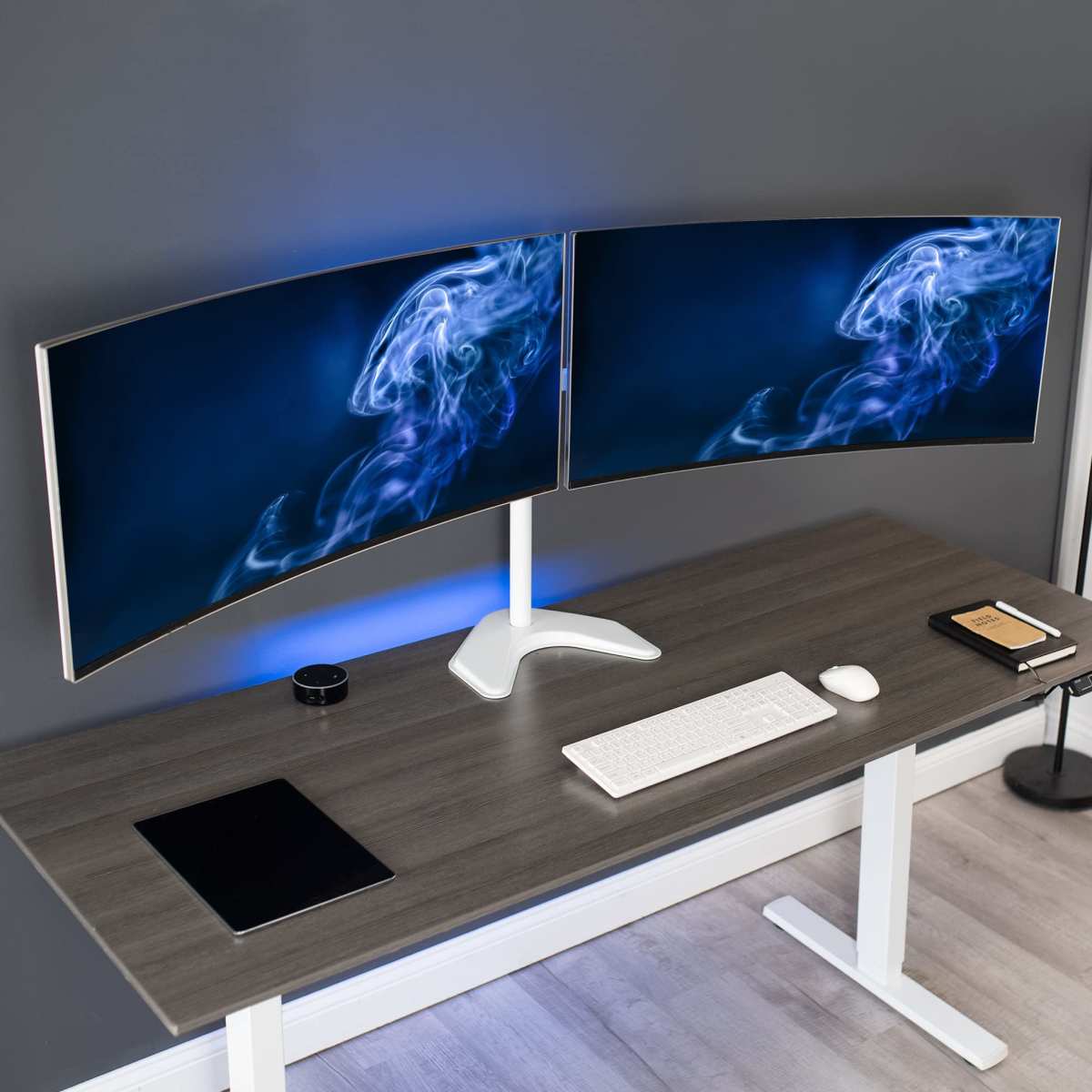
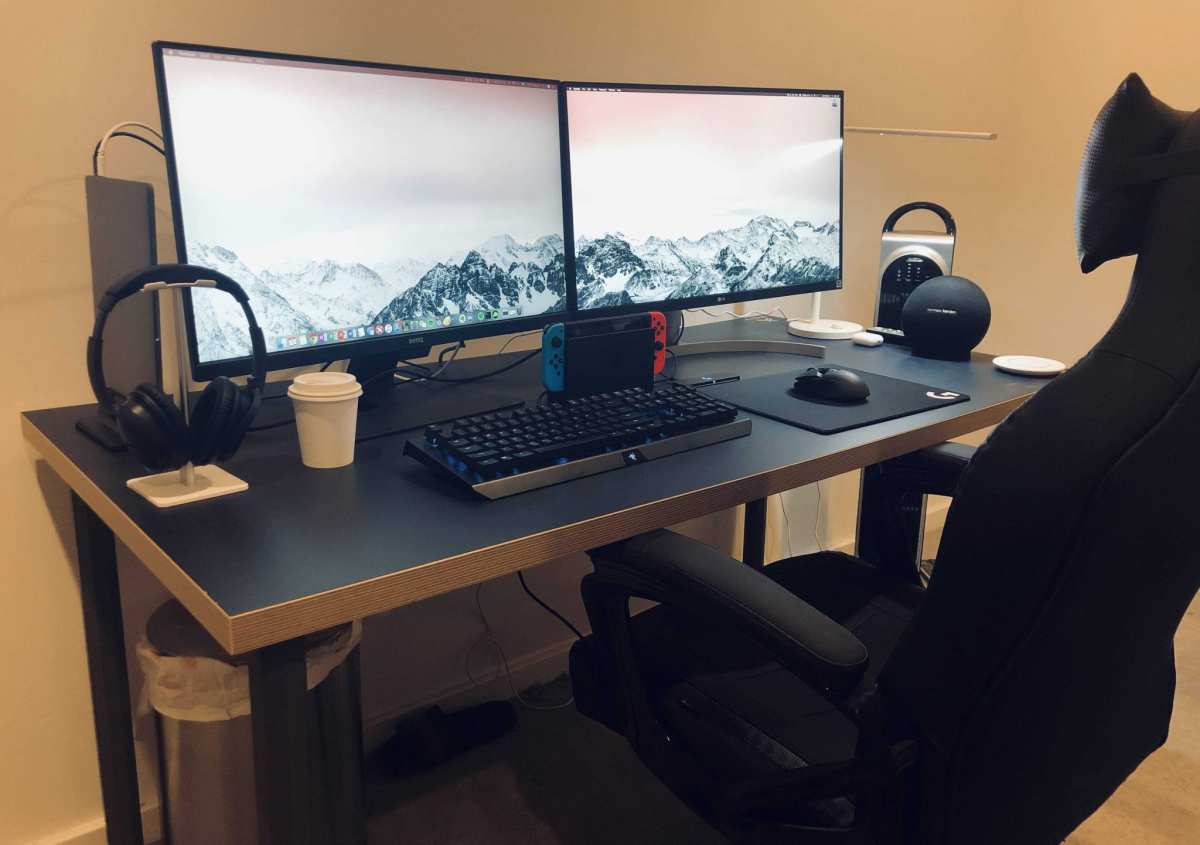
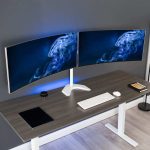
Consider a dual monitor setup with mixed panel types. A smaller IPS panel for static content like email and Slack. A larger OLED panel for creative work and media.
It sounds expensive, but it gives you the best of both worlds.
The Verdict – One Decision That Covers Most People
For most people reading this, the answer is IPS. Text clarity, brightness, longevity, and price all point in one direction.
Buy OLED only if you fit all of these criteria. You work in a dim or controlled environment. Your primary task involves video editing, color grading, or HDR content.
You are willing to manage burn-in with careful habits. Your budget allows for a premium price and shorter replacement cycle.
Buy IPS if any of these apply. You work in a bright office. You read and write text all day.
You keep static elements on screen for hours. You want the monitor to last five years or more. You want the best value for your money.
That is the honest trade-off. OLED is spectacular in the right setting. IPS is the better tool for the majority of office workers.
The monitor industry knows this, which is why IPS dominates the office market and OLED targets creative professionals and home theater enthusiasts.
Frequently Asked Questions
Does OLED cause more eye strain than IPS?
It can. OLED uses PWM dimming at lower brightness levels, which some users perceive as flicker. IPS panels with DC dimming are smoother.
However, most modern OLED monitors include flicker-free certification. The bigger factor is brightness. An overly dim OLED in a bright room causes more strain than an appropriately bright IPS.
Can I use an OLED monitor for coding?
You can, but IPS is better for most developers. The subpixel layout on OLED creates color fringing around small text. At 4K resolution on a 32-inch panel, the effect is minor.
At 1440p on a 27-inch panel, it is noticeable. If you read code for eight hours a day, IPS gives you sharper text with less eye fatigue.
How long does an OLED monitor last before burn-in?
With standard office usage, visible burn-in appears after 12 to 24 months. That timeline matches aggregate user reports and accelerated aging tests. Heavy static content like a fixed taskbar or browser tabs accelerates the process.
IPS monitors show no burn-in over the same period.
Is OLED worth the extra cost for photo editing?
For video editing and HDR grading, yes. For still photo editing, it depends. OLED offers superior contrast and wide color gamut.
But it requires more frequent calibration than a good IPS monitor. A professionally calibrated IPS panel with full sRGB and DCI-P3 coverage is a more practical choice for most photographers.
Can I mix OLED and IPS monitors in a dual setup?
Yes, and it is a smart approach. Use a smaller IPS panel for static content like email, messaging, and reference materials. Use an OLED panel for creative work, media, and tasks where contrast matters.
This gives you the longevity of IPS for static elements and the picture quality of OLED where it counts.

Similar Posts