How to Block Windows 11 GPO
Group Policy Objects (GPOs) give you granular control over Windows 11, but sometimes you need to block a specific policy — whether it conflicts…
Group Policy Objects (GPOs) give you granular control over Windows 11, but sometimes you need to block a specific policy — whether it conflicts…

Intelligent vehicle technology (IVT) refers to the integration of advanced sensors, artificial intelligence, communication systems, and automated controls…
The Windows Insider Program offers the earliest possible access to what Microsoft has planned for Windows 11 — but getting in correctly takes more…
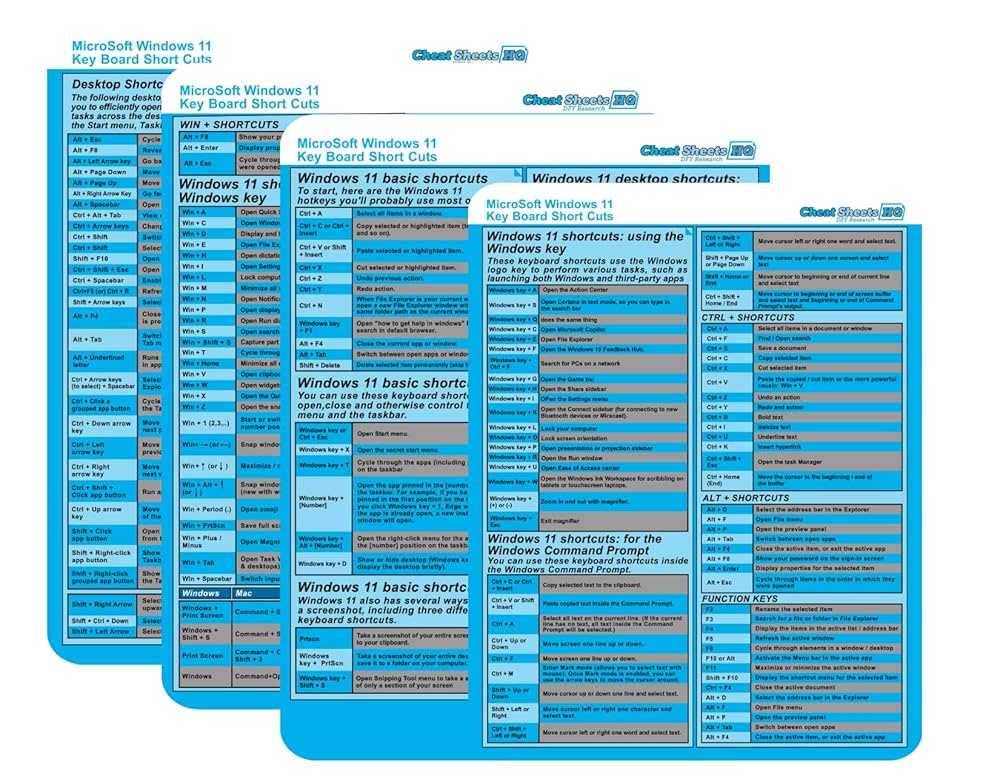
Mastering keyboard shortcuts can turn you into a Windows 11 power user in no time. With just a few simple key combinations, you can…

To quickly capture your screen in Windows 11, press the Windows key + Print Screen for an instant screenshot saved automatically, or use tools…

If you’re experiencing issues with your Windows 11 but want to keep your files safe, don’t worry—you can reset your system without losing personal…

To connect a Bluetooth device in Windows 11, simply turn on Bluetooth on your PC, make sure your device is discoverable, then select it…

Voice typing and speech recognition have revolutionized how we interact with our devices, making writing faster and more accessible. To get started, simply activate…

The best antivirus and security tools for Windows 11 combine robust protection with user-friendly features to keep your system safe from evolving threats. With…
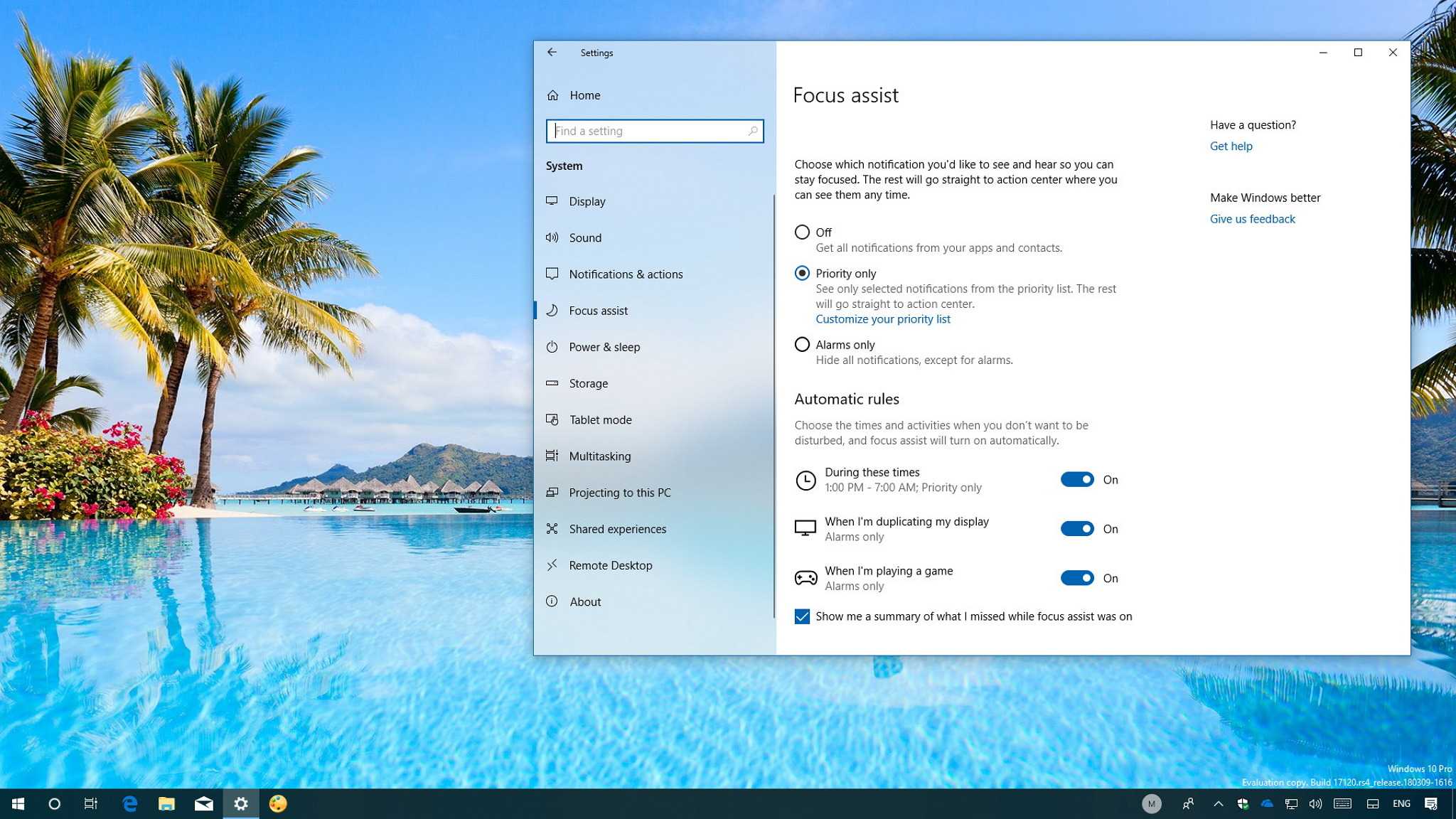
To effectively use Focus Assist and keep distractions at bay, turn it on during work or study sessions and customize your settings to block…

To manage startup apps in Windows 11, simply access the Task Manager, navigate to the Startup tab, and enable or disable apps from launching…
Looking to get more done in less time on Windows 11? Mastering multitasking can transform your workflow, making it easier to juggle multiple applications…