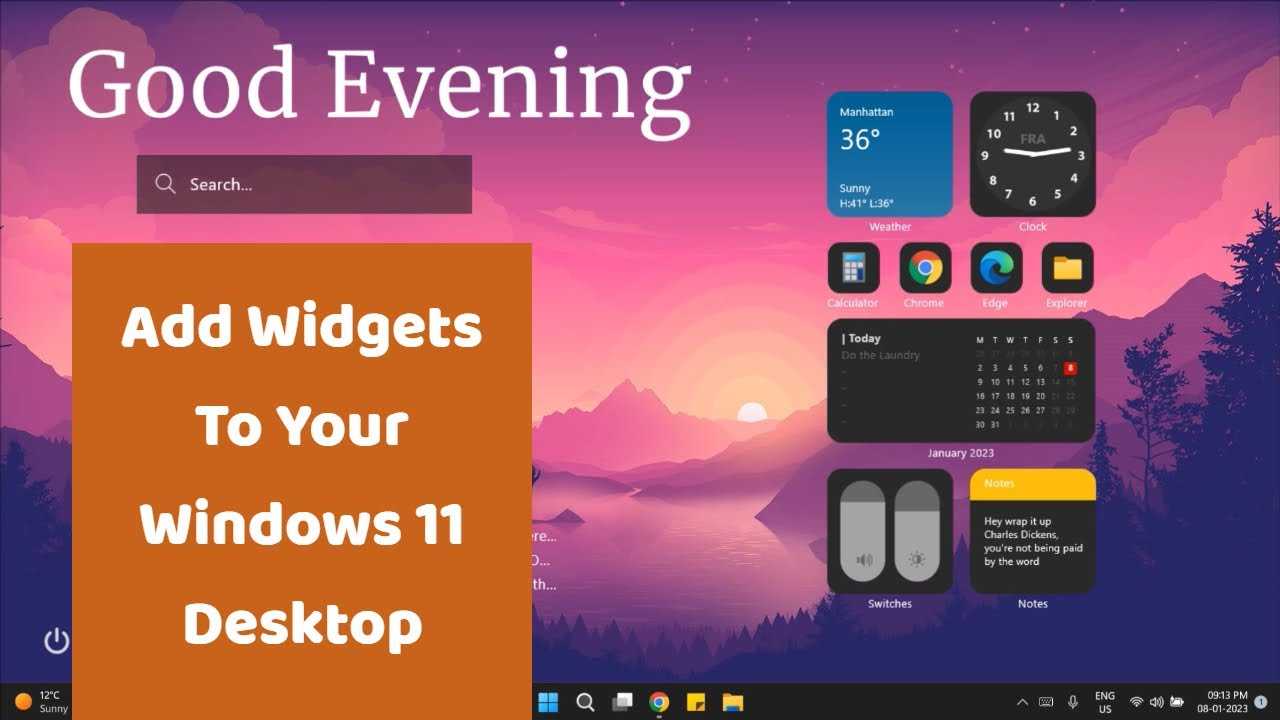
How To Use Widgets In Windows 11: A Simple Guide
To use widgets in Windows 11, simply open the widget panel by clicking the icon on the taskbar or pressing Win + W, then…
To use widgets in Windows 11, simply open the widget panel by clicking the icon on the taskbar or pressing Win + W, then…
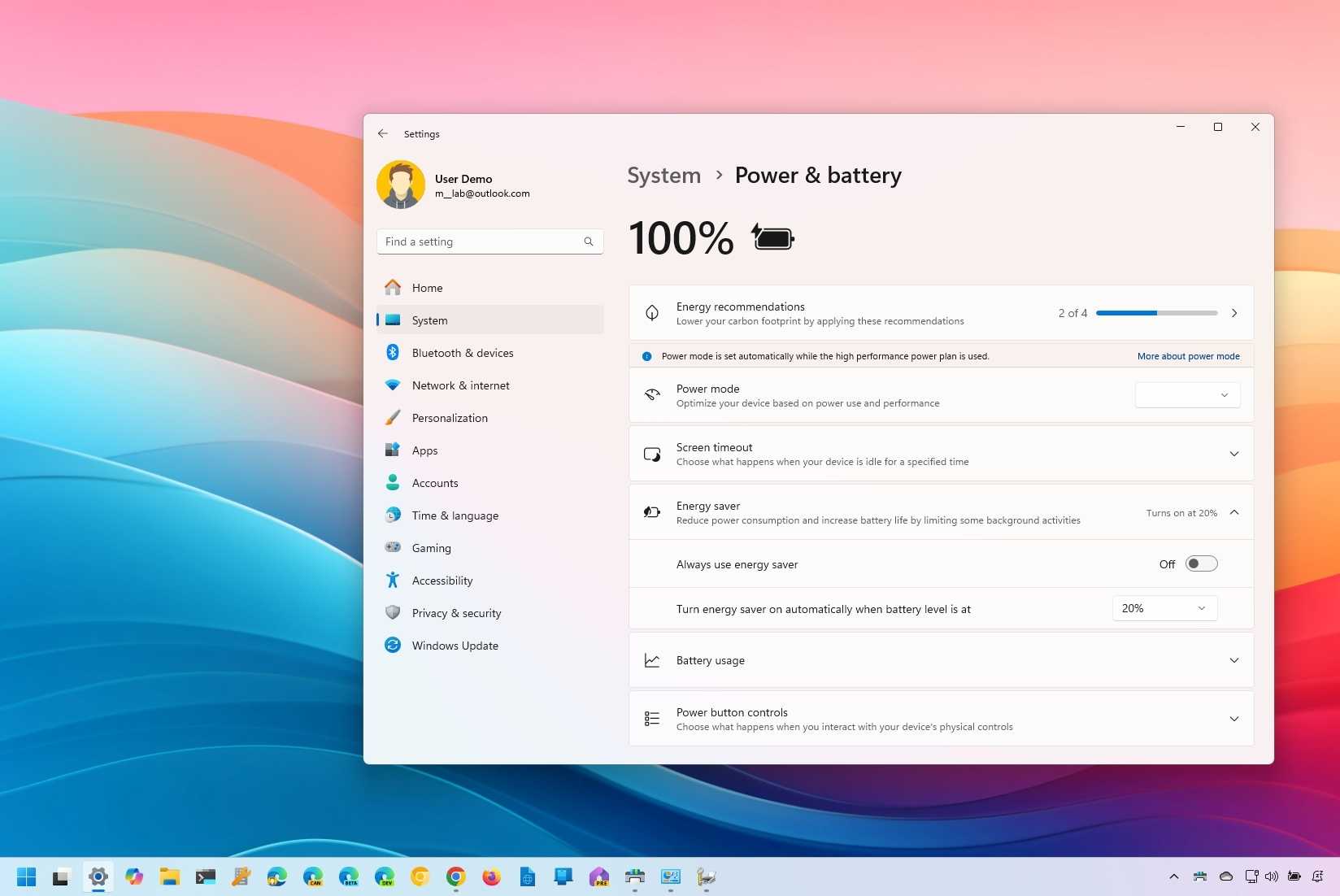
To boost your Windows 11 laptop’s battery life instantly, start by adjusting power settings, disabling unnecessary background apps, and reducing screen brightness. Keeping your…

To customize your Windows 11 desktop themes quickly, right-click on your desktop, select “Personalize,” and explore the “Themes” section to choose or create your…
Struggling with pesky Windows 11 update errors? Don’t worry—most issues are fixable with some simple steps. A quick troubleshooting process can resolve the most…

If you’ve recently upgraded to Windows 11 but find that it’s not quite what you expected, don’t worry—you can roll back to Windows 10…
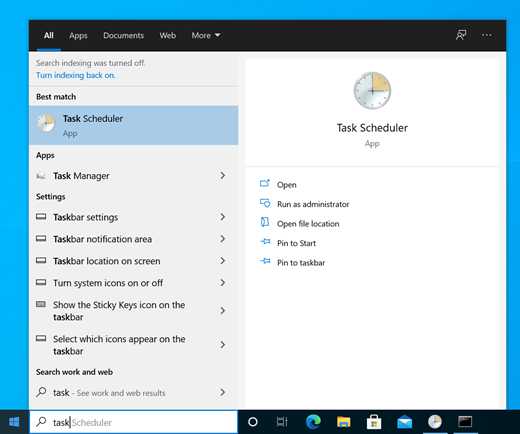
To quickly check if your PC can run Windows 11, use Microsoft’s official PC Health Check tool or third-party apps like WhyNotWin11 to get…
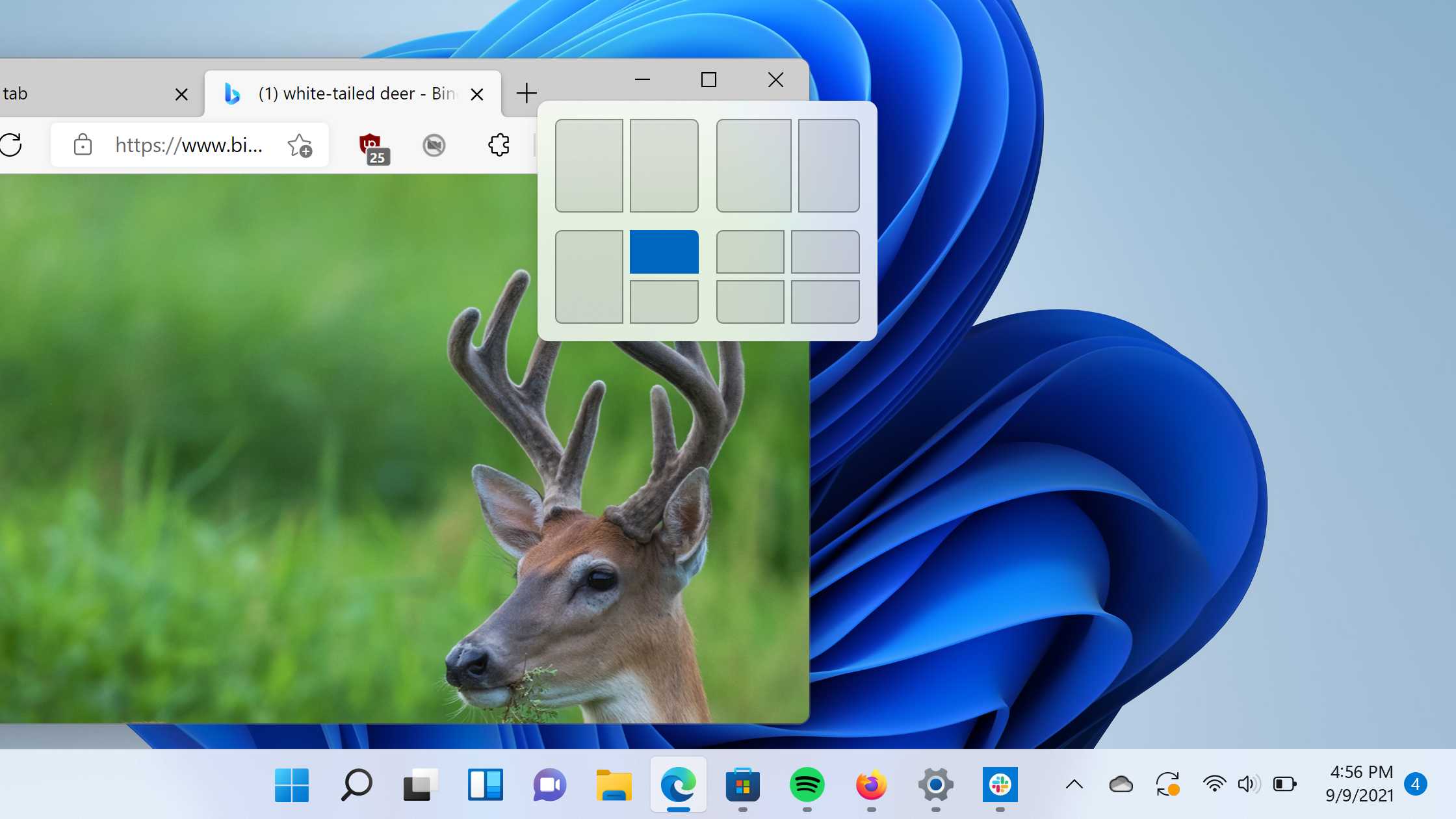
Want to boost your productivity and keep your workspace neat with just a few clicks? The Snap Layouts feature in Windows 11 makes multitasking…

The best way to organize files and folders in Windows 11 is by using a combination of smart folder structures, consistent naming conventions, and…
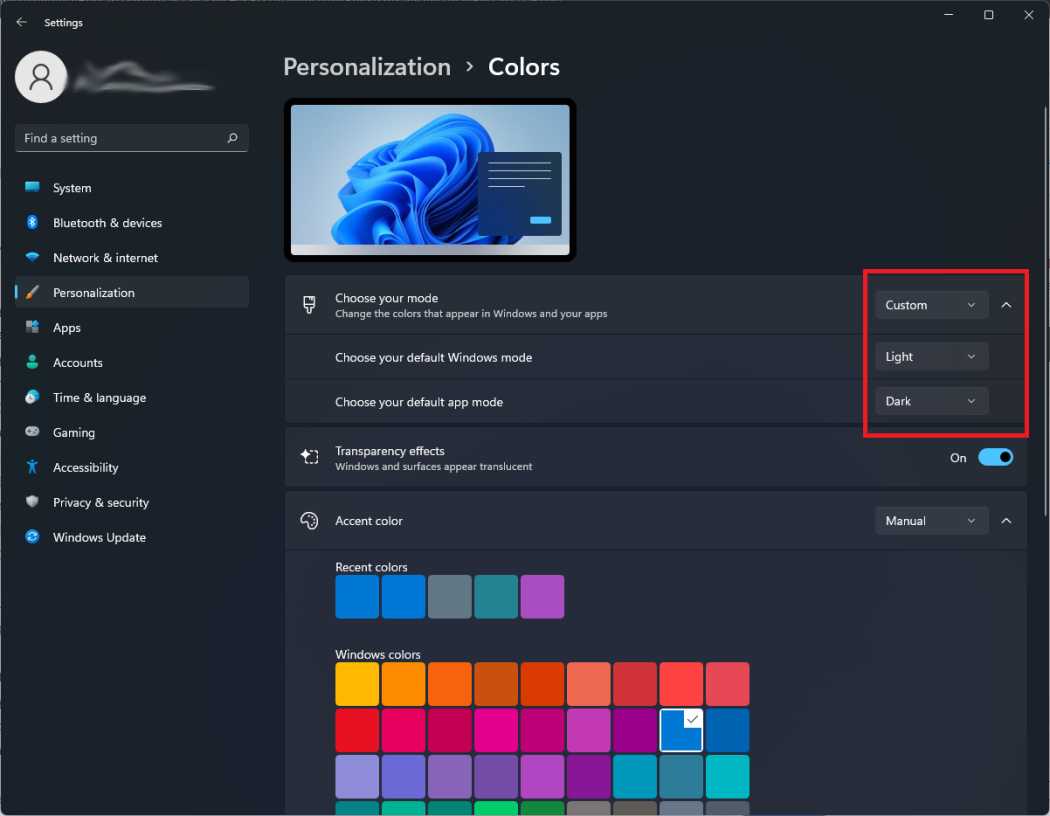
To quickly enable dark mode in Windows 11, you just need to access the Settings app, navigate to Personalization, and toggle the dark mode…

To install Windows 11 from a USB drive quickly, you’ll need to create a bootable USB with the Windows 11 installer, then boot your…

To quickly manage your privacy settings in Windows 11, head to the Settings app, navigate to Privacy & Security, and customize permissions for your…
Mastering Windows 11 shortcut keys can significantly boost your productivity by making your workflow faster and smoother. With just a few keystrokes, you can…