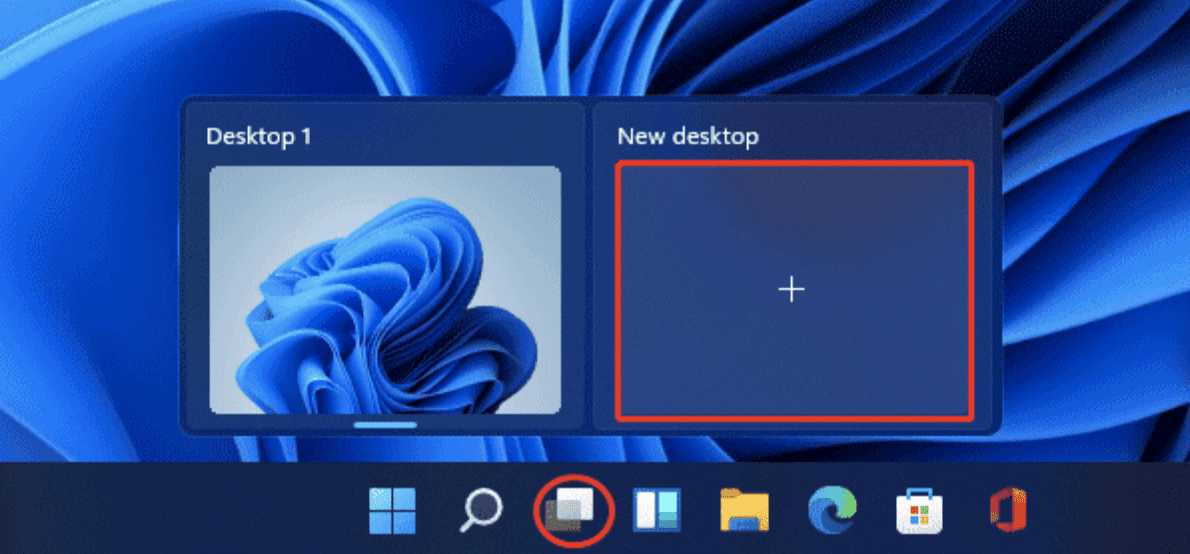
How To Use Virtual Desktops In Windows 11 For Better?
To quickly switch between different workspaces on Windows 11, press Windows + Tab or use the Task View button to manage your virtual desktops…
To quickly switch between different workspaces on Windows 11, press Windows + Tab or use the Task View button to manage your virtual desktops…
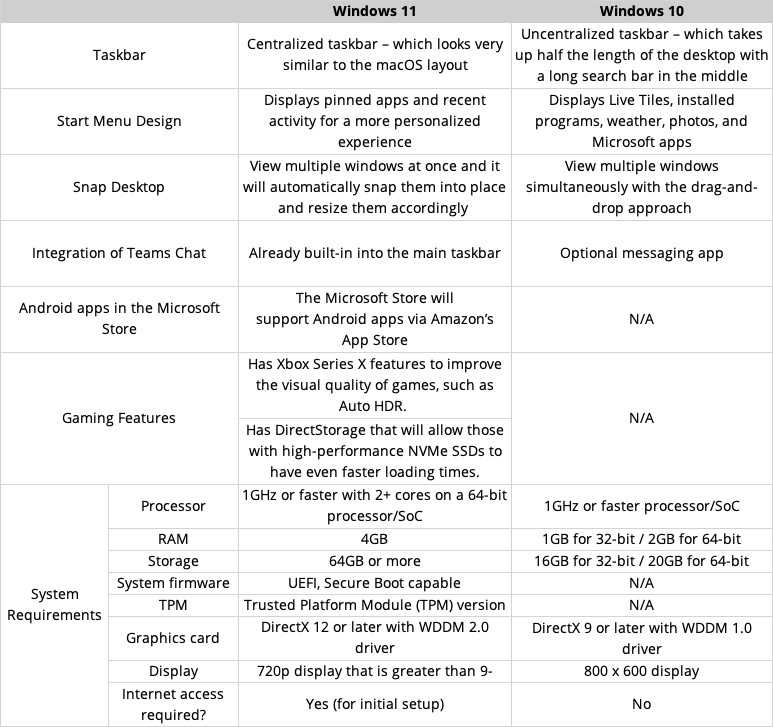
Windows 11 brings a sleek, modern redesign and a host of new features that make your computing experience more intuitive and enjoyable compared to…
Struggling with a sluggish Windows 11? Don’t worry—you can boost its speed quickly with some simple tweaks. The key lies in optimizing your system…
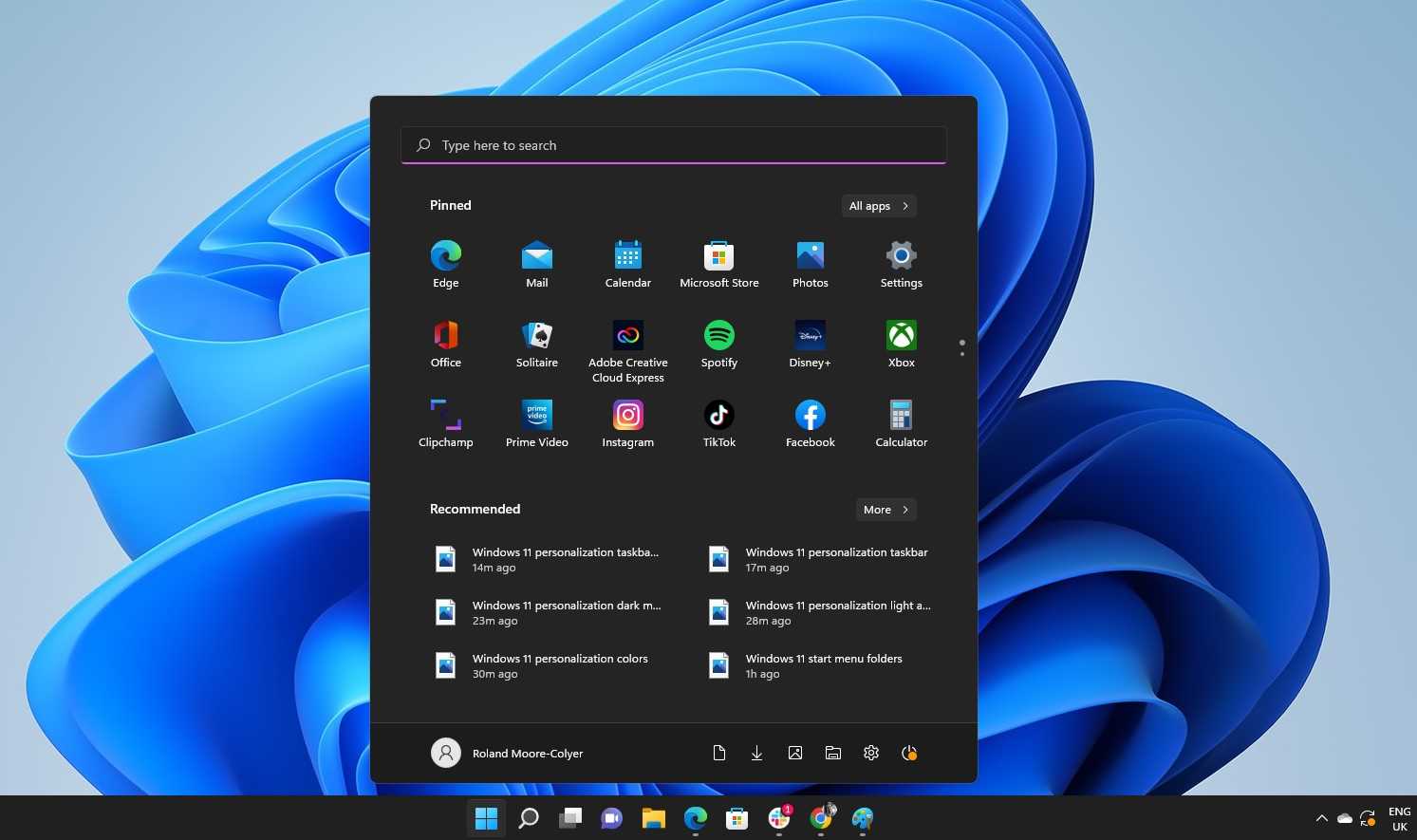
To customize the Windows 11 start menu, simply right-click on app icons or tiles to pin, unpin, resize, or move them. You can also…
When Windows 10 reaches the end of its support, your device may become more vulnerable to security threats, and you’ll miss out on updates…
To breathe new life into an aging computer, start by replacing its hard drive with a solid-state drive (SSD) and adding more RAM. These…
If you’re wondering whether upgrading your aging PC to Windows 11 is a smart move, the answer depends on your needs and your computer’s…

Yes, you can upgrade your PC to Windows 11 for free if your device meets the system requirements. Microsoft has made the upgrade accessible…
No, your PC isn’t necessarily too old for Windows 11—many older systems can run it smoothly if they meet certain requirements. The key is…
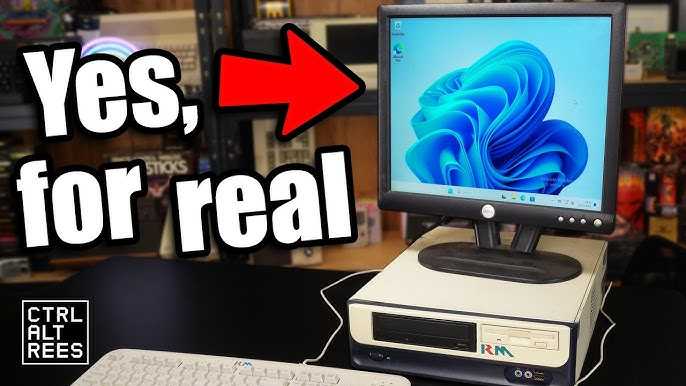
Yes, you can install Windows 11 on an old computer if it meets the system requirements, but chances are it might not run smoothly…
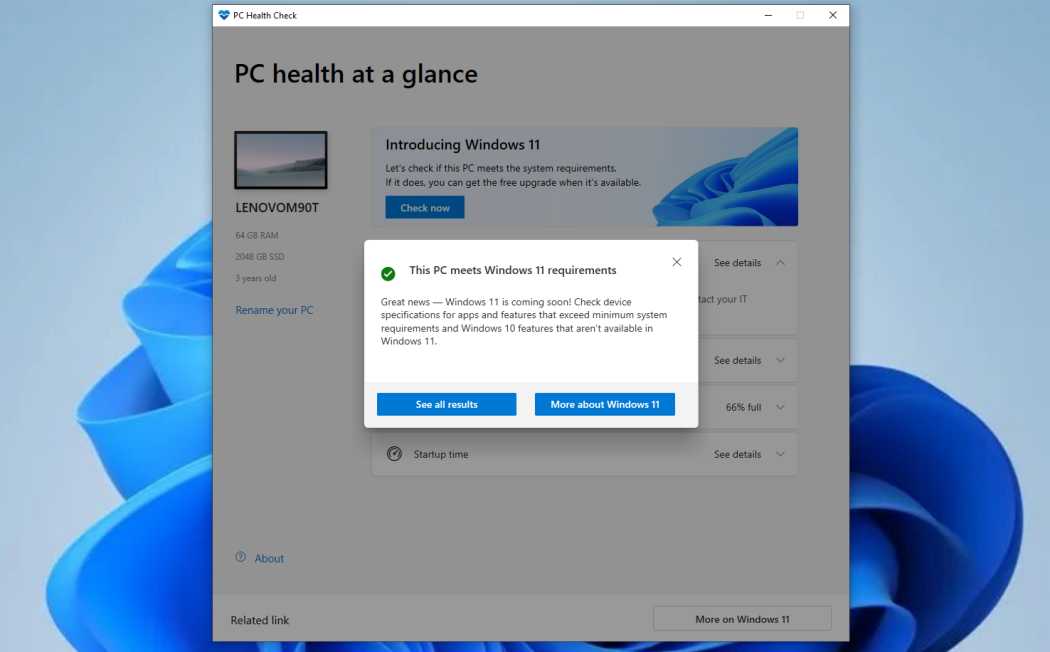
Yes, you can update your old PC to Windows 11 if it meets the system requirements. However, many older computers may not support the…
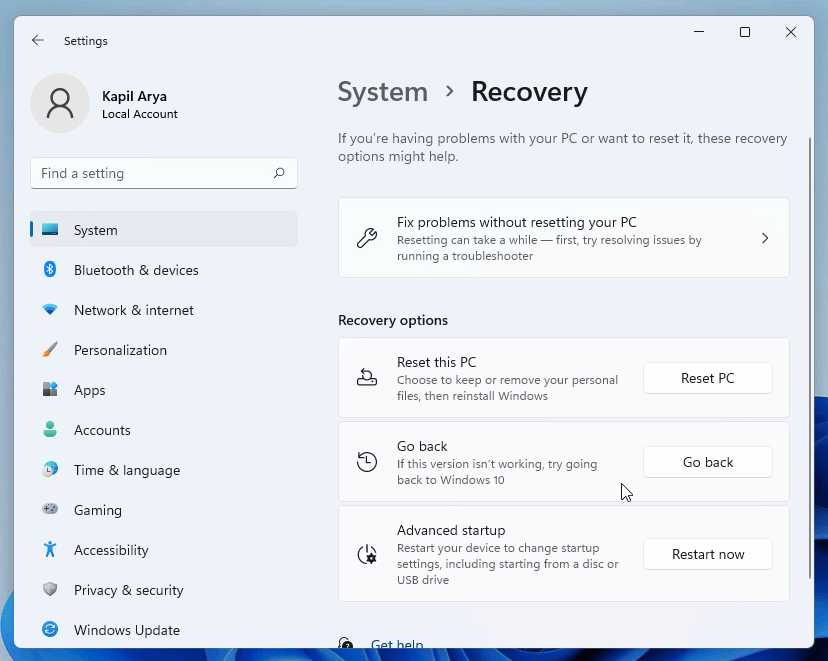
Yes, you can downgrade from Windows 11 to Windows 10, but there are some important considerations to keep in mind. The process varies depending…