are microled monitors available yet

So you’ve heard about microLED, the display technology that promises perfect blacks, insane brightness, and no burn-in. Maybe you’re wondering if you can actually buy a microLED monitor today for your desk. And the honest answer?
It depends on what you mean by “monitor” and how much you’re willing to spend.
As of 2026, manufacturers like Samsung and LG do sell microLED displays, but they start at 77 inches and cost as much as a luxury car. Meanwhile, dozens of products on store shelves slap “microLED” on the box when they’re actually miniLED (a completely different technology). Before you pull out your wallet, you need to know exactly what you’re looking at.
Problem / Pain Point – Why “Are MicroLED Monitors Available Yet?” Is Trickier Than It Sounds
If you type “microLED monitor” into your favorite search engine, you’ll see a confusing mix of results. Some pages will claim microLED is here. Others will say it’s years away.
A third group will show you a 27‑inch screen with the word “micro” in the name, but it’s really just a fancy backlight.
Image source: Bing (Web (fair-use with source credit))
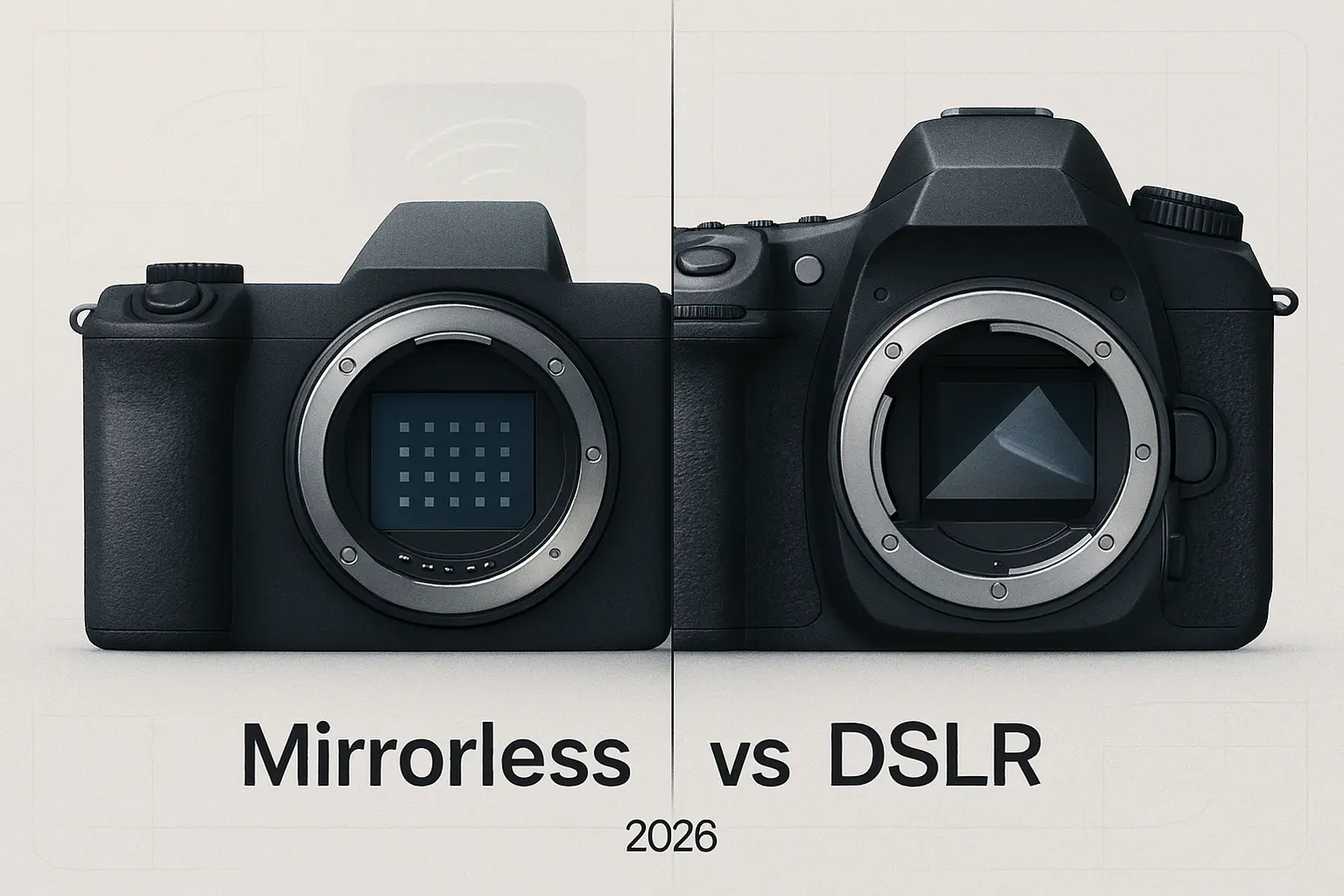
The core problem is that the term “microLED” is being used loosely. True microLED uses individual microscopic LEDs as pixels, each pixel is its own light source, producing true black and blazing brightness. MiniLED, on the other hand, uses thousands of tiny LEDs as a backlight behind an LCD panel.
They sound similar, but the difference is night and day.
So when you ask “are microLED monitors available yet,” the real question is: are true microLED monitors available for normal desktop use? The answer is no, not yet. Unless you’re looking for a massive, $80,000 television, you can’t buy a microLED display that sits on your desk.
And that’s where the frustration lives. You keep hearing about the future, but the future isn’t here for the average buyer.
Quick Answer – The Straight Facts
Are microLED monitors available yet? No, not in the sizes and prices that most people want. True microLED desktop monitors (27 to 32 inches) do not exist for consumers as of 2026.
Large microLED televisions (77 inches and up) are available from Samsung, LG, and Sony, but they cost $80,000 to $150,000. Most products labeled “microLED” in stores are actually miniLED. If you want a premium display today, buy an OLED or high‑end miniLED monitor instead.
MicroLED for the desktop is still two to four years away from being affordable.
Core Explanation – What MicroLED Actually Is (And Why Size Matters So Much)
MicroLED is a self‑emissive display technology. That means each pixel is a tiny, microscopic LED that produces its own light and color, no backlight, no LCD layer, no organic compounds. This gives it two huge advantages over OLED: it can get much brighter (2000+ nits versus around 1000 nits for consumer OLED), and it doesn’t suffer from organic burn‑in over time.
Why is it so hard to make microLED displays?
The main challenge is manufacturing. To make a 27‑inch 4K monitor, you need roughly 25 million individual microLEDs, each one measuring less than 100 microns across. Those LEDs have to be placed onto a substrate with extreme precision, and any tiny misalignment means a dead pixel or a color defect.
The process is called “mass transfer,” and it’s expensive and slow.
Large displays (like 89‑inch TVs) are easier to make because you can use less precise manufacturing tolerances and tile together multiple panels. A desktop monitor, however, needs a single seamless panel with microscopic precision that current factories can’t deliver at a reasonable cost.
How does it compare to OLED and miniLED?
| Technology | Self‑emissive? | Typical Brightness (nits) | Burn‑in risk? | Available now for desktop? | Price for 32″ |
|---|---|---|---|---|---|
| MicroLED | Yes | 2,000+ | Very low | No (only >77″) | ~$80k+ (TV) |
| OLED | Yes | 800–1,000 | Moderate | Yes | $700–$2,500 |
| MiniLED | No (backlit) | 1,200–1,600 | None (LCD) | Yes | $500–$5,000 |
So microLED is the dream technology for many, but that dream hasn’t reached the desktop yet.
The Decision Tree Entry Point – The Three Questions That Determine Your Answer
Before you can decide whether microLED is worth waiting for or whether you should buy something else, you need to answer three quick questions. Your path through the rest of this article depends on them.
Question 1: What size display do you need?
- If you want a desktop monitor (27 to 32 inches), keep reading Decision Branch 1.
- If you want a huge TV or video wall (77 inches or larger), jump to Decision Branch 2.
Question 2: Is your budget over $80,000?
- If yes, and you want a giant screen, microLED is available now.
- If no, you’re looking at alternatives, and that’s the majority of readers.
Question 3: Did you see the word “microLED” on a product under $5,000?
- If yes, it’s almost certainly miniLED. See Decision Branch 3 for how to tell the difference.
Once you know which branch fits, you can make an informed choice without getting lost in marketing hype.
Decision Branch 1 – You Want a Desktop Monitor (27″–32″): Not Yet, Here’s What to Do Instead
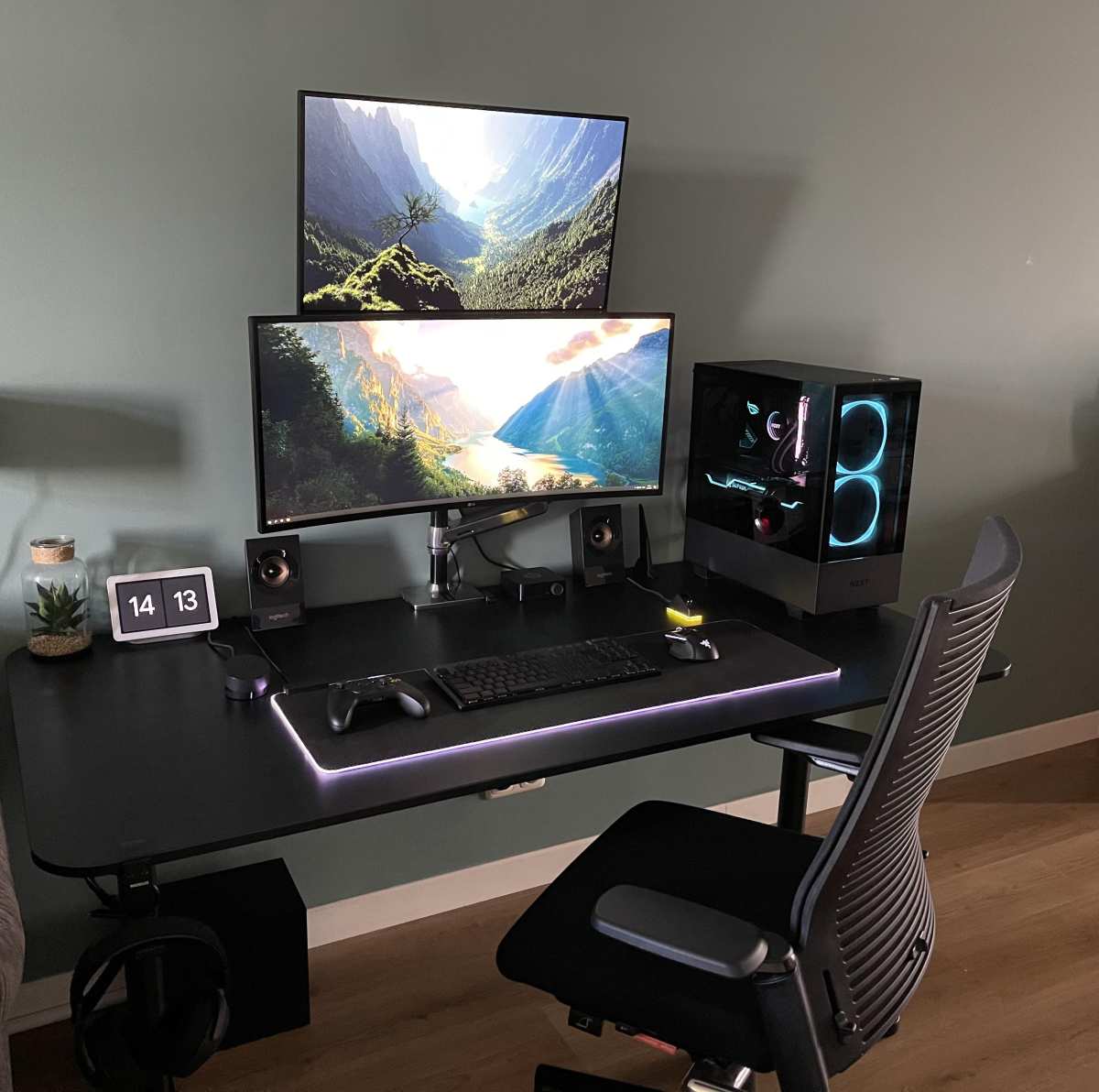
If you’re in the majority, you want a microLED monitor for your desk, the current answer is simple: you can’t buy one. No manufacturer has announced a consumer desktop microLED monitor with a release date in 2026. Apple has been rumored to be working on microLED for years, but as of now, no product exists.
Your best alternatives right now
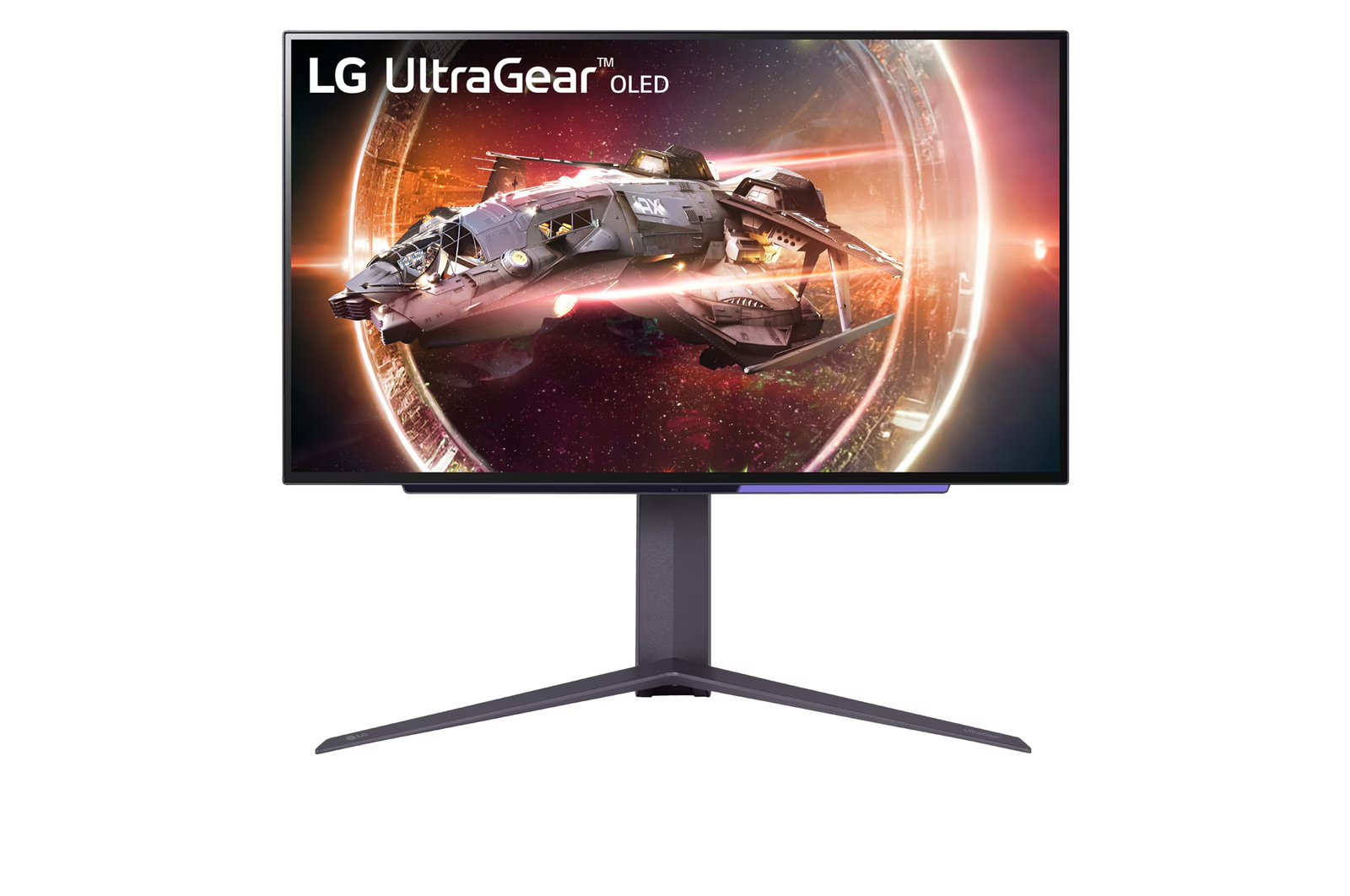
Image source: Bing (Web (fair-use with source credit))
Here’s a practical breakdown of what you should buy today depending on your priorities:
- Best for gamers who want the deepest blacks → Get an OLED monitor. Current options like the LG 27GS95QE or the Alienware AW3225QF offer stunning contrast, 0.03ms response times, and refresh rates up to 240Hz. The trade‑off is burn‑in risk over several years, but modern panels have good mitigation features (pixel refresh, logo dimming). Prices range from $700 to $1,500.
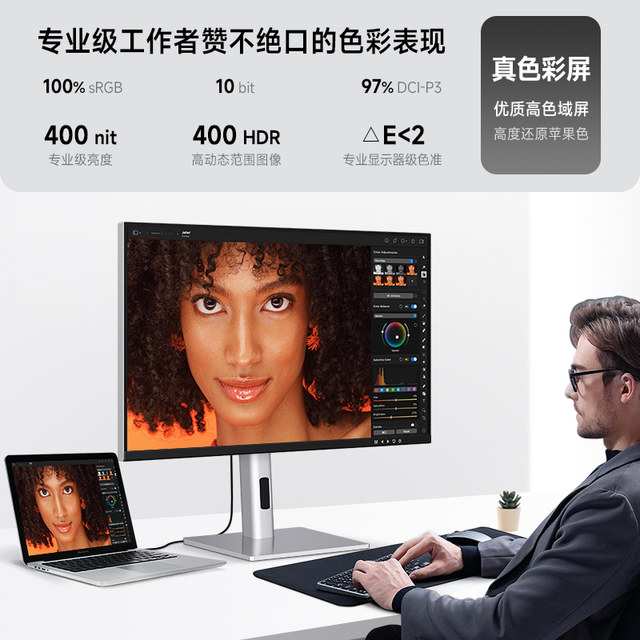
- Best for professionals who need brightness and no burn‑in → Get a high‑end miniLED monitor. The Samsung Neo G7 or G8 series, or the Asus ProArt PA32UCG, provide excellent HDR and near‑infinite contrast without any organic degradation. You’ll see some blooming around bright objects in dark scenes, but overall image quality is outstanding. Prices range from $1,200 to $5,000.
- Best for budget‑conscious buyers who want an upgrade → Get a good IPS LCD with local dimming. It won’t match OLED or miniLED, but it’s reliable and affordable. Look for models with VESA DisplayHDR 600 or 1000 certification.
When will desktop microLED actually arrive?
Based on current industry roadmaps and analyst projections from sources like Omdia and DSCC, true desktop microLED monitors will likely hit the market between 2027 and 2029. Even then, early models will probably cost $3,000 to $6,000. Affordable options under $1,000 are probably five to seven years away.
So what do you do? If you need a monitor now, buy an OLED or miniLED. If you can wait and have deep pockets, start watching for announcements at CES and Computex in early 2027.
But don’t hold your breath, the technology is real, but the desktop version isn’t ready yet.
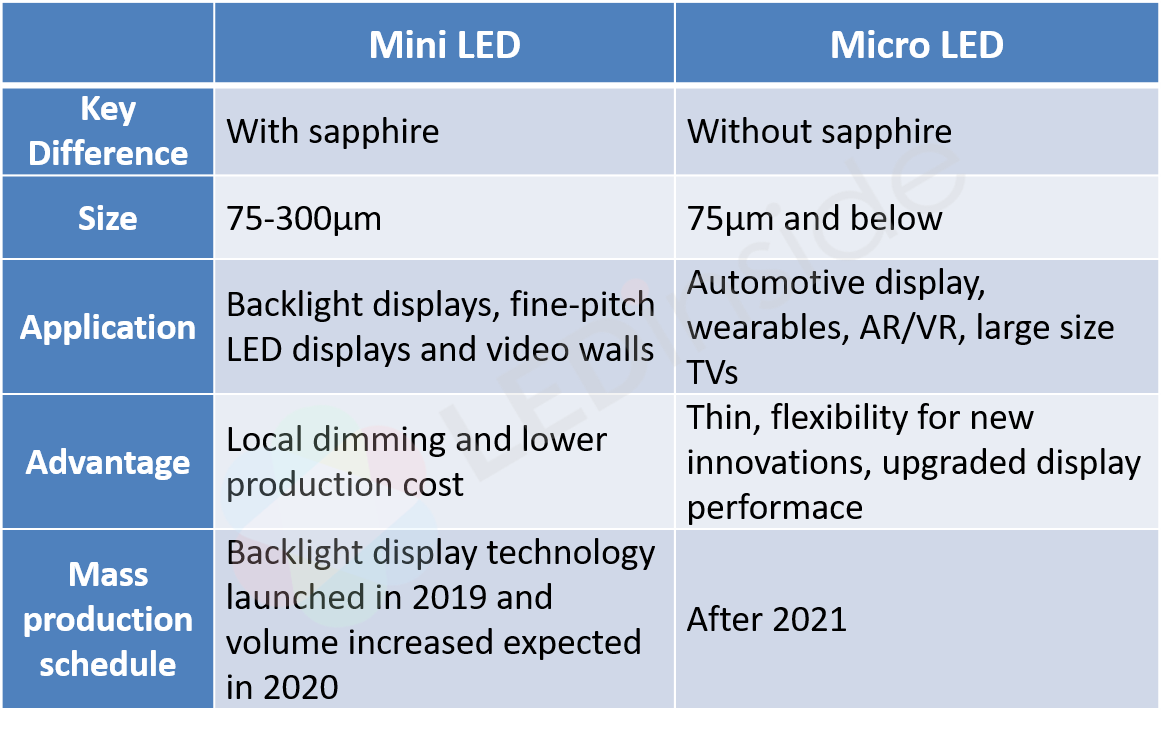
Image source: Bing (Web (fair-use with source credit))

Image source: Bing (Web (fair-use with source credit))

Similar Posts