Are 27 Inch Monitors Good for Gaming
If you've been asking yourself are 27 inch monitors good for gaming, you've probably noticed the internet isn't exactly a straight shooter about it. Some people swear it's the perfect size, others insist 24 inches is better for competitive play, and a few say you might as well go 32. The truth?
It depends on three things you control. Get them right and a 27-inch screen can be the best gaming monitor you'll ever own. Get them wrong and you'll wonder why everyone lied to you.
Aggregate sales data from 2025 shows that 27-inch monitors now account for nearly half of all gaming monitor purchases, with 1440p resolution models outselling 1080p in that size for the first time. That shift alone tells you the market has settled on something real. But a trend isn't a guarantee for your specific desk, your specific PC, and the games you actually play.
Let's walk through how to figure out if 27 inches is right for you.
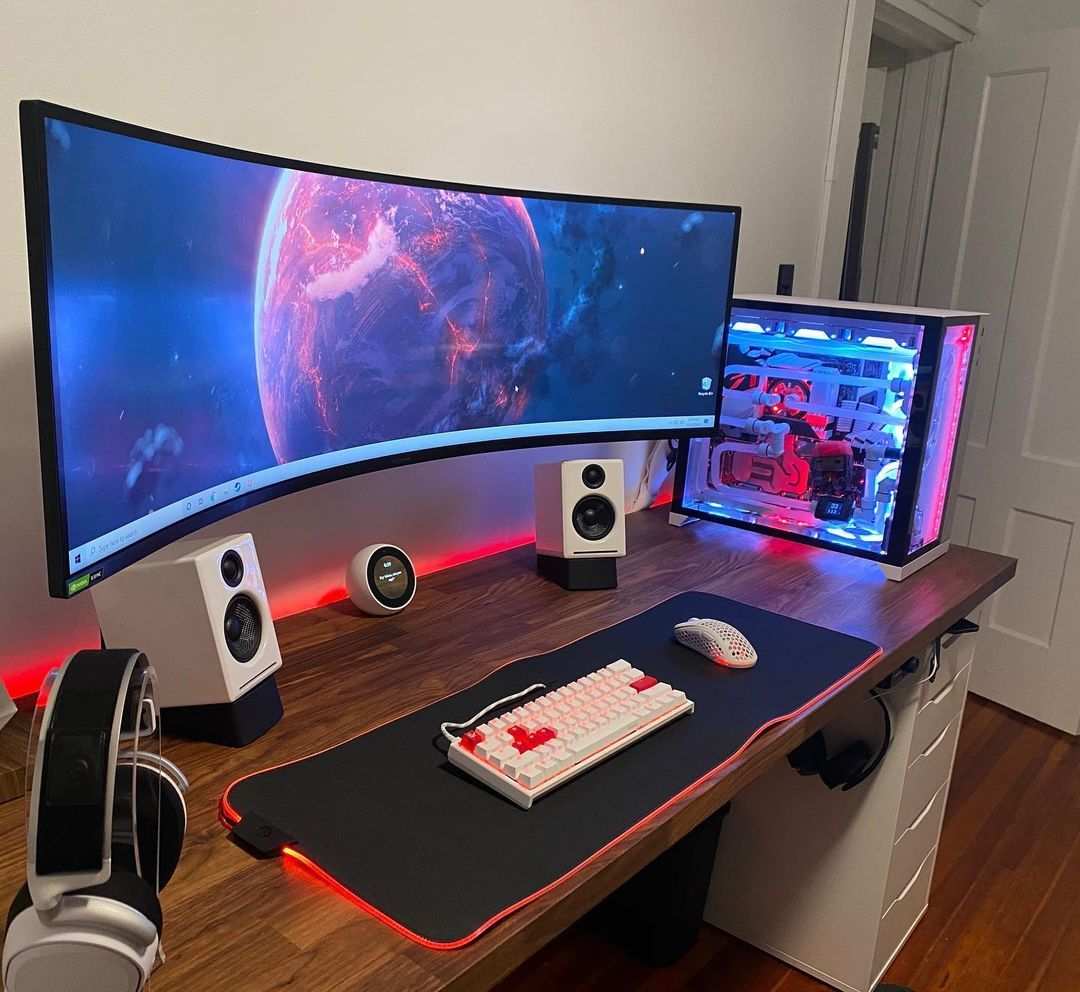
The Problem: "Is 27 Inches the Right Size or a Mistake for My Setup?"
Here's the thing about monitor sizes. They're not good or bad in a vacuum. A 27-inch panel that looks stunning on a deep desk with a powerful GPU can look blurry and cause neck strain on a shallow desk with an older graphics card.
The problem isn't the size itself. It's whether the size matches your space, your hardware, and how you play.
Most gamers fall into the trap of picking a size first and then trying to make everything else fit. They buy a 27-inch 1080p monitor because it's cheap, only to discover text looks fuzzy and game edges look jagged. Or they grab a 27-inch 4K monitor without checking if their GTX 1660 can actually push frames at that resolution.
That's the mismatch we're trying to avoid.
The real question isn't "are 27 inch monitors good for gaming." It's "is a 27-inch monitor good for my gaming." And that changes based on three variables you can measure right now.
Quick Answer: When 27 Inches Works and When It Doesn't
A 27-inch monitor is a great choice for most gamers. It works best at 1440p with a refresh rate of 144 Hz or higher. It pairs well with a mid-range GPU like an RTX 3060 or better.
It fits comfortably on a desk at least 24 inches deep. Avoid 27-inch 1080p. The pixel density is too low for sharp text and detailed game graphics.
Also avoid 27-inch 4K unless you have a high-end card for demanding games.
The Three Variables That Make or Break Your 27‑Inch Gaming Experience
You can save yourself a lot of money and frustration by checking three things before you buy. These aren't opinions. They're measurable conditions that determine whether a 27-inch panel will look and feel right.
Viewing Distance & Desk Depth
The distance between your eyes and the screen changes how big the monitor feels and how much detail you can resolve. Research on visual ergonomics suggests a viewing distance of roughly 20 to 30 inches for a 27-inch display. That means your desk needs to be at least 24 inches deep from the front edge to the back.
If your desk is only 20 inches deep, you'll be sitting too close. The screen will fill too much of your peripheral vision. You'll find yourself moving your head to see corners, and eye fatigue sets in faster.
Measure your desk before you browse monitors. A shallow desk works better with a 24-inch screen.
Your GPU's Power at the Resolution You Want
A 27-inch monitor doesn't force a specific resolution, but the resolution you choose directly determines how hard your GPU has to work. At 1080p, even an older card like an RX 580 can push high frame rates. But 1080p on 27 inches looks soft because the pixels are spread over a larger area.
At 1440p, you get sharp text and detailed game worlds, but you need a GPU roughly equivalent to an RTX 3060 or better to hit 60 fps in modern titles at high settings. At 4K, the bar is even higher. You'll want an RTX 3080 or RX 6800 XT at minimum, and even then you might need to tweak settings for 60+ fps in demanding games.
Check your GPU model against the resolution you're targeting. If you're on a budget card, stick with 1080p and a 24-inch screen instead.
What You Play: Competitive vs. Immersive
Your game library should influence your decision more than anything else. If you play competitive shooters like Valorant, Overwatch, or Counter-Strike, you care about high frame rates and low input lag. A 27-inch screen can work, but it means more eye movement across the display.
Some pros still prefer 24 inches because it keeps everything in your central vision. If you lean toward immersive single-player games, RPGs, or open-world titles, the extra screen real estate of a 27-inch monitor adds to the experience without hurting performance, especially at 1440p with good contrast.
If you play both, consider a 27-inch 1440p 144 Hz monitor. It splits the difference better than any other combination.
Resolution Showdown: 1080p, 1440p, or 4K on a 27‑Inch Screen
The resolution you pair with 27 inches is the single biggest factor in how good the monitor looks. Pixel density changes dramatically across these three options. Let's break down what each one actually looks like at this size.
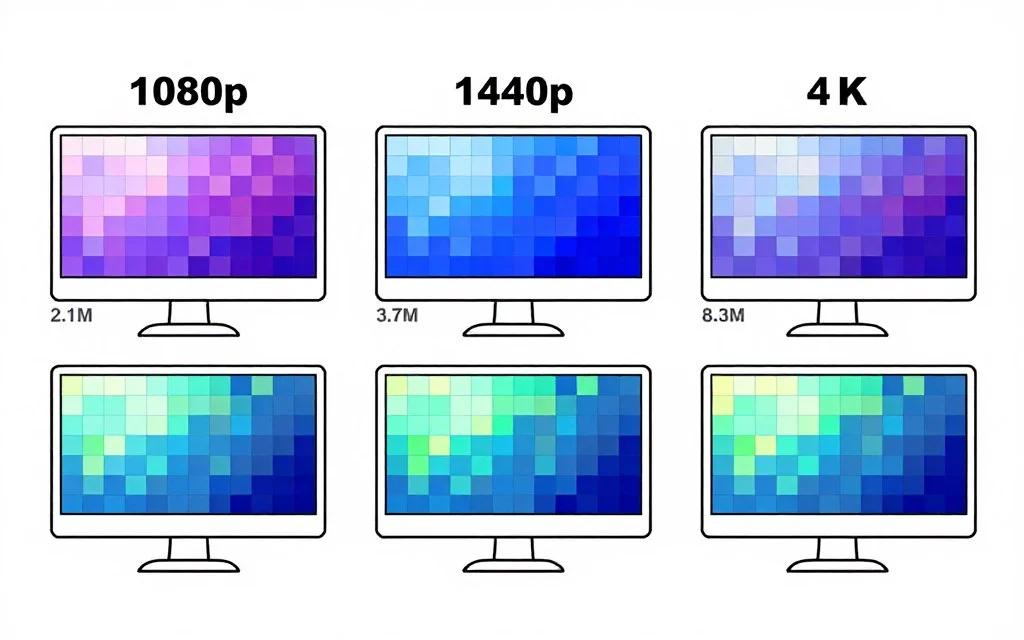
27-Inch 1080p – Why Pixel Density Kills the Look
At 27 inches, 1080p delivers roughly 81 pixels per inch. That's the same pixel density as a 24-inch 1080p monitor, but spread over a bigger surface. The individual pixels become visible at normal viewing distance.
Text looks slightly blurry. Game textures lose sharpness. Fine details like grass or distant objects turn into a soft mush.
This doesn't mean 1080p is unusable. Plenty of people game happily on 27-inch 1080p panels. But if you're used to sharp text from a phone or laptop screen, you'll notice the difference immediately.
Our recommendation is simple. Skip 27-inch 1080p unless your budget forces it and you're sitting far enough back that the pixels blend together. Even then, a 24-inch 1080p monitor looks sharper.
27-Inch 1440p – The Sweet Spot Explained
1440p on a 27-inch screen gives you about 109 pixels per inch. That's a 35% jump in pixel density over 1080p. Text looks crisp.
Game details render cleanly. You get that "clear glass" effect without needing a super expensive GPU to run 4K.
This resolution hits the ideal balance for most gamers. You can run it on a mid-range card at high frame rates. You get excellent sharpness without the GPU tax of 4K.
And the monitor market has flooded this segment with high-refresh IPS panels between $250 and $500 as of early 2026. If you can only afford one upgrade for your gaming setup, moving from 1080p to 1440p at 27 inches delivers the biggest visual improvement per dollar.
27-Inch 4K – Immersion Versus Performance Cost
4K at 27 inches gives you around 163 pixels per inch. That's extremely sharp. Text looks print-quality.
Game worlds look incredibly detailed. The problem is that driving 4K at high frame rates requires serious GPU horsepower. Even an RTX 3070 will struggle to hit 60 fps in demanding titles at native 4K with max settings.
If you already own a high-end GPU and play mostly single-player or cinematic games, a 27-inch 4K monitor is a fantastic choice. If you play competitive shooters or you're on a mid-range card, you'll be better off with 1440p at 144 Hz or higher. You can always use resolution scaling in games, but that defeats the purpose of buying a 4K panel.
Panel Type Trade‑Offs: IPS vs. VA vs. TN for 27‑Inch Gaming
The panel technology affects color accuracy, viewing angles, response times, and black levels. Each type has strengths and weaknesses that matter at 27 inches.
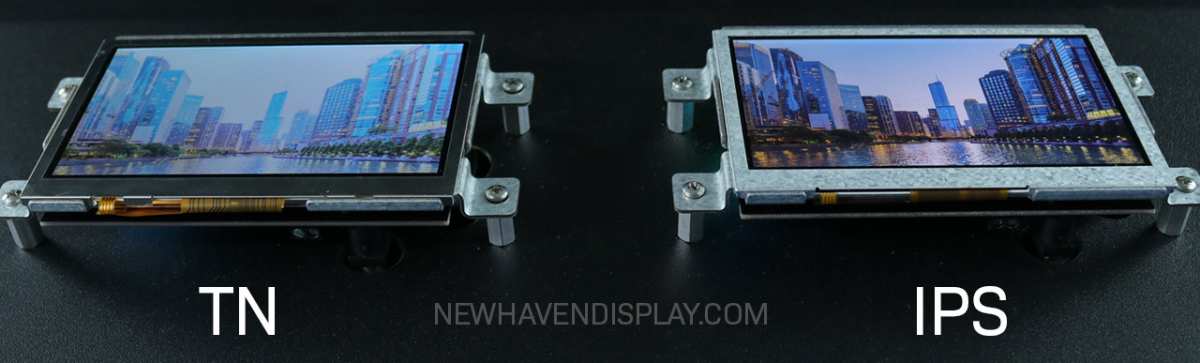
IPS is the most popular choice for 27-inch gaming monitors. It offers wide viewing angles, accurate colors, and good response times. Modern IPS panels (often called Fast IPS or Nano IPS) can reach 1 ms response times without the color shift of older models.
The downside is lower contrast compared to VA, usually around 1000:1. Blacks look more like dark gray in a dark room.
VA panels deliver deeper blacks and higher contrast ratios, often 3000:1 or higher. That makes them excellent for story-driven games with dark scenes like horror or space games. The trade-off is slower pixel response, which can cause visible smearing or "black smearing" in fast motion.
Some newer VA panels have improved this, but IPS still leads for competitive gaming.
TN panels offer the fastest response times and highest refresh rates at lower prices. They're used by many esports pros. The catch is poor viewing angles and washed-out colors.
On a 27-inch screen, the color shift from the edges is more noticeable than on a 24-inch panel. Unless you play exclusively competitive shooters and care only about raw speed, TN is hard to recommend at this size.
For most gamers, the right call is a 27-inch IPS panel with 1440p resolution and a refresh rate of 144 Hz or 165 Hz. That combination gives you sharp visuals, good colors, fast response, and broad compatibility with most GPUs. It's the safe, proven choice that fits the largest number of setups.


Similar Posts





















