Are Curved Monitors Better for Gaming
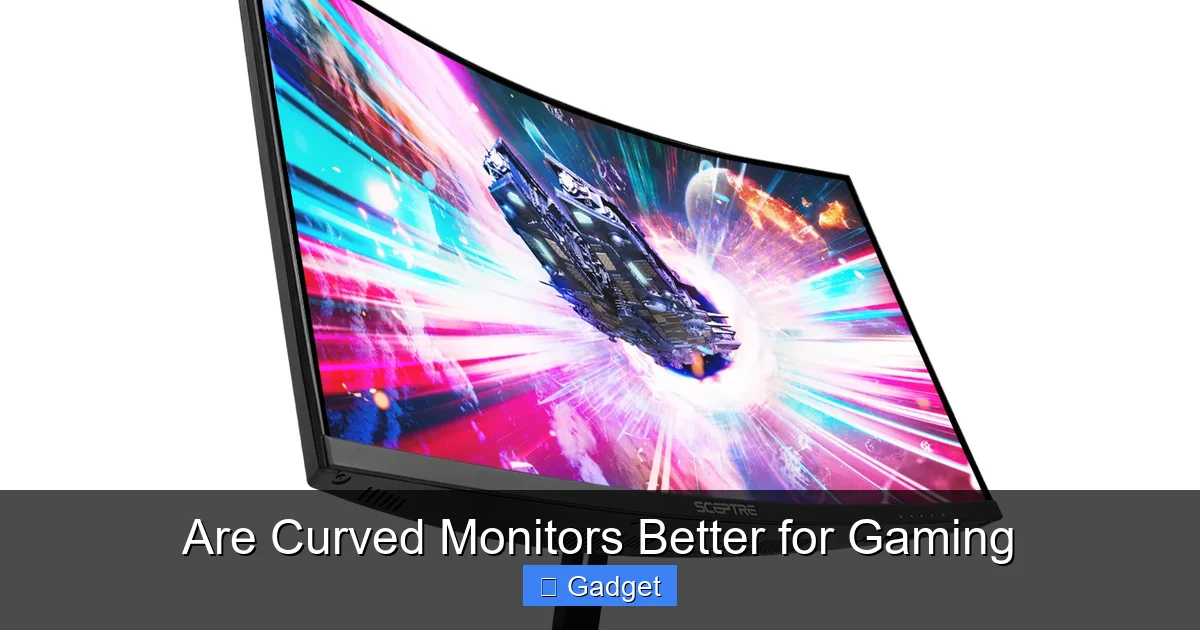
Wondering if a curved monitor will boost your gaming performance? This comprehensive guide dives deep into the pros and cons of curved displays for gamers. We’ll explore how curvature impacts immersion, visual comfort, and competitive play, helping you make an informed decision. Unlock a more engaging gaming experience by understanding the nuances of curved monitor technology.
Are Curved Monitors Better for Gaming?
The world of PC gaming is constantly evolving, and one of the most significant visual upgrades in recent years has been the rise of curved monitors. You’ve seen them advertised, you’ve likely seen them in gaming setups, and you’re probably wondering: are curved monitors actually better for gaming? This guide is here to answer that question thoroughly. We’ll break down exactly what makes a curved monitor different, explore the advantages it offers to gamers, discuss the potential downsides, and help you figure out if a curved display is the right choice for your battlestation.
By the end of this guide, you’ll have a clear understanding of how curvature impacts your gaming experience. We’ll cover everything from immersion and eye comfort to how different curve degrees and monitor sizes affect performance. Let’s dive in and see if it’s time to bend your monitor preferences!
Key Takeaways
- Enhanced Immersion: Curved monitors wrap the display around your field of vision, creating a more enveloping and lifelike gaming environment.
- Reduced Eye Strain: The curvature can help your eyes focus more naturally by keeping the edges of the screen closer to your periphery, potentially reducing fatigue.
- Wider Field of View Perception: While not increasing the actual visible pixels, the curve can make the perceived field of view feel larger and more expansive.
- Potential for Distortion: Very aggressive curves on smaller screens or at extreme viewing angles can sometimes introduce subtle visual distortions.
- Size Matters: The benefits of a curve are more pronounced on larger displays (27 inches and above) and at optimal viewing distances.
- Competitive Gaming Considerations: For ultra-competitive esports where precise pixel accuracy and quick, edge-to-edge reactions are paramount, flat monitors might still be preferred by some professionals.
- Personal Preference is Key: Ultimately, whether a curved monitor is “better” is subjective and depends on individual preferences, gaming genres, and desk setup.
Understanding Curved Monitor Technology
Before we can determine if curved monitors are better for gaming, it’s essential to understand what “curved” actually means in this context. Unlike the flat screens we’ve used for decades, curved monitors have a display panel that is gently bowed inwards.
The Physics of the Curve
The primary goal of a curved monitor is to mimic the natural shape of the human eye and our field of vision. Our eyes perceive the world as a panoramic sweep, not a flat plane. A curved display attempts to replicate this by:
- Bringing the edges of the screen closer to your peripheral vision.
- Maintaining a more consistent viewing distance across the entire screen.
Understanding Curvature Ratings
Curvature is measured by a radius number, often expressed as “1800R,” “1500R,” or “1000R.” The “R” stands for radius, and the number indicates the radius of the curve in millimeters. A smaller number, like 1000R, means a tighter, more aggressive curve, while a larger number, like 1800R, indicates a gentler, wider curve. For gaming, the 1800R and 1500R curves are generally the most popular and strike a good balance.
The Advantages of Curved Monitors for Gaming
Now that we know what a curved monitor is, let’s explore why they’ve become so popular with gamers and what benefits they can bring to your gaming sessions.
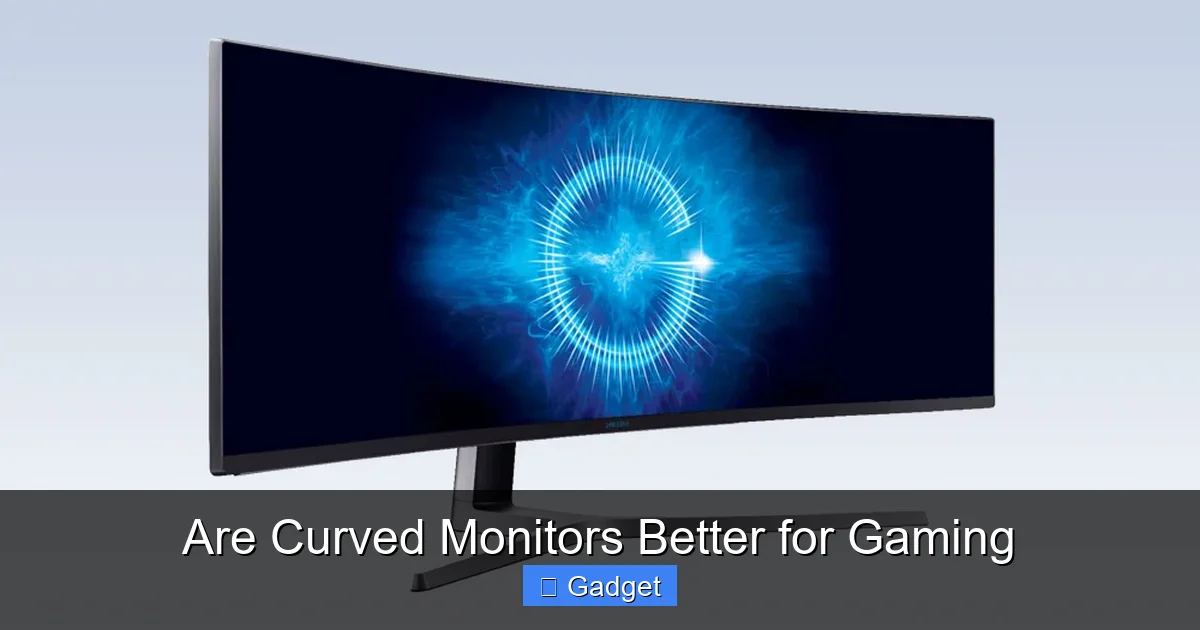
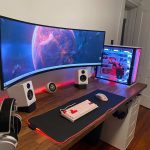
Visual guide about Are Curved Monitors Better for Gaming
Image source: gamespot.com
1. Enhanced Immersion: Stepping Inside the Game
This is arguably the biggest draw for many gamers. The way a curved monitor wraps around your field of view creates a sense of envelopment. Instead of just looking *at* a screen, it feels more like you’re looking *into* the game world.
- Peripheral Vision Engagement: The curve naturally pulls the content on the edges of the screen into your peripheral vision. This makes games with vast landscapes, expansive battles, or deep exploration feel more expansive and engaging.
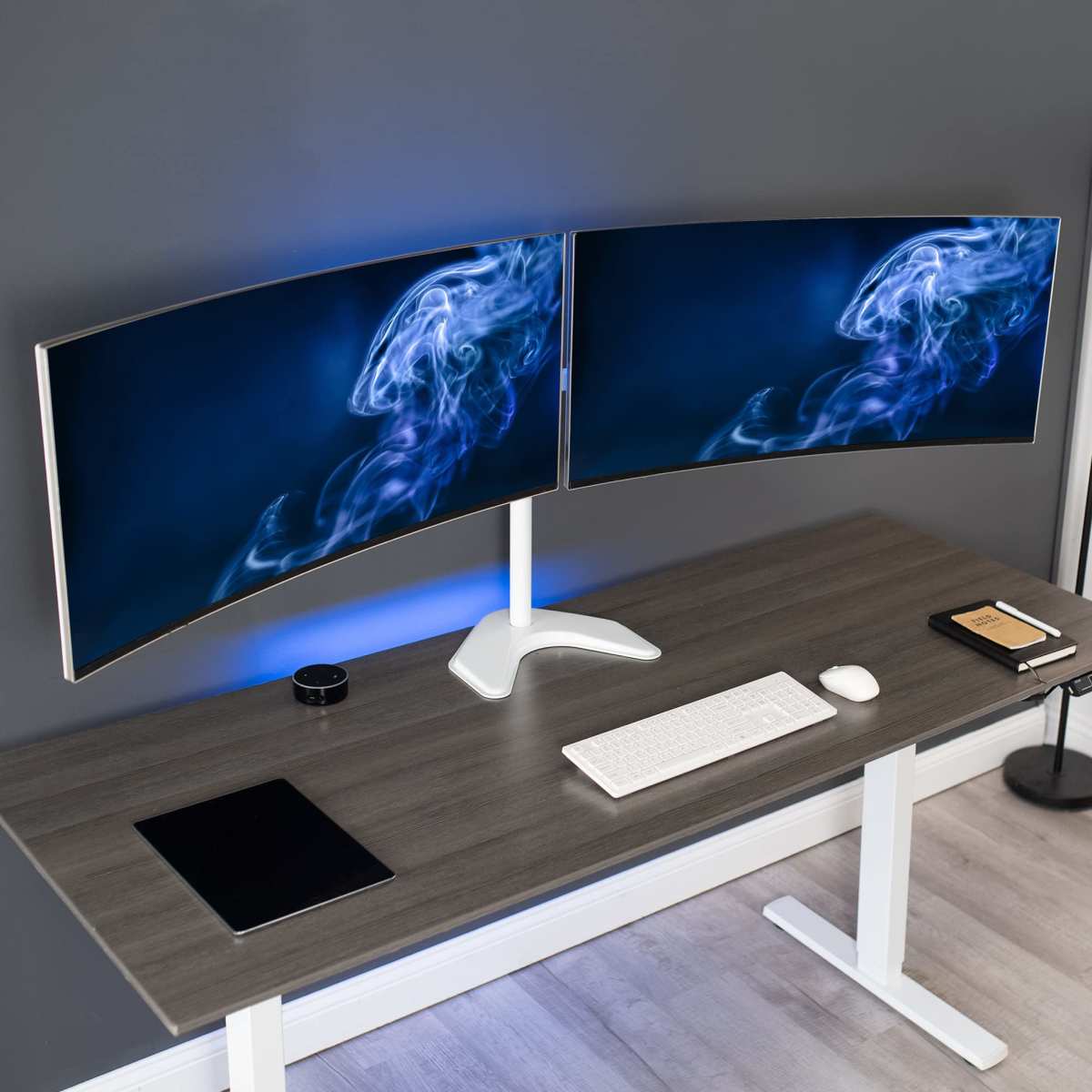
- Reduced Sense of “Bezel”: On multi-monitor setups, a curve can help minimize the jarring effect of the bezels between screens, creating a more seamless, panoramic experience.
- Cinematic Feel: For single-player, story-driven games, the immersive quality can significantly enhance the cinematic feel, drawing you deeper into the narrative.
Example: Imagine playing a space exploration game like “Elite Dangerous” or a vast open-world RPG like “The Witcher 3.” With a curved monitor, the starfields or sprawling landscapes feel more present and encompassing.
2. Reduced Eye Strain and Improved Visual Comfort
Spending hours staring at a flat screen can lead to eye fatigue, dryness, and discomfort. Curved monitors can help alleviate some of these issues.
- Consistent Focal Distance: On a flat screen, the edges are further away from your eyes than the center. This forces your eyes to constantly readjust their focus. A curved screen keeps all parts of the display at a more uniform distance from your eyes, reducing this strain.
- Natural Eye Movement: The curve allows your eyes to scan the screen more naturally without as much drastic shifting.
Practical Tip: If you tend to suffer from headaches or eye strain after long gaming sessions, a curved monitor might offer a more comfortable viewing experience, especially on larger screen sizes.
3. Wider Perceived Field of View
While a curved monitor doesn’t add extra pixels or change the actual aspect ratio of the game, it can make the game world feel larger and more expansive.
- Filling Your Vision: By bringing the edges closer and curving them inward, the monitor effectively occupies more of your natural field of view, making the in-game world feel wider than it would on a similarly sized flat panel.
- Subtle Depth Perception: Some users report a subtle increase in depth perception on curved monitors, though this is subjective and depends heavily on the game’s graphics and the individual’s perception.
4. Better Ergonomics for Desk Setup
For many, a curved monitor can simply fit better into their desk setup.
- Closer Viewing Distance: They are designed to be viewed from a slightly closer distance, which can be ideal for smaller desk spaces.
- Focal Point: The inward curve naturally directs your focus towards the center of the screen, which can be more comfortable for extended use.
Potential Drawbacks and Considerations
While curved monitors offer compelling advantages for gaming, they aren’t without their potential downsides. It’s important to weigh these against the benefits.
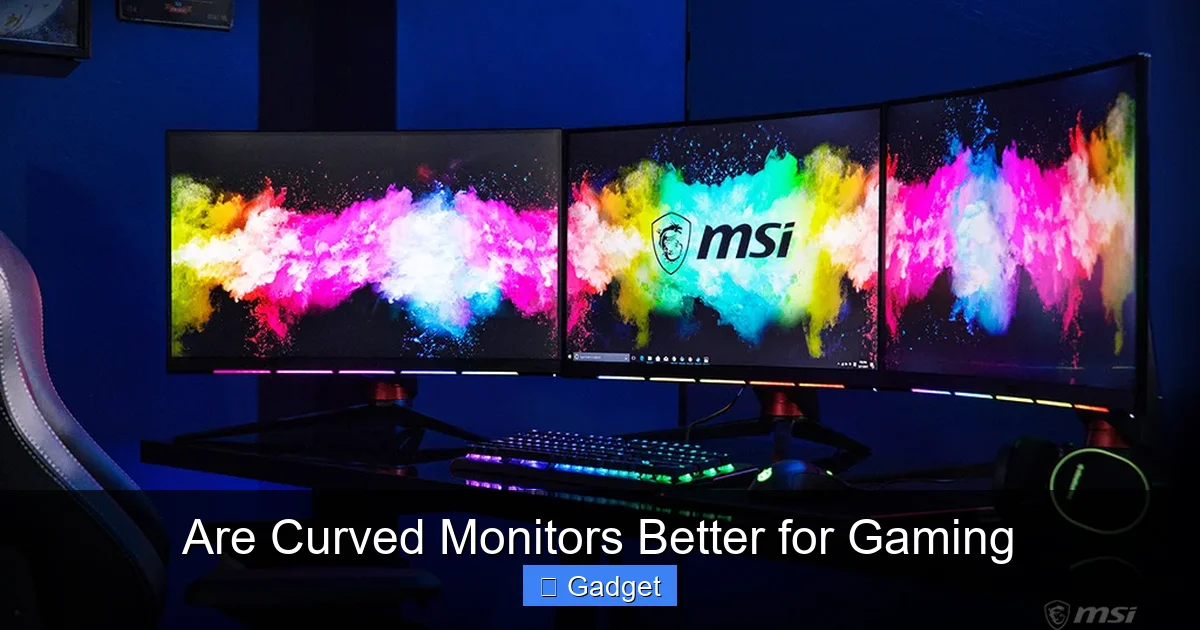
Visual guide about Are Curved Monitors Better for Gaming
Image source: asset.msi.com
1. Distortion and Geometry Issues
The very nature of a curve can introduce subtle visual distortions, particularly for certain types of content or at specific viewing angles.
- Straight Lines: In some applications or games where precise geometric lines are critical (like architectural design software or certain puzzle games), the slight curvature might be noticeable and, for some, distracting.
- Viewing Angles: While generally good, extreme off-axis viewing angles can lead to a more pronounced distortion effect. However, for typical gaming where you’re seated directly in front of the monitor, this is less of an issue.
Troubleshooting: If you encounter noticeable distortion, ensure you are sitting at the optimal viewing distance recommended for your monitor’s curve. For most gaming, this is about arm’s length.
2. Size and Curve Synergy
The benefits of a curve are more pronounced on larger displays. A very aggressive curve on a small monitor (e.g., 24 inches or less) might feel disproportionate or even create more noticeable distortion.
- Ideal Size Range: Generally, curved monitors shine when they are 27 inches or larger. The larger surface area allows the curve to be more effective at enveloping your vision without feeling unnatural.
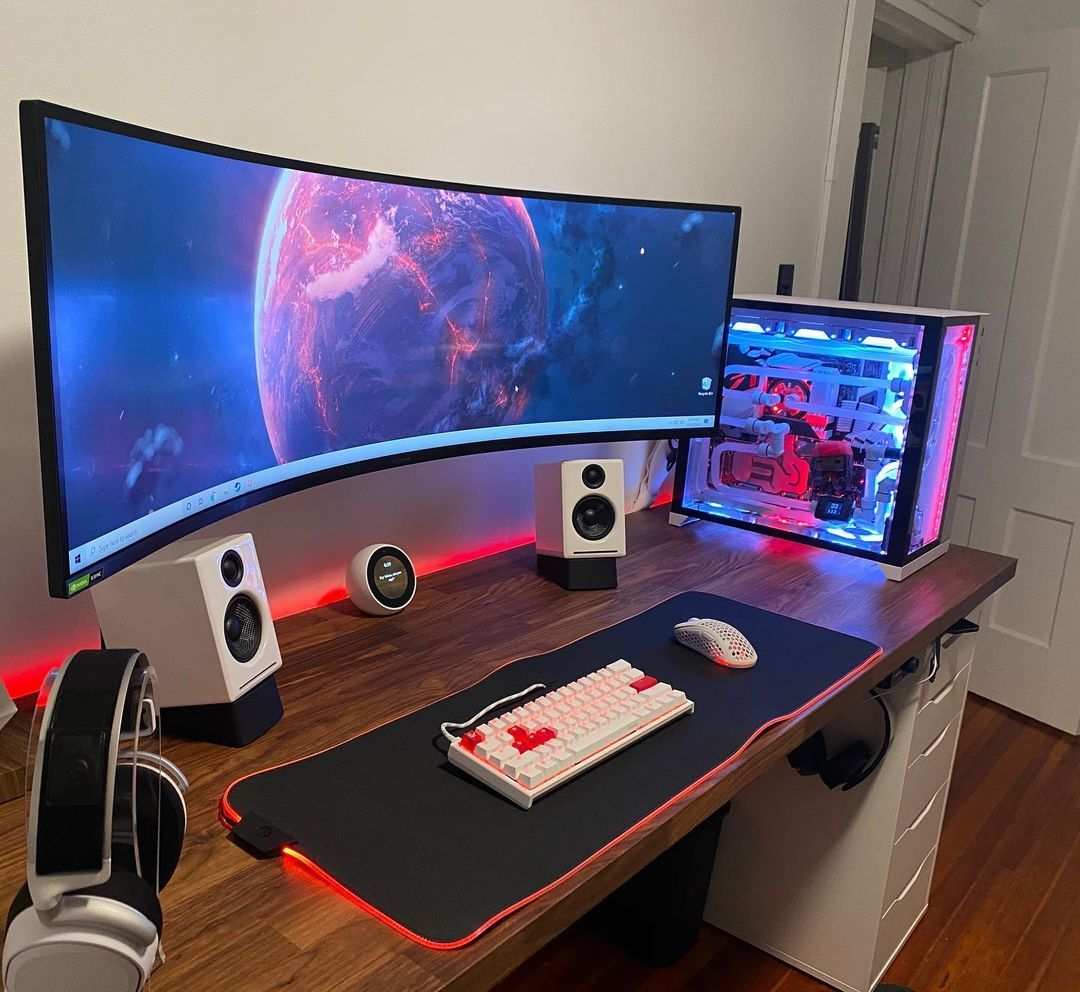
- Ultrawide Advantage: The synergy between curves and ultrawide (21:9 or 32:9 aspect ratio) monitors is particularly strong, as the expanded horizontal real estate benefits greatly from the wrap-around effect.
3. Competitive Gaming: The Edge Case
For professional esports players and those who compete at the highest level, the debate between flat and curved monitors is ongoing. While many top players use curved monitors, some still prefer flat displays.
- Perceived Advantage: Some competitive gamers argue that flat monitors offer a more uniform field of view for rapid, edge-to-edge reactions. They might feel that the curve, however slight, could introduce a tiny delay or distortion in peripheral aiming.
- Personal Preference: Ultimately, for competitive gaming, it often comes down to what a player is used to and feels most comfortable with. Many top-tier gamers have adapted to and excel with curved displays.
4. Cost and Availability
Historically, curved monitors were more expensive than their flat counterparts. While this gap has narrowed considerably, you might still find that a similarly specced curved monitor carries a slight premium.
- Market Maturation: As the technology has become more mainstream, prices have become more competitive, especially with a wide range of options available.
- Feature Set Matters: When comparing prices, always ensure you’re looking at similar refresh rates, resolutions, response times, and panel types (IPS, VA, TN).
Choosing the Right Curved Monitor for Gaming
If you’re leaning towards a curved monitor, here’s how to make sure you pick the right one for your gaming needs.
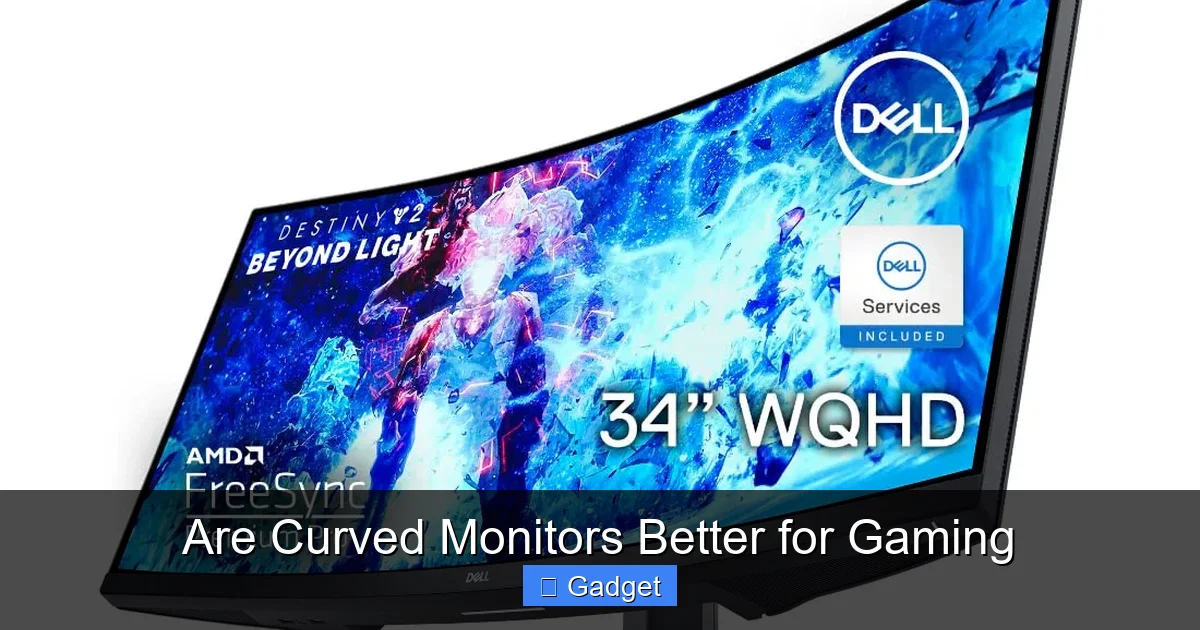
Visual guide about Are Curved Monitors Better for Gaming
Image source: m.media-amazon.com
Step 1: Determine Your Size and Resolution Needs
As discussed, larger screens benefit more from curvature. Consider:
- 27-inch: A good entry point for curved monitors, offering a noticeable improvement in immersion.
- 32-inch and above: Where the benefits of curvature truly shine, providing a deeply immersive experience.
- Ultrawide (34-inch+): Excellent for simulations, strategy games, and anyone wanting maximum desk real estate.
For resolution, 1440p (QHD) or 4K (UHD) are ideal to take advantage of the larger screen sizes and deeper immersion without seeing individual pixels.
Step 2: Consider the Curve Degree
The curvature rating (e.g., 1800R, 1500R, 1000R) impacts how pronounced the effect is.
- 1800R: A gentler curve, often preferred for productivity or by those new to curved displays. It offers subtle immersion without being overwhelming.
- 1500R: A good middle ground, providing a more noticeable wrap-around effect that’s great for gaming.
- 1000R: A very aggressive curve, designed to fill your entire field of vision. This can be incredibly immersive but might take some getting used to and is best suited for larger monitors.
Tip: If you’re unsure, 1500R is generally considered a safe and highly effective sweet spot for gaming.
Step 3: Evaluate Refresh Rate and Response Time
These are crucial for any gaming monitor, curved or not.
- Refresh Rate: Aim for at least 144Hz. Higher refresh rates (165Hz, 240Hz) provide smoother motion, which is especially beneficial in fast-paced games.
- Response Time: Look for 1ms (GtG or MPRT) for minimal motion blur.
Note: The curve itself does not affect the refresh rate or response time, but these are critical specifications to consider when purchasing any gaming monitor.
Step 4: Panel Type (IPS vs. VA)
Most curved gaming monitors use either IPS or VA panels.
- IPS (In-Plane Switching): Offers excellent color accuracy and wide viewing angles. Great for games with vibrant visuals and for those who also do content creation.
- VA (Vertical Alignment): Provides superior contrast ratios and deeper blacks, making them excellent for dark, atmospheric games. Some VA panels can have slightly slower response times than IPS, but modern VA panels are very competitive.
Recommendation: For immersive gaming, VA panels often have an edge due to their contrast. For color-critical tasks alongside gaming, IPS is a strong choice.
Step 5: Consider Your Desk Setup and Viewing Distance
The ideal viewing distance for a curved monitor is typically closer than a flat monitor of the same size.
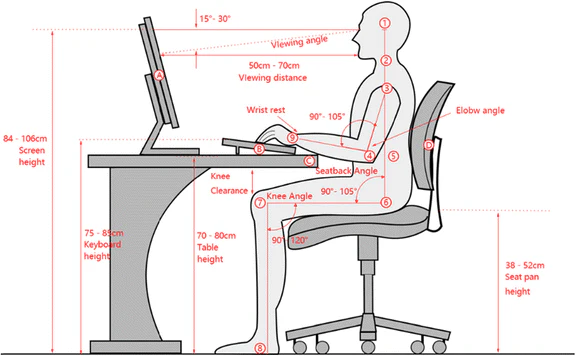
- Measure Your Space: Ensure you have enough depth on your desk to comfortably place the monitor at arm’s length (approximately 2-3 feet or 60-90 cm from your eyes).
- Ergonomics: If you have a shallow desk, a shallower curve or a slightly smaller monitor might be more suitable.
Conclusion: Is a Curved Monitor Better for *Your* Gaming?
So, are curved monitors better for gaming? The answer, like most things in tech, is nuanced: yes, for many gamers, they offer a demonstrably better experience, particularly in terms of immersion and visual comfort.
The wrap-around effect of a curved display can truly pull you into the game world, making environments feel more expansive and engaging. The reduced eye strain is a significant bonus for marathon gaming sessions. For genres like open-world adventures, racing games, flight simulators, and even many first-person shooters, the enhanced immersion is undeniable.
However, it’s not a one-size-fits-all solution. If you’re a hyper-competitive esports player who relies on every millisecond of peripheral awareness, or if you primarily use your monitor for highly precise design work, a flat monitor might still be your preference. The size of the monitor and the degree of curvature also play critical roles in how effective the curve is.
Ultimately, the best way to know if a curved monitor is better for *your* gaming is to experience it. If you have the opportunity to test one out, or if you’re looking to upgrade and the benefits of immersion and comfort appeal to you, a curved monitor is a fantastic investment for a more engaging and enjoyable gaming experience. For most gamers, the answer is a resounding yes, curved monitors can indeed elevate your gameplay.

Similar Posts