Is Claude Free
is claude free, yes, but not in the way most people assume when they first ask. Claude, the AI assistant built by Anthropic, does offer a completely free way to use it through the claude.ai website and mobile app. That said, the free tier comes with usage limits, and there are paid plans that unlock more capacity, better models, and commercial features.
As of 2026, Anthropic has expanded its offerings across consumer subscriptions, business tiers, and a developer-facing API. Each option has different pricing, rate limits, and capabilities. Understanding which one fits your needs can save you frustration and unexpected charges.
Let's break it all down.
Quick Answer
Claude offers a free tier as of early 2026 through its website and messaging platform. You get access to capable AI features without paying anything upfront. Usage limits do apply, and the most advanced features sit behind paid plans.
What You Actually Get With Free Claude Access
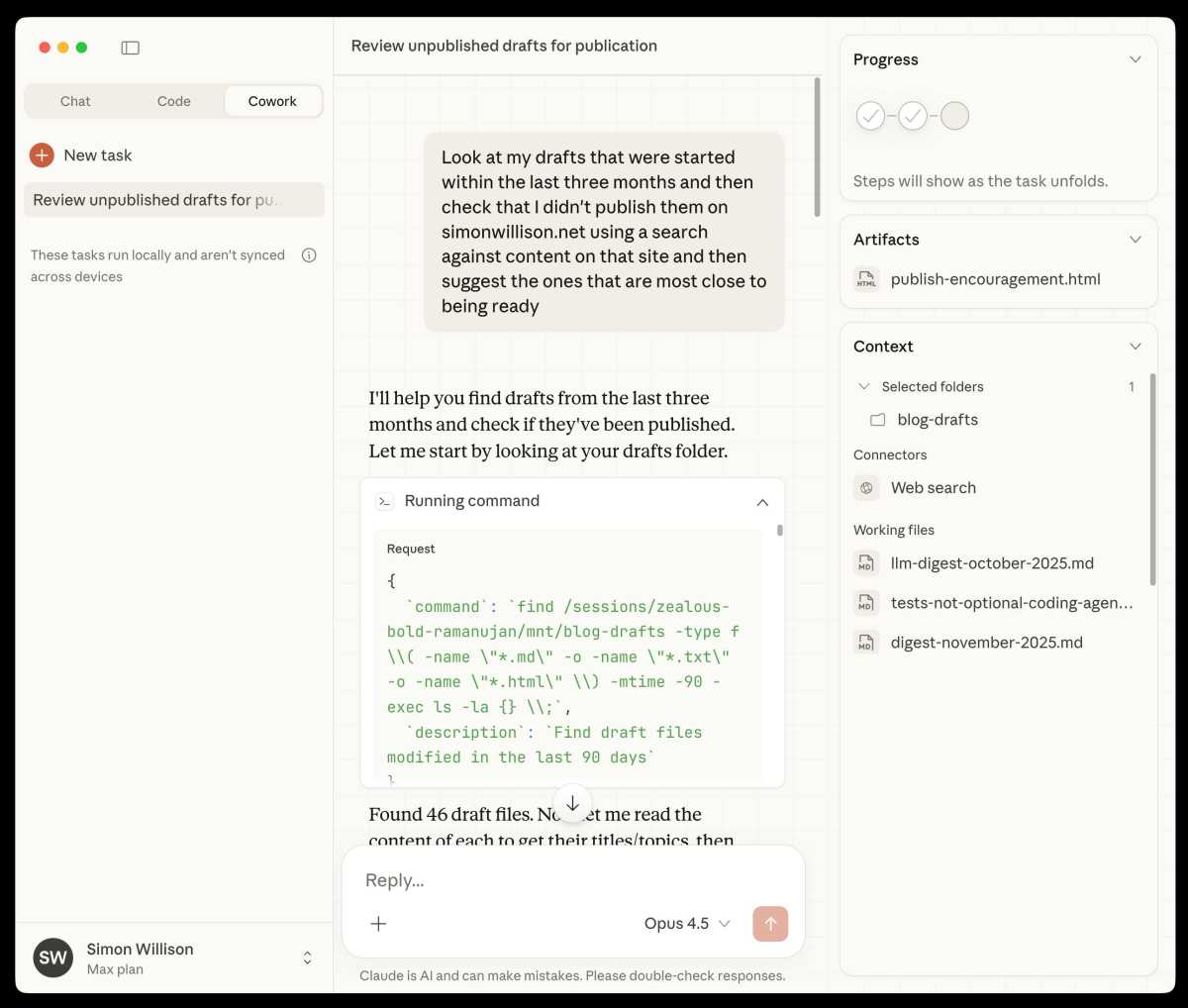
Here's the straightforward version: yes, Claude is free to use through the claude.ai web interface. You don't need to hand over a credit card. You don't need to sign up for any trial period.
You just need an account.
What the Free Tier Includes
- Access to Claude's standard model through the chat interface
- Text generation, analysis, and conversation
- Document upload for analysis
- Code generation and debugging help
- Reasonable output quality for most everyday tasks
Anthropic designed the free tier to be genuinely useful, not a stripped-down demo. You're getting a capable AI assistant that can help you write, research, analyze documents, brainstorm, and handle a solid range of tasks. Our research indicates it holds its own against other free AI tools in terms of output quality.
Where the Limits Hit
Free access isn't unlimited. Anthropic applies rate limiting, which means your message allowance can fluctuate based on overall demand. Here's the broad picture of what people hit within their first few days of regular use:
- A daily or rolling message cap, reports suggest roughly a few dozen messages per day depending on model load
- Heavier limits during peak usage periods
- Priority access goes to paying users when servers get busy
- Some advanced features like Extended Thinking may be restricted or unavailable
The exact numbers shift over time and Anthropic publishes them on the usage limits page. If you're hitting walls, you'll see a message telling you what limit you've reached.
The Claude Pricing Breakdown: Free, Pro, Team, and API
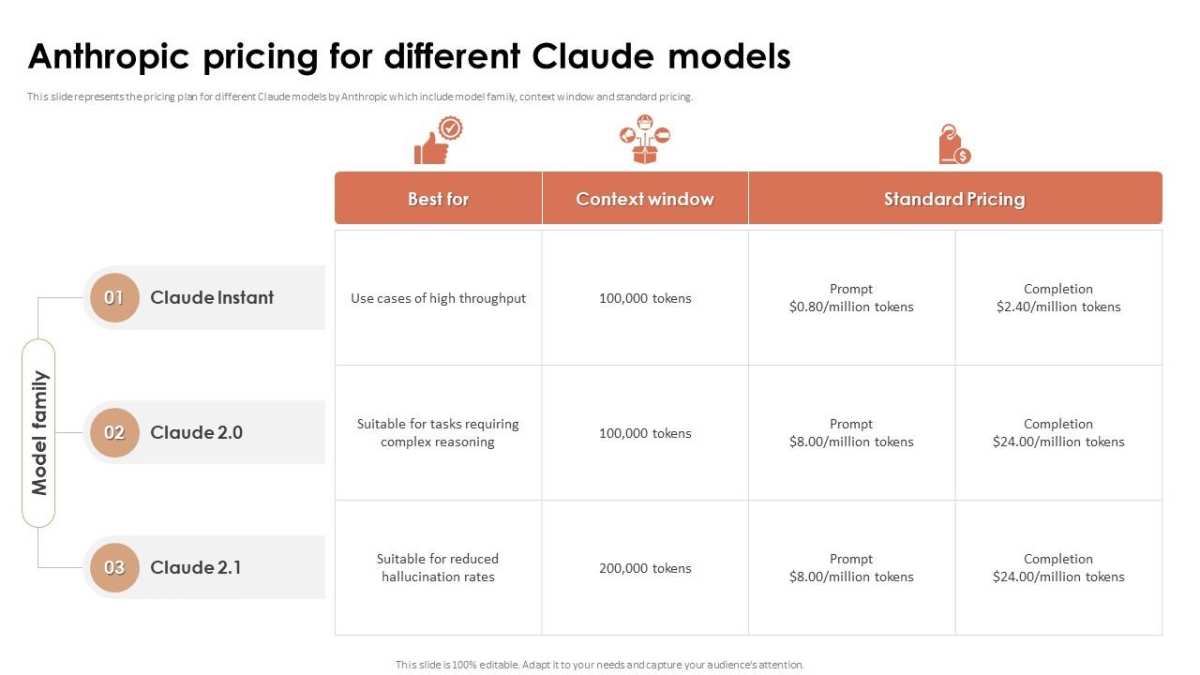
Claude isn't just one product with one price. Anthropic has split it into several tiers, each serving different audiences and use cases. Here's how the full picture looks as of early 2026.
Free Tier Details and Limitations
| Feature | Free Tier |
|---|---|
| Cost | $0 |
| Access | Web, mobile |
| Messages | Limited (varies by demand) |
| Model Access | Standard model |
| Extended Thinking | Limited or unavailable |
| Priority Access | No (paying users go first) |
The free tier is the entry point. It's great for students, casual users, and anyone who wants to explore what Claude can do without committing to a subscription.
Claude Pro: What You Pay For and What You Get
Claude Pro is the paid consumer plan. Overview pricing indicated a mid-range monthly cost before potential discounts.
| Feature | Claude Pro |
|---|---|
| Cost | Mid-range monthly (confirm current price on Anthropic's site) |
| Messages | Significantly more than free |
| Priority Access | Yes |
| Model Access | Extended Thinking / advanced features |
| Context Window | Standard |
| Availability | Web, mobile |
Pro subscribers also get access to features like Extended Thinking, which lets Claude spend more effort on complex reasoning tasks. For professional writers, developers, and power users, this tier makes sense.
Claude Team and Enterprise Plans
Beyond Pro, Anthropic offers team-level and enterprise plans for business pricing. Key points:
- Team plans typically charge per seat with custom pricing upon request
- Enterprise plans come with volume pricing, admin controls, and compliance features
- Options for higher throughput and data privacy guarantees may be available on Enterprise tiers
Options generally include:
- Claude Team-seat billing with admin controls
- Claude Enterprise, Custom pricing, compliance, and higher throughput
If you're considering a team or enterprise plan, contacting Anthropic directly for a quote based on your organization’s needs is the best route.
Claude Free vs. Claude Pro: Side-by-Side Comparison
Not sure which tier actually matters for your situation? Here's a direct comparison that cuts through the marketing language.
| Factor | Free Tier | Claude Pro |
|---|---|---|
| Monthly Cost | $0 | Mid-range monthly fee |
| Daily Message Limit | Lower, variable | Significantly higher |
| Wait Times During Peak | Possible delays | Priority access |
| Extended Thinking | No | Yes |
| Best For | Casual use, learning | Professional work, heavy use |
| Video/Audio Features | Limited | Expanded access |
What Each Plan Is Actually Best At
Free tier works best if you:
- Use AI occasionally for research or writing
- Only need help with straightforward tasks
- Want to evaluate Claude before committing to payment
- Are a student or hobbyist on a tight budget
Claude Pro makes sense if you:
- Use AI daily for professional work
- Need consistent access without interruption
- Rely on Claude for coding, analysis, or document review
- Want the higher output limits and reasoning upgrades
The honest truth is that if you're using Claude more than a few times a week for anything beyond quick questions, you'll likely bump into the free tier limits and start feeling the push to upgrade. That's by design. Anthropic wants the free tier to be good enough that you trust the product, limited enough that power users find value in paying.
How Claude's Free Tier Stacks Up Against ChatGPT and Gemini
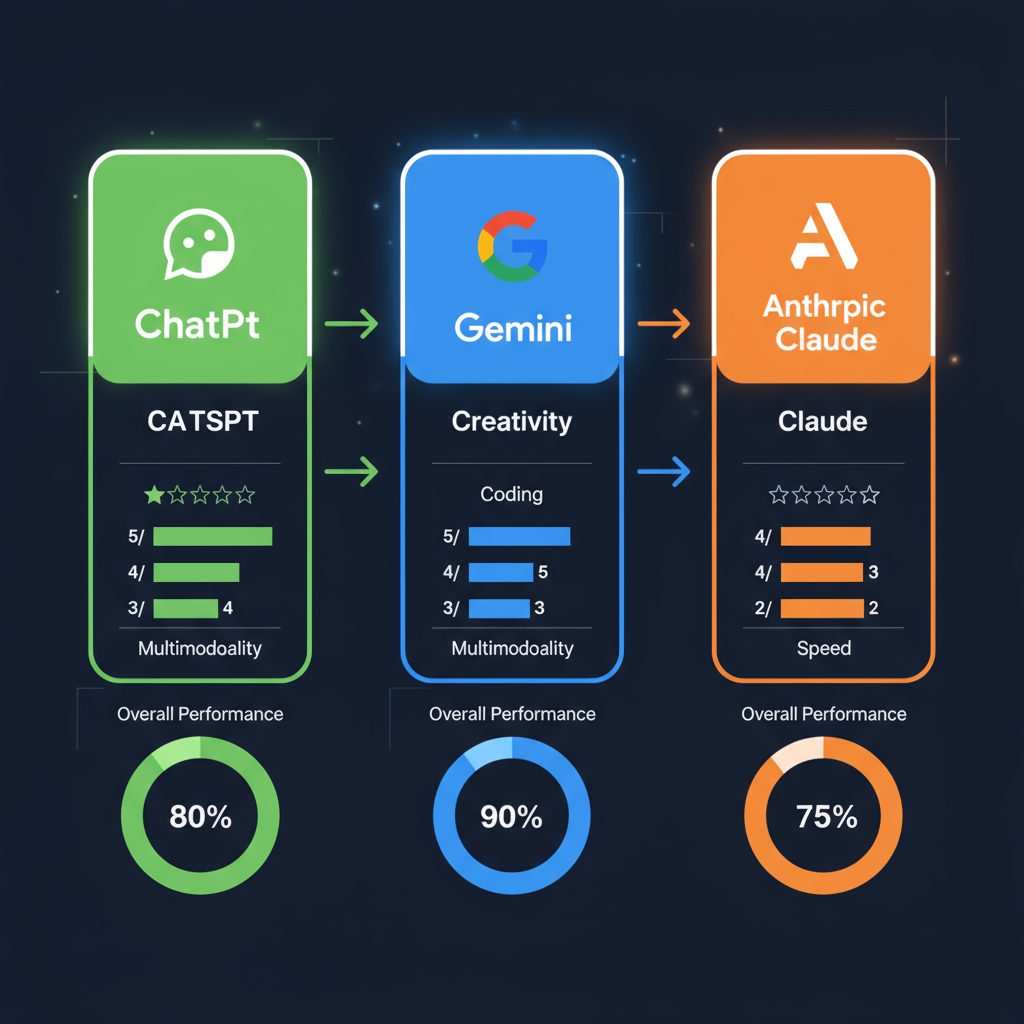
Claude isn't the only AI assistant offering free access. Chat OpenAI and Google's Gemini both have free tiers too, and they all compete for the same "what can I get without paying" crowd.
The Comparison Table
| Factor | Claude Free | ChatGPT Free | Gemini Free |
|---|---|---|---|
| Model Access | Claude standard | GPT-4o mini | Gemini standard |
| Message Limits | Variable | Variable | Variable |
| Reasoning Quality | Strong | Good | Good (varies by task) |
| Document Analysis | Yes (basic) | Yes | Yes |
| Image Generation | Limited | Available | Available |
| Memory Feature | Paid only | Free (limited) | Free (limited) |
| Data Retention | Adjustable | Default on unless changed | Default on unless changed |
Where Claude Wins on Free Tier
- Generally strong performance on nuanced reasoning and writing tasks
- Document analysis capabilities work well for research
- More transparent and adjustable data sharing settings than some competitors
- No default memory feature means free conversations aren't fed into long-term profiles by default
Where It Falls Behind
- ChatGPT offers image generation on the free tier, which Claude currently limits
- Gemini's free tier may integrate more tightly with other Google services
- ChatGPT has a larger plugin ecosystem on the free tier
- Perplexity blends search and AI, which can feel convenient for quick research queries
Who Should Use the Free Tier (And Who Needs to Upgrade)
This is the section that actually matters for your decision. Here's a practical breakdown.
Best Use Cases for Free Claude
The Claude free tier is ideal if you:
- Need occasional help with writing, research, or brainstorming
- Are testing AI tools for a potential business purchase
- Want a second opinion alongside another AI you already use (Perplexity works great alongside Claude for cross-checking)
- Are learning to use AI assistants and don't want to pay while you figure things out
Students and early-stage researchers get a ton of value from the free tier. You can prompt engineer, experiment, and learn what AI can do without any financial commitment.
When You'll Hit a Wall With the Free Plan
You'll know it's time to upgrade when:
- You start seeing rate limit messages regularly
- Output quality drops during peak hours (server load can affect this)
- You need consistent results for professional work every single day
- You want access to Extended Thinking for complex reasoning tasks
- Your work involves heavy document analysis or coding where consistency matters
If any of those apply to you, the free tier will start feeling restrictive. That's the signal that you've outgrown it, not that Claude has gotten worse.
Common Misconceptions About Claude's Pricing
There's a lot of confusion floating around about what "free" actually means with Claude. Let's clear up the biggest myths.
Myth: Claude Is Completely Free for Everything
No. The free tier exists, but it has limits so you get access to core chat features without paying. If you need more messages, priority access, or advanced reasoning capabilities, those cost money.
Myth: You Need a Credit Card to Use Claude Free
Wrong. You can create an account on claude.ai without entering any payment information. The free tier is genuinely no-strings-attached at signup.
Myth: Claude Free Is Just a Trial
Some people confuse the free tier with a time-limited trial. It's not. You can use the free tier indefinitely.
The limitation is on how much you can use it per day, not how long you get to keep using it.
Myth: API Usage Has a Free Tier
Not really. The Claude API uses token-based billing, meaning you pay per million tokens processed. Anthropic may occasionally offer free credits to new developers upon signup, but ongoing API usage requires a paid account.
This is a completely separate pricing model from the consumer free tier on claude.ai.
Myth: All Claude Models Are Available for Free
The free tier gives you access to the standard Claude model. Extended Thinking, which increases the depth of Claude's reasoning on complex problems, is a Pro-only feature as of 2026. The most capable model versions also tend to require a paid plan.
How to Get Started With Free Claude in Under Two Minutes
Getting access to the free tier takes almost no time at all.
Step-by-Step Setup
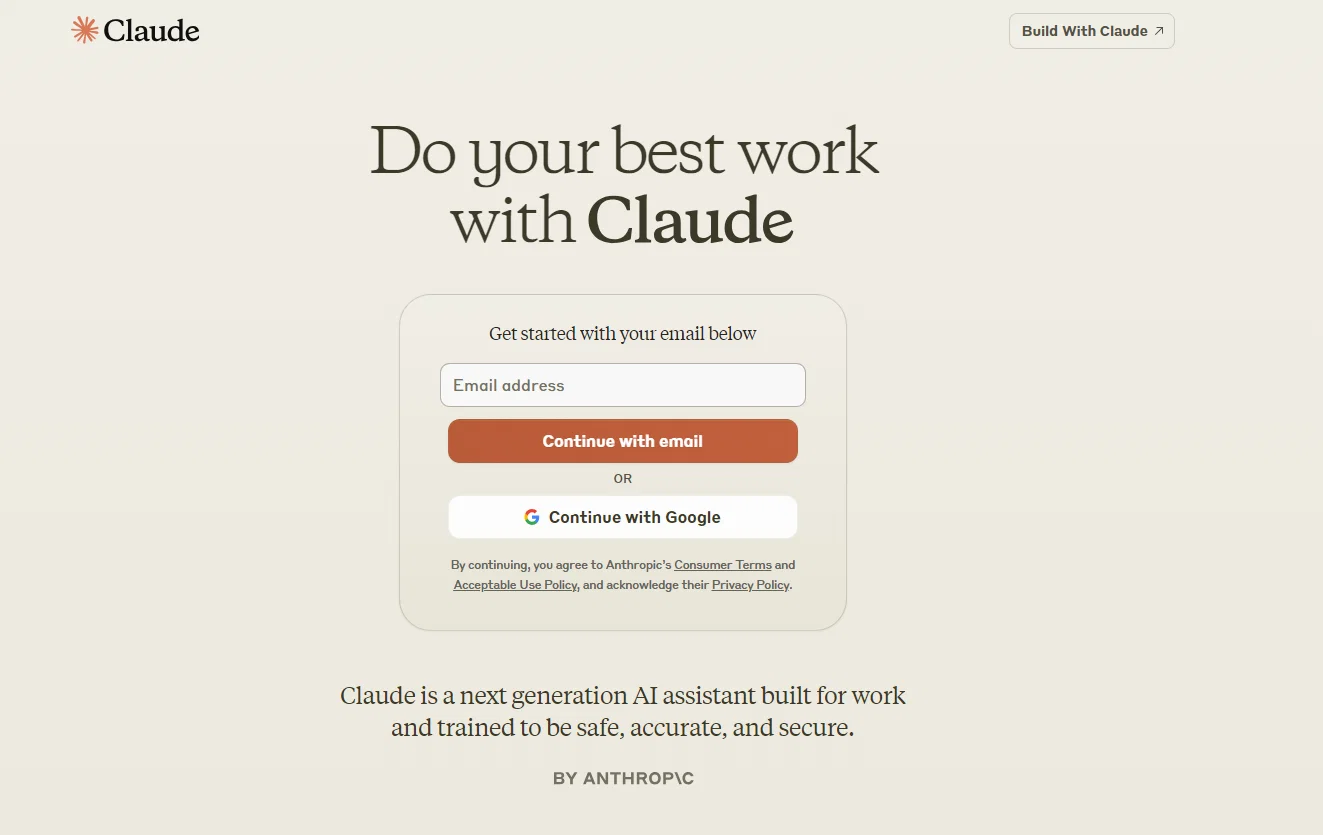
- Go to claude.ai in your browser
- Click the sign-up button and enter your email address
- Verify your email by clicking the confirmation link
- Start chatting
That's the whole process. No credit card. No phone verification in most regions.
No waiting period.
Setting Your Preferences
Once you're in, take two minutes to adjust a few things:
- Set your data sharing preferences in the settings (Anthropic allows you to opt out of using conversations for model training, which not every AI company makes easy)
- Bookmark the usage limits page so you can check current limits if you hit a wall
- Download the mobile app if you want to use Claude on the go (available on both iOS and Android)
When You Might Hit a Roadblock
Some users report regional availability issues. Anthropic's services have expanded significantly, but a few regions still have limited access. If you can't reach the signup page, check Anthropic's official availability documentation to confirm whether your region is supported.
School and work email addresses generally work fine for signup. If you run into trouble with a particular email provider, try a different one. This isn't a Claude limitation so much as an email delivery issue.
Expert Tips for Maximizing Your Free Usage Without Upgrading
You can squeeze a lot more value out of the free tier if you're strategic about how you use it. These tips come from aggregate user experience and official documentation.
Tip 1: Front-Load Important Tasks
Claude's free tier uses a rolling rate limit rather than a hard daily reset. That means your available messages replenish gradually, not all at once at midnight. Save your most important queries for when you know you'll have a full allowance available.
Tip 2: Batch Your Questions
Instead of sending ten separate messages, combine related questions into one prompt. Claude handles multi-part questions well, and this approach uses fewer of your limited messages per day.
Tip 3: Use Document Upload Wisely
The free tier supports document analysis, but large files consume more of your allowance. Upload only the specific sections you need analyzed rather than entire reports when possible.
Tip 4: Switch to the Mobile App
Some users report slightly different rate limiting behavior on the mobile app versus the web interface. If you're hitting limits on desktop, switching to mobile (or vice versa) sometimes provides a more generous allowance.
Tip 5: Pair Claude With Perplexity
Here's a power move. Use Claude for writing, analysis, and complex reasoning. Use Perplexity for quick factual lookups and research that needs source citations.
This division of labor keeps you from burning through Claude's free allowance on tasks that don't require Claude's specific strengths.
Tip 6: Know When the Limits Reset
If you do hit a wall, the interface will tell you when you can send your next message. Don't keep refreshing the page hoping it'll work faster. Set a timer and come back when the limit resets.
Final Verdict: Is Claude's Free Tier Actually Useful, or Just a Teaser?
Here's the honest bottom line: Claude's free tier is genuinely useful, not just a marketing gimmick.
You get a capable AI assistant that handles writing, analysis, coding help, and research at no cost. The output quality compares favorably with competitors. And the indefinite free access means you're not racing against a trial clock.
But the limits are real. If you rely on AI for daily professional work, you'll likely hit the rate limits within the first week of consistent use. That's when the Pro plan starts making financial sense, not before.
The Simple Decision Framework
Stick with free if you use AI a few times a week for everyday tasks.
Upgrade to Pro if you'd use the subscription cost as a tax write-off or business expense.
Look at alternatives if you need features Claude's free tier doesn't offer, like image generation built right into the chat interface. ChatGPT's free tier includes that, and it might matter more to you than you think.
The free tier isn't a tease. It's a fully functional tool with intentional limits. Use it for a week, see how far it takes you, and then decide if the paid tiers make sense for your situation.
Frequently Asked Questions
Does Claude have a permanent free tier?
Yes. Anthropic offers an indefinite free tier through the claude.ai website and mobile app. You don't need a credit card and there's no time limit.
The restriction is on how many messages you can send in a given period.
How many free messages do you get on Claude?
The exact number varies based on server demand and overall usage across the platform. Aggregate user reports suggest you can expect roughly several dozen messages per day under normal conditions. During peak times, the allowance may drop lower.
Anthropic publishes current limits on their usage documentation page.
Is Claude more private than ChatGPT?
Both companies offer privacy controls, but Claude has a slight edge in default settings. Anthropic allows you to opt out of conversation training data collection more transparently than some competitors. You can adjust these settings in your account preferences after signing up.
What's the cheapest paid Claude plan?
Anthropic has offered a mid-range individual paid plan called Pro, with a discounted annual rate. For the latest pricing, check Anthropic's official pricing page as costs can change over time.
Does the school email address or other email work for free Claude access?
Most email providers work fine for signup, but if you run into trouble with a specific provider, trying a different one can help isolate the issue.
How does Claude's pricing compare to Claude 3 Opus via API?
API pricing is separate from the consumer plans. The most capable models generally cost more per million tokens, while the fastest model is available at a lower rate. That model-based pricing is completely different from the flat-rate Pro subscription on claude.ai.

Similar Posts





















