Claude Pro vs Free
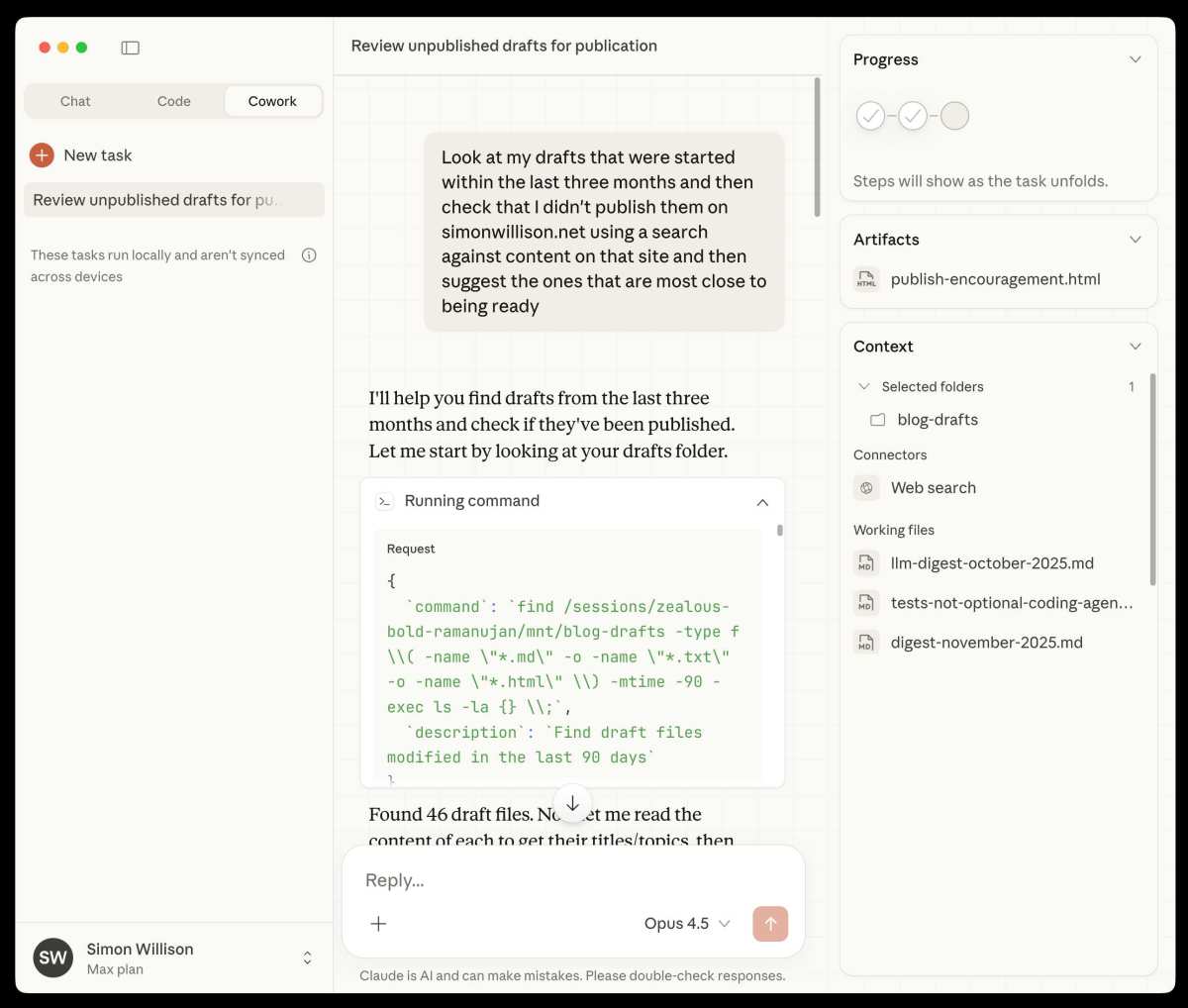
Choosing between Claude Pro vs free comes down to one honest question: how much do you actually rely on an AI assistant day to day? If you're popping in once or twice a week to draft an email or summarize an article, the free tier handles that without breaking a sweat. But if you're leaning on Claude for work, coding, or deep research every single day, the limits start showing up fast.
Anthropic's pricing structure is straightforward as of 2026. The free tier gives you access to Claude with usage caps that reset periodically. Claude Pro runs $20 per month in the US and bumps up your limits significantly while unlocking access to the most capable models.
Let's break down exactly what changes when you upgrade.
Quick Answer
Claude Pro gives you roughly five times more usage than the free tier. You get access to Opus, Anthropic's most capable model. Pro subscribers also receive priority access during peak hours.
The free tier works well for casual, occasional use.
What You Actually Get on Claude Free vs Free
The gap between these two tiers isn't just about message count. It's about which models you can use, how reliably you can access them during busy periods, and what advanced features sit behind the paywall. Anthropic designed the free tier to be genuinely usable, not a crippled demo.
That matters because some competitors gate so hard behind their paywall that the free version feels like a trial, not a product.
On the free tier, you're typically routed to Haiku or Sonnet depending on current availability and demand. These are solid models. Haiku handles quick tasks fast and cheap.
Sonnet balances capability and speed for most everyday work. You won't feel like you're using a dumbed-down tool. But you will notice the guardrails.
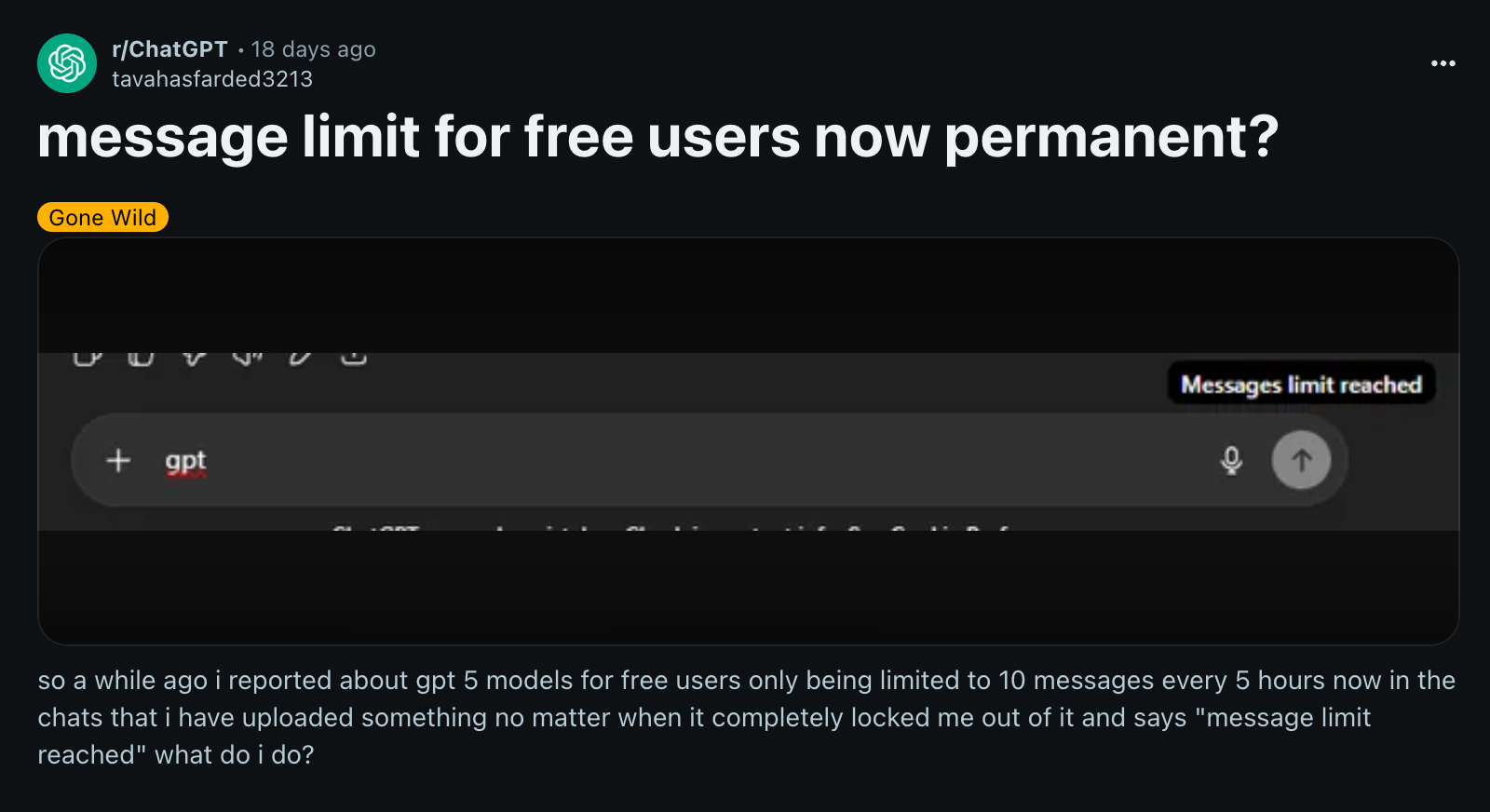
The main constraints on free are message limits, model availability, and feature access. You get a set number of messages before you hit a wall and have to wait for your quota to reset. During high-traffic periods, free users may experience slower responses or temporary access restrictions.
Features like extended thinking, which lets Claude work through complex problems step by step, are reserved for paid tiers.
The Real Differences That Matter
When people compare Claude Pro vs free, they tend to fixate on the message count. That's important, but it's not the whole picture. The model access difference is arguably bigger.
Pro subscribers can choose Opus, Anthropic's flagship model, which outperforms Sonnet and Haiku on complex reasoning, nuanced writing, and multi-step tasks. If you're doing serious analytical work or need the highest-quality output, that matters.
Priority access is another real difference that doesn't show up on a spec sheet but affects your daily experience. When servers are busy, Pro users get routed first. Free users might wait longer or get temporarily queued.
For someone using Claude casually, a slight delay is no big deal. For someone on a deadline, it's frustrating.
Feature availability rounds out the picture. Pro unlocks extended thinking, which is a game-changer for complex problem-solving. You also get earlier access to new features as Anthropic rolls them out.
The free tier gets these features eventually, but Pro users are first in line.
What Claude Free Gives You
Let's give the free tier its due. It's not a gimmick. You get a functional, capable AI assistant that handles most common tasks without asking for a credit card.
Here's what the free tier includes:
- Access to Claude Haiku and Sonnet for most everyday tasks
- A set number of messages that reset on a rolling basis (the exact count varies with demand)
- Web search integration so Claude can pull in current information
- File upload support for analyzing documents and images
- Conversation history so you can pick up where you left off
- Access through claude.ai on web and mobile apps
The free tier is genuinely good for students doing occasional research, professionals who need an AI assistant a few times a week, or anyone who wants to explore what Claude can do before committing money. If your usage pattern looks like a few conversations per day, you might never hit the ceiling.
The catch is that the limits aren't fixed in stone. Anthropic adjusts them based on server load and demand. On a quiet Tuesday morning, you might get plenty of runway.
On a Monday when everyone's catching up from the weekend, you might hit your cap sooner. That unpredictability is the main friction point.
What Claude Pro Unlocks
Claude Pro is where the tool shifts from "nice to have" to "reliable workhorse." For $20 a month, you're buying consistency, capability, and access.
Here's what changes when you upgrade:
- Roughly 5x more usage compared to the free tier, though exact numbers fluctuate with demand
- Access to Opus, Anthropic's most capable model for complex reasoning and high-quality output
- Priority access during peak hours, meaning less waiting when servers are busy
- Extended thinking mode, which lets Claude reason through harder problems with visible step-by-step logic
- Earlier access to new features before they roll out to free users
- Access to Claude Code, Anthropic's dedicated coding assistant environment
The Opus access alone justifies the subscription for many users. If you've ever felt like Claude was almost nailing a complex task but missing nuance or depth, that was probably Sonnet or Haiku doing their best. Opus operates on another level for analytical writing, code architecture decisions, and multi-layered reasoning.
Extended thinking is the other standout. When you enable it, Claude shows its reasoning process before delivering a final answer. This isn't just a neat trick.
It lets you catch errors in logic, understand why Claude reached a conclusion, and refine your prompts based on where the reasoning went off track. For anyone using Claude for professional or academic work, this feature pays for itself quickly.
Side-by-Side: Free vs Pro at a Glance
Sometimes you just need the facts laid out cleanly. Here's how the two tiers stack up across the categories that actually affect your daily use.
| Feature | Claude Free | Claude Pro |
|---|---|---|
| Monthly cost | $0 | $20 (US) |
| Usage limits | Lower, varies with demand | ~5x free tier |
| Model access | Haiku, Sonnet | Haiku, Sonnet, Opus |
| Priority access | No | Yes (during peak times) |
| Extended thinking | No | Yes |
| Claude Code access | Limited | Full |
| Web search | Yes | Yes |
| File uploads | Yes | Yes |
| Mobile app access | Yes | Yes |
| New feature access | After rollout | Early access |
The pattern is clear. Free gives you the core experience. Pro gives you the core experience with more headroom, better models, and advanced features.
Neither tier locks you out of the essential tool. The question is whether the upgrades match how you actually use Claude.
Who Should Stay on Free
Not everyone needs to pay for AI assistance, and that's perfectly fine. The free tier serves a specific group of users really well, and recognizing whether you fall into that group saves you $20 a month with zero downside.
You should stay on the free tier if:
- You use Claude a few times a week or less. Casual users who pop in for quick tasks rarely hit the message limits. If your pattern is a conversation here and there, you'll be fine.
- Your tasks are straightforward. Summarizing articles, drafting simple emails, answering quick questions, or generating basic ideas don't require Opus-level capability. Haiku and Sonnet handle these effortlessly.
- You're exploring AI tools for the first time. There's no reason to pay before you understand how Claude fits into your workflow. Use free for a few weeks, then decide.
- You have access to other AI tools already. If you're using ChatGPT, Gemini, or another assistant for your heavy lifting, Claude free becomes a nice supplement rather than a primary tool.
- Budget matters more than convenience. For students or anyone watching expenses closely, the free tier delivers genuine value at zero cost.
The honest truth is that most people who try Claude don't need Pro. They use it occasionally, get what they need, and move on. The free tier was built for exactly this use case.
Anthropic isn't trying to make the free experience miserable so you'll upgrade. They want you to have a good experience and upgrade because you actually need more, not because they forced your hand.
The main risk with free is unpredictability. If your usage suddenly spikes during a busy work week, you might hit your limit at an awkward moment. For sporadic users, that's a minor annoyance.
For anyone relying on Claude for deadlines, it's a real problem.
Who Should Upgrade to Pro
Claude Pro earns its price when your usage pattern crosses a certain threshold. It's not about being a "power user" in some abstract sense. It's about practical, daily reliance on the tool.
You're a strong candidate for Pro if:
- You use Claude daily for work. If it's part of your professional workflow, writing code, drafting documents, analyzing data, or conducting research, the higher limits and Opus access pay for themselves quickly.
- You regularly hit the free tier limits. This is the most obvious signal. If you're running into message caps multiple times a month, the upgrade solves a real problem.
- You need the best model for complex tasks. Opus noticeably outperforms Sonnet on nuanced writing, complex reasoning, and detailed analysis. If quality of output matters for your work, that difference is worth $20.
- You use Claude Code regularly. Developers working in Claude Code benefit significantly from Pro's expanded access and priority routing. Waiting in a queue while your development flow is interrupted kills productivity.
- You depend on Claude during peak hours. Priority access matters most when everyone's using the system at once. If your workday coincides with high-traffic periods, Pro keeps you moving.
- Extended thinking would improve your results. Anyone doing analytical work, strategic planning, or multi-step problem-solving gets tangible value from seeing Claude's reasoning process.
Think of it this way. If Claude saves you even one hour of work per month, the $20 subscription has paid for itself many times over at any reasonable hourly rate. For professionals using it daily, that math isn't even close.

Claude Pro vs Max: Where Pro Fits In
Anthropic also offers a higher tier called Claude Max, which sits above Pro for users who need even more capacity. Understanding where Max fits helps clarify what Pro actually delivers.
Claude Max runs $100 per month in the US and offers significantly more usage than Pro. It also provides the earliest access to new features and the highest priority routing. This tier targets professionals and teams who treat Claude as critical infrastructure rather than a helpful tool.
For most individual users, Pro hits the sweet spot. You get priority access, Opus, extended thinking, and roughly 5x the free tier's usage. Max is for people who would otherwise burn through Pro limits or who need guaranteed availability for client-facing work.
If you're wondering whether you need Max, you probably don't. Pro covers the vast majority of professional use cases comfortably.
The hierarchy looks like this: free for casual use, Pro for regular professional use, Max for heavy daily reliance or team environments. Each step up buys you more headroom and faster access to new capabilities.
Real Scenarios: Which Tier Handles What
Abstract feature lists only tell part of the story. Let's walk through specific situations to see how the tier choice plays out in practice.
A student writing a research paper once a month. Free tier handles this. Upload your sources, ask Claude to summarize or outline, get what you need. The limits won't be an issue for occasional academic work.
Sonnet is more than capable of helping structure arguments or explain concepts.
A freelance writer drafting blog posts three times a week. Pro starts making sense here. The consistent usage pattern means you'll appreciate the higher limits and the option to use Opus for pieces that need more sophisticated phrasing. Extended thinking helps when you're working through complex topics that need careful reasoning.
A software developer using Claude Code daily. Pro is essentially required. Development workflows involve dozens of back-and-forth exchanges in a single session. Free tier limits would interrupt that flow constantly.
Priority access matters when you're debugging and need answers now, not after a queue clears.
A marketing manager using Claude for occasional brainstorming and email drafts. You might edge into Pro territory during busy campaign periods, but the free tier likely covers your baseline needs. Consider upgrading temporarily during heavy seasons if that's an option.
A consultant analyzing client documents and preparing presentations regularly. Pro is the clear choice. The combination of higher limits, Opus for nuanced analysis, and reliable peak-hour access aligns directly with professional deliverable timelines.
The pattern is consistent. Frequency and complexity of use determine the right tier, not job title or technical skill level.
Common Mistakes When Choosing a Plan
A few missteps show up repeatedly when people decide between these tiers. Recognizing them saves money and frustration.
Upgrading before understanding your usage patterns. Start with free for at least two weeks of your normal routine. Check whether you actually hit limits or just assume you will. Data beats assumptions every time.
Overlooking that limits fluctuate. Both free and Pro limits adjust based on system demand. Your experience on a quiet Sunday differs from a busy Monday morning. Don't make a decision based on one unusually good or bad day.
Ignoring the model difference. Some people upgrade expecting only more messages and don't realize Opus access is the bigger deal. Switch to Opus for a complex task and see if the quality jump matters for your work. If it doesn't, you might not need Pro as urgently as you thought.
Forgetting about the Max tier. If you're already considering Pro because you'd burn through free limits fast, check whether your projected usage would also strain Pro. Jumping straight to Max might make more sense than upgrading twice.
Not using a payment method with regional pricing. Anthropic adjusts pricing by region. The $20 US price may differ significantly depending on where you live. Check your local pricing before deciding the value proposition.
The most common mistake is simpler than any of these, though. It's sticking with a plan that isn't working without reevaluating. If free feels restrictive, try Pro for a month.
If Pro feels like overspending, drop back down. The flexibility exists for a reason.
Is Claude Pro Worth $20/Month?
For most people who use Claude regularly, yes. The value calculation is straightforward. If you'd otherwise spend one hour per month on tasks Claude handles faster, the subscription pays for itself at almost any professional hourly rate.
The math gets even clearer when you factor in Opus access. Users who switch from Sonnet to Opus for complex tasks consistently report noticeably better output quality. That improvement alone justifies the cost for anyone producing client-facing or publication-quality work.
Add priority access and extended thinking, and the feature set matches or exceeds competing AI subscriptions at the same price point.
Free remains genuinely viable for light users. But once Claude becomes part of your daily workflow, $20 a month is one of the easier professional expenses to justify.
How to Decide: A Simple Framework
Start with this three-step check. First, use the free tier exclusively for two weeks. Track how often you hit limits or feel constrained.
Second, during those weeks, identify which tasks would benefit from better reasoning or writing quality. Third, if you hit limits more than twice or feel the output quality holding you back, subscribe to Pro for one month.
Evaluate after that month. If you burned through Pro limits comfortably and used Opus regularly, keep it. If you barely scratched the surface, drop back to free without guilt.
The beauty of a monthly subscription is that it serves as its own trial period.
Frequently Asked Questions
How many messages do you get on Claude Free?
The exact number varies with system demand. Free tier limits reset on a rolling basis, but Anthropic doesn't publish a fixed weekly or daily count. Expect enough for casual use, not enough for heavy daily work.
Can I switch between free and Pro easily?
Yes. Upgrading and downgrading happens through your account settings with no penalty. If you upgrade and don't use it, simply cancel before the next billing cycle.
Does Pro give you access to every Claude model?
Pro includes access to Haiku, Sonnet, and Opus. Max adds the highest priority routing and earliest feature access, but Pro covers all three core models.
Is there a student or educator discount?
Anthropic has offered educational pricing and programs in the past. Check their official education page for current availability, as these programs change periodically.
What happens when you hit the limit on Pro?
Pro limits are significantly higher than free, but they still exist. When you hit them, you'll need to wait for your quota to reset. Max is the tier for users who consistently outgrow Pro's limits.
Can I use Claude Pro for commercial work?
Yes. Pro subscriptions permit commercial use within Anthropic's acceptable use policy. Review their terms of service for specific restrictions around high-risk applications.
The Bottom Line
Claude Pro vs free isn't a question with one right answer. It's a question with the right answer for your specific situation. Free serves casual and occasional users well.
Pro serves daily users and professionals who need reliability and the best available models. Max serves the small group who need even more.
Start free. Upgrade when the limits actually affect your work, not before. And if Pro doesn't deliver enough value after a honest trial month, cancel without overthinking it.
The best plan is the one that matches how you actually use the tool, not how you imagine you might use it someday.

Similar Posts





















