is 27 inch monitor good for streaming
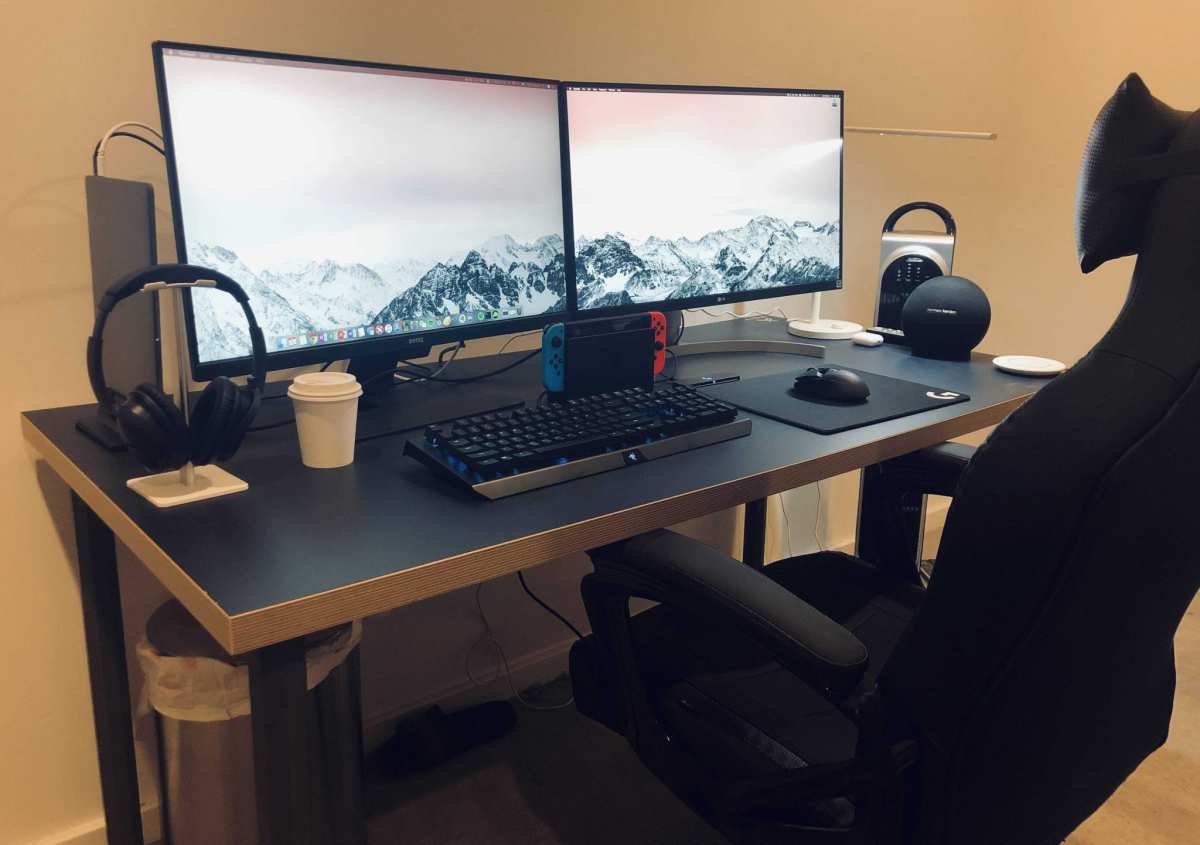
So you're sitting there with your streaming setup half-built, wondering if a 27 inch monitor is actually going to work for what you do. Maybe you've seen streamers with massive screens and thought bigger is always better. Or maybe you're worried 27 inches is too small and you'll be squinting at chat all night.
The truth is, a 27 inch monitor can be fantastic for streaming, but only when it matches your desk, your eyes, and your workflow. As of 2026, the 27 inch size is the most popular for gaming monitors, but that doesn't automatically make it the right choice for every streamer. Let's break down exactly what you need to consider before you buy.
The Real Question: "Good" for Your Setup or Just "Good" in General?
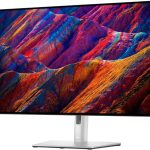
Here's the thing, a 27 inch monitor is objectively a solid size for most desk setups. Manufacturer specifications show it sits right in the sweet spot between immersion and desk space efficiency. But "good" in a review doesn't mean good for your specific streaming style.
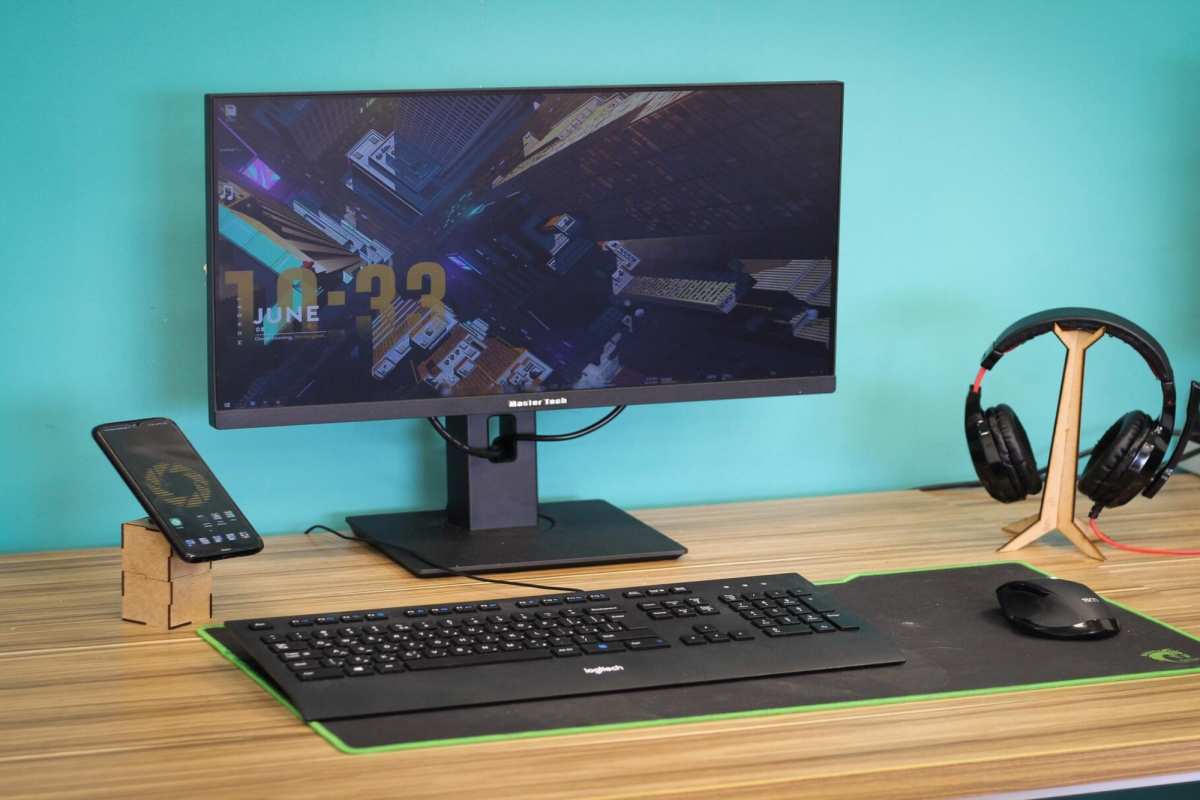
We're talking about a screen that's about 24 inches wide and 13.5 inches tall. That's enough real estate to run a game at a comfortable resolution and still have room for overlays, but it's not so big that you'll need to turn your head to see the edges.
The real question involves three variables: your desk depth, your typical streaming content, and whether you plan to use one monitor or multiple displays. Change any one of those, and the answer flips.
Quick Answer: Yes, But Only Under These Conditions
Yes, if your desk is at least 24 inches deep. Yes, if you use at least 1440p resolution. Yes, if you run a single monitor setup or pair it with a second screen.
No, if your desk is shallow and you sit too close. No, if you plan to use 1080p at that size. No, if you need to see chat and OBS on one screen without scaling.
Those conditions aren't random. They come from ergonomic standards and real-world streaming workflows. Let's walk through each one so you can decide where you land.
Desk Depth and Viewing Distance: The Make-or-Break Factors
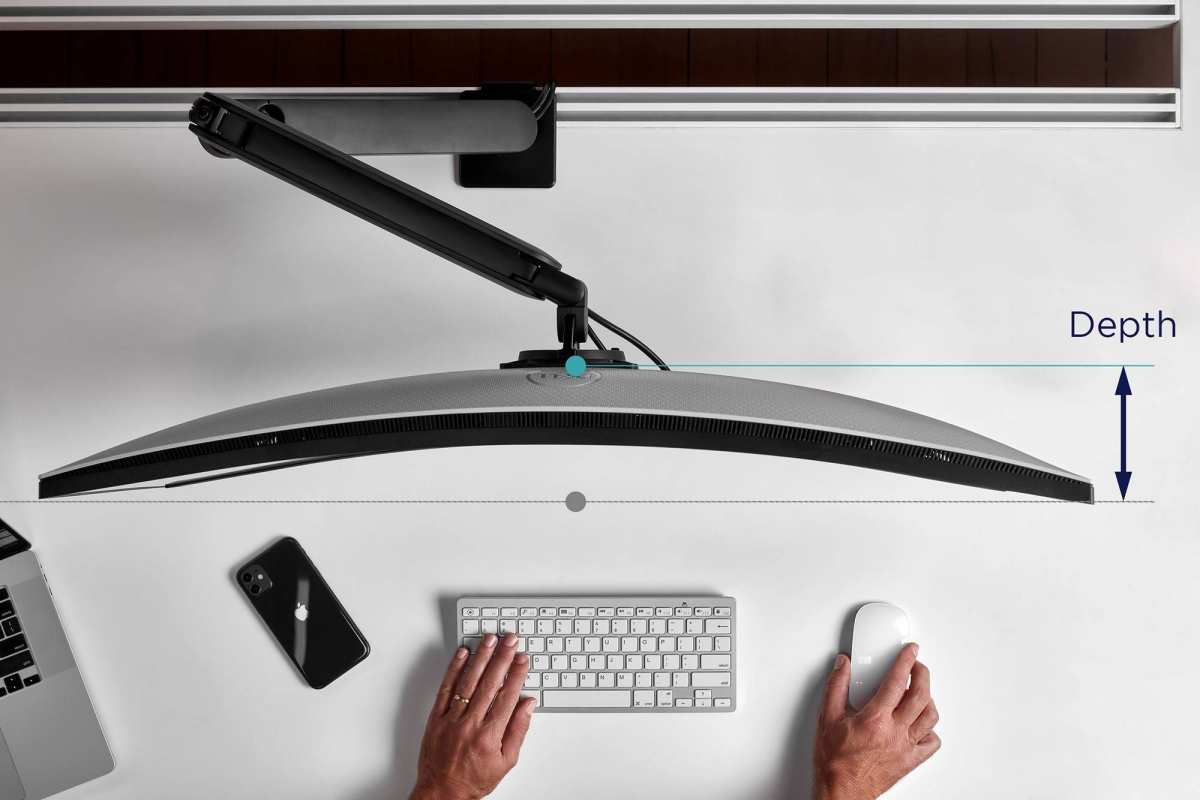
Image source: Bing (Web (fair-use with source credit))
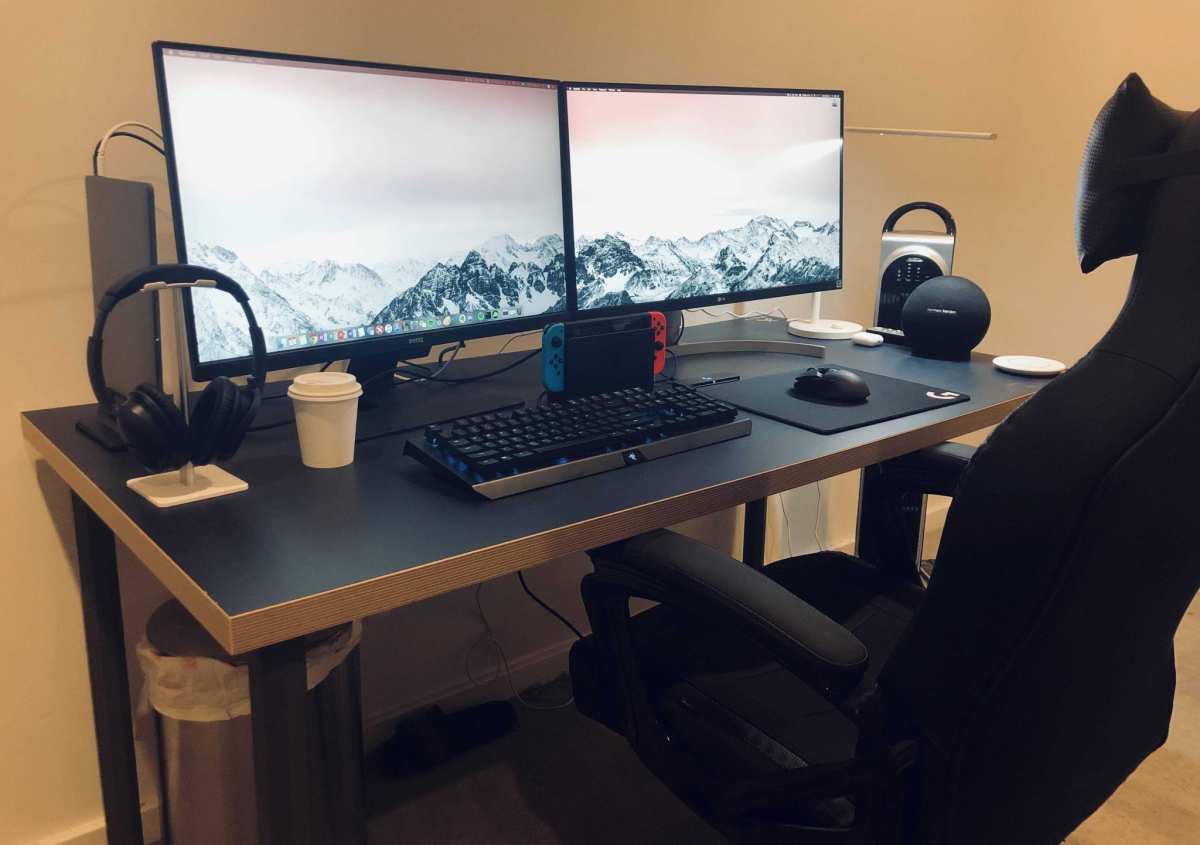
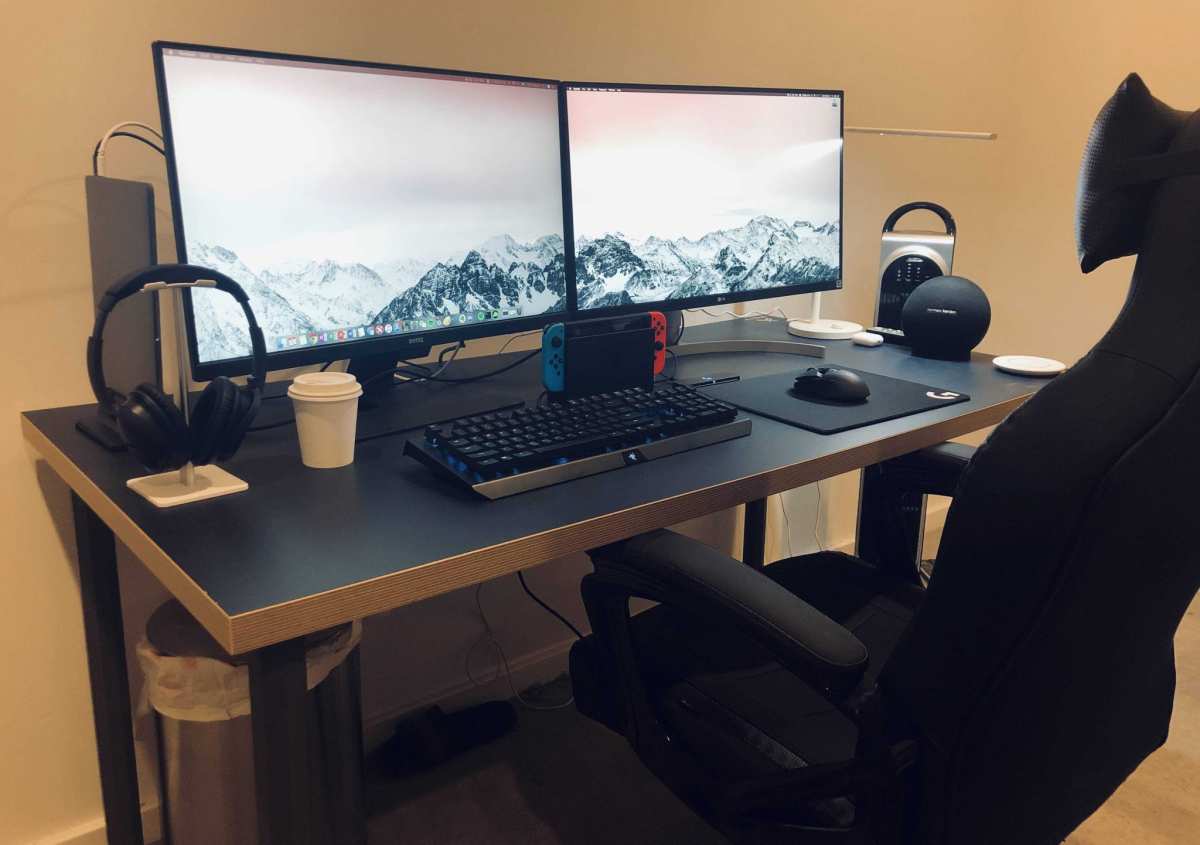
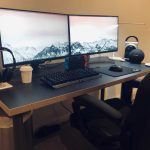
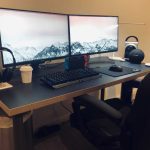
Your desk depth is the single most overlooked factor when choosing monitor size for streaming. Most standard desks are 24 to 30 inches deep. That's measured from the front edge to the back wall.
Here's the problem: if your desk is only 24 inches deep and you place the monitor against the back wall, your eyes end up about 20 to 22 inches from the screen. That's too close for a 27 inch monitor at any resolution. You'll have to move your head to see the corners, and your eyes will fatigue faster.
Per Cornell University ergonomics guidelines, the ideal viewing distance for a 27 inch monitor is about 2.5 feet for 1440p and 3.4 feet for 1080p. That means your desk needs to be at least 30 inches deep for 1080p, or you need to mount the monitor on an arm to pull it closer to the wall and gain a few extra inches of distance.
What to measure before you buy:
- Desk depth from front edge to wall
- Distance from your eyes to the screen surface (not the stand base)
- Whether you can push the monitor back using a wall mount or monitor arm
If your desk is under 24 inches deep, a 24 inch monitor is likely a better fit. If it's 30 inches or more, a 27 inch is comfortable, and you could even consider a 32 inch.
Resolution at 27 Inches: 1080p, 1440p, or 4K – What Streamers Actually Need
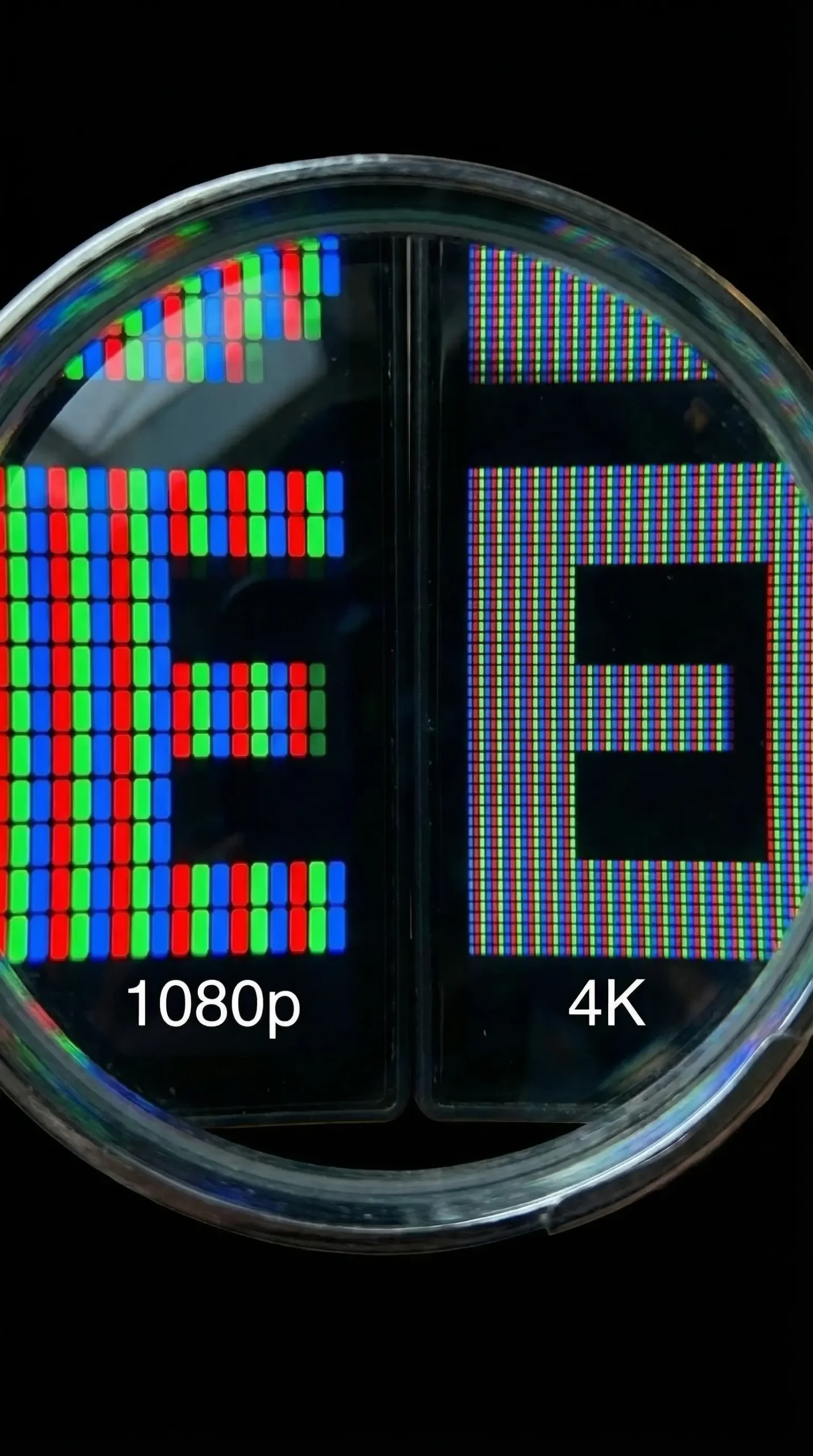
Resolution matters more at 27 inches than at any other size. Here's why.
At 24 inches, 1080p looks decent because the pixel density is about 92 PPI. At 27 inches, that same 1080p drops to roughly 81 PPI. Individual pixels become visible, text looks fuzzy, and fine details in games or overlays appear soft.
It's usable, but it's not pleasant for extended streaming sessions.
The resolution sweet spots for 27 inches:
| Resolution | PPI at 27" | Best for streamers who… | Recommended distance |
|---|---|---|---|
| 1080p | 81 | Are on a strict budget | 3.4+ feet away |
| 1440p | 109 | Want sharp text and good game detail | 2.5 feet away |
| 4K | 163 | Do video editing alongside streaming | 1.9 feet away |
Aggregate user reviews and forum discussions consistently show that 1440p is the sweet spot for 27 inch monitors used in streaming. It gives you enough resolution to clearly see game textures, chat text, and OBS layout elements without forcing you to scale Windows to 150%. And it's far easier on your GPU than 4K, which matters if you're encoding video at the same time.
If you absolutely must stay at 1080p for budget reasons, consider a 24 inch monitor instead. The difference in pixel density is noticeable, and it will make your stream look crisper on the viewer's end.
Your Streaming Style Changes Everything
Now we get to the part where your specific workflow decides the answer. Not all streaming is the same, and a 27 inch monitor serves some setups much better than others.
Heavy Gaming Streamer
If you play fast-paced games like Call of Duty, Fortnite, or Valorant while streaming, you're probably running the game in fullscreen and keeping chat and alerts on a separate monitor. In that case, a 27 inch monitor is an excellent primary display. You get enough size to see enemy movements clearly, and the 1440p resolution pairs well with high refresh rates (144Hz or 240Hz) that competitive gamers need.
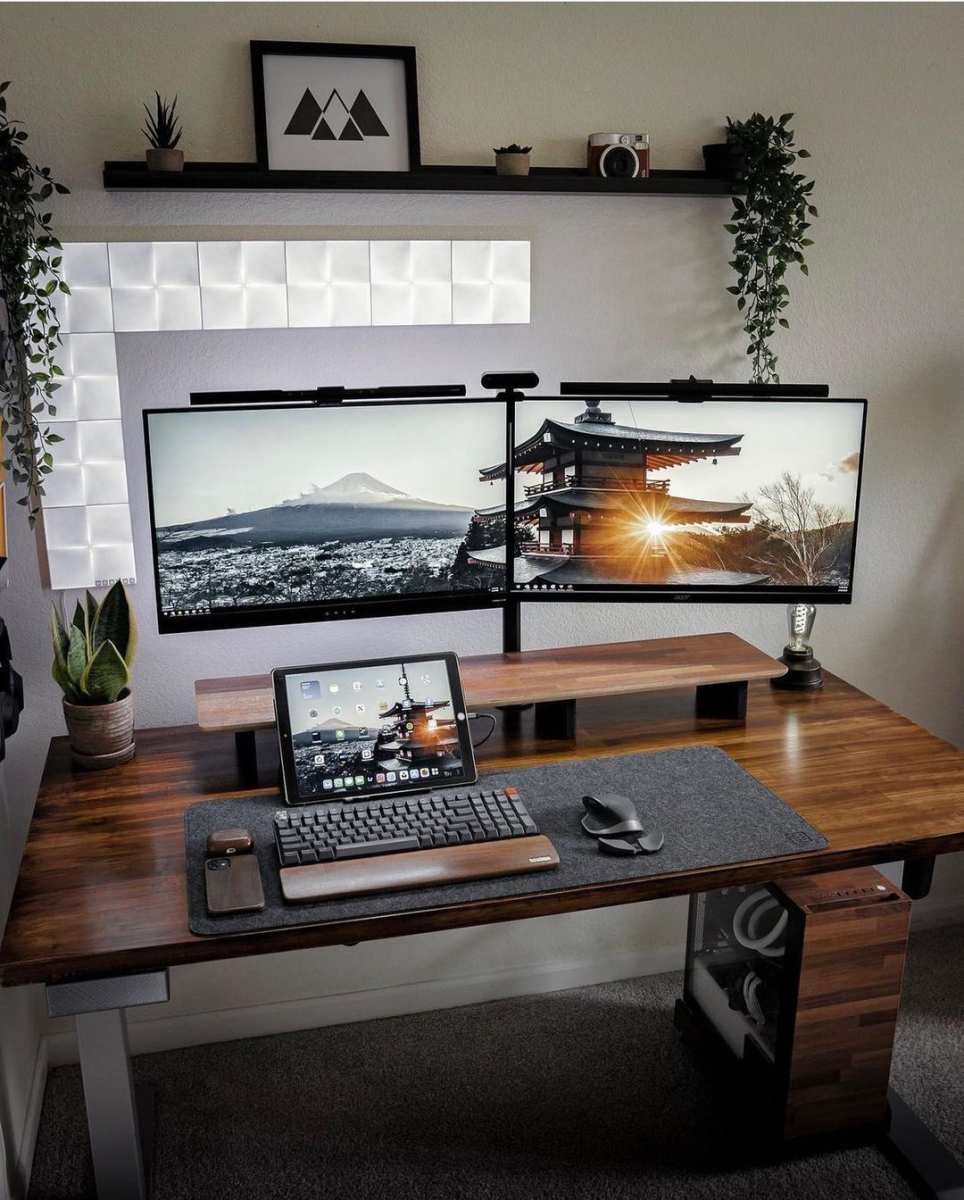
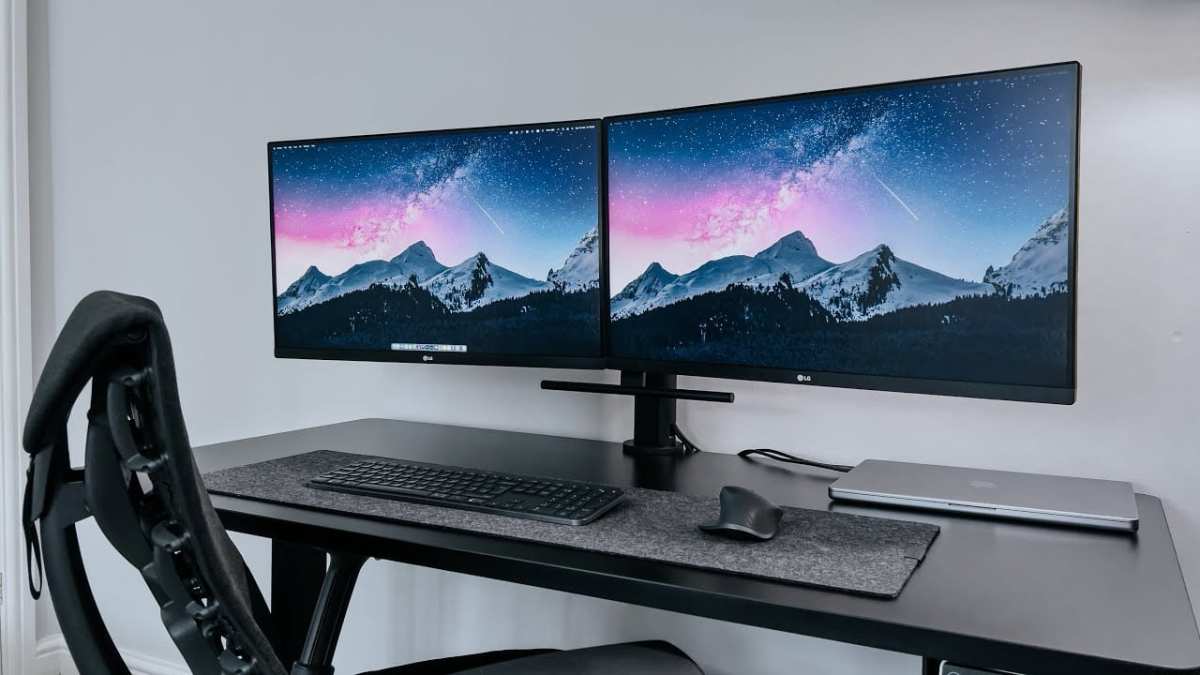
Your second monitor for chat and OBS can be a smaller 24 inch or even a vertical 27 inch. Just make sure your GPU can handle driving both displays plus encoding the stream.
Movie/TV Streamer
If you stream movies, TV reactions, or watch parties, you're likely using the full screen for video playback with minimal overlays. A 27 inch monitor works well here, but 4K resolution becomes more important. Standard 1080p video streams look softer than on a larger TV, and you'll want the extra sharpness.
One thing to watch out for: if you sit too close to a 27 inch 4K monitor, you'll see every imperfection in the video. Stick to the recommended 1.9 foot distance, or bump up to a 32 inch for a more cinematic feel.
Multi-Tasking Streamer
This is where the 27 inch monitor can fall short. If you're trying to run your game, OBS, chat, browser, music player, and alerts all on a single screen, 27 inches of real estate gets cramped fast. You'll end up scaling everything down or stacking windows on top of each other.
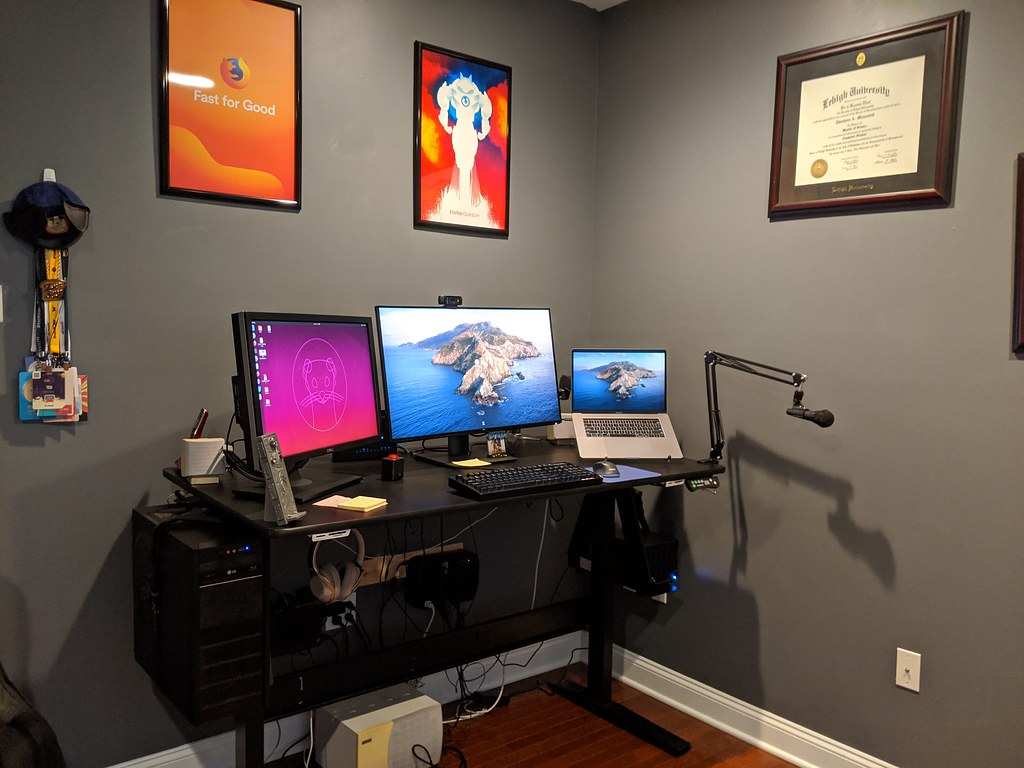
The better route here is either a dual monitor setup (27 inch for game, 24 inch for everything else) or a single ultrawide monitor around 34 inches. Our decision tree in the next section will walk you through the choice.
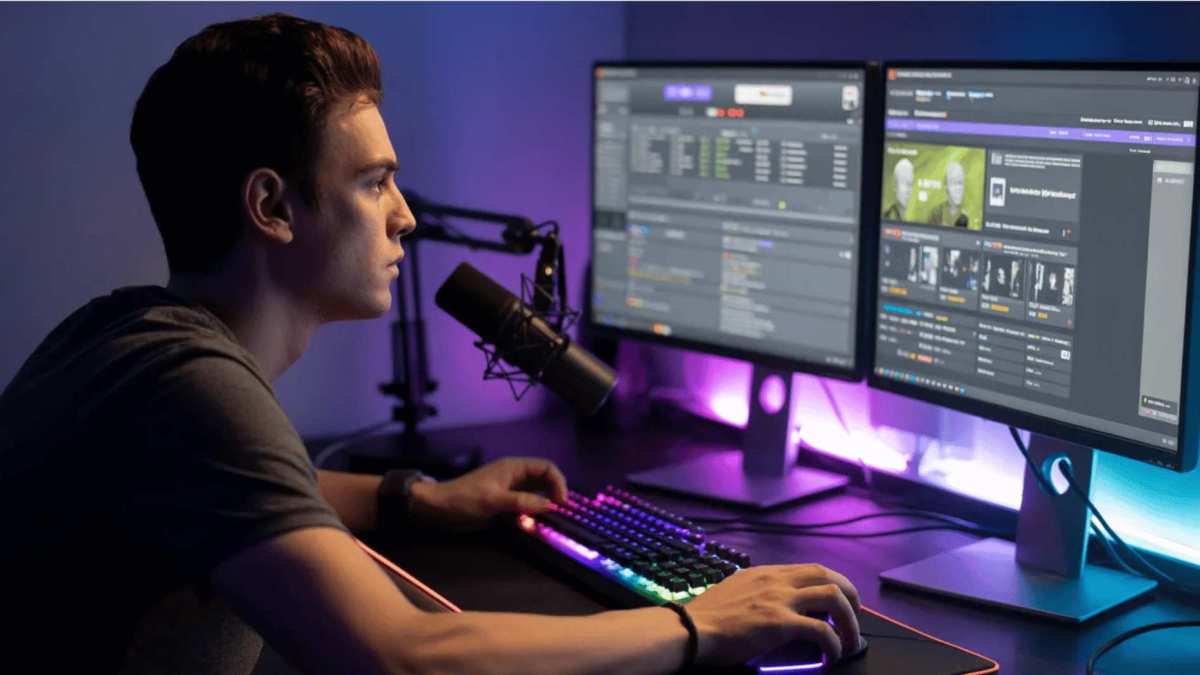
Image source: Bing (Web (fair-use with source credit))

Similar Posts