Iphone 13 Screen Replacement Not Working Causes And Solutions

If your iPhone 13 screen replacement is not working, **double-check the connectors and ensure the new screen is properly seated**. Sometimes, faulty installation or loose connections cause the display issues. It can be frustrating when the repair fails to deliver, but troubleshooting the connection points often solves the problem.
In many cases, issues stem from incompatible parts or electronic hiccups during installation. Carefully inspecting the assembly helps prevent further damage and gets your device back in working order swiftly.

Understanding Why Your iPhone 13 Screen Replacement Not Working
When you get your iPhone 13 screen replaced, you expect it to work perfectly. But sometimes, after the repair, your phone’s screen doesn’t respond as it should. This can be very frustrating. In this section, we’ll explore why your iPhone 13 screen replacement might not be working correctly and what you can do about it.
Common Reasons Your iPhone 13 Screen Replacement Fails
There are several reasons why a new screen might not work after a replacement. Here are some of the most common issues:
- Poor Installation: If the screen isn’t installed properly, it may not respond to touch or display correctly.
- Damaged Components: During the replacement process, other parts inside your iPhone, like the connectors or cables, can get damaged.
- Faulty Replacement Screen: Sometimes, the new screen itself might be defective or damaged during shipping.
- Software Issues: After hardware changes, your device might need a software update or reset to recognize the new screen.
- Compatibility Problems: In rare cases, the replacement screen may not match exactly with your phone model, causing issues.
How to Recognize If the Screen Replacement Is Not Working
Knowing the signs that your replacement isn’t working helps you act quickly. Look out for these problems:
- The screen remains black or displays flickering lights.
- Touch sensitivity is inconsistent or unresponsive.
- Green or colored lines appear on the display.
- Parts of the screen don’t respond, despite touching or pressing.
- The device shows error messages or behaves strangely after the replacement.
Steps to Diagnose Screen Replacement Problems
Performing basic checks can help you determine if the issue is with the hardware or software:
Check for Physical Damage
Inspect the screen carefully for cracks, bubbles, or misalignments. If the screen looks uneven or broken, it might be damaged or improperly installed.
Test Touch Responsiveness
Try to scroll, open apps, and tap in different areas of the screen. If some areas don’t respond, the connection might be loose or damaged.
Verify Display Quality
Turn on your phone and look for display issues like flickering, dead pixels, or strange lines. These issues often point to installation problems or defective screens.
Use Diagnostic Software
Apple offers tools that can test the hardware of your iPhone. If these tests find issues with the screen, you’ll need professional help.
What You Can Do if Your iPhone 13 Screen Replacement Is Not Working
Don’t panic if your replacement screen isn’t functioning as expected. Here are some practical steps to fix the problem:
- Restart Your Device: Sometimes, a simple restart can fix software glitches.
- Check Connection Carts: If you’re comfortable opening your phone, ensure that the display connectors are properly plugged in. If not, take it to a professional.
- Update Software: Make sure your iPhone is running the latest iOS version. Sometimes, updates fix bugs related to hardware compatibility.
- Reset Settings: Resetting your device’s settings can sometimes fix issues caused by misconfigured options.
- Seek Professional Repairs: If you’re unable to fix the issue yourself, visit an authorized Apple repair center or trusted technician.
Choosing the Right Repair Service
When your screen replacement isn’t working, selecting a reliable repair shop is crucial. Here’s what to consider:
- Authorized Service Providers: Always choose Apple-certified technicians for quality and warranty protection.
- Reputation and Reviews: Look for customer reviews and ratings before trusting a repair shop.
- Warranty on Repairs: Make sure the repair service offers a warranty on parts and labor to cover future problems.
- Quality of Replacement Parts: Ask if they use original or high-quality third-party screens to ensure durability and compatibility.
Preventing Future Screen Problems
After fixing your iPhone 13, taking care of it helps prevent problems. Here are some tips:
- Use Protective Cases and Screen Protectors: This minimizes damage if you drop your phone.
- Handle with Care: Avoid pressing too hard on the screen or exposing it to extreme temperatures.
- Avoid DIY Repairs: Unless you’re trained, don’t try to replace the screen yourself. Improper handling can cause more damage.
- Regular Software Updates: Keep your device updated to fix bugs and improve hardware compatibility.
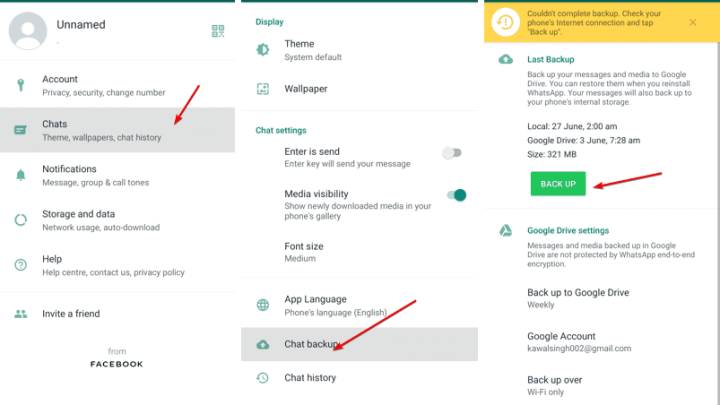
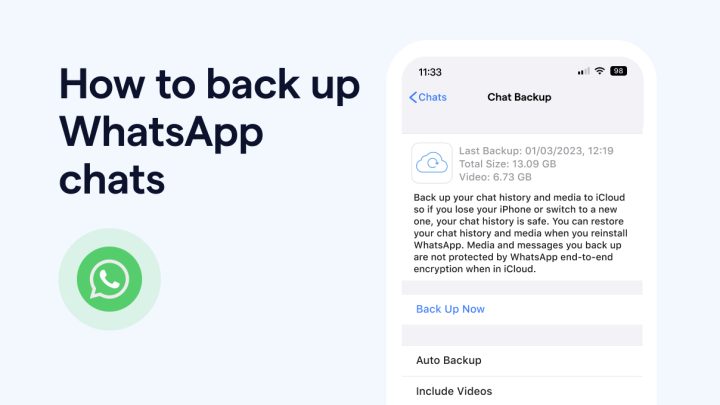
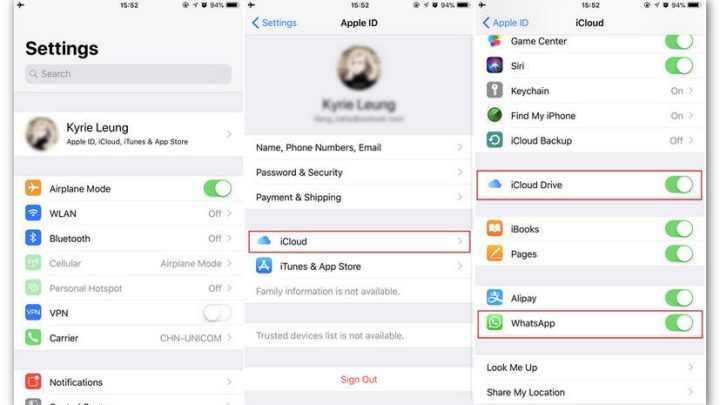
- Back Up Data: Always back up your data before any repair in case something goes wrong during the process.
Technical Insights: Why Compatibility and Hardware Matters
Understanding the technical side helps you grasp why some replacements might not work:
Screen Hardware Compatibility
Each iPhone model has specific display connectors and sizes. Using an incompatible screen can cause touch issues or display failures.
Internal Connector Damage
The display connects to your phone’s logic board using delicate cables. Damage here can lead to unresponsiveness or dead pixels.
Impact of Water and Dust
Even a small amount of moisture or dust during installation can interfere with the display’s performance. Proper sealing and cleaning during repair are essential.
Understanding Repair Quality and Its Impact
The quality of your repair significantly affects how well your screen performs afterward:
- Original vs. Aftermarket Parts: Original screens tend to be more reliable but are often more expensive. Aftermarket parts may be cheaper but might cause issues like poor touch sensitivity.
- Experience of the Technician: Skilled technicians can avoid common pitfalls during installation, ensuring your new screen works properly.
- Reputation of the Repair Shop: Shops that have a good record of successful repairs can be a safer choice.
Getting a new screen for your iPhone 13 is a common repair, but sometimes, it doesn’t work as expected. By understanding the reasons behind these problems, how to diagnose them, and what steps to take, you can make smarter decisions. Always choose qualified professionals for repairs, use quality parts, and care for your device to keep your screen functioning smoothly. Remember, patience and proper maintenance can save you time and money in the long run.
Frequently Asked Questions
Why is my iPhone 13 screen not responding after replacement?
If your iPhone 13 screen does not respond following a replacement, it might be due to improper installation or hardware issues. Check if the display connector is securely connected and ensure no debris or damage is present. If the problem persists, it may be necessary to revisit the repair process or seek professional assistance to identify any underlying hardware faults.
What should I do if the touch functionality is faulty after installing a new screen?
If the touch feature doesn’t work correctly, verify that the replacement screen is compatible with your model and is functioning properly. Sometimes, a faulty or incompatible display can cause touch issues. Reinstall the screen carefully, making sure all connections are secure. If issues continue, consider replacing the screen with a high-quality part or consulting a technician for further diagnosis.
How can software settings affect my new iPhone 13 screen performance?
Software settings sometimes interfere with the display’s performance. Restart your device and check for any software updates, as these can contain fixes for display problems. Additionally, reset display settings or perform a factory reset if necessary. If problems persist after software adjustments, the issue might be hardware-related, requiring professional evaluation.
Why does my iPhone 13 screen flicker after a replacement?
Screen flickering can result from loose connections, incompatible parts, or software glitches. Double-check that all internal connectors are properly seated and that the replacement screen matches your device specifications. Updating your software or resetting display settings can also help. If flickering continues, replace the screen with a verified compatible component to ensure proper operation.
Can moisture or dust cause issues after replacing the iPhone 13 screen?
Yes, exposure to moisture or dust during or after repair can affect display performance. Ensure that the device is thoroughly cleaned and protected from potential contaminants. Keep your iPhone in a dry environment and avoid exposing it to liquids. If you suspect moisture has entered or dust is trapped inside, consult a professional to clean or reseal the device properly.
Final Thoughts
In summary, troubleshooting the issue of the iPhone 13 screen replacement not working is essential for a smooth user experience. Ensure the new screen is compatible and properly installed, as improper fitting often causes problems. If the problem persists, consult a professional technician for precise diagnostics. Addressing these factors can help resolve the issue effectively. Remember, taking quick action can prevent further damage and unnecessary expenses.

Similar Posts