how much desk space do dual monitors need
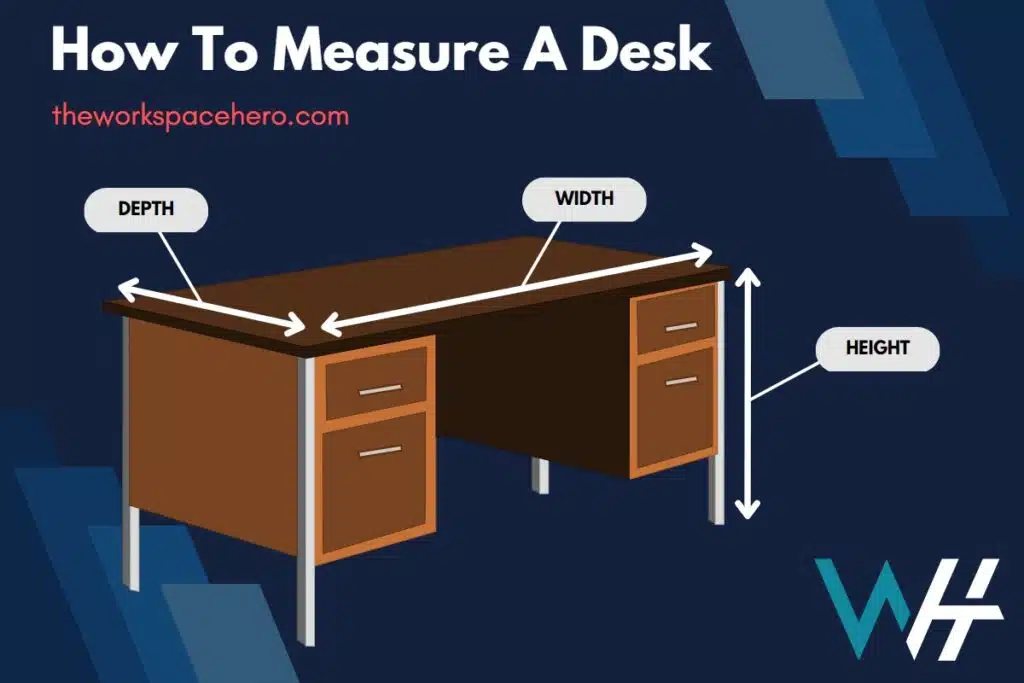

Image source: Wikimedia Commons / Mack Male from Edmonton, AB, Canada (CC BY-SA)
You’ve probably searched for “how much desk space do dual monitors need” and found a bunch of conflicting answers. One site says 50 inches. Another says 60.
A forum post claims you can squeeze two 27-inch monitors onto a 47-inch desk if you use monitor arms. That last one is actually close to the truth, but here’s the thing: the real answer depends on your specific gear and how you plan to set it up.
Manufacturer specifications for monitor dimensions vary widely, even between models with the same diagonal size. As of 2026, a typical 27-inch monitor can be anywhere from 24 to 25.5 inches wide, depending on bezel design. That difference matters when you're trying to fit two of them side by side.
In our research, we found that the single biggest variable isn't the monitor size, it's the stand you choose. So let’s walk through this step by step so you can figure out exactly what works for your desk.
Quick Answer
Two 24-inch monitors need about 44 to 48 inches of desk width. Two 27-inch monitors need about 50 to 56 inches of desk width. Two 32-inch monitors need about 58 to 66 inches of desk width.
These numbers assume side-by-side layout with standard stands. Using monitor arms cuts those numbers by 4 to 8 inches. Desk depth should be at least 24 inches for 24-inch monitors, and at least 30 inches for 27-inch or larger monitors.
Step 1 – Measure Your Desk (Width, Depth, and Material)
Before you buy anything, grab a tape measure. You need three numbers: desk width, desk depth, and desk thickness. Width is the obvious one, how much horizontal room do you have?
Depth matters just as much because a shallow desk forces you to sit too close to the screen. Thickness matters if you plan to use monitor arms with a clamp mount.
How to measure correctly:
- Measure width from edge to edge, not including any overhang or rounded corners.
- Measure depth from the front edge to the back edge. Ignore any cable management trays underneath.
- Measure thickness at the back edge where a clamp would attach. Most clamps work on surfaces 0.4 to 3 inches thick.
Desk material check:
- Solid wood or thick plywood, works with any clamp or stand.
- MDF or particle board, works with stands, but monitor arm clamps need a reinforcement plate if the desk is thin.
- Glass, avoid clamp mounts entirely. Use stands or a grommet-mount arm with a rubber protector.
- Standing desks with wire management channels, check that the back edge is solid, not hollow.
Image source: Bing (Web, fair-use with source credit)
Most standard desks sold in 2026 are either 24 inches deep (cheap office desks) or 30 inches deep (better home office desks). If yours is 24 inches deep and you want 27-inch monitors, you will likely need monitor arms to pull the screens closer to eye level and free up depth.
Step 2 – Pick Your Monitor Size and Measure Its Real Footprint
You can’t guess based on diagonal size alone. A 27-inch monitor with a thick bezel might be 25 inches wide, while a premium model with an ultra-slim bezel might be 23.8 inches. The actual width is what matters for your desk.
Where to find the real dimensions:
- Check the manufacturer’s spec sheet online. Look for “width without stand” and “width with stand.”
- If the spec sheet isn’t clear, search the model number plus “dimensions.”
- For a ballpark, use these averages (as of 2026):
| Monitor Size | Typical Width (inches) | Typical Depth with Stand (inches) |
|---|---|---|
| 24-inch | 21.5 – 22.5 | 7 – 9 |
| 27-inch | 24 – 25.5 | 8 – 10 |
| 32-inch | 28 – 30 | 9 – 12 |
Two monitors side by side (without arms):
- Add the widths of both monitors, then add 2 to 4 inches for gaps and cable space.
- For two 27-inch monitors (24.5 inches each): 24.5 + 24.5 + 3 = 52 inches minimum.
- That means you need a desk at least 52 inches wide to avoid overhang.
What about depth?
- The stand footprint needs room. A typical 27-inch monitor stand is about 9 inches deep.
- Add that to your comfortable viewing distance (usually 20 to 30 inches).
- Your desk depth must be at least the stand depth plus about 15 to 20 inches for keyboard and mouse clearance.
- For 27-inch monitors, a 24-inch deep desk feels cramped. A 30-inch deep desk feels roomy.
Step 3 – Choose Your Stand or Arm – This Changes Everything
This is the decision point that makes or breaks your dual monitor setup. You have two options: use the stands that came with the monitors, or buy monitor arms. Each path leads to a different space requirement.
Option 1: Included stands (tilt/swivel base)
- Pros: no extra cost, simple installation.
- Cons: large footprint, limited adjustability, eats up desk depth.
- Space needed: full monitor width + 2 to 4 inch gap. Depth = stand depth + 15 to 20 inches.
Option 2: Monitor arms (clamp or grommet mount)
- Pros: lifts monitors off the desk, frees up depth, allows adjustable positioning, cleaner look.
- Cons: requires compatible desk thickness, extra cost ($30 to $150 per arm), minor installation effort.
- Space needed: monitor width minus 2 to 4 inches (arms let you overlap stands), depth = just the monitor panel depth (about 2 to 3 inches) plus 15 to 20 inches.
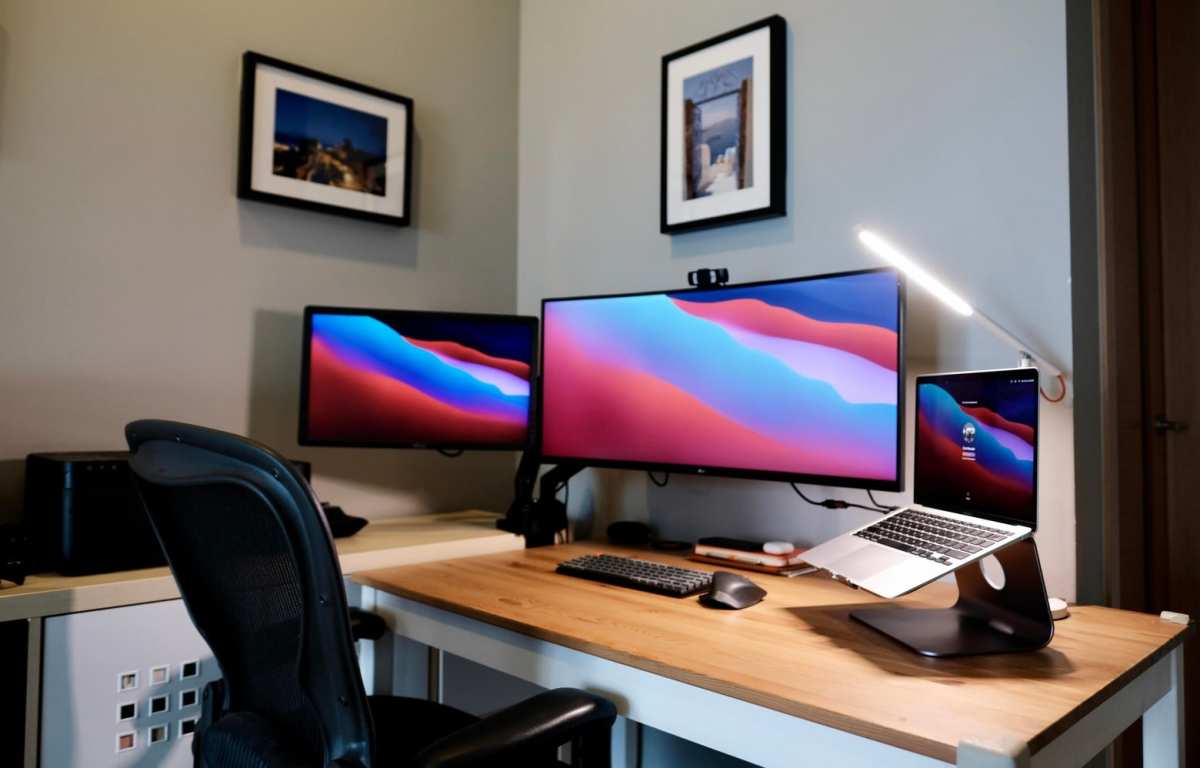
Which is better for tight spaces? Monitor arms, hands down. They reclaim 4 to 8 inches of width and up to 6 inches of depth.
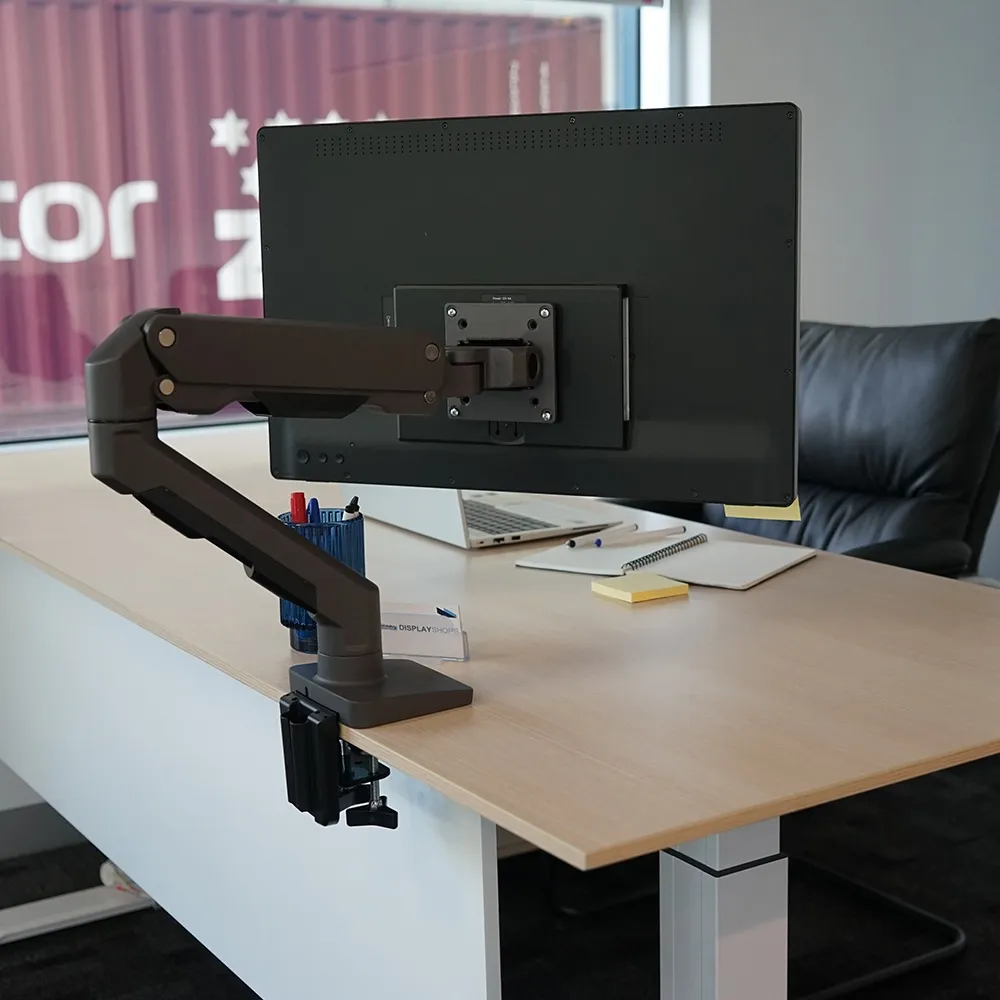
Image source: Bing (Web, fair-use with source credit)
Compatibility check:
- Clamp mount works on desks with a solid back edge, thickness 0.4 to 3 inches.
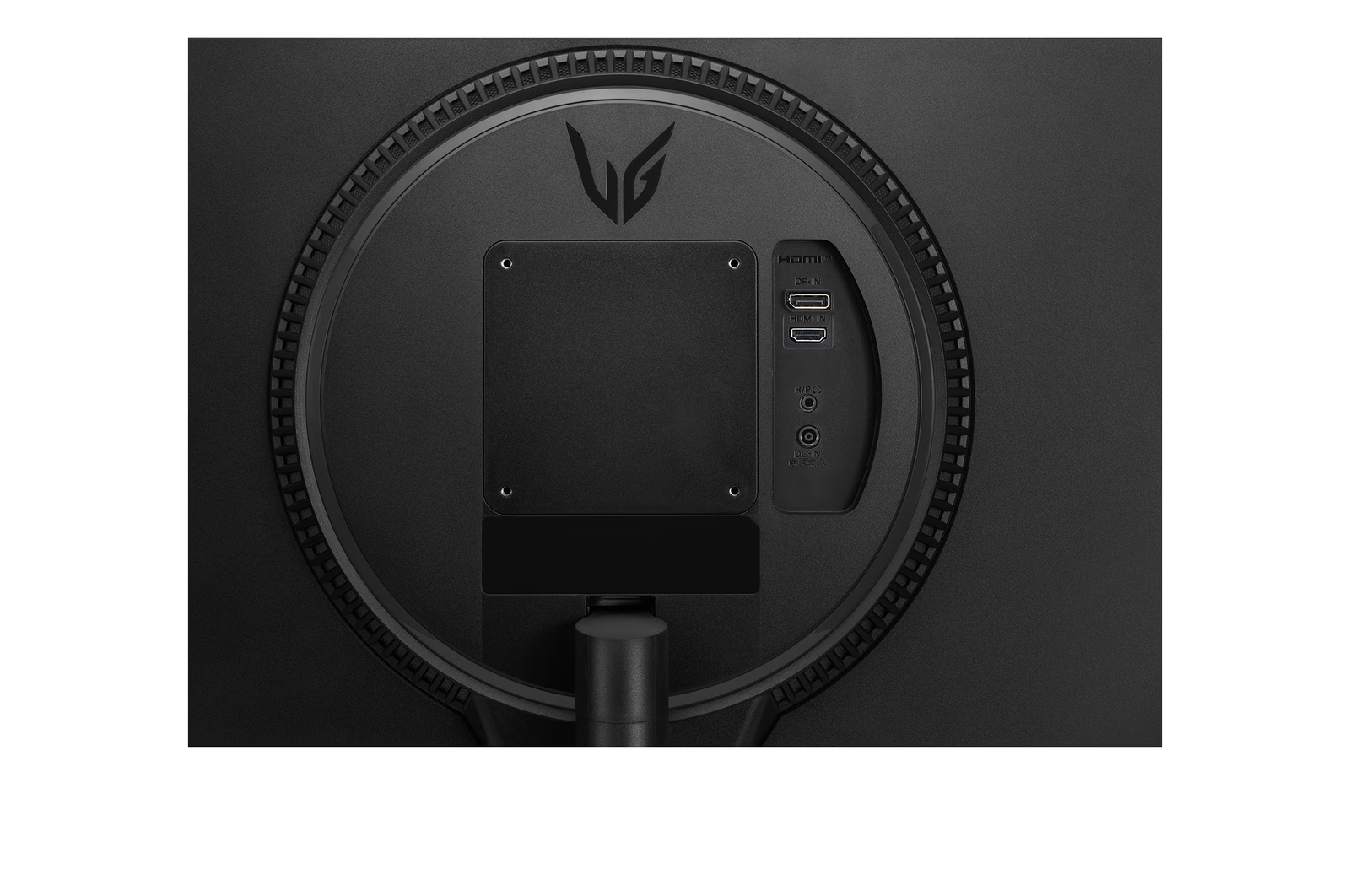
- Grommet mount requires a pre-drilled hole (usually 0.5 to 1.5 inches wide). If your desk has a grommet, you can use it.
- Avoid clamp mounts on glass or thin MDF without a reinforcement plate.
Decision Branch A: Side-by-Side with Included Stands
This is the most common setup for people who use the stands that came in the box. It’s simple, but it demands the most desk space.
Width requirements (minimum desk width, assuming 2-inch gap between monitors):
- Two 24-inch monitors: 47 inches
- Two 27-inch monitors: 53 inches
- Two 32-inch monitors: 62 inches
Depth requirements:
- Minimum desk depth: 24 inches for 24-inch monitors, 30 inches for 27-inch or larger.
- Why? You need room for the stand base plus your keyboard and mouse without your wrists bent backward.
If your desk is smaller than these minimums:
- You can angle the monitors slightly inward, that reduces the effective width needed by 2 to 4 inches.
- You can place one monitor in landscape and one in portrait (if your work allows it). That cuts total width significantly.
- You can push the monitors as far back as possible and use a smaller keyboard tray.
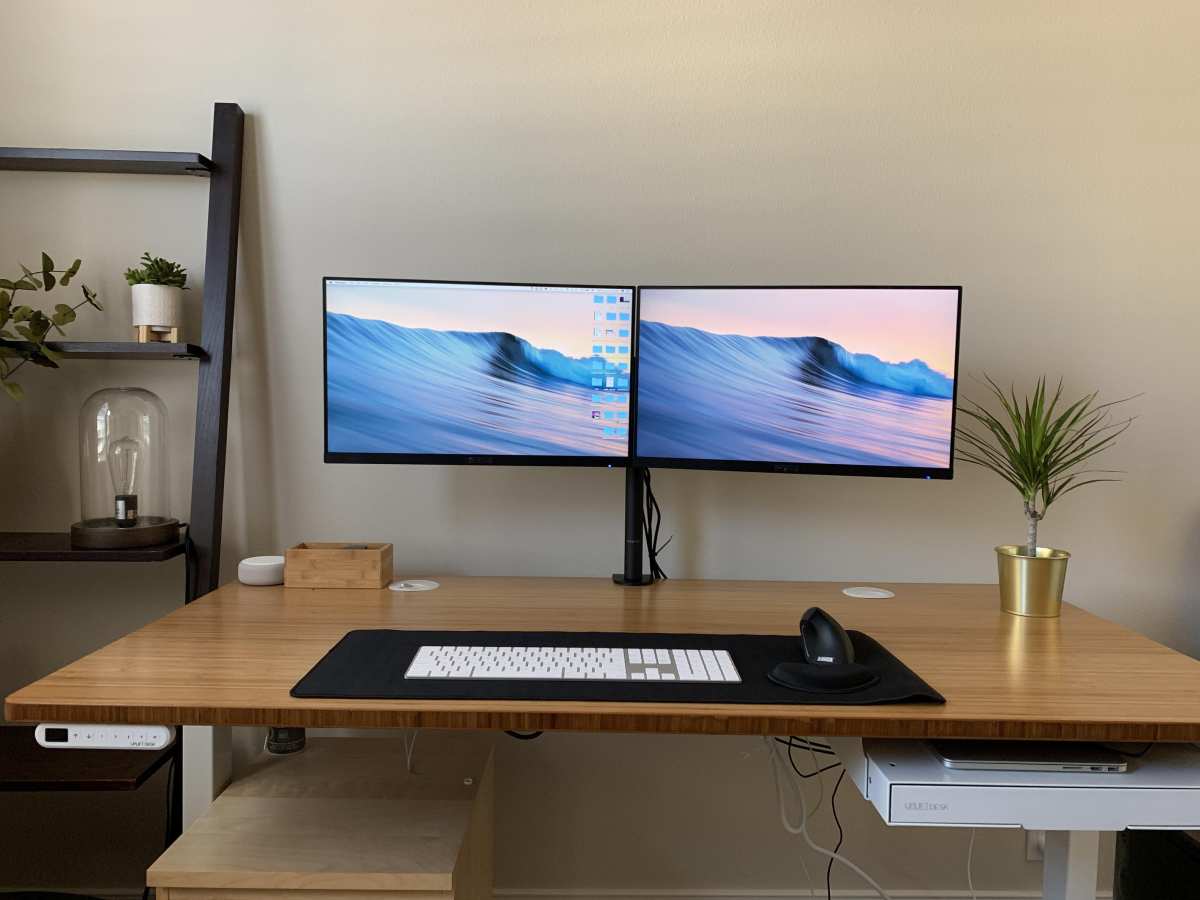
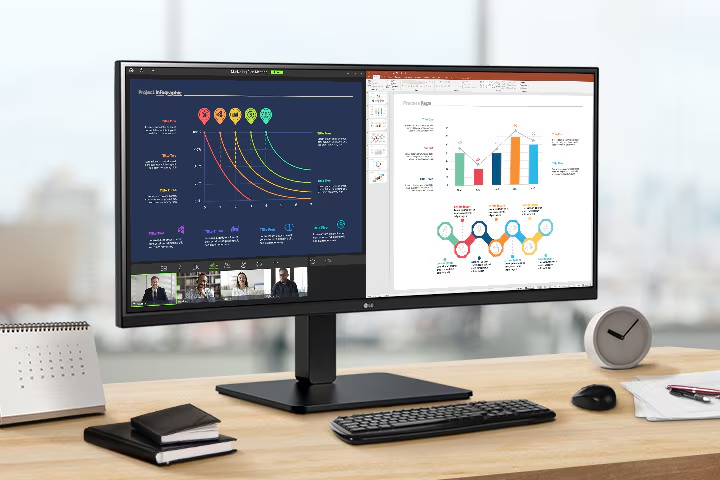
Real-world example: A 48-inch desk with two 24-inch monitors works fine with stands. A 48-inch desk with two 27-inch monitors feels tight, you’ll have about 2 inches of total breathing room. That’s doable but not comfortable.
Drawback of stands: The stand bases take up real estate on your desk. You can’t slide documents underneath them. You lose usable surface area for notes, a phone, or a coffee mug.
When to skip this branch: If your desk is under 50 inches wide and you want 27-inch or larger monitors, or if your desk depth is under 26 inches. In those cases, monitor arms make a much bigger difference.
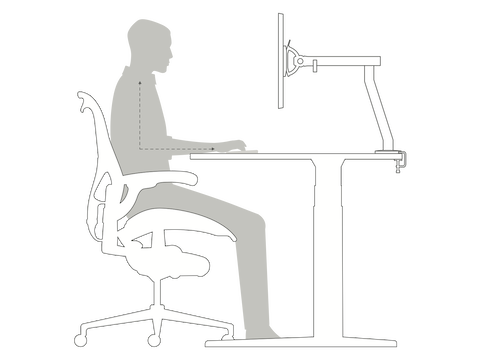
Image source: Bing (Web (fair-use with source credit))

Similar Posts