do curved gaming monitors reduce eye strain
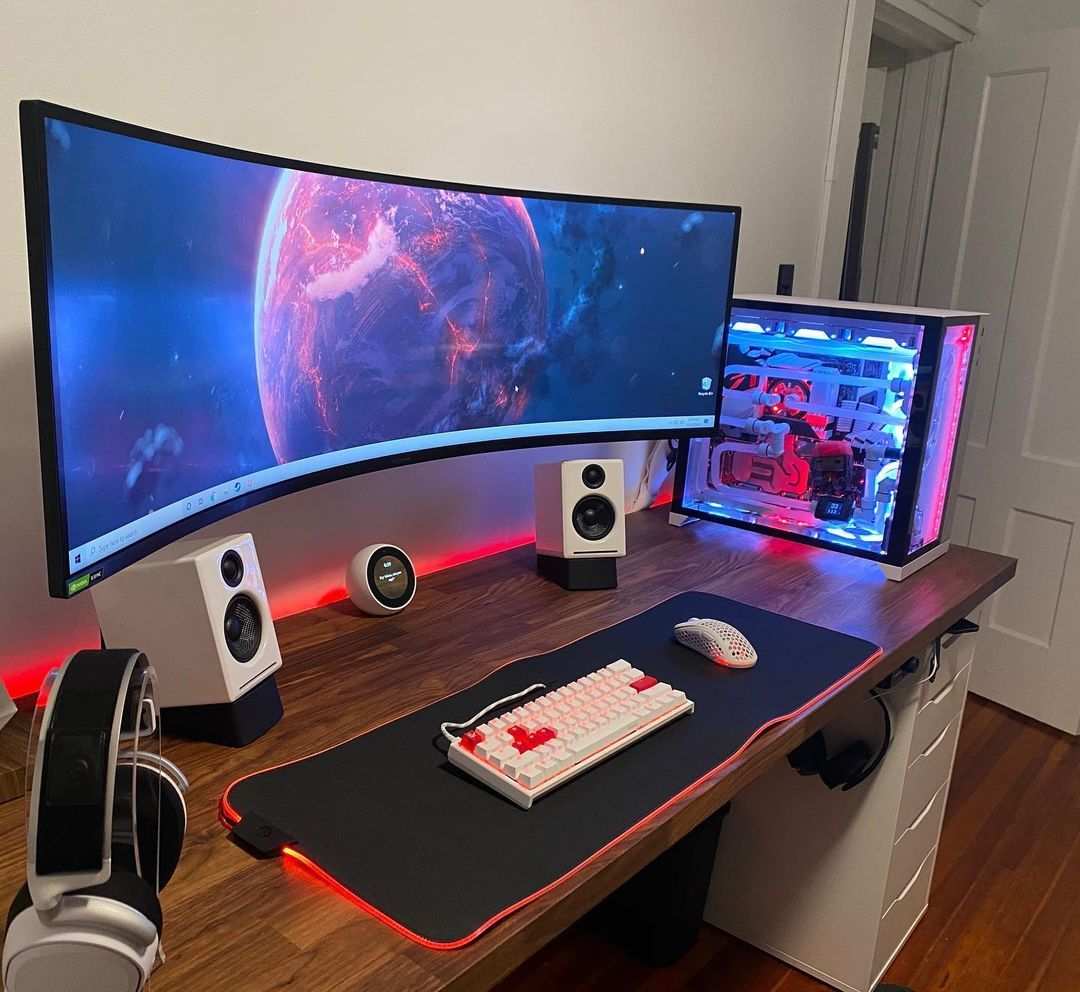
Do curved gaming monitors reduce eye strain? The short answer is: sometimes, but not the way you'd think. A curved screen doesn't directly prevent eye fatigue.
What it can do, under the right conditions, is reduce how far your eyes have to move to see the edges of a very large display. That matters for ultra‑wide monitors 32 inches and bigger. For smaller screens or poorly set‑up workstations, the curve adds nothing, and can even make things worse.
Why This Question Needs an Honest Answer
Eye strain is one of the most common complaints among people who spend hours in front of a screen. And curved monitors get marketed as a fix. The pitch sounds logical: a curved screen wraps around your field of view, keeping every part of the display at the same distance from your eyes.
Less focusing = less fatigue. Makes sense on paper.
But the reality is messier. The curve doesn't change the blue light your monitor emits. It doesn't stop the screen from flickering.
It doesn't adjust your room's lighting or fix an outdated glasses prescription. And most importantly, the average desk depth doesn't match the optimal viewing distance for the typical monitor curvature.
That's why you need a clear, honest breakdown, not marketing spin. As of 2026, the consensus among vision researchers and ergonomic standards bodies is clear: curvature is a minor factor in digital eye strain. The big levers are brightness, contrast, flicker, posture, and breaks.
We'll walk through each of those, and exactly where a curved monitor does or doesn't help.
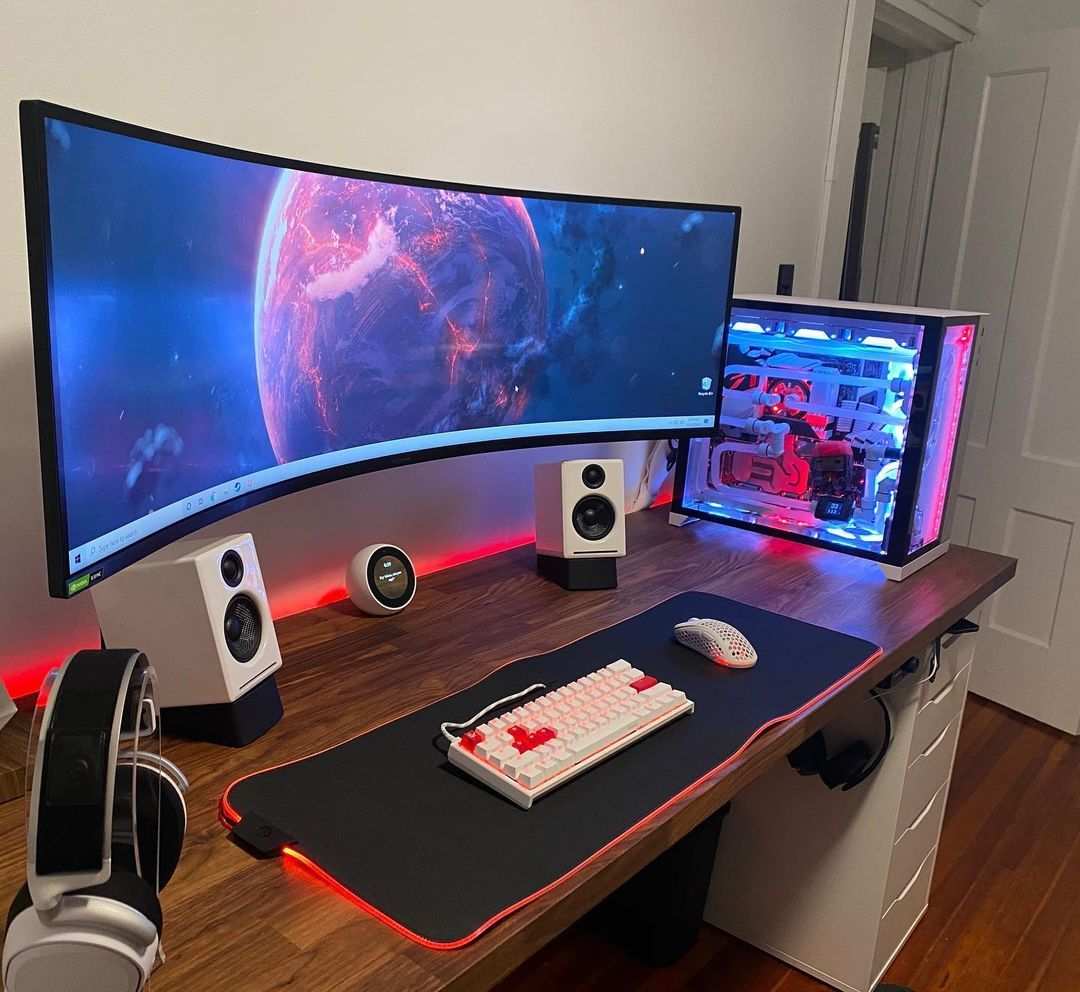
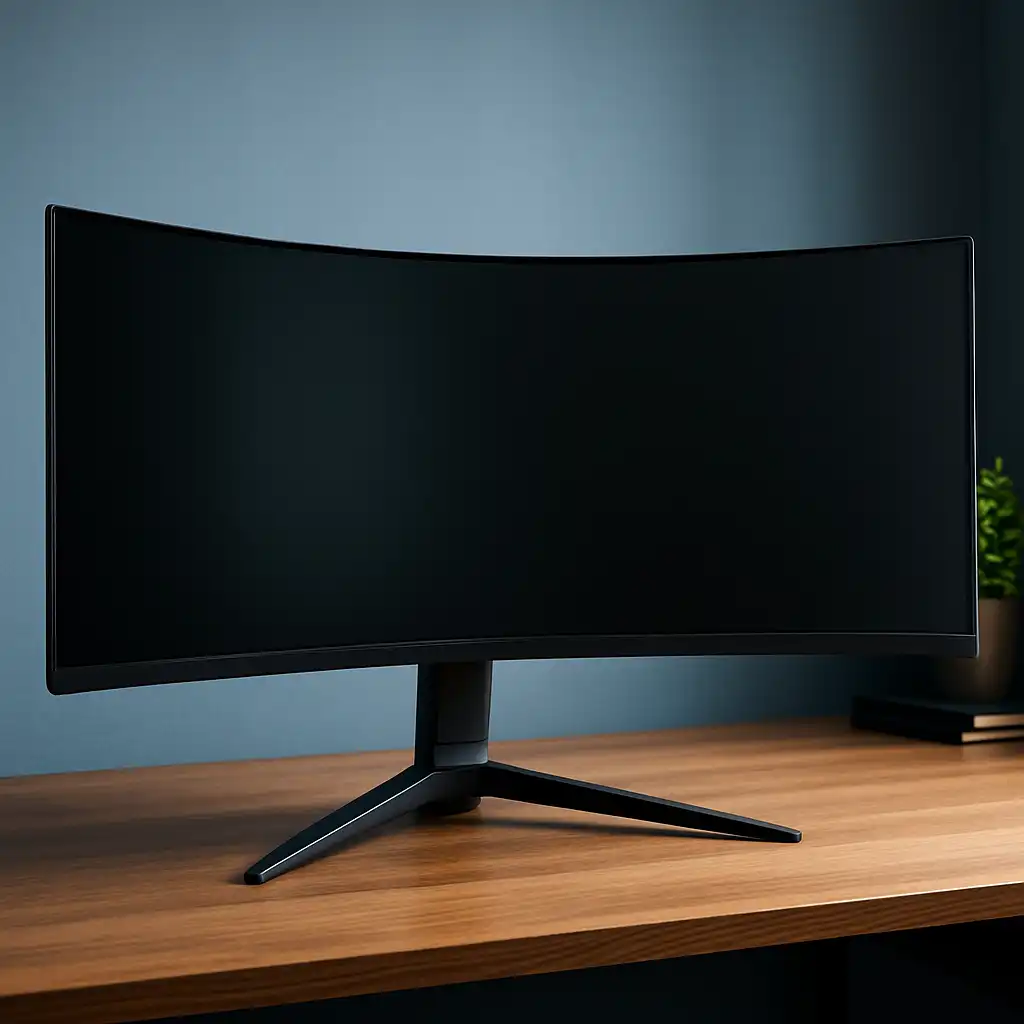
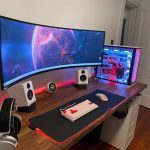
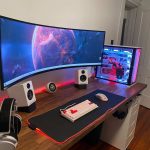
Image source: Bing (Web (fair‑use with source credit))
The Quick Answer (Spoiler: It’s Not a Simple Yes or No)
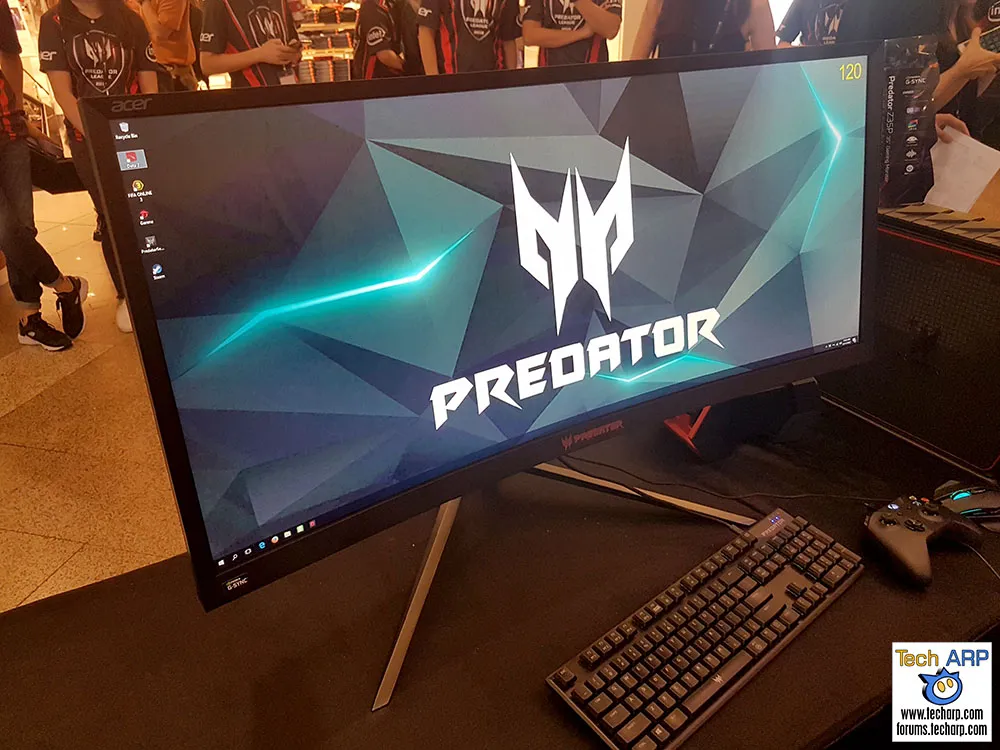
Curved gaming monitors can reduce eye strain for a specific subset of users: those running very large (32‑inch or bigger) or ultra‑wide (21:9 or 32:9) screens at the correct viewing distance. For everyone else, the benefit is marginal at best.
Here's why it's conditional. Eye strain comes from several sources. A curved screen addresses exactly one of them: the need to constantly refocus and redirect your eyes across a wide display.
That's called saccadic eye movement and accommodation demand. When your screen is wide enough that your peripheral vision can't comfortably reach both ends, a curve reduces the distance your eyes travel.
But that only works when you sit at the right distance. Manufacturer specifications indicate that a 1000R curve (the tightest currently available) is designed for a viewing distance of about one meter. Most gaming desks are 60 to 80 cm deep.
So a 1000R monitor forces you to sit closer than the ideal, which increases accommodation demand and can worsen eye strain. A gentler 1800R curve works better at typical desk depths.
Bottom line: curve alone won't fix your tired eyes. But paired with the right monitor size, correct desk setup, and good lighting habits, it can be a helpful piece of the puzzle. Not a magic bullet.
What Actually Causes Digital Eye Strain
Let's clear up a common misunderstanding. Eye strain from screens, doctors call it computer vision syndrome, isn't caused by one thing. It's a stack of small stresses that add up over a long session.
The Five Main Stressors
| Stressor | What It Does | How Curve Affects It |
|---|---|---|
| Accommodation demand | Your lens has to constantly flex to keep text sharp at a fixed distance. Over hours, the ciliary muscle tires. | Curve can reduce variation in focal distance on very wide screens, but the effect is tiny on screens under 32 inches. |
| Convergence demand | Your eyes must turn inward to focus on a near object. The wider the screen, the more your eyes diverge at the edges. | A curve helps keep convergence more uniform across the display – but only if you sit at the correct distance. |
| Blue light exposure | High‑energy visible light can disrupt sleep cycles and cause retinal stress over decades. | No effect. Curved screens emit the same blue light as flat ones. |
| Flicker | Some LED backlights pulse at 200‑400 Hz, causing imperceptible but fatiguing flicker. | No effect. Check for flicker‑free certification (TÜV Rheinland) regardless of screen shape. |
| Reduced blink rate | You blink 60‑70% less when staring at a screen. Dry, irritated eyes are the number one symptom. | No effect. Nothing about a curve changes your blink reflex. |
So what actually works? The American Optometric Association recommends the 20‑20‑20 rule: every 20 minutes, look at something 20 feet away for 20 seconds. That gives your ciliary muscle a real break.
Also, position your monitor so the top bezel is at or just below eye level. And keep your screen 50‑70 cm from your face.
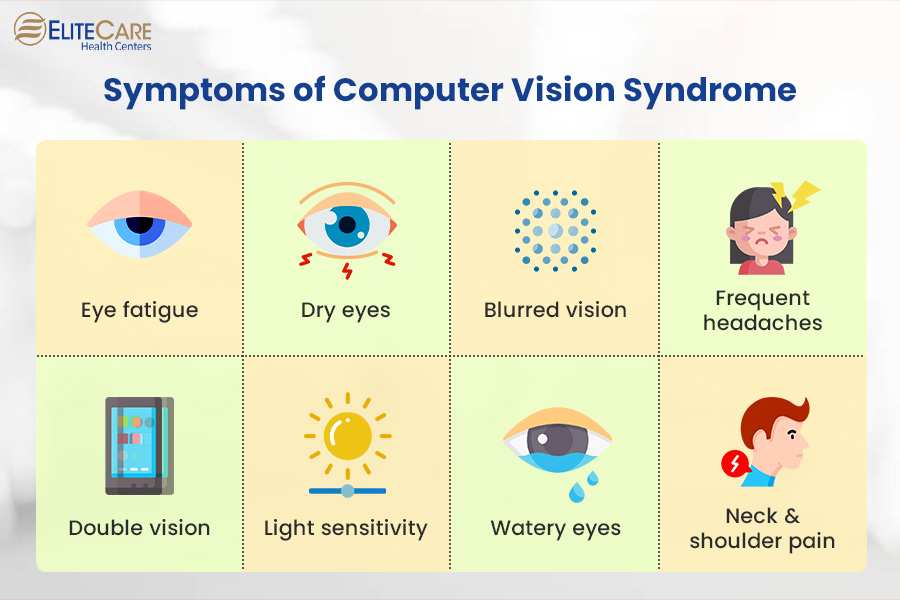
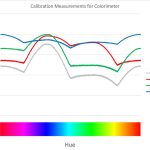
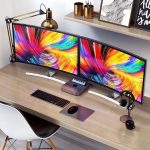
Image source: Bing (Web (fair‑use with source credit))
How Screen Curvature Interacts with Your Eyes
The theory behind curved screens is elegant. Your retina is curved, it's the back of a sphere. So a flat screen presents an image that's slightly farther from your eyes at the edges than at the center.
Your brain has to constantly adjust focus and eye position.
A curved monitor aims to make every pixel the same distance from your eye. That should, in theory, reduce the accommodation and convergence demands we talked about.
But the theory has a practical problem: your eyes aren't fixed in place. You move your head and shift your gaze. The ideal focal distance changes with every glance.
A curve that's perfect for the center of your vision doesn't help when you're reading text in the corner of the screen.
How Curvature Radius Matters
Monitors come with different curve radii. The number tells you the radius of the imaginary circle the screen is bent to match. Lower numbers mean tighter curves.
| Curvature | Radius | Ideal Viewing Distance | Typical Use Case |
|---|---|---|---|
| 1000R | 1 meter | ~1 m (100 cm) | Immersive gaming on 49‑inch ultra‑wides |
| 1500R | 1.5 meters | ~1.5 m (150 cm) | 32‑inch monitors, mid‑sized desks |
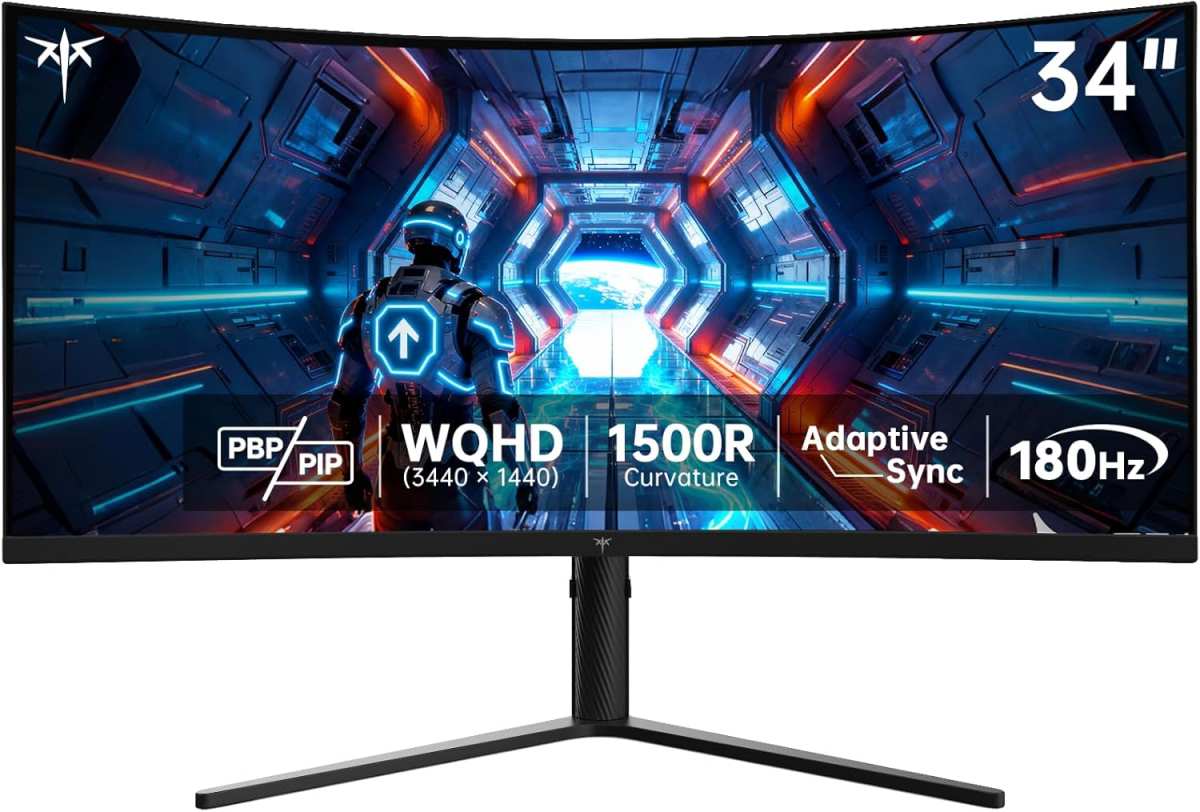
| 1800R | 1.8 meters | ~1.8 m (180 cm) | Common on 27‑34 inch screens |
| 3000R | 3 meters | ~3 m (300 cm) | Subtle curve, wide field of view |
Now check your desk depth. Most standard desks are 60‑80 cm deep. So a 1000R monitor's ideal viewing distance is 1 meter, further back than your desk probably allows.
If you're sitting 70 cm away with a 1000R curve, the edges of the screen are still closer to your face than they should be. The curve is working against you.
An 1800R curve matches a 60‑80 cm viewing distance much better. That's why it's the most common curvature on the market. But even then, the benefit is modest.
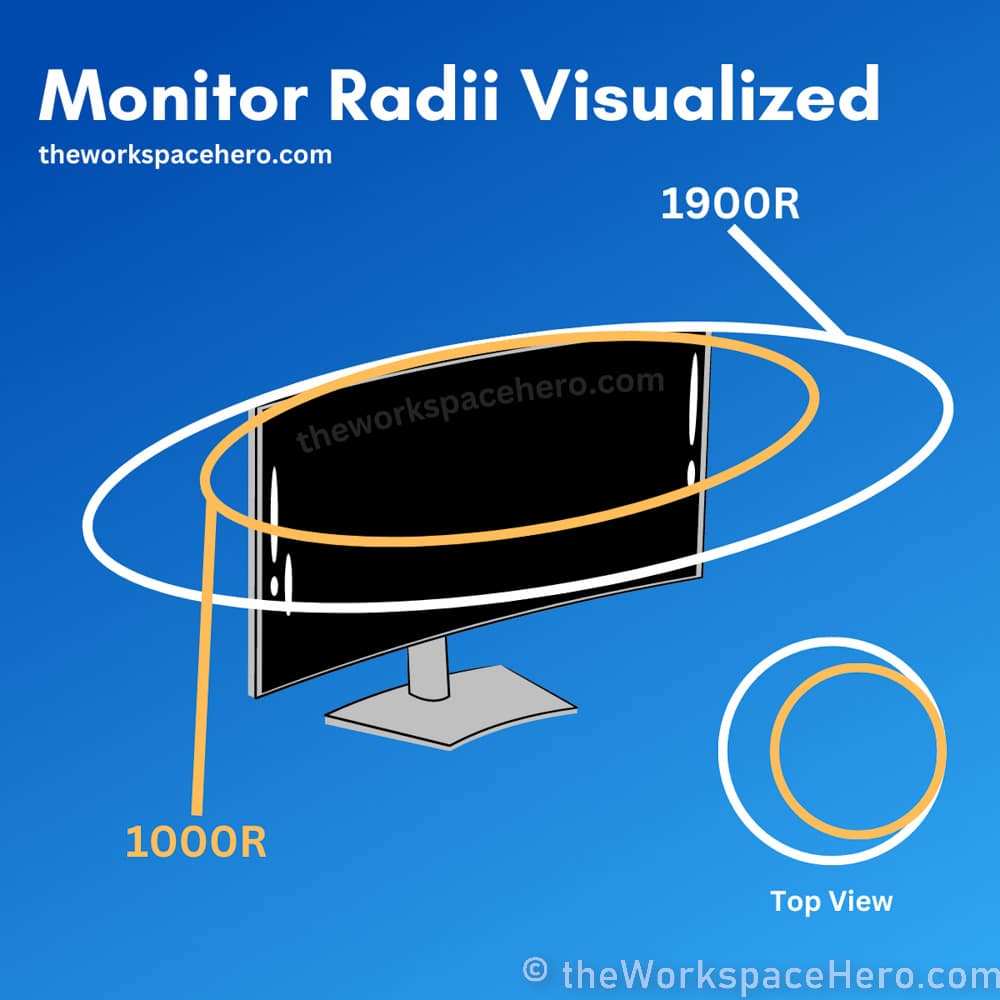
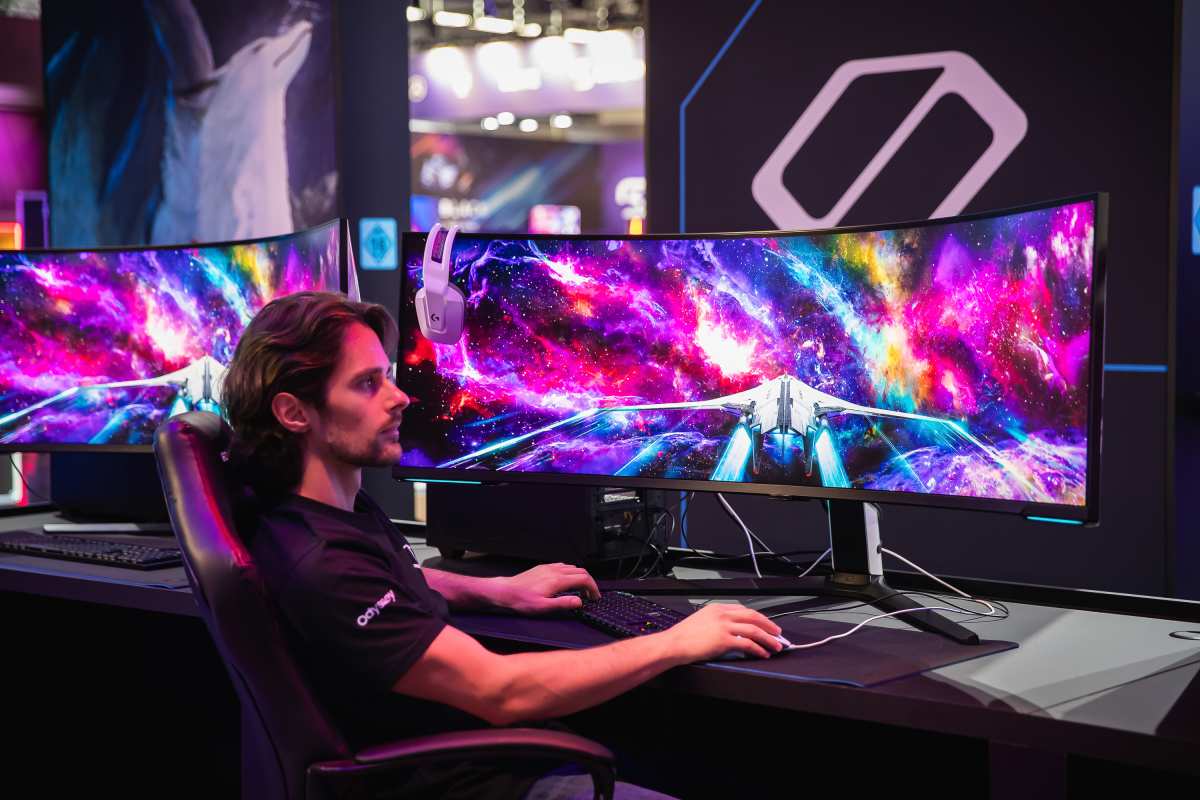
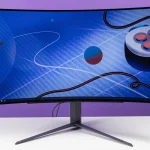
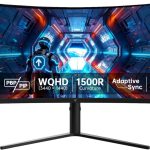
Image source: Bing (Web (fair‑use with source credit))
Where Curved Monitors Can Help (and Where They Can’t)
Let's be specific. In our research, we found that curved monitors offer a meaningful advantage in exactly two scenarios.
Where a Curve Helps
1. Ultra‑wide screens (34 inches and bigger)
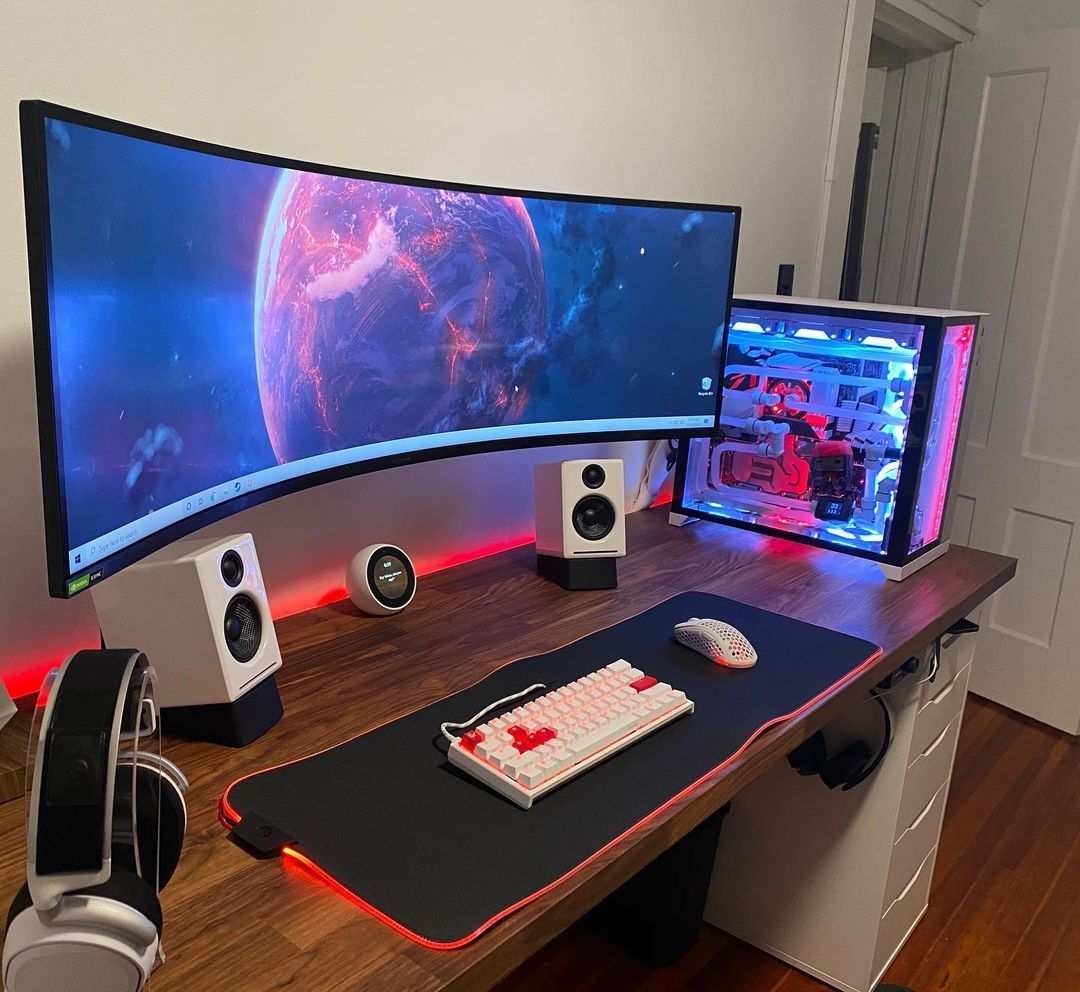
On a 49‑inch flat monitor, the edges can be 40‑50 degrees off from center. Your eyes have to saccade (jump) back and forth constantly. A gentle curve (1500R or 1800R) reduces those angle changes and lowers saccadic strain.
Aggregate reviews from long‑session gamers confirm less eye fatigue on curved ultra‑wides compared to flat ones of the same size.
2. Immersive gaming in dim light
If you're playing a single‑player game with a controller and sitting at a consistent distance, the curve can reduce the need for head movement. That's a comfort win, but it's not the same as reducing visual fatigue.
Where a Curve Doesn't Help
1. Small or medium screens (27 inches and under)
On a 27‑inch monitor, the edges are already close enough to your central vision. A flat screen works just as well. The curve adds no measurable difference in eye strain for monitors under 32 inches.
2. Tasks that require straight lines
If you do spreadsheet work, coding, or photo editing, curved screens can introduce barrel distortion. Straight lines appear bent. That can actually increase eye strain because your brain has to interpret distorted geometry.
3. Poor desk setups
If your monitor is too high, too low, or too close, curve won't fix that. If your room lighting creates glare, curve often makes it worse because reflected light hits your eyes at different angles across the screen.
4. Anyone with uncorrected vision
If your prescription is even slightly off, your eyes work harder regardless of screen shape. An annual eye exam is a cheaper and more effective solution than a curved monitor.
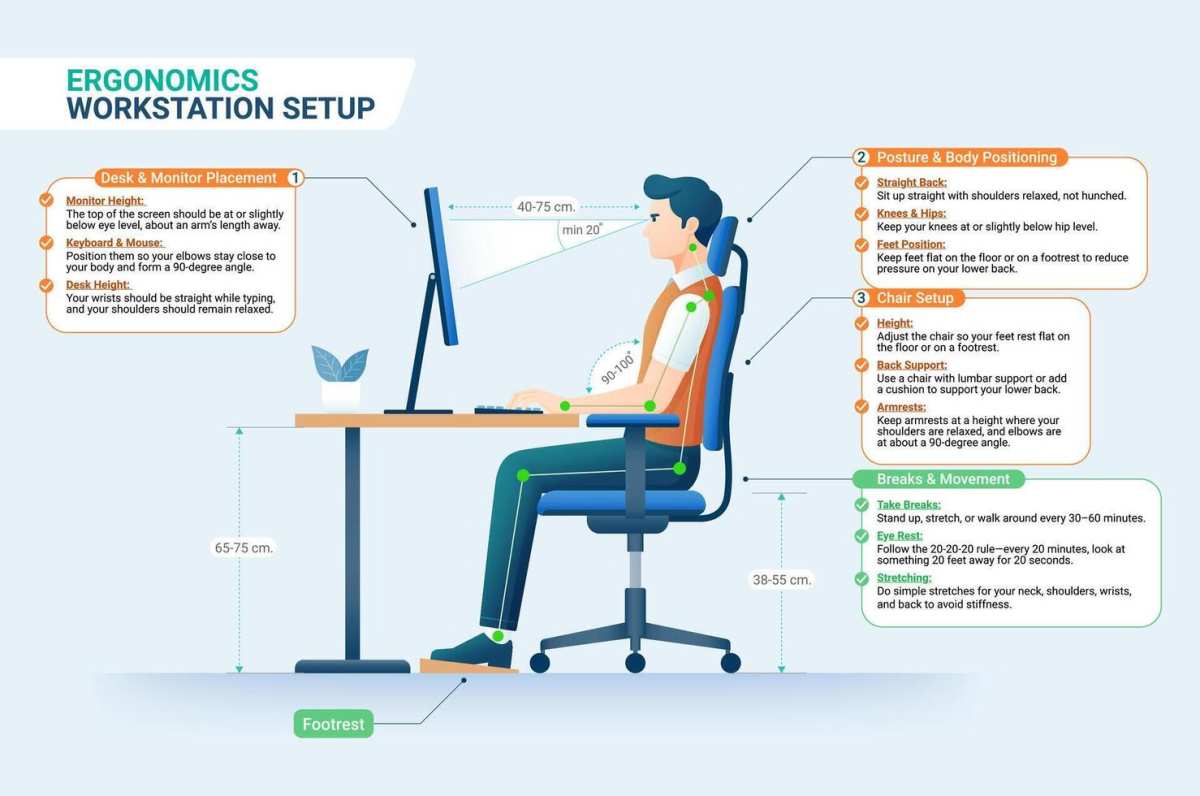
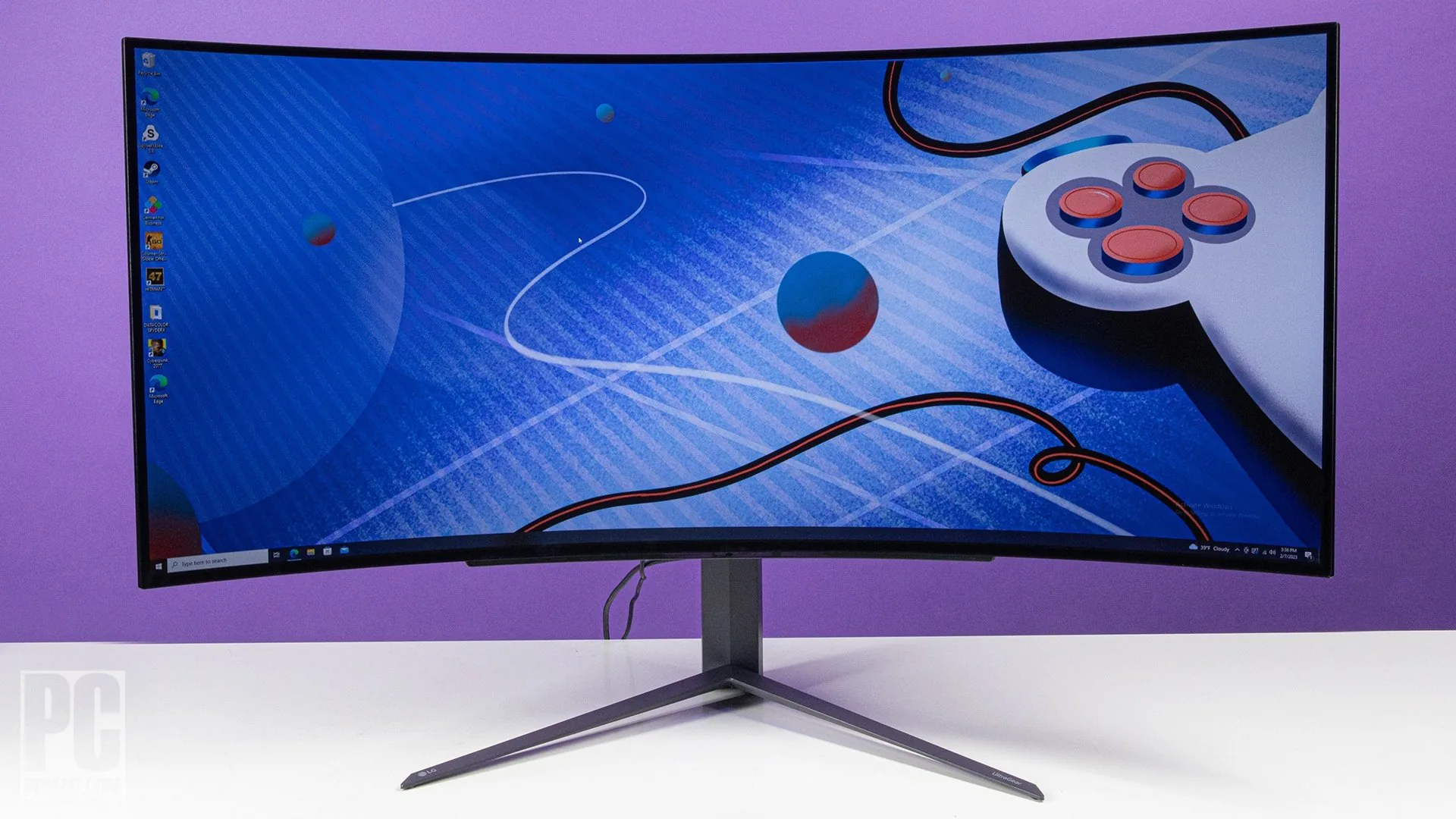
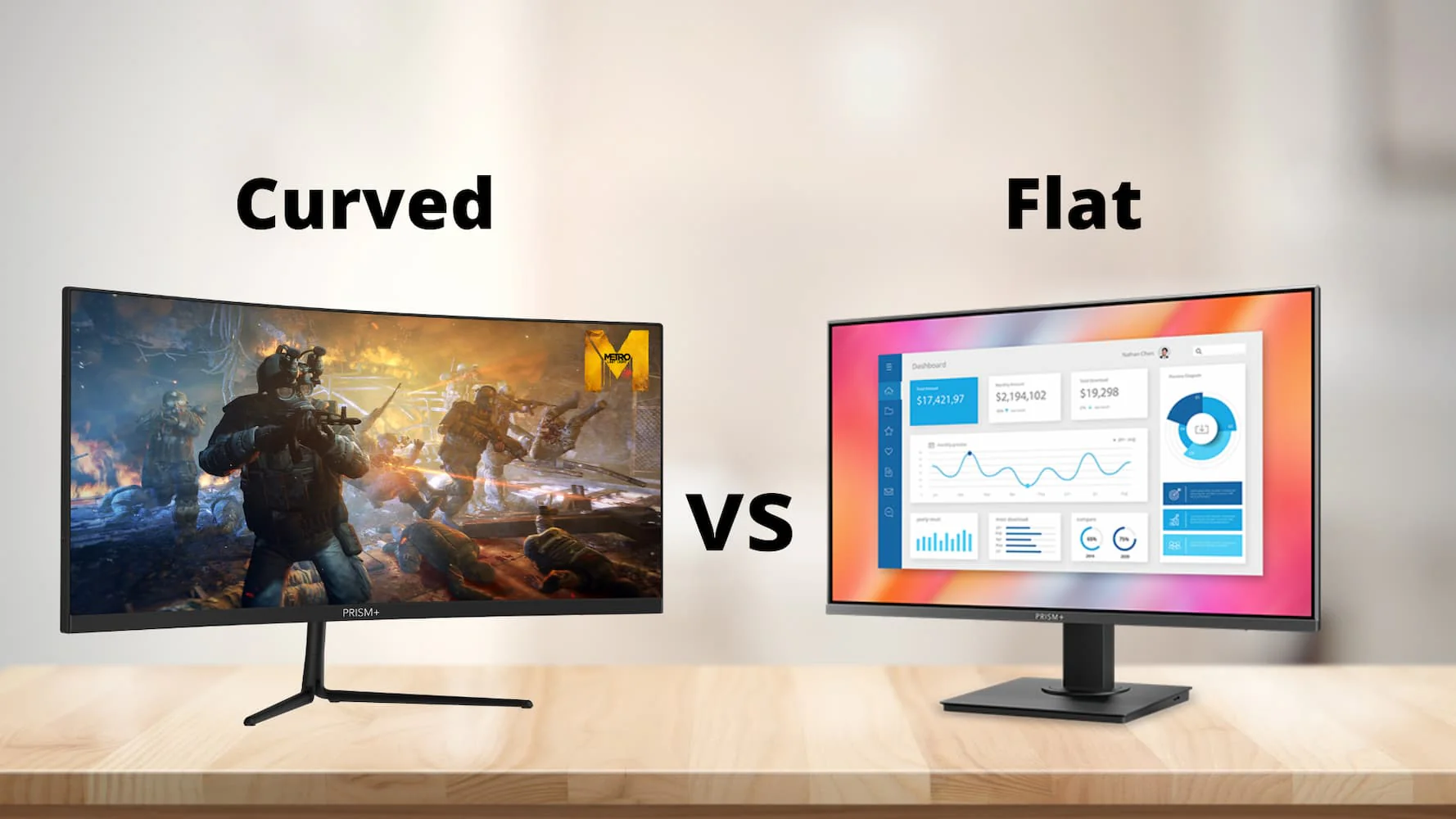
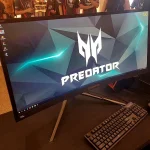
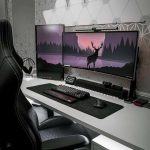
Image source: Bing (Web (fair-use with source credit))

Similar Posts