Is Curved Gaming Monitor Worth It
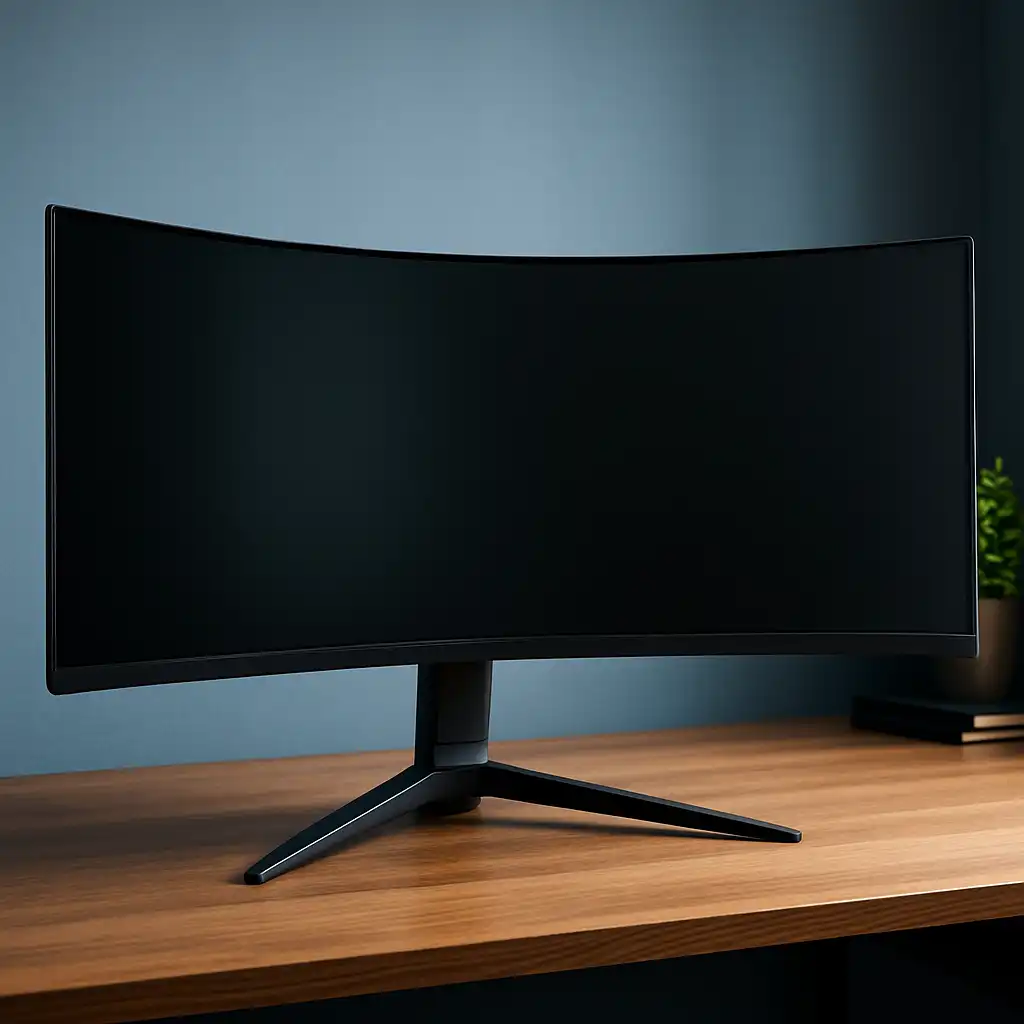
You've probably seen curved gaming monitors everywhere and wondered if the hype is real. Is curved gaming monitor worth it? The honest answer is yes for some gamers and no for others, and the difference comes down to what you play, how far you sit from your screen, and what you're willing to spend.
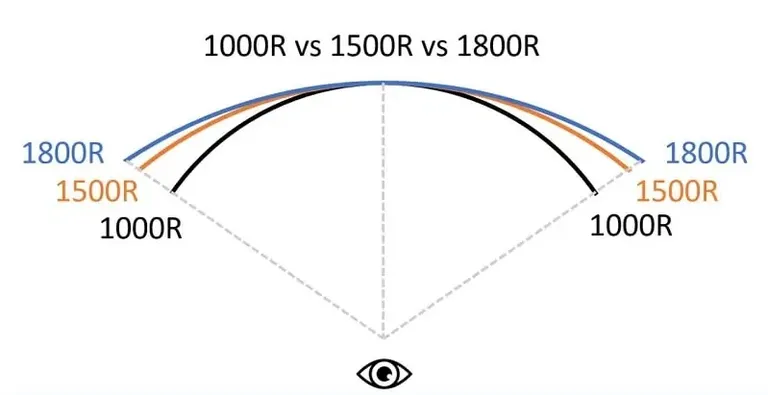
Curved monitors use a concave panel design that wraps the display slightly around your field of view. The curve is measured in "R" (radius), with numbers like 1000R, 1500R, and 1800R indicating how aggressively the screen bends. Lower numbers mean a tighter curve.
As of 2026, curved monitors have become mainstream in the gaming space, but they're not automatically better than flat panels for every situation.
Quick Answer
A curved gaming monitor is worth it for immersive single-player games, sim racing, and ultrawide setups. It is not ideal for competitive FPS or color-critical work. The right curve radius depends on screen size and viewing distance.
Expect to pay more than an equivalent flat monitor.
What "Curved" Actually Means (And Why the Number Matters)
The curve of a monitor is expressed as a radius, measured in millimeters. You'll see numbers like 1000R, 1500R, 1800R, and sometimes 3000R or 4000R. The "R" stands for radius, and the number tells you the distance at which a full circle would be formed by extending the curve.
A 1000R curve is aggressive and wraps tightly around you. A 4000R curve is barely noticeable, just a gentle arc.
Here's the practical way to think about it. If you sit one meter (about 39 inches) from a 1000R monitor, every point on the screen is roughly the same distance from your eyes. That's the whole point.
Flat monitors have edges that sit farther away from you than the center, which can cause slight eye strain as your eyes refocus across the panel. A properly matched curve eliminates that problem.
The sweet spot for most gaming monitors falls between 1000R and 1800R. Samsung popularized the 1000R curve with its Odyssey line, and it's become the standard for aggressive gaming curves. The 1500R and 1800R options are more relaxed and work well if you sit a bit farther back or if the screen is smaller.
Size matters here too. A 27-inch curved monitor with a 1000R curve can feel overwhelming because the screen wraps into your peripheral vision aggressively. That same 1000R curve on a 49-inch ultrawide feels natural because the panel is wide enough to justify the wrap.
The general rule is this: bigger screens handle tighter curves better.
Curved vs. Flat: The Honest Breakdown
Let's lay this out properly. Curved and flat monitors each have genuine strengths, and the right choice depends entirely on your use case.
Where Curved Monitors Win
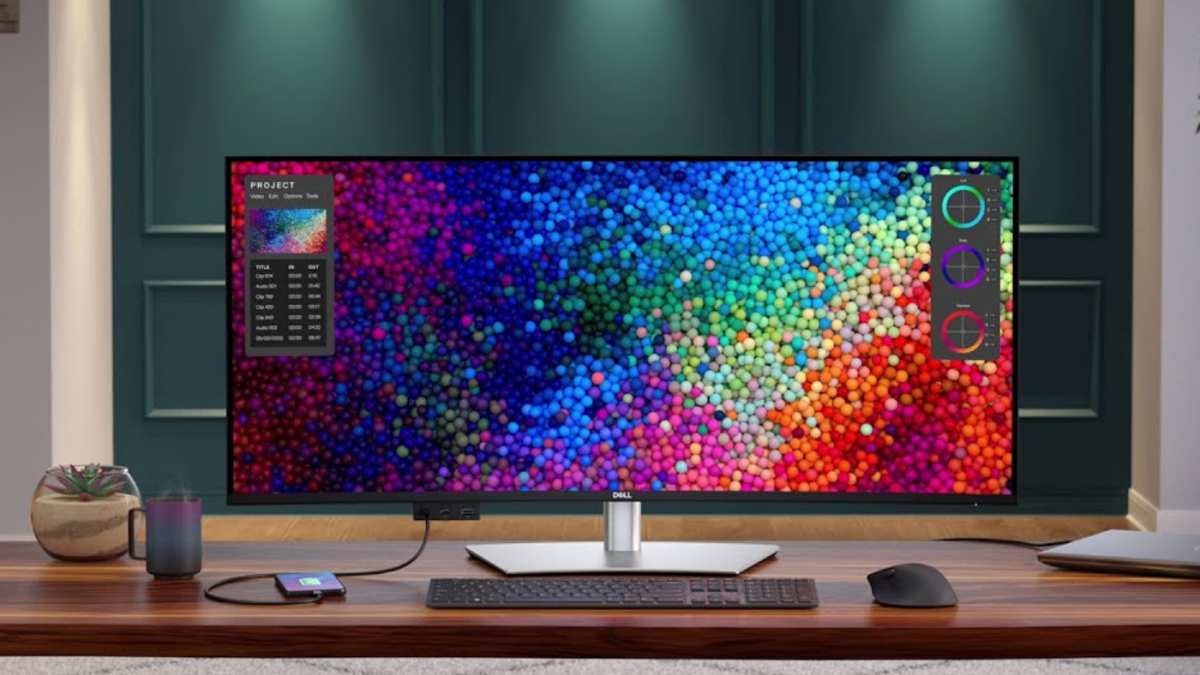
Curved monitors shine in immersion-heavy scenarios. When you're playing a story-driven RPG, exploring an open world, or racing through a virtual track, the curve pulls you into the experience. Your peripheral vision fills with the game world instead of empty desk space.
It genuinely feels different, and photos don't capture it well enough. You have to see it in person.
Eye comfort is another real benefit. Because the curve keeps all parts of the screen at a more uniform distance from your eyes, your lenses don't have to refocus as constantly when your gaze moves from center to edge. Several users in aggregate reviews report less eye fatigue during long gaming sessions on curved panels compared to flat ones of the same size.
Curved VA panels also tend to deliver deeper perceived contrast than flat VA panels. The curve helps maintain color consistency at the edges, which is where flat panels sometimes show slight washed-out quality at acute viewing angles.
Where Flat Monitors Still Make More Sense
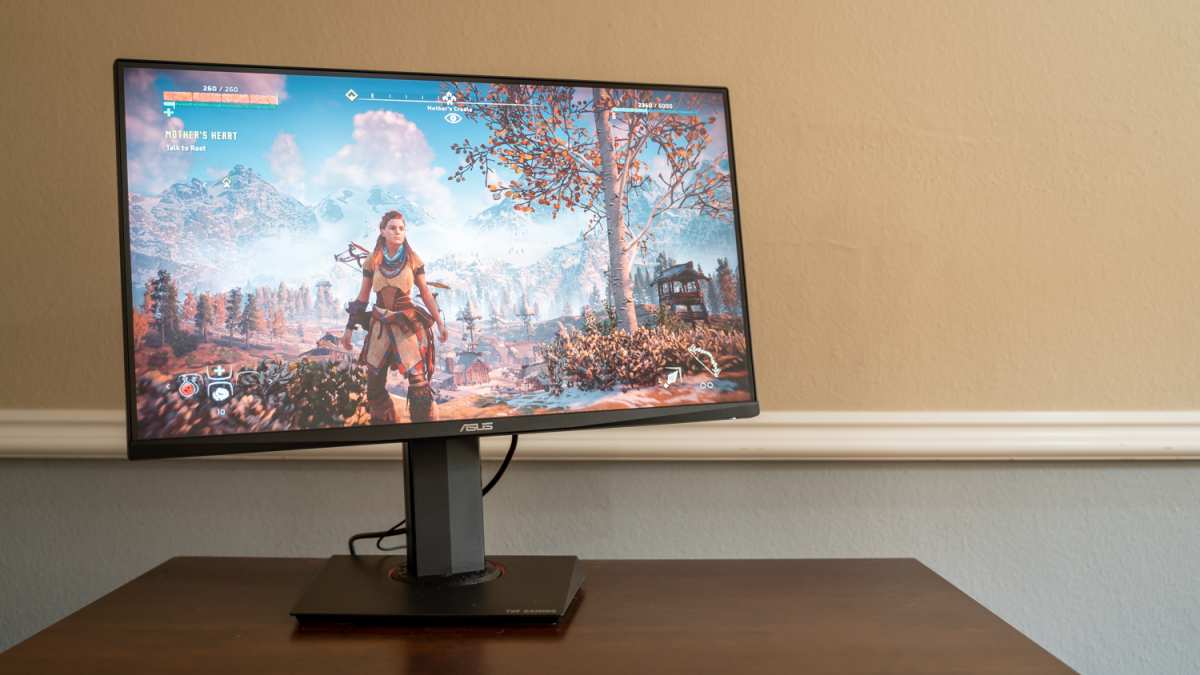
Flat monitors are better for precision work. If you play competitive shooters like CS2 or Valorant, a flat screen gives you a geometrically accurate image. Straight lines in the game world look like straight lines on your screen.
On a curved monitor, those same lines bend slightly, which can affect crosshair placement perception and spatial accuracy.
Flat panels are also easier to mount on walls and monitor arms without special considerations. They work better in multi-monitor setups because you can align bezels cleanly. And they're almost always cheaper than curved equivalents with the same specs.
Color-critical work like photo editing or video grading is safer on flat. Even the best curved panels introduce slight geometric distortion that makes precise color and detail judgment less reliable across the full screen.
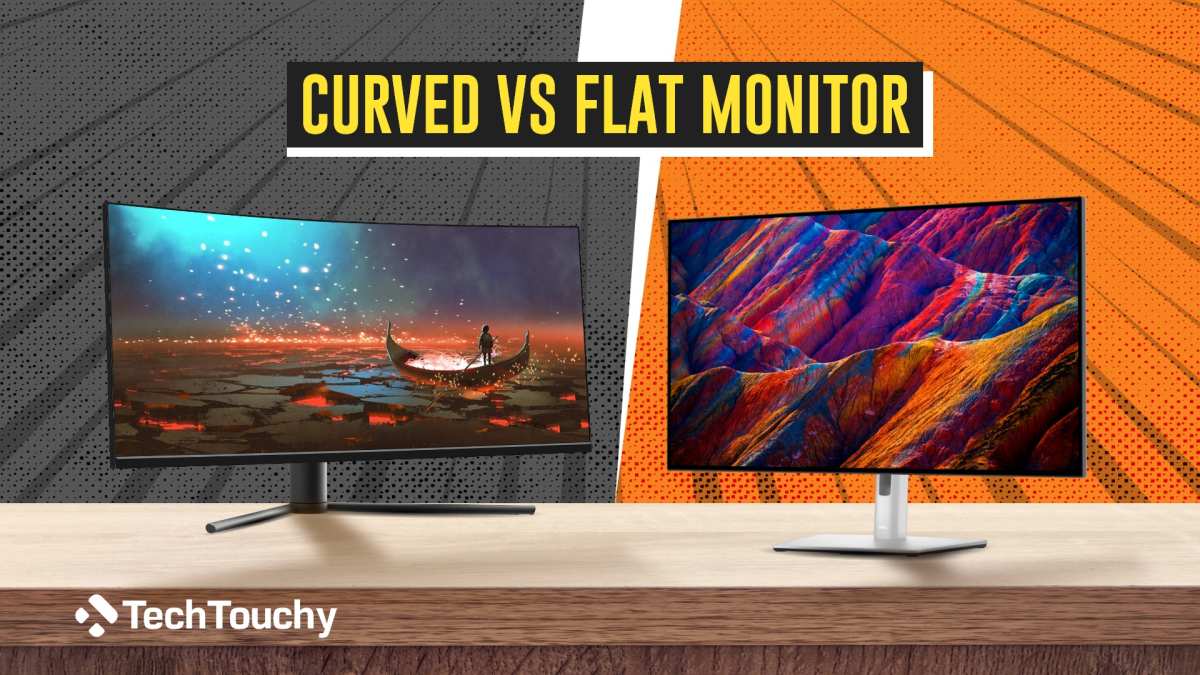
Side-by-Side Comparison: Curved vs. Flat at a Glance
| Factor | Curved Gaming Monitor | Flat Gaming Monitor |
|---|---|---|
| Immersion | Excellent, fills peripheral vision | Good, but edges feel distant |
| Eye comfort (long sessions) | Better, uniform eye-to-screen distance | Acceptable, more refocusing needed |
| Competitive FPS accuracy | Slight geometric distortion | Pixel-perfect geometry |
| Color-critical work | Not ideal | Preferred choice |
| Price | Typically $30-$100+ more | Baseline pricing |
| Wall mounting | Possible but trickier | Straightforward |
| Multi-monitor setups | Difficult to align bezels | Easy to align |
| Best screen size range | 32" and above | Any size |
| Sim racing / flight sim | Outstanding | Functional but less immersive |
Best Curve Radius for Your Setup
Choosing the wrong curve radius is one of the most common mistakes buyers make. Here's a practical breakdown.
1000R is the most aggressive curve you'll commonly find. It pairs best with 32-inch and larger screens, and it's ideal if you sit about 3 to 4 feet from your monitor. This is the curve Samsung uses across its Odyssey gaming line, and it delivers the strongest immersion effect.
If you're sitting closer than 3 feet, it can feel like the screen is closing in on you.
1500R is the middle ground. It works well with 27-inch to 34-inch monitors and suits a wider range of viewing distances. If you're not sure what to get, 1500R is the safest bet for most desk setups.
1800R is a gentler curve found on many ultrawide monitors, especially 34-inch and 38-inch models. It's subtle enough that you might not even notice the curve at first, but it still provides the eye-comfort benefits. This is a good choice if you want some of the curved advantages without the dramatic wrap effect.
3000R and 4000R are barely curved at all. These are more about marketing than function. At these radii, the curve is so minimal that you won't experience the real benefits of a curved display.
Most buyers are better off going flat or stepping down to at least 1800R.
Your desk depth matters here. If your desk is 24 inches deep or shallower, a 1000R curve on a large screen will feel overwhelming. You'll want 1500R or 1800R instead.
Deeper desks (30 inches or more) handle tighter curves comfortably.
Who Should Buy a Curved Gaming Monitor
Not everyone benefits equally from a curved panel. Here's who gets the most value.
Single-Player Immersion Gamers
If your gaming time is spent in titles like Baldur's Gate 3, Cyberpunk 2077, Elden Ring, or Red Dead Redemption 2, a curved monitor transforms the experience. The wrap effect makes you feel inside the world rather than looking at it through a window. This is where curved panels earn their reputation.
Sim Racing and Flight Sim Enthusiasts
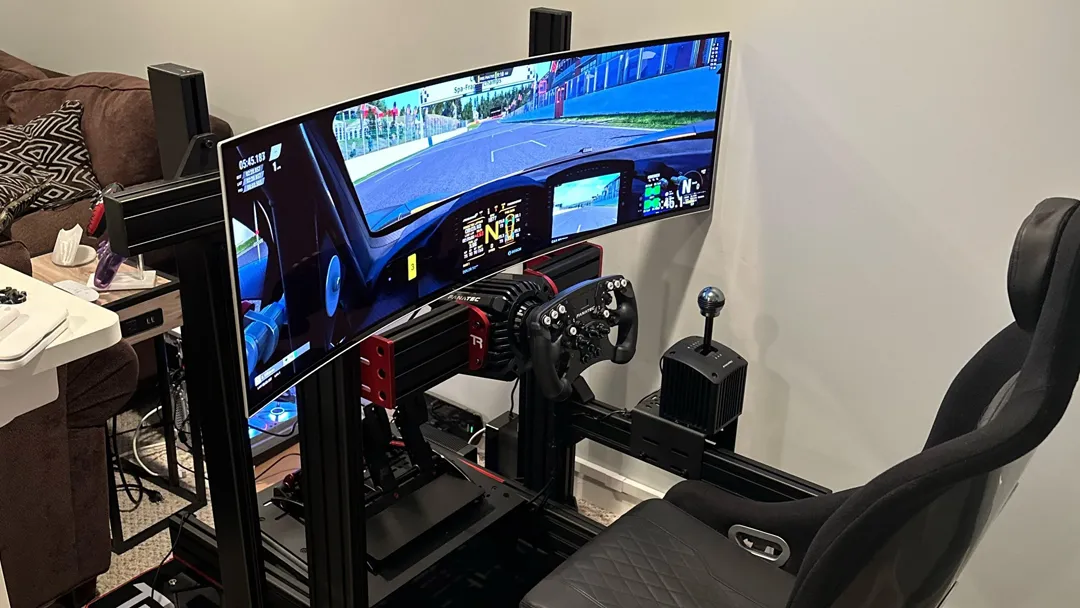
This is arguably the strongest use case for curved monitors. Racing sims and flight sims rely heavily on peripheral vision for spatial awareness. A curved ultrawide fills that peripheral field naturally.
Many sim racers consider a curved 32:9 or 21:9 monitor essential to their setup.
Ultrawide Multi-Taskers
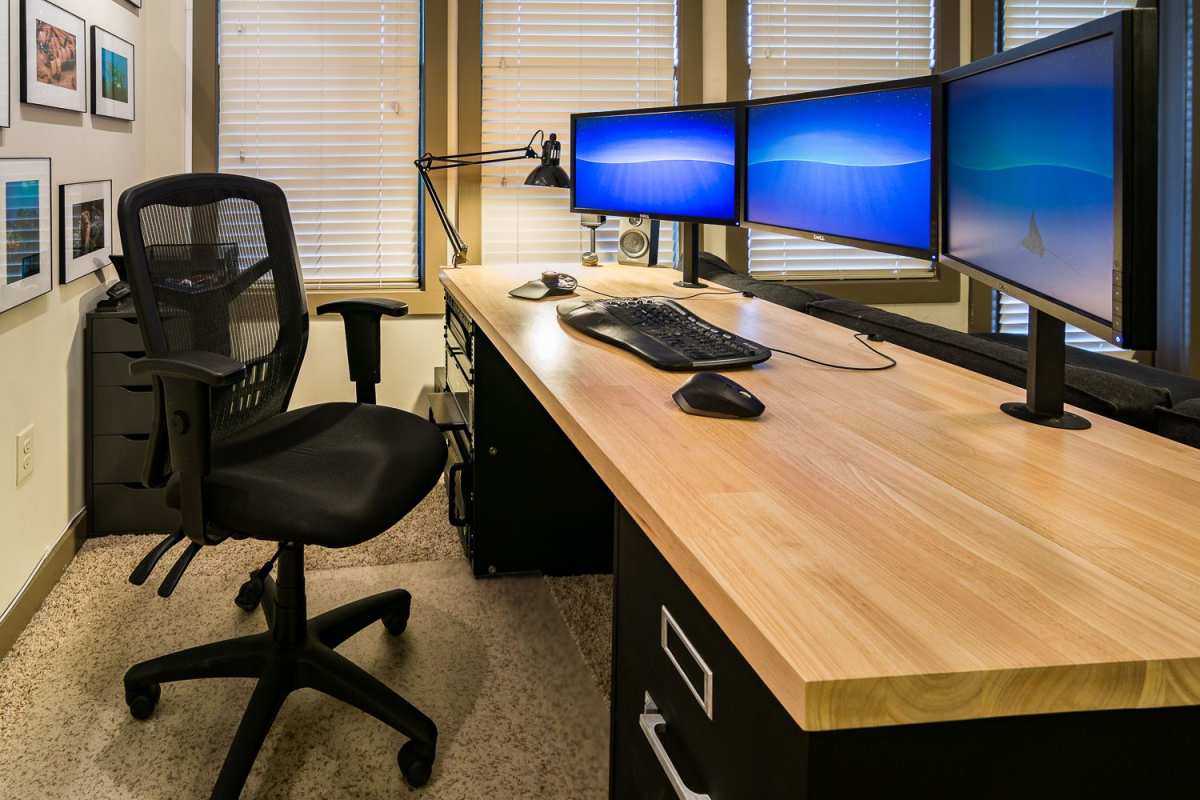
If you're replacing a dual-monitor setup with a single ultrawide, a curve makes that single panel feel manageable. Without it, a 34-inch or wider flat ultrawide pushes the edges so far to your periphery that they become hard to see without turning your head.
Console Gamers on PS5 or Xbox Series X
Both current-gen consoles support ultrawide output and high refresh rates. A curved 32-inch 4K or 34-inch ultrawide curved monitor pairs beautifully with console gaming from a couch or desk chair at close range.
Who Should Stick With Flat
Competitive FPS Players
If you primarily play Valorant, CS2, Apex Legends, or Rainbow Six Siege at a competitive level, stick with flat. The geometric distortion of a curve, however slight, affects how you perceive straight lines and angles. When pixel-perfect aim matters, flat is the standard for a reason.
Color-Critical Creators
Photo editors, video colorists, and graphic designers should use flat monitors for accurate work. Curved panels introduce subtle spatial distortion that makes precise judgment across the full screen less reliable. Use a curved monitor for gaming and a flat one for professional color work if you need both.
Shallow Desk Owners
If your desk is less than 24 inches deep, a tight curve on anything 32 inches or larger will feel like the screen is surrounding you in a way that's uncomfortable rather than immersive. Flat monitors work at any desk depth without this issue.
Common Mistakes People Making When Buying Curved
Buying a curved monitor without considering these factors leads to regret.
Ignoring desk depth. A 49-inch 1000R curve on a shallow desk is a recipe for neck strain. Match the curve and size to your actual sitting distance.
Assuming curved is always better. It's not. Curved monitors solve specific problems (immersion, eye comfort at large sizes) and create others (geometry distortion, higher cost). Know what you're trading.
Buying based on curve radius alone. A 1000R curve on a cheap VA panel with slow response time will give you ghosting that ruins the experience. Panel quality, refresh rate, and response time matter more than how aggressive the curve is.
Forgetting about mounting. Curved monitors are heavier and bulkier than flat equivalents. Standard VESA mounts work, but the curve adds leverage. Make sure your monitor arm is rated for the weight and size.
Expecting the curve to fix a bad panel. A curve improves the viewing experience on a good panel. It doesn't turn a mediocre display into a great one. Prioritize panel quality first, curve second.
What You'll Actually Pay: Pricing Reality Check
Curved gaming monitors carry a premium over flat equivalents. Here's what the market looks like as of 2026.
A solid 27-inch 1440p 165Hz curved monitor starts around $250 to $300. Step up to 32-inch 4K 144Hz and you're looking at $400 to $600 for quality options. Ultrawide curved monitors (34-inch to 38-inch, 3440×1440, 144Hz+) typically run $500 to $900.
The premium tier, 49-inch super-ultrawide 1000R curves with QD-OLED panels, sits between $1,000 and $1,500.
For comparison, flat monitors with similar specs cost roughly $30 to $100 less at each tier. The curve premium is real but not extreme. If immersion matters to you, most buyers consider it money well spent.
The best value in curved gaming right now sits in the 32-inch 4K 144Hz category. Prices have dropped significantly over the past two years, and you can find excellent options from Samsung, LG, and MSI in the $400 to $500 range.
Expert Tips Before You Hit "Buy"
Before you commit, keep these practical points in mind.
Check your GPU output. Make sure your graphics card supports the resolution and refresh rate of the curved monitor you want. Driving a 49-inch 5120×1440 display at 240Hz requires a high-end GPU and DisplayPort 1.4 or HDMI 2.1.
Read response time specs carefully. Curved VA panels are notorious for ghosting if response time is slow. Look for GtG (Grey to Grey) response times of 4ms or lower. Manufacturer specs can be misleading, so check independent reviews for actual performance.
Consider the Samsung Odyssey line as a benchmark. Samsung dominates the curved monitor market with its Odyssey G7, G9, and OLED G9 models. Even if you don't buy Samsung, use their specs as a reference point when comparing other brands.
Try before you buy if possible. The curve experience is subjective. What feels immersive to one person feels disorienting to another. If you can visit a store and spend five minutes with a curved display, it's worth the trip.
Don't overlook curved IPS options. Most curved monitors use VA panels for the contrast advantage, but curved IPS panels exist and offer better color accuracy and viewing angles. They cost more but are worth considering if color quality matters to you.
Frequently Asked Questions
Is a curved monitor better for gaming than flat?
A curved monitor is better for immersive gaming experiences like RPGs, racing sims, and open-world titles. For competitive FPS gaming, flat monitors remain the preferred choice due to geometric accuracy.
What is the best curve radius for a 32-inch monitor?
For a 32-inch monitor viewed from 3 to 4 feet away, 1000R or 1500R works best. The 1000R delivers maximum immersion, while 1500R offers a more relaxed curve that's comfortable at varied distances.
Do curved monitors cause eye strain?
Curved monitors typically reduce eye strain compared to flat panels of the same size. The uniform distance from your eyes to all screen points means less refocusing. However, an overly aggressive curve at close range can cause discomfort.
Can you use a curved monitor for work and productivity?
Yes, curved ultrawide monitors work well for productivity, especially as dual-monitor replacements. However, for color-critical tasks like photo editing or graphic design, a flat monitor is more appropriate.
Are curved monitors good for PS5 and Xbox gaming?
Both PS5 and Xbox Series X work well with curved monitors. A 32-inch 4K 144Hz curved monitor or a 34-inch ultrawide curved display pairs nicely with current-gen consoles for an immersive couch or desk gaming experience.
How far should you sit from a curved gaming monitor?
For a 1000R curve, sit approximately 3 to 4 feet from the screen. For 1500R, 3 to 5 feet works well. Larger screens benefit from slightly greater viewing distances to take full advantage of the curve without overwhelming your field of view.
Final Verdict: The Decision Guide
Here's the simplest way to decide. Ask yourself two questions. What do you primarily play?
How far do you sit from your screen?
If you play immersive single-player games, sim racing, or flight sims, and you sit at least 3 feet from a 32-inch or larger monitor, a curved panel is absolutely worth the premium. The immersion and eye comfort benefits are real and noticeable.
If you mainly compete in FPS titles, do color-critical creative work, or have a shallow desk, stick with flat. You'll save money and avoid the trade-offs that come with a curve.
For everyone in between, a 1500R curve on a 32-inch 1440p or 4K monitor is the safest middle ground. It gives you meaningful immersion without the aggressive wrap that can feel overwhelming. You can always go flatter later, but most people who try a well-matched curved monitor don't go back.
Frequently Asked Questions
Is a curved monitor better for gaming than flat?
A curved monitor is better for immersive gaming experiences like RPGs, racing sims, and open-world titles. For competitive FPS gaming, flat monitors remain the preferred choice due to geometric accuracy.
What is the best curve radius for a 32-inch monitor?
For a 32-inch monitor viewed from 3 to 4 feet away, 1000R or 1500R works best. The 1000R delivers maximum immersion, while 1500R offers a more relaxed curve that's comfortable at varied distances.
Do curved monitors cause eye strain?
Curved monitors typically reduce eye strain compared to flat panels of the same size. The uniform distance from your eyes to all screen points means less refocusing. However, an overly aggressive curve at close range can cause discomfort.
Can you use a curved monitor for work and productivity?
Yes, curved ultrawide monitors work well for productivity, especially as dual-monitor replacements. However, for color-critical tasks like photo editing or graphic design, a flat monitor is more appropriate.
Are curved monitors good for PS5 and Xbox gaming?
Both PS5 and Xbox Series X work well with curved monitors. A 32-inch 4K 144Hz curved monitor or a 34-inch ultrawide curved display pairs nicely with current-gen consoles for an immersive couch or desk gaming experience.
How far should you sit from a curved gaming monitor?
For a 1000R curve, sit approximately 3 to 4 feet from the screen. For 1500R, 3 to 5 feet works well. Larger screens benefit from slightly greater viewing distances to take full advantage of the curve without overwhelming your field of view.

Similar Posts