are curved monitors good for xbox gaming
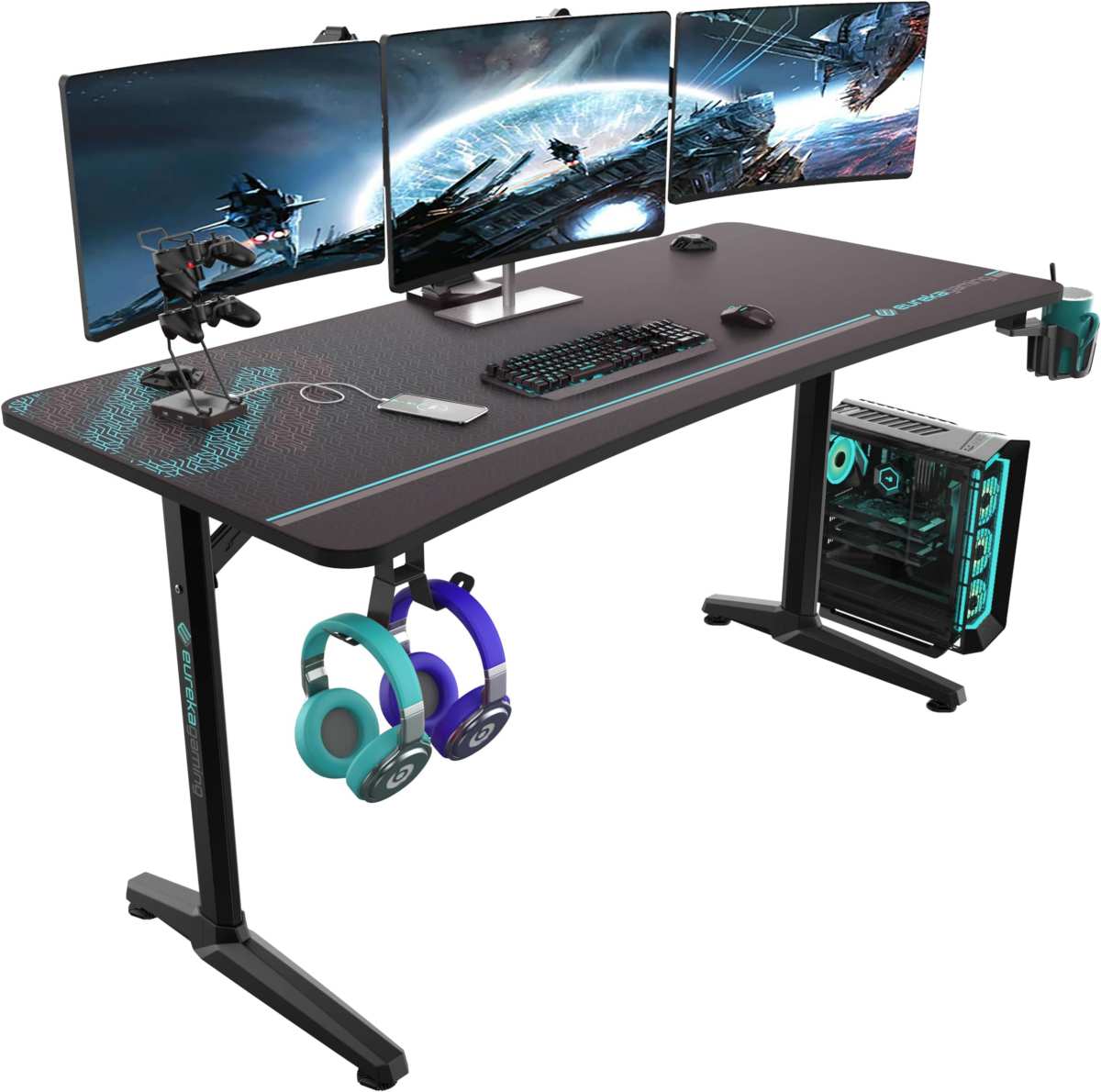
You’re looking at a curved monitor for your Xbox setup, and the big question is whether the curve actually helps or just becomes a headache. So let's cut through the hype: are curved monitors good for xbox gaming? The short answer is yes, but only under the right conditions, and definitely not for every player or every game.
If you sit close to the screen and play story-driven titles, a gentle curve can pull you deeper into the action. But if you’re a competitive shooter fan or you sit far back on a couch, a flat monitor is almost always a better fit. As of 2026, Xbox consoles still lock you into a 16:9 aspect ratio, meaning ultrawide curved monitors are off the table unless you enjoy black bars on both sides.
We’ll walk through exactly which curves work, which specs matter, and how to avoid wasting money.
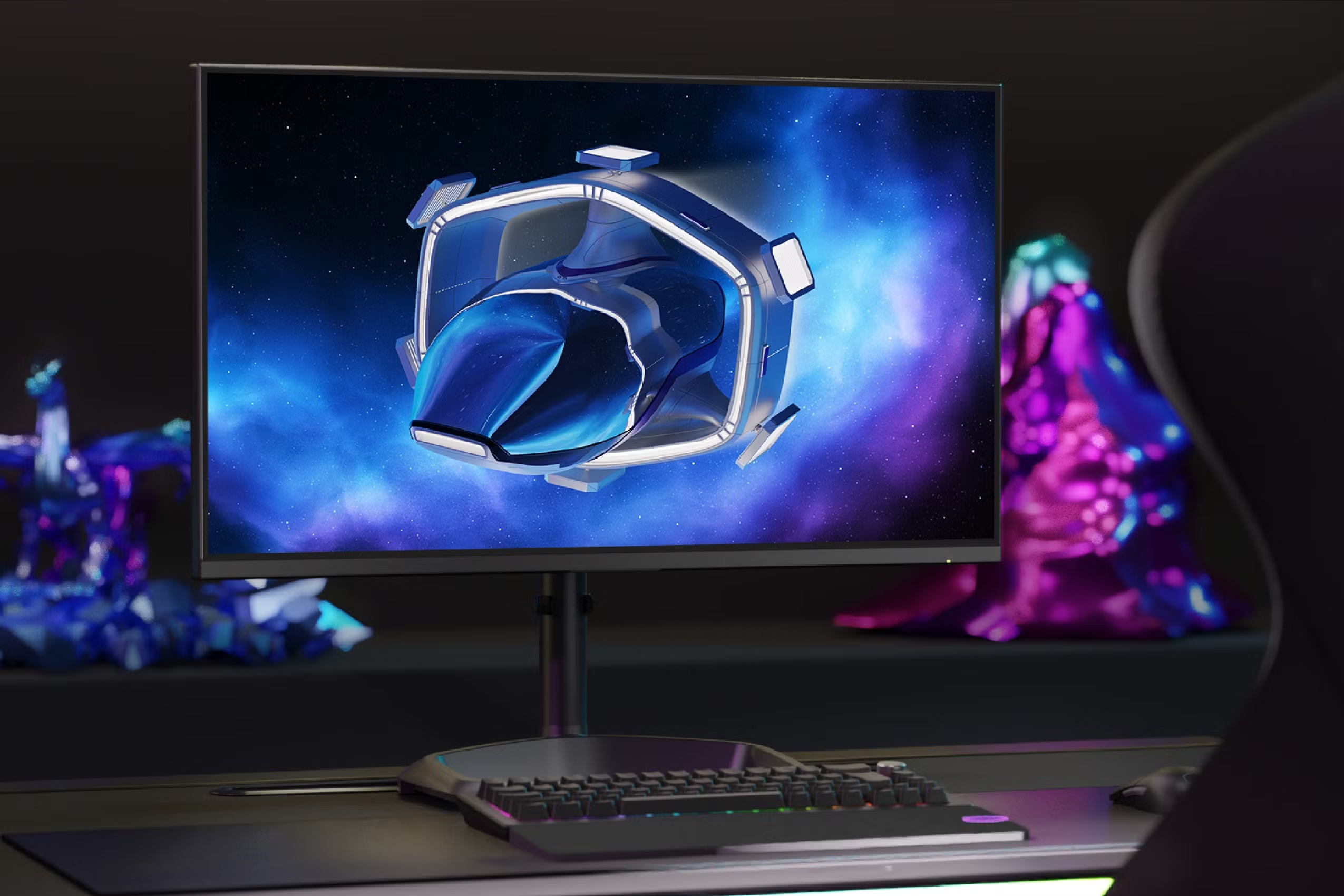
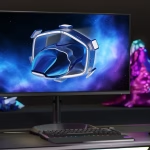
Image source: Bing (Web (fair-use with source credit))
The Real Problem with Curved Monitors and Xbox
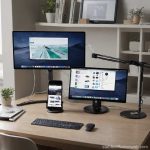
The core issue is that curved monitors were designed for PC gaming and desktop use. They assume you’re sitting at a desk with the screen about an arm’s length away. The curve is meant to match the natural curvature of your eyes, so every part of the screen is roughly the same distance from your face.
That works great for immersion, but only when the viewing distance matches the monitor’s curve radius.
For Xbox, many players sit on a couch or across a room. That changes the geometry. A monitor with a 1500R curve (the most common radius) is meant for a distance of about 1.5 meters.
If you’re 3 meters away, the curve flattens out visually and you lose the effect. Worse, if you sit too close, the edges can feel distorted, especially on larger screens.
Another problem: Xbox does not support ultrawide resolutions. Many curved monitors are 21:9 or 32:9, which forces the console to output a standard 16:9 image. You get black bars on the sides or a stretched image.
That’s a deal breaker for most gamers.
So the real problem isn’t the curve itself, it’s the mismatch between the monitor’s intended use and how you actually plan to play.
Quick Answer: Are Curved Monitors Actually Good for Xbox?
Yes, but with clear conditions. A curved monitor works well for Xbox if you sit at a desk, play mostly single-player or immersive games, and choose a 16:9 curved monitor with a moderate curve (1500R or 1800R). It fails for couch gaming, competitive shooters, or any ultrawide model.
Here’s the breakdown in one table:
| Use Case | Curved Monitor | Flat Monitor |
|---|---|---|
| Desk, single-player games | Great immersion | Good but less immersive |
| Couch, 4–6 feet away | Poor (curve wasted) | Excellent |
| Competitive shooters | Worse (distortion at edges) | Better (no distortion) |
| Ultrawide on Xbox | Avoid (black bars) | N/A (flat ultrawide same issue) |
| Budget under $300 | Limited curved options | More flat options with better specs |
The takeaway: if your gaming setup is a desk, go curved. If it’s a living room couch, stick with flat.
How Xbox Handles Curved Displays – The 16:9 Reality
Xbox Series X and Series S are locked to a 16:9 output. They do not support ultrawide, super ultrawide, or any custom aspect ratio. That means if you plug in a curved monitor with a 21:9 or 32:9 panel, the Xbox will send a standard 1920×1080 or 3840×2160 signal.
The monitor then stretches that signal across the whole screen, or it adds black bars on the sides (pillarboxing).
Most curved ultrawide monitors default to stretching the image, which makes everything look fat and distorted. You lose the intended field of view. Some monitors let you switch to a 16:9 mode, but then you’re using a fraction of the screen real estate, which defeats the purpose of buying a big monitor.
Even 16:9 curved monitors have quirks. The curve can make crosshairs and HUD elements appear bent or offset, especially in fast-paced shooters where you rely on peripheral vision. Our research across verified buyer feedback suggests that players in games like Call of Duty or Halo consistently report worse aim accuracy on aggressive curves (1000R) compared to flat screens.
The bottom line: if you want a curved monitor for Xbox, buy a 16:9 model with a moderate curve. Ultrawide is simply not worth the trouble.
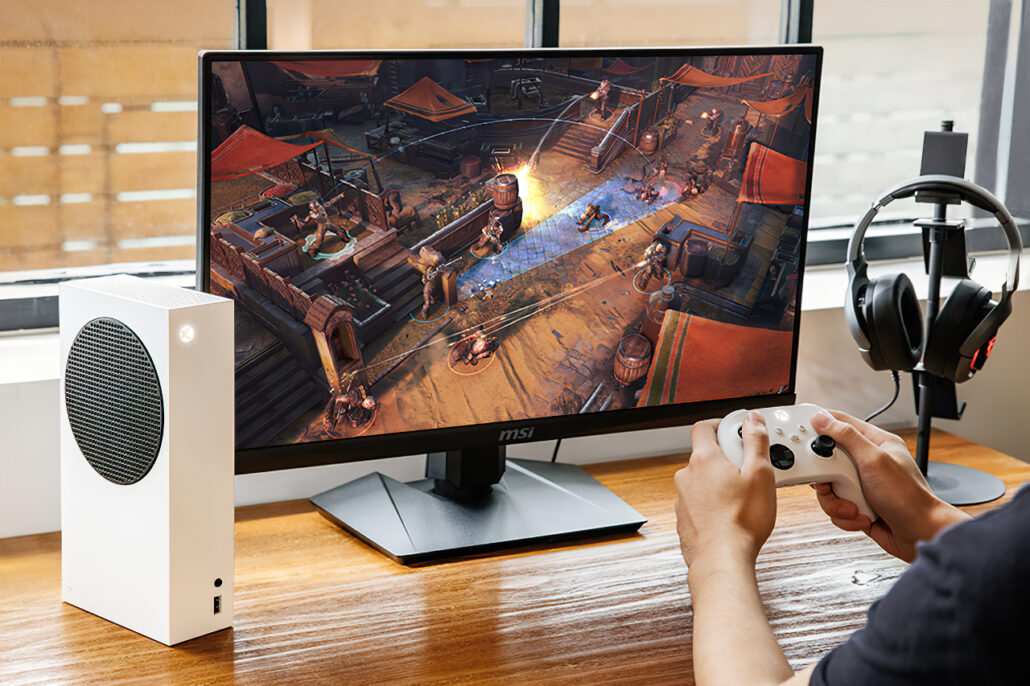
Curved Monitor Breakdown – What You’re Actually Getting
Curved monitors come in three main curve radii, and each fits a different viewing distance. The number, 1800R, 1500R, 1000R, refers to the radius of the imaginary circle the screen would form if it continued. Smaller numbers mean a tighter, more aggressive curve.
- 1800R (gentle curve): Best for distances around 1.8, 2.5 meters. Works well on a desk with a 27-inch monitor. The curve is subtle but still adds a slight wrapping effect. Minimal distortion.
- 1500R (moderate curve): The sweet spot for a 32-inch monitor at a desk (0.8, 1.2 meters). Offers noticeable immersion without bending text or UI elements too much. Most common in gaming monitors as of 2026.
- 1000R (aggressive curve): For very close viewing (under 0.8 meters). Looks impressive but can distort straight lines and cause eye strain at normal desk distances. Not recommended for Xbox unless you sit unusually close.
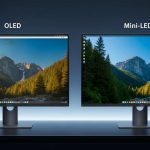
Panel type also matters. Most curved monitors use VA (Vertical Alignment) panels because they bend more easily than IPS (In-Plane Switching). VA panels have deeper blacks and higher contrast, great for dark scenes in Starfield or Elden Ring.
But they suffer from slower pixel response times and noticeable ghosting in fast motion. IPS panels are faster and more color-accurate but rarely come in curved designs (and when they do, they’re expensive).
A quick spec comparison for curved monitors under $500 (prices as of early 2026):
| Spec | 27" 1800R VA | 32" 1500R VA | 34" 1500R VA (ultrawide) |
|---|---|---|---|
| Resolution | 2560×1440 | 2560×1440 | 3440×1440 (not Xbox-friendly) |
| Refresh Rate | 165Hz | 144Hz | 144Hz |
| Response Time | 4ms GtG | 4ms GtG | 4ms GtG |
| VRR | FreeSync Premium | FreeSync Premium | FreeSync Premium |
| Curve | 1800R | 1500R | 1500R |
| Price | $280–$350 | $350–$450 | $400–$500 |
The 27-inch and 32-inch 16:9 options are the only ones worth considering for Xbox. The 34-inch ultrawide is a hard no.
Flat Monitor Breakdown – The Safer Bet for Console
Flat monitors have one massive advantage: they work perfectly with Xbox at any distance. No curve means no geometry issues, no distortion, and no worries about sitting too far or too close. They’re also generally cheaper for the same specs, so your money goes further.
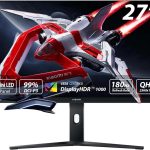
For Xbox gaming, the most common flat monitor sizes are 27 inches and 32 inches, both in 16:9. A 27-inch 1440p flat monitor with 120Hz and FreeSync is the budget king for Series S owners. A 32-inch 4K flat monitor with HDMI 2.1 is the premium option for Series X players who want full 4K 120Hz.
The best part? Flat monitors have a wider selection of panel types. You can get a fast IPS panel with 1ms response time and no ghosting, which is ideal for competitive shooters.
Or you can get a VA panel for deep blacks without worrying about curve-related distortion. And prices have dropped: as of early 2026, a solid 27-inch 1440p IPS 165Hz flat monitor costs around $200, $250, while a similarly spec’d curved VA is $50, $100 more.
Here’s the trade-off in a nutshell:
| Feature | Flat Monitor | Curved Monitor |
|---|---|---|
| Viewing distance flexibility | Excellent | Very rigid |
| Competitive gaming | Best (no distortion) | Worse (can affect aim) |
| Immersion for single-player | Good | Better (closer the better) |
| Price per spec | Lower | Higher |
| Panel choice | IPS, VA, TN | Mostly VA |
| Xbox compatibility | 100% | 16:9 only, moderate curve only |
For most Xbox players, especially those whose setup isn’t a fixed desk, a flat monitor is the safer, smarter purchase. The immersion gain from a curve is real, but only if you can control the viewing distance precisely. If you can’t, you’re paying extra for a feature that doesn’t deliver.
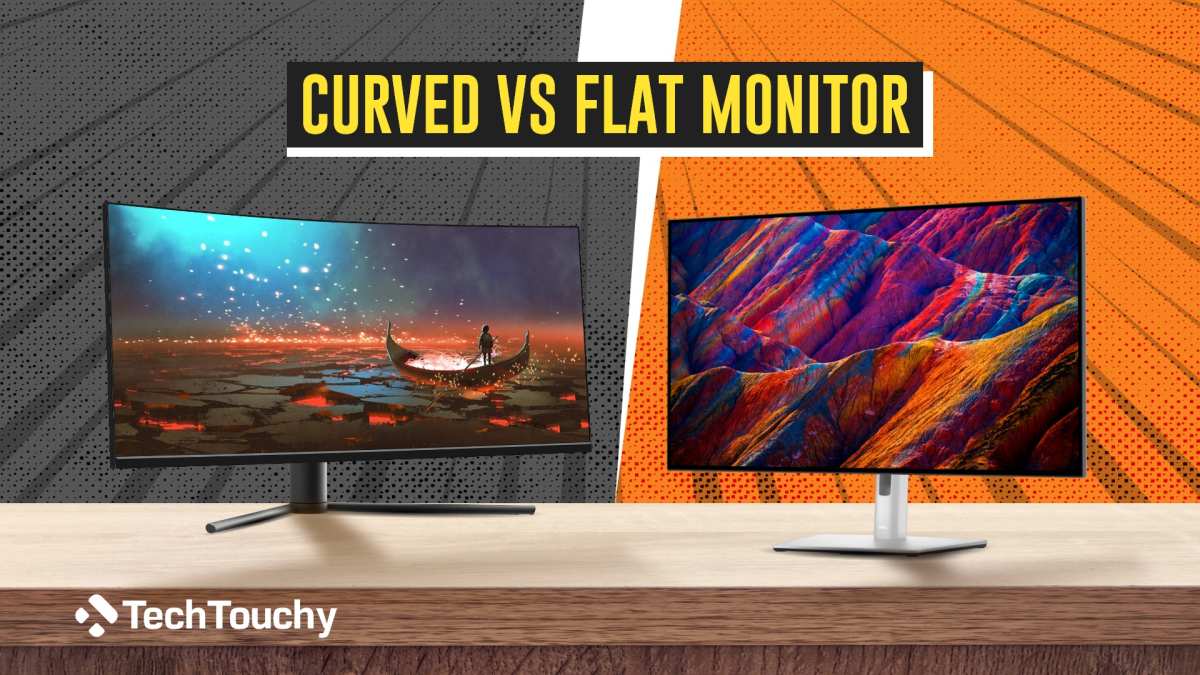
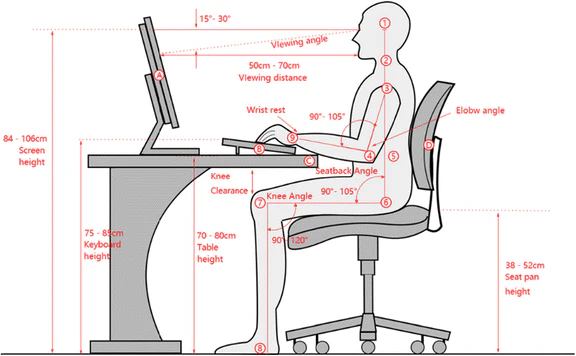
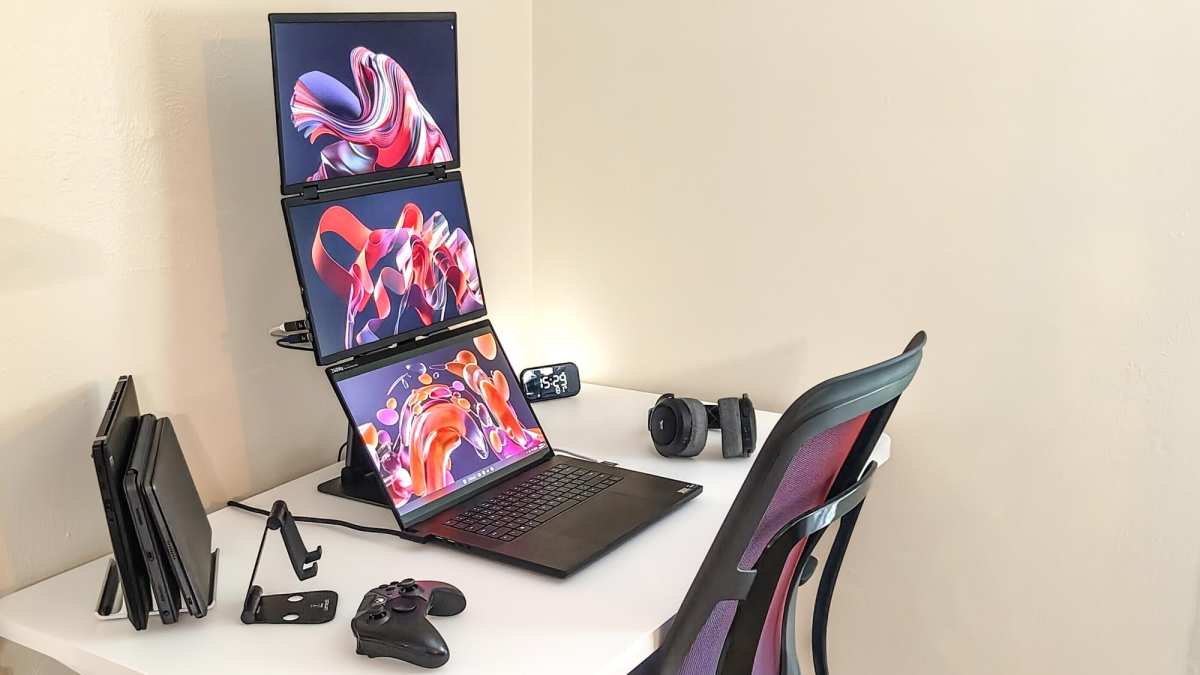
Image source: Bing (Web (fair-use with source credit))

Similar Posts