Can Gemini Generate Images
Here's the thing about asking "can gemini generate images" in 2026. The answer isn't a simple yes or no. It depends entirely on which version of Gemini you're using, where you live, and whether you're willing to pay for the premium tier.
Google has rolled out image generation across its AI products, but the experience varies wildly depending on your setup.
Google's current image generation runs on Imagen 3, their most advanced text-to-image model released in late 2024. As of 2026, this capability lives inside the Gemini app, a standalone tool called ImageFX, and the developer-facing Vertex AI platform. But not every user gets access the same way, and that's where most of the confusion starts.
Quick Answer
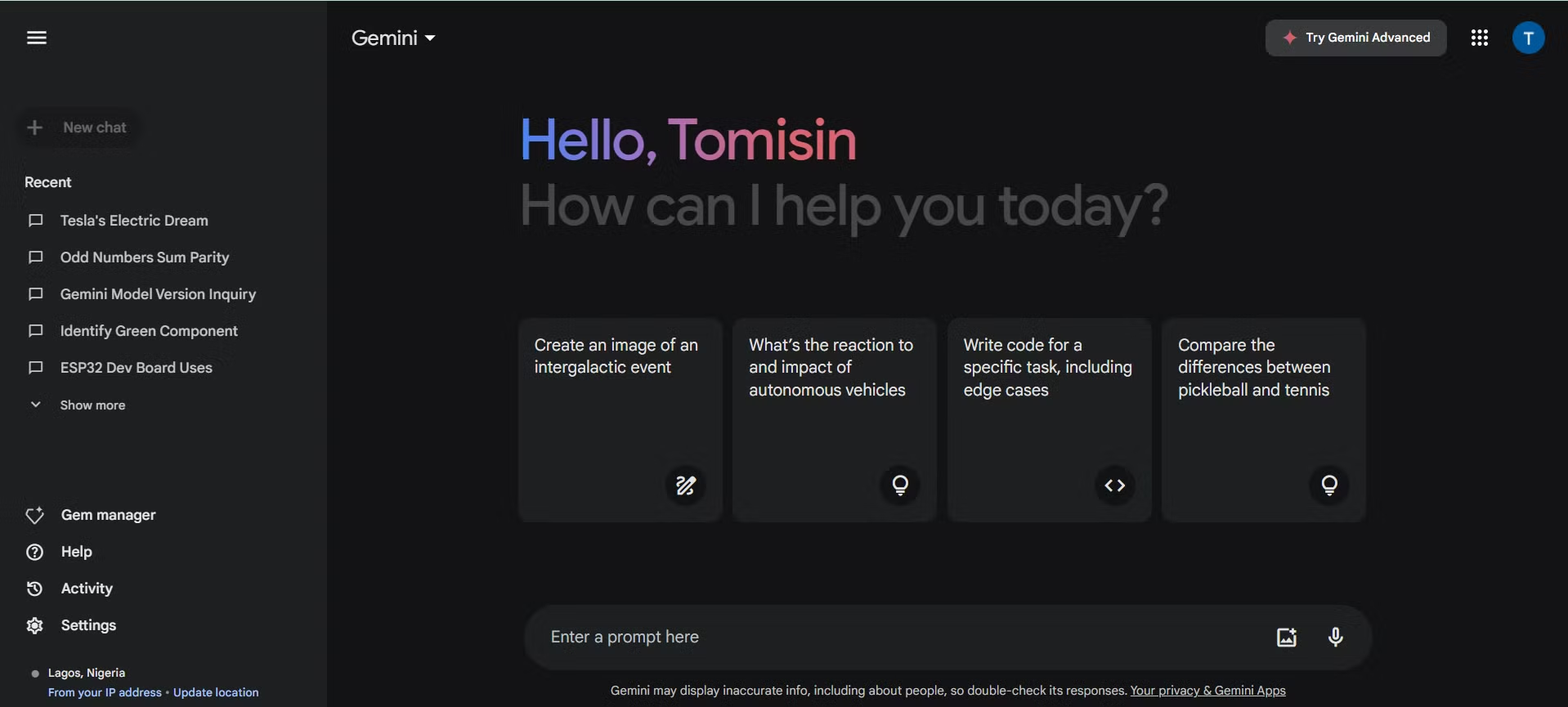
Yes, Gemini can generate images. You need a paid Gemini Advanced subscription for full access in the chat app. Google also offers a free standalone tool called ImageFX.
Developers can access image generation through the Vertex AI API using the Imagen 3 model. Availability varies by region and subscription tier.
What's Your Situation? The Quick Branch Point
Before diving into features and workflows, let's figure out which path applies to you. The answer to "can gemini generate images" changes based on three conditions.
If you're on the free tier of Gemini. You likely don't have image generation in the chat app itself. Some regions grant limited access, but most free users need to use ImageFX separately or upgrade. Check your app first.
If the option doesn't appear when you type an image prompt, you're probably on a restricted tier.
If you have Gemini Advanced (paid). You get full image generation built right into the chat interface. This includes creating images from text prompts and editing existing images through conversation. The Google One AI Premium plan at $19.99/month is the standard path here.
If you're a developer or business. You'll work through Google Cloud Vertex AI or the Gemini API. This gives you programmatic access to Imagen 3 with more control over output parameters. Pricing is per-image rather than subscription-based.
If you're outside the US or Western Europe. Feature availability lags. The EU in particular has seen slower rollout due to regulatory review. ImageFX and Gemini Advanced image features may not appear in your region yet, even with a paid subscription.
Once you know which bucket you fall into, the rest of this guide will make a lot more sense.
How Gemini Image Generation Actually Works (and Where It Lives)
Gemini doesn't generate images the way you might expect if you've used dedicated art tools. There's no canvas, no brush controls, no style sliders in the basic interface. You type a description, and the model returns an image.
That's the core loop.
Under the hood, Google uses Imagen 3 for this. It's a diffusion-based model trained on massive image-text datasets. When you submit a prompt in Gemini, your text gets routed to Imagen 3 (not the language model itself), which generates the image and returns it to the chat.
The language model handles the conversation layer. Imagen 3 handles the pixels.
This matters because it explains some of the limitations. Gemini the chatbot understands context across a conversation. But each image generation is essentially a fresh call to Imagen 3.
The model doesn't "remember" your previous image in a deep way. It uses your conversation history as context for the prompt, but it's not editing a persistent canvas.

ImageFX is Google's standalone image generation tool. It's essentially a direct interface to Imagen 3 without the chat wrapper. You visit the site, type a prompt, and get images.
No conversation, no follow-up editing in context. It's free with a Google account, but availability is limited to certain countries.
For developers, Vertex AI provides API access to Imagen 3 with more granular control. You can specify aspect ratios, adjust safety settings, choose generation modes, and batch requests. This is the path for anyone building image generation into an app or workflow.
The Three Ways to Generate Images with Google's AI
Let's break down each access method so you know exactly what you're working with.
Option 1: Gemini App (Chat-Based)
This is the most common path for regular users. You open the Gemini app or visit gemini.google.com, type a prompt like "a red fox in a snowy forest at sunset," and the model generates an image inline within your conversation.
What you get:
- Natural language prompting
- Multi-turn refinement ("make the fox face left," "add snow falling")
- Image editing by uploading a photo and describing changes
- Integration with your Google account and conversation history
What you need:
- Gemini Advanced subscription for full access (in most regions)
- The feature enabled for your account (rollout has been gradual)
- A supported region
The chat-based approach shines when you're iterating. You don't need to get the prompt perfect on the first try. You can refine across multiple turns, which feels more natural than regenerating from scratch each time.
Option 2: ImageFX (Standalone Tool)
ImageFX is Google's dedicated image generation interface. Think of it as the no-frills option. You go to the tool, enter your prompt, and get results.

What you get:
- Free access with a Google account
- Expressive chips (modifiers you can click to adjust style, mood, lighting)
- Quick generation without the chat overhead
- Downloadable results
Limitations:
- No conversational refinement
- No image-to-image editing
- Limited to supported countries
- Fewer output controls than the API
ImageFX works well when you want a single image without the back-and-forth. It's also the fallback if you're on Gemini's free tier and your region supports it.
Option 3: Google Cloud Vertex AI / API (For Developers)
This is the power-user path. Through Vertex AI or the Gemini API, developers can integrate Imagen 3 into applications, automate batch generation, and fine-tune outputs programmatically.
What you get:
- Full control over model parameters
- Batch processing capability
- Integration with other Google Cloud services
- Per-image pricing (no subscription required)
- Higher throughput for production workloads
What you need:
- A Google Cloud account
- API key and project setup
- Basic understanding of API calls
- Billing configured (pay-per-use)
Developer pricing for Imagen 3 through Vertex AI is structured per image generated. Google publishes current rates on their Cloud pricing page, and the cost per image is competitive with comparable offerings from other providers.
What You Get on Each Gemini Tier
Not all Gemini subscriptions are equal. Here's how image generation breaks down across the tiers as of 2026.
| Tier | Image Generation in Chat | ImageFX Access | API Access | Monthly Cost (US) |
|---|---|---|---|---|
| Gemini Free | Limited or none | Yes (if available in region) | No | $0 |
| Gemini Advanced | Full access | Yes | No | $19.99 (via Google One AI Premium) |
| Gemini Ultra | Full access + highest quality | Yes | No | Higher tier pricing |
| Vertex AI / API | N/A | N/A | Full access | Per-image pricing |
The free tier situation is the most common source of confusion. Some free users report seeing image generation in Gemini chat. Others don't.
Google has been inconsistent with rollout, and access can depend on your region, account age, and whether you're on mobile or web.
Gemini Advanced is the reliable path. If you're paying for the Google One AI Premium plan, image generation in chat is included. You also get access to Gemini Ultra, Google's most capable model tier, which may produce higher quality image outputs for complex prompts.
For enterprise and Workspace accounts, admins can control whether image generation is enabled. If you're using a work or school account and don't see the feature, your admin may have disabled it. That's a policy setting, not a technical limitation.
The practical takeaway is this. If you need consistent, reliable image generation through Gemini, the paid tier is the way to go. Free access exists but comes with caveats around availability and limits.
Step-by-Step: Generate Your First Image with Gemini
Let's walk through the actual process. This assumes you have Gemini Advanced and the feature is available in your region.
Step 1: Open Gemini. Go to gemini.google.com in your browser or open the Gemini mobile app. Make sure you're signed into the account with your Advanced subscription.
Step 2: Type your image prompt. Be specific. Instead of "a dog," try "a golden retriever puppy sitting on a wooden porch in morning sunlight, shallow depth of field, photorealistic." The more detail you give, the better your result.
Step 3: Send and wait. Gemini will process your request and return an image inline in the conversation. Generation usually takes a few seconds.
Step 4: Refine if needed. If the result isn't quite right, type a follow-up. Try "make the background more blurred" or "change the lighting to golden hour." The model uses your conversation history as context.
Step 5: Download your image. Click or tap the generated image to view it full size, then download it to your device.
A few things to watch out for. Daily generation limits apply, though Google doesn't always publish the exact numbers. If you hit a limit, you'll see a message telling you to try again later. Complex prompts with multiple subjects or specific text within the image tend to produce weaker results.
If you're using ImageFX instead, the process is even simpler. Visit the tool, type your prompt, click generate, and pick from the results. No conversation, no refinement loop.
Just prompt and output.
For the API path, you'll need to set up a Google Cloud project, enable the Vertex AI API, and authenticate with an API key. Google provides code samples in Python and other languages through their official documentation. The basic flow is: send a POST request with your prompt and parameters, receive the generated image in the response.
What Gemini Does Well (And Where It Falls Short)
Imagen 3 is genuinely good at certain things. Landscape and nature prompts produce convincing results. Abstract and artistic styles work well.
The model handles lighting descriptions accurately, so prompts mentioning "golden hour" or "overcast daylight" tend to deliver the right mood.
Where it struggles is worth knowing too. Text within images remains inconsistent. If you ask for a sign with specific words, expect some garbled letters.
Hands and fingers on human figures can look wrong, though Imagen 3 improved this over previous versions. Photorealistic human faces sometimes have that unmistakable AI smoothness.
Here's a quick breakdown of strengths and weaknesses based on aggregate user feedback and our research.
| Strengths | Weaknesses |
|---|---|
| Landscape and nature scenes | Text rendering within images |
| Artistic and abstract styles | Realistic human faces (still slightly off) |
| Lighting and mood accuracy | Complex multi-subject compositions |
| Fast generation speed | Precise spatial relationships |
| Good color harmony | Hands and fine anatomical details |
| Iterative refinement in chat | Limited aspect ratio control in basic chat |
The iterative editing in Gemini chat is a real advantage over standalone tools. Being able to say "move the subject to the left" and get a revised version without starting over saves time. Not all competitors offer this kind of conversational refinement.
Gemini vs. ChatGPT vs. Midjourney vs. Firefly — Who Wins for What
If you're deciding which AI image tool to use, here's how Gemini stacks up against the main alternatives.
Gemini with Imagen 3 is best for people already in the Google ecosystem who want quick, conversational image generation without learning a new tool. It's integrated, easy to access, and good enough for most casual and semi-professional use cases. The chat-based refinement is a genuine workflow advantage.
ChatGPT with DALL-E 3 offers similar chat-based generation through OpenAI's platform. DALL-E 3 tends to follow prompts more literally and handles text within images slightly better. If you're already paying for ChatGPT Plus, it's a strong alternative.
The tradeoff is less natural conversation flow around image editing.
Midjourney is the quality leader for artistic and stylized outputs. It produces the most visually impressive results for creative work, concept art, and stylized imagery. The downside is the Discord-based interface, the learning curve for prompt syntax, and the higher price point.
It's not built for quick, casual use.
Adobe Firefly is the safest choice for commercial use. Adobe trained their model on licensed and public domain content, which reduces copyright concerns. It's integrated into Creative Cloud apps, making it practical for designers who already use Photoshop or Illustrator.
Raw output quality is competitive but not quite at Midjourney's level.
The practical takeaway. If you want convenience and you're already using Google tools, Gemini gets the job done. If you want the highest artistic quality, Midjourney wins. If you need commercial safety, Firefly is the smarter bet.
Most people end up using two or three of these depending on the project.
Best Use Cases: When Gemini Image Generation Actually Makes Sense
Not every image task calls for Gemini. Here's where it fits well and where you should look elsewhere.
Good fits for Gemini image generation:
- Social media graphics and post illustrations
- Blog post featured images
- Quick concept mockups and mood boards
- Presentation slides and educational materials
- Personal creative projects and experimentation
- Generating variations of an existing image
- Simple product visualization for early-stage ideas
Where Gemini falls short:
- Print-ready high-resolution artwork
- Images requiring specific text (signs, logos, labels)
- Consistent character design across multiple images
- Photorealistic portraits for professional use
- Complex compositions with many specific elements
Content creators and marketers tend to get the most value from Gemini's image generation. Being able to quickly generate a featured image for a blog post or a visual for a social media post without leaving your existing workflow is genuinely useful. The speed and integration matter more than pixel-perfect quality for these use cases.
Educators and students benefit too. Generating diagrams, historical scene illustrations, or visual aids for presentations takes seconds. The conversational refinement means you can adjust until the image actually matches what you're trying to explain.
For professional design work, Gemini is a starting point, not a finished product. Use it for ideation and rough concepts, then bring the results into proper design tools for refinement.
Common Mistakes That Ruin Your Results
After looking at user feedback and troubleshooting reports, certain mistakes come up again and again.
Being too vague with prompts. "A nice landscape" gives you generic results. "A misty mountain lake at dawn with pine trees reflecting in still water, photorealistic, 8K" gives you something you can actually use. Specificity is the single biggest factor in output quality.
Ignoring the daily limits. Hitting a quota cap mid-project is frustrating. If you're planning to generate a batch of images, spread them out. Don't hammer the generate button fifty times in a row.
Expecting perfect text. If your image needs readable text, plan to add it in an image editor afterward. Current AI models, including Imagen 3, still struggle with precise text rendering. This is improving but not solved.
Not using the refinement loop. The first result is rarely the best. Spend a few extra turns adjusting. Change the lighting, shift the composition, tweak the style.
The conversational editing is Gemini's biggest advantage over single-shot tools.
Forgetting about region restrictions. If you're traveling or using a VPN, you might lose access to image generation features. Google ties availability to your account region and sometimes your IP location.
Assuming commercial rights are clear. The legal status of AI-generated images varies by jurisdiction. Google's terms grant you usage rights, but the broader copyright landscape is still unsettled. Don't assume you can freely sell or trademark AI-generated artwork without checking the current legal framework.
Pricing Breakdown: What It Actually Costs
Gemini Advanced runs $19.99/month through Google One AI Premium in the US. That includes image generation in chat, access to Gemini Ultra, and 2TB of Google storage. ImageFX is free with a Google account where available.
Vertex AI charges per image generated, with current rates published on Google's Cloud pricing page.
Regional Availability — Why You Might Not See the Feature
Image generation in Gemini has rolled out unevenly. The US and parts of Western Europe got access first. EU countries have seen slower deployment due to regulatory review.
Some regions still don't have ImageFX or in-chat generation as of 2026. If you don't see the option, check Google's official availability page for your country.
Safety, Watermarks, and the Legal Gray Areas
Every image from Imagen 3 carries an invisible SynthID watermark embedded in the pixels. This marks it as AI-generated without visible artifacts. Google's content policy blocks violent, explicit, and impersonation attempts.
The legal status of AI-generated images varies by jurisdiction. Don't assume you can freely sell or trademark AI artwork without legal review.
Pro Tips That Dramatically Improve Your Output
Be specific with lighting, camera angles, and style references in your prompts. Use the refinement loop instead of regenerating from scratch. Add "photorealistic" or "digital art" to anchor the style.
Avoid asking for readable text in the image. Save your best prompts as templates for future use.
Final Decision Guide: Should You Use Gemini for Image Generation?
If you're already paying for Gemini Advanced and need quick, conversational image generation, it's a solid fit. If you want the highest artistic quality, look at Midjourney. If commercial safety matters most, Adobe Firefly is the better bet.
For developers building apps, Vertex AI gives you programmatic access with per-image pricing. Match the tool to your actual use case.
Frequently Asked Questions
Is Gemini's image generation free?
ImageFX is free with a Google account in supported regions. In-chat image generation requires a Gemini Advanced subscription at $19.99/month. Vertex AI charges per image for developers.
Can Gemini edit existing photos?
Yes, on Gemini Advanced. Upload an image and describe the changes you want. The model handles adjustments like background changes, style transfers, and object additions through conversation.
What image quality does Imagen 3 produce?
Default output is 1024×1024 pixels. Quality is strong for landscapes, abstract art, and stylized work. It's weaker for precise text rendering and photorealistic human faces.
Does Gemini add watermarks to generated images?
Yes. All Imagen 3 outputs carry an invisible SynthID watermark embedded in the image data. This identifies the image as AI-generated without visible marks.
Can I use Gemini-generated images commercially?
Google's terms grant you usage rights to generated images. However, the broader copyright landscape for AI-generated content remains unsettled. Consult legal advice for commercial projects.

Similar Posts





















