how far to sit from a curved gaming monitor
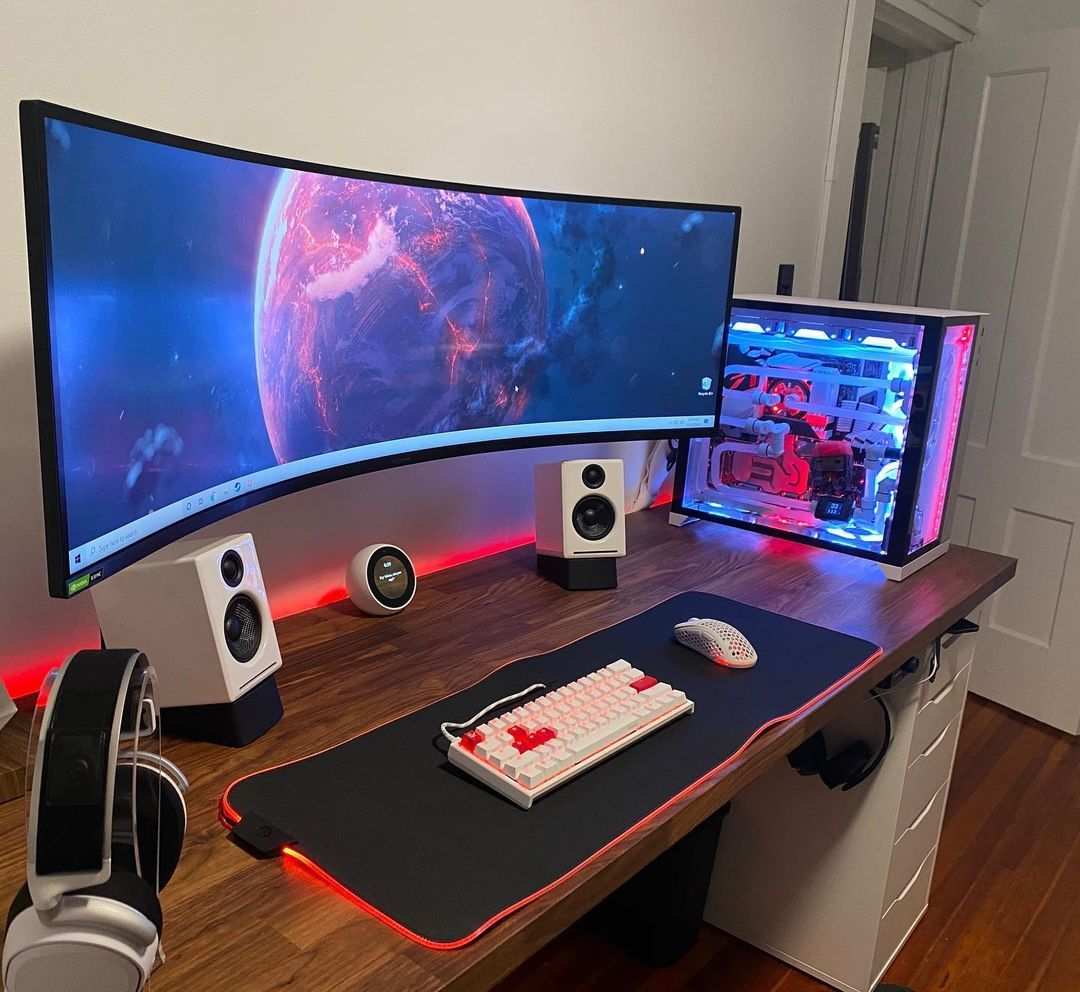
How far to sit from a curved gaming monitor? The short answer is that it depends on your monitor’s curvature radius and screen size, not some one-size-fits-all rule. Most people sit either too close or too far, which kills the immersion and can even cause eye strain.
Get the distance right, and the curve actually works with your peripheral vision instead of against it.
As of 2026, the most common curved monitor curvatures are 1000R, 1500R, and 1800R, and each one has a different optimal viewing distance. Per ANSI/HFES 100 ergonomic standards, the ideal range typically falls between 60 cm (24 inches) and 120 cm (47 inches). Let’s walk through exactly how to find your number.
Quick Answer
Sit at a distance roughly equal to your monitor’s curvature radius multiplied by 1.2 to 1.5. For a 1000R monitor, aim for 100 to 120 cm (39, 47 in). For 1500R, aim for 150 to 180 cm (59, 71 in).
For 1800R, aim for 180 to 220 cm (71, 87 in). Adjust for your screen size and desk depth.
Image source: Bing (Web (fair-use with source credit))
Why the Right Distance Changes Everything (and One Rule Doesn’t Fit All)
A curved monitor creates a spherical focal point. When you sit at the correct distance, every pixel on the screen is roughly the same distance from your eyes. That consistency reduces the need for your eyes to refocus as you scan from the center to the edges.
It also fills your peripheral vision naturally, which is why curved screens feel more immersive.
But here’s the catch: that focal point only exists at one specific distance range for each curvature. If you sit too close, the edges appear distorted and the curve feels exaggerated. Too far, and the curve flattens out visually, defeating the whole point of buying a curved monitor in the first place.
Generic advice like “sit an arm’s length away” doesn’t work because your arm length doesn’t change with your monitor’s R value. Our research across manufacturer specs and ergonomic guidelines shows that ignoring curvature leads to either neck strain from leaning in or eye fatigue from sitting too far back. So we need a more precise method.
The Three Variables That Decide Your Distance
Three factors determine your ideal seating distance. Change any one, and the answer shifts.
Your monitor’s curvature radius (R value). This is the most important number. The lower the R value, the tighter the curve and the closer you need to sit. A 1000R screen bends more aggressively than a 1500R, so you sit closer.
Your monitor’s screen size and aspect ratio. A 49-inch super ultrawide (32:9) needs more distance than a 27-inch 16:9 even at the same curvature, simply because the screen is physically wider. You need enough room for both edges to fall within your peripheral vision.
Your physical desk depth. This is the practical constraint. Your desk may not be deep enough to achieve the ideal distance. That affects whether you can even use the monitor optimally or need a different setup (like a wall mount or a deeper desk).
These three variables work together. In the next sections, we’ll give you a cheat sheet, then a step-by-step process to calculate your exact number.
Quick Answer Cheat Sheet: Distance by Curvature and Screen Size
Here’s a quick reference for the most common combinations. These numbers come from manufacturer recommendations and aggregate user feedback.
| Monitor Size & Aspect Ratio | Curvature | Ideal Viewing Distance |
|---|---|---|
| 27" 16:9 | 1000R | 80–100 cm (31–39 in) |
| 27" 16:9 | 1800R | 100–140 cm (39–55 in) |
| 32" 16:9 | 1000R | 90–120 cm (35–47 in) |
| 32" 16:9 | 1800R | 120–160 cm (47–63 in) |
| 34" 21:9 (ultrawide) | 1500R | 100–130 cm (39–51 in) |
| 34" 21:9 | 1800R | 130–170 cm (51–67 in) |
| 49" 32:9 (super ultrawide) | 1000R | 100–120 cm (39–47 in) |
| 49" 32:9 | 1800R | 140–190 cm (55–75 in) |
Use this as a starting point. But don’t stop here, you need to verify with your actual desk measurements.
Step 1: Find Your Monitor’s R Value (and What It Actually Means)
Most curved monitors list the curvature in their product name or spec sheet. Look for a number like “1000R,” “1500R,” or “1800R.” That R stands for radius in millimeters. A 1000R monitor means the curve would form a perfect circle with a 1-meter radius.
The smaller the number, the tighter the curve.
If you can’t find the R value in the box or manual, check the manufacturer’s website or the product page on the retailer site. It’s almost always listed under specifications.
Here’s what the different curvatures mean for your seating:
- 1000R (tight curve): Best for desks 80 cm or deeper. Very immersive but requires you to sit close.
- 1500R (mid curve): The most common. Works on most standard desks (60, 75 cm depth) with some adjustment.
- 1800R (gentle curve): More forgiving. You can sit further back, but the immersion effect is weaker.
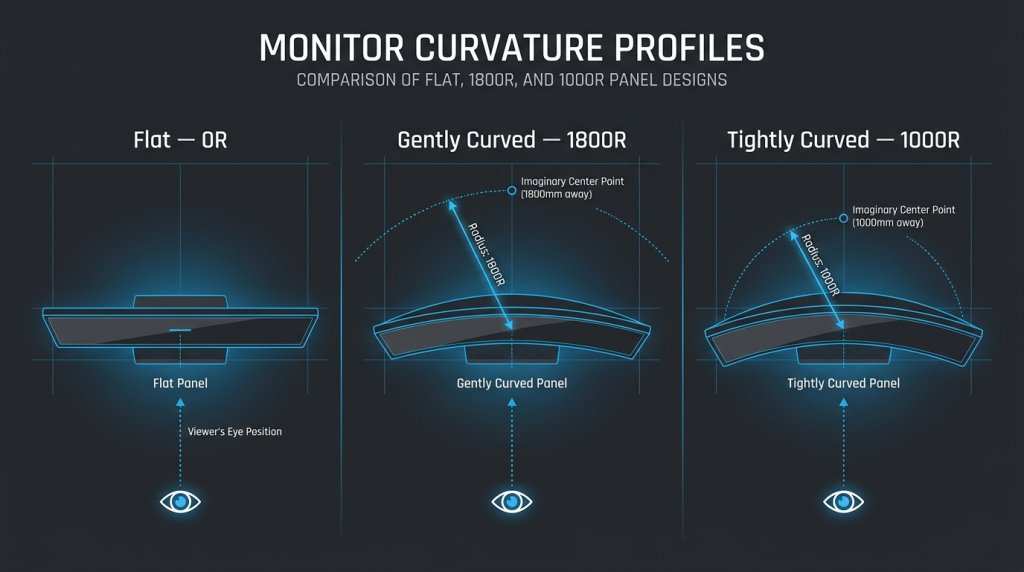
Image source: Bing (Web (fair-use with source credit))
If you have a 1500R monitor and a shallow desk (60 cm), you’re already at the near end of the ideal range. That’s fine for many people, but you may want to bring the monitor slightly closer with an adjustable arm.
Step 2: Measure Your Desk Depth (This Is Where Most People Mess Up)
Your desk depth limits how far you can realistically sit from the screen. Measure from the back edge of your desk (where the monitor sits) to the front edge (where your chest would be). If you have a monitor stand, factor in its depth too.
Most gaming monitors have stands that extend 25, 35 cm from the screen face.
Here’s how to do it properly:
- Clear the desk surface.
- Use a tape measure from the wall (or monitor stand’s back edge) to the front edge of the desk.
- Subtract the space taken by the monitor stand base and the monitor’s depth from front of screen to back.
That gives you the maximum available distance from your eyes to the screen. Compare that to the cheat sheet numbers above.
Common desk depths and what they can accommodate:
- 60 cm (24 in): Works for 27", 32" at 1500R or 1800R. Tight for 1000R.
- 75 cm (30 in): Works for most 1000R setups. Good for 49" at 1500R.
- 90 cm (35 in): Ideal for 1000R and super ultrawides. Plenty of space.
If your desk is too shallow, don’t panic. You have options, we cover those in a later section.
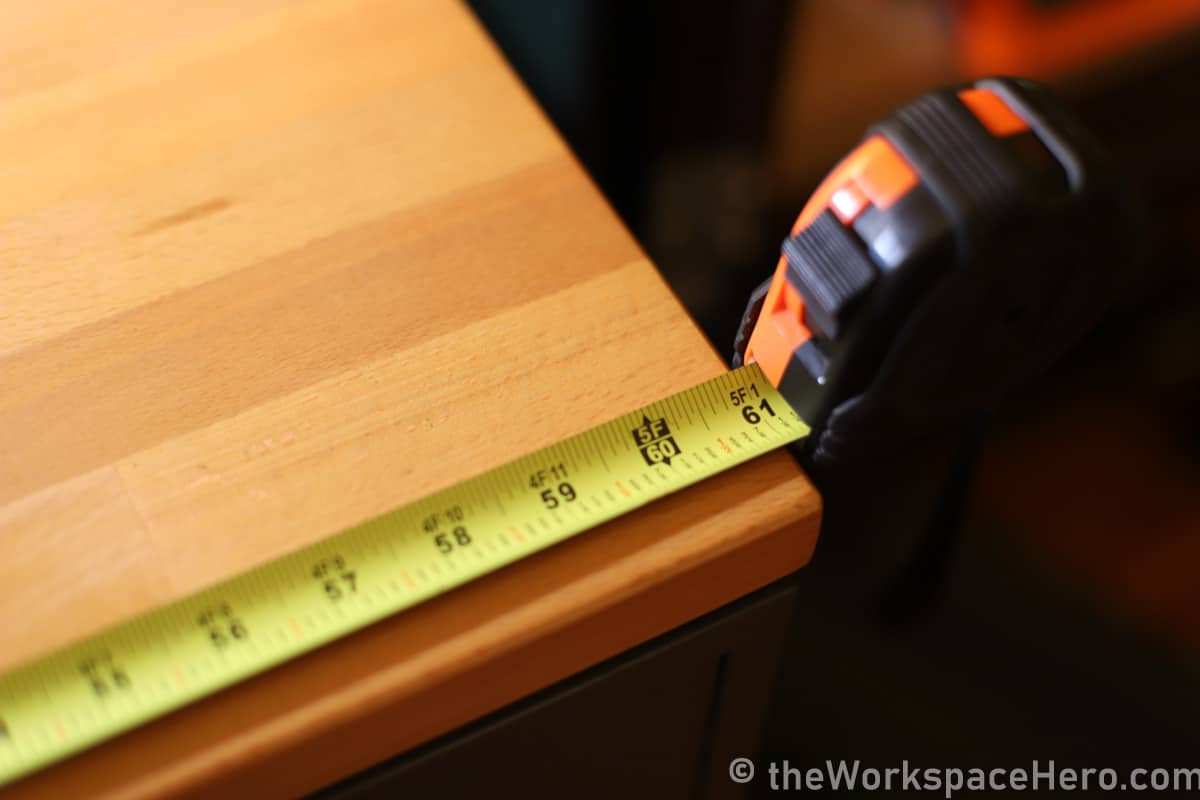
Image source: Bing (Web (fair-use with source credit))
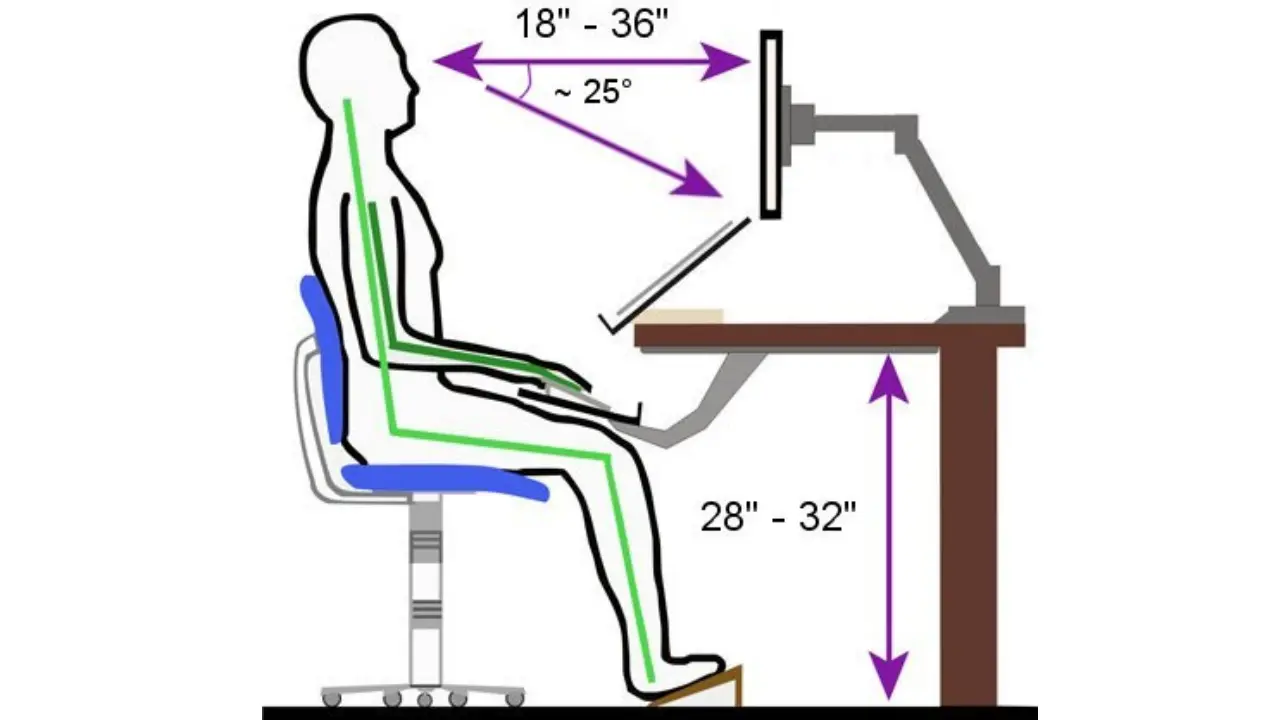
Image source: Bing (Web (fair-use with source credit))

Similar Posts