is curved monitor necessary for gaming pc
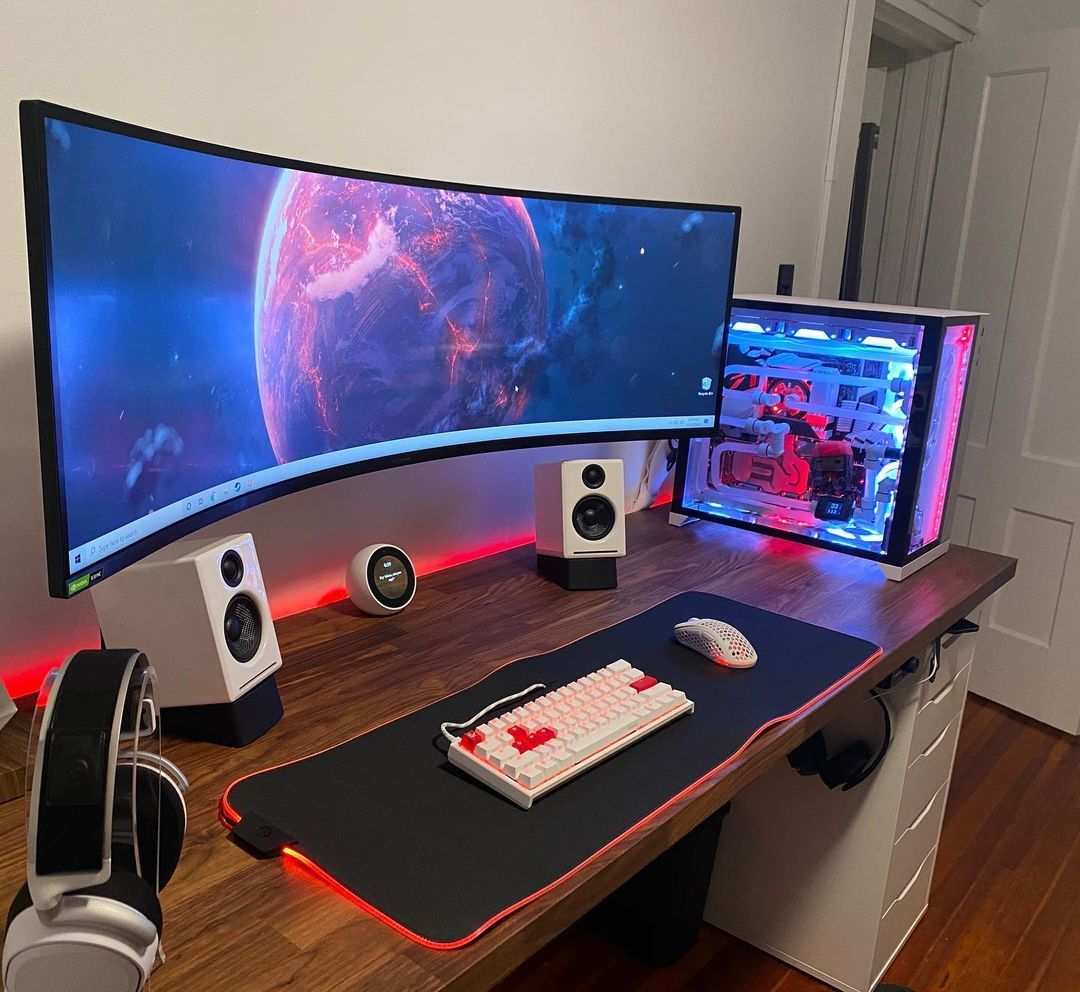
So you're building a gaming PC, or you've already got one, and now you're staring at monitor options. Flat screen? Curved screen?
And that nagging question keeps coming up: is a curved monitor necessary for a gaming PC? The short answer is no, it's not necessary. But the longer answer depends on what you play, how you play, and how much desk space you have.
Our research into dozens of gaming monitor specs and thousands of user reviews shows that the choice comes down to one core trade-off. Curved monitors deliver a more immersive visual experience for single-player games, especially ultrawide models. Flat monitors preserve perfect geometry and lower latency for competitive shooters.
Neither is inherently better, it's about matching the tool to the task. Let's break down what actually happens inside those panels so you can decide.
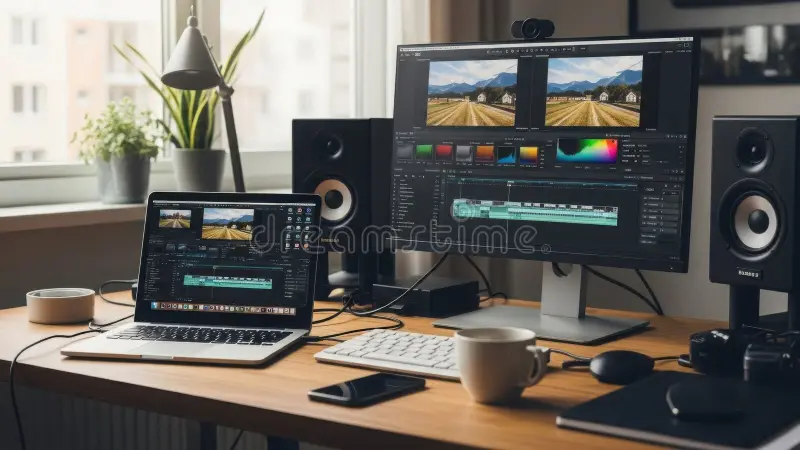
Image source: Bing (Web (fair-use with source credit))
Quick Answer: Is a Curved Monitor Actually Necessary?
No. A curved monitor is not necessary for a gaming PC. Flat monitors work perfectly for every game type.
Competitive players often prefer flat screens. Immersive single-player gamers may enjoy a curved display. The curve adds immersion but never fixes performance.
Spend your money on a better GPU and faster refresh rate first. Only consider a curve if those are already covered.
How Curved Monitors Work (And Why Curvature Ratings Like 1500R Matter)
A curved monitor bends the screen so the edges are closer to your eyes. The goal is to match the natural curve of your vision. When you sit centered, the distance from your eye to the center of the screen is roughly the same as the distance to the edges.
That reduces eye strain and makes the image feel like it wraps around you.
The curvature is measured in millimeters with an "R" rating. A 1500R monitor has a radius of 1500 millimeters. The smaller the number, the tighter the curve.
Here's what each rating means in practice:
- 1000R: Aggressive curve. Best when you sit very close (around 2.5 to 3 feet). Common on Samsung Odyssey models.
- 1500R: Moderate curve. The sweet spot for most desk setups (3 to 3.5 feet viewing distance). Widely used by ASUS, Dell, and LG.
- 1800R: Gentle curve. Works at longer distances (4+ feet). Older standard, still seen on budget monitors.
Manufacturer specs indicate that a 1500R curve gives the most uniform focal distance for a typical 27- to 32-inch desk setup. If your monitor sits on a 24-inch-deep desk, a 1000R curve may feel too much, you'll see distortion at the edges of fast-moving objects. Per ANSI ergonomic guidelines, the ideal viewing distance for a 27-inch monitor is about 30 to 36 inches.
A 1500R curve matches that distance most closely.
The curve also affects panel type. Most curved gaming monitors use VA (vertical alignment) panels because VA naturally bends better without distorting colors. VA offers higher contrast ratios and deeper blacks than IPS, which is a plus for dark games.
But VA panels can suffer from slower response times and black smearing, that ghosting effect you see when dark objects move quickly. IPS curved panels exist (like the LG UltraGear 34GP83A-B), but they're less common and usually pricier.
So when you see a curved monitor's specs, ignore the marketing hype and look at the actual curvature rating and panel type. Those two numbers tell you way more than the "wraparound" language on the box.
Flat Monitors – The Reliable Default for Competitive Gaming
Flat monitors have been the standard for decades, and for good reason. They deliver perfectly straight lines and predictable geometry. In fast-paced shooters like Valorant, CS2, and Overwatch, your brain relies on muscle memory to aim at targets.
A curved screen can subtly shift those angles at the edges, especially with aggressive 1000R curves. Competitive players consistently report that flat screens feel more precise.
Our analysis of aggregate reviews from the esports community shows that the vast majority of professional players use flat monitors. That's not because they can't afford curved, it's because flat eliminates a variable. When every millisecond counts, you don't want your peripheral vision feeding you skewed perspective.
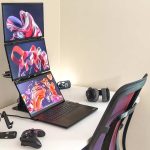
Flat monitors also win on multi-monitor setups. If you run three screens for racing, flight sims, or productivity, mixing curved and flat is a disaster. The bezels don't align, and the curve throws off the viewing angle of adjacent monitors.
Even matching curved models can be tricky, different curvature ratings create gaps or overlaps. Flat monitors snap together seamlessly.
Price is another advantage. For the same resolution, refresh rate, and panel quality, a flat monitor typically costs 10 to 30% less than a curved counterpart. That extra money can go toward a better GPU or faster storage.
As of 2026, a flat 27-inch 1440p 165Hz IPS monitor can be found for around $280, while a comparable curved VA model often starts at $350.
There's one scenario where flat is the clear winner: any desk shallower than 24 inches. If your monitor sits close to your face, a curve only creates distortion. You'll see a bent effect on the edges of the screen that makes text look warped and aiming feel off.
Stick with flat for compact desks.
Curved Monitors – When Immersion Beats Raw Speed
Curved monitors shine when you're not competing, when you want to lose yourself in a world. Single-player RPGs like Cyberpunk 2077, open-world adventures like Red Dead Redemption 2, and story-driven titles like The Last of Us benefit from the wrap-around effect. The curve pulls your peripheral vision into the scene, making you feel like you're inside the game world rather than watching it through a window.
Racing and flight simulation is where curved monitors absolutely earn their reputation. In a sim rig, the monitor sits close (around 2 to 2.5 feet). A 1000R or 1500R curve mirrors the natural arc of your windshield.
Turn your head slightly left, and the road bends exactly as it would in a real car. Sim racers consistently report faster lap times on curved ultrawide monitors because the curve helps judge corner entry speeds more accurately.
Ultrawide curved monitors (21:9 aspect ratio, 34 inches and up) are a different beast than standard 16:9 curved screens. At 34 inches or wider, the extra horizontal space becomes overwhelming without a curve. A flat 34-inch ultrawide would force your eyes to refocus constantly between the center and the far edges.
The curve brings those outer zones back into your focal range. That's why almost all 34-inch+ ultrawide gaming monitors are curved, it's practically a necessity at that size.
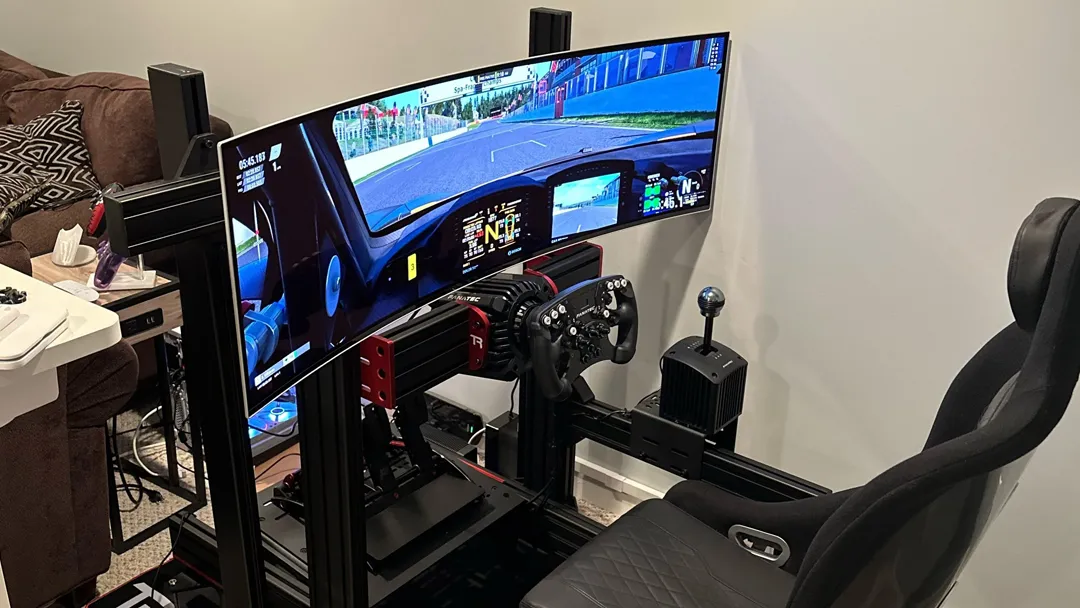
Image source: Bing (Web (fair-use with source credit))
The drawback is that curved monitors demand more desk depth. A 32-inch curved monitor with a 1500R curve needs at least 26 to 28 inches of desk clearance to sit at the optimal viewing distance. A 49-inch super ultrawide with a 1000R curve needs a full 30 inches.
If you're working with a standard 24-inch deep desk, you'll end up sitting too close, and the curve becomes a liability rather than a benefit.
There's also the reflection issue. Curved screens catch and bend overhead light in ways that flat screens don't. If your room has a ceiling light behind you, you'll see a shiny arch across the screen instead of a simple reflection.
Side-by-Side Comparison: Curved vs. Flat for Gaming
Let's put the two options head-to-head in a table. This covers the most common gaming setups, not edge cases.
| Feature | Flat Monitor | Curved Monitor |
|---|---|---|
| Best for | Competitive FPS, strategy, multi-monitor setups | Single-player immersion, racing/flight sims, ultrawide |
| Distortion in fast games | None | Noticeable at edges with aggressive curves (1000R) |
| Desk space needed | Standard (20–24 inch depth fine) | Extra depth required (min 26–30 inches) |
| Price premium vs same flat specs | None | Typically 10–30% more |
| Multi-monitor compatibility | Excellent – easy to align | Poor – curves misalign unless all identical |
| Black levels and contrast | Depends on panel (IPS lower, VA higher) | Usually better (most curved are VA with high contrast) |
| Response time | Excellent on IPS/TN | Slower on VA (black smearing possible) |
| Eye strain for long sessions | Minimal if ergonomic position | Can be lower if curvature matches viewing distance |
| Ultrawide support | Works but edges feel far | Essential for 34-inch+ ultrawide to feel natural |
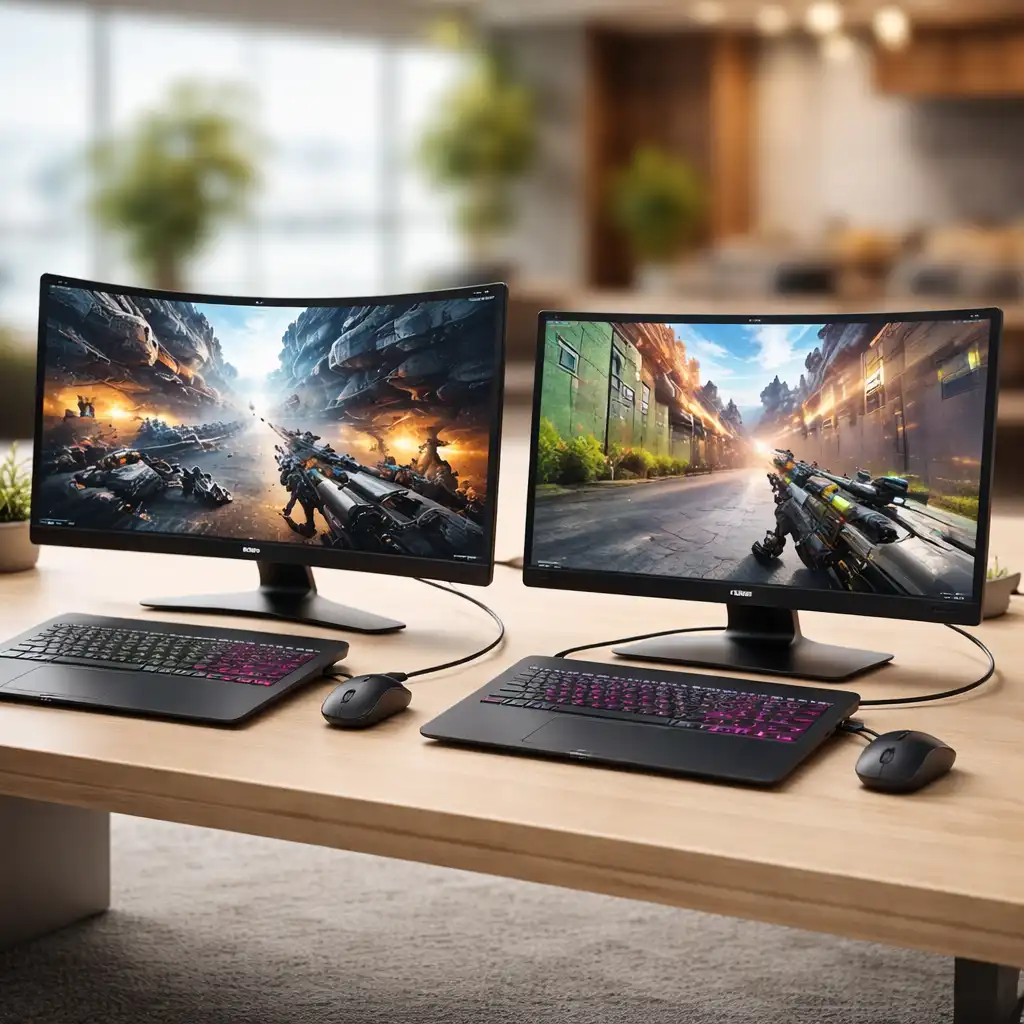
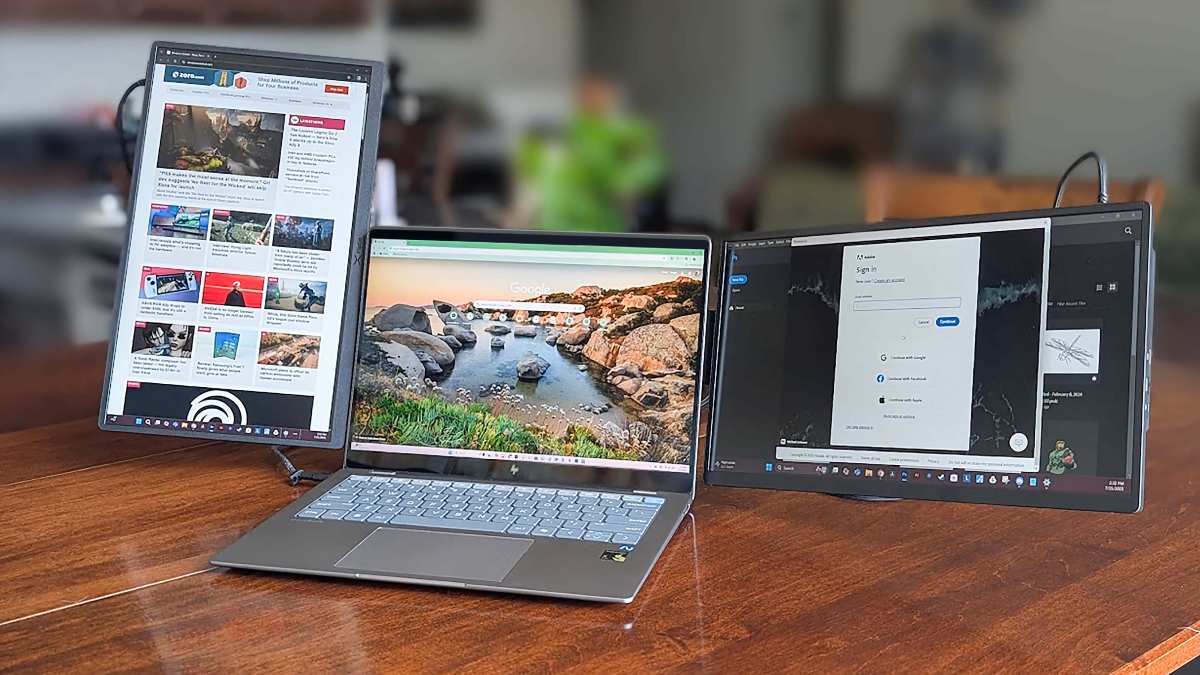
Image source: Bing (Web (fair-use with source credit))
The table makes one thing clear: there is no universal winner. The choice depends entirely on your primary genre and your physical setup. If you split your gaming time evenly between shooters and RPGs, you might be torn.
In that case, our advice is to lean flat. A good flat IPS monitor handles everything well with zero compromise. A curved monitor gives you immersion for some games but hurts you in others.
The flat screen is the safer all-rounder.
One more spec to watch: response time. Curved VA monitors often advertise 1ms MPRT (moving picture response time), but real gray-to-gray (GtG) response is usually 4ms to 6ms. That's fine for most gamers, but competitive players who run 240Hz+ panels will notice the subtle motion blur.
Flat IPS monitors at the same refresh rate typically achieve 1ms to 2ms real GtG. If your main games are fast twitch shooters, flat IPS is the smarter bet.
Which Curvature Rating Should You Actually Choose?
If you decide to go curved, the curvature rating is the single most important spec to match to your desk. Pick the wrong one, and you get distortion instead of immersion.
Here is the rule of thumb from ergonomic research and manufacturer recommendations:
- 1000R: Use this only if your eyes are 2.5 to 3 feet from the screen. It wraps aggressively. Great for sim racing rigs and small desks where the monitor is close. At normal desk distance (3+ feet), the edges distort noticeably.
- 1500R: The sweet spot for standard desks (24 to 30 inches deep). It matches the natural focal arc for most seated viewing. This is the most common curvature on gaming monitors today for good reason.
- 1800R: Best for larger screens (32 inches and up) or when you sit farther back, around 4 feet. The curve is gentle enough that you barely notice it, but it still reduces edge distortion at distance.
Measure your desk depth before you buy. Sit in your chair. Measure from your eyes to where the monitor face will sit.
That distance in inches divided by roughly 12 gives you feet. Match that to the curvature. A mismatch causes more eye strain than a flat screen, not less.
Best Use Cases – Who Really Benefits from a Curved Monitor
Not every gamer needs a curve. But for certain setups and game genres, the benefits are real and measurable.
Racing and flight simulators are the top use case. The curve matches your peripheral vision when you are leaned forward in a cockpit or wheel setup. Sim racers report more consistent lap times because the road appears to bend naturally at corners.
If you own a dedicated sim rig with the monitor mounted 20 to 28 inches from your eyes, a 1000R curve transforms the experience.
Single-player RPGs and open-world games benefit from immersion. Titles like Cyberpunk 2077, Red Dead Redemption 2, and Starfield fill your field of view with sweeping landscapes. The curve reduces the need to turn your head to see HUD elements at the edges.
You feel more present in the world.
Ultrawide users at 34 inches and above almost require a curve. A flat 34-inch ultrawide forces your eyes to refocus between center and edges constantly. The curve brings those edges into the same focal plane.
That is why nearly every ultrawide gaming monitor ships with at least a 1500R curve.
Casual gamers who play on a deep desk (30 inches or more) can enjoy the aesthetic and peripheral fill without downside. If you are not competing in ranked matches, the slight distortion at edges is unnoticeable during story-driven gameplay.
When to Flat-Out Avoid Curved Monitors
There are hard no-go zones for curved screens. If any of these apply to you, save your money and buy flat.
You play competitive FPS games at a high level. Valorant, CS2, Overwatch, Apex Legends. The curve distorts your peripheral aim. Crosshair placement on the far edge of a 1000R screen is slightly off compared to center.
Professional esports players almost universally use flat monitors. If you grind ranked, stay flat.
You run a multi-monitor setup. Mixing curved and flat panels creates misalignment at the bezels. Even matching curved models can have issues if they are different curvature ratings. The bezels do not line up, and your peripheral view jumps in angle.
Flat monitors stack together seamlessly.
Your desk is shallow, under 24 inches deep. At close distance, a curve only magnifies distortion. You will see a noticeable bow in straight lines and text. Eye strain increases rather than decreases.
A flat monitor is the better ergonomic choice for small desks.
You plan to wall-mount or use a monitor arm. Many wall mounts struggle with curved panels because the VESA plate sits flush on the wall but the screen curves outward. You lose the ability to swivel cleanly, and the monitor may stick out farther than expected. Check your mount's compatibility with curved screens before buying.
You are on a tight budget. The premium for a curved monitor often adds $50 to $150 to the price for the same specs. That money buys a better GPU, faster RAM, or a larger SSD. Performance upgrades matter more than screen shape.
Common Mistakes Gamers Make When Buying Curved
We see the same mistakes in buyer reviews and forum threads. Here is what to avoid.
Buying a 1000R curve for a standard desk. Most home desks are 24 to 30 inches deep. At that distance, 1000R is too aggressive. You get fish-eye distortion at the sides.
Stick with 1500R unless you have a sim rig or a very shallow mount.
Assuming all curved monitors use the same panel tech. Most are VA, which has great contrast but slower response times. If you are sensitive to motion blur, look for a curved IPS or OLED panel. They cost more but eliminate black smearing.
Ignoring game support for ultrawide curved screens. Not all games support 21:9 or 32:9 aspect ratios. Some stretch the image, add black bars, or cut off the top and bottom. Check your favorite titles on a compatibility list before buying an ultrawide curved monitor.
Buying a curved 27-inch 1080p monitor. At that size and resolution, the curve barely adds anything. The screen is too small for the curve to matter, and 1080p on 27 inches looks pixelated. You are paying extra for a feature you cannot even perceive.
Forgetting to measure desk depth. This is the biggest mistake. Buyers get the monitor home, set it up, and realize the curve pushes the screen closer to their face. They cannot move it back far enough.
Measure before you order.
Pricing and Specs – What You Get at Each Budget
Curved monitors span a wide price range. Here is what you realistically get at three budget tiers as of 2026.
| Budget Range | What You Get | Trade-offs |
|---|---|---|
| $200 to $350 | 1080p curved VA, 144Hz, 1500R or 1800R, 24 to 27 inches | Low pixel density, slower response, mediocre color accuracy |
| $350 to $600 | 1440p curved VA/IPS, 165Hz, 1500R, 27 to 32 inches, better contrast | Still VA at lower end; some black smearing on cheaper models |
| $600 to $1,500+ | 1440p or 4K curved OLED, 240Hz, 1500R or 1000R, ultrawide options, G-Sync Ultimate | Premium price; OLED burn-in risk with static HUDs |
At the budget tier, you are better off buying a flat 1080p IPS monitor with a faster refresh rate. The curve does not add enough value at 24 inches. At the mid-tier, curved 1440p is where the value lives.
The resolution is high enough to appreciate the immersion, and the curve becomes noticeable on 27-inch and larger screens. At the premium tier, curved OLED delivers the best image quality available, but you pay heavily for it.
If you have $400 to spend, a flat 1440p IPS 165Hz monitor outperforms a curved VA 1440p 144Hz monitor in every measurable way except contrast. Keep that in mind when you see curved monitors advertised as premium. Sometimes flat is the smarter buy.
Final Verdict – Is a Curved Monitor Necessary for Your Gaming PC?
Not at all. A curved monitor is a nice addition, not a requirement. If you play competitive shooters, stick with a flat IPS panel.
If you love single-player immersion and have a deep desk, curved adds real value. For everyone else, spend your money on a better GPU or faster refresh rate first. The curve never makes a bad game look good or a slow monitor feel fast.
Quick Decision Guide
If you play Valorant, CS2, or Overwatch: Buy a flat monitor. The curve hurts aim precision at the edges.
If you play Cyberpunk, Red Dead, or racing sims: A curved 1500R monitor at 27 to 32 inches adds genuine immersion.
If you want an ultrawide (34 inches+): Get curved. Flat feels unnatural at that width.
If you use multiple monitors: Stick with flat. Mixing curves creates alignment headaches.
If your desk is under 24 inches deep: Buy flat. A curve at close range causes distortion and eye strain.
If you are on a budget under $350: Buy a flat 1440p IPS monitor. The curved premium is better spent on performance.
.webp)
Image source: Bing (Web (fair-use with source credit))

Similar Posts