
How To Use Keyboard Shortcuts To Boost Productivity?
Mastering keyboard shortcuts can dramatically increase your efficiency and save you time throughout your day. Using shortcuts allows you to perform tasks faster than…
Mastering keyboard shortcuts can dramatically increase your efficiency and save you time throughout your day. Using shortcuts allows you to perform tasks faster than…

If your MacBook suddenly freezes and becomes unresponsive, don’t panic—there are quick ways to get it back on track. The first step is usually…
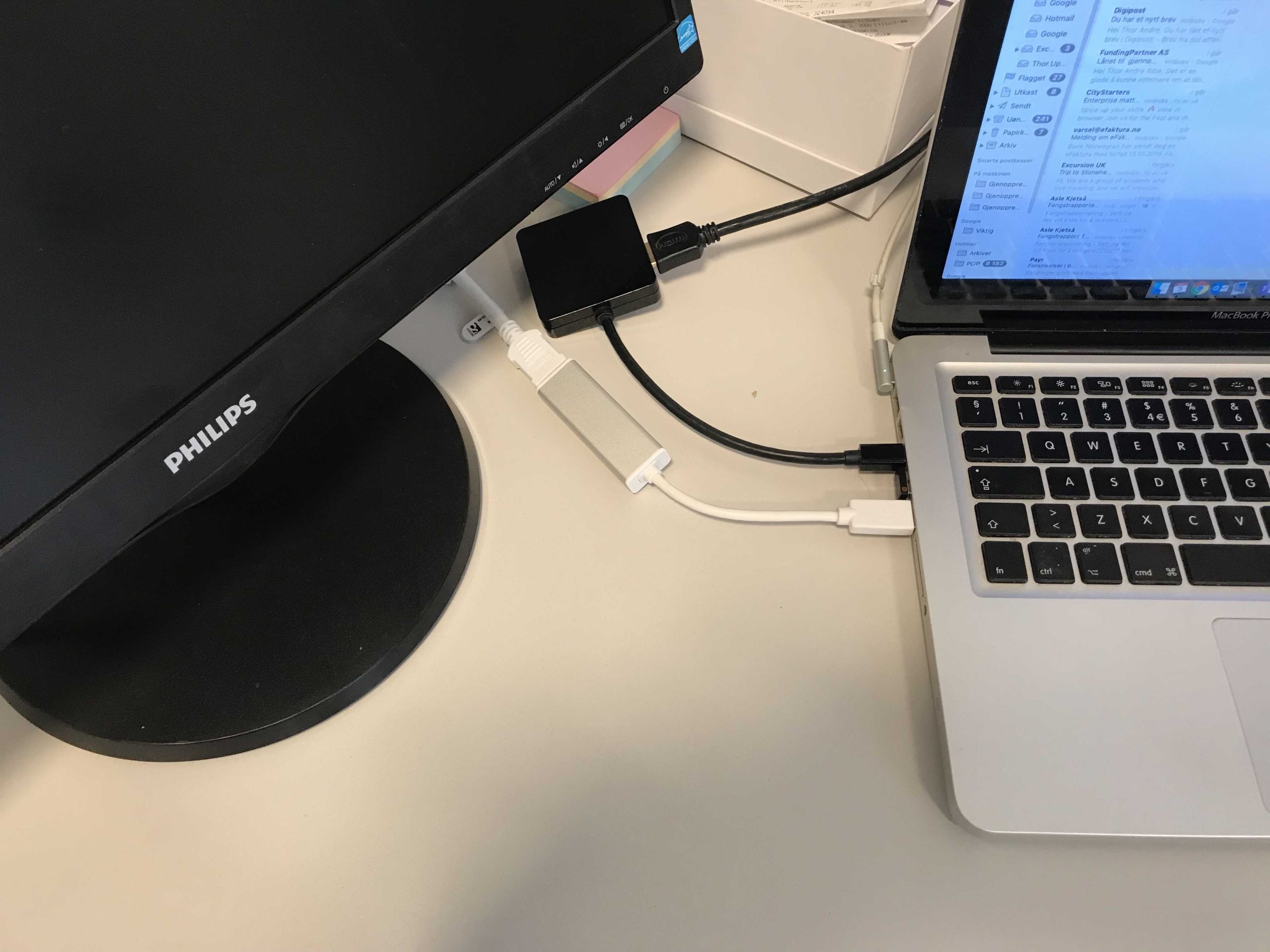
To connect external monitors to your MacBook quickly, simply identify the ports available on your device, choose the right cable or adapter, and then…
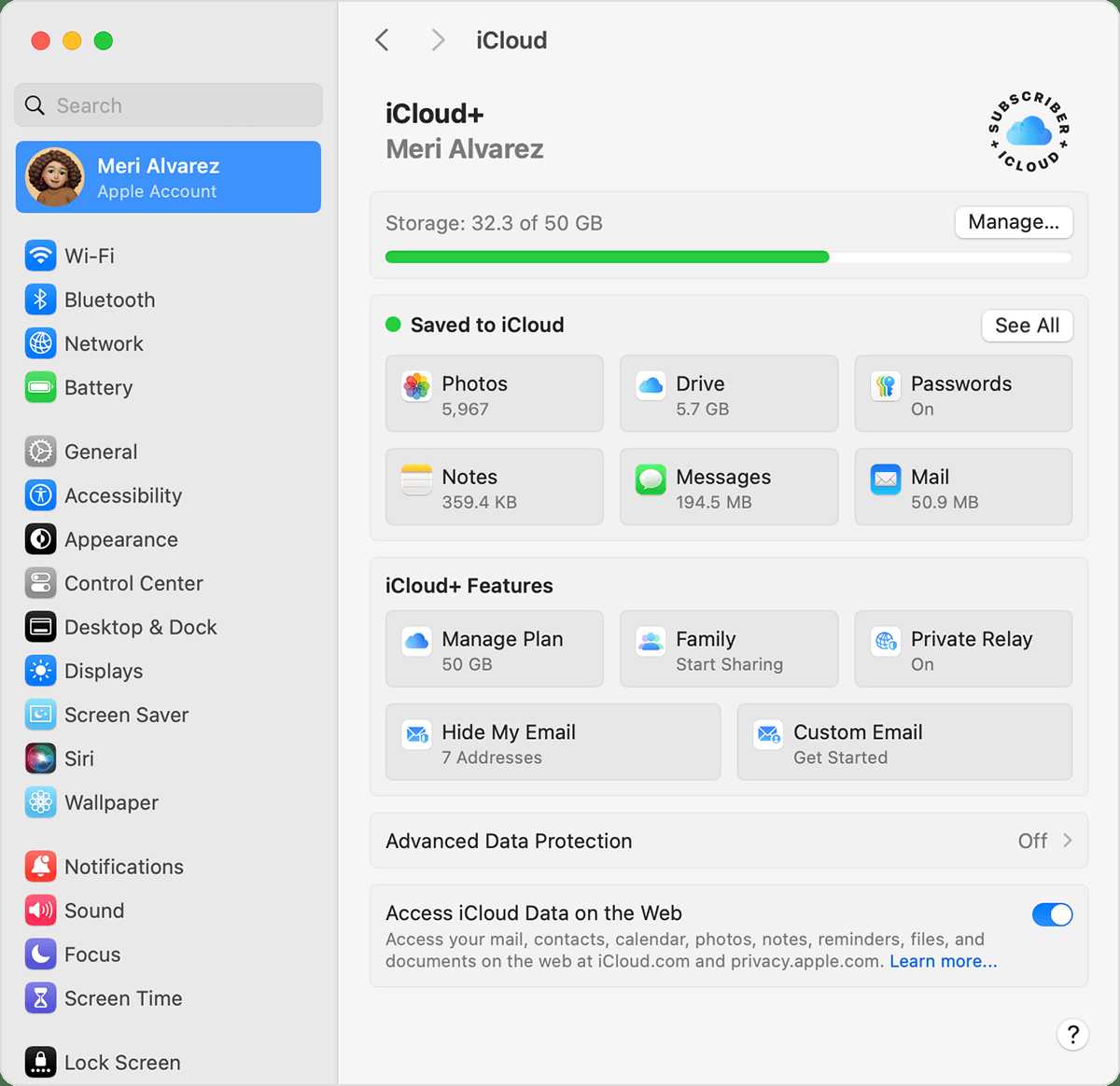
To seamlessly keep your data updated across all your Apple devices, iCloud is your best friend. Unlocking the power of iCloud allows you to…
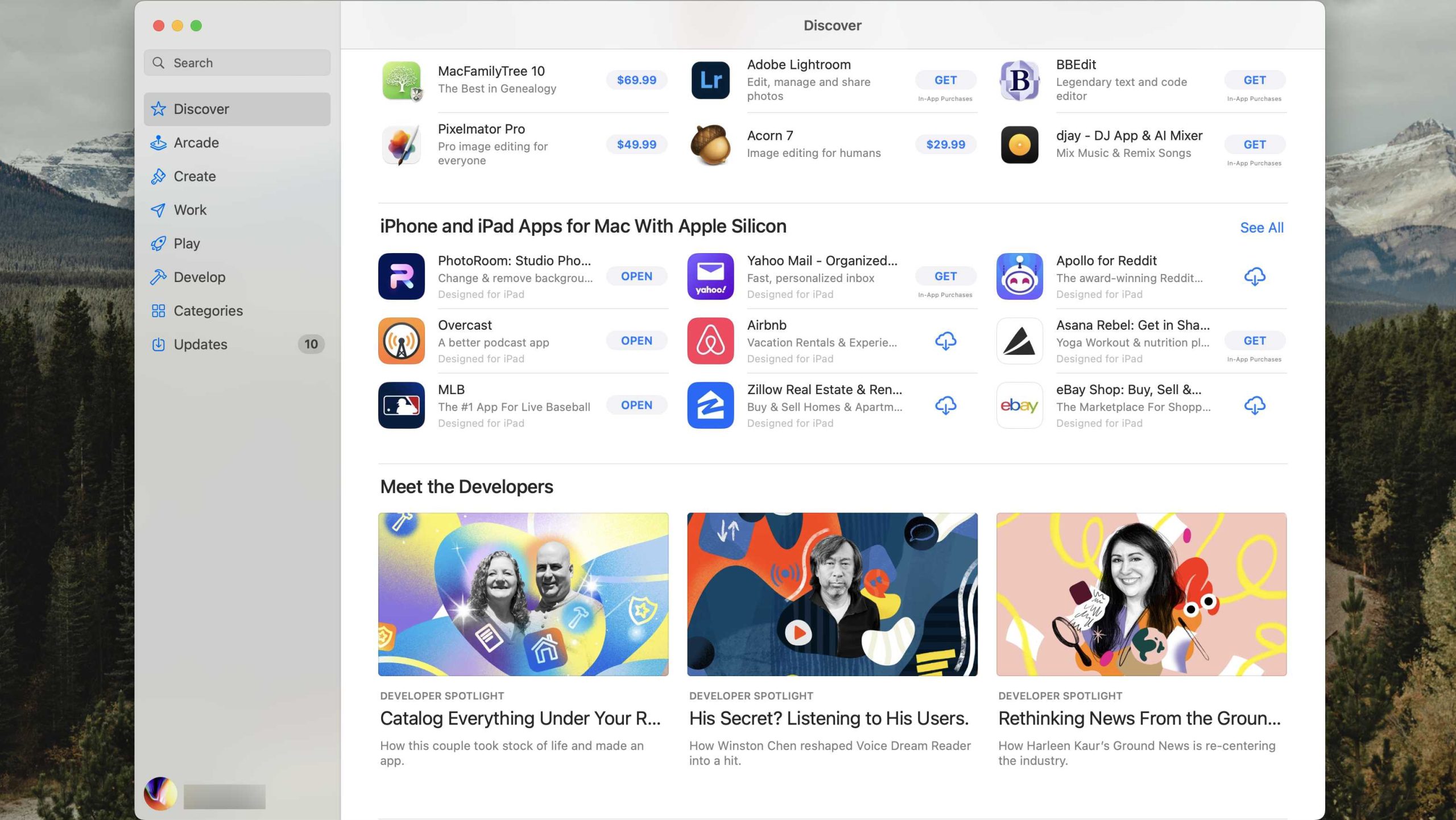
To install and manage apps on your MacBook quickly and easily, start by downloading apps from the Mac App Store or trusted websites, then…
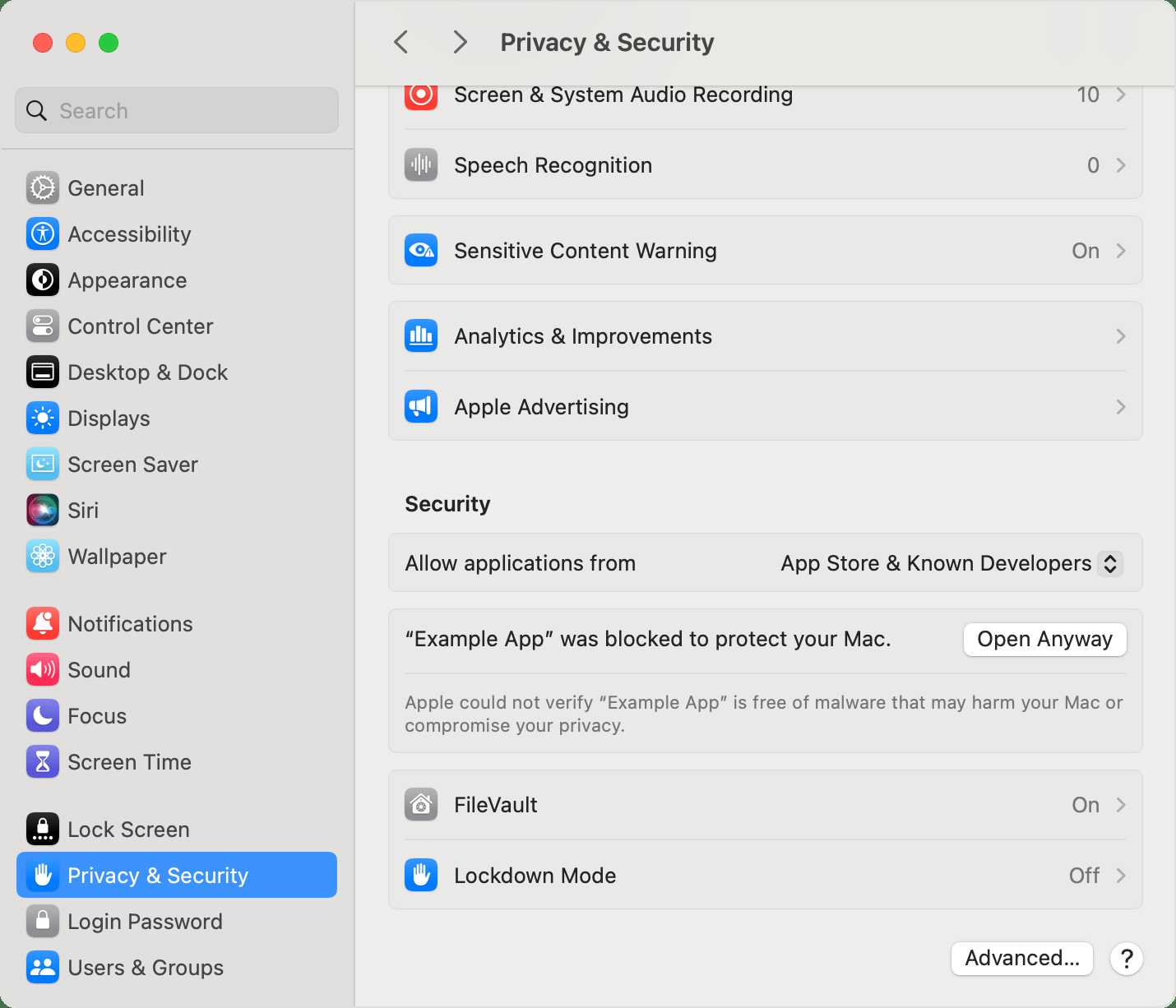
To keep your MacBook secure and running smoothly, regularly updating macOS is essential. Installing the latest updates patches security vulnerabilities and enhances performance, helping…
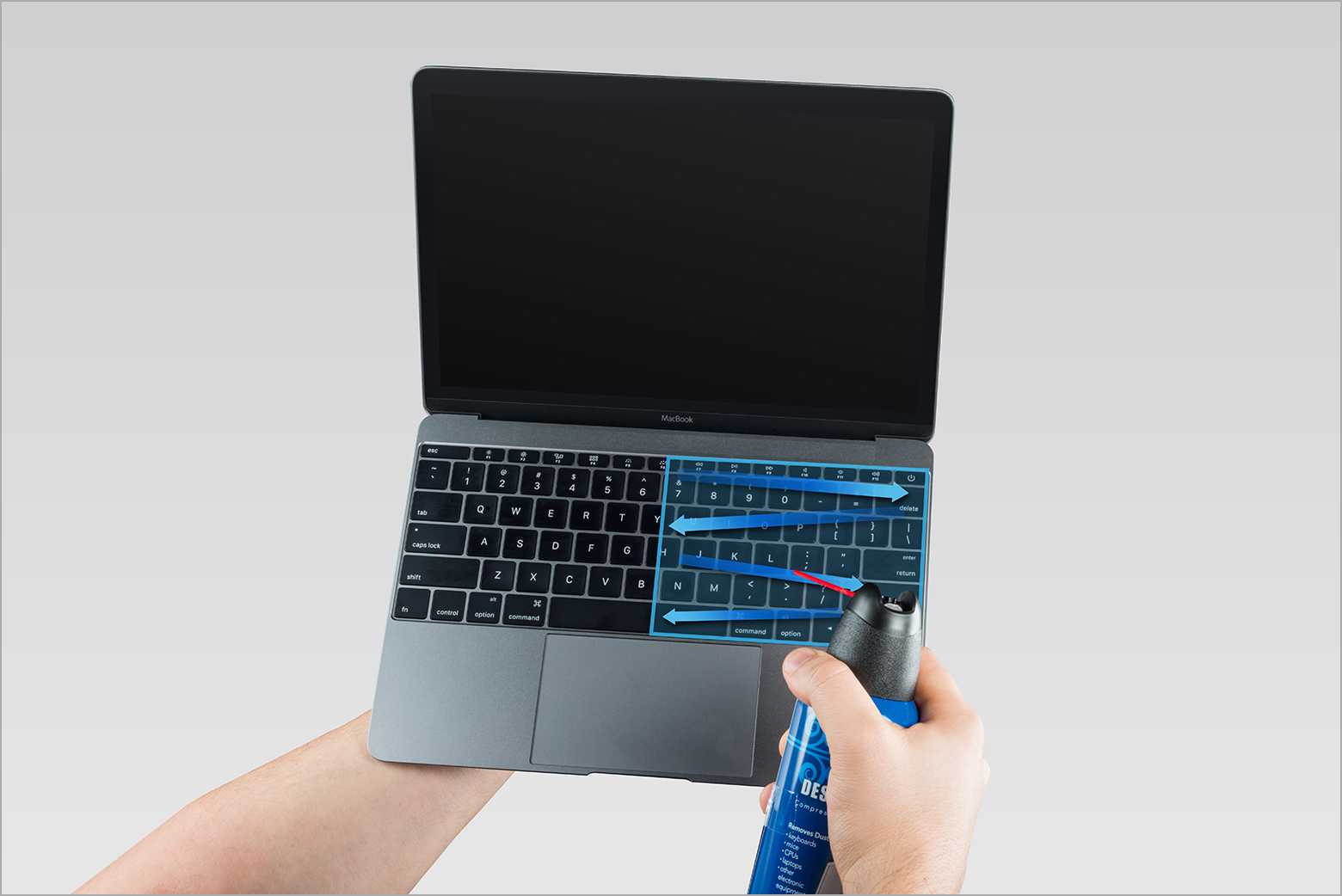
To clean your MacBook safely, unplug it, turn it off, and gently wipe with a soft, lint-free cloth. Use a slightly damp cloth for…

To navigate your device more swiftly, mastering trackpad gestures is a game-changer. Simply by using a few intuitive finger movements, you can switch between…

Quick Answer: To take a screenshot on a MacBook, press Command (⌘) + Shift + 3 for the whole screen or Command (⌘) +…

To use Spotlight Search like a pro, master specific shortcuts, filters, and search operators to find what you need instantly. Customize your search settings…
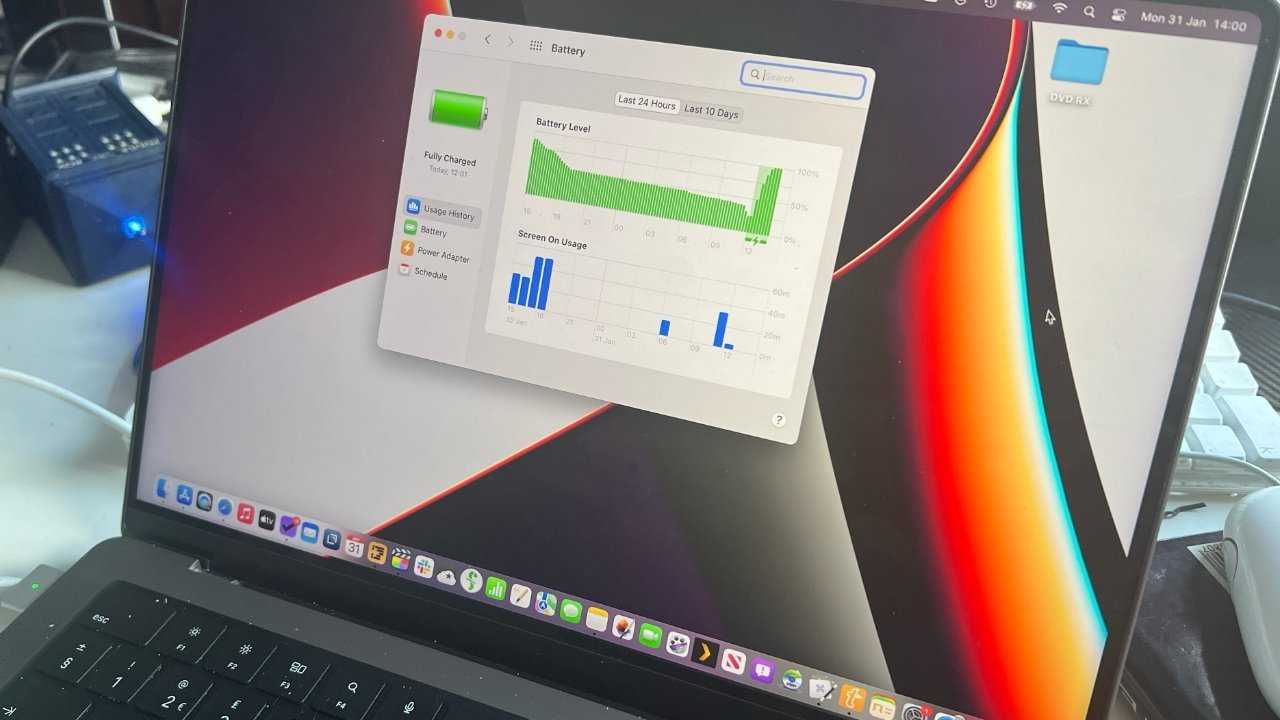
To maximize your MacBook’s battery life, start by adjusting your settings to reduce energy consumption, such as dimming the screen and closing unused apps.…
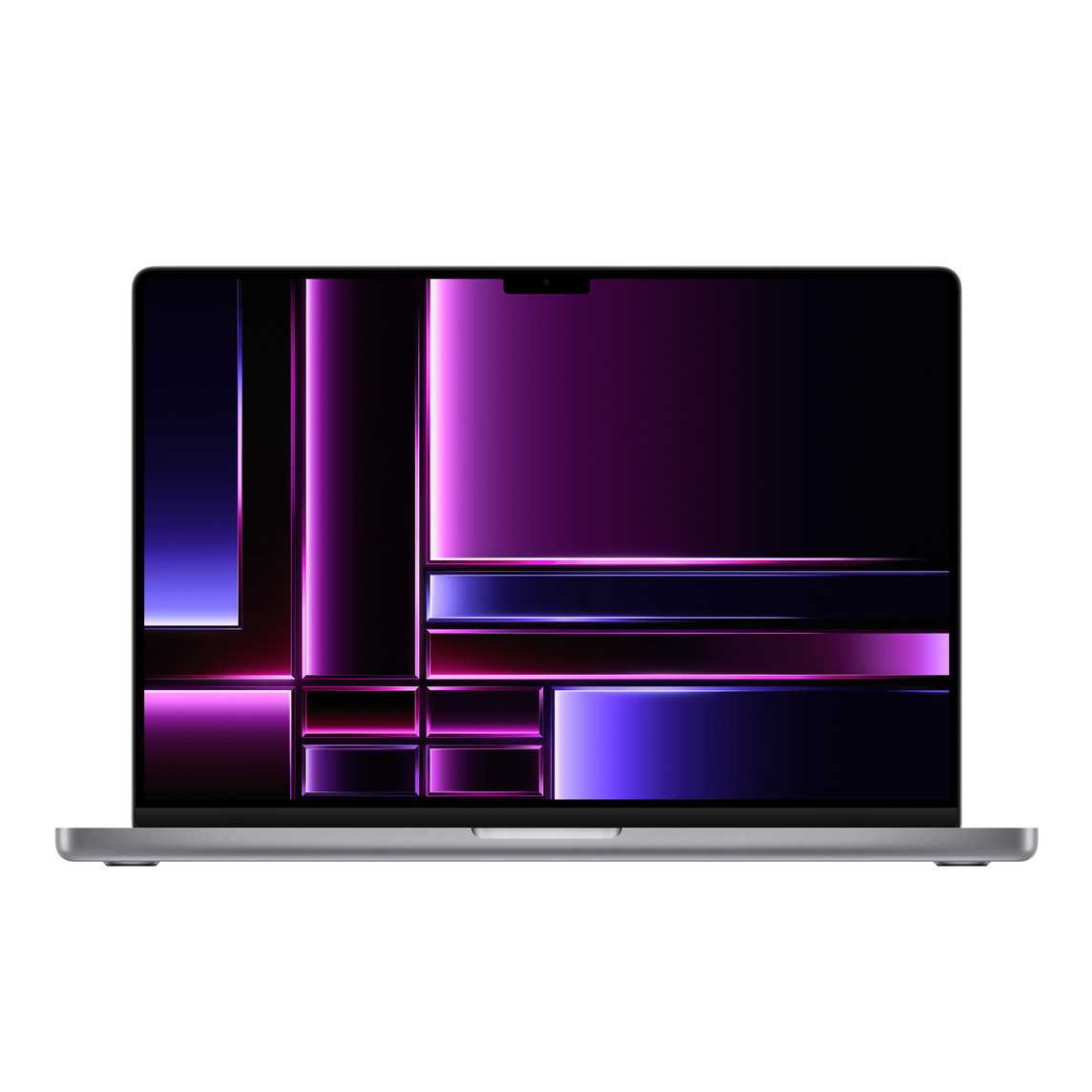
To maximize your MacBook’s storage, regularly delete unused files, utilize cloud storage options, and optimize system settings. Keeping your storage organized not only speeds…









