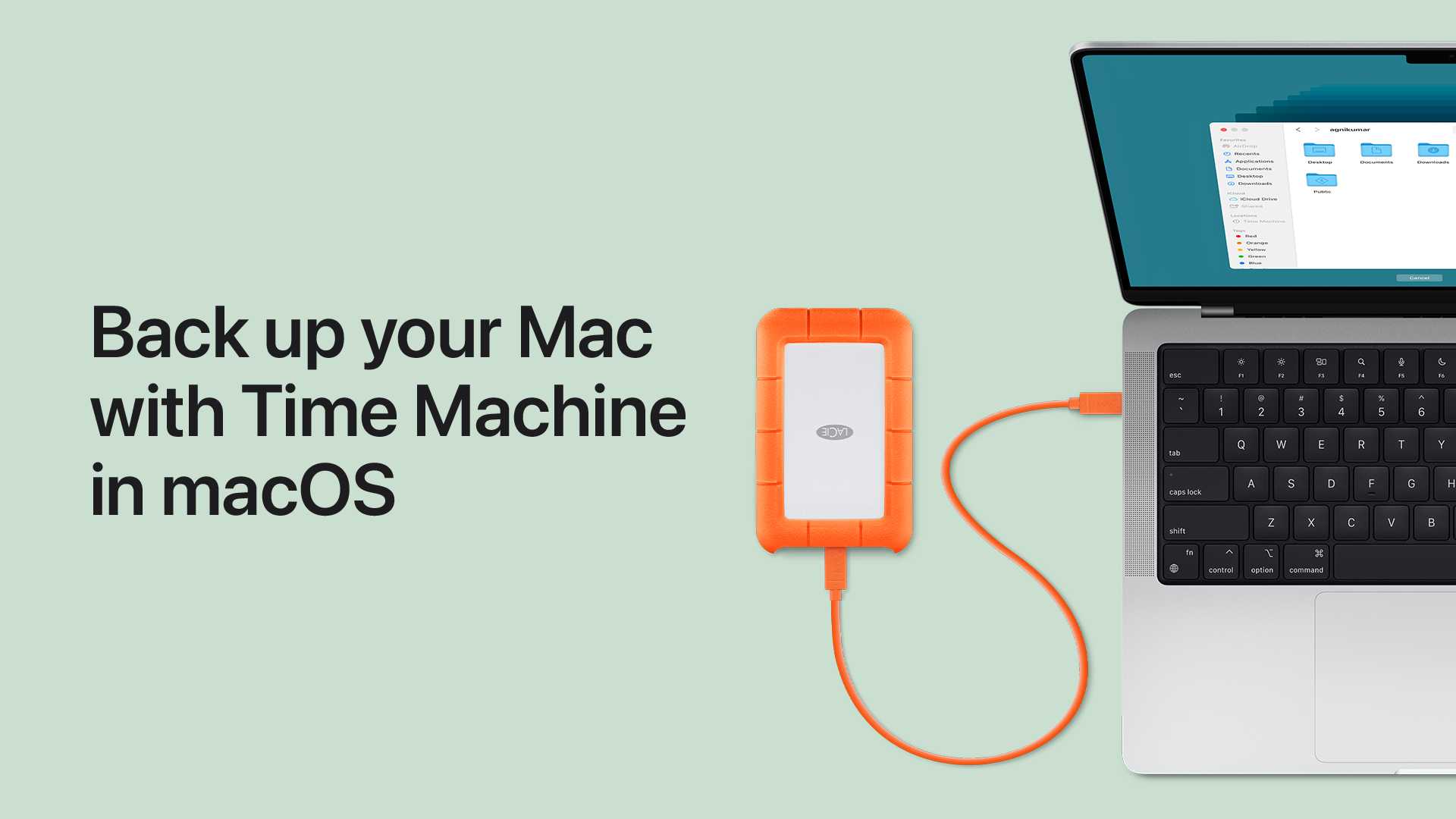
How To Back Up Data On A Macbook Using Time Machine?
To safeguard your valuable files, setting up a backup on your MacBook with Time Machine is quick and straightforward. Whether you’ve just upgraded your…
To safeguard your valuable files, setting up a backup on your MacBook with Time Machine is quick and straightforward. Whether you’ve just upgraded your…
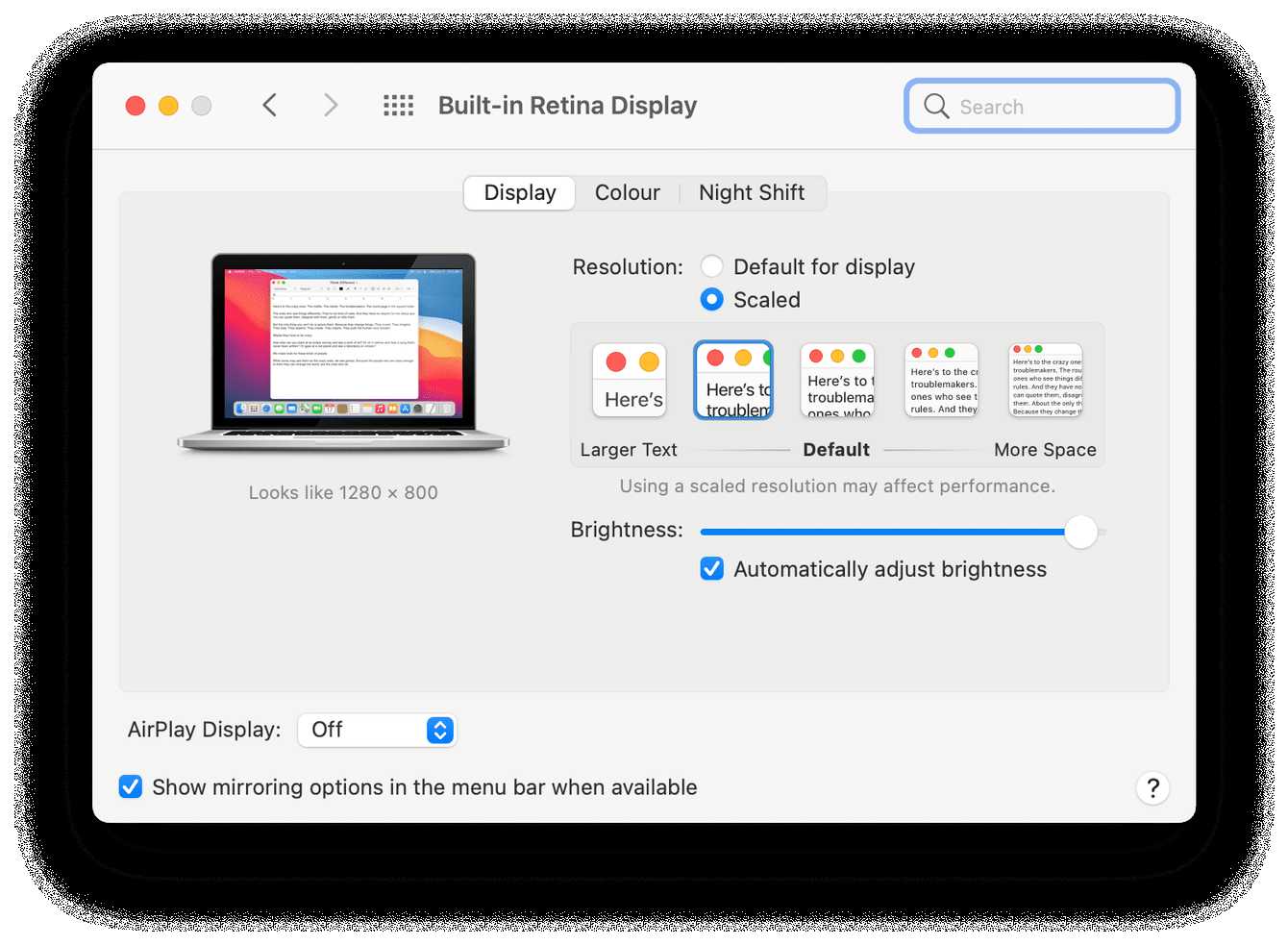
To boost your MacBook’s performance, start by optimizing system settings, managing startup items, and keeping software up to date. Adjusting RAM usage, disabling unnecessary…
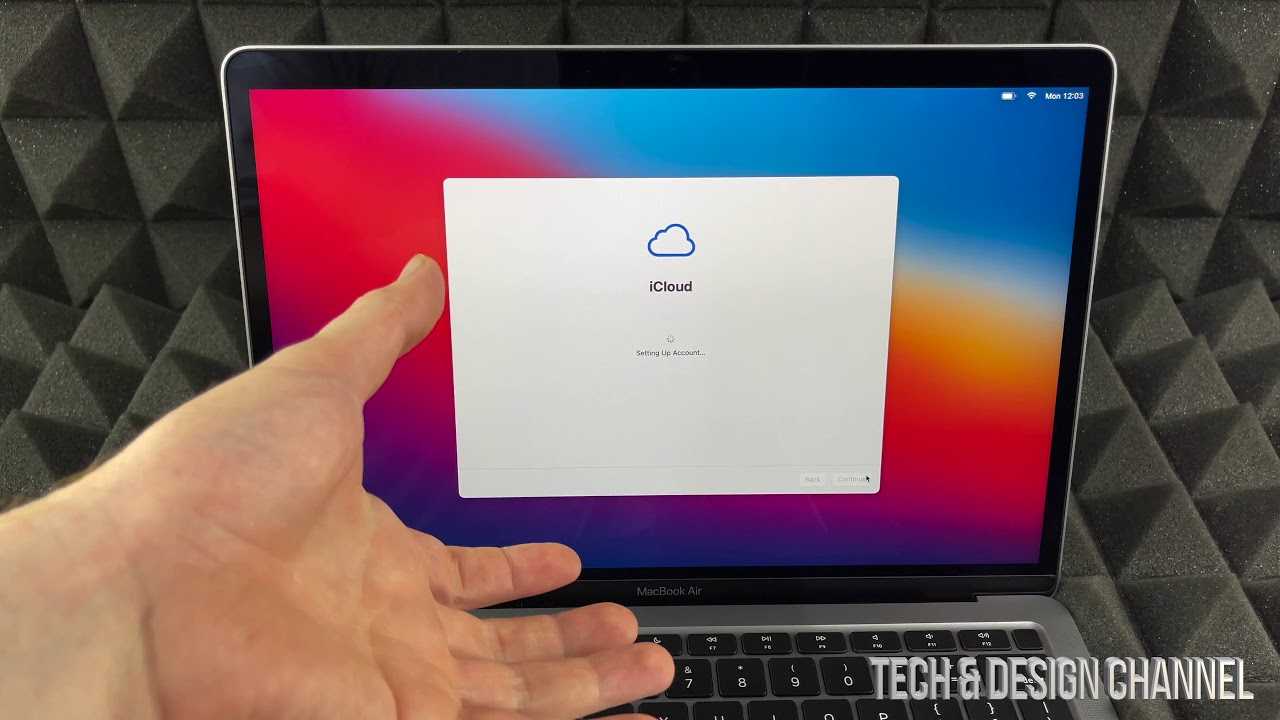
To set up your new MacBook for the first time, turn it on and follow the on-screen instructions to select your language, connect to…

Quick Fix: To resolve automatic brightness adjustment issues, try toggling the adaptive brightness setting off and on, updating your device drivers, or restarting your…

If your iPhone keeps restarting unexpectedly, don’t panic—there are simple steps you can take to fix the problem quickly. A quick restart, updating your…
If you’ve accidentally deleted precious photos or files on your iPhone, don’t panic—recovery might be easier than you think! The key is knowing the…

If your iPhone microphone suddenly stops working, don’t panic—there are simple steps you can take to fix the issue quickly. First, check for any…

If your App Store refuses to download apps, don’t worry—there’s a quick fix! Restarting your device, signing out and back into your Apple ID,…

To update your iPhone smoothly and avoid annoying errors, start by ensuring your device has enough storage, a stable Wi-Fi connection, and is fully…

If your iPhone suddenly isn’t ringing or messages aren’t coming through, it can be incredibly frustrating. The good news is, most of these issues…

If your iPhone isn’t working quite right, a reset can often do the trick—but the thought of losing precious data makes you hesitate. The…

If your iPhone screen suddenly stops responding, don’t panic—there are quick fixes that can often resolve the issue. A simple restart, updating your software,…









