
How To Clear Storage When Iphone Is Full For Better?
To clear storage on your full iPhone quickly, start by deleting unnecessary apps and large files, and consider offloading or backing up photos and…
To clear storage on your full iPhone quickly, start by deleting unnecessary apps and large files, and consider offloading or backing up photos and…

If Face ID on your device suddenly stops recognizing your face, don’t panic—there are simple steps you can take to fix it quickly. First,…

If your iPhone camera suddenly stops working, don’t panic—there are simple steps you can take to fix it quickly. A quick restart, checking for…

To fix Bluetooth issues on your iPhone quickly, try turning Bluetooth off and on again, restart your device, or reset your network settings. These…

To fix WiFi connection issues on your iPhone quickly, try toggling WiFi off and on, restarting your device, or resetting network settings. If these…

To keep your iPhone’s battery from draining quickly, start by adjusting your screen brightness, turning off unnecessary location services, and closing apps running in…

If your iPhone is frozen on the Apple logo, don’t panic! A simple restart or a force reboot can often resolve the issue, and…
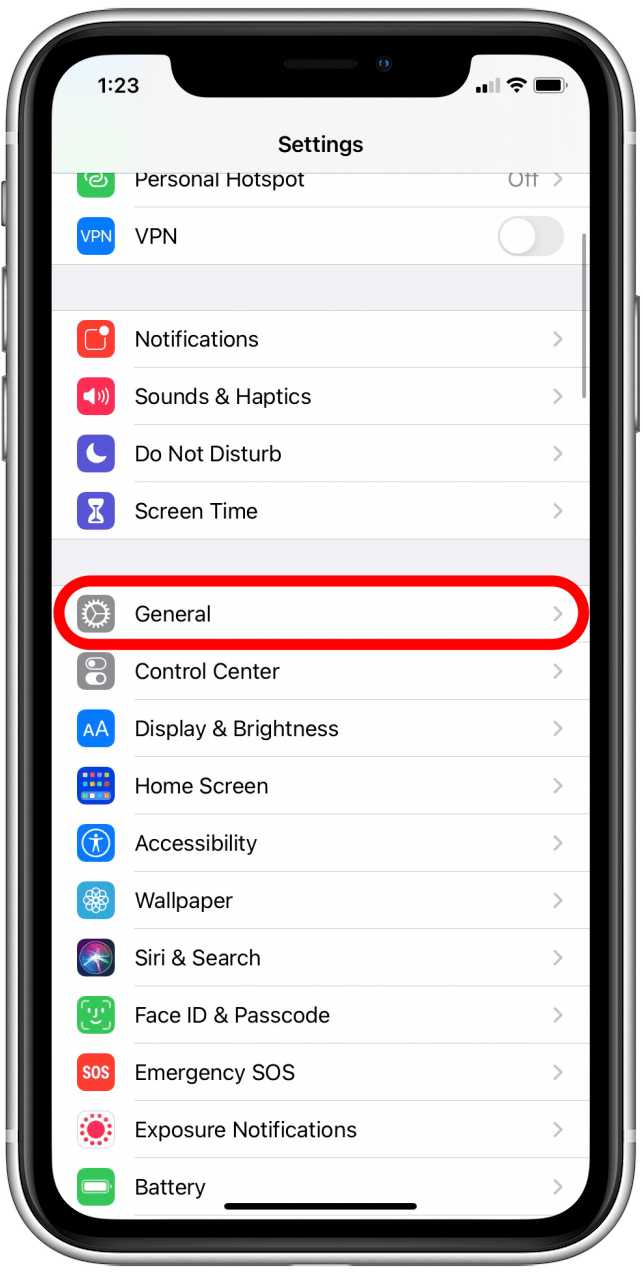
If your iPhone apps keep crashing, don’t panic—there are quick fixes to get your apps running smoothly again. Start by closing the app completely…

If your iPhone is getting uncomfortably hot, don’t panic—there are simple steps you can take to cool it down quickly. First, turn off any…
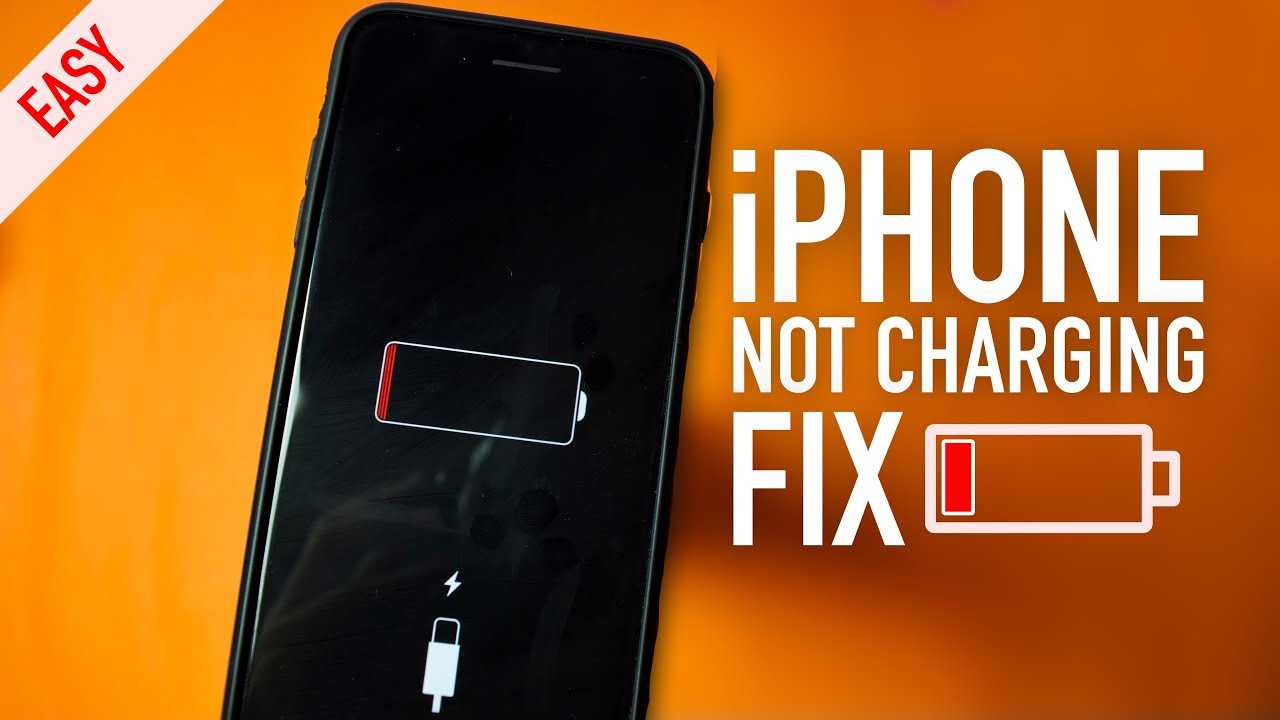
If your iPhone refuses to charge properly, don’t panic—there are simple fixes to get it back up and running. First, try restarting your device,…
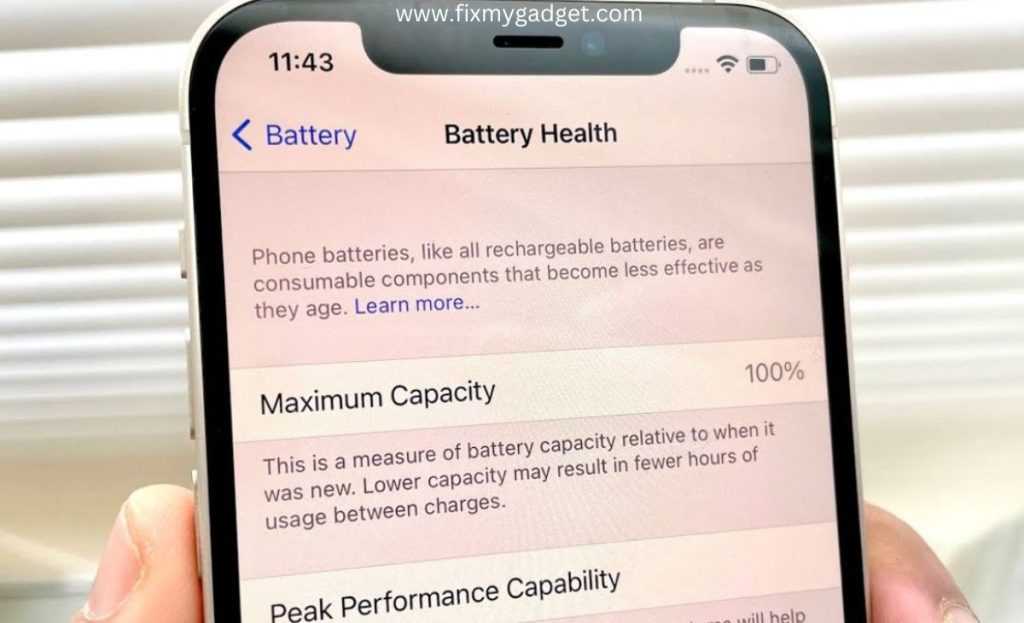
To get helpful tips on software updates and battery impact, ask clear, specific questions to tech support or online forums, and provide details about…
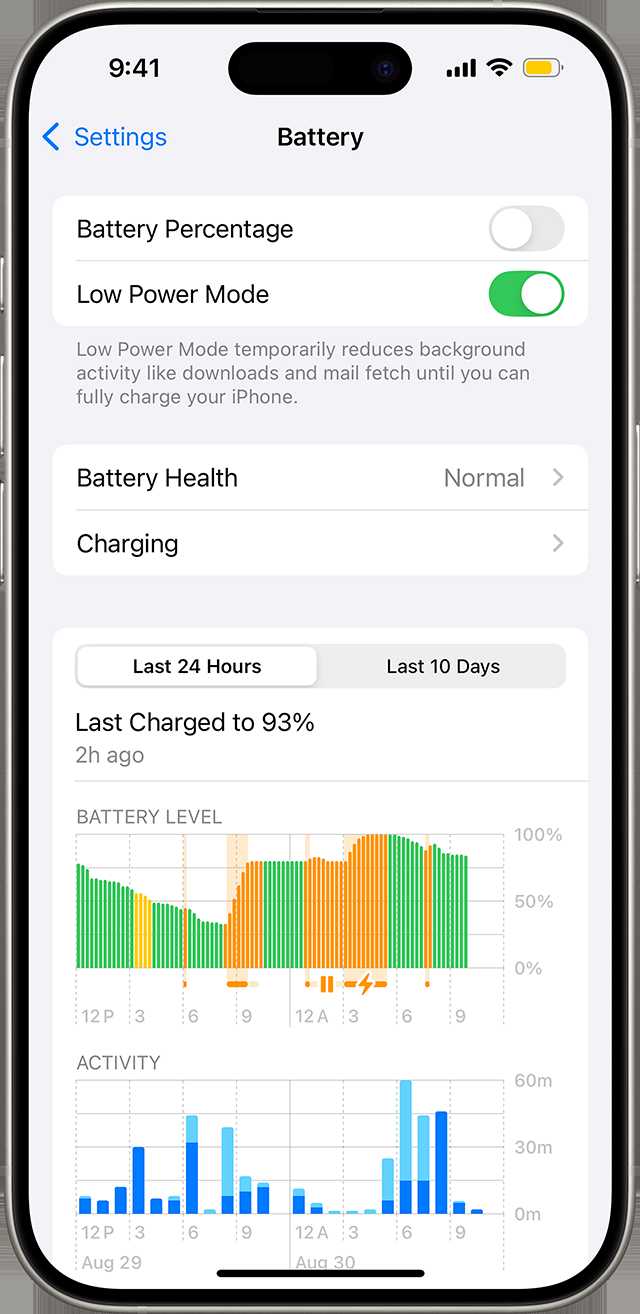
To quickly save battery life on your iPhone, identify and disable non-essential features that drain power. Check your settings for options like background app…









