
How To Improve Macbook Battery Life With Settings Tweaks?
To extend your MacBook’s battery life quickly, start by adjusting display brightness, turning off unused Bluetooth and Wi-Fi, and managing background app activity. These…
To extend your MacBook’s battery life quickly, start by adjusting display brightness, turning off unused Bluetooth and Wi-Fi, and managing background app activity. These…
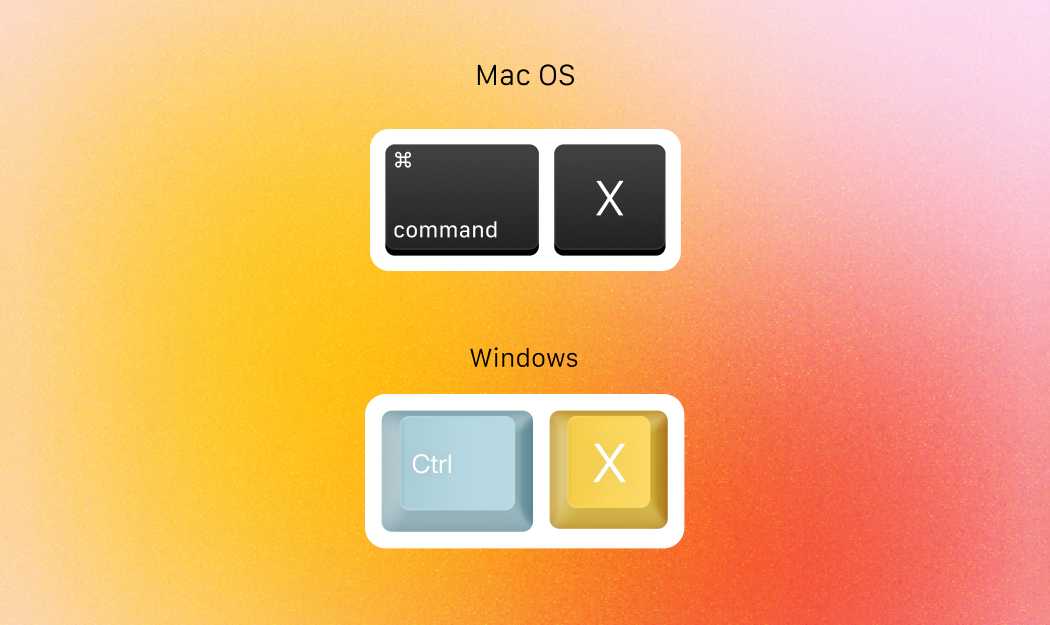
Mastering MacBook shortcuts can drastically boost your productivity by letting you perform tasks in seconds instead of minutes. With just a few keystrokes, you…

Quick answer: Open your PDF or image with Preview, then use the toolbar options to edit, annotate, or crop your files easily. You can…

Encrypting your MacBook is the best way to protect your personal data from prying eyes. With a few simple steps, you can ensure that…
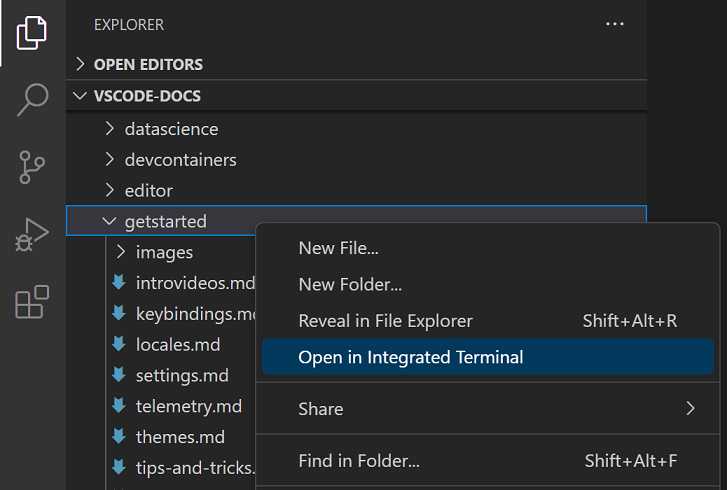
To unlock hidden features on your Mac, you just need to use a few clever Terminal commands. These commands act as secret keys, revealing…
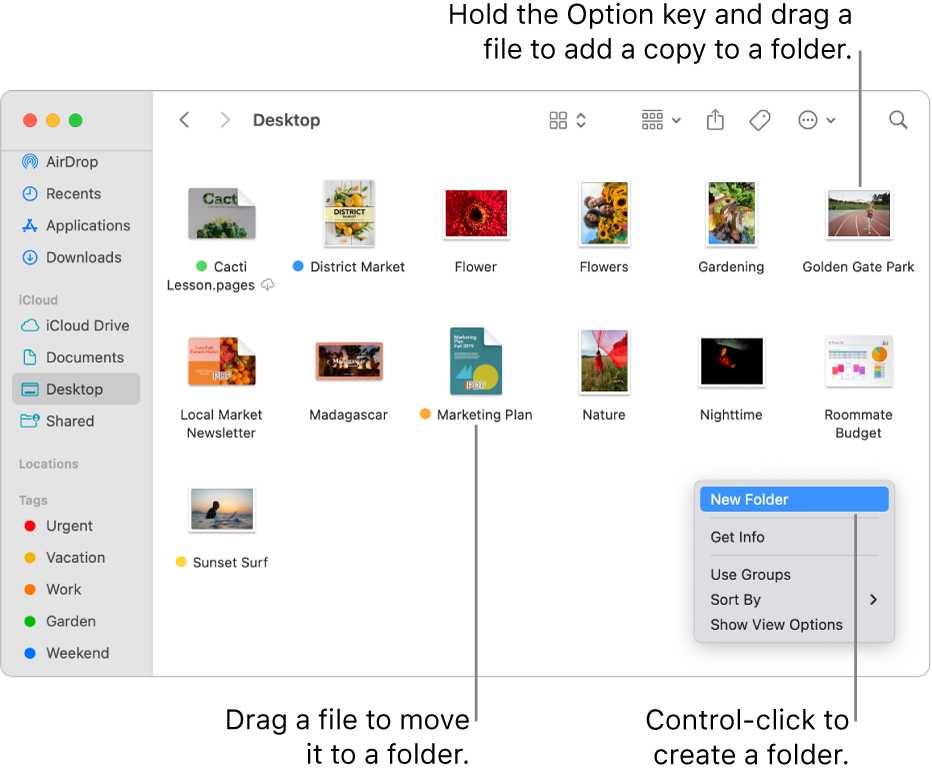
To keep your MacBook clutter-free and boost your productivity, start by creating a simple system for organizing your desktop and files. Use folders, tags,…
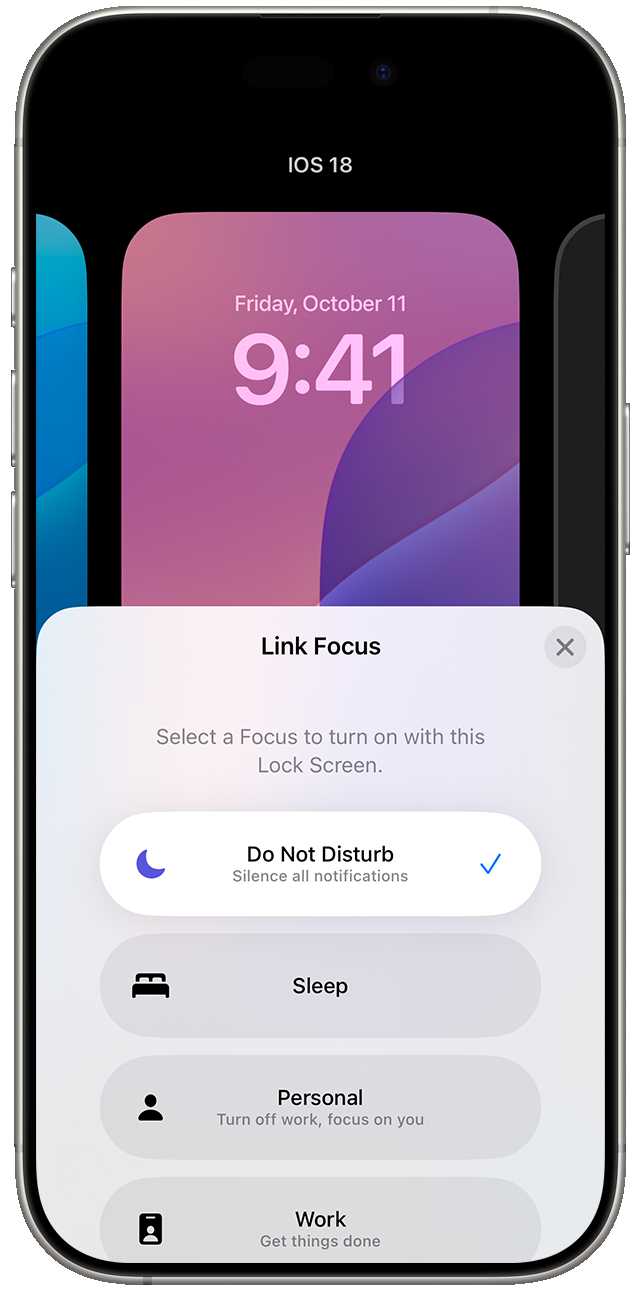
Want to boost your productivity and stay distraction-free on your Mac? Mastering Focus Mode and Do Not Disturb can help you carve out uninterrupted…

To keep your MacBook running smoothly, regular maintenance is key. By cleaning up unnecessary files, updating software, and keeping an eye on system performance,…
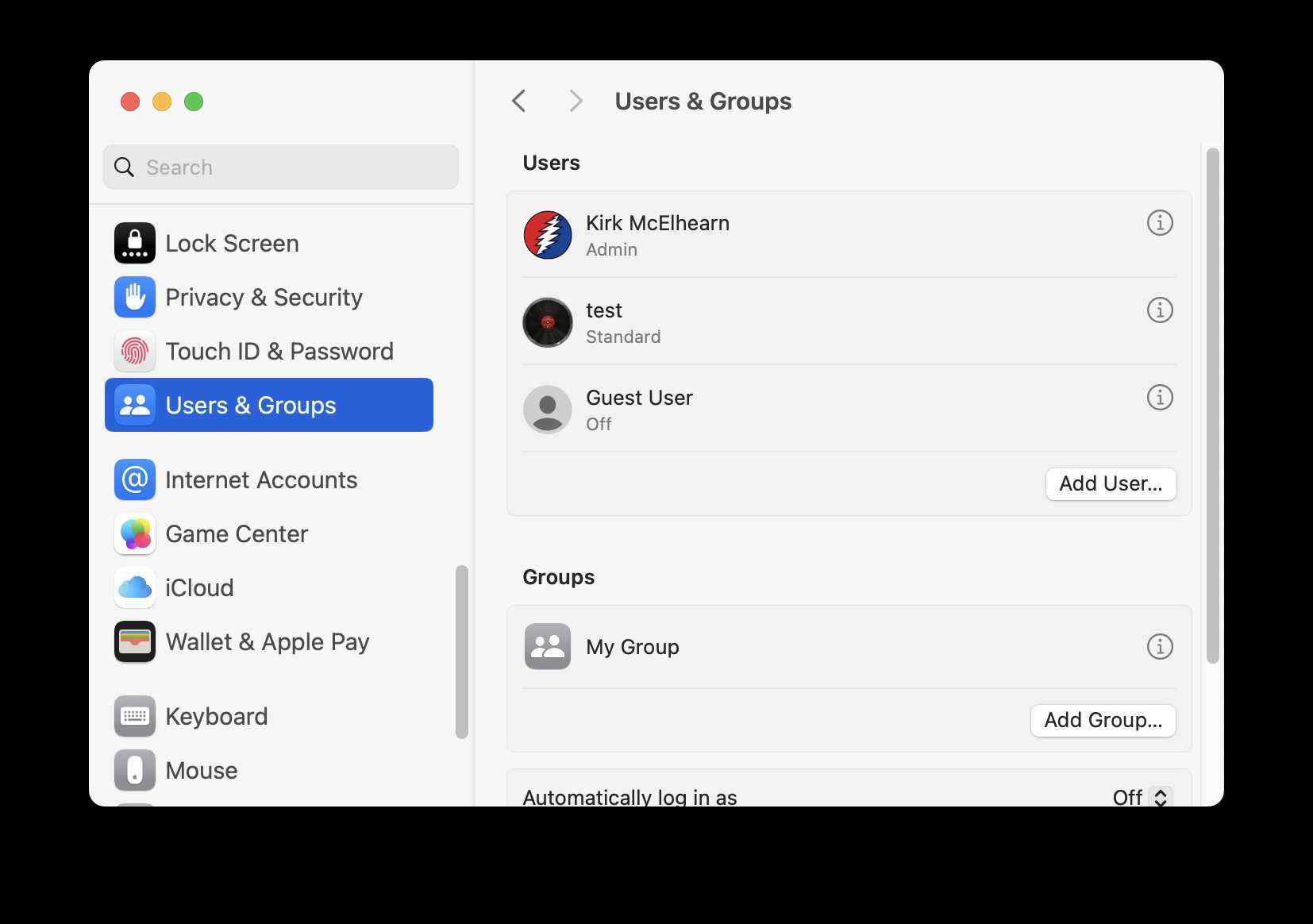
Creating and managing user accounts on your MacBook is straightforward and essential for maintaining privacy and organizing multiple users. Whether you’re setting up a…
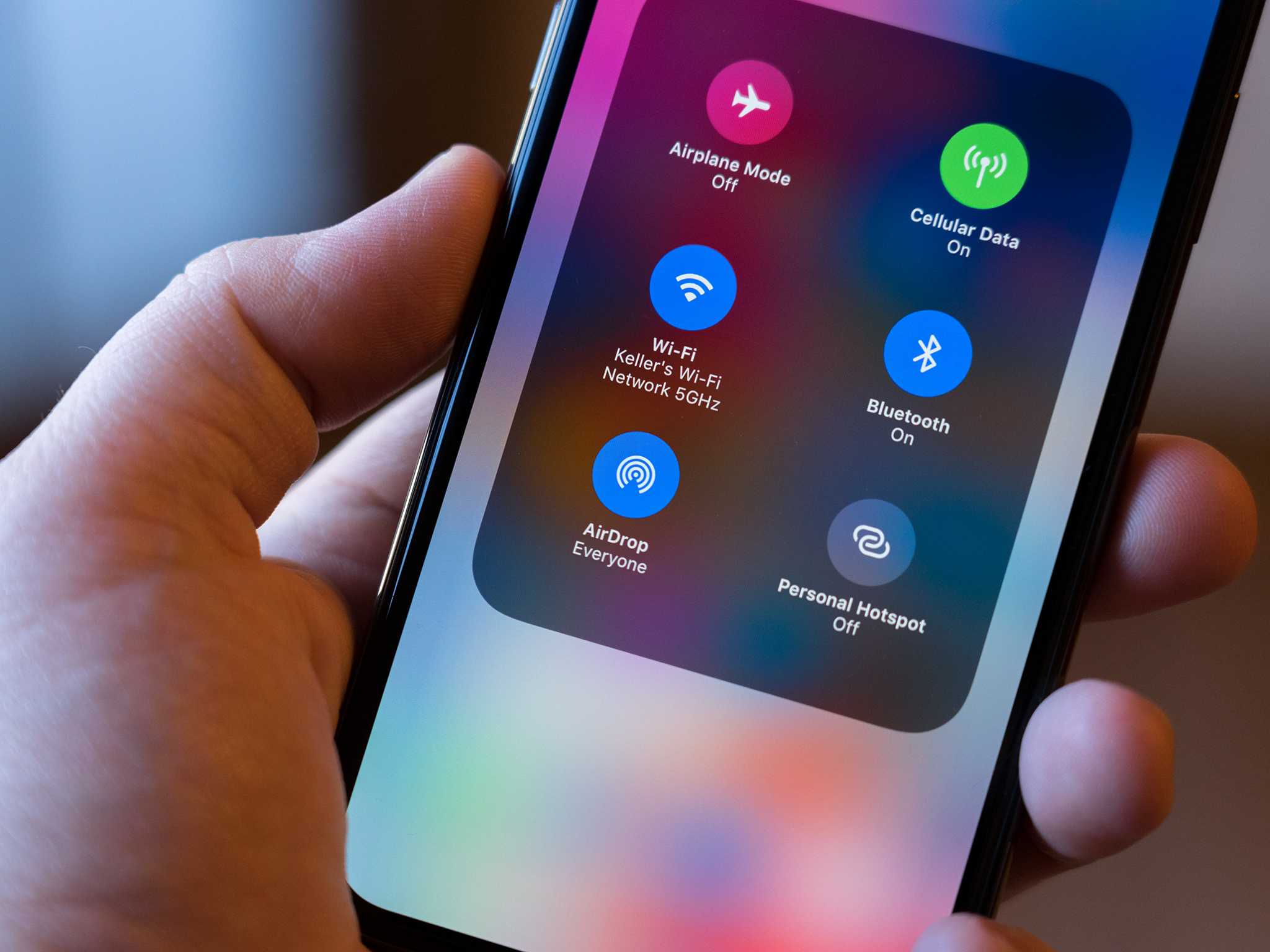
To share files instantly using AirDrop, simply turn on Wi-Fi and Bluetooth, open the file you want to send, and select AirDrop from the…

To effortlessly transfer files between your MacBook and iPhone, use AirDrop for quick, wireless sharing, or leverage iCloud for seamless synchronization across devices. You…
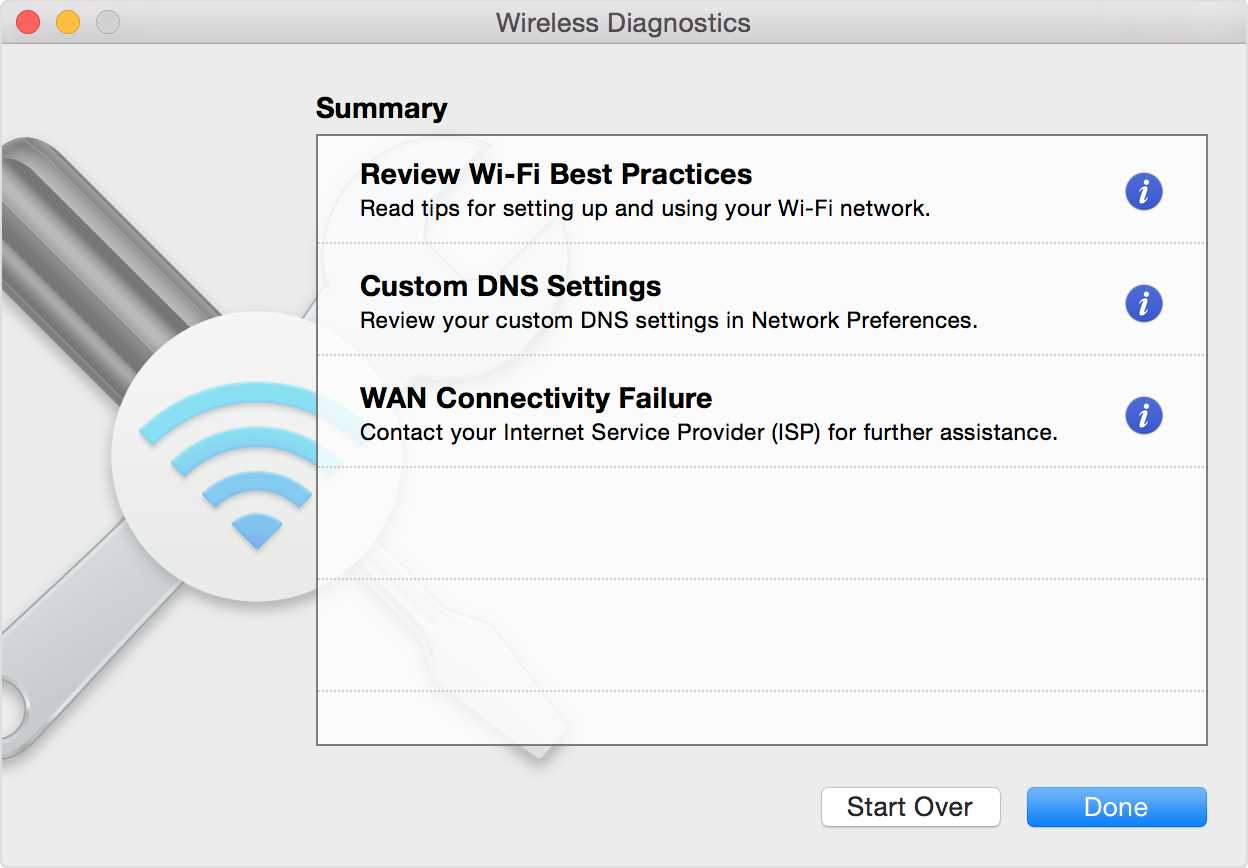
If your MacBook’s WiFi keeps dropping or won’t connect at all, don’t panic—there are simple steps you can take to fix the problem quickly.…









