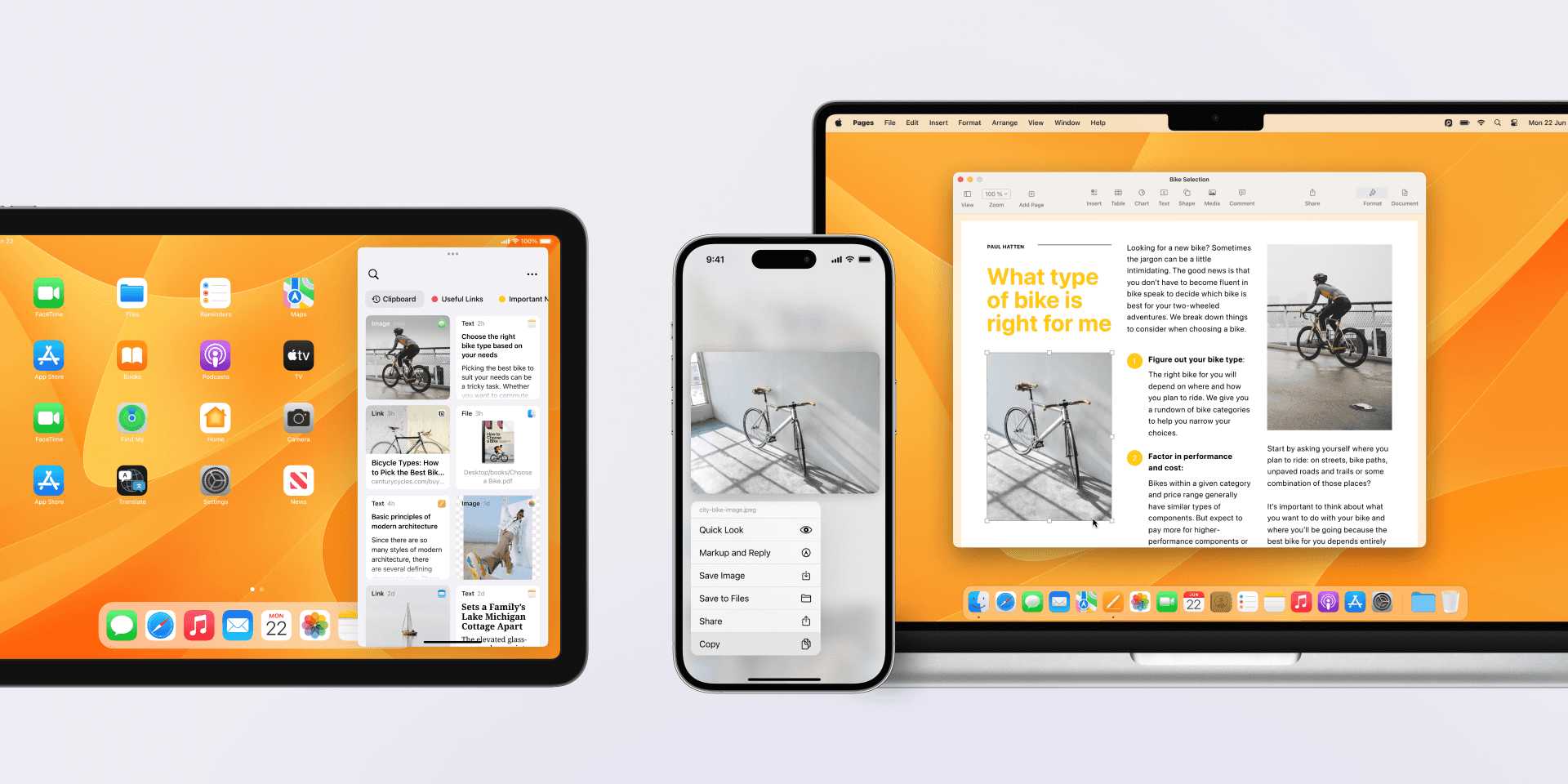
How To Copy And Paste Across Apple Devices Seamlessly
Want to effortlessly copy and paste between your Apple devices without missing a beat? With Apple’s ecosystem, sharing content across iPhone, iPad, and Mac…
Want to effortlessly copy and paste between your Apple devices without missing a beat? With Apple’s ecosystem, sharing content across iPhone, iPad, and Mac…
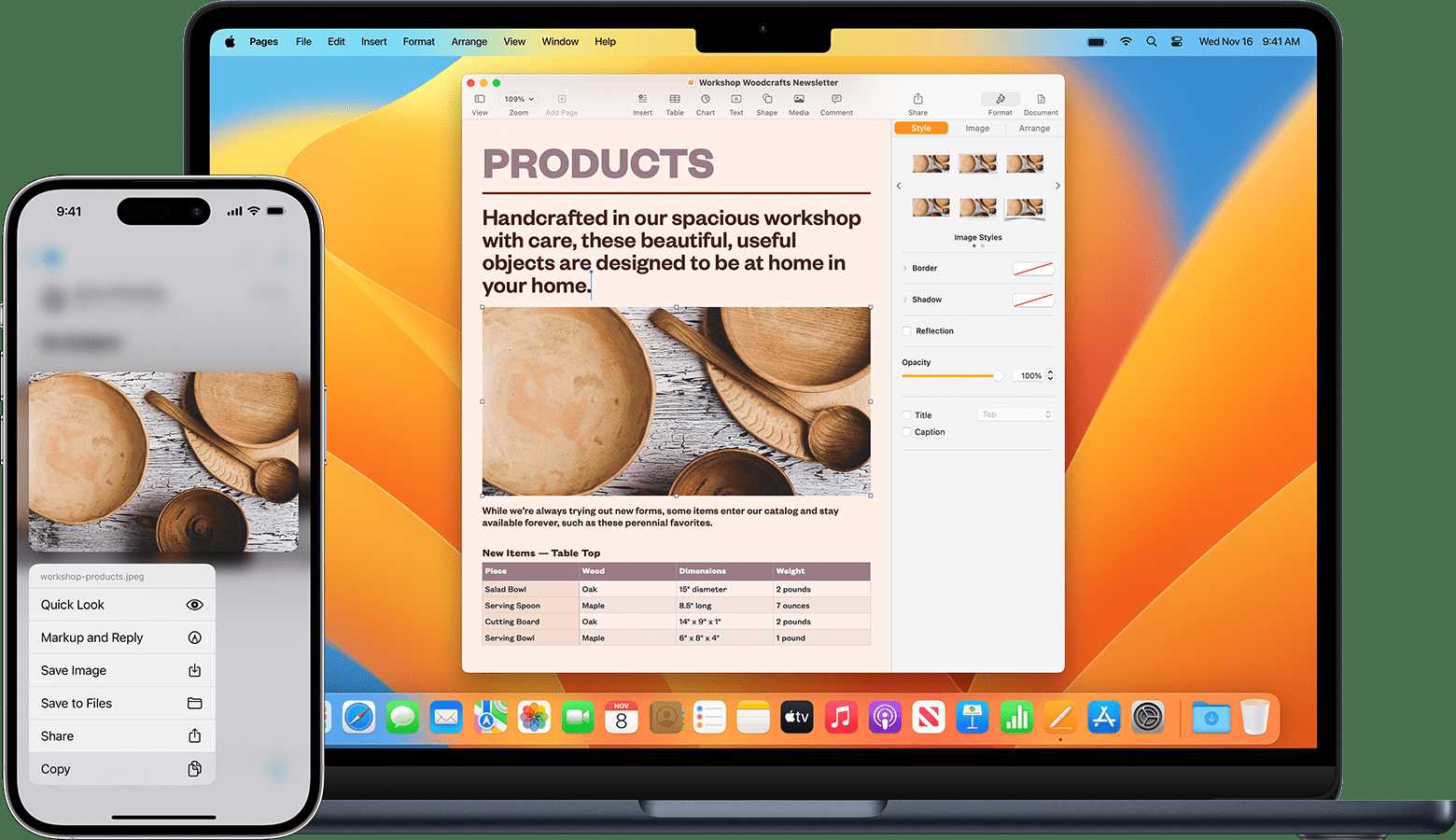
To effortlessly copy and paste between your MacBook and iPhone, enable Universal Clipboard by ensuring both devices are signed into the same Apple ID,…
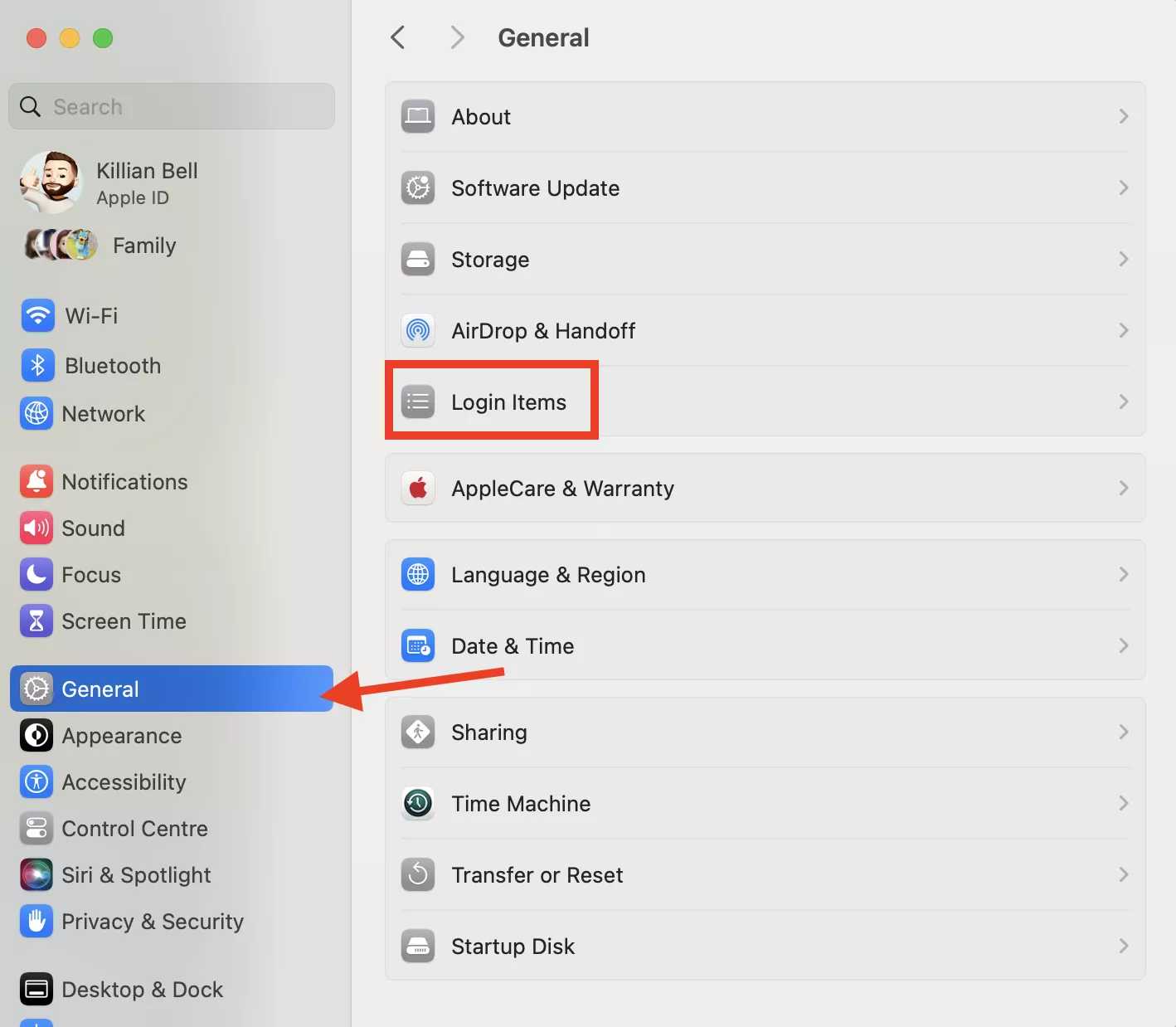
To speed up your startup, simply manage and disable unnecessary login items that automatically launch when your computer starts. This quick fix can significantly…

Want to turbocharge your browsing experience on Safari? With a few simple tips, you can navigate faster, load pages quicker, and save precious time…

To manage your notifications on a MacBook effectively, start by customizing notification settings for each app through System Preferences. You can also choose whether…

To customize your Dock for quick and effortless access, simply add, remove, or rearrange your favorite apps and folders to suit your workflow. You…
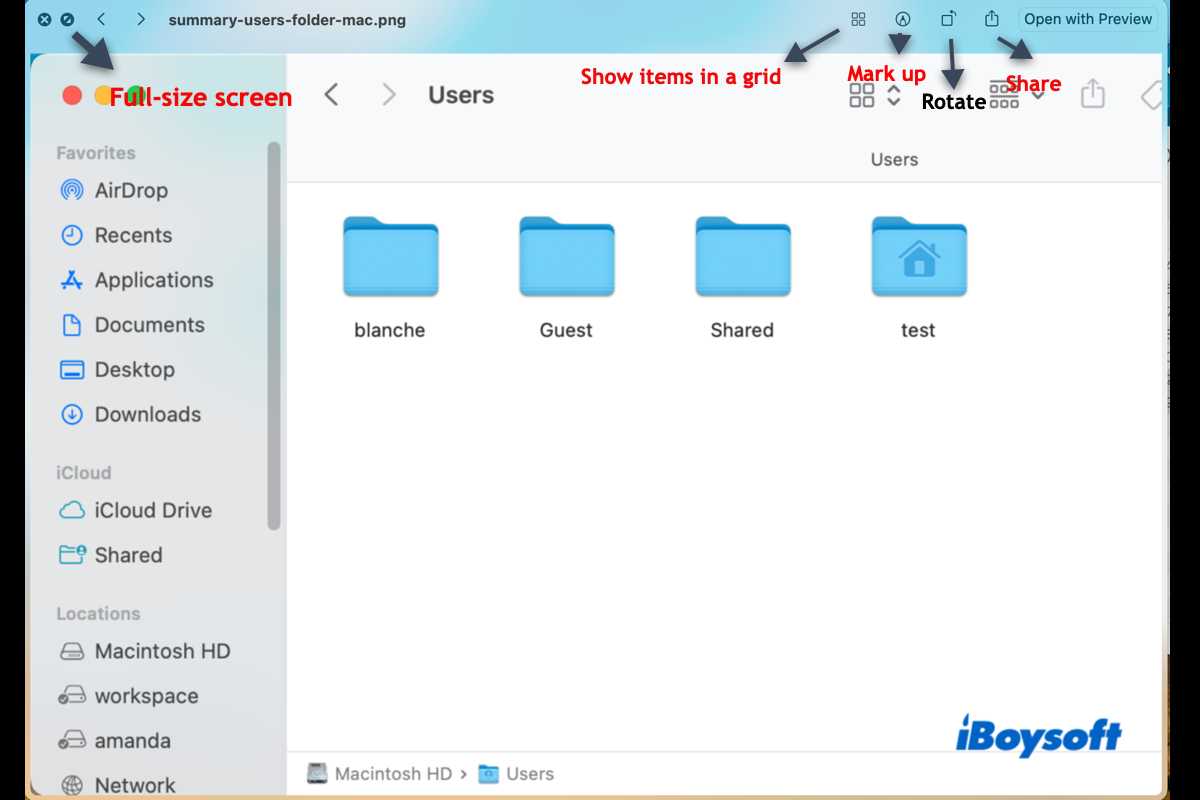
Quick Look is a game-changer for anyone who wants to preview files instantly without opening them fully. With just a simple tap or keystroke,…
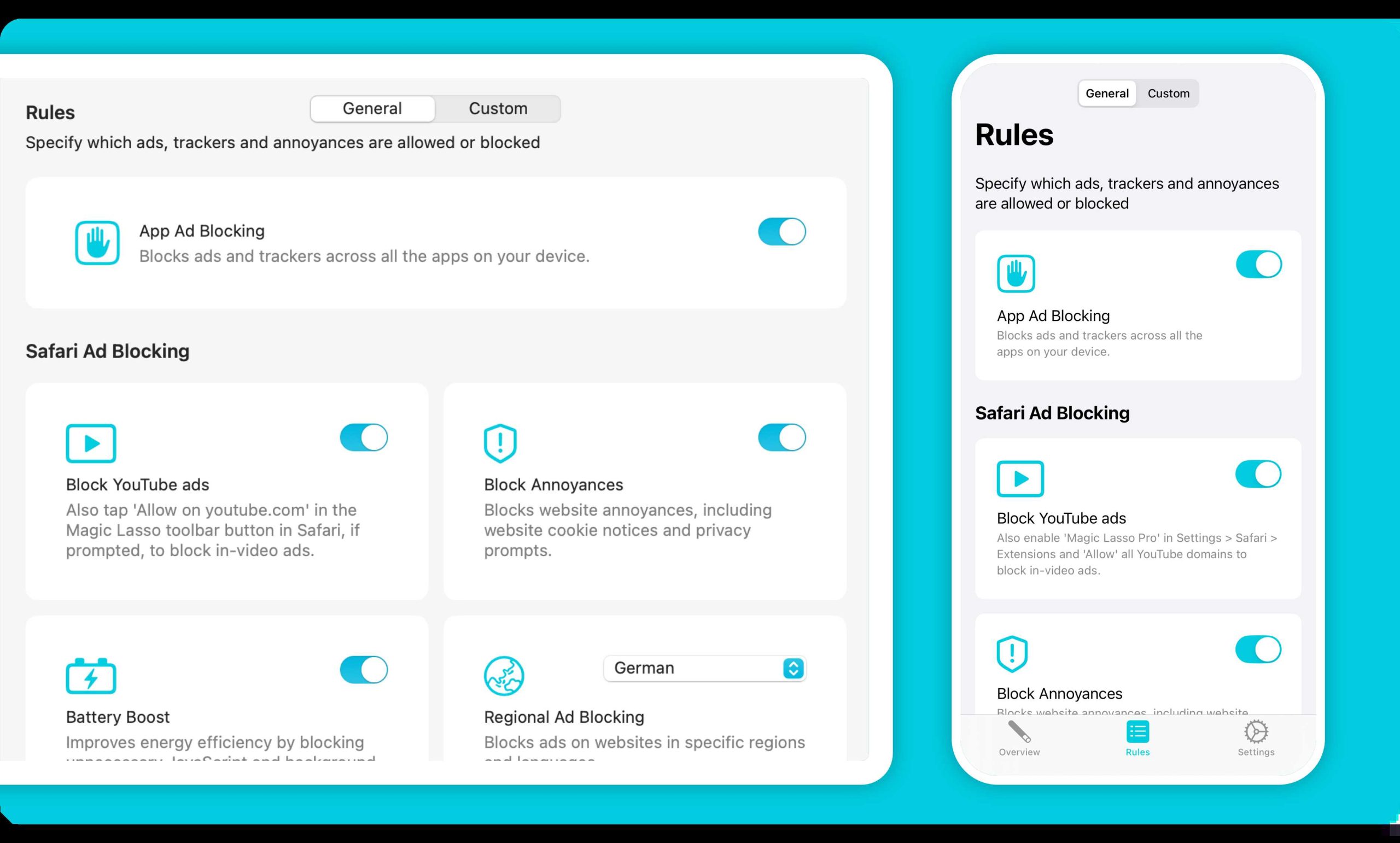
To instantly give your MacBook a speed boost, start with simple steps like clearing out unnecessary files, closing unused apps, and updating your software.…
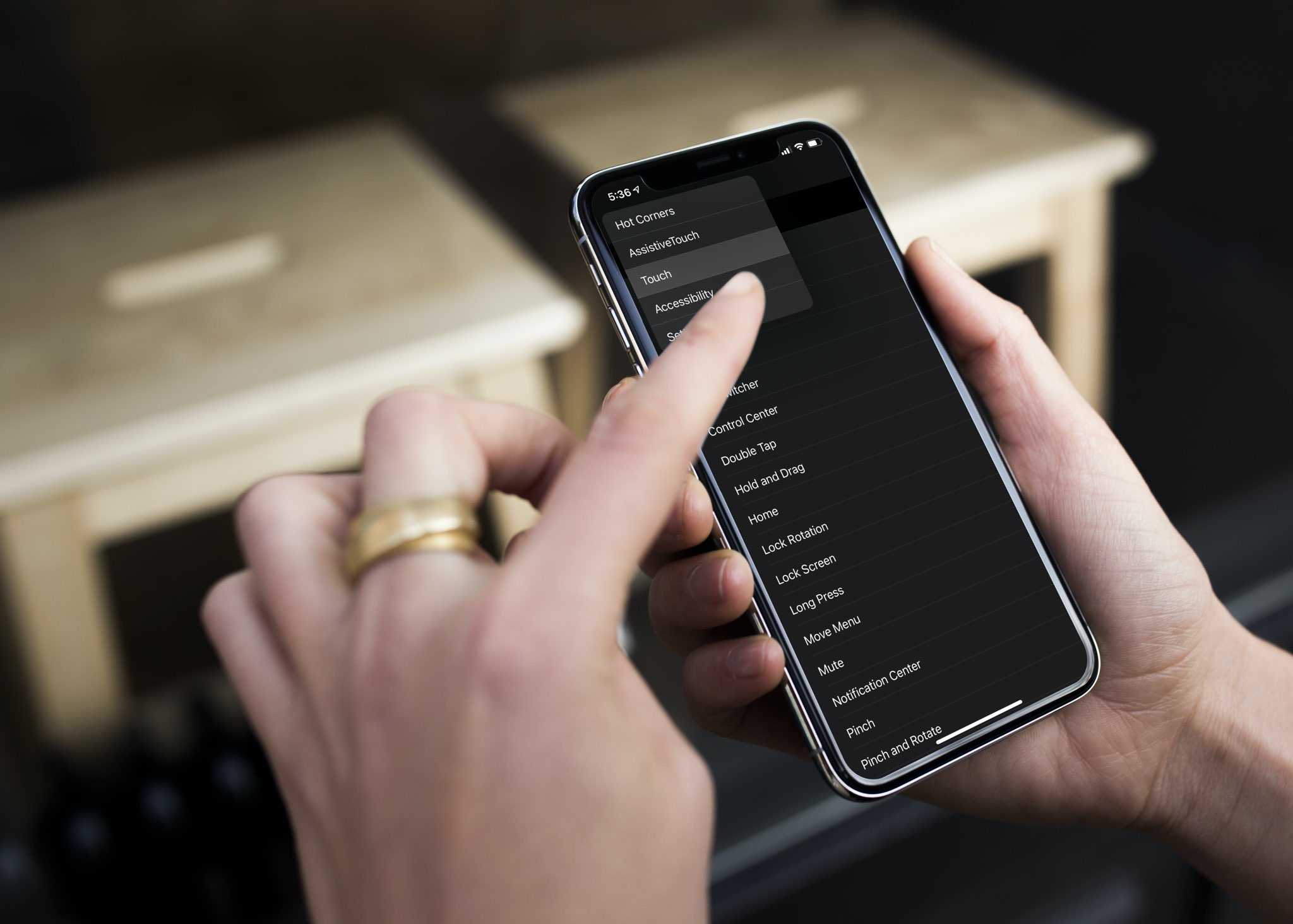
Activate hot corners on your computer to instantly access apps, menus, or screens just by moving your mouse to a corner—no more fumbling through…
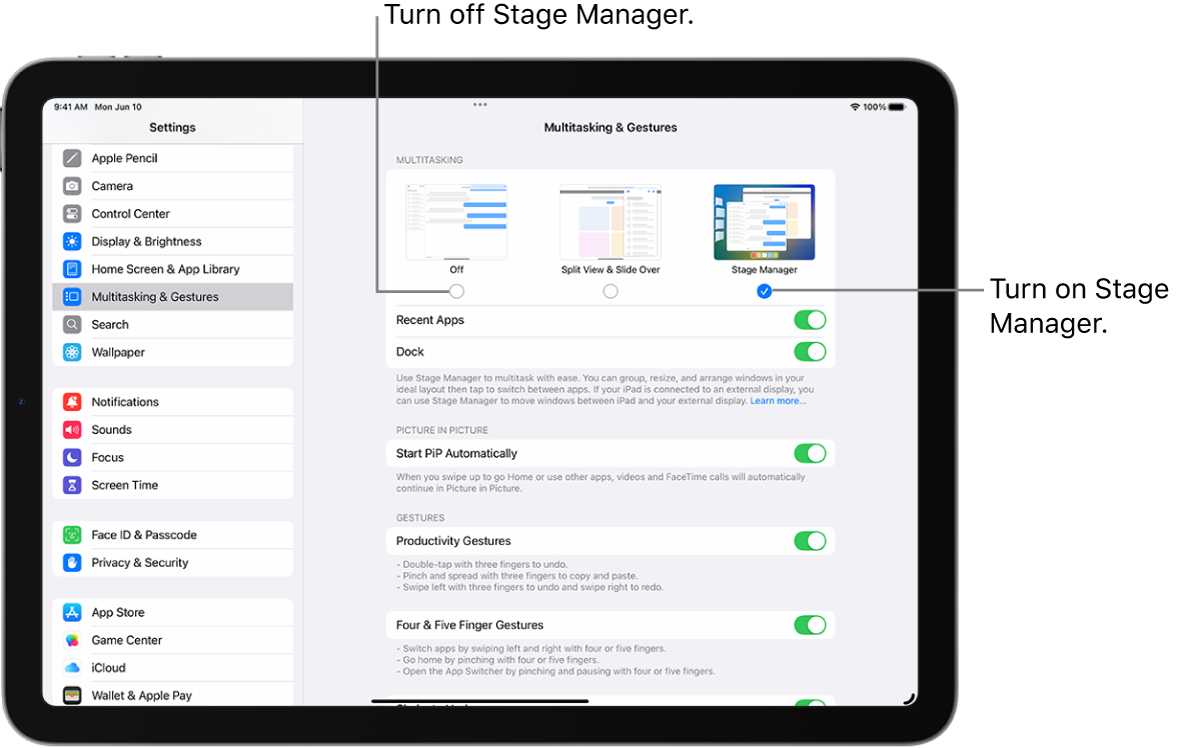
To master your multitasking, Stage Manager offers a seamless way to organize all your open apps on Mac. With just a few clicks, you…
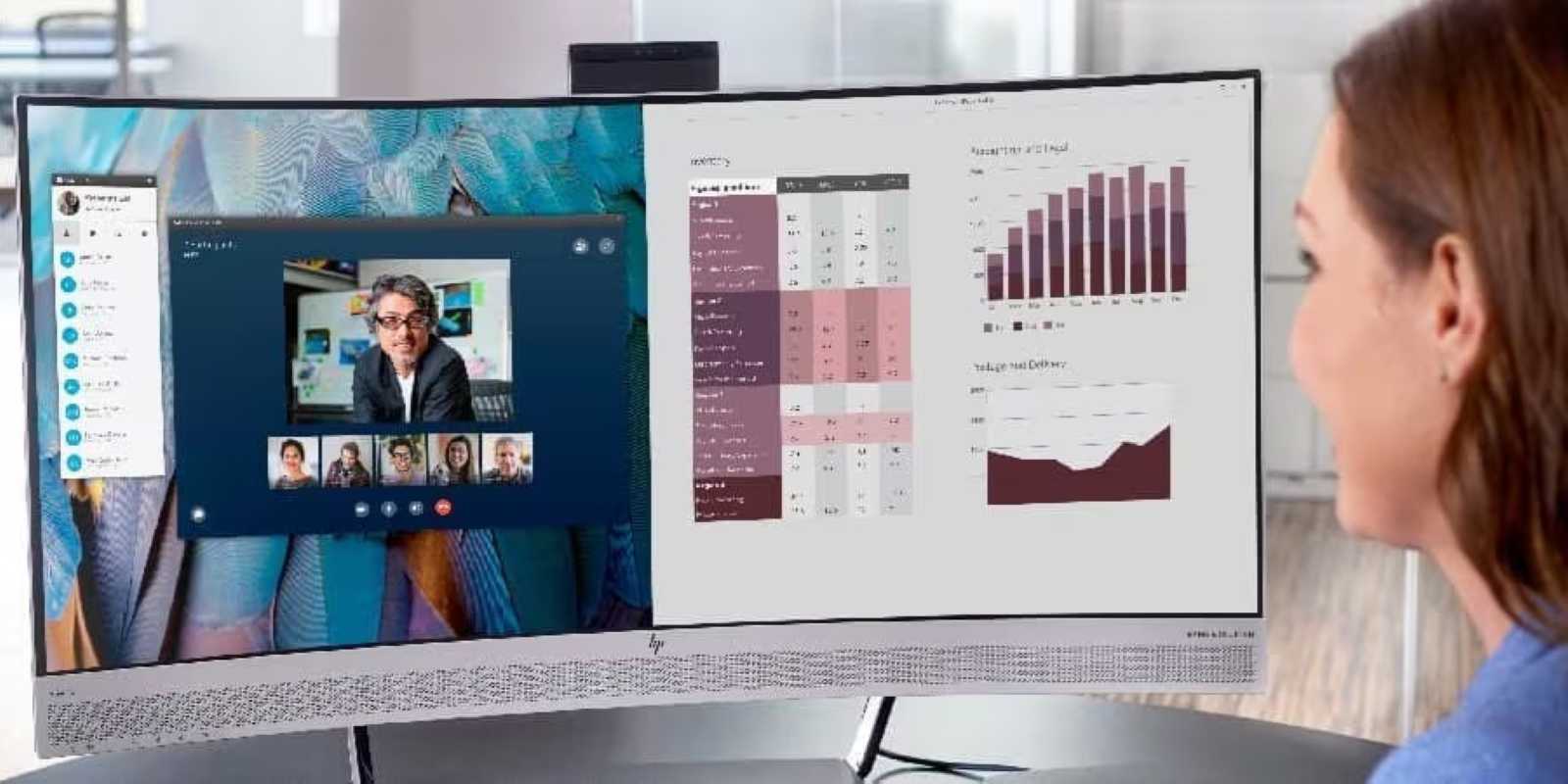
To split your MacBook screen and multitask like a pro, simply use the Split View feature or manage multiple windows with Mission Control. These…
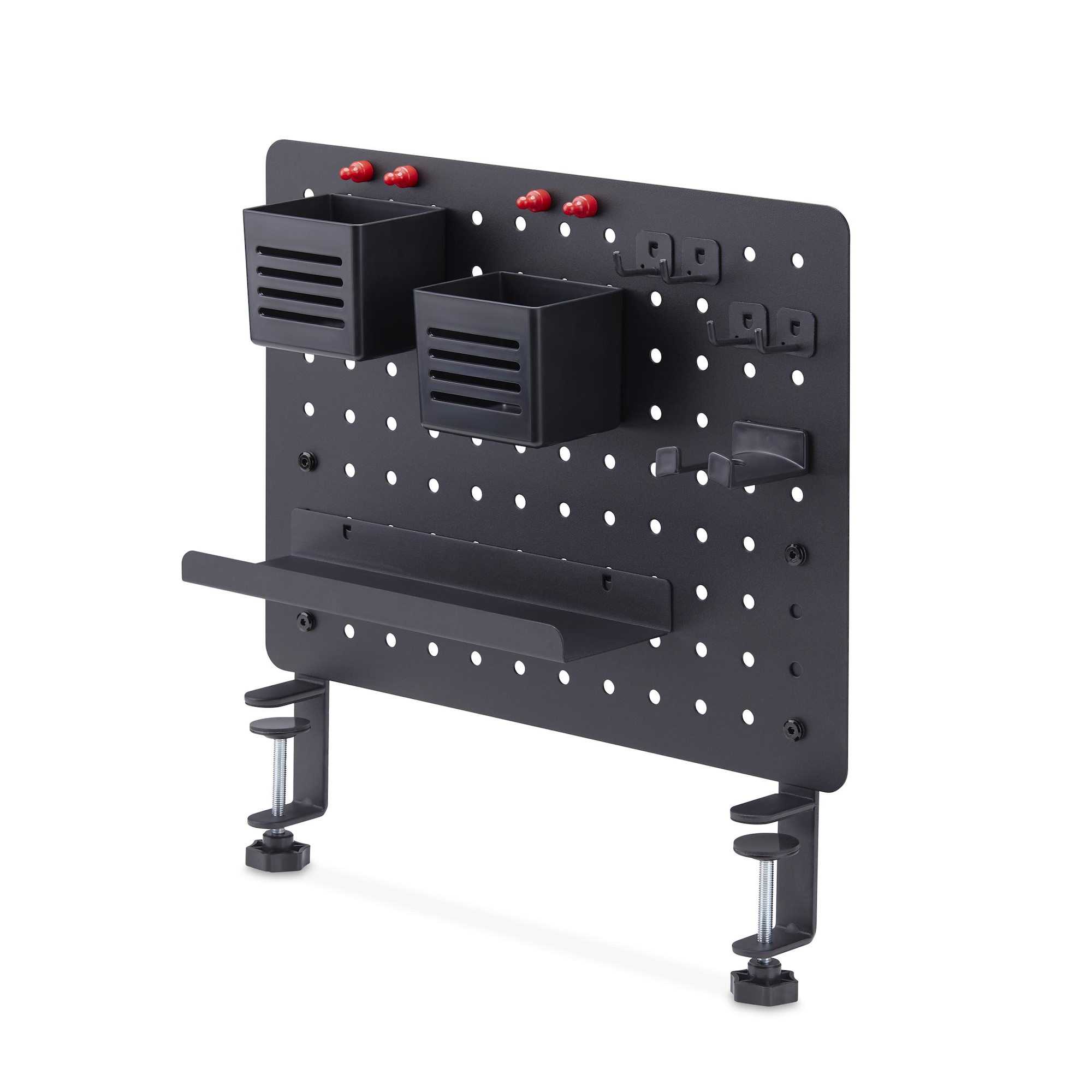
To streamline your workflow, start by decluttering your desktop and customizing Finder with organized folders and tags. Using clear labels and consistent naming conventions…









