
How To Recover Deleted Files From Macbook Quickly
If you’ve accidentally deleted important files from your MacBook, don’t panic—help is at hand! Quick recovery is possible with the right tools and steps.…
If you’ve accidentally deleted important files from your MacBook, don’t panic—help is at hand! Quick recovery is possible with the right tools and steps.…
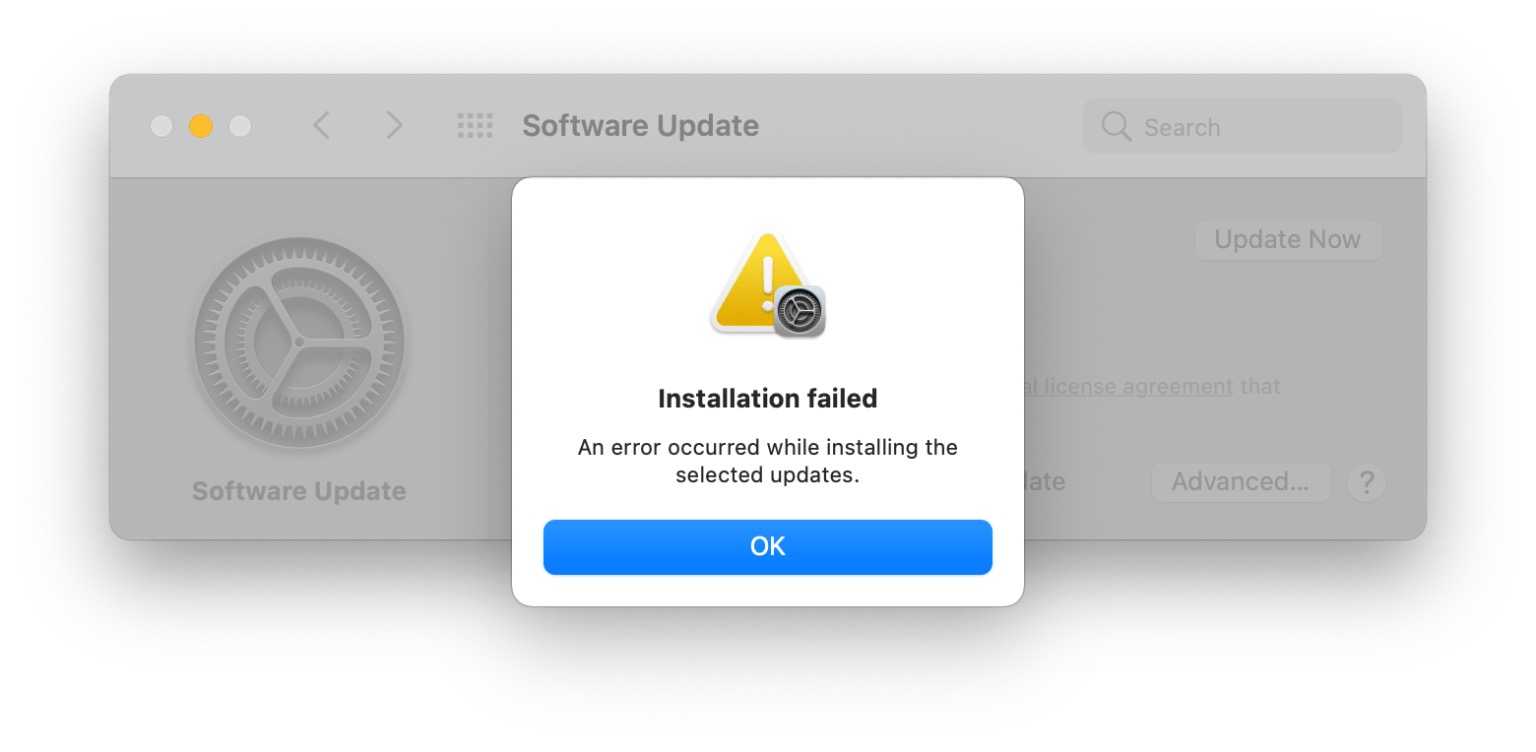
To fix macOS update errors quickly, try restarting your Mac, ensuring a stable internet connection, and freeing up storage space. If problems persist, resetting…
If your keyboard or trackpad suddenly stops working, it can feel like your entire workflow is thrown off. The good news is, most issues…

To reset your MacBook to factory settings safely, start by backing up all your important data using Time Machine or iCloud. Then, sign out…
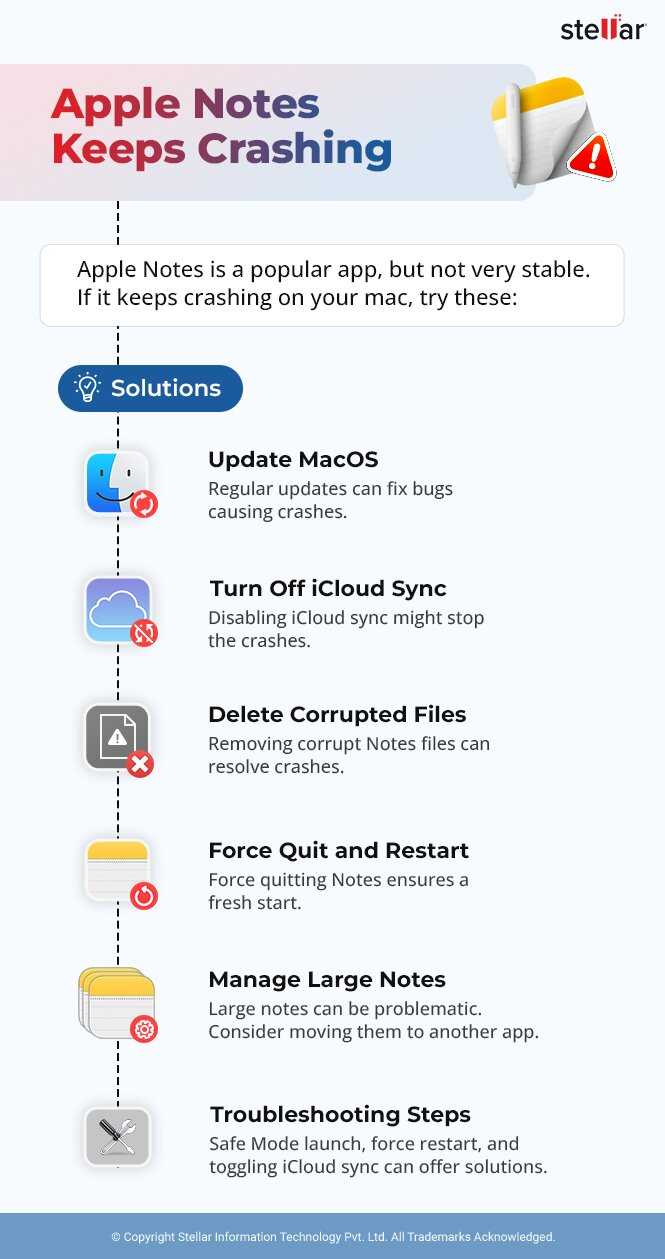
If your MacBook apps keep crashing, don’t panic—there’s usually a quick fix! Restarting the app or your device often solves the problem, and updating…

To quickly repair a disk using Disk Utility, open the app, select your disk, and click “First Aid” to check and repair errors. It’s…

If your MacBook’s Bluetooth suddenly stops working, don’t panic—there’s usually a quick fix! First, try turning Bluetooth off and on again, restarting your Mac,…
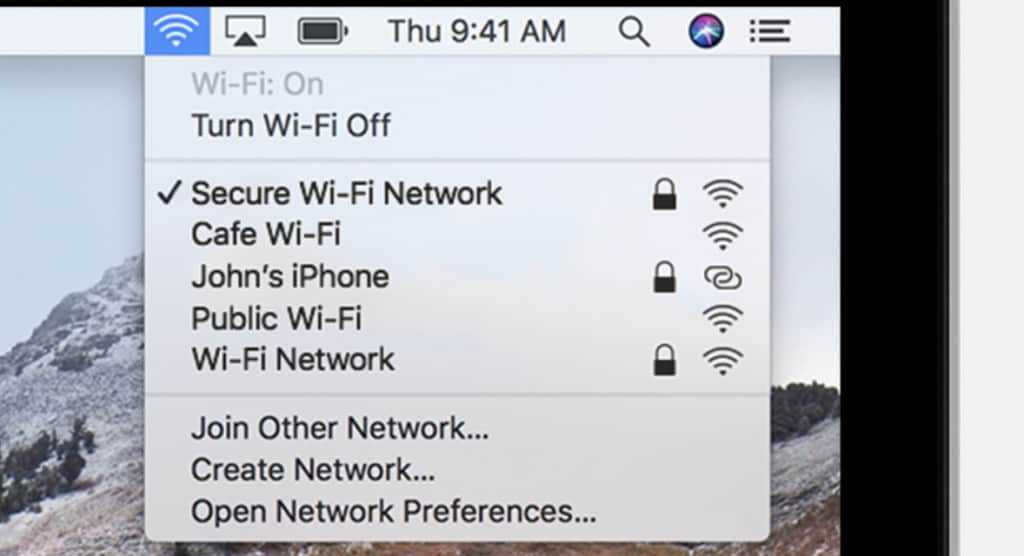
To quickly fix WiFi connection issues on your MacBook, try restarting your WiFi router and your Mac, resetting your network settings, or updating macOS…
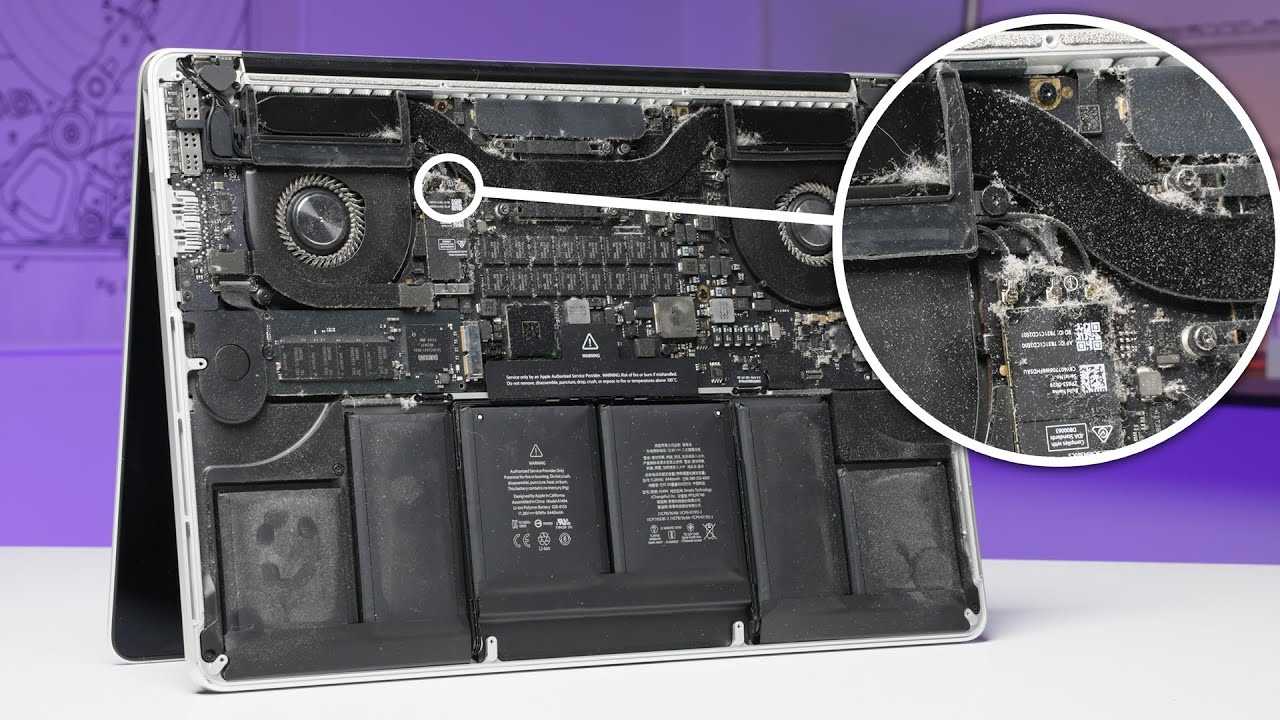
To quickly fix MacBook overheating, ensure proper ventilation, close unnecessary apps, and reset the SMC if needed. Keep your software updated and avoid using…

If your MacBook’s battery is draining faster than you’d like, don’t worry—there are simple steps you can take to extend its life. Start by…

If your MacBook isn’t performing as it should—be it slow startup, battery issues, or unresponsive hardware—resetting the SMC and PRAM can often work wonders.…
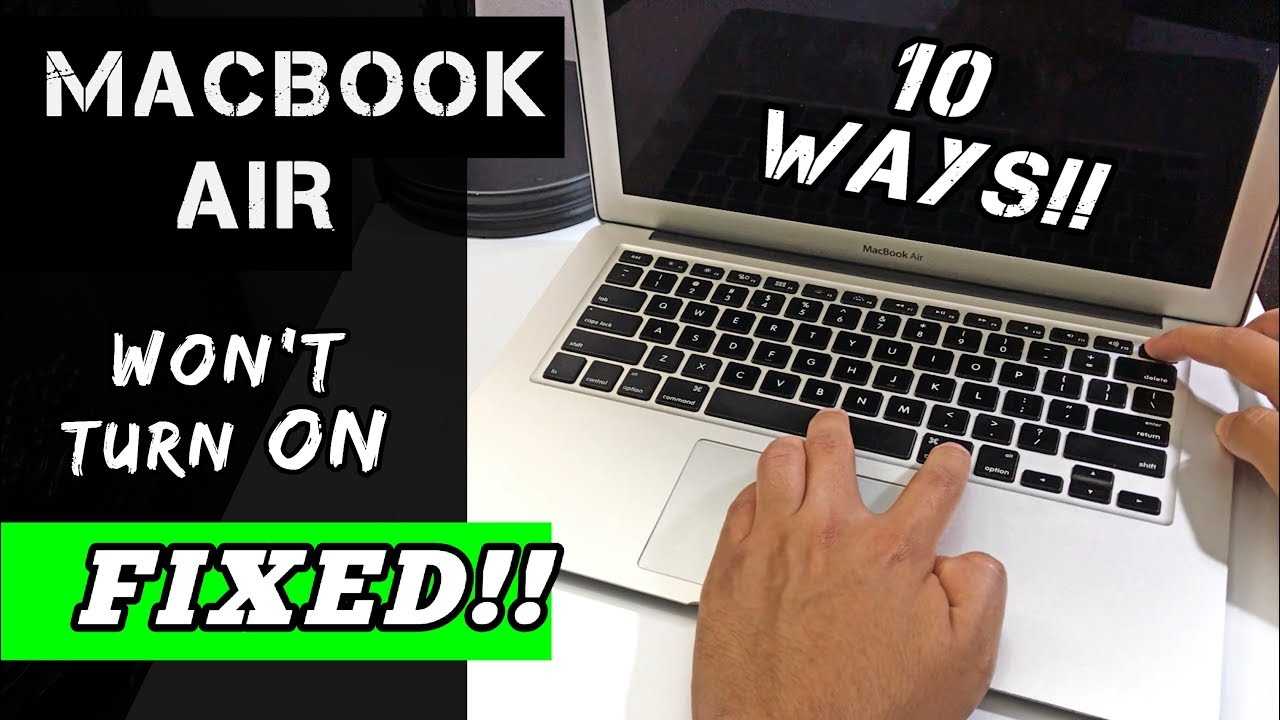
If your MacBook refuses to power on, don’t panic—there are simple steps you can take to get it back up and running. First, check…









