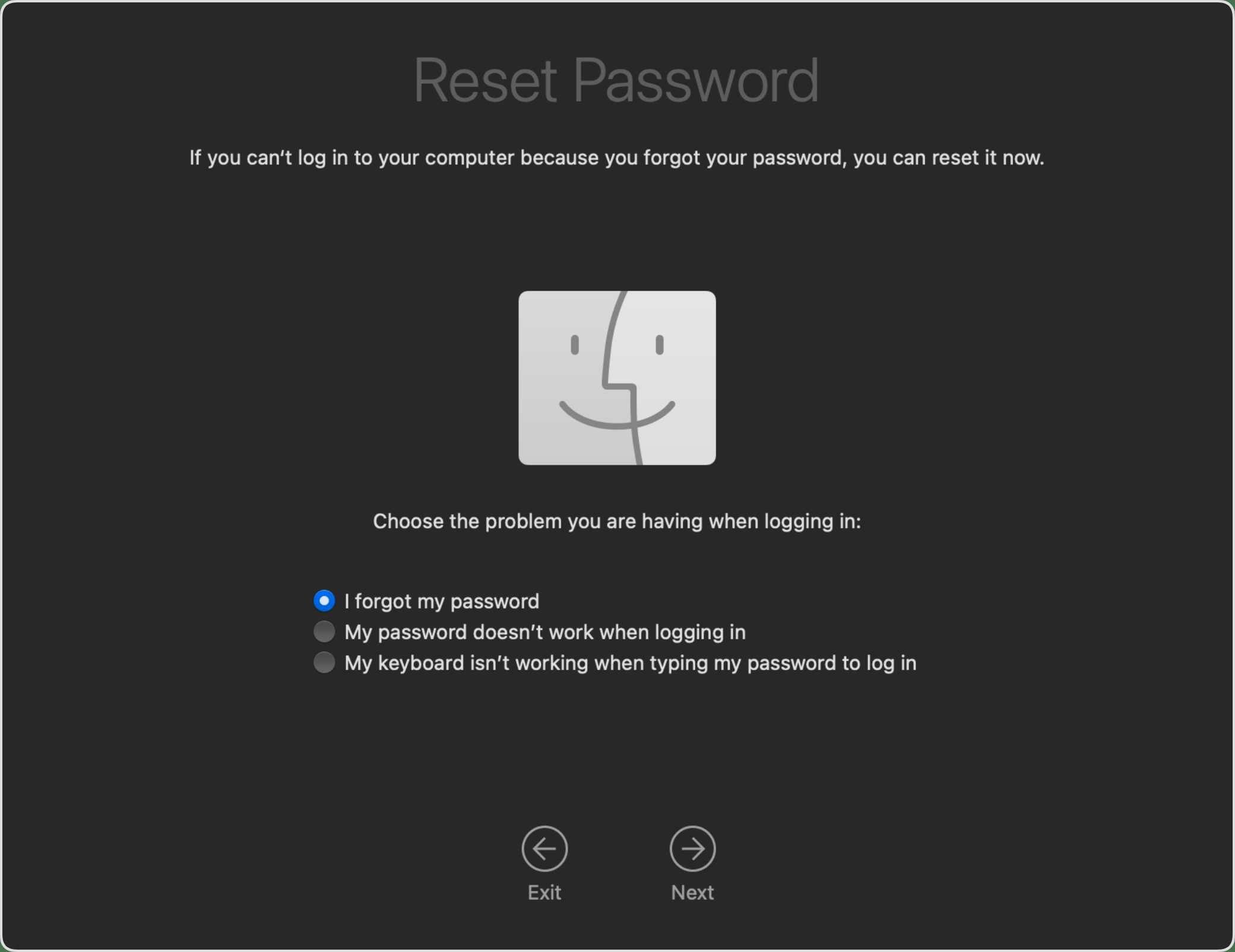
How To Fix Login Issues On Macbook Effectively
If you’re locked out of your MacBook and can’t get past the login screen, don’t panic—there are quick fixes to get you back in.…
If you’re locked out of your MacBook and can’t get past the login screen, don’t panic—there are quick fixes to get you back in.…
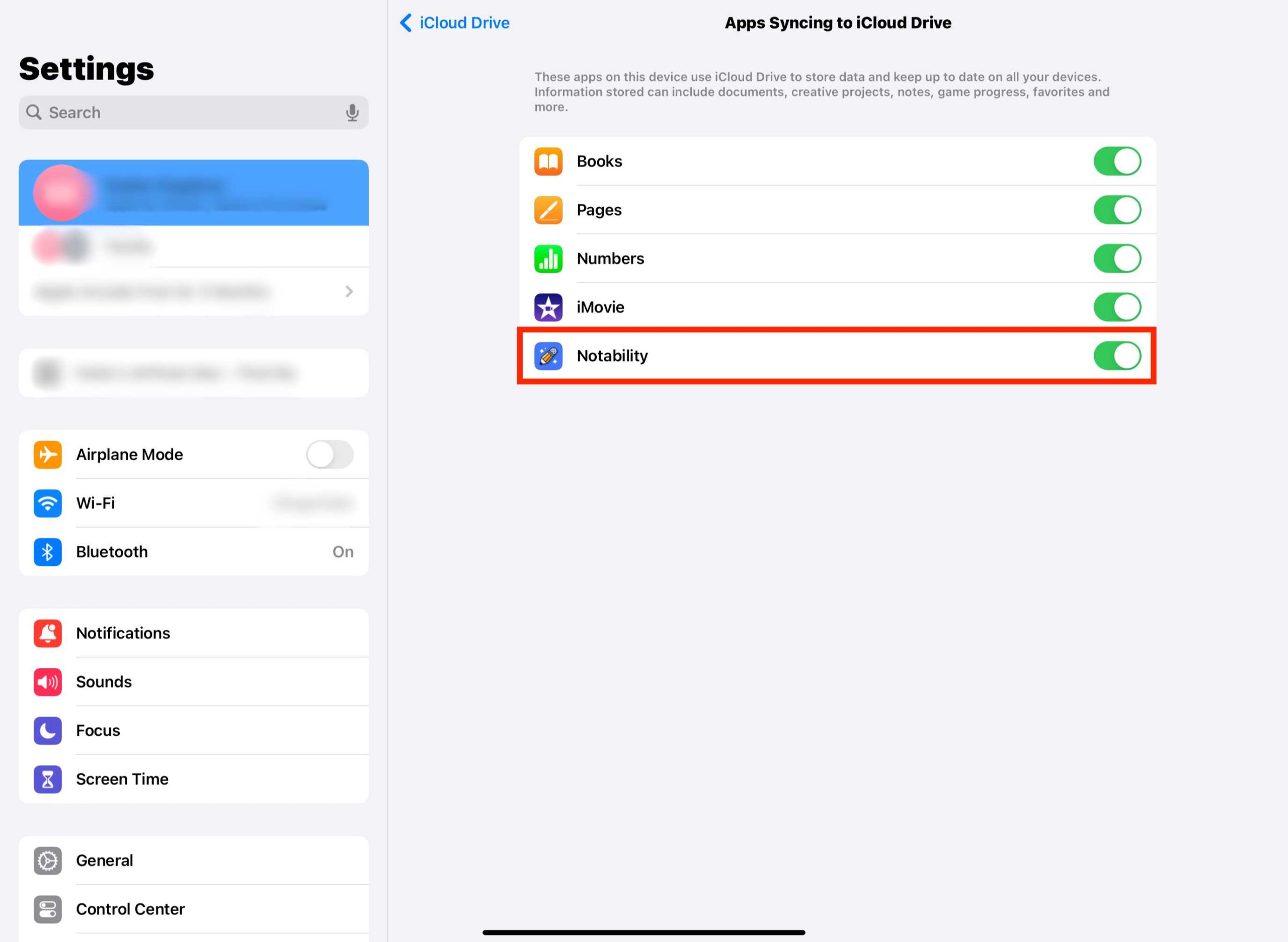
If you’re frustrated because your iCloud isn’t syncing your data properly, don’t worry—you’re not alone, and there are straightforward steps to fix it. The…

If your Finder has frozen and refuses to respond, don’t panic—there’s a quick fix to get things back on track. Restarting Finder usually resolves…
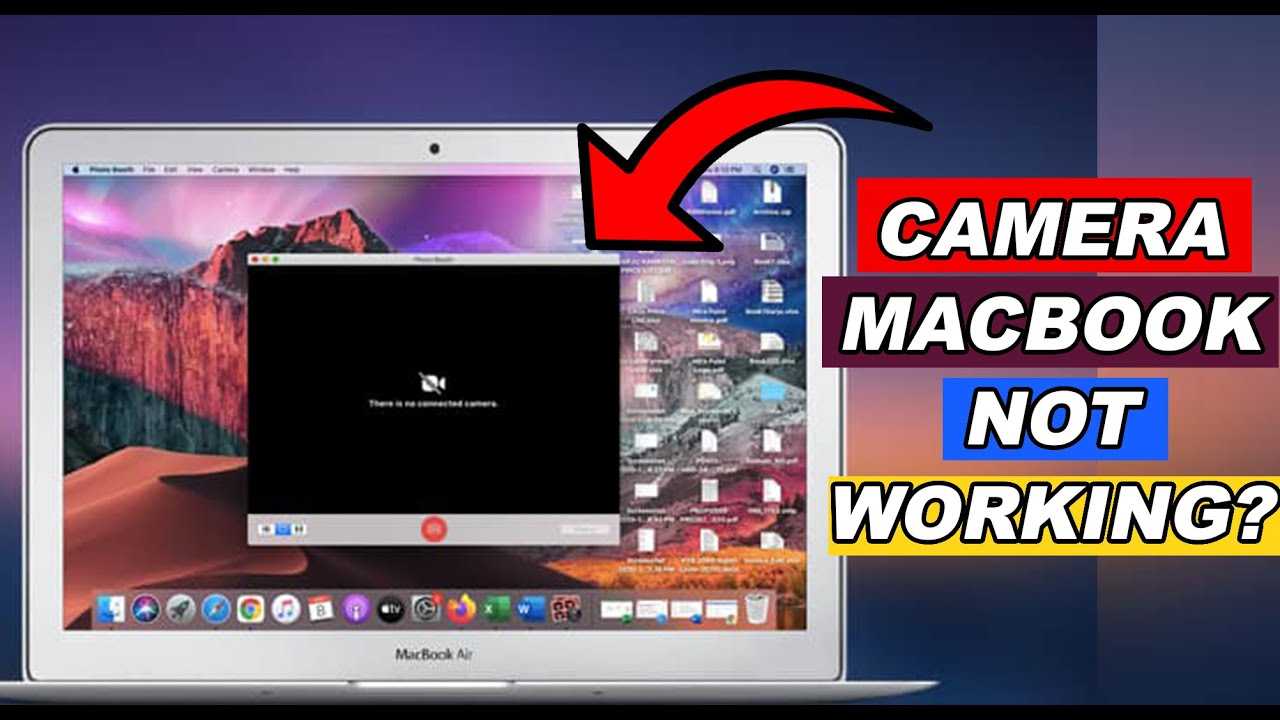
If your MacBook camera suddenly stops working, don’t panic—you’re not alone, and there are simple steps to get it back in action quickly. A…
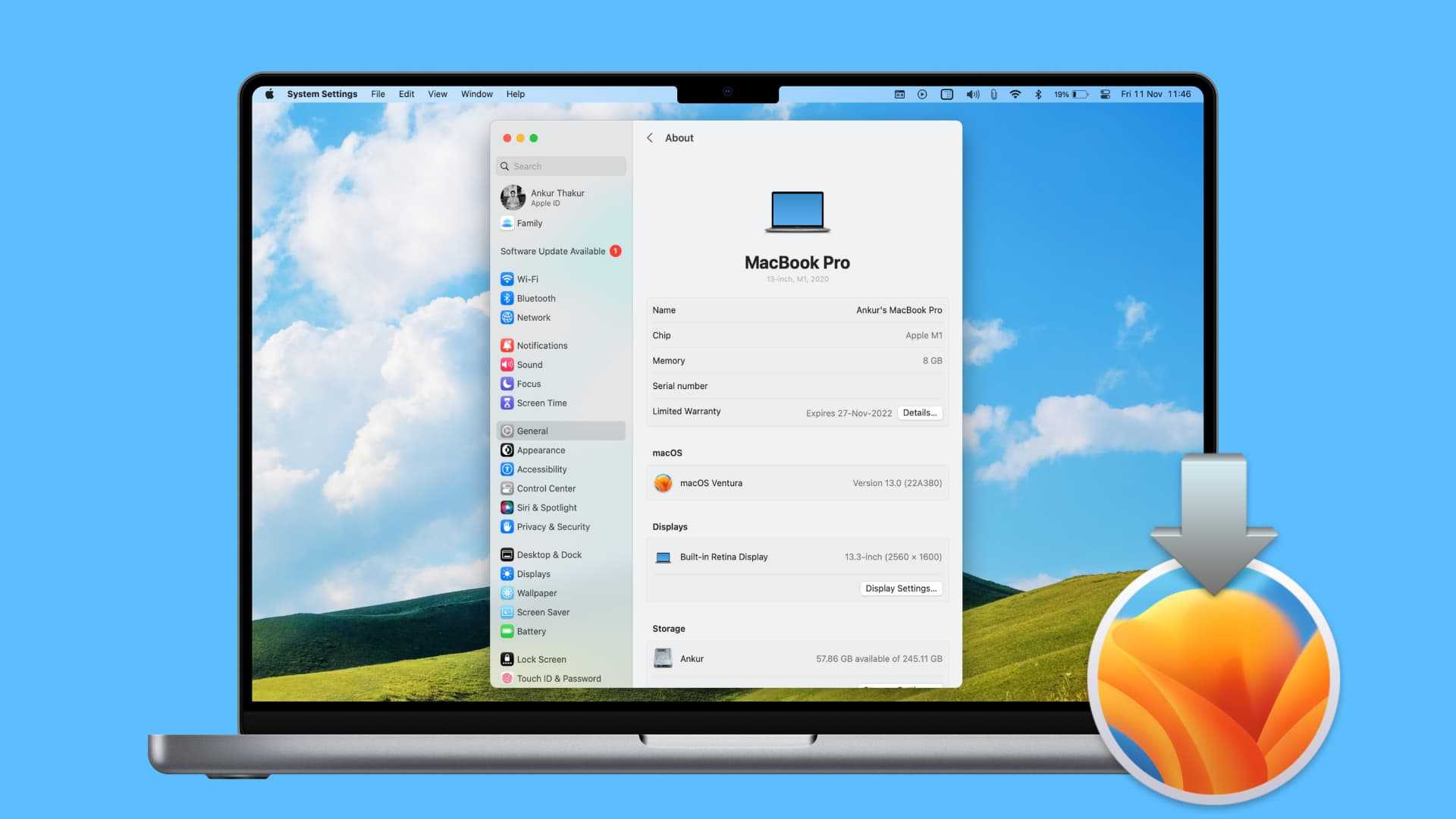
To reinstall macOS without losing your valuable data, start by backing up your files with Time Machine or another reliable backup method. Then, boot…

If your external display isn’t showing up on your MacBook, don’t panic—there’s usually a straightforward fix. The key is to check your connections, restart…

If your MacBook is taking forever to open apps or feels sluggish, don’t worry—you’re not alone. A few simple steps can often make a…
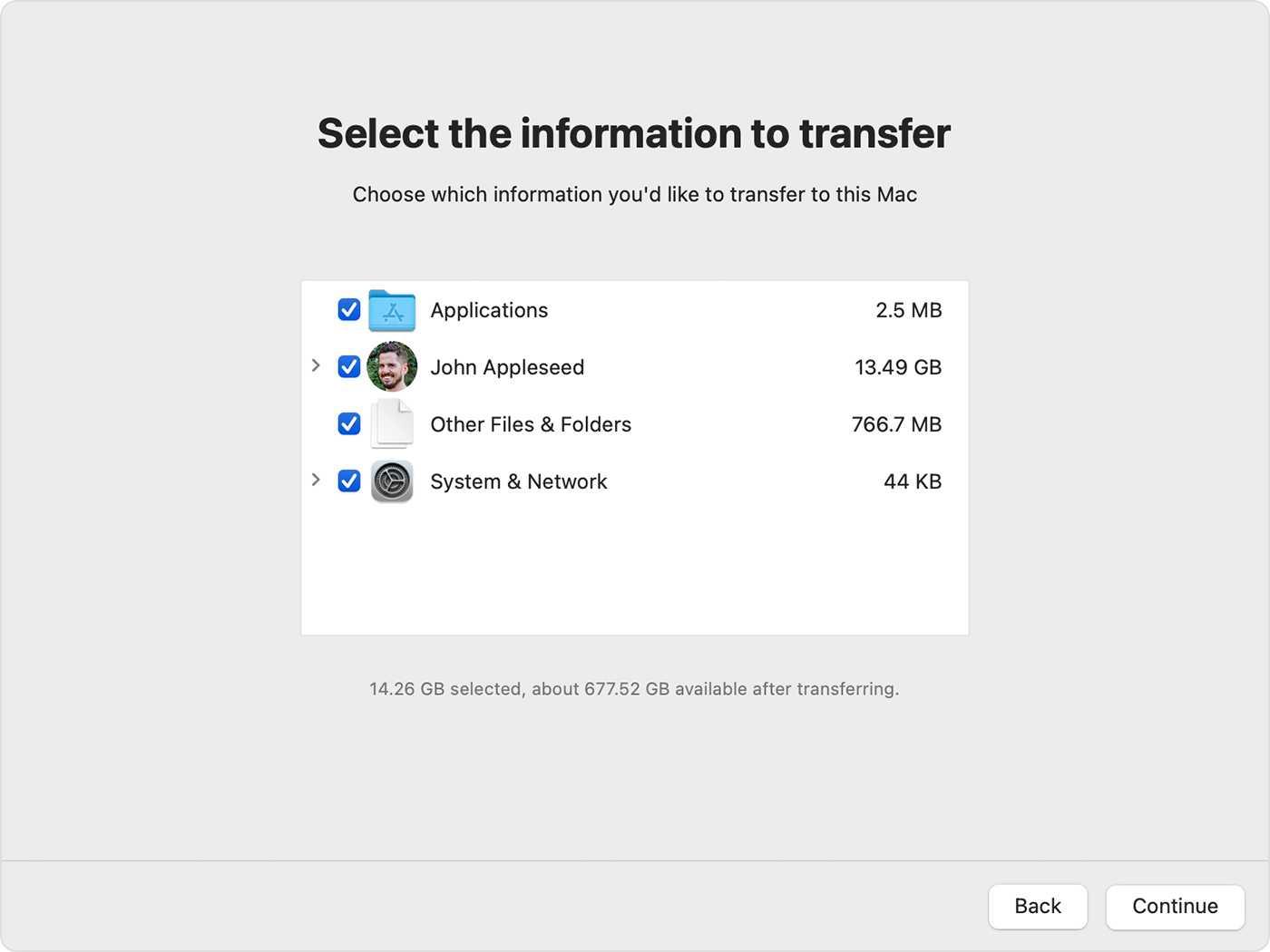
To restore a backup using Time Machine, start by opening the Time Machine app and selecting the backup you want to recover. Then, navigate…

If your MacBook has suddenly gone silent, don’t panic—sound issues are often easy to fix! A quick restart, checking your volume settings, or updating…
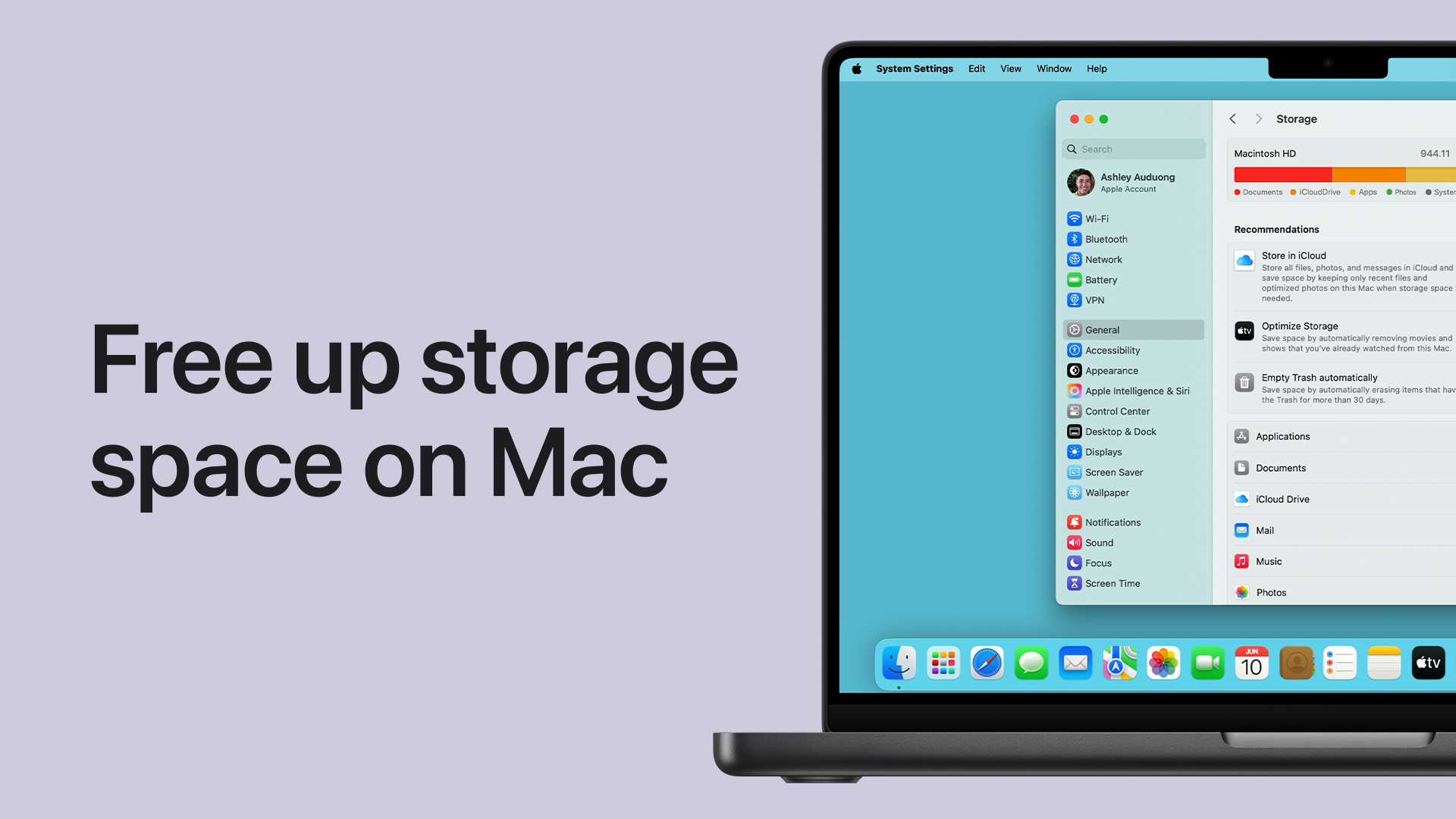
To free up storage space on your MacBook quickly, start by deleting unnecessary files, emptying the trash, and optimizing storage through built-in tools. Consider…

To quickly remove malware from your MacBook, start by disconnecting from the internet, running a trusted anti-malware scan, and removing any suspicious apps or…
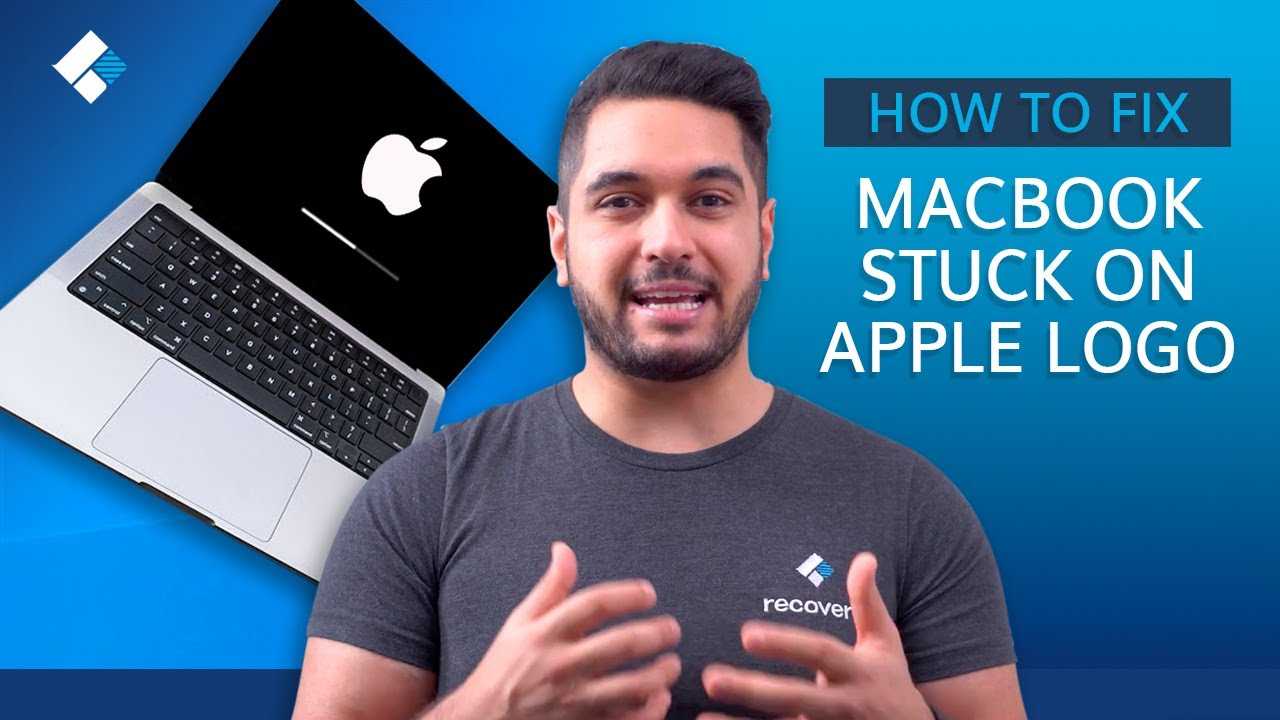
If your MacBook is stuck on the Apple logo, don’t panic—this is a common issue that can often be fixed with some simple troubleshooting…









