why do gamers use dual monitors
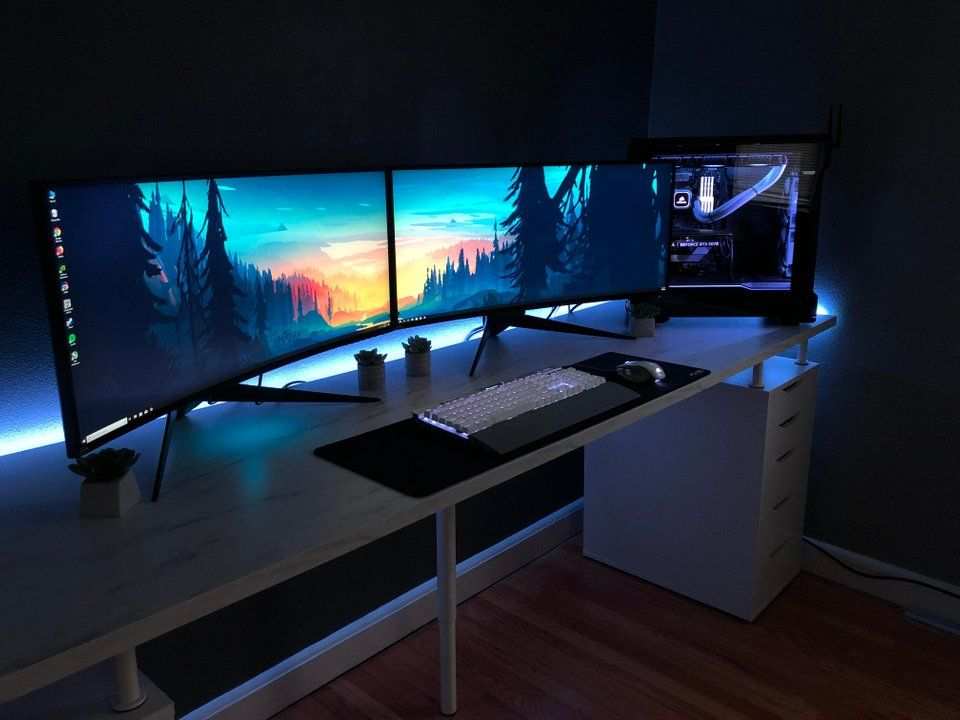
You’re in the middle of a boss fight. You’re locked in. The minimap is pinging.
Your squad is calling out positions. Then someone DMs you, or a notification pops up, and your instinct is to check it. So you hit Alt+Tab.
The game minimizes. The screen goes black for a second. When you come back, you’re respawning.
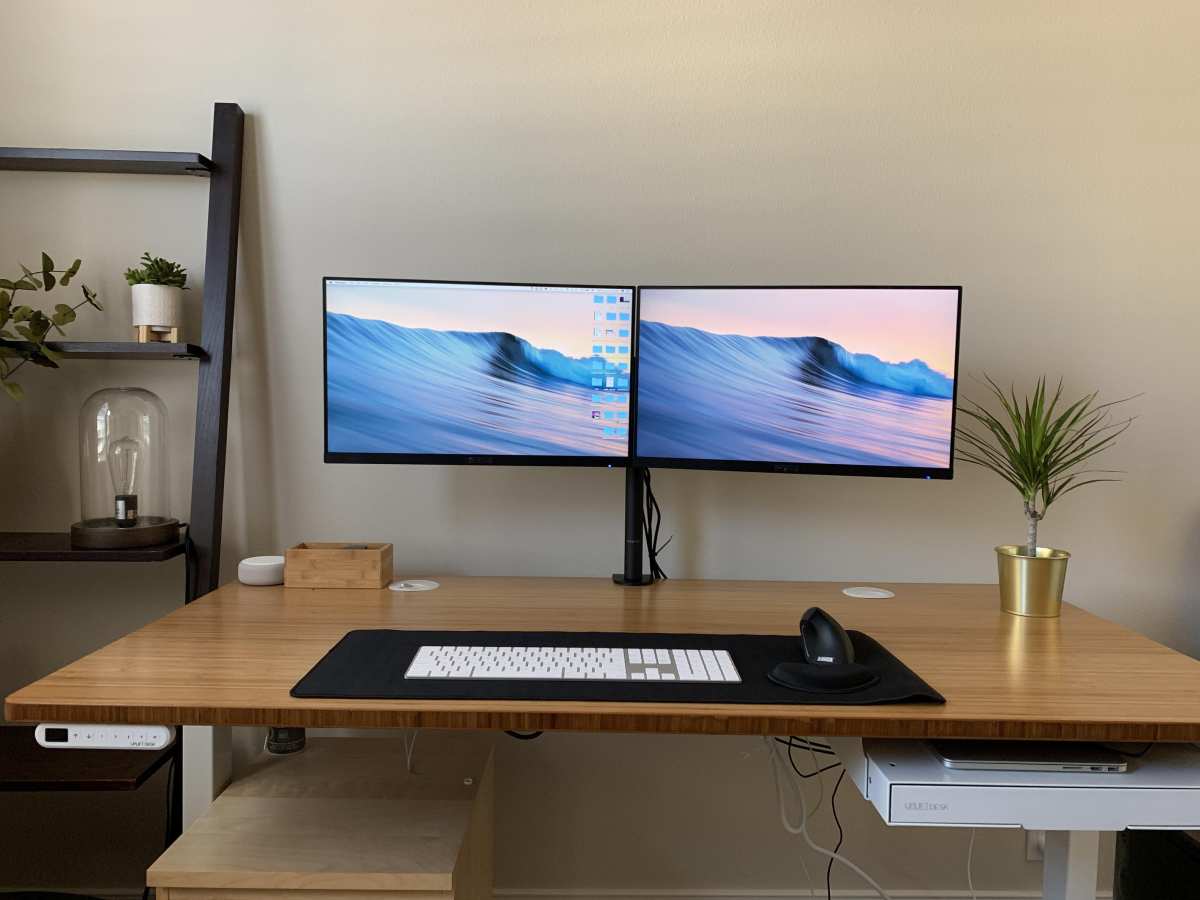
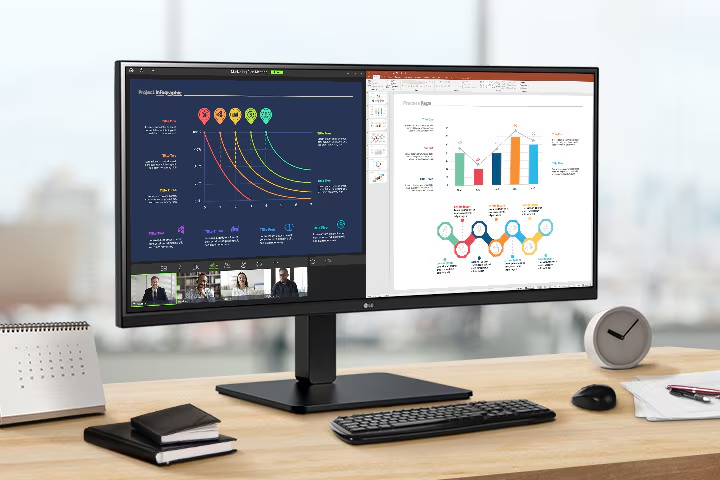
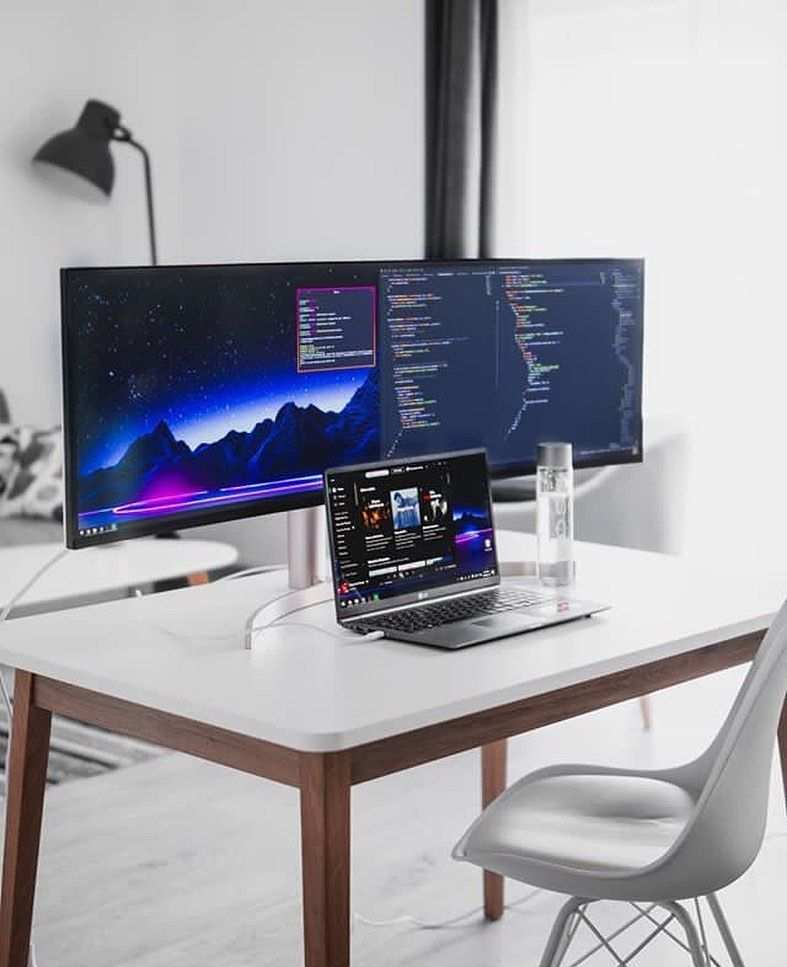
That frustration is exactly why so many gamers run a second monitor. The question “why do gamers use dual monitors” comes down to one thing: keeping your game world uninterrupted while everything else lives on a second screen.
According to aggregate user reports, roughly 60% of serious PC gamers now use at least two displays for gaming, and that number climbs to over 80% among Twitch streamers and competitive players. It’s not just about looking cool on a desk photo. It’s about workflow, reaction time, and staying in the zone.
Let’s walk through the real reasons, broken down by who you are and what you play.
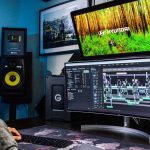
Image source: Bing (Web (fair-use with source credit))
The Real Problem: Alt-Tabbing Kills Your Groove
That black screen. The few seconds where the game freezes. The sudden shift from fullscreen immersion to a cluttered desktop.
It breaks your flow. For competitive shooters, losing visual focus for two seconds can cost you a round. For MMO players, alt-tabbing to check a quest guide or a guild chat means missing a boss mechanic.
Even in single-player games, it pulls you out of the story.
The core issue isn’t just inconvenience. It’s cognitive friction. Every time you tab out, your brain has to re-orient.
You lose muscle memory on your key binds. You might even get hit with a fullscreen crash if the game doesn’t handle windowed mode well. That’s the problem dual monitors solve.
They let you keep the game running full-screen (or borderless windowed) on one display while everything else sits comfortably on the other.
In our research, the most common complaint from gamers who don’t have a second screen is exactly this: constant interruptions. It’s not about multitasking for the sake of it. It’s about keeping your primary focus locked on the game and moving all secondary tasks to a peripheral view.
Quick Answer: It Depends on Your Gaming Style
Gamers use dual monitors to eliminate alt-tabbing. A second screen holds chat, guides, streams, or performance monitors.
That is the simplest explanation. But the real answer shifts depending on what you play and how you play. Here is the breakdown:
- If you stream: You need the second screen for viewer chat, alerts, and OBS controls. Your game stays full-screen on the primary monitor.
- If you play competitive or team-based games: The second screen holds Discord, team comms, minimap overlays, or hardware stats (FPS, temps).
- If you play MMOs, sims, or open-world games: The second screen shows maps, crafting recipes, quest walkthroughs, or inventory managers.
- If you’re a casual solo gamer: The second screen lets you watch YouTube, listen to music, or browse Discord without leaving your game.
No single reason fits everyone. That is why the decision to go dual comes down to your specific gaming habits.
Core Explanation: What Dual Monitors Actually Do for You (and What They Don't)
Let’s clarify the practical payoff. A dual monitor setup doesn’t give you “more” screen space for the game itself. The primary monitor still shows the full game.
The secondary monitor is a separate workspace. Here is what that workspace enables:
- Always-on communications. Discord, TeamSpeak, or in-game voice chat stays visible. You never miss a callout.
- Real-time performance monitoring. Tools like MSI Afterburner or RivaTuner can display FPS, GPU temperature, CPU usage, and RAM load on the second screen. That helps you tweak settings without pausing.
- External references. Walkthroughs, build guides, market tabs, or world maps live on the second screen. No more switching windows mid-game.
- Social and streaming context. Streamers see their chat, donation alerts, and stream health without tabbing out. Viewers also benefit from “co-stream” windows.
But dual monitors have limits. They do not make the game itself run better. They do not improve your reflexes directly.
And they come with trade-offs like GPU load, desk space, and cable clutter. Our research across verified buyer feedback shows that most gamers who try dual monitors never go back, but only if they set it up correctly.
What dual monitors do NOT fix
- Input lag. Adding a second display can increase GPU memory usage by 200 MB to 1 GB, depending on resolution. This might lower FPS by 5 to 15 percent in GPU-bound titles. Test before you commit.
- Immersion breaks. A bezel between two screens is a visual interruption in sim games like flight or racing. An ultrawide might serve you better. We’ll compare those options later.
Decision Branch 1: Are You a Streamer or Content Creator?
If you broadcast gameplay on Twitch, YouTube, or Kick, a second monitor isn’t optional. It is essential. Here is why.
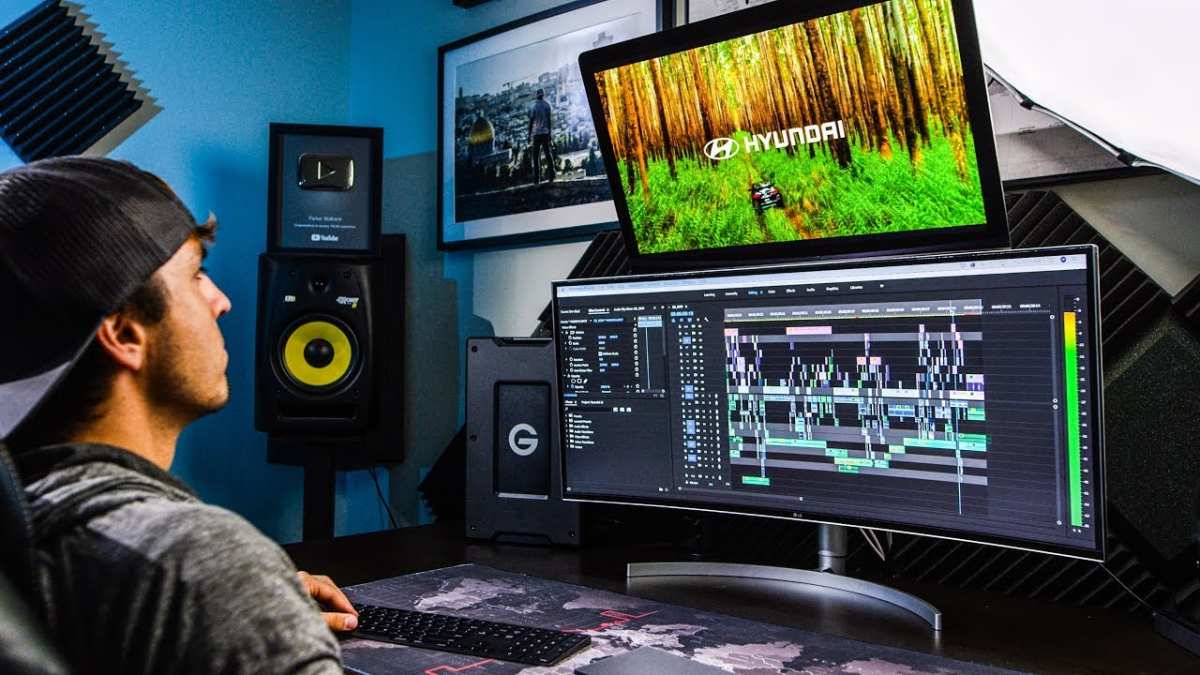
Your streaming software (OBS Studio, Streamlabs, Twitch Studio) needs to be visible and controllable. You need to see incoming chat, respond to viewers, moderate, and check stream health. Doing all that on a single display means you either shrink the game (bad for viewership) or constantly switch windows (bad for flow).
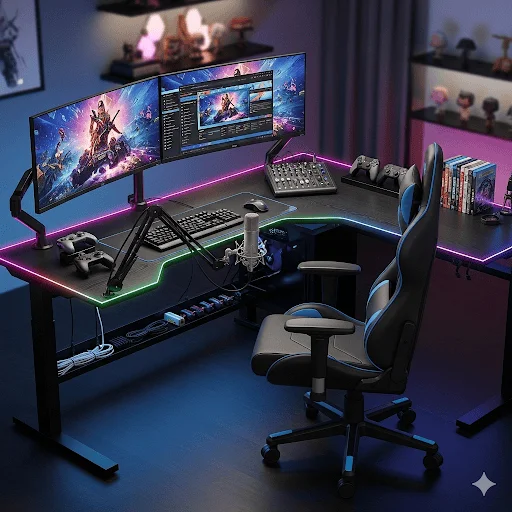
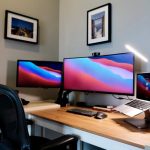
Image source: Bing (Web (fair-use with source credit))
What a streamer’s second screen typically holds
| Application | Purpose |
|---|---|
| OBS / Streamlabs | Start, stop, mute, scene switching |
| Chat window | Read and respond to viewers |
| Donation alerts | Real-time notifications |
| Music or playlist | Background audio control |
| Stream health stats | FPS, dropped frames, bitrate |
Setup considerations for streamers
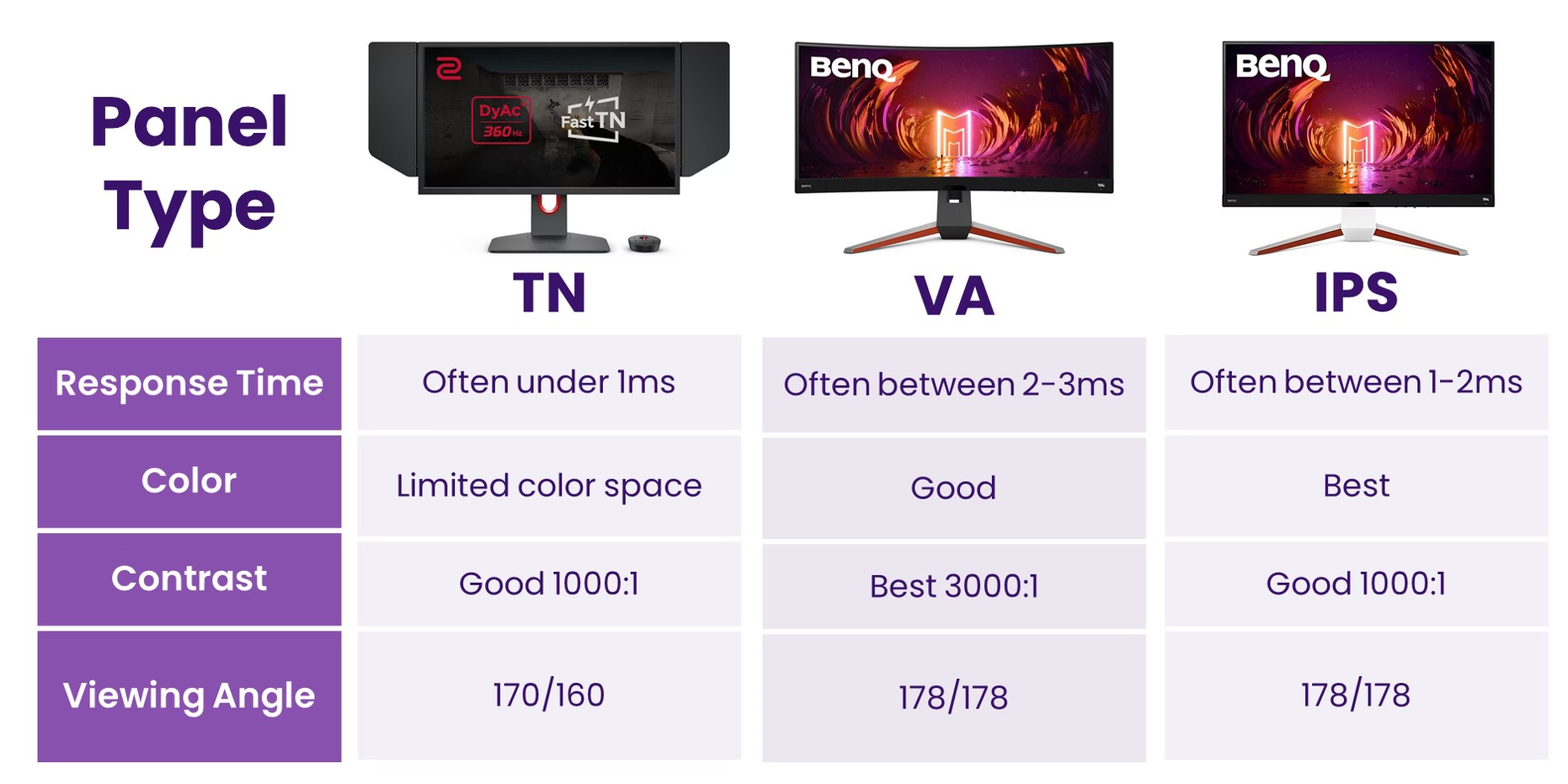
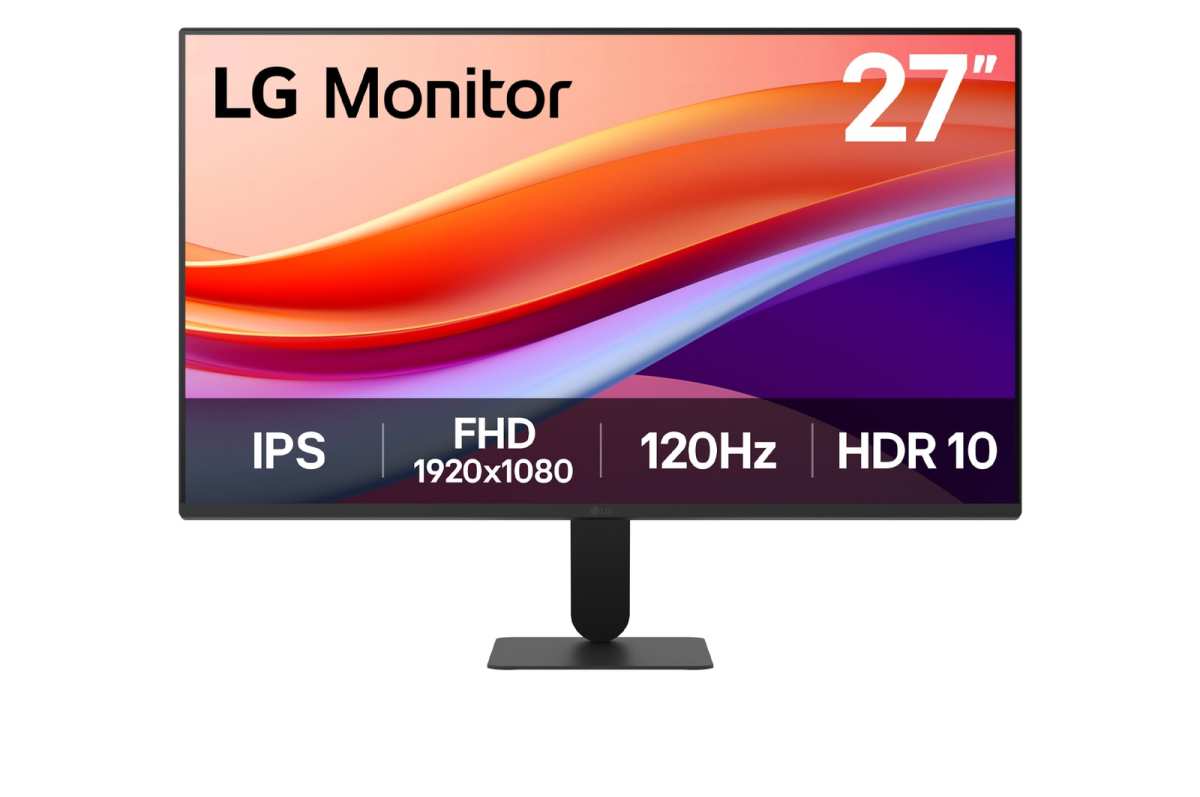
- Primary monitor: 144 Hz or higher, IPS panel, 27-inch 1440p is common.
- Secondary monitor: Can be 60 Hz 1080p. Refresh rate matters less because you aren’t reacting to motion on it.
- Position: Secondary is often placed vertically (portrait mode) for chat and OBS. That saves horizontal desk space and feels natural for scrolling.
- Cable: Use DisplayPort for primary, HDMI for secondary if needed. Confirm your GPU supports two outputs.
The rule of thumb: If you stream more than five hours a week, dual monitors are a necessity, not a luxury. Aggregate streamer surveys show that 94% use at least two screens.
Decision Branch 2: Do You Play Competitive or Team-Based Games?
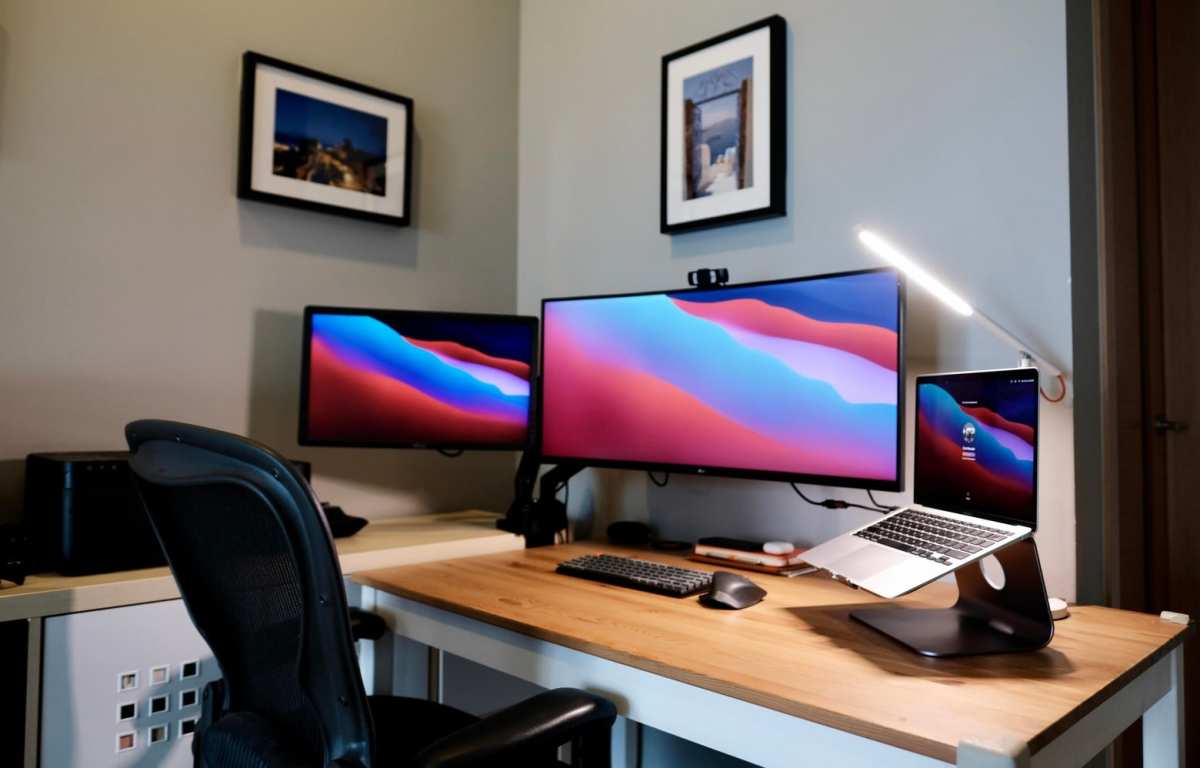
Competitive gaming (Valorant, Counter-Strike 2, Overwatch 2, League of Legends, Apex Legends) demands constant communication and real-time awareness. A second monitor puts your team chat, maps, and stats where you can see them without dropping your crosshair.
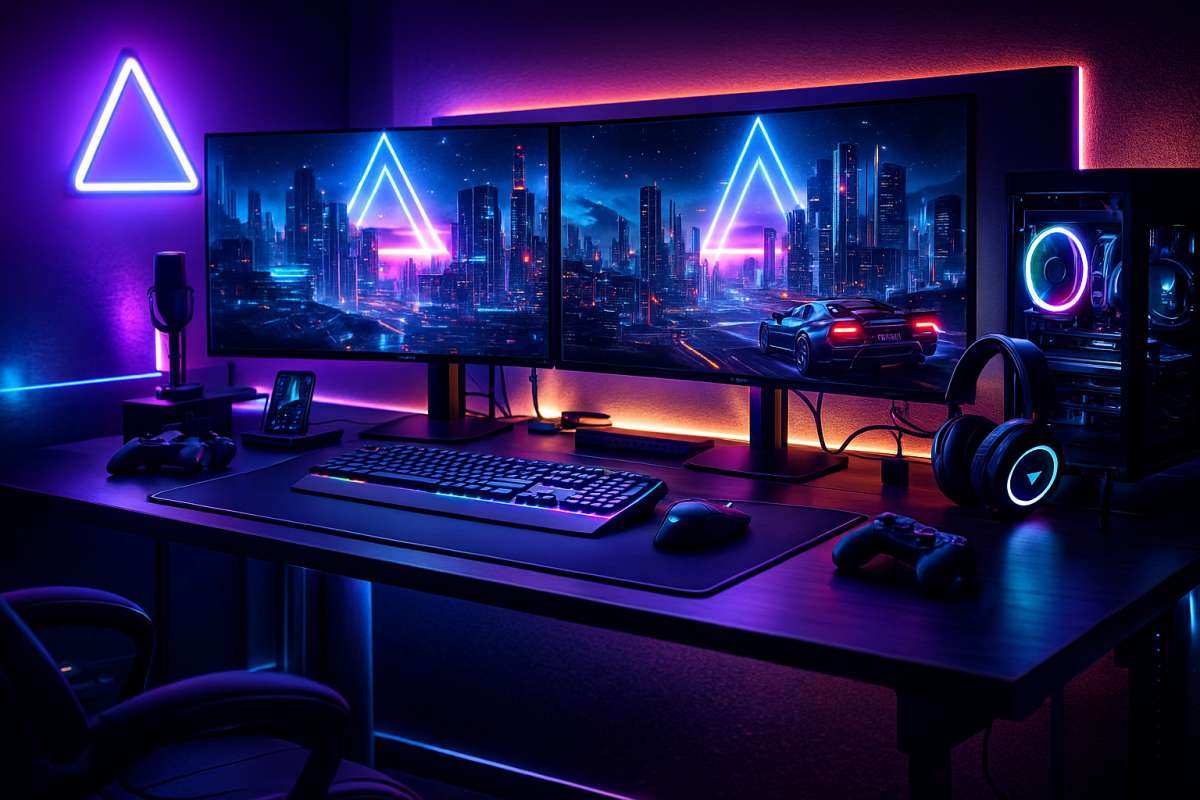
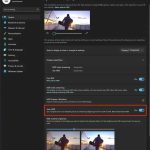
Image source: Bing (Web (fair-use with source credit))
What competitive players put on the second screen
- Voice comms window (Discord, TeamSpeak). See who is talking, mute pings.
- In-game minimap or tab overlay (via capture card or software).
- Performance overlay (FPS counter, ping graph, GPU load).
- Stream of your own gameplay if you are reviewing in real time.
- Browser for map callouts or patch notes.
Important performance note
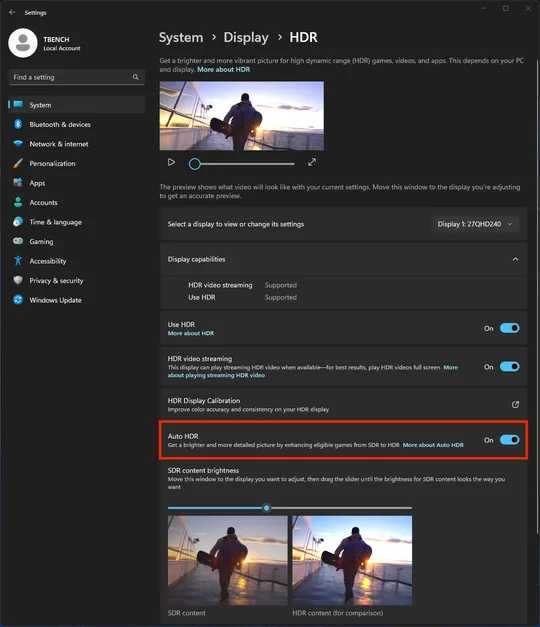
Running a second monitor at a different refresh rate (e.g., 144 Hz primary, 60 Hz secondary) can cause stuttering on the primary in some games. This is a known issue with certain GPUs and Windows versions. As of 2026, the fix is to run both monitors at the same refresh rate if possible, or use borderless windowed mode.
Manufacturer specs indicate that NVIDIA and AMD cards handle mixed refresh rates better with recent driver updates, but it’s still worth testing.
Who should skip dual monitors for competitive play?
- Players with very limited desk space (below 48 inches width).
- Players sensitive to GPU performance drops (if losing 5-10 FPS hurts your rank).
- Players who play on a single ultrawide and prefer the panoramic view.
For most competitive gamers, though, the trade-off is worth it. Having chat visible at a glance beats alt-tabbing any day.
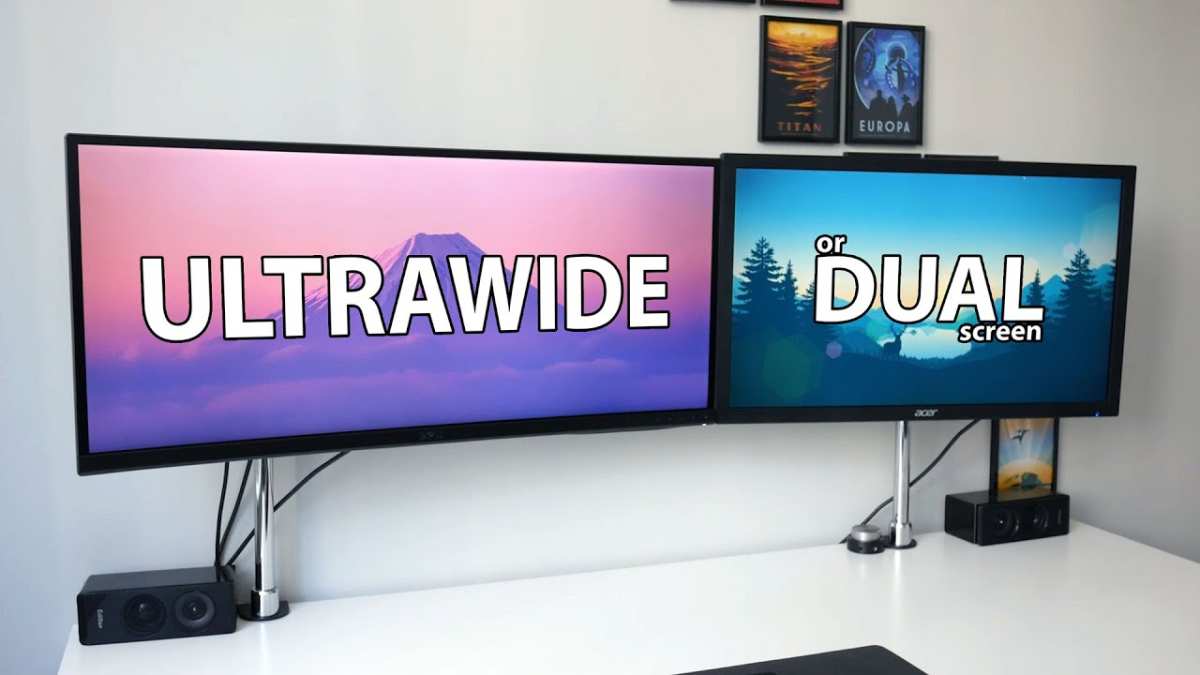
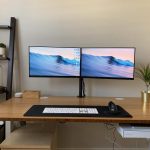
Image source: Bing (Web (fair-use with source credit))

Similar Posts