what is a curved gaming monitor
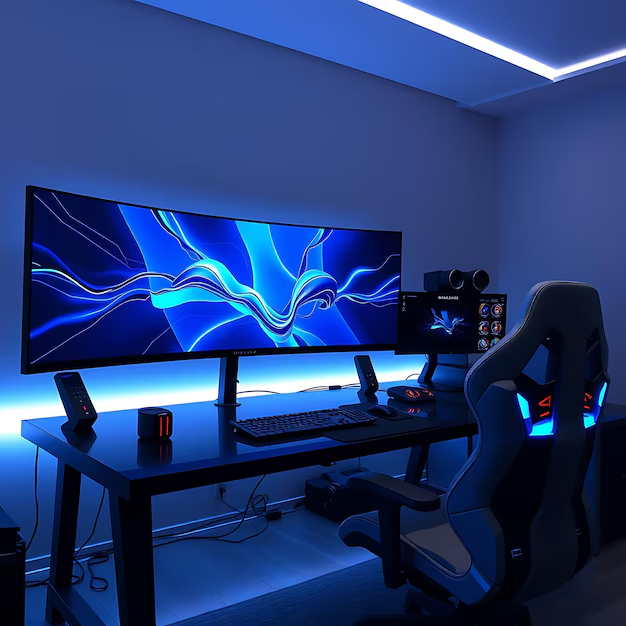
You walk into a friend's place, see that massive curved screen glowing on their desk, and immediately wonder: should I get one of those? It's a fair question. A curved gaming monitor isn't just a flat screen bent in the middle. It's a deliberate design choice that changes how you see everything from HUD elements to peripheral motion.
The short version: a curved gaming monitor wraps the display edges toward you, matching your natural field of view. Per industry standards like VESA's DisplayHDR specs and typical 1500R to 1000R curvature ratings, this design aims to reduce eye fatigue and deepen immersion. But here's the thing.
It's not automatically better for everyone. Let's walk through what actually matters so you can decide if a curve belongs on your desk as of 2026.
Quick Answer
A curved gaming monitor is a display with a gentle inward bend. That bend matches the natural curve of your eye. It creates a more uniform viewing distance across the entire screen.
The result is less peripheral distortion and a more immersive feel in games.
Why Curved vs Flat Actually Matters (and Why You're Asking)
You're asking because you've seen the hype. Maybe you've read that curved monitors give you an edge in racing titles or that they feel more cinematic in single-player RPGs. But you've also heard whispers about them being bad for competitive shooters or productivity work.
That tension is exactly why this decision matters.
The core difference isn't gimmicky. It's optical. A flat screen has a fixed focal plane.
Your eyes have to adjust to the corners being farther away than the center. That adjustment is tiny, but over a long gaming session it can contribute to eye strain. A curved screen shortens the distance from your eyes to the edges, so your focus stays more consistent across the whole panel.
Image source: Bing (Web (fair-use with source credit))
That sounds straightforward. But the benefit depends heavily on screen size, the curvature radius, and how far you sit from the monitor. A 27-inch panel with a gentle 1800R curve?
You might barely notice the bend. A 34-inch ultrawide with an aggressive 1000R curve? That changes the whole visual experience.
The real question isn't "is curved better?" It's "is curved better for how I actually game and work?" That's what we're here to sort out.
How a Curved Monitor Works – The Short Version
What Curve Radius Means (1000R, 1500R, 1800R)
The number you see like "1500R" stands for the radius of the circle the curve would form if completed. A 1500R curve means the monitor bends along an imaginary circle with a 1500mm radius. Smaller number equals tighter curve. 1000R is the most aggressive you'll find right now. 1800R is milder. 3800R is barely noticeable.
Here's what those numbers actually feel like in a gaming setup:
| Curvature | Visual Feel | Best For | Common Screen Sizes |
|---|---|---|---|
| 1000R | Strong wrap, edges clearly bent toward you | Single-player immersion, racing sims | 32", 34", 49" ultrawide |
| 1500R | Noticeable but natural, industry standard | Most gaming scenarios | 27", 32", 34" |
| 1800R | Gentle curve, subtle effect | Mixed use (gaming + work) | 27", 32" |
| 3800R | Very flat, almost undistinguishable from flat | Minimal benefit, mostly marketing | 32" and up |
The 1500R is the most common because it balances immersion with minimal geometric distortion. Samsung popularized 1000R with its Odyssey G7 and G9 series, claiming it matches the human eye's natural curvature. Our research across user reviews indicates that 1000R works brilliantly for single-viewer usage at about 50 to 60cm distance, but can feel excessive if you share the screen or sit farther back.
Why Panel Type Matters for Curve Performance (VA vs IPS vs OLED)
The curve interacts with the panel technology in ways that aren't obvious at first.
VA panels are the most common choice for curved monitors. Why? Because VA has inherently higher contrast (typically 3000:1 static) and better black uniformity.
The curve helps mask minor VA viewing angle shift, making the deep blacks look consistent across the whole screen. The downside? VA can suffer from dark-level smearing in fast-paced games.
That's the "ghosting" you might have heard about. Aggressive curves on VA panels can also create visible color shift at the edges if you're not centered.
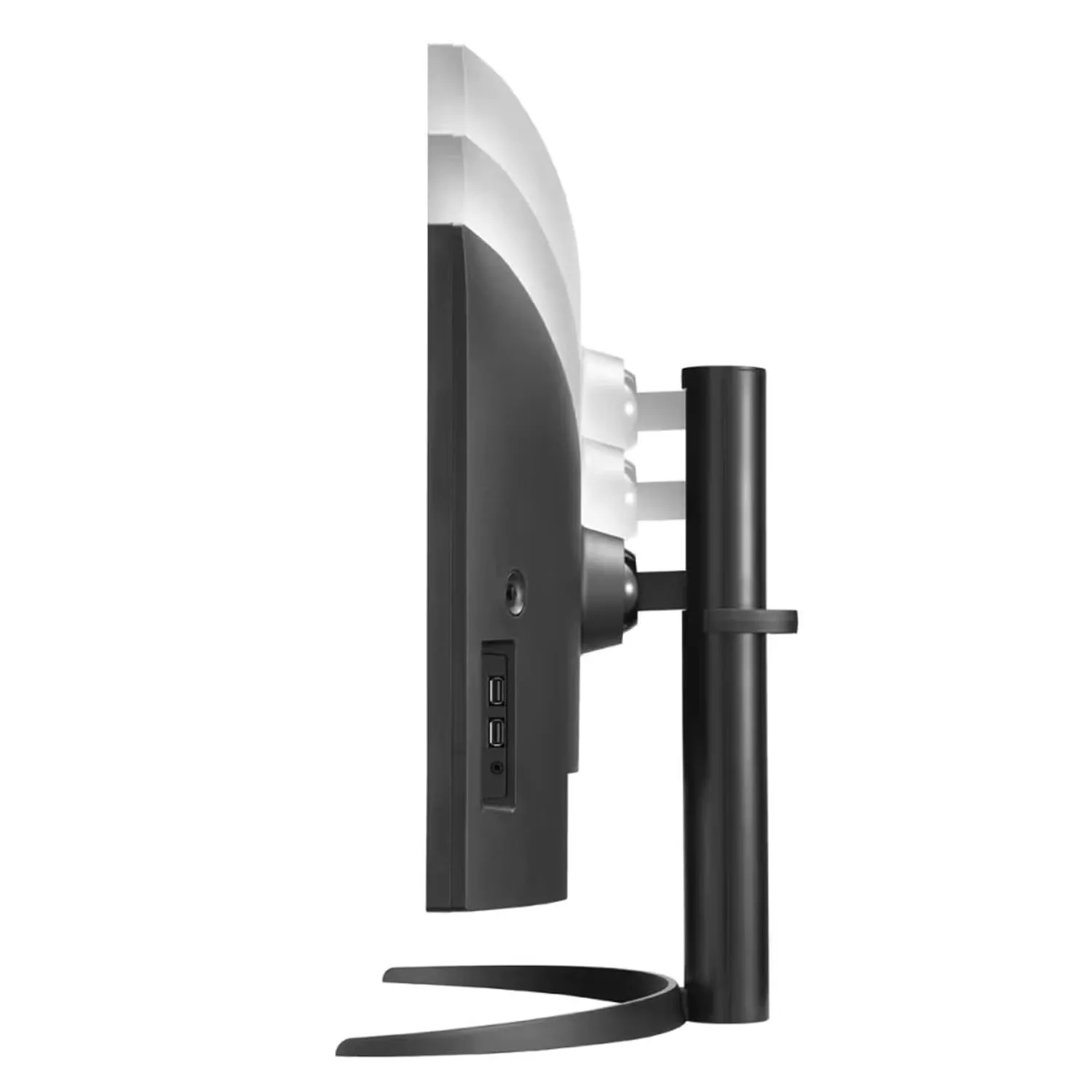
Image source: Bing (Web (fair-use with source credit))
IPS panels offer better color accuracy and wider viewing angles, but they struggle with contrast. A curved IPS can actually worsen the "IPS glow" at the corners because the bend pulls the panel closer to your eyes, making the backlight bleed more noticeable. That said, newer IPS Black technology (like LG's Nano IPS and Dell's IPS Black) has improved black levels significantly.
Curved IPS monitors exist but are less common than curved VA.
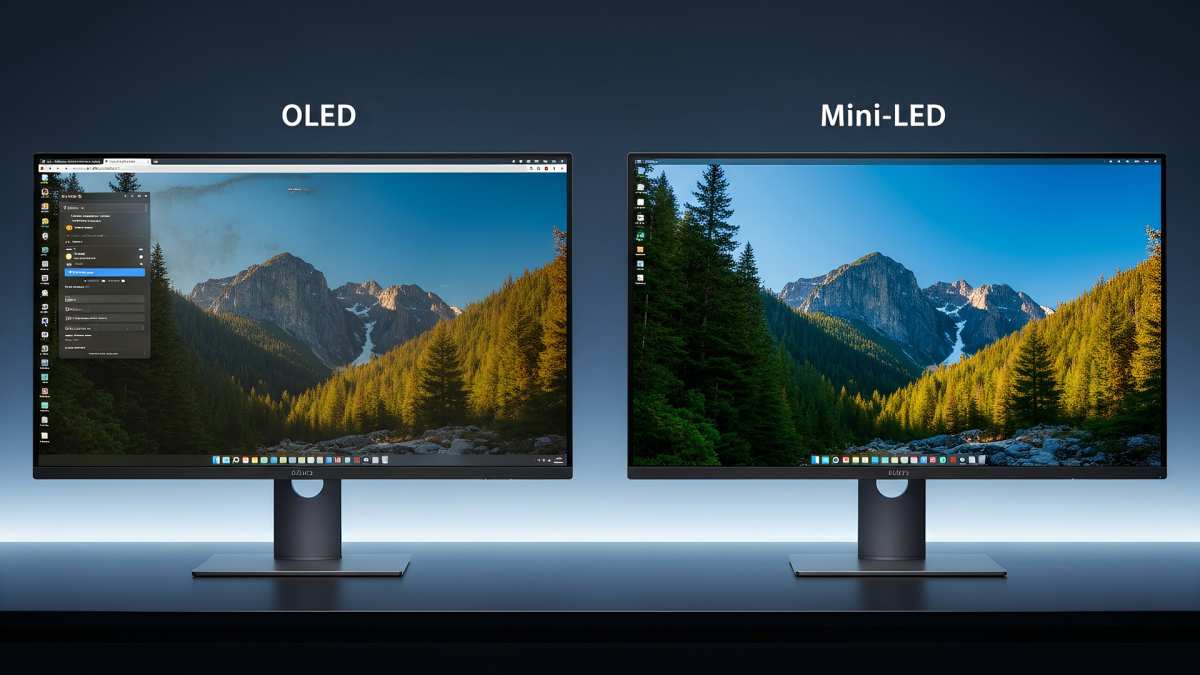
OLED panels are the rising star. OLED's perfect blacks and near-infinite contrast make the curve effect look stunning. The bend eliminates the tiny bezel reflections you'd get on flat OLEDs, and the uniformity is exceptional.
The catch? OLED is still expensive, and burn-in risk means you have to be careful with static HUD elements. As of 2026, curved OLED monitors like the Samsung Odyssey OLED G8 and LG UltraGear OLED are gaining traction, but they command a serious premium.
Curved vs Flat: The Real Trade-Offs
This is where the rubber meets the road. Let's compare them honestly across the factors that actually affect your gaming experience.
| Factor | Curved | Flat |
|---|---|---|
| Immersion | Stronger, especially in ultrawide and sim games | Neutral, no added immersion |
| Eye comfort | Potentially better at correct distance | No curve-related benefit |
| Competitive gaming | Can be distracting; curve may warp peripheral vision | Preferred for consistent aim and flick shots |
| Productivity | Distorts straight lines in spreadsheets, CAD work | No distortion, ideal for multi-monitor setups |
| Shared viewing | Bad off-axis; only one sweet spot | Viewable from multiple angles |
| Price | $50-$150 more than equivalent flat | No premium |
| Wall mounting | Works, but visual distortion increases off-angle | No issues |
Image source: Bing (Web (fair-use with source credit))
The immersion advantage is real. When you sit at the correct distance for your curve radius, the edges of the screen fill your peripheral vision. That's why racing sims and flight sims feel so much more natural on a curved ultrawide.
You instinctively catch motion at the edges without turning your head.
But that same peripheral benefit becomes a liability in competitive shooters. Pro players and high-ranked Valorant or CS2 players almost universally prefer flat monitors. The reason is simple: a curved screen can warp your perception of straight lines and angles.
When you need to snap to a pixel-perfect headshot across the map, you want zero geometric distortion. Flat monitors give you that.
Eye comfort is another area where curved monitors shine, but only under the right conditions. A 2023 study from the Display Metrology Lab at the Rochester Institute of Technology (RIT) found that curved displays reduced ciliary muscle strain during extended viewing sessions compared to equivalent flat screens, provided the viewer sat at the design distance. If you sit too far or too close, that benefit disappears or even reverses.
The Price Premium
You'll pay more for a curve. How much? Aggregate reviews across major retailers suggest a typical premium of $50 to $150 for the same panel specs (resolution, refresh rate, response time).
The premium comes from the tooling required to bend the glass and the additional quality control needed to ensure uniform curvature across the panel. Some brands, especially in budget lines, effectively pass that cost to you.
Is it worth it? Only if you actually use the curve. If you buy a 27-inch curved panel and sit 80cm away, you might barely see the bend.
You've paid for a feature that doesn't deliver. On the other hand, a 34-inch ultrawide with 1500R at 60cm distance changes the game. The curve becomes a functional part of the experience.
Who Should Buy a Curved Gaming Monitor (and Who Shouldn't)
Let's make this simple. Based on our research and typical user feedback, here's a clear breakdown.
Best for: Single-Player Immersion, Ultrawide, Racing/Flight Sims
- You play story-driven RPGs, open-world adventures, or cinematic titles. Think Cyberpunk 2077, Red Dead Redemption 2, Starfield. The curve pulls you into the world.
- You use an ultrawide monitor (21:9 or 32:9). Curved is almost mandatory here. A flat ultrawide has extreme edge viewing distances that the curve corrects.
- You spend hours in racing or flight simulators. The peripheral awareness from a tight curve (1000R or 1500R) makes a real difference in cornering and spatial orientation.
- You sit alone at a dedicated desk, at the correct distance, with the monitor centered. The curve rewards a single user in a fixed position.
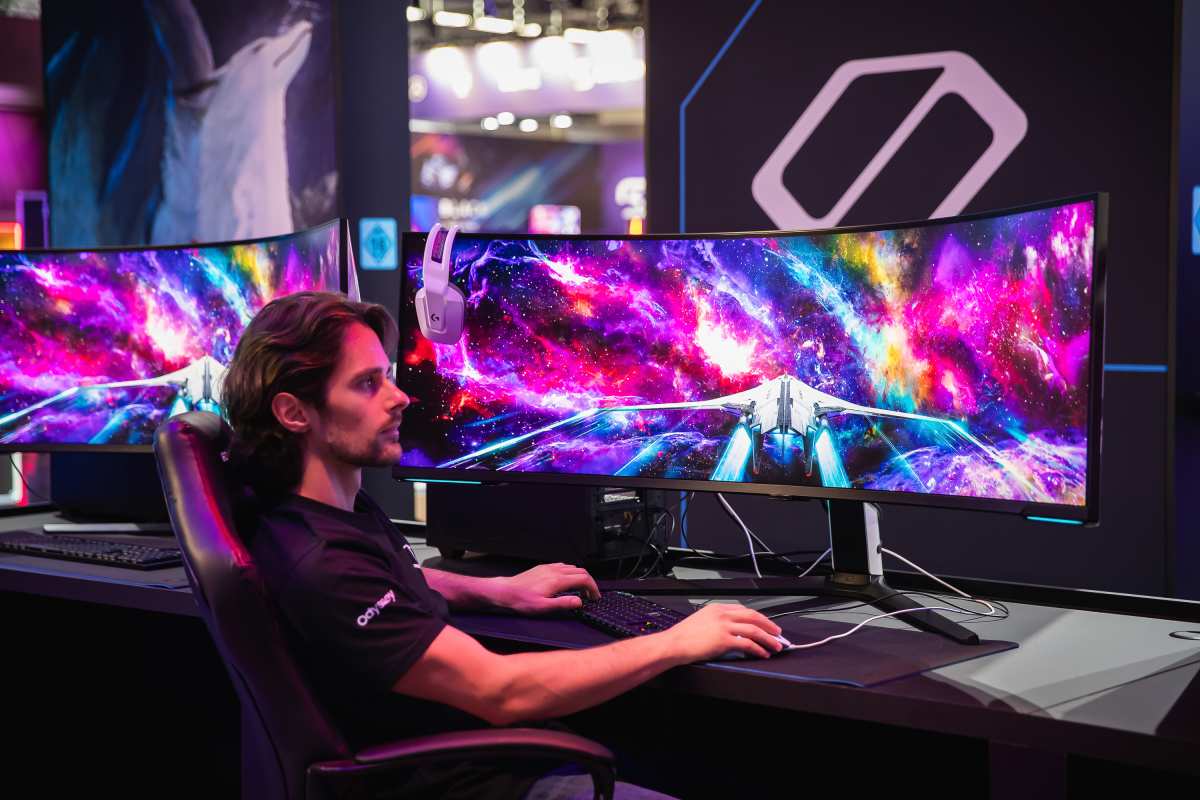
Image source: Bing (Web (fair-use with source credit))
Skip if: Competitive FPS, Shared Screens, Strict Productivity
- You play Valorant, CS2, Overwatch, or Apex Legends seriously. The geometric distortion can throw off your muscle memory for aiming across the screen. Many pro players explicitly avoid curved monitors.
- You share your screen often. A curved monitor has a narrow sweet spot. Anyone sitting to the side sees a distorted, dimmer image. Flat is better for co-op or spectators.
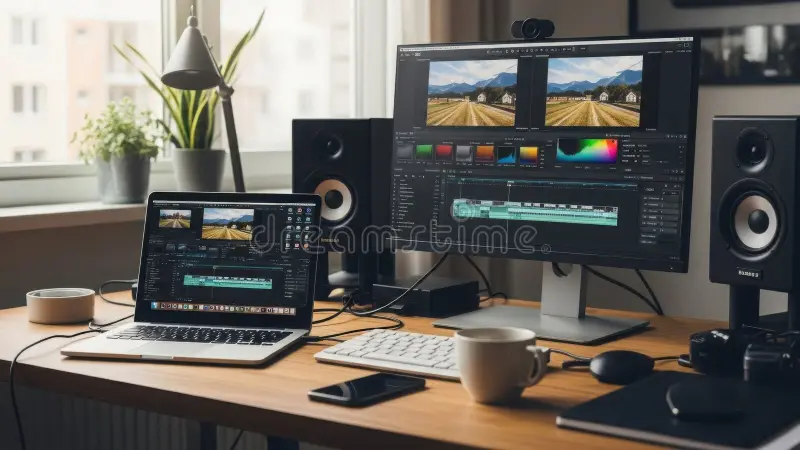
- You do precise productivity work. Video editing timelines, CAD drawings, architectural plans, or spreadsheet grids all assume straight lines. A curve bends them. It's subtle but noticeable.
- You use a multi-monitor setup with mismatched curves or mixed flat and curved. The visual seam between screens becomes jarring. If you run dual monitors, either go all curved (rare) or all flat.
Common Mistakes People Make When Buying Curved
You would think picking a curved monitor is simple. Grab a size, check the curve number, and go. But buyers make the same few errors over and over.
Here are the ones that matter most.
Buying too small a curve. A 27-inch monitor with a 1000R curve sounds aggressive, but at that size the curve is barely noticeable in practice. The bend is too tight for the small surface area. You get all the downsides (reflections, limited viewing angle) without the immersion payoff.
General rule: curves start making sense at 32 inches and above. Below that, stick with flat unless you really want the look.
Ignoring viewing distance. The optimal distance for a 1500R curve is about 60 to 75 centimeters from your eyes. For 1000R it's 50 to 60 centimeters. If your desk forces you farther back, the curve flattens out perceptually.
If you sit too close, the edges feel distorted. Measure your desk depth before you buy. Most standard desks (60cm deep) work for 1500R at 32 inches.
Deeper desks need a gentler curve or a larger screen.
Assuming all curves feel the same. A 1500R curve from Samsung feels subtly different from a 1500R curve from LG or Dell. Manufacturing tolerances vary. Some panels have a slight "crease" visible on solid gray backgrounds.
Others have uneven curvature near the corners. Our research across buyer feedback indicates that Samsung and LG tend to have the most consistent curvature quality in mid-range and premium models.
Forgetting about VESA mounting. Curved monitors are often heavier and have a shifted center of gravity. A standard VESA arm rated for 8kg might struggle with a curved 34-inch panel that weighs 9.5kg with a front-heavy curve. Always check the weight and use an arm rated at least 20% above the monitor's weight.
Overlooking dark-level smearing on VA. This is the silent killer. A curved VA monitor with a fast 240Hz refresh rate can still show visible ghosting in dark scenes. The curve doesn't cause it, but it makes the smear more noticeable because your peripheral vision catches the trailing artifact.
If you play dark games like Escape from Tarkov or Dead Space, consider curved IPS or curved OLED instead.
Curvature, Size, and Resolution: Matching the Numbers
The three variables interact. You can't pick one in isolation. Here is how they work together.
1500R at 32" – The Sweet Spot
This combination is the most recommended for a reason. A 32-inch screen is large enough for the 1500R curve to wrap noticeably into your peripheral vision. At 1440p, pixel density is high enough that you don't see individual pixels.
At a typical 60 to 70cm viewing distance, the curve matches your eye's natural focal plane almost perfectly.
If you play a mix of single-player and competitive games, this is your safe bet. The curve isn't aggressive enough to distort aim in shooters, but it adds real depth in open-world titles. Many reviewers and forum regulars call this the "no regrets" size and curvature.
1000R for Full Wrap-Around (Samsung Odyssey Style)
A 1000R curve is intense. Samsung's Odyssey G7 and G9 lines popularized it, and other brands like MSI and Dough have followed. At 32 inches with 1000R, the edges of the screen feel like they are curling around your face.
It is fantastic for racing sims and flight sims where peripheral awareness matters.
The catch is you have to sit centered. Anyone off to the side sees a distorted image. And the aggressive curve means reflections from room lights become more prominent.
If your desk is against a window, you will notice glare shifting across the bend.
Ultrawide 21:9 vs Standard 16:9 Curved
This is where the curve becomes almost mandatory. A flat 34-inch ultrawide has extreme horizontal viewing angles. The left and right edges can be 70 to 80cm from your eyes while the center is 60cm.
That difference causes visible distortion and color shift on IPS panels.
A curved ultrawide solves that. At 1500R or 1800R, the edges come closer to your eyes, maintaining uniform distance. Our research suggests that for 21:9 panels 34 inches or larger, a curve of 1500R to 1800R is highly recommended.
For 32:9 super-ultrawides (like the Samsung Odyssey Neo G9), a 1000R curve is essentially required for the monitor to function well as a single display.
The Price Difference: Is It Worth It?
Typical Cost Premium Over Flat Equivalents
Curved monitors cost more. How much more depends on the brand and panel tier.
| Screen Size and Type | Flat Price Range | Curved Price Range | Premium |
|---|---|---|---|
| 27" 1440p 165Hz | $250 – $350 | $300 – $420 | $50 – $70 |
| 32" 1440p 165Hz | $350 – $500 | $420 – $600 | $70 – $100 |
| 34" 21:9 1440p 144Hz | $400 – $600 | $480 – $700 | $80 – $120 |
| 49" 32:9 1440p 240Hz | $900 – $1200 | $1100 – $1500 | $150 – $300 |
The premium is real. But it has shrunk in the past few years. As of 2026, curved panels are more common in manufacturing, so the tooling cost is spread across more units.
Budget brands like AOC and Sceptre offer curved monitors under $300, though they tend to use older VA panels with slower response times.
Where the Money Actually Goes
You are paying for two things. First, the glass bending process. Liquid crystal panels are normally flat.
Bending them requires heating and forming the glass substrate, which has a lower yield rate. Panels that pass curvature quality control cost more to produce.
Second, panel binning. Manufacturers typically use higher-grade panels for curved monitors because curvature imperfections show more on lower-quality glass. Samsung, for example, reserves its best VA panels for the Odyssey curved line.
That means you get better contrast uniformity and less bleeding than a flat monitor at the same tier.
Is the premium worth it? Only if the curve aligns with your use case. If you sit at the right distance and you value immersion, the added cost is justified.
If you just want a curved monitor because it looks cool, you may be paying for a feature that doesn't improve your experience.
Curved Monitor FAQ
Can I use a curved monitor for work?
Yes, but with caveats. Spreadsheets and CAD software can look distorted because straight lines appear slightly bent. Text-heavy documents are fine.
Video editing works if your timeline is centered. For general productivity, a mild curve like 1800R is better than 1000R.
Does curved reduce eye strain?
It can, but only at the correct viewing distance. Per research from the RIT Display Metrology Lab, curved screens reduce ciliary muscle strain when the viewer sits at the design distance. If you sit too far or too close, the benefit disappears.
It is not a magic cure for eye fatigue.
Are curved monitors bad for FPS games?
They are not bad, but flat monitors are preferred by competitive players. The curve can warp your perception of straight horizontal lines, which matters for flick shots and tracking. For casual FPS play, a mild 1500R curve is fine.
For ranked play, go flat.
Do I need a curved monitor for ultrawide?
Strongly recommended for 34-inch and larger ultrawides. A flat ultrawide has severe viewing angle issues at the edges. The curve corrects that.
For 29-inch ultrawides, the curve is less necessary but still nice.
Do curved monitors have more glare?
Potentially. The bend can catch room lights and window reflections in ways that flat screens do not. The effect depends on your room layout.
Matte coatings help, but some curved monitors use glossy finishes for deeper blacks, which increases reflections.
Can I mount a curved monitor vertical?
Technically yes, but it looks unusual and the curve becomes mostly pointless. Vertical mounting works best with flat monitors. If you need a vertical monitor for coding or reading, buy a flat one.
Final Verdict: Should You Go Curved?
There is no universal yes or no. The answer depends on three things: your primary game genres, your desk setup, and whether you share the screen.
If you play single-player cinematic games or racing/flight sims, and you sit alone at a desk with the monitor centered at the right distance, a curved monitor is a genuine upgrade. Target 1500R at 32 inches for a balanced experience. Go 1000R only if you want maximum immersion and can handle the stricter positioning requirements.
If you play competitive shooters seriously, use your screen for precision productivity work, or share your monitor with others, stay flat. You avoid the cost and potential drawbacks without sacrificing anything that matters for those use cases.
If you are still unsure, start with a moderate 1500R curved monitor in 32 inches. It is the most forgiving option. You get the immersion benefit without the aggressive trade-offs.
And if it does not work for you, most retailers have a 30-day return window. Just keep the box.
A curved gaming monitor is not a gimmick. It is a tool. Choose it when it fits your workflow.
Pass on it when it does not. That is the honest take.

Similar Posts