What Aspect Ratio Is Ultrawide Monitor
Ultrawide monitors boast an extended aspect ratio, typically 21:9 or even 32:9, offering a significantly wider field of view than standard displays. This guide demystifies ultrawide aspect ratios, explaining their benefits for immersive gaming, enhanced multitasking, and a more engaging visual experience. We’ll cover everything you need to know to understand and choose the perfect ultrawide display.
What Aspect Ratio Is Ultrawide Monitor
Are you curious about the impressive, expansive displays you’ve seen cropping up more and more? These aren’t just bigger monitors; they’re different. They offer a wider field of vision that can transform your computing experience. The key to this difference lies in their aspect ratio. In this guide, we’re going to dive deep into what aspect ratio ultrawide monitors use, why it matters, and what benefits this unique screen shape brings to your daily digital life. Whether you’re a gamer seeking ultimate immersion, a professional juggling multiple tasks, or a cinephile who loves a cinematic view, understanding ultrawide aspect ratios is your first step to unlocking a whole new visual world.
Key Takeaways
- The Most Common Ultrawide Aspect Ratio: The dominant aspect ratio for ultrawide monitors is 21:9, offering a wider screen than traditional 16:9 displays.
- Understanding Aspect Ratio: Aspect ratio refers to the proportional relationship between a display’s width and its height, expressed as a ratio (e.g., width:height).
- Benefits of Wider Aspect Ratios: Ultrawide monitors provide a more immersive gaming experience, superior multitasking capabilities, and a more cinematic viewing for movies.
- Beyond 21:9: Super Ultrawide Displays: Some ultrawide monitors push the boundaries even further with a 32:9 aspect ratio, offering an exceptionally expansive view.
- Resolutions Matter: While aspect ratio defines shape, resolution dictates pixel count (e.g., 3440×1440 for many 21:9 ultrawides), impacting image clarity.
- Compatibility Considerations: While most modern applications and games support ultrawide resolutions, some older software or games might require minor adjustments.
- Choosing the Right Ultrawide: The best ultrawide aspect ratio for you depends on your primary use case, whether it’s gaming, professional work, or general entertainment.
Understanding Aspect Ratio
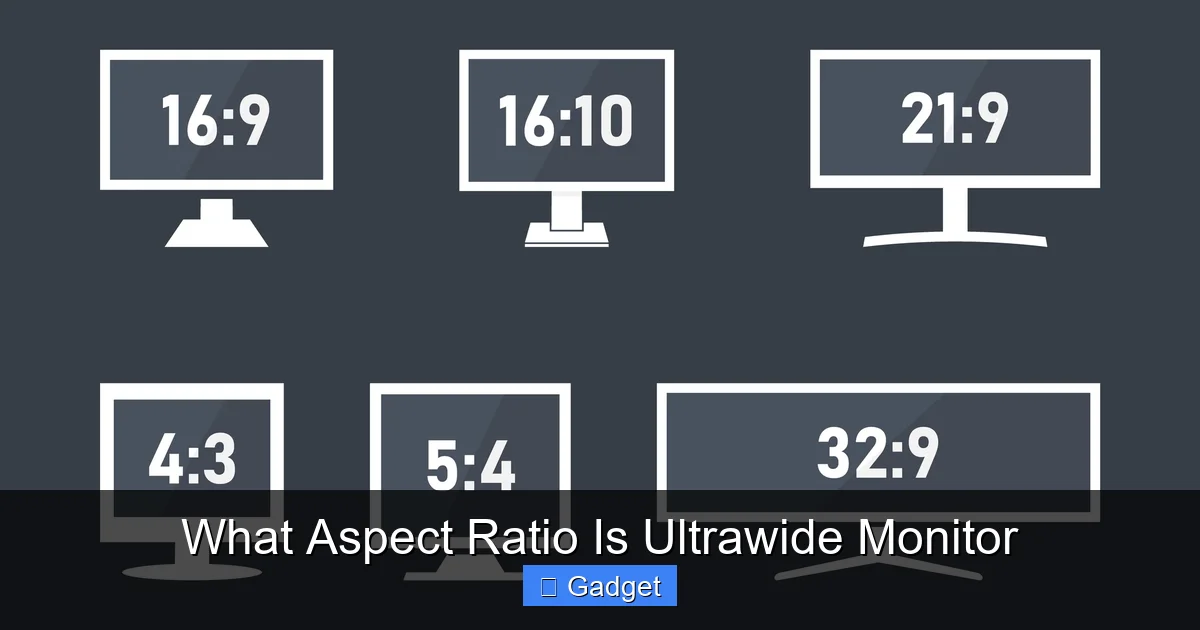
Before we get into the specifics of ultrawide monitors, let’s clarify what “aspect ratio” actually means. Think of it as the shape of your screen. It’s a measurement that tells you how wide the display is compared to how tall it is. This is usually expressed as a ratio, like 16:9 or 4:3.
How Aspect Ratio is Expressed
- Example: 16:9 This is the most common aspect ratio for standard widescreen monitors and TVs today. For every 16 units of width, the screen is 9 units tall.
- Example: 4:3 This was the standard for older televisions and computer monitors. For every 4 units of width, the screen is 3 units tall.
The higher the first number relative to the second number, the wider the screen is in proportion to its height.
Why Aspect Ratio Matters
- Gaming: Wider aspect ratios can provide a more immersive field of view in games, allowing you to see more of the game world around you.
- Productivity: A wider screen is excellent for multitasking, allowing you to have multiple windows open side-by-side without them feeling cramped.
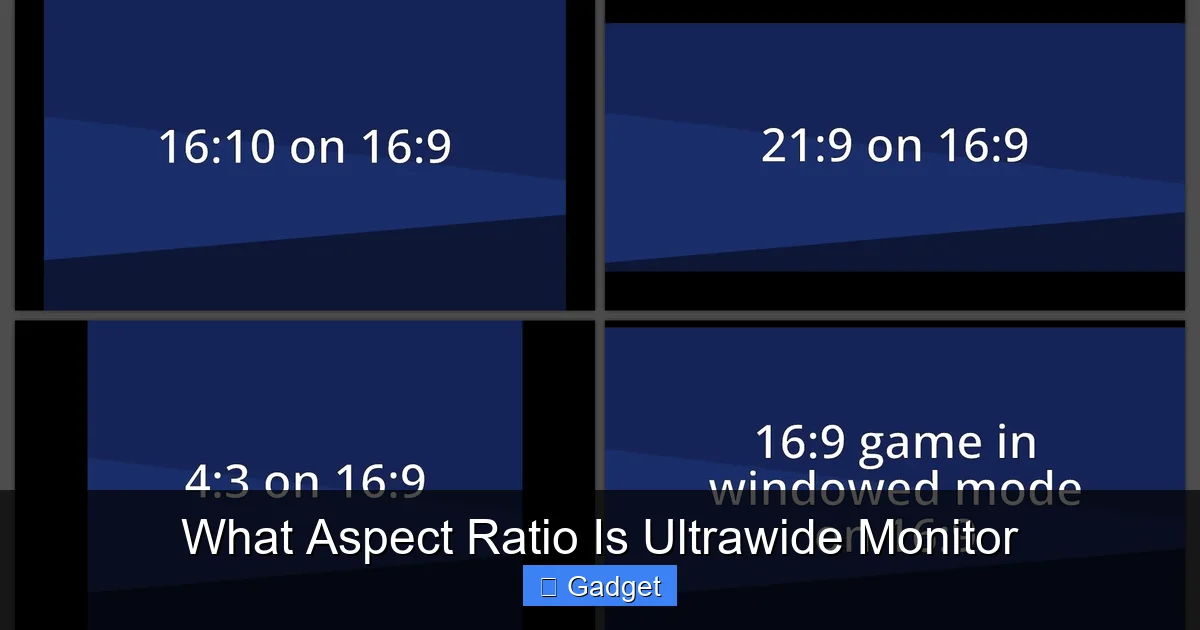
- Media Consumption: Movies and videos are often filmed in wider aspect ratios. A monitor that matches this can display them without black bars (letterboxing or pillarboxing).
What Aspect Ratio is Ultrawide Monitor?
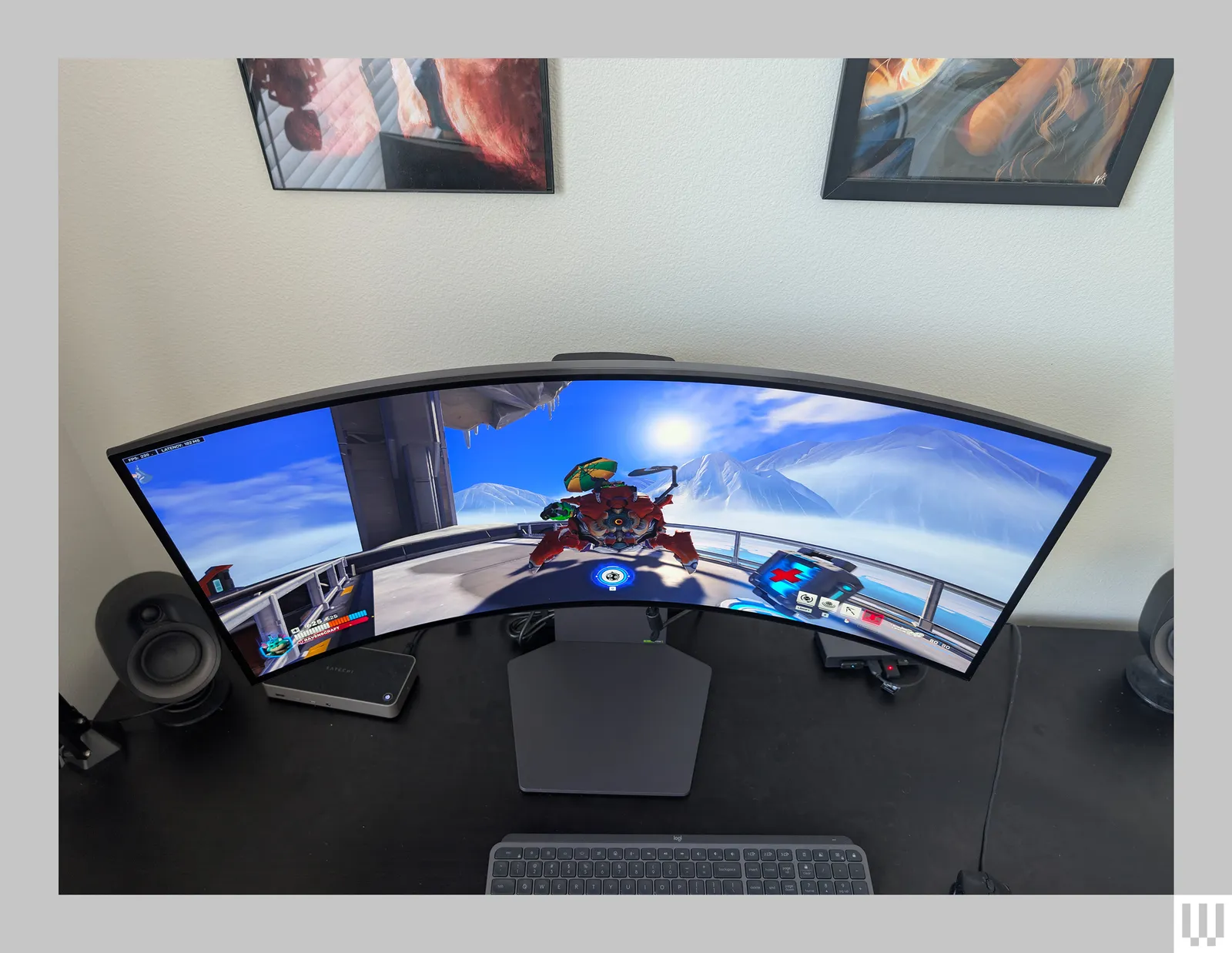
Visual guide about What Aspect Ratio Is Ultrawide Monitor
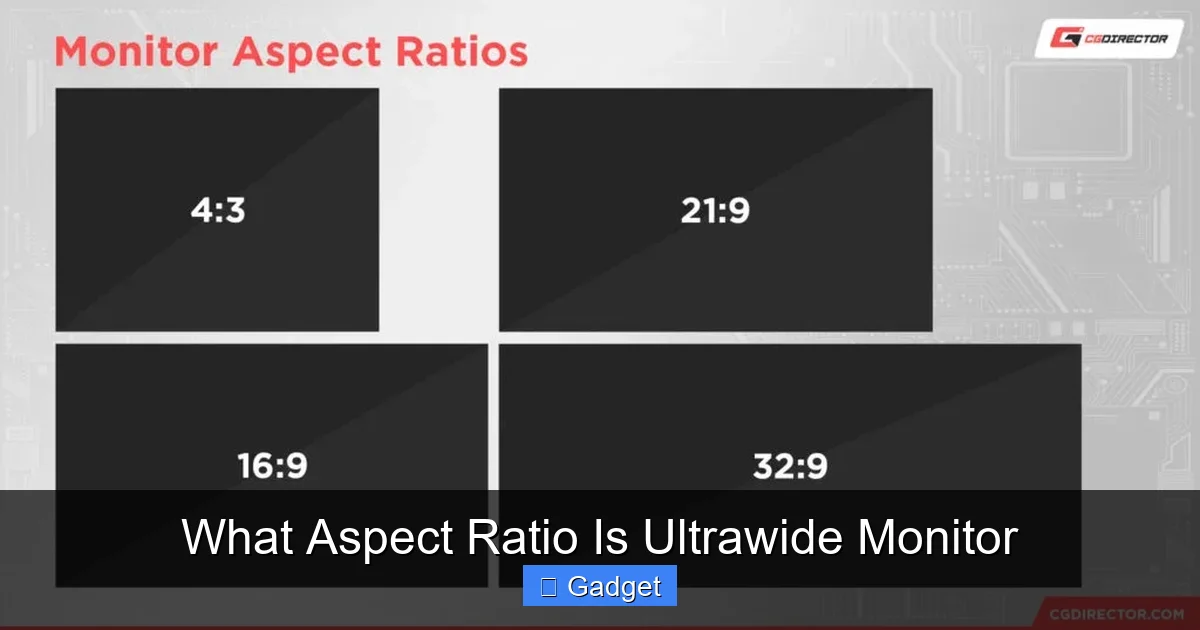
Now, let’s get to the heart of it. When we talk about “ultrawide” monitors, we’re referring to displays that have a significantly wider aspect ratio than the standard 16:9.
The Dominant Ultrawide: 21:9
- Comparison to 16:9: A 21:9 monitor is notably wider than a 16:9 monitor of the same height. This extra width provides a substantial increase in horizontal screen real estate.
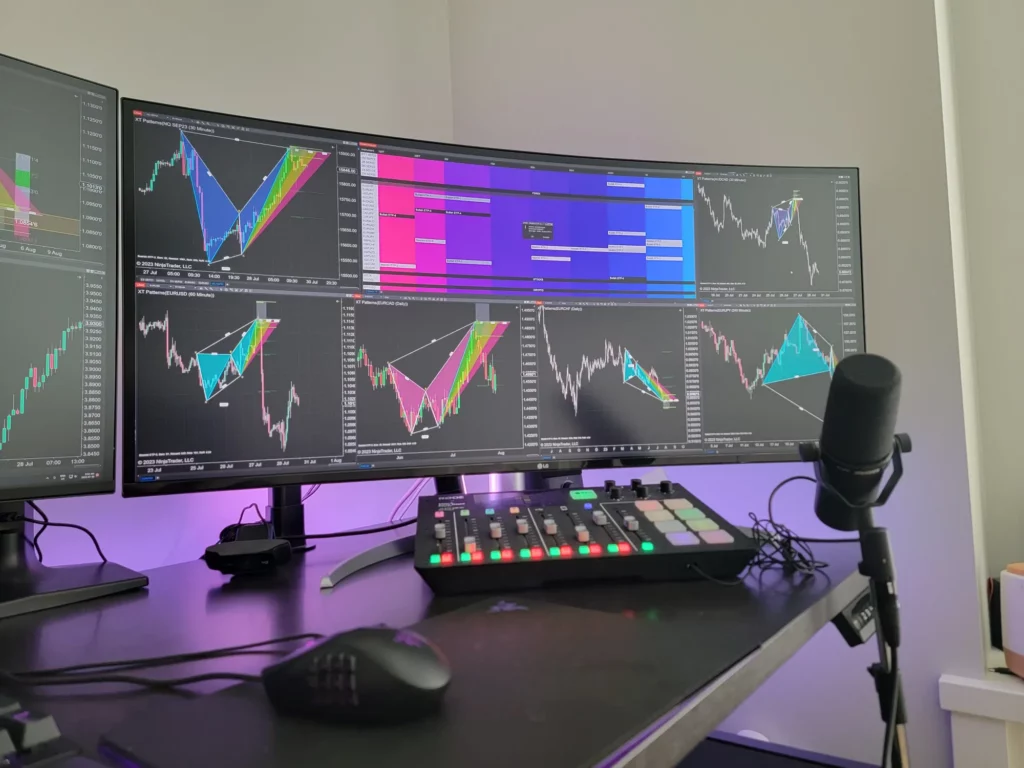
- Benefits of 21:9: This aspect ratio is fantastic for a more immersive gaming experience, as it offers a wider peripheral view. It’s also excellent for productivity, allowing you to comfortably view two full-sized applications side-by-side. For watching movies filmed in a similar aspect ratio (like many modern films), it can mean a more cinematic, edge-to-edge viewing experience.
The “Super” Ultrawide: 32:9
- Even Wider Field of View: A 32:9 aspect ratio is exceptionally wide, offering an even more expansive view than 21:9. This is akin to having two 16:9 monitors placed side-by-side without a bezel in between.
- Use Cases for 32:9: These are ideal for extreme multitasking, complex simulations, or users who want the absolute widest possible view for gaming or content creation. However, they are less common and can sometimes present compatibility challenges with older software.
What About Other Ultrawide Ratios?
While 21:9 and 32:9 are the most prevalent, you might occasionally see other ultrawide variations, though they are much rarer. For instance, some niche monitors might exist with ratios like 30:9. However, for all practical purposes, when someone refers to an “ultrawide monitor,” they are almost certainly talking about a 21:9 display.
Resolutions for Ultrawide Monitors
Visual guide about What Aspect Ratio Is Ultrawide Monitor
It’s important to distinguish between aspect ratio and resolution. Aspect ratio defines the *shape* of the screen, while resolution defines the *number of pixels* on that screen. More pixels generally mean a sharper, more detailed image.
Common Ultrawide Resolutions
- 3440×1440 (WQHD Ultrawide): This is the most popular resolution for 21:9 ultrawide monitors. It offers a significant upgrade in pixel density over a standard 1080p (1920×1080) display, providing sharp visuals.
- 2560×1080 (Full HD Ultrawide): While less common now, some budget-friendly 21:9 monitors may use this resolution. It provides the ultrawide aspect ratio but with a lower pixel count than 3440×1440.
For 32:9 super ultrawide monitors, a common resolution is 5120×1440. This is often referred to as Dual QHD, as it’s equivalent to two 2560×1440 monitors side-by-side.
How Resolution Affects Your Experience
A higher resolution on an ultrawide monitor will result in a sharper, more detailed image. This is especially noticeable when looking at text, fine details in games, or high-resolution images. A 3440×1440 ultrawide will offer a much clearer picture than a 2560×1080 ultrawide, even though both have a 21:9 aspect ratio. If you’re considering whether a 4K monitor is necessary for gaming, this comparison highlights how resolution impacts visual fidelity.
Benefits of Ultrawide Monitors
Visual guide about What Aspect Ratio Is Ultrawide Monitor
The unique aspect ratio of ultrawide monitors unlocks a host of benefits that can significantly enhance your computing experience.
Immersive Gaming
- Wider Field of View: In games that support ultrawide resolutions, you can see more of the game world to your left and right. This can be a competitive advantage in first-person shooters or strategy games, allowing you to spot enemies or threats sooner.
- Deeper Immersion: The panoramic view pulls you further into the game world, making the experience feel more engrossing and cinematic. You’ll feel more present in the environment.
Enhanced Productivity and Multitasking
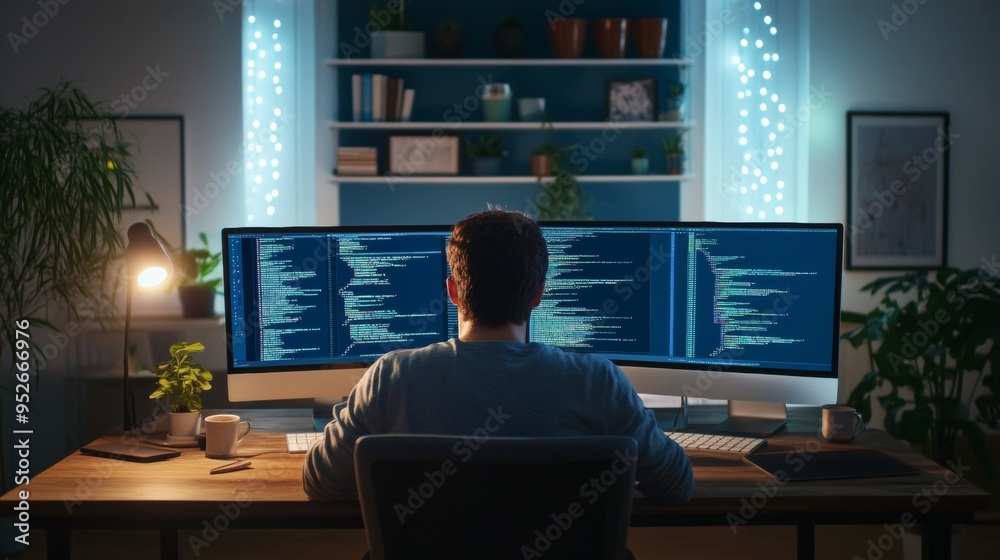
- Side-by-Side Multitasking: The extra width allows you to comfortably place two or even three application windows side-by-side without feeling like you’re squishing them. This is perfect for tasks like writing code while referencing documentation, having a video call open next to your work, or managing spreadsheets alongside a browser.
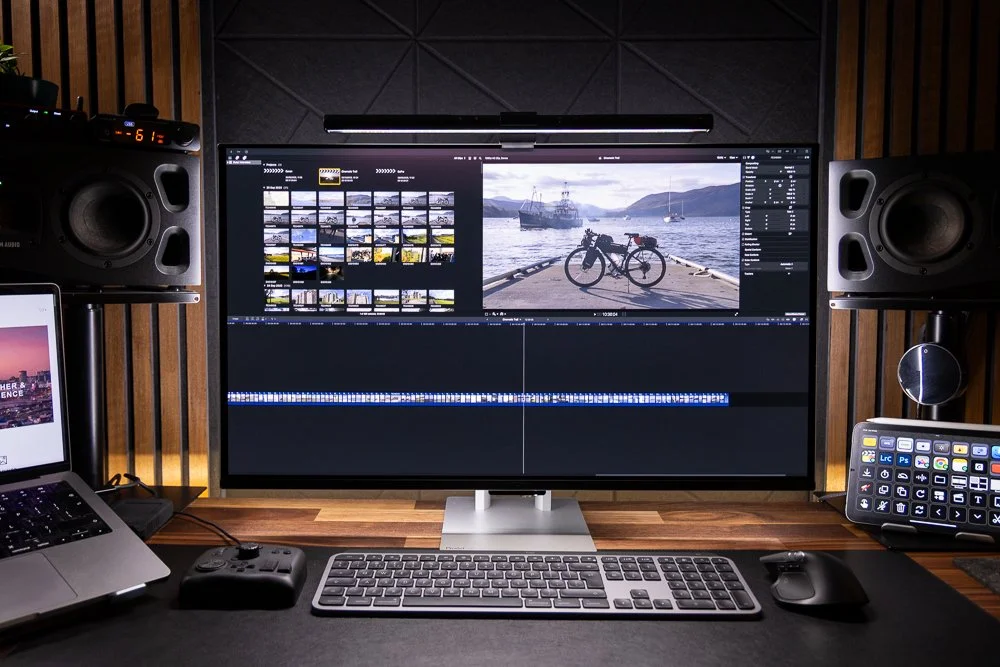
- Timeline Editing: Video editors and audio producers will find the extended timeline view invaluable, allowing them to see more of their project at once, which can speed up workflow.
For developers and programmers, ultrawide screens are particularly useful. Learn more about how ultrawides enhance workflow in our article on whether ultrawide monitors are good for coding.
Cinematic Media Consumption
- Reduced Black Bars: Many films are shot in aspect ratios close to 21:9 or wider. When you watch these on an ultrawide monitor, you’ll often get an edge-to-edge viewing experience with minimal or no black bars, just as the director intended.
- More Immersive Viewing: The wider screen can make watching content feel more like you’re in a cinema, drawing you in further.
Choosing the Right Ultrawide Monitor
When selecting an ultrawide monitor, consider your primary use case.
For Gamers
- 21:9 Aspect Ratio: This is the sweet spot for most modern games, offering a great balance of immersion and compatibility.
- High Refresh Rate and Fast Response Times: Essential for smooth gameplay.
- Adaptive Sync Technology (G-Sync/FreeSync): To prevent screen tearing.
- Resolution: 3440×1440 is ideal for sharp visuals.
Wondering how ultrawide monitors perform specifically for racing games? Discover the advantages in our detailed guide on whether ultrawide monitors are better for racing games.
For Productivity Professionals
- 21:9 or 32:9 Aspect Ratio: Depending on how much multitasking you do. 32:9 offers extreme screen real estate.
- Resolution: 3440×1440 is excellent for clarity.
- Color Accuracy: If you work with graphics or video, look for good sRGB or Adobe RGB coverage.
- Ergonomics: Adjustable stands can be crucial for comfort.
For General Use and Media
- 21:9 Aspect Ratio: Offers a good balance for most users.
- Resolution: 3440×1440 provides a sharp, detailed image.
- Consider Panel Type: IPS panels generally offer better color accuracy and viewing angles, while VA panels can offer better contrast.
Compatibility and Considerations
While ultrawide monitors offer many advantages, there are a few things to keep in mind regarding compatibility.
Game Support
- Check Game Forums: Before buying, it’s a good idea to check online forums or gaming communities to see if your favorite games support ultrawide resolutions.
- Workarounds: For games that don’t natively support ultrawide, there are often community-made patches or in-game settings that can help. Sometimes, running in a bordered window mode or adjusting resolution settings can resolve issues.
Application Support
- Productivity Software: Applications like Microsoft Office, Adobe Creative Suite, and web browsers generally scale well.
- Older Software: Very old or niche software might not adapt as gracefully, potentially displaying with black bars or UI elements that are not ideally placed.
Windows Display Scaling
- Resolution Settings: Ensure your monitor is set to its native resolution for the sharpest image.
- Display Scaling: If text or icons appear too small on your ultrawide, you can use Windows’ display scaling options to enlarge them without sacrificing the sharpness of the display.
Conclusion
So, what aspect ratio is an ultrawide monitor? It’s primarily 21:9, with some going as wide as 32:9. This wider aspect ratio is the secret sauce behind their immersive gaming, unparalleled multitasking, and cinematic viewing experiences. Moving beyond the standard 16:9 opens up a new dimension of how you interact with your computer. While there are minor compatibility considerations, the benefits of an ultrawide monitor for gaming, productivity, and entertainment are significant. As you explore the world of ultrawide displays, remember to consider your primary use case to find the perfect monitor that will truly expand your horizons. The wider view awaits!

Similar Posts