Do You Need a 4k Monitor for Gaming
Deciding if a 4K monitor is right for your gaming setup involves understanding its benefits and drawbacks. While offering stunning visuals, 4K gaming demands powerful hardware and can impact performance. This guide will help you weigh the visual fidelity against your budget and PC capabilities. So, you’re eyeing that shiny new 4K monitor and wondering, “Do I *really* need a 4K monitor for gaming?” It’s a question many gamers grapple with as they upgrade their setups. The allure of razor-sharp visuals is undeniable, but is it a game-changer, or just an expensive luxury? This guide is here to help you cut through the noise and make an informed decision. We’ll dive deep into what 4K gaming entails, the hardware you’ll need, the pros and cons, and help you figure out if that extra pixel count is worth it for *your* gaming experience. By the end of this guide, you’ll understand: 
 Processor (CPU): While the GPU is paramount, a strong CPU is also necessary to feed the GPU data efficiently. A modern mid-range to high-end CPU (e.g., Intel Core i7/i9 or AMD Ryzen 7/9 from recent generations) is recommended to avoid bottlenecking your powerful graphics card. RAM: Having enough RAM is important for overall system performance, especially when dealing with higher resolutions. 16GB is generally considered the minimum for modern gaming, but 32GB can provide a smoother experience, particularly with 4K gaming.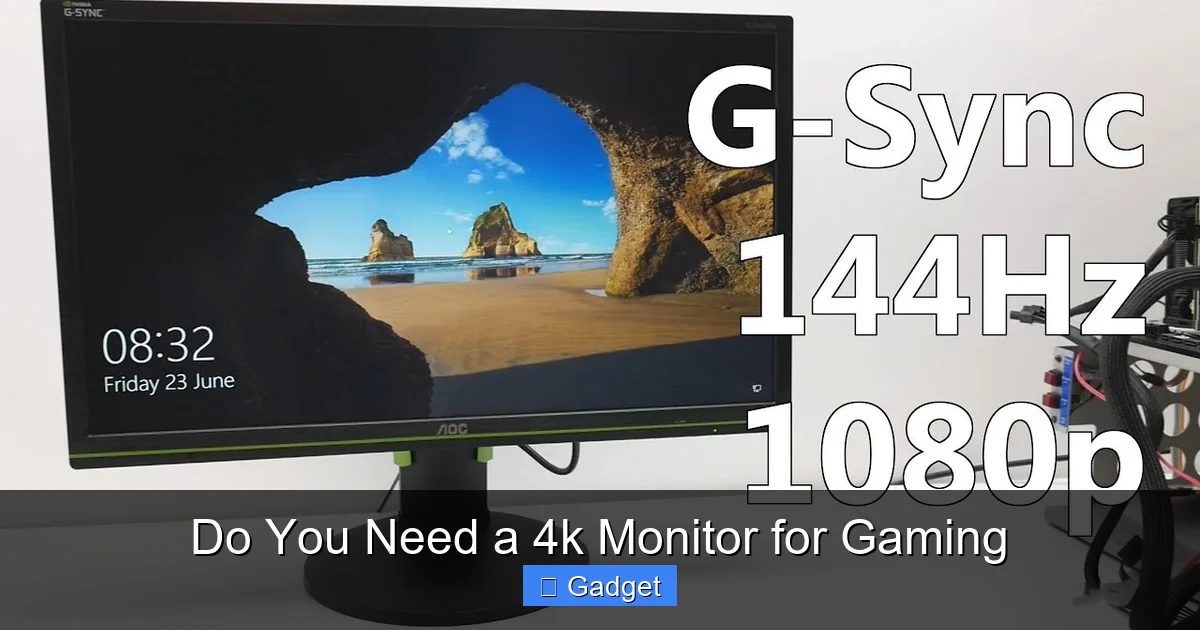
- What 4K resolution actually means for gaming.
- The visual benefits and drawbacks of 4K gaming.
- The crucial hardware requirements for a smooth 4K gaming experience.
- How 4K gaming impacts performance and frame rates.
- Whether a 4K monitor is the right investment for your budget and playstyle.
Key Takeaways
- Stunning Visuals: 4K monitors offer significantly sharper images and more detail than lower resolutions, enhancing immersion.
- Hardware Demands: Achieving playable frame rates at 4K requires a high-end graphics card and a powerful processor.
- Performance vs. Fidelity: You might need to lower in-game settings or accept lower frame rates on a 4K monitor if your hardware isn’t top-tier.
- Cost Consideration: 4K monitors and the necessary gaming hardware are generally more expensive than their 1080p or 1440p counterparts.
- Future-Proofing: Investing in a 4K monitor can be a good long-term decision as game developers increasingly target higher resolutions.
- Personal Preference: Ultimately, the need for a 4K monitor depends on your individual preferences for visual quality and your budget.
Understanding 4K Resolution
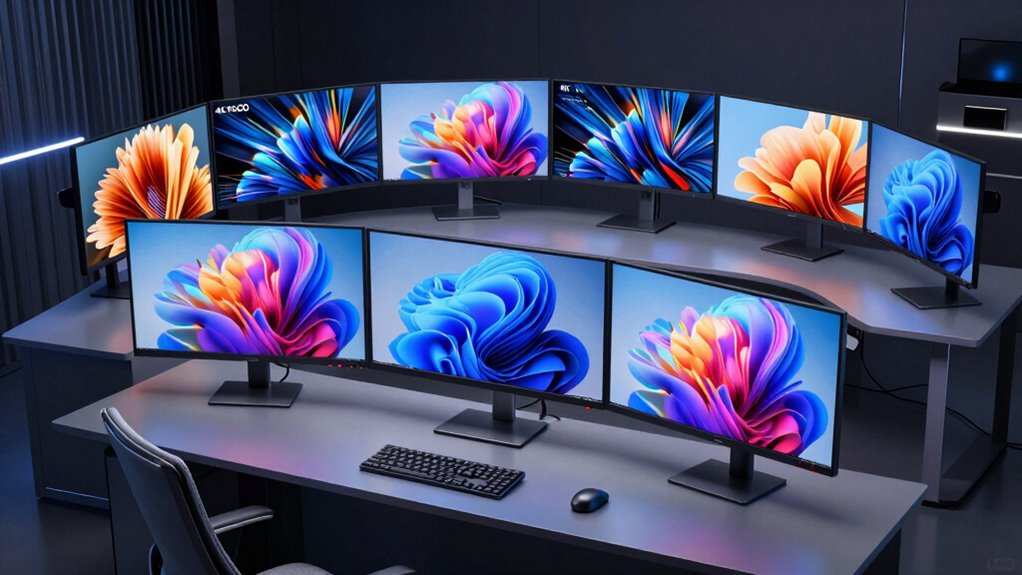
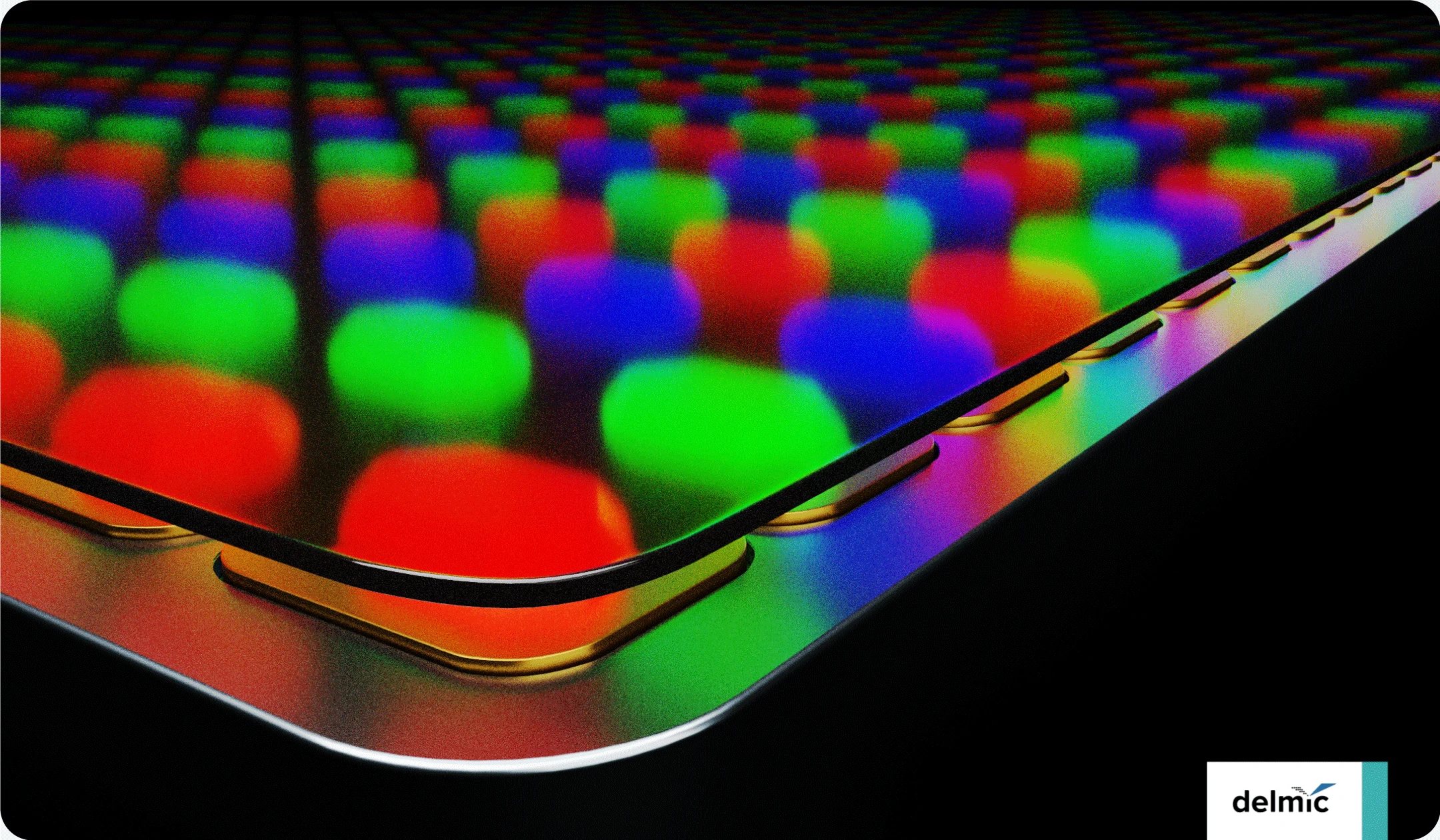
Before we jump into the “need” for a 4K monitor, let’s get a firm grasp on what 4K resolution actually is. In the realm of displays, “4K” refers to a resolution of approximately 3840 pixels horizontally by 2160 pixels vertically. That’s over 8 million pixels in total! To put that into perspective, a standard 1080p (Full HD) monitor has a resolution of 1920 x 1080 pixels, totaling just over 2 million pixels. This means a 4K display packs roughly four times the number of pixels as a 1080p display. More pixels translate directly to a sharper, more detailed image. Text will be crisper, textures in games will appear more refined, and fine details that might be blurred or indistinct on a lower-resolution screen will pop out with clarity on a 4K monitor.Why More Pixels Matter in Gaming
The benefit of these extra pixels in gaming is significant. Imagine playing a detailed RPG with intricate environments or a fast-paced shooter where spotting distant enemies is crucial. The increased pixel density of 4K allows for:- Enhanced Detail: You’ll notice finer details in textures, character models, and environmental elements that you simply can’t see at lower resolutions.
- Improved Clarity: Distant objects and edges appear sharper, reducing aliasing (jagged lines) and making the overall image much smoother.
- Greater Immersion: The added realism and detail contribute to a more immersive gaming experience, pulling you deeper into the game world.
The Upsides of Gaming on a 4K Monitor
There’s a reason why 4K is the buzzword in display technology. When you have the right setup, gaming on a 4K monitor can be a truly breathtaking experience.Unparalleled Visual Fidelity
The primary and most compelling reason to opt for a 4K monitor is the sheer visual quality. Games designed with high-fidelity graphics will look absolutely stunning.- Sharper Images: Every texture, from the bark on a tree to the intricate design on a weapon, is rendered with incredible sharpness.
- Smoother Lines: The higher pixel density inherently reduces the appearance of “jaggies” or aliasing, making curves and diagonal lines appear much smoother without needing to heavily rely on anti-aliasing techniques in-game.
- Deeper Immersion: The increased detail and clarity can make virtual worlds feel more real and believable, enhancing your connection to the game.
Example: A Scenic Open World Game
Consider playing a game like “Cyberpunk 2077” or “Red Dead Redemption 2” on a 4K monitor. The neon-drenched streets of Night City, the detailed flora and fauna of the wilderness – these environments are designed to be seen in their full glory. On a 4K screen, you’ll notice the individual raindrops on surfaces, the subtle reflections in puddles, and the intricate patterns on clothing that might be lost on a lower-resolution display.Benefits for Specific Game Genres
While many genres benefit from 4K, some shine particularly bright:- RPGs and Adventure Games: These genres often feature rich, detailed worlds begging to be explored. 4K enhances the beauty and immersion of these environments.
- Strategy Games: With more pixels, you can often fit more information on the screen, making it easier to manage large armies or complex city layouts.
- Simulation Games: For games like flight simulators or racing games, the enhanced detail can lead to a more realistic and engaging experience.
The Downsides and Requirements of 4K Gaming
Now, let’s talk about the elephant in the room: what it takes to actually *play* games at 4K resolution, and the potential drawbacks.The Hardware Hurdle
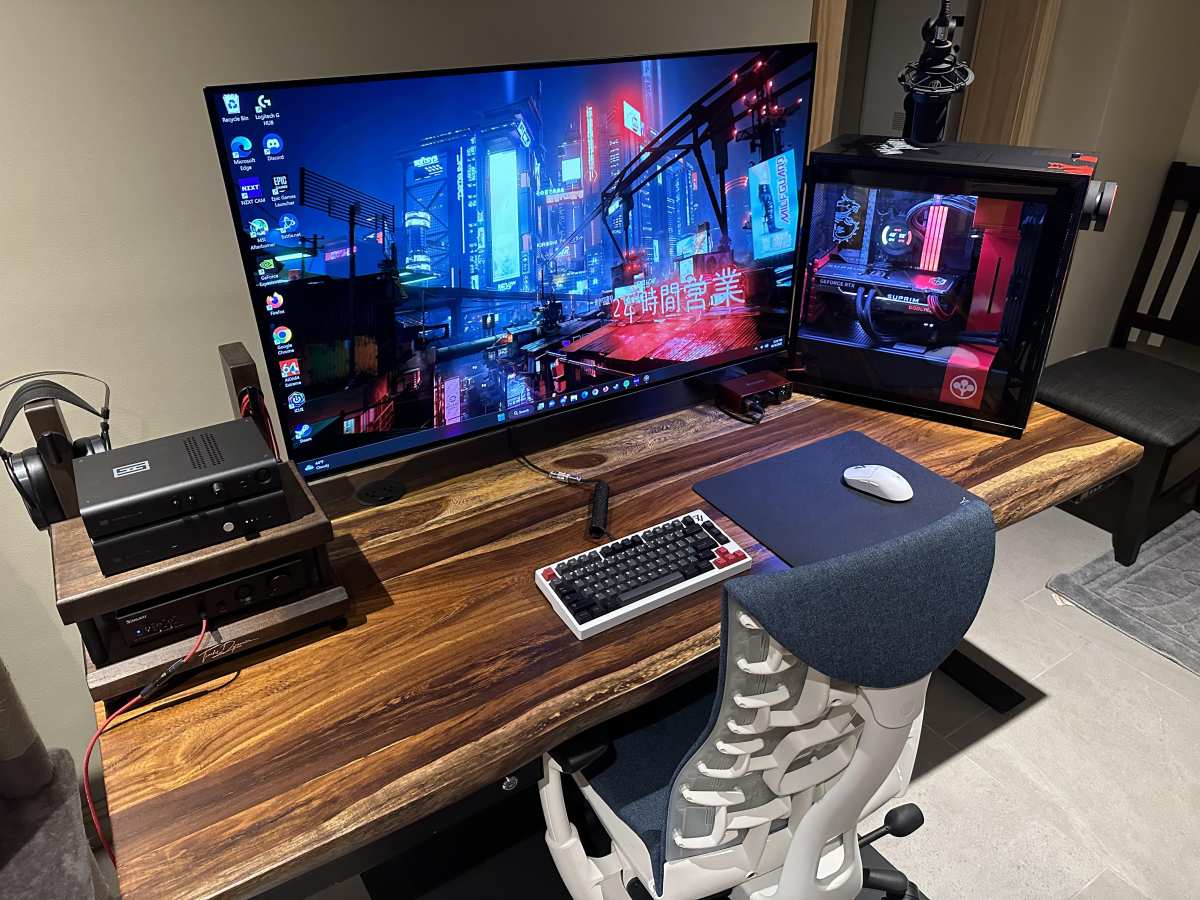
This is arguably the biggest factor. To run games smoothly at 4K, you need serious horsepower. Graphics Card (GPU): This is the most critical component. To achieve playable frame rates (ideally 60 frames per second or higher) in demanding modern titles at 4K, you’ll generally need a high-end graphics card. Think NVIDIA GeForce RTX 3080/4070 Ti or above, or AMD Radeon RX 6800 XT/7800 XT or above. Even with these cards, you might still need to make compromises on graphics settings in the most graphically intensive games.Visual guide about Do You Need a 4k Monitor for Gaming
Visual guide about Do You Need a 4k Monitor for Gaming
Performance Impact: Frame Rates and Settings
Rendering over 8 million pixels is a computationally intensive task. This means that even with powerful hardware, you might not always hit your desired frame rates.- Lower Frame Rates: Compared to 1080p or 1440p, expect your average frame rates to be significantly lower at 4K, especially in graphically demanding titles.
- Graphics Settings Compromises: You may need to dial back certain graphics settings, such as anti-aliasing, shadow quality, or texture filtering, to achieve playable frame rates. This can somewhat diminish the visual benefits you paid for.
- The Sweet Spot: 1440p? For many gamers with mid-to-high-end systems, 1440p resolution offers a fantastic balance between visual quality and performance. It provides a noticeable upgrade over 1080p without the extreme hardware demands of 4K. If you’re curious about how refresh rates impact your experience at these resolutions, check out our guide on whether a 144Hz monitor is good for gaming.
Example: The Compromise
Imagine you have a powerful GPU, but it’s not the absolute top-tier. In a brand new AAA game, you might find that at native 4K with all settings maxed out, you’re only getting 30-40 FPS. To achieve a smoother 60 FPS, you might have to reduce the graphical fidelity by turning down shadows, disabling ray tracing, or using a lower-resolution texture setting. This means you’re not quite getting the “ultimate” 4K experience you might have envisioned.Cost Considerations
Let’s not forget the financial aspect.- Monitor Price: 4K monitors, especially those with good refresh rates, HDR support, and color accuracy, tend to be more expensive than their 1080p or 1440p counterparts.
- Hardware Upgrades: The cost of a powerful GPU and CPU capable of 4K gaming can be substantial, often exceeding the cost of the monitor itself.
Do You *Need* a 4K Monitor for Gaming? A Decision Guide
The question of “need” is subjective. It depends entirely on your priorities, budget, and current hardware. Here’s how to break it down for yourself:Step 1: Assess Your Current PC Hardware
This is the most crucial first step.- Check your GPU: What graphics card do you have? Look up its benchmarks for 4K gaming in the types of games you play. Be realistic. If your GPU is more than a few years old or is a mid-range model from even the latest generation, 4K gaming might be a struggle.
- Check your CPU: Is your processor relatively modern and powerful? A bottleneck here can prevent your GPU from performing at its best, even at 4K.
Step 2: Consider Your Gaming Habits and Preferences
What kind of games do you play, and what do you prioritize?- For the Visual Purist: If you absolutely demand the highest possible visual fidelity and graphical detail in every game, and you’re willing to invest in the hardware to achieve it, then a 4K monitor could be a great choice.
- For the Competitive Player: In fast-paced competitive games (esports titles like CS:GO, Valorant, Overwatch), high frame rates are often more critical than pixel count. A high-refresh-rate 1080p or 1440p monitor might offer a better competitive edge. Understanding what makes a monitor good for gaming can help you prioritize features like response time and refresh rate.
- For the Casual Explorer: If you enjoy slower-paced, visually rich games and value immersion over lightning-fast reflexes, 4K can be a fantastic upgrade.
Step 3: Evaluate Your Budget
Be honest about what you can afford.- The All-In Approach: If you have the budget for both a high-end 4K monitor *and* the powerful PC hardware to drive it, then yes, it’s a viable and excellent option.
- The Incremental Upgrade: If your budget is tighter, consider upgrading to a high-refresh-rate 1440p monitor first. This offers a significant visual and performance improvement over 1080p without the extreme hardware demands of 4K. You can then consider a 4K monitor later when your PC hardware is also upgraded.
Step 4: Think About Future-Proofing
The gaming industry is constantly evolving. While 1080p is still prevalent, 1440p is becoming the new standard for many PC gamers, and 4K is increasingly the target for AAA game releases. Investing in a 4K monitor now could mean it remains relevant for a longer period as games continue to be developed with higher resolutions in mind.Visual guide about Do You Need a 4k Monitor for Gaming
Alternatives to 4K Gaming
If 4K doesn’t seem like the right fit for you right now, don’t worry! There are excellent alternatives that offer a significant upgrade over standard 1080p gaming.1440p (QHD) Monitors
As mentioned, 1440p resolution (2560 x 1440 pixels) is often considered the “sweet spot” for PC gaming. It offers a 78% increase in pixel count over 1080p, providing noticeably sharper images and more detail. Crucially, it’s much less demanding on your hardware than 4K, allowing for higher frame rates and the ability to push more graphical settings.High Refresh Rate Monitors (1080p or 1440p)
For games where smoothness and responsiveness are paramount, a high refresh rate monitor (120Hz, 144Hz, 240Hz, or even higher) can make a far bigger difference than resolution alone. A 144Hz 1080p monitor will feel significantly smoother and more responsive than a 60Hz 4K monitor, especially in fast-paced action or competitive games. To understand the difference between high refresh rates, see our comparison of 144Hz vs 240Hz monitors.Ultrawide Monitors
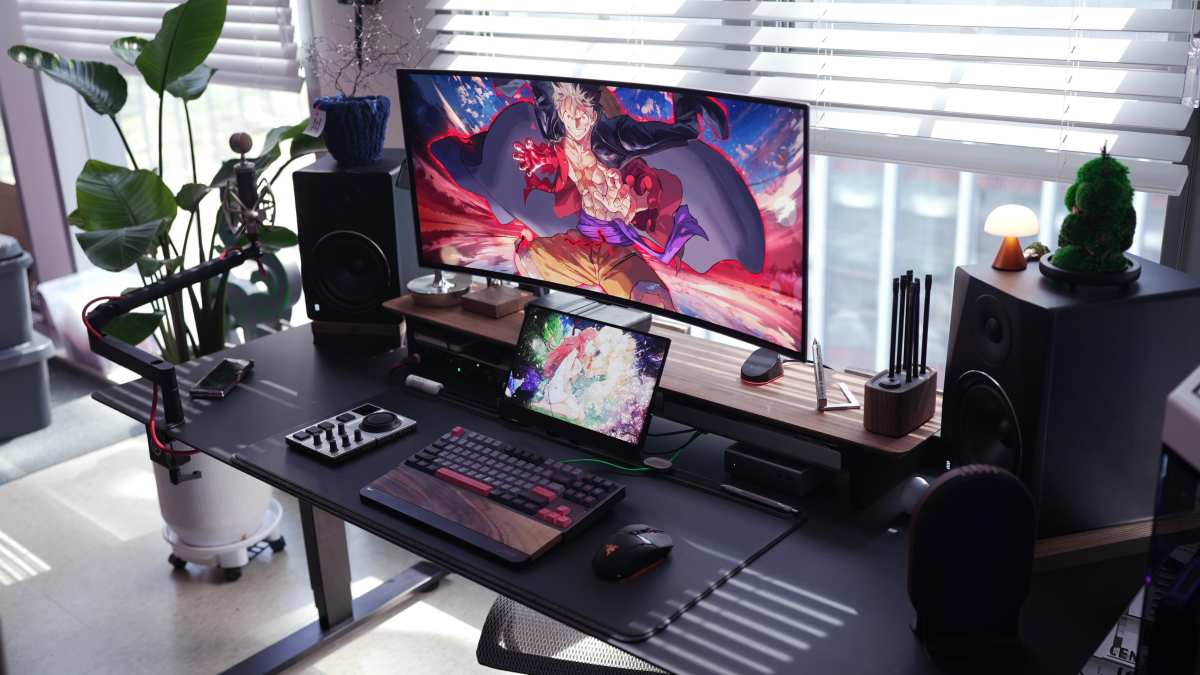
Ultrawide monitors offer a more immersive, panoramic gaming experience by extending the horizontal field of view. While often in 1440p or even 1080p resolution, the increased width can be a huge draw for certain genres, such as racing, flight sims, and open-world exploration, without the extreme GPU demands of 4K. If you’re considering an ultrawide, learn more about what is the best monitor size for gaming to ensure it fits your setup.Troubleshooting Common 4K Gaming Issues
Even with the right hardware, you might encounter hiccups. Here are a few common issues and how to address them:Issue: Low Frame Rates
Solution: This is the most common issue. Lower your in-game graphics settings. Start with demanding settings like anti-aliasing, shadows, volumetric effects, and ray tracing. You might also consider using upscaling technologies like NVIDIA DLSS or AMD FSR, which render the game at a lower resolution and then intelligently upscale it to 4K, significantly boosting performance with minimal visual loss.Issue: Input Lag or Stuttering
Solution: Ensure your graphics drivers are up to date. Check that your monitor is set to its highest refresh rate in Windows display settings. Make sure V-Sync is enabled (or disabled, depending on your preference and hardware) in both your GPU control panel and in-game settings to manage screen tearing and frame pacing.Issue: Text is too small on a 4K monitor
Solution: This is not a gaming-specific issue but a general operating system one. Windows allows you to adjust scaling. Right-click on your desktop, go to “Display settings,” and adjust the “Scale and layout” percentage to make text and app elements larger.Conclusion: Is 4K Gaming for You?
So, do you *need* a 4K monitor for gaming? The answer, as with many tech questions, is: it depends. If you have a powerful, top-tier gaming PC and a budget that allows for a high-quality 4K display, then the visual upgrade can be absolutely spectacular. The level of detail and immersion a 4K monitor provides is unmatched. However, if your budget is more constrained, or your current PC hardware isn’t quite up to snuff, you might find yourself sacrificing performance for resolution. In such cases, a high-refresh-rate 1440p monitor often represents a better overall gaming experience, offering a significant visual upgrade over 1080p while being much more achievable for a wider range of hardware. Ultimately, the best monitor for you is one that aligns with your budget, your PC’s capabilities, and your personal gaming priorities. Weigh the stunning visuals of 4K against the performance demands and cost, and make the choice that will bring you the most enjoyment at the virtual table. Happy gaming!
Similar Posts