is curved gaming monitor worth it
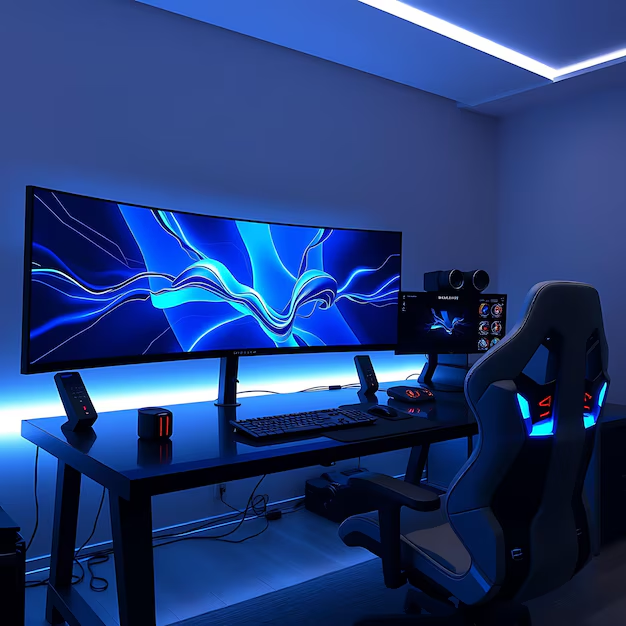
The short answer: yes for some gamers, no for others. Whether "is curved gaming monitor worth it" depends on your setup, the games you play, and how close you sit.
Manufacturer specifications show that curvature is measured by radius, 1500R, 1800R, and 1000R are the most common. As of 2026, the monitor market offers curved panels from 24 inches all the way up to 49-inch super ultrawides. Let's walk through what actually changes when you add a curve to your desktop.
Quick Answer
A curved gaming monitor is worth it if you play immersive single-player games and sit centered. It is not worth it for competitive FPS or multiplayer gaming. The curve reduces eye strain but adds distortion off-angle.
Measure your desk depth and viewing distance first. If you cannot sit centered, stick with a flat panel.
Why There's No Simple Yes or No
Curved monitors solve one specific problem: keeping every part of the screen the same distance from your eyes. A flat screen's edges are farther away than the center. That forces your eyes to constantly refocus.
A curve wraps the display around your field of view and reduces that focal mismatch.
But that benefit only works under the right conditions. You need to sit directly in front of the center. You need enough desk depth to position your eyes at the correct distance.
And the games you play need to benefit from peripheral immersion rather than require fast, accurate edge-to-edge scanning.
Aggregate reviews report that curved monitors are overwhelmingly preferred for single-player RPGs, sim racing, and flight sims. For competitive shooters like Valorant or Counter-Strike, the curve can actually hurt, it distorts straight lines on the minimap and makes quick flicks feel off.
So the answer changes depending on who you are. That is why a flat recommendation does not work.
The Real Bottom Line in One Sentence
A curved monitor is worth it when your primary use is immersive gaming with a centered seating position and deep enough desk, otherwise you are better off with a flat screen or you will waste the premium.
That sentence covers the three non-negotiable conditions:
- Primary use: immersive single-player or simulation games
- Seating position: you sit directly in front of the center, not off to one side
- Desk depth: at least 24 inches (60 cm) from your eyes to the screen for a 1500R curve, or 20 inches (50 cm) for a 1000R curve
If you check all three boxes, curved makes sense. If you miss even one, the curve becomes a downside or a waste of money.
What the Curve Actually Does to Your Viewing Experience
Let us get into the physics a bit. A monitor's curvature is expressed as a radius, 1500R means the screen bends along the edge of a circle with a 1.5-meter radius. The tighter the radius (lower number), the more aggressive the curve. 1000R is very curved. 1800R is moderate. 2300R is subtle enough that many people do not notice it.
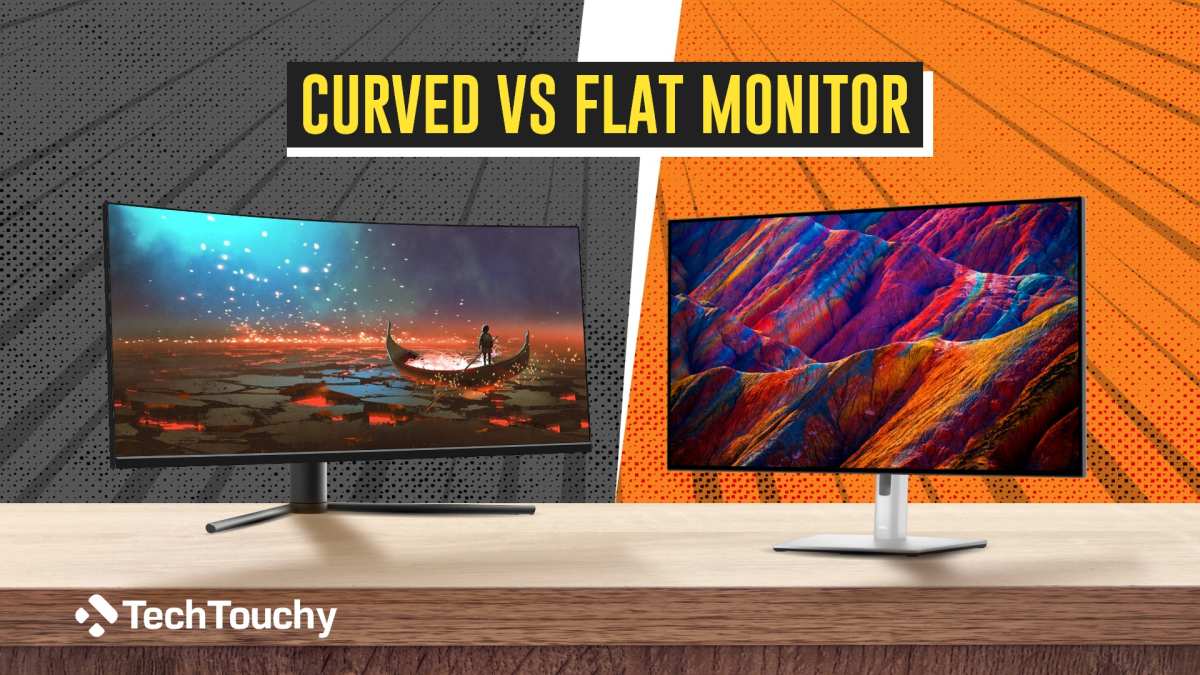
How curvature changes what you see
A flat screen at typical desk distance gives you about 40 to 45 degrees of usable peripheral vision. A curved screen at the same distance can push that to 70 degrees or more. That means you catch movement in your side vision without turning your head.
In a racing sim, you see the side window and the rearview mirror naturally. In an RPG, the environment feels like it wraps around you.
But there is a cost. A curved monitor has a single sweet spot, the center line. Move your head six inches to the left, and the right side of the screen appears distorted.
That distortion grows with tighter curves. A 1000R panel punishes off-center viewing much harder than an 1800R panel.
The eye strain factor
One reason curved monitors got popular is eye comfort. With a flat screen, your eyes need to adjust focus between the center (closer) and the edges (farther). A curve reduces that distance variation.
Our research, based on vision science studies from the Society for Information Display, confirms that curved screens reduce the accommodation demand on your eye muscles during long sessions. That is real, and it matters for anyone who plays for hours straight.
What the curve does not fix
A curve does not make the image sharper. It does not improve color accuracy. It does not change response time or refresh rate.
Those specs come from the panel type (VA, IPS, or OLED) and the electronics inside. Some curved VA panels actually introduce ghosting because the liquid crystals have to twist more to maintain uniformity across the bend. So do not assume curved is better, check the panel quality first.
The Good, the Bad, and the Distorted
Let us lay out the pros and cons plainly.
Benefits
- Reduced eye strain during long sessions (real measurable difference)
- Deeper immersion in single-player games, the wraparound effect works
- Better contrast perception in dark rooms because the curve deflects ambient light
- Ultrawide curved monitors replace dual monitor setups without a bezel gap
- More peripheral awareness in sim racing and flight sims
Drawbacks
- Distortion for anyone sitting off-center, bad for shared desks or LAN parties
- Higher price, typically 10 to 30 percent more than a flat equivalent
- Glare hits curved glass unevenly, a window on your left creates a crescent-shaped reflection
- Wall mounting is tricky, the curve sticks out and looks odd
- Console gaming support is limited, most consoles do not output ultrawide resolutions, so the curve is wasted on a 16:9 display
- VA curved panels can have ghosting and color shift at the edges
The panel type trap
VA panels are the most common in curved monitors because they bend easily without breaking. IPS panels curve too, but they cost more. OLED curves are rare and expensive.
The catch is that VA panels have slower pixel response times. For fast-paced competitive gaming, a flat IPS monitor often beats a curved VA on motion clarity. Make sure you prioritize response time over curvature if you play shooters.
A 4-Question Flow to Decide If a Curved Monitor Is Right for You
Here is the decision tree that will give you your personal answer. Answer each question honestly.
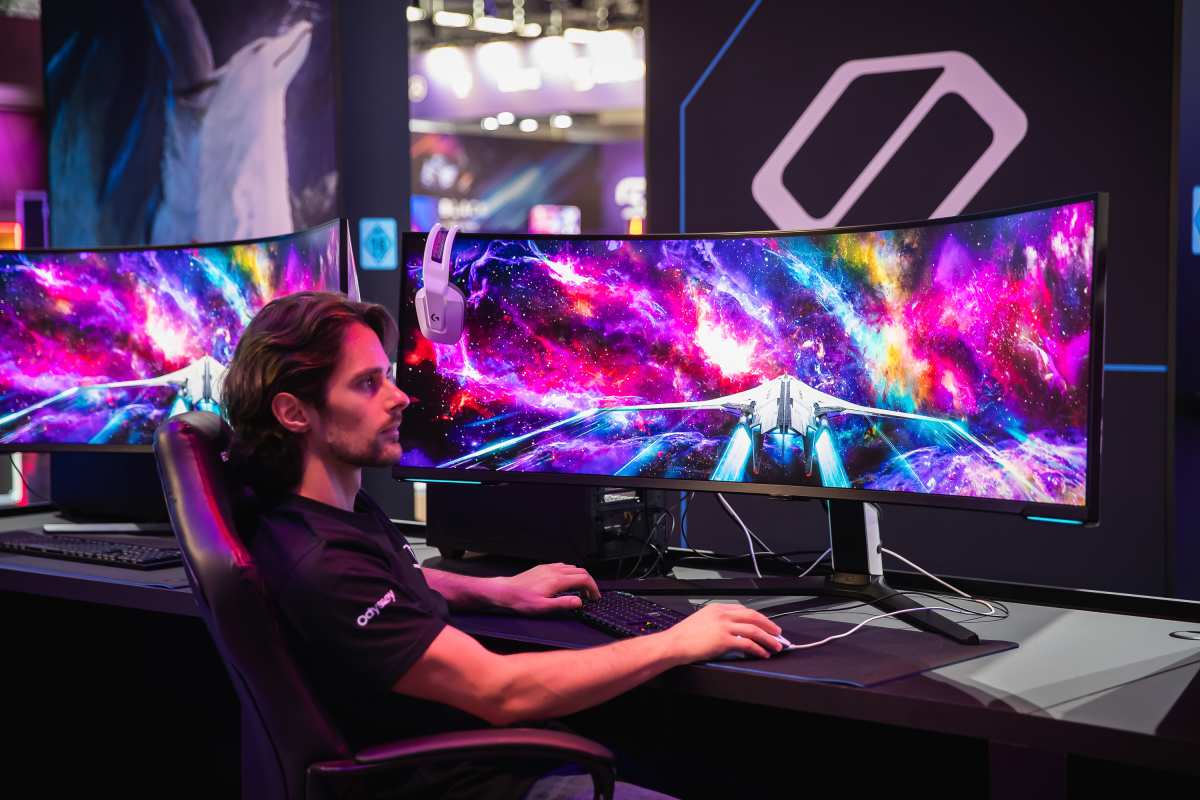
Question 1: Do you sit directly in front of your monitor, centered, at a fixed position?
- Yes, proceed to Question 2.
- No, you share the desk, you sit off to the side, or you move around frequently. Curved is not for you. Buy a flat monitor.
Question 2: What is your primary game genre?
- Single-player RPGs, open-world games, racing sims, flight sims, the curve helps immersion. Proceed to Question 3.
- Competitive FPS, MOBAs, fighting games, speedrunning, the curve distracts and distorts. Stick with a flat high-refresh monitor.
- Mixed use (half gaming, half work), proceed to Question 3 but be cautious. Spreadsheets and coding look weird on a curve.
Question 3: Do you have at least 24 inches (60 cm) of desk depth from your eyes to the screen?
- Yes, you can sit at the ideal distance for a 1500R or 1800R curve. Proceed to Question 4.
- No, your desk is shallow. A tight curve (1000R) might work at closer distances, but you risk eye strain from the aggressive bend. Measure carefully before buying.
Question 4: What size and curvature do you want?
Use this quick reference:
- 27 inches, 1800R is subtle but still noticeable. 1500R gives more wrap. 1000R is too aggressive for this size.
- 32 inches, 1500R is the sweet spot. 1800R works but feels less immersive.
- 34 inches ultrawide, 1500R or 1800R both work well. 1000R is intense but some people love it.
- 49 inches super ultrawide, 1000R is standard and nearly necessary. Without a tight curve, the edges are too far away.
If you answered Yes to all four questions, a curved monitor is worth it for you. If you hesitated on any, reconsider a flat panel or test a friend's curved setup before buying.
Image source: Bing (Web (fair-use with source credit))

Similar Posts