is 144hz monitor future proof
If you’re asking yourself whether a 144Hz monitor is future proof, you’re not alone. It’s one of the most common questions among gamers planning a new build or upgrade. The honest answer is: it depends on you.
But there’s real data to help you decide.
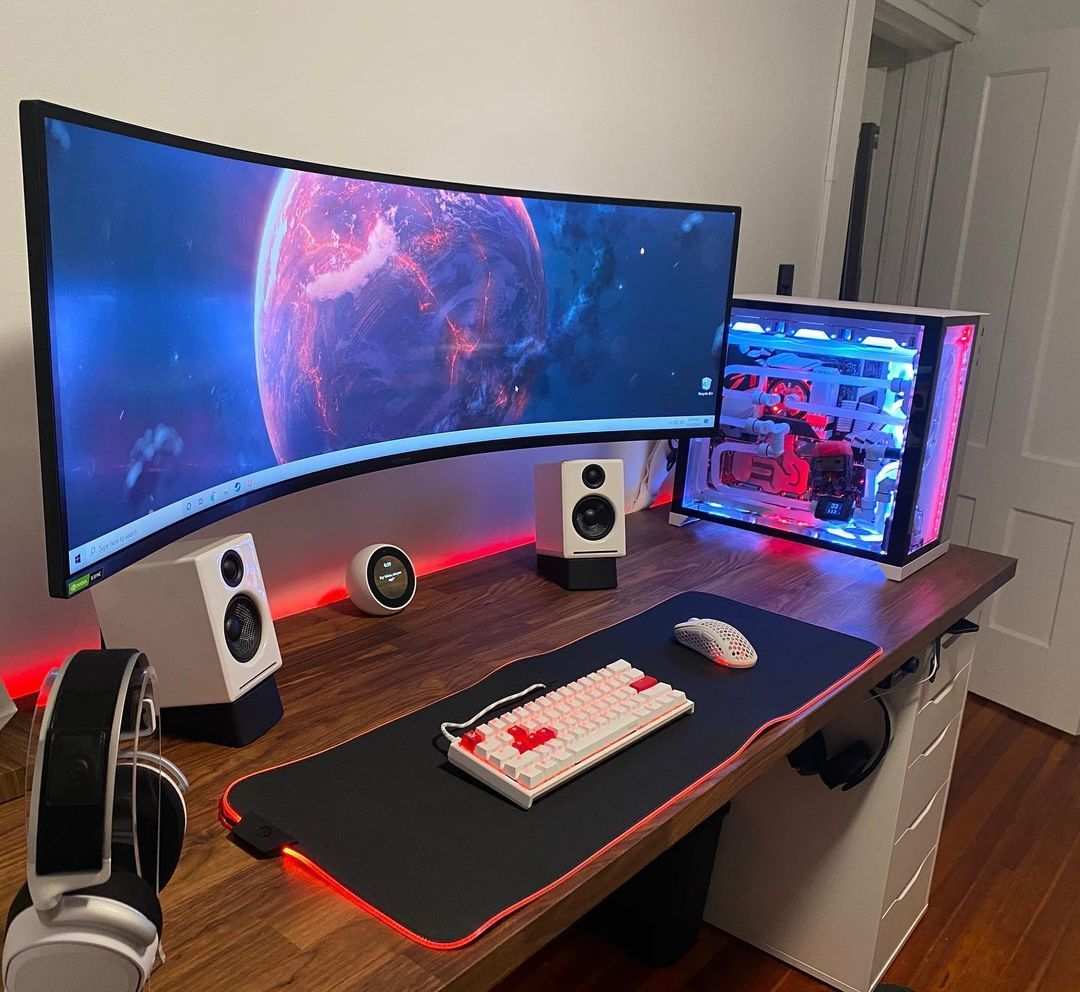
Most 144Hz monitors today ship with DisplayPort 1.4, which can handle 144Hz at 1440p with no compression. That connection standard has been stable for years, and it’s likely to stay relevant through the next console cycle. But future-proofing isn’t just about cables.
It’s about how the monitor fits your gaming habits and upgrade plans.
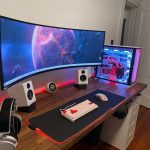
Image source: Bing (Web (fair-use with source credit))
Quick Answer
A 144Hz monitor is future proof for most gamers through 2028. It’s the price-to-performance sweet spot. But it only works if your GPU can push those frames.
And your resolution choice matters. If you play competitive shooters at 1080p, 144Hz will last you years. If you prefer 4K AAA titles, a 144Hz panel may outpace your GPU.
The Problem: Why “Future Proof” Is a Trap Word
“Future proof” sounds like a guarantee. In reality, no monitor stays cutting-edge forever. The term is a marketing hook that ignores how fast your own needs can change.
A monitor typically lasts 5 to 10 years. In that span, new standards arrive. HDMI 2.1 became common around 2020.
OLED panels dropped in price. 240Hz and 360Hz monitors became affordable for competitive play. A 144Hz monitor bought in 2020 still works fine today, but it won’t feel as premium in 2028 as it does now.
The real trap is buying a monitor that fits someone else’s future, not yours. You might not need 240Hz if you play slow-paced RPGs. But you might regret 144Hz if you later get serious about esports.
The key is matching the monitor’s strengths to your likely future, not an imaginary one.
How Refresh Rates Actually Age (And Why 144Hz Is Different)
Refresh rates don’t become obsolete overnight. They become “good enough” for a long time, then gradually feel less impressive as higher rates become standard. 60Hz felt smooth in 2010. Now it’s the bare minimum. 144Hz has followed a similar curve.
What makes 144Hz different is how long it has held the sweet spot. It’s been the standard recommendation for over a decade. Games are still built with 144Hz in mind.
Most modern GPUs can hit 144 frames per second in popular titles at 1080p or 1440p. That means the hardware and software ecosystem still supports it.
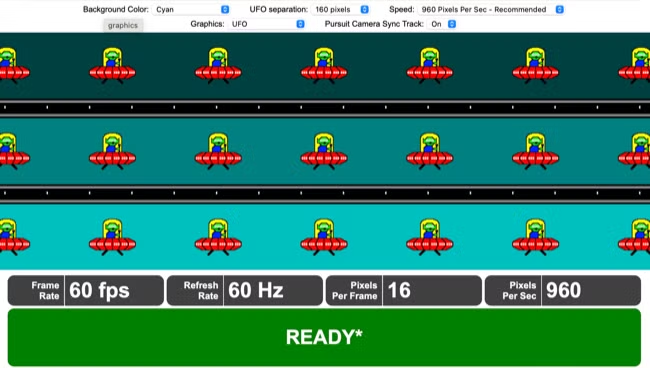
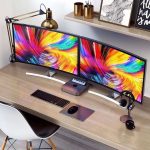
Image source: Bing (Web (fair-use with source credit))
Compare that to 240Hz or 360Hz. Those are real but niche. You only benefit if you’re a highly competitive player with a top-tier GPU.
For the average gamer, 144Hz already delivers 90% of the smoothness improvement over 60Hz. The jump from 60Hz to 144Hz is massive. The jump from 144Hz to 240Hz is much smaller.
So 144Hz ages well because it still offers a clear, noticeable upgrade for almost any game. It won’t feel outdated anytime soon unless you spend hours in esports titles where every millisecond matters.
The Three Variables That Decide Your Answer
If you want a simple yes or no, stop here: yes, for most people. But if you want to be sure, you need to weigh three variables. Each one shifts the answer.
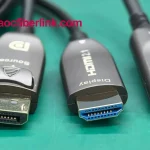
Image source: Bing (Web (fair-use with source credit))
Your Primary Use Case
Competitive gamer, You play Valorant, Apex, Overwatch, or Fortnite at high framerates. You benefit from every extra hertz. 144Hz is fine, but 240Hz or 360Hz might be worth it if you have the budget and GPU.
Immersive gamer, You play story-driven games like Cyberpunk 2077, Red Dead Redemption 2, or Elden Ring. You rarely hit 144 fps. A 144Hz monitor is more than enough.
You’d get more value from a higher resolution or better panel type (IPS or OLED).
Mixed use, You game, browse the web, watch videos, and maybe do light photo editing. 144Hz is perfect. It makes desktop navigation feel snappy. It’s also the cheapest way to get a smooth experience outside games.
Your Resolution Target
- 1080p 144Hz, Easy for mid-range GPUs (RTX 3060, RX 6600) to drive. Very future proof for competitive gaming. Budget-friendly.
- 1440p 144Hz, The current sweet spot for visual quality and performance. Requires a stronger GPU (RTX 3070 or better). Still future proof for at least 5 years.
- 4K 144Hz, Very demanding. Only high-end GPUs (RTX 4080 or better) can hit 144 fps in modern games. A 144Hz panel at 4K is not future proof for high-fps gaming; you’ll likely run at lower refresh rates most of the time.
Your GPU Upgrade Timeline
If you plan to keep your current GPU for 4+ years, pick a monitor that matches its capability. A 1440p 144Hz monitor paired with an RTX 3060 will often run below 144 fps in demanding games. That’s okay, you still get a smoother experience than 60Hz.
But you’re not fully using the monitor.
If you upgrade your GPU every 2-3 years, a 1440p 144Hz monitor is a safe long-term investment. Your next GPU will almost certainly handle it.
Decision Tree: Should You Buy a 144Hz Monitor Today?
Use these branches to find your match. Each path leads to a clear recommendation.
Branch 1 – You’re a Competitive Gamer on a Budget
Condition: You play esports titles at 1080p. Your budget is under $200.
Verdict: Yes, buy a 1080p 144Hz monitor now. A good option is a 24-inch IPS panel with 1ms response time. It will serve you for years.
If you later upgrade to 240Hz, you can move this monitor to a secondary setup.
Branch 2 – You Play Story Games and Want a Single Do-It-All Screen
Condition: You play single-player games, watch movies, and browse the web. You don’t compete in ranked matches.
Verdict: A 1440p 144Hz IPS monitor is your best bet. You get high resolution for visuals and enough refresh for smooth motion. It will feel modern for at least 5 years.
Avoid 4K unless you have a top-tier GPU and budget.
Branch 3 – You’re Building a Mid-Range PC and Want the Best Value
Condition: Your GPU is an RTX 3060/RX 6600 or better. You plan to keep it for 3-4 years.
Verdict: A 1440p 144Hz monitor is a great investment. You may not hit 144 fps in every game, but you’ll get a huge improvement over 60Hz. Your next GPU will likely max it out.
If your budget is tight, a 1080p 144Hz monitor is still future proof for competitive play.
Branch 4 – You’re a Console Gamer Thinking About PC
Condition: You own a PS5 or Xbox Series X. You might build a gaming PC in the next year.
Verdict: Look for a 144Hz monitor with HDMI 2.1 ports. Most consoles cap at 120Hz, but HDMI 2.1 ensures full bandwidth. A 27-inch 1440p 144Hz IPS panel with HDMI 2.1 is a safe choice.
It works great with both console and future PC.
Where 144Hz Falls Short: Real Pain Points to Consider
No monitor is perfect. 144Hz has real limits, and pretending otherwise sets you up for disappointment. Here’s what you might notice after a few months.
Motion clarity at high speeds. On a fast-moving enemy in Valorant or Apex, 144Hz still shows some blur. It’s much better than 60Hz, but it’s not clean like a 240Hz or 360Hz panel. If you play esports at a high level, you’ll feel the gap.
GPU strain at higher resolutions. Pushing 144fps at 1440p or 4K is hard. Many AAA games barely hit 60fps on mid-range cards. Your monitor’s potential stays locked behind a GPU upgrade.
That’s not the monitor’s fault, but it’s a real frustration.
Panel quality varies wildly. A cheap 144Hz monitor often uses a TN panel with washed-out colors and poor viewing angles. The refresh rate is there, but the visual experience suffers. Aggregate reviews show that budget 144Hz models are the most returned monitor category.
Console limitations. PS5 and Xbox Series X cap at 120Hz. You get no benefit from the extra 24Hz. And if your monitor lacks HDMI 2.1, you might be stuck at 60Hz anyway.
Burn-in risk on OLED. If you choose an OLED 144Hz panel for its colors, be aware: static UI elements can cause permanent image retention over time. It’s not a 144Hz problem specifically, but it’s a pain point for future-proof buyers.
These aren’t dealbreakers for most people. But they’re worth knowing before you click “buy.”
The 165Hz Confusion: Is That Tiny Bump Worth It?
You’ll see 165Hz monitors sitting right next to 144Hz ones, often at the same price. The difference is 21 frames per second. That’s roughly a 14% increase.
In practice, you won’t see it.
The real story. Most 165Hz monitors are just 144Hz panels that can be overclocked. The manufacturer validates the overclock and sells it as a premium. The panel hardware is identical.
You’re paying for a firmware tweak.
When it matters. If two monitors are the same price and one is 165Hz, take it. But don’t pay extra. And don’t stress if you buy a 144Hz model.
The human eye struggles to tell the difference beyond 144Hz anyway.
The catch. Some 165Hz monitors only hit that refresh rate over DisplayPort. HDMI might cap at 120Hz or 144Hz. Check the spec sheet carefully.
A 165Hz monitor that runs at 144Hz over HDMI is not a meaningful downgrade.
Bottom line: 165Hz is a marketing number, not a future-proof advantage.
Common Mistakes People Make When Trying to Future-Proof
Even experienced buyers slip up. Here are the errors we see most often in user reviews and forum threads.
Buying a 1080p 144Hz monitor for a future 1440p GPU upgrade. You plan to get a better card later. But your monitor is stuck at 1080p. The resolution upgrade is permanent.
A 1440p 144Hz monitor would have cost a little more now and lasted much longer.
Ignoring panel type. Refresh rate isn’t everything. A 144Hz TN panel looks worse than a 60Hz IPS panel for color and viewing angles. If you play story games or do any creative work, invest in IPS or VA.
Forgetting adaptive sync. FreeSync and G-Sync eliminate screen tearing. Without them, you’ll see stutter in games where your framerate dips below 144Hz. Check if your monitor supports VRR and whether it works with your GPU.
Buying a 144Hz monitor with HDMI 1.4 for console use. You need HDMI 2.0 at minimum for 144Hz at 1080p, or HDMI 2.1 for 1440p/4K at high refresh. Many budget 144Hz monitors still ship with HDMI 1.4. That caps you at 60Hz with a PS5 or Xbox.
Assuming all 144Hz monitors have low input lag. Some budget models add processing that introduces lag. Look for monitors with a “game mode” or “low input lag” setting. Verified buyer feedback often mentions this.
Spec Sheet Traps: Response Times, HDMI Versions, and Motion Blur
Monitor specs are not all created equal. Manufacturers use optimistic numbers that don’t match real-world performance.
Response time. That “1ms” claim is usually GtG (grey to grey) on a TN panel. IPS and VA panels rarely hit 1ms. Realistic response times are 3ms to 5ms for IPS.
That’s still fine for gaming. Don’t let 1ms marketing push you toward a worse panel.

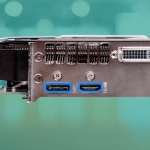
Image source: Bing (Web (fair-use with source credit))
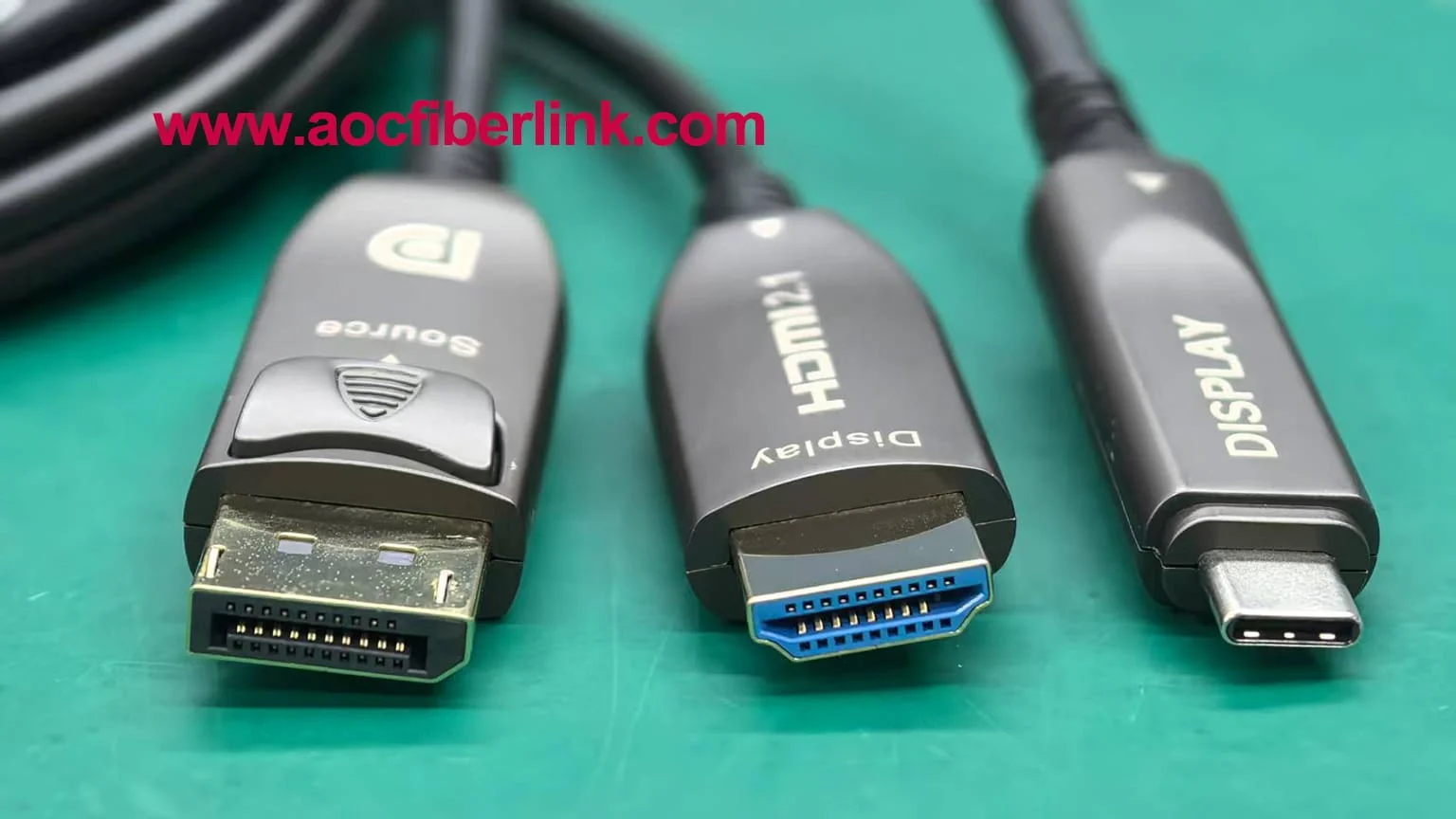
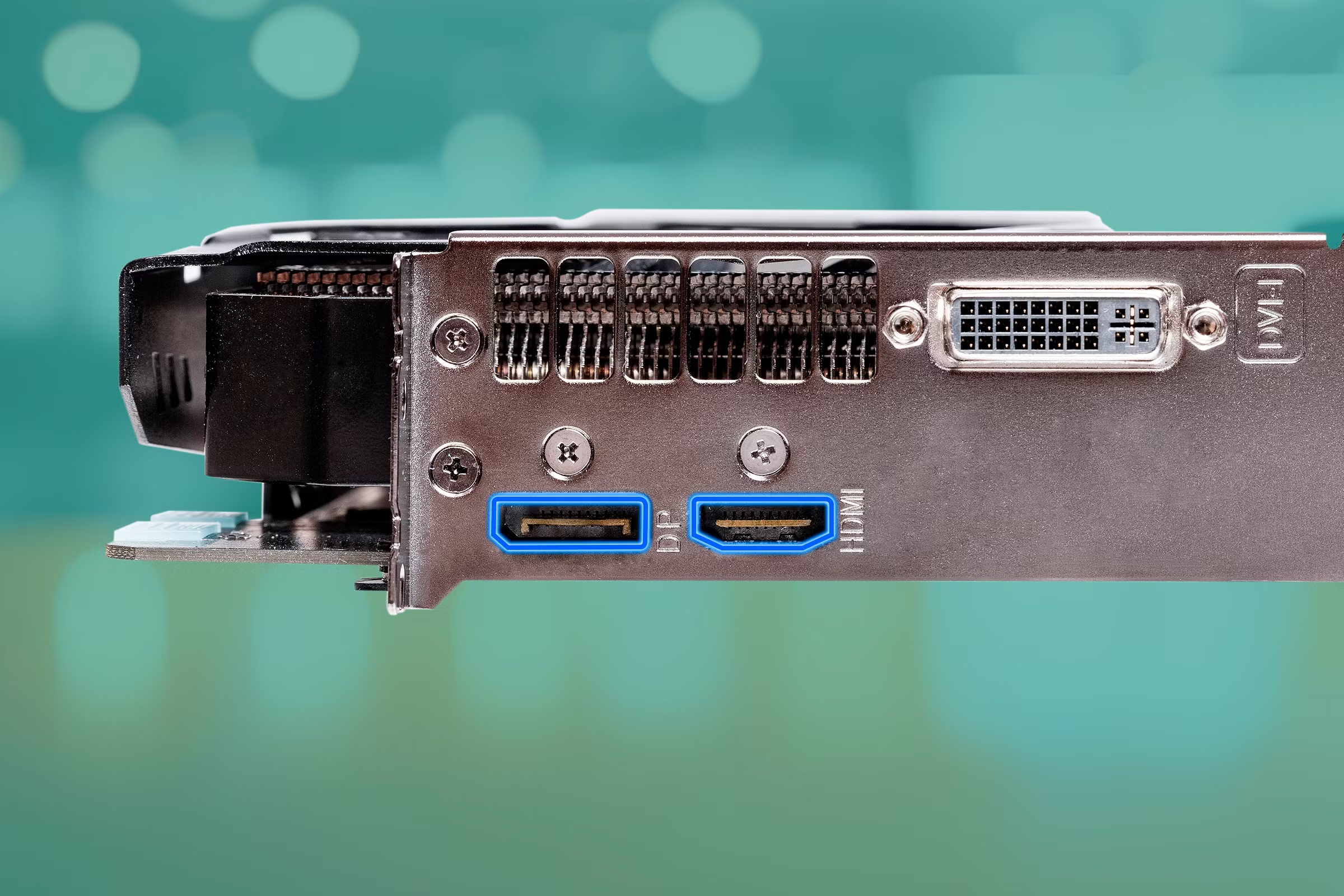
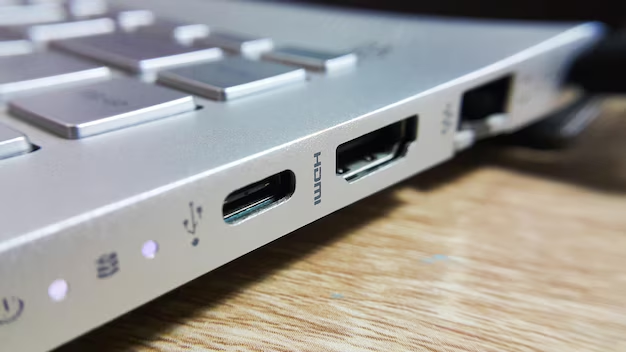
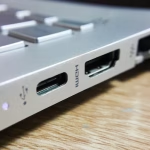
HDMI version. This is where many people get tripped up. A 144Hz monitor might list “HDMI” without saying which version. If it’s HDMI 1.4, you’re limited to 1080p at 120Hz or 1440p at 60Hz.
You need HDMI 2.0 for 144Hz at 1440p. You need HDMI 2.1 for 4K at 120Hz or higher.
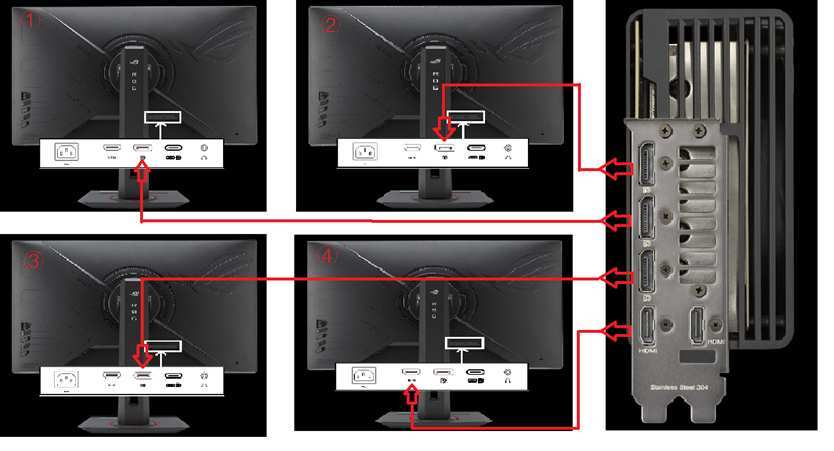
DisplayPort is safer. Most 144Hz monitors include DisplayPort 1.2 or 1.4. DisplayPort 1.4 handles 144Hz at 1440p with no compression. If you’re on PC, use DisplayPort.
It avoids the HDMI version guessing game.
Motion blur. Even with 144Hz, some monitors have noticeable ghosting due to slow pixel response. Look for reviews that mention “overdrive” settings. A good overdrive mode reduces ghosting without adding overshoot.
Aggregate testing shows that many budget 144Hz monitors have poor overdrive tuning.
The takeaway. Ignore the 1ms badge. Check the HDMI version. Read a hands-off review that measures actual response times.
That’s how you avoid the traps.
Real-World Timelines: How Long a 144Hz Monitor Actually Lasts
A monitor’s useful life depends on when you bought it and what you expect from it.
Physical lifespan. Most LCD monitors last 30,000 to 60,000 hours of backlight use. That’s 8 to 16 years at 8 hours a day. The panel will dim gradually.
Dead pixels can appear. But the monitor will still work.
Relevance lifespan. This is shorter. A 144Hz monitor bought in 2024 will feel current through about 2028 to 2030. After that, 240Hz and 360Hz will be standard for competitive gaming.
Higher resolutions will be common. Your 144Hz monitor won’t be useless but it will be entry-level.
GPU bottleneck timeline. If you buy a mid-range GPU today (RTX 4060 or RX 7600), it can run most games at 144fps at 1080p medium settings. In three years, that GPU will struggle. You’ll need to lower settings or upgrade.
The monitor will still be fine. You’ll just not use its full refresh rate until you get a better GPU.
Console timeline. PS5 and Xbox Series X are mid-generation as of 2026. They still target 60fps to 120fps. A 144Hz monitor with HDMI 2.1 will serve through the end of this console generation (likely 2028+).
The summary. Expect 4 to 6 years of feeling “modern” with a 144Hz monitor. After that, it’s a good secondary screen or a budget option. That’s still excellent value for the price.
Pro Tips for Extending the Life of Your 144Hz Monitor
You can keep a 144Hz monitor feeling fresh longer than the average buyer expects. It just takes a little care.
Use DisplayPort. It handles higher bandwidth than HDMI on most 144Hz monitors. That means you get full refresh rate support now and if you upgrade your GPU later.
Enable adaptive sync. FreeSync or G-Sync eliminates tearing when frame rates dip. That dip happens more often as games get heavier. VRR keeps motion smooth even at 90fps or 110fps.
Keep the firmware updated. Some manufacturers release firmware patches that improve response times or add features. Check the support page once a year.
Avoid burn-in on OLED. If you bought an OLED 144Hz panel, hide your taskbar and use a dark screensaver. Static UI elements cause permanent image retention over time.
Don't overclock unless needed. Many 144Hz monitors can hit 165Hz through overclocking. But it adds heat and stress. Only do it if you genuinely notice the difference.
When You Should Skip 144Hz and Go Higher (Or Lower)
144Hz is not the right choice for everyone. Here is when you should pick something else.
Go higher if you play competitive shooters at 1080p. If Valorant, CS2, or Overwatch are your main games and you have a high-end GPU, consider 240Hz or 360Hz. The extra smoothness helps at high skill levels.
Go higher if you plan to keep your monitor for 8+ years. Refresh rate standards keep rising. A 240Hz monitor bought today will feel current longer than a 144Hz one. It's a bigger upfront cost, but better longevity.
Go lower if your GPU cannot push 144fps. If you have an RTX 3050 or integrated graphics, 144Hz is wasted. A 75Hz or 100Hz monitor costs less and matches your hardware. Upgrade later when you get a better GPU.
Go lower if you only play slow single-player games. Games like Civilization, Disco Elysium, or turn-based RPGs benefit little from high refresh rates. A 60Hz or 75Hz monitor saves you money.
Go higher if you have the budget and want headroom. A 240Hz monitor still works at 144fps. You get the smoothness now and room to grow. But only if you can afford the premium.
Final Verdict: Future-Proof for Some, a Mistake for Others
Here is the truth. A 144Hz monitor is future proof if you match it to your hardware, your games, and your upgrade timeline.
It is a mistake if you buy it without thinking about resolution, GPU, or panel type. A cheap 144Hz TN panel with HDMI 1.4 is not future proof. It is a compromise you will regret.
The safe bet for most people in 2026 is a 27-inch 1440p 144Hz IPS monitor with FreeSync or G-Sync support and DisplayPort 1.4. That combination will feel modern through 2030.
If you are on a strict budget, a 24-inch 1080p 144Hz IPS monitor is still a great choice. It will serve you well for competitive gaming. Just know you will want to upgrade resolution with your next monitor.
The bottom line is simple. 144Hz is not dying anytime soon. But it is the floor now, not the ceiling. Buy it with your eyes open and it will treat you well.
Frequently Asked Questions
Will a 144Hz monitor work with my PS5 or Xbox?
Yes, but only at 120Hz. Consoles cap at 120Hz output. Make sure your monitor has HDMI 2.0 or higher.
Otherwise you will be stuck at 60Hz.
Is 144Hz better than 60Hz for everyday use?
Yes. Scrolling web pages, moving windows, and watching video all feel smoother. The difference is noticeable immediately.
Many people cannot go back to 60Hz for desktop work.
Do I need a powerful GPU for 144Hz?
It depends on the game and resolution. For esports titles at 1080p, a mid-range card like an RTX 3060 is enough. For AAA games at 1440p, you need an RTX 3070 or better to hit 144fps.
Can I use a 144Hz monitor with a laptop?
Yes, if your laptop has a DisplayPort or HDMI output that supports the resolution and refresh rate. Check your laptop specs. Many laptops only output 60Hz over HDMI.
How do I enable 144Hz on my monitor?
Go to your display settings in Windows or macOS. Select the monitor, then choose 144Hz from the refresh rate dropdown. On Windows, you may need to go into Advanced Display Settings.

Similar Posts