Is Curved Gaming Monitor Future Proof
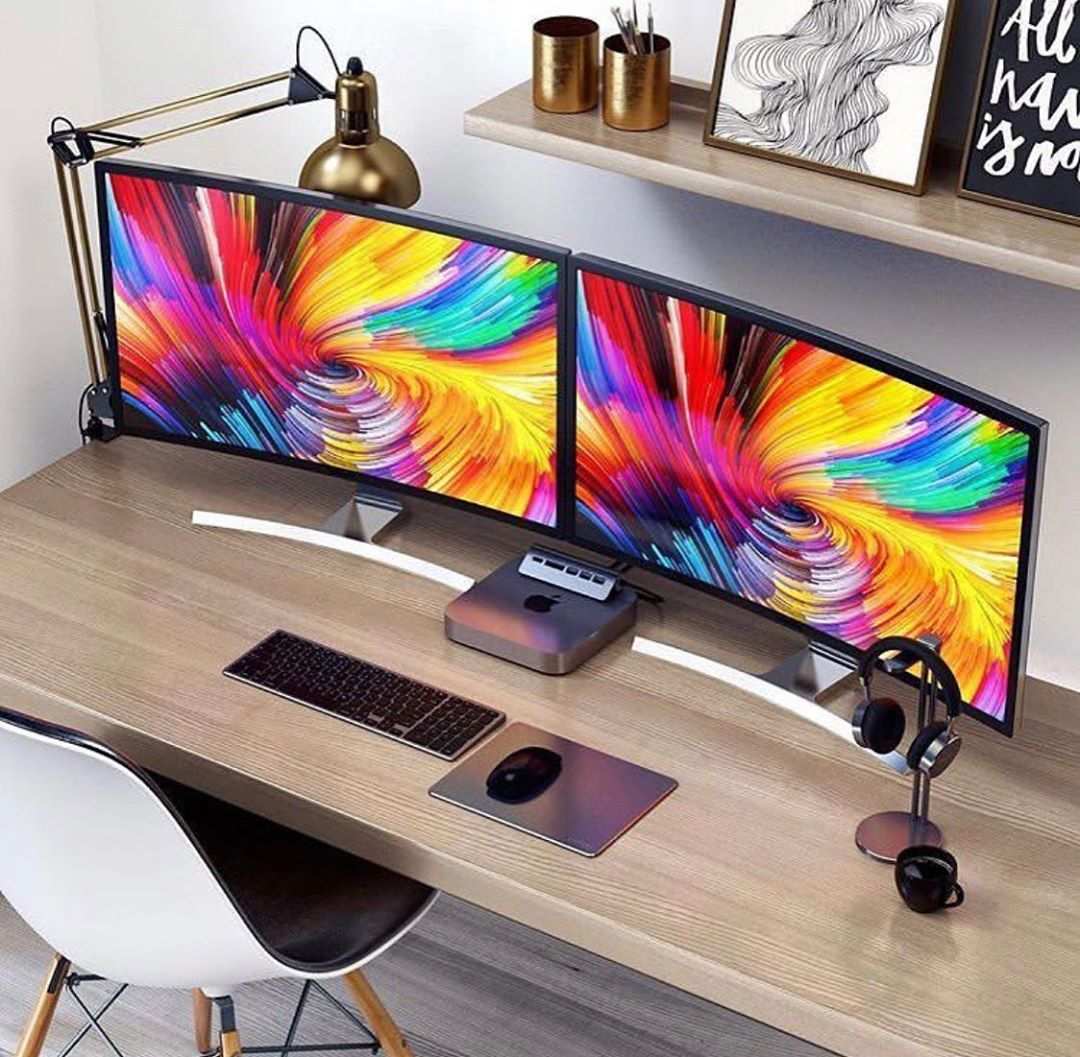
So you're eyeing a curved gaming monitor and wondering whether it's a smart long-term buy, or whether you'll feel burned in three years when something better comes along. It's a fair question. The answer depends on more than just the curve itself and more than most reviews actually bother to explain.
Here's the thing. The curvature of your monitor matters way less than what's behind it. A specs list tells the real story.
And the good news is that display technology as of 2026 has reached a point where making the right choice is pretty straightforward once you know what actually matters.
Quick Answer
A curved monitor alone isn't more future proof than a flat one. The deciding factor is the display panel technology inside. An OLED or quantum dot curved panel holds up far better than a budget VA curved screen.
If you're eyeing a high-end display with solid specs across the board, then yes, curved is a solid long-term investment. However, if the pricey option skimps on actual performance tech, it will age just as quickly as any other cheap monitor.
What Actually Makes a Monitor Future Proof (It's Not the Curve)
Image source: Bing (Web (fair-use with source credit))
Future Proof Means Four to Seven Years
Before we can evaluate anything, we need to define our terms. For most gamers, a monitor sticks around for four to seven years before they start thinking about replacing it. A panel earns the "future proof" label if it's still delivering solid, modern-feeling performance at the end of this window.
That means no noticeable obsolescence in daily use.
The Four Factors That Determine Longevity
When we look at what actually makes a monitor hold up over time, the curve itself doesn't rank very high. These four factors dominate everything:
- Panel technology (OLED beats everything, then mini-LED, then IPS, then VA, then TN, though TN is basically dead now)
- Resolution (1440p is the sweet spot, 4K is the premium, 1080p is falling behind fast)
- Refresh rate and adaptive sync (144Hz minimum for longevity, 240Hz preferred)
- Connectivity (HDMI 2.1 and DisplayPort support for next-gen sources)
A curved monitor that nails all four of those bullets is future proof. A curved monitor that skimps on them just isn't, regardless of how aggressive the bend is. The curve is a design preference.
The other stuff is what keeps your setup relevant.
Why the Curve Gets Overemphasized
Marketing loves the curve. It's visual, it's easy to demo in a store, and it immediately feels different when you sit in front of one. But the curve is fundamentally an ergonomic and immersion feature, not a performance one.
It doesn't affect color accuracy, response time, resolution, or input lag. Those are the specs that determine whether your monitor feels dated in 2029.
That said, the curve isn't irrelevant to future proofing. It's just relevant for different reasons than most people think. We'll get into those reasons shortly.
Curved vs Flat: The Core Comparison
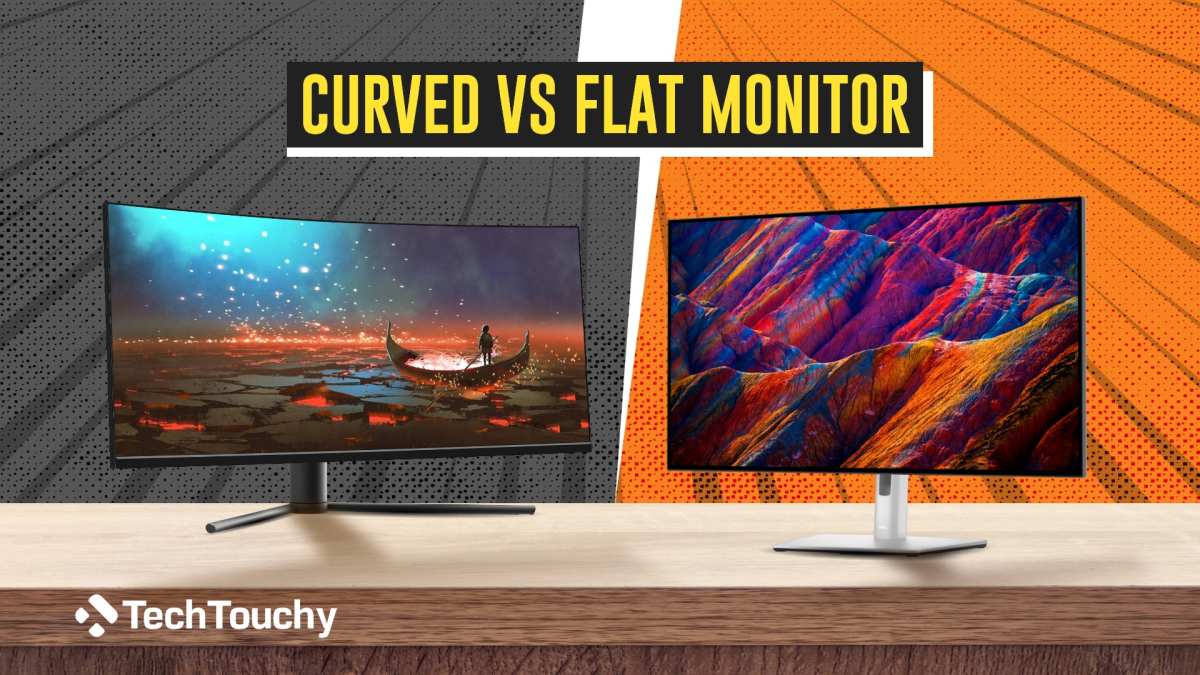
Image source: Bing (Web (fair-use with source credit))
Where Curved Wins
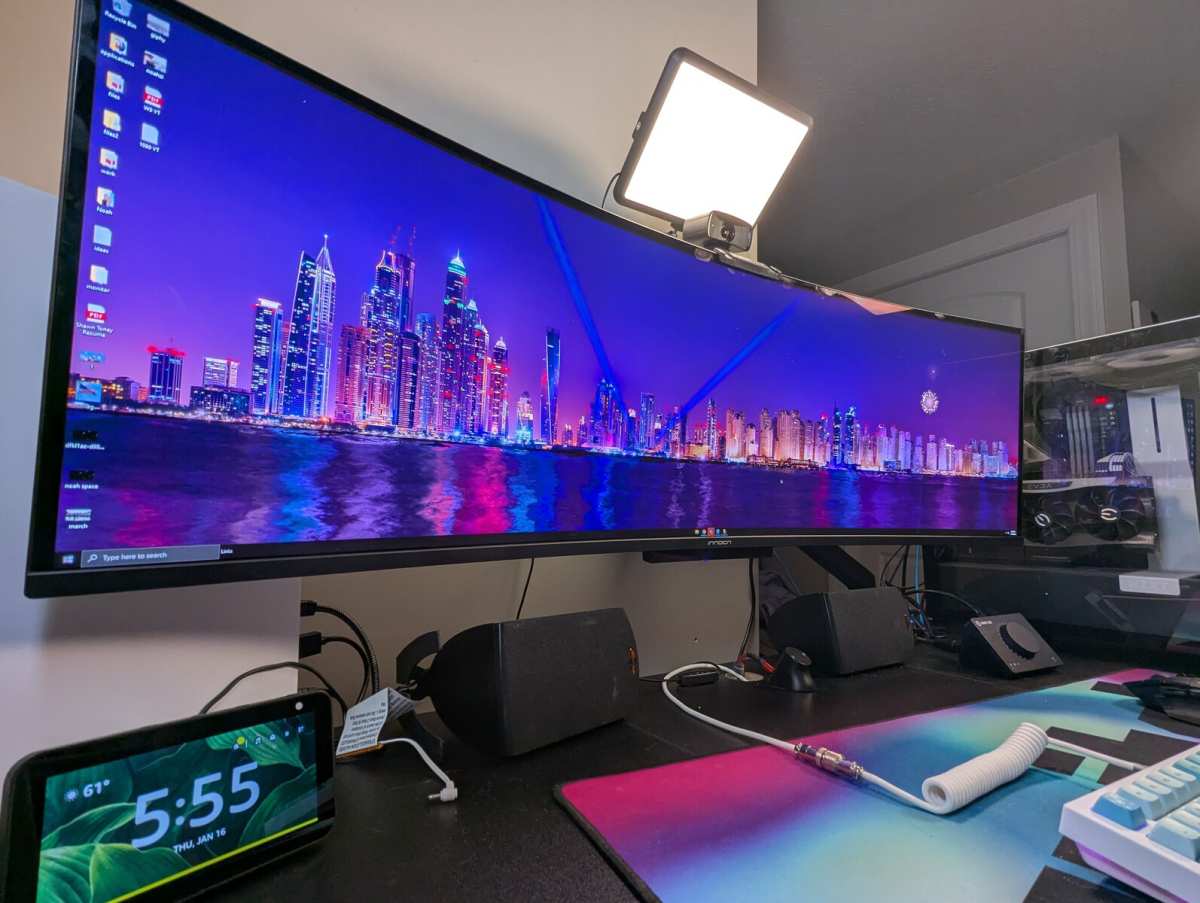
Curved monitors pull their weight in a few specific scenarios. The biggest one is ultrawide screens. Once you go past 34 inches on a flat panel, the edges sit far enough from your eyes that they look washed out and feel disconnected from the center of the action.
The curve brings those edges back into your natural field of view. At 38 inches and up, a curve isn't a luxury. It's basically a requirement for comfortable use.
Immersion is the other clear win. If you play a lot of open-world games, racing sims, or flight simulators, a curved screen fills your peripheral vision in a way that a flat panel simply can't match. This isn't subjective fluff.
It's how human vision works. Our eyes don't focus on a flat plane. They focus on a curve.
A monitor that matches that natural curvature reduces the amount your eyes have to refocus across the screen.
Where Flat Wins
Flat monitors dominate in competitive gaming. Professional players in titles like Valorant, Counter-Strike 2, and Overwhelmingly choose flat panels. The reason is geometric accuracy.
A flat screen renders straight lines as straight lines. A curved screen bends them slightly. For tasks that demand pixel-perfect precision, that distortion matters.
Flat also wins for multi-monitor setups. Trying to line up three curved panels side by side creates visible gaps and awkward angles. Flat panels sit flush against each other.
If your workflow or gaming style benefits from multiple screens, flat is the more practical choice.
The Honest Middle Ground
For most people, the curved versus flat debate comes down to screen size and primary use case. If you're buying a 27-inch 16:9 monitor, the curve adds minimal benefit. At 34 inches ultrawide and above, the curve becomes genuinely useful.
The sweet spot for curved gaming monitors sits right around 34 to 49 inches with a 21:9 or 32:9 aspect ratio.
How Panel Technology Changes the Equation
This is where the future proofing conversation gets real. The panel technology behind the curve determines whether your monitor stays relevant or becomes a paperweight.
OLED and the Curved Future
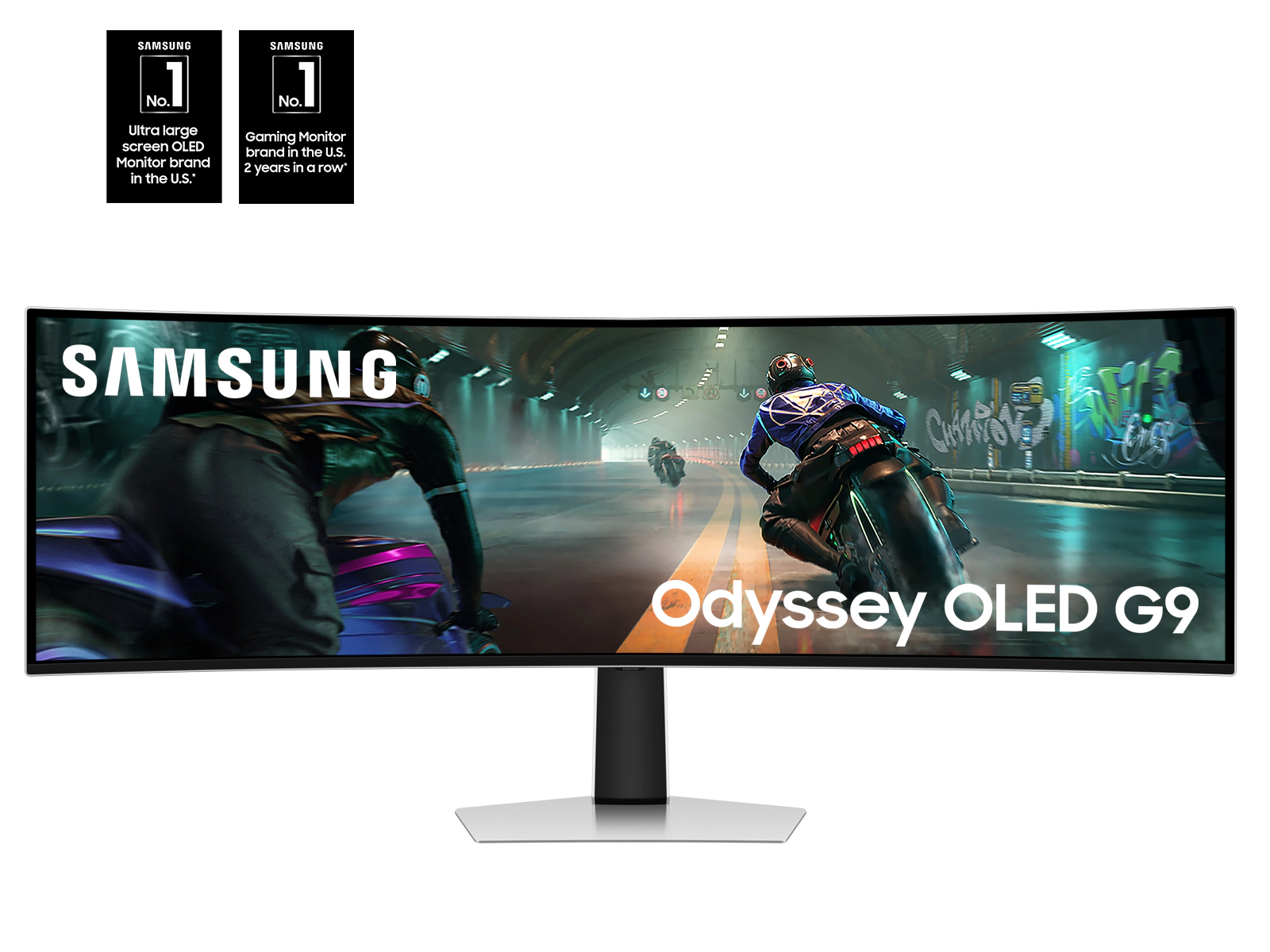
Image source: Bing (Web (fair-use with source credit))
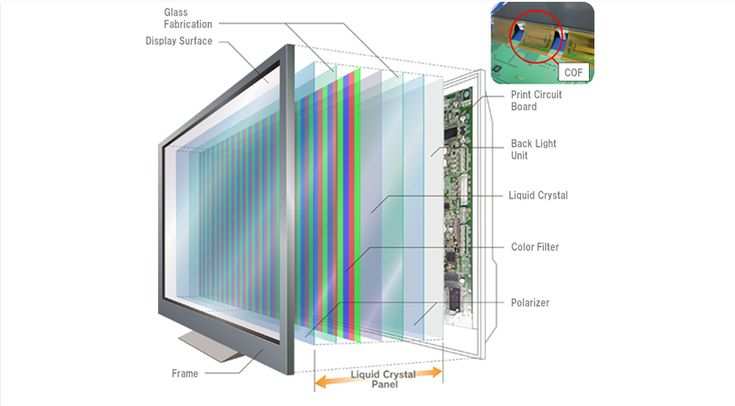
OLED is the gold standard for display technology right now, and it's coming to curved monitors in force. Samsung's QD-OLED panels in the Odyssey lineup and LG's WOLED curved options represent the cutting edge. These panels deliver perfect blacks, infinite contrast ratios, sub-millisecond response times, and color accuracy that makes IPS panels look washed out.
The reason this matters for future proofing is simple. OLED eliminates backlighting entirely. That means no blooming, no IPS glow, and no uneven brightness.
As games and media increasingly target HDR content, an OLED curved monitor is ready for it natively. A budget HDR400 flat monitor isn't.
The concern with OLED has always been burn-in. Manufacturer specs and aggregate long-term reviews suggest that modern OLED panels with pixel-shift technology and panel refresh cycles handle this well. Most users won't experience meaningful burn-in within a normal upgrade window.
If you're buying a curved OLED gaming monitor in 2026, burn-in shouldn't be the thing that stops you.
The VA and IPS Factor
VA panels dominate the mid-range curved monitor market. They offer solid contrast ratios, usually around 3000:1, and decent color reproduction. The problem is response time.
VA panels typically exhibit more ghosting and smearing than IPS or OLED alternatives, especially in dark transitions. For fast-paced gaming, this is noticeable.
IPS panels offer better response times and wider viewing angles than VA, but they can't match OLED's contrast or black levels. A curved IPS monitor is a solid choice for general use and competitive gaming, but it won't deliver the same visual impact as OLED.
Here's the practical takeaway. If you're buying a curved monitor and future proofing matters to you, OLED is the target. If budget forces you to choose between VA and IPS, IPS is generally the safer bet for longevity due to better response times and viewing consistency.
Best for Each Use Case
Not every gamer needs the same thing. Let's break down who benefits most from a curved monitor and who should stick with flat.
Immersive Single-Player and Simulation Gaming
If your gaming time goes toward titles like Cyberpunk 2077, Elden Ring, Microsoft Flight Simulator, or Forza Horizon, a curved ultrawide monitor is transformative. The expanded field of view pulls you into the game world in a way that a flat 16:9 screen can't replicate. Racing sims and flight sims benefit enormously because peripheral vision matters in those genres.
You see apex points and runway edges earlier. You feel the speed more naturally.
For this use case, a curved 34-inch or larger monitor with at least 1440p resolution and a high refresh rate is the ideal setup. Panel type matters less here than immersion, though OLED still delivers the best overall experience.
Competitive FPS and Esports
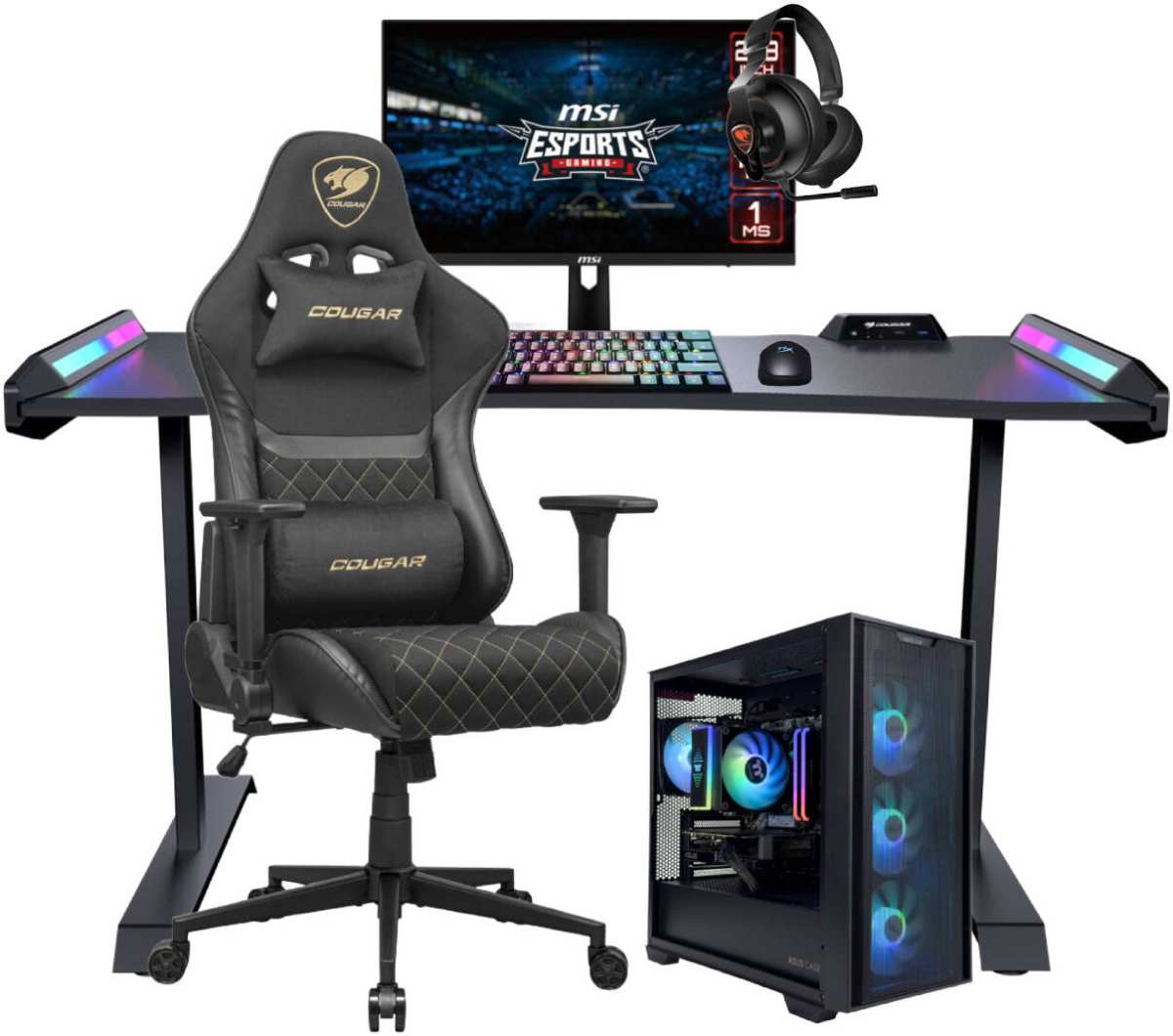
Image source: Bing (Web (fair-use with source credit))
Competitive players should lean flat. The geometric distortion of a curved screen, however slight, can affect muscle memory and crosshair placement. Professional tournament organizers use flat monitors almost exclusively.
If you're grinding ranked in Valorant or CS2, a flat 27-inch 240Hz or 360Hz IPS monitor is the standard for a reason.
That said, some competitive players use curved monitors without issue. If you play at a high level but not professionally, a gentle curve like 1000R on a 27-inch screen won't hold you back. Just know that the competitive standard is flat for good reason.
Mixed Use (Gaming + Creative Work)
If your monitor needs to handle both gaming and photo editing, video work, or graphic design, flat is generally safer. Color accuracy across a curved surface is harder to maintain, and straight lines in design software can appear slightly bent. Some professionals use curved monitors for creative work successfully, but calibration is trickier and consistency across the screen is harder to guarantee.
Productivity and Multi-Monitor Setups
For productivity, ultrawide curved monitors are excellent single-screen replacements. A 38-inch or 49-inch curved ultrawide gives you the screen real estate of two monitors without the bezel gap. However, if you prefer a multi-monitor array, flat panels are easier to align and manage.
Curved panels on monitor arms also require more careful positioning to avoid neck strain from off-axis viewing.
The Curvature Rating Breakdown
You've probably seen numbers like 1000R, 1500R, and 1800R in monitor specs. They confuse a lot of people. The "R" stands for radius, and the number represents the radius of the imaginary circle that the monitor's curve would complete, measured in millimeters.
A lower number means a more aggressive curve.
What Each Rating Means in Practice
- 1000R: The curve matches the natural curvature of the human eye. This is the current industry standard for premium curved monitors. Samsung's Odyssey lineup and most high-end ultrawides use this spec.
- 1500R: A gentler curve. Common in budget and mid-range curved monitors. Still provides some immersion benefit without feeling extreme.
- 1800R: Very subtle. You'll barely notice the curve on these panels. Mostly found in older or entry-level curved models.
- 2300R and above: Barely curved at all. At this point, you're paying for a spec that delivers almost no practical benefit.
Our research indicates that 1000R hit the sweet spot and stayed there. Manufacturers experimented with gentler curves throughout the late 2010s. User feedback and aggregate professional reviews consistently showed that 1000R delivered the best balance of immersion and usability.
The industry has largely standardized around it for premium panels.
Does the Curvature Rating Affect Future Proofing?
Not really. 1000R isn't going obsolete. The curvature spec has stabilized across the industry. Your 1000R monitor in 2030 will look exactly as curved as it does today.
What will make it feel old is the panel technology, resolution, and refresh rate behind it, not the bend radius.
If anything, the standardization around 1000R is good news for longevity. Software and game developers optimize for the most common display configurations. A 1000R panel in a standard ultrawide format sits right in that optimization target.
Common Mistakes People Make When Buying Curved
Buying the wrong curved monitor is a painful mistake. A wrong flat monitor is annoying, but a wrong curved monitor comes with added downsides. The extra bulk makes it difficult to sell or repurpose.
The curve itself makes it harder to use as a secondary display in a different setup. Here are the most common mistakes.
Mistake 1: Assuming Curve Equals Premium
Not all curved monitors are created equal. Some manufacturers put a curve on a budget VA panel and charge a premium for it. The curve adds manufacturing cost without improving picture quality.
Before you buy, check the panel type, response time, HDR capability, and connectivity specs. If those specs are mediocre, the curve is just window dressing, and you're paying extra for a gimmick.
Mistake 2: Ignoring Your Viewing Distance
Viewing distance and curvature interact directly, yet this basic physical relationship gets routinely ignored during purchasing. A 34-inch 1000R monitor needs to sit roughly 80 to 100 centimeters from your face. Sit closer and the curve becomes disorienting, making the center feel distant.
Move farther away and you lose all immersion benefit. Measure your desk depth before you buy. If your monitor is going to sit against a wall at 60 centimeters, a gentle 1500R or even flat might serve you better.
Mistake 3: Overlooking Wall Mount Compatibility
Curved monitors are trickier to wall mount. Many curved panels protrude further from the wall than flat equivalents because the center of the screen pushes back. Standard VESA mounts work, but you may need an extended bracket to avoid the screen hitting the wall at its deepest point.
Always check the monitor's depth specifications against your mount's weight and tilt ratings before purchasing. This simple oversight leads to frustrating returns and extra expense.
Mistake 4: Ignoring the Power of Panel Tech
Buying a curved monitor based entirely on the curve and ignoring the underlying panel technology is like choosing a car based on the paint color. The panel type determines your contrast, colors, response times, and HDR experience. Sacrificing panel quality for the sake of a curve is a sure way to end up with an aging monitor.
Our research consistently shows that panel type drives long-term satisfaction far more than curvature does.
Mistake 5: Buying Curved for Competitive Play
This one comes up constantly. A curved monitor isn't ideal if competitive FPS or esports is your main focus. Flat panels give you consistent geometry across the entire screen.
That translates directly to better aim consistency and visual clarity in high-pressure situations. Buy curved primarily for immersion and single-player experiences, not for tournament-level competition.
The Price Premium: What You're Actually Paying For
How Much Extra Does Curve Cost?
Curved monitors carry a price premium over their flat counterparts. The exact difference varies wildly by category, but the pattern is consistent. A curved premium is roughly the same whether you're looking at a 34-inch 1440p 165Hz IPS display, a 49-inch DQHD VA panel, or an entry-level 32-inch curved gaming monitor.
The premium has stayed relatively stable throughout the early 2020s, even as panel technologies have advanced.
Is the Premium Worth It?
It's worth it when the curve actually benefits your use case. For ultrawide monitors 34 inches and up, the curve becomes almost essential at normal desk distance. A flat 49-inch screen would push the edges too far from your eyes.
Without the curve, you'd need to sit uncomfortably far back or turn your head constantly. For smaller 27 to 32-inch 16:9 monitors, the curve adds less. You're mostly paying for aesthetics and a mild improvement in edge-to-edge focus.
In that size range, the same money spent on a higher refresh rate or better panel type usually delivers a more noticeable daily benefit. The future proofing value of the curve splits along these lines.
What a Smart Curved Monitor Purchase Looks Like
The Ideal 2026 Spec Sheet
If you're shopping for a curved gaming monitor that needs to last, here's what the spec sheet should look like:
- Panel type: OLED or QD-OLED preferred. IPS is acceptable. VA only if budget demands it.
- Resolution: 3440×1440 minimum for ultrawide. 5120×1440 for super ultrawide. 4K for 32-inch and below.
- Refresh rate: 144Hz minimum. 240Hz preferred for longevity.
- Curvature: 1000R. It's the standard and it's not changing.
- HDR: DisplayHDR 600 or higher for meaningful HDR. DisplayHDR 400 is marketing, not performance.
- Connectivity: HDMI 2.1 for console compatibility. DisplayPort 1.4 minimum, 2.1 preferred.
- Adaptive sync: FreeSync Premium Pro or G-Sync Compatible at minimum.
Red Flags to Watch For
- A curved monitor with only HDMI 1.4 and no DisplayPort
- HDR400 certification on a monitor priced above $400
- VA panels with response times above 5ms GtG at the advertised refresh rate
- No adaptive sync support or only basic FreeSync without LFC (Low Framerate Compensation)
- 1800R or 2300R curvature on a monitor marketed as "premium curved"
The Verdict: Should You Go Curved?
Here's the honest bottom line. A curved gaming monitor is future proof if, and only if, the underlying technology is future proof. The curve itself is a mature, stable design choice that's not going anywhere. 1000R is the standard.
Ultrawide adoption is growing. Manufacturers are investing heavily in curved OLED panels.
But a curved monitor with a mediocre panel, low resolution, and outdated connectivity will feel old fast. The curve won't save it. No amount of immersion can compensate for poor contrast, sluggish response times, and limited resolution.
If you're buying ultrawide, go curved. It's the right tool for the job. If you're buying 27 inches for competitive play, go flat.
If you're somewhere in between, prioritize panel technology first and let the curve be a secondary decision.
The curve isn't a gimmick. It's also not a magic bullet. It's a design feature that works beautifully in the right context and adds little value in the wrong one.
Match it to your use case, pair it with solid specs, and it'll serve you well for years.

Similar Posts