
How To Turn Off Ipad Pro Quickly And Easily
To turn off your iPad Pro quickly, press and hold the power button until the shutdown slider appears, then slide to power off. Alternatively,…
To turn off your iPad Pro quickly, press and hold the power button until the shutdown slider appears, then slide to power off. Alternatively,…

To turn on your iPad, simply press and hold the power button until the Apple logo appears. If your device isn’t responding, try charging…
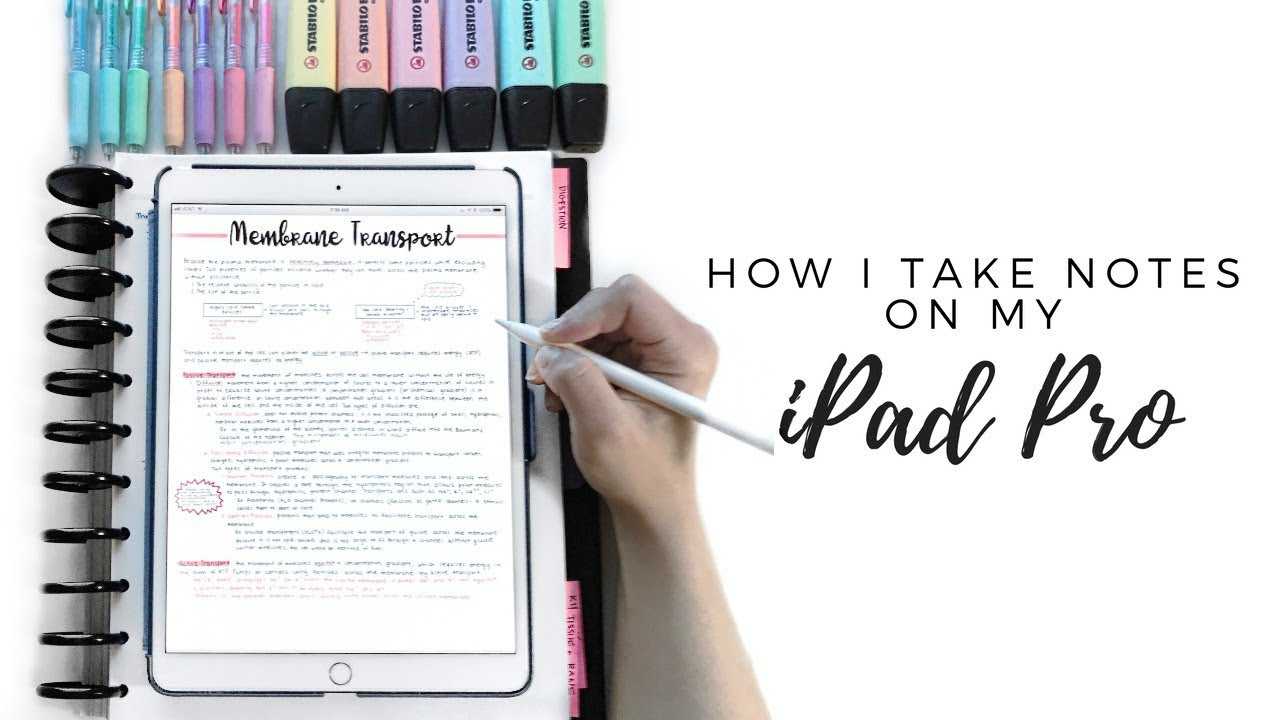
To take notes on an iPad efficiently, start by choosing the right app, such as Apple Notes, Notability, or GoodNotes, and use a stylus…
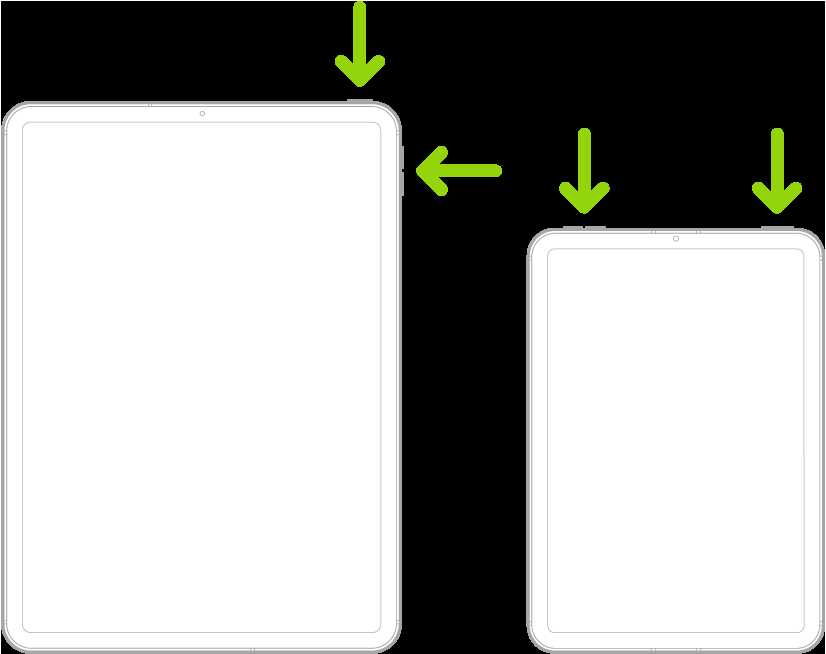
To turn off your iPad Air quickly, just press and hold the power button until the “slide to power off” slider appears, then swipe…
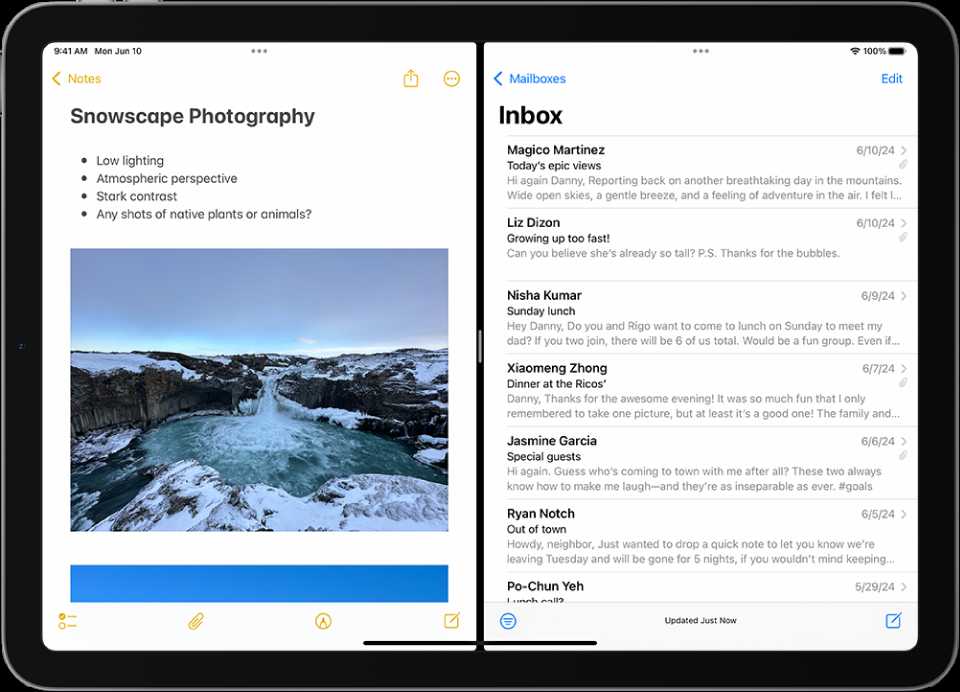
To split your iPad screen quickly, swipe up from the bottom to open the Dock, drag a second app to the screen’s edge, and…

To set up a printer on your iPad quickly, make sure your printer supports AirPrint and is connected to the same Wi-Fi network as…
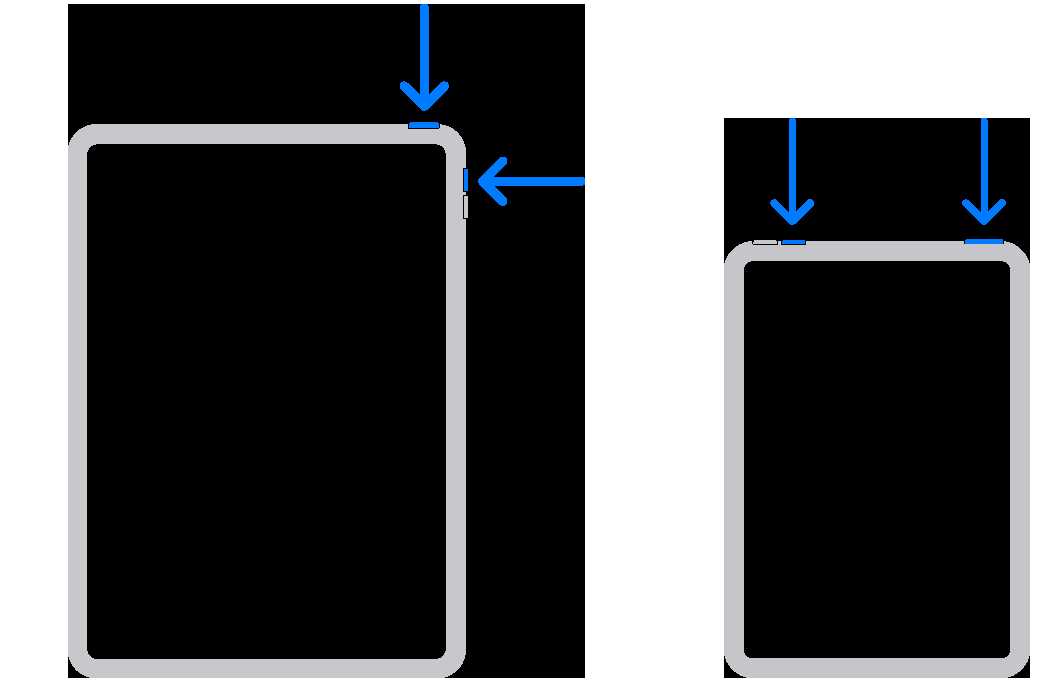
To quickly capture what’s on your iPad 10 screen, just press the Power button and the Volume Up button simultaneously. It’s a simple trick…

To quickly screen record on your iPad, swipe down from the top-right corner to access Control Center, tap the screen recording button (a circle…

To quickly capture your iPad screen, press the top button and the volume up button simultaneously. That’s it! Your screen will flash, and the…