What Is the Best Size for an Ultrawide Monitor

Finding the best size for an ultrawide monitor depends on your primary use case and available space. This guide breaks down the key factors, from screen dimensions and resolution to viewing distance and desk real estate, helping you make an informed decision for enhanced productivity and immersive entertainment. Learn how to balance size with your specific needs.
What Is the Best Size for an Ultrawide Monitor
So, you’re thinking about diving into the world of ultrawide monitors. That’s fantastic! Ultrawide displays offer an incredibly immersive and productive experience, whether you’re conquering virtual worlds, coding late into the night, or editing your next masterpiece. But with so many sizes and aspect ratios out there, a common question pops up: “What is the best size for an ultrawide monitor?”
The truth is, there’s no single, universally “best” size. The perfect ultrawide monitor for you is a personal choice, influenced by how you plan to use it, the space you have available, and your budget. This comprehensive guide will walk you through everything you need to consider to find the ultrawide monitor size that’s absolutely perfect for your setup and needs. We’ll break down screen dimensions, resolutions, viewing distances, desk space, and the unique benefits of different sizes. By the end of this guide, you’ll have a clear understanding of what factors to weigh and how to make a confident decision.
Key Takeaways
- No Single “Best” Size: The ideal ultrawide monitor size is subjective and depends on your intended use, desk space, and personal preference.
- Common Sizes & Their Strengths: 34-inch ultrawides offer a great balance for productivity and gaming, while larger 38-inch and 40-inch models provide more immersive experiences.
- Resolution Matters Immensely: Ultrawide resolutions (like 3440×1440) are crucial for clarity and screen real estate; higher resolutions are generally better for larger screens.
- Viewing Distance is Key: Your desk setup and how close you sit will significantly impact comfort and immersion; ensure the screen fits your viewing distance.
- Desk Space is a Practical Limit: Measure your desk carefully before purchasing; ultrawide monitors, especially larger ones, require substantial physical space.
- Consider Your Primary Use: Gaming, professional work (coding, design, video editing), and general productivity each benefit from different ultrawide sizes and features.
Understanding Ultrawide Monitor Dimensions
Before we talk about what’s “best,” let’s get a handle on what makes an ultrawide monitor ultrawide. Unlike standard 16:9 aspect ratio monitors, ultrawide monitors typically come in 21:9 or even 32:9 aspect ratios. This wider format means they are longer horizontally than they are tall. This is where the “size” discussion really begins.
When we talk about the “size” of a monitor, we usually refer to its diagonal screen measurement, expressed in inches. However, with ultrawide monitors, the aspect ratio plays a huge role in how that diagonal measurement translates to your desk and your field of view. An ultrawide monitor with the same diagonal inch measurement as a standard monitor will feel much wider and less tall.
Factors to Consider When Choosing Your Ultrawide Size
To find your perfect ultrawide monitor size, you need to think about a few key things. These aren’t just arbitrary numbers; they directly impact your experience.
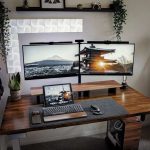
Visual guide about What Is the Best Size for an Ultrawide Monitor
Image source: geeky-gadgets.com
1. Your Primary Use Case
This is arguably the most important factor. What will you be doing most often on your ultrawide monitor?
Productivity and Multitasking
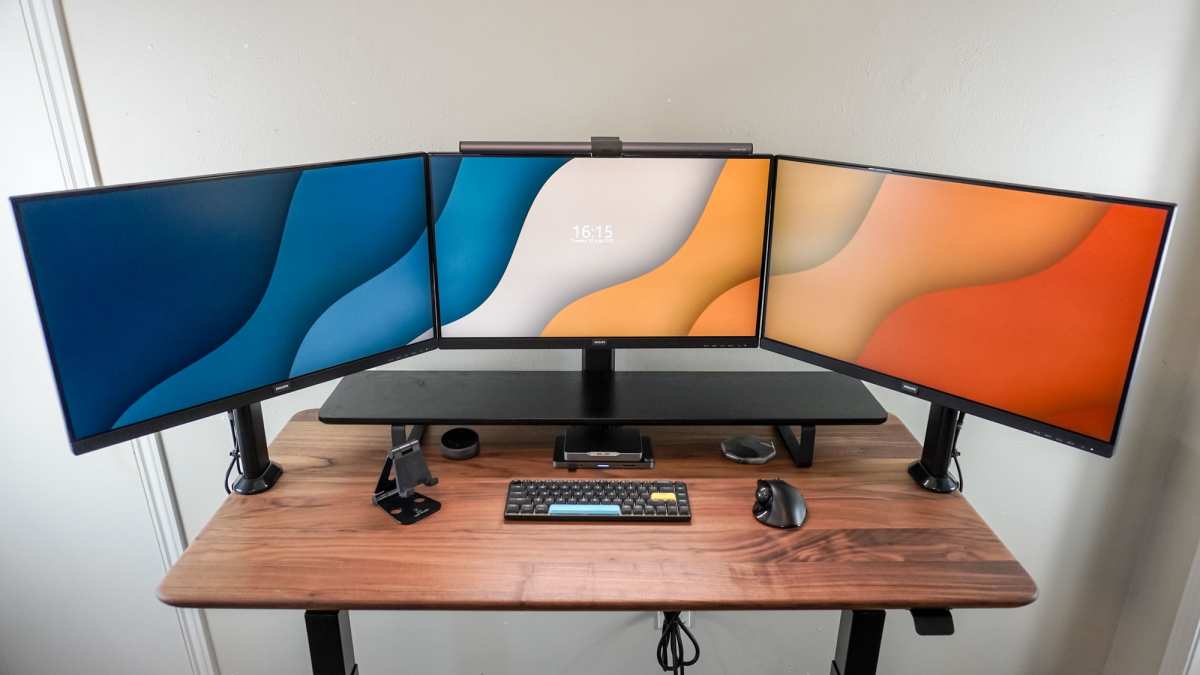
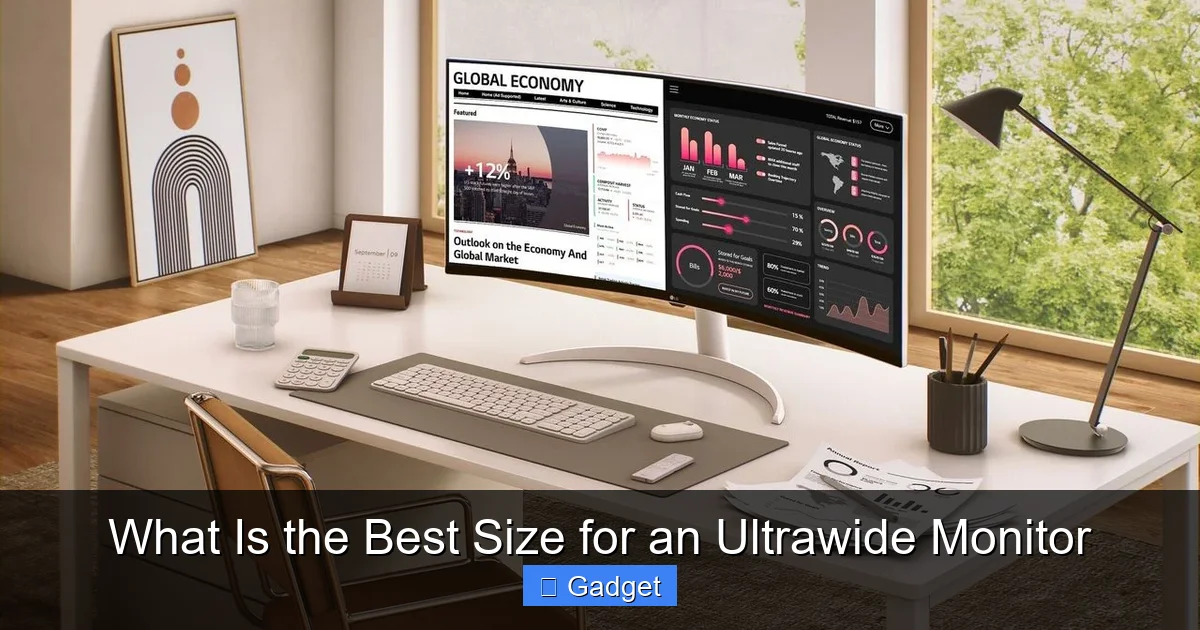
For those looking to replace multiple monitors or simply have more digital workspace, ultrawide monitors are a dream. You can easily fit several application windows side-by-side without any bezels in between. For tasks like coding, writing, managing spreadsheets, or keeping an eye on stock tickers, a larger ultrawide can be incredibly beneficial.
Example: A programmer might love a 34-inch ultrawide to keep their code editor open on one side and a browser or documentation on the other. A content creator might use a 38-inch or 40-inch ultrawide to lay out their editing timeline and media bins more comfortably.
Gaming and Immersive Entertainment
Ultrawide monitors are fantastic for gaming. The wider field of view pulls you deeper into the game world, offering a more cinematic and engaging experience. Many games support ultrawide resolutions natively, giving you a competitive edge by letting you see more of the game world. For movies and TV shows that are filmed in a 21:9 aspect ratio, you’ll get a true cinematic view without black bars.
Example: A gamer playing an open-world RPG might find a 34-inch or 38-inch ultrawide to be the sweet spot for immersion. Watching movies filmed in 21:9 will feel like being in a theater on any ultrawide, but larger sizes enhance the feeling.
Creative Work (Video Editing, Graphic Design, 3D Modeling)
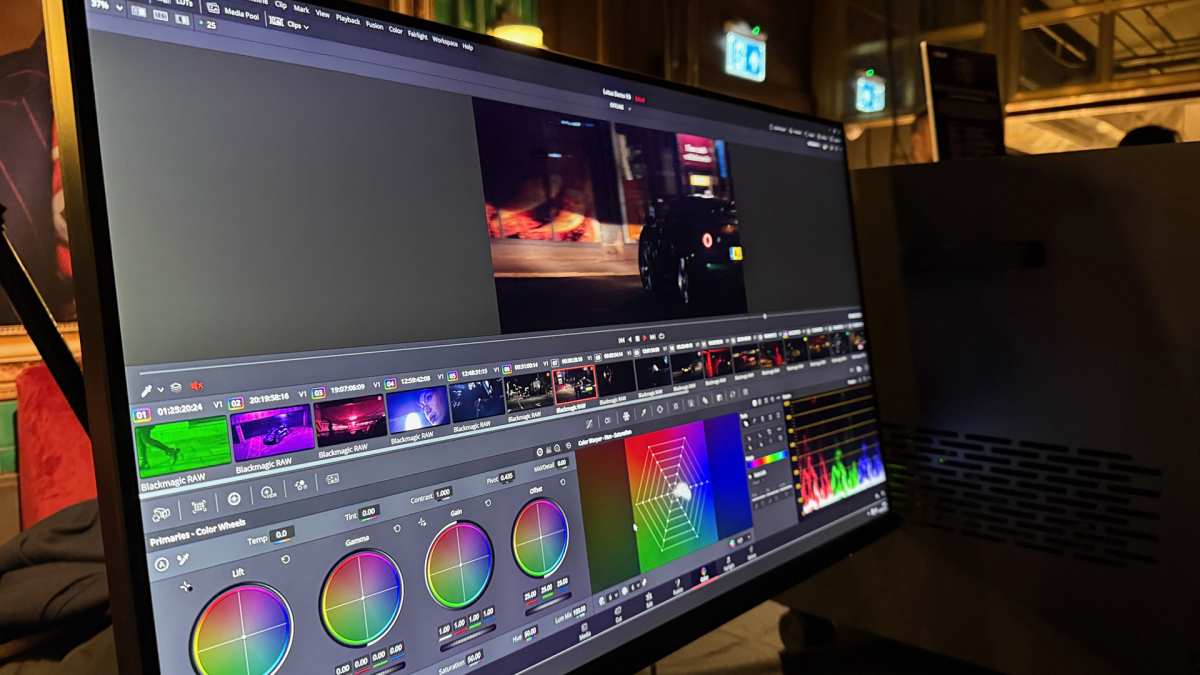
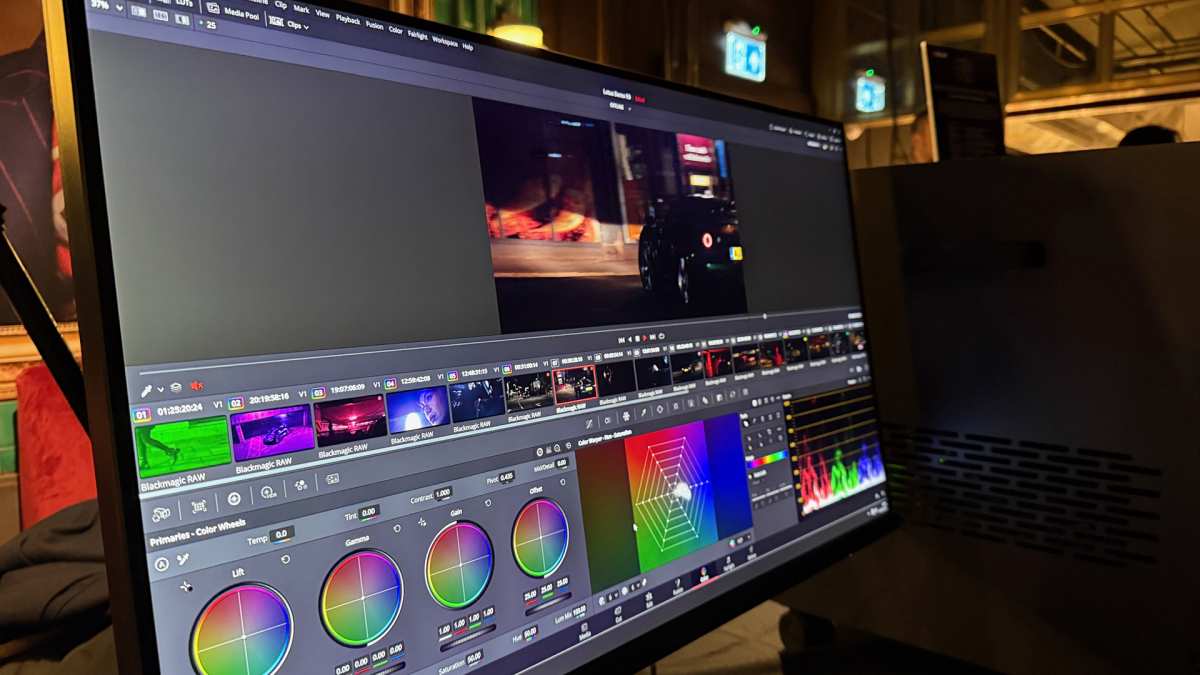
Professionals in creative fields can see significant benefits. Video editors can have their timeline spread out nicely, making scrubbing and precise edits much easier. Graphic designers can view their canvases and tool palettes simultaneously. 3D artists can work with more expansive views of their models.
Example: A video editor might find a 38-inch or 40-inch ultrawide invaluable for seeing their entire project timeline at a glance, reducing the need to scroll. A graphic designer might appreciate the extra width for keeping their design software, reference images, and color palettes all visible.
2. Viewing Distance
How far will you be sitting from your monitor? This is critical for comfort and usability. If you sit very close, a massive ultrawide might mean you’re constantly moving your head to see the edges, which can lead to neck strain. If you sit further back, a smaller ultrawide might feel less impactful.
A general rule of thumb for optimal viewing distance is about 1.5 to 2.5 times the screen’s diagonal size for standard monitors. For ultrawide monitors, especially curved ones, this can be slightly different. The curve on ultrawide monitors is designed to bring the edges closer to your peripheral vision, making the entire screen feel more accessible even at typical desk distances.
- Closer Viewing Distance (e.g., 2-3 feet): A 34-inch ultrawide is often ideal. The curve helps keep everything in your field of view without excessive head turning. A 38-inch might also work if you have a slightly deeper desk.
- Further Viewing Distance (e.g., 3-4 feet): Larger ultrawides like 38-inch or 40-inch models might be more comfortable and immersive. You won’t feel like you’re “inside” the screen as much.
3. Desk Space and Ergonomics
Let’s talk real estate. Ultrawide monitors, especially larger ones, are physically wider than traditional monitors. You need to ensure you have enough desk space not just for the monitor itself, but also for your keyboard, mouse, and any other accessories.
Measure your desk! This sounds obvious, but it’s easy to forget when you’re excited about a new gadget. Pay attention to the monitor’s width (often listed in specs alongside diagonal size) and depth.
- Monitor Width: A 34-inch ultrawide (21:9) is typically around 31-33 inches wide. A 38-inch is around 35-36 inches. A 40-inch (often 32:9 or 32:10 aspect ratio) can be well over 37 inches wide.
- Monitor Depth: Consider the stand. Some stands are very deep, while others are more compact.
- Ergonomics: Can you position the monitor at the correct height and distance for comfortable viewing? A monitor arm can be a great investment for ultrawide monitors, as it often allows for more flexible positioning and frees up desk space.
4. Resolution and Pixel Density
Size is only half the story. Resolution is crucial for how sharp and detailed your image will be. On larger screens, if the resolution isn’t high enough, you can end up with a “pixelated” or blurry image, especially if you sit close.
Ultrawide monitors typically come with resolutions like:
- 3440×1440 (WQHD Ultrawide): This is the most common resolution for 34-inch and 38-inch ultrawides. It offers a significant increase in horizontal pixels over standard 1440p (2560×1440) and provides excellent sharpness for these screen sizes.
- 5120×2160 (Dual QHD or 5K Ultrawide): This resolution is usually found on larger 40-inch and 49-inch displays. It offers incredible detail and screen real estate, comparable to having two 4K monitors side-by-side.
- Less common resolutions: You might find 2560×1080 (Full HD Ultrawide) on smaller or budget models, but this can appear stretched and less sharp on larger screens. It’s generally recommended to aim for at least 3440×1440 for a good ultrawide experience.
Pixel Density (PPI – Pixels Per Inch): Higher PPI means a sharper image. For a 34-inch 3440×1440 monitor, the PPI is around 109. For a 38-inch 3840×1600 monitor (another common ultrawide resolution), the PPI is around 103. For a 49-inch 5120×1440 monitor, the PPI is around 108. These values are generally considered good and provide sharp text and images for typical viewing distances.
Popular Ultrawide Monitor Sizes and Their Strengths
Now, let’s look at the most common sizes and who they’re best suited for.
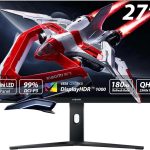
Visual guide about What Is the Best Size for an Ultrawide Monitor
Image source: i.rtings.com
34-Inch Ultrawide Monitors
The Sweet Spot for Many.
Aspect Ratio: Primarily 21:9
Resolution: Most commonly 3440×1440 (WQHD Ultrawide)
Pros:
- Excellent balance of screen real estate and manageable size.
- Fits comfortably on most desks.
- Ideal for a single monitor setup replacing two smaller displays.
- Great for gaming, productivity, and general use.
- A wide variety of options available at different price points.
- Good pixel density for sharpness.
Cons:
- Might feel a bit cramped for very demanding creative professionals needing immense timelines.
- Some users might crave even more immersive width.
Who is it for? If you’re new to ultrawide monitors, have a standard desk, or are looking for a versatile all-around performer for gaming and work, a 34-inch ultrawide is often the best starting point. It provides a significant upgrade without being overwhelming.
38-Inch Ultrawide Monitors
A Step Up in Immersion and Workspace.
Aspect Ratio: Primarily 21:9
Resolution: Most commonly 3840×1600
Pros:
- Noticeably more screen real estate than a 34-inch, offering a more immersive experience.
- Better for multitasking and creative work with more space for toolbars and timelines.
- Still manageable for many desk setups, especially with a curved model.
- Higher vertical resolution (1600 pixels) can be beneficial.
Cons:
- Can be more expensive than 34-inch models.
- Requires a slightly larger desk footprint.
- May still feel a bit wide for some if sitting very close.
Who is it for? If you’ve used a 34-inch ultrawide and want more, or if your primary use case involves heavy multitasking or creative applications where more horizontal space is constantly needed, a 38-inch is a compelling upgrade.
40-Inch and Larger Ultrawide Monitors (e.g., 49-inch)
The Ultimate Immersion and Productivity Powerhouse.
Aspect Ratio: Often 32:9 or 32:10
Resolution: Typically 5120×1440 (Dual QHD)
Pros:
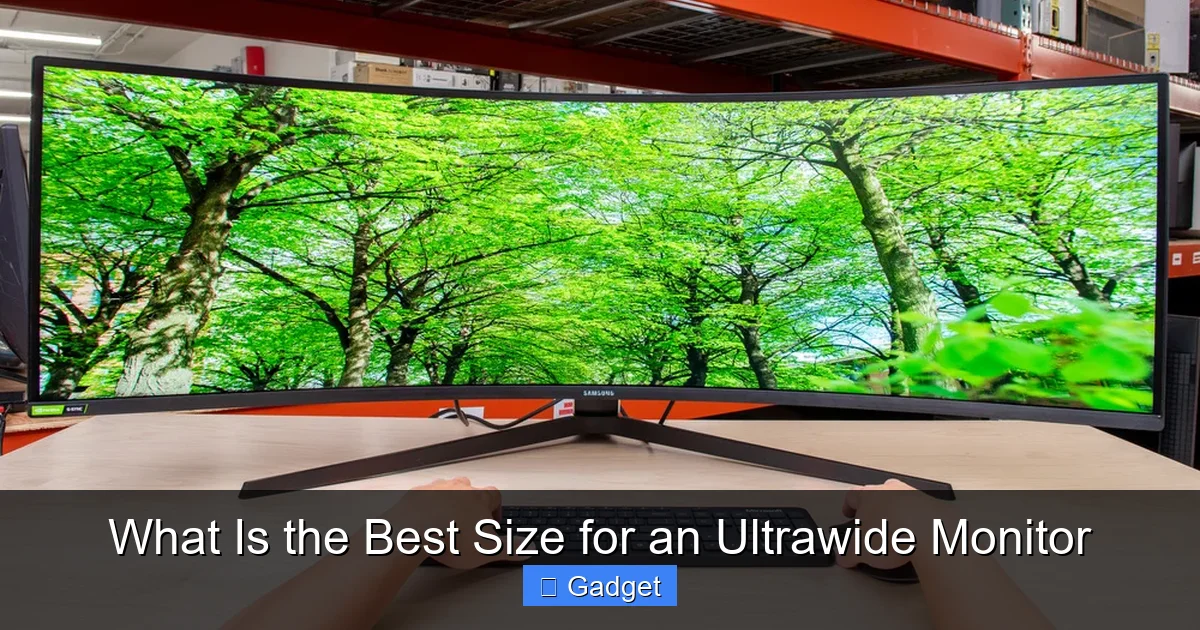
- Massive screen real estate, akin to having two 27-inch monitors side-by-side without bezels.
- Extremely immersive for gaming and media consumption.
- Unparalleled productivity potential for professionals who need to view vast amounts of information simultaneously.
- Can completely transform your workspace.
Cons:
- Requires a very large desk.
- Can be overwhelming if you sit too close; head movement is almost guaranteed.
- Higher price point.
- Some older games or applications might not support such extreme aspect ratios gracefully.
- Can be more demanding on your graphics card for gaming at native resolution.
Who is it for? This is for the enthusiast who wants the absolute maximum screen space, the ultimate immersive gaming experience, or a professional whose workflow absolutely demands an enormous, seamless digital canvas. Ensure you have the desk space and seating distance to handle it comfortably.
Step-by-Step Guide to Choosing Your Ultrawide Size
Let’s put it all together into a clear action plan.

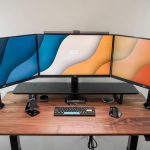
Visual guide about What Is the Best Size for an Ultrawide Monitor
Image source: techcult.com
Step 1: Assess Your Primary Use
Be honest with yourself. Will you mostly game? Work? Or a mix? List your top 2-3 activities.
- Gaming focus: 34-inch or 38-inch often provides great immersion without being too much.
- Productivity focus (multitasking): 34-inch is good, 38-inch or 49-inch offers more space if you need it.
- Creative professional: Consider 38-inch or 49-inch for expansive timelines and canvases.
Step 2: Measure Your Desk Space
Get a tape measure. Seriously. Measure the width and depth of the area where you plan to put the monitor. Don’t forget to account for your keyboard, mouse, and any other peripherals.
- Typical desk width: A standard desk might be 48-60 inches. This can accommodate a 34-inch or 38-inch ultrawide comfortably.
- Large desk width: A larger desk (e.g., 72 inches or more) can easily handle a 49-inch ultrawide.
Step 3: Determine Your Ideal Viewing Distance
Sit at your desk and think about where you naturally rest your eyes on your current setup. Is it about an arm’s length away? Further? Imagine a monitor that spans your entire field of vision.
- Closer: Aim for 34-inch.
- Further or want more immersion: Consider 38-inch or 40-inch+.
Step 4: Consider Resolution and Graphics Card
For the best experience, aim for at least 3440×1440. If you’re considering a 49-inch 5120×1440 monitor, make sure your computer’s graphics card can handle driving that many pixels, especially for gaming.
- Check GPU requirements: Look up benchmarks for your graphics card at the target resolution.
Step 5: Set Your Budget
Ultrawide monitors, especially larger ones with higher resolutions and refresh rates, can be a significant investment. Factor this into your decision.
Step 6: Read Reviews and Watch Videos
Once you’ve narrowed down your choices, read professional reviews and watch hands-on videos. Seeing the monitor in action on a desk similar to yours can be incredibly helpful.
Troubleshooting Common Ultrawide Size Issues
Sometimes, even with the best planning, things might not feel quite right. Here are a few common issues and how to address them.
Issue: The screen feels too wide, and I have to turn my head too much.
Solution:
- Adjust viewing distance: Try pulling your chair back a bit or positioning the monitor further away.
- Use a monitor arm: This can give you more flexibility to pull the monitor closer or further away, and potentially adjust its angle.
- Consider a less curved monitor: While most ultrawides are curved, some have a more subtle curve. If you find extreme curves disorienting, look for models with lower curvature ratings (e.g., 1800R vs 1000R).
- Lower your expectations for head turning: For ultrawide monitors, some degree of head turning is normal. It’s about finding a balance that’s comfortable for you.
Issue: My desk feels cramped.
Solution:
- Invest in a monitor arm: This is often the best solution. It frees up significant desk space.
- Declutter your desk: Organize or remove unnecessary items.
- Consider a shallower desk: If you’re buying a new desk, look for one with a shallower depth.
Issue: Text looks blurry or pixelated.
Solution:
- Check resolution settings: Ensure your computer’s display settings are set to the monitor’s native resolution (e.g., 3440×1440).
- Increase scaling: Windows and macOS have display scaling options. You might need to increase the scaling slightly (e.g., to 125%) if text appears too small and blurry.
- Clean your screen: Sometimes, a dirty screen can make things look less clear.
Conclusion
Choosing the best size for an ultrawide monitor is a journey of balancing your needs, your space, and your budget. The 34-inch ultrawide often hits the sweet spot for many users, offering a significant upgrade in productivity and immersion without being overwhelming. For those who crave more, the 38-inch provides an enhanced experience, while the massive 40-inch and larger models offer unparalleled digital real estate for the ultimate enthusiast or professional.
Remember to consider your primary use, available desk space, viewing distance, and desired resolution. By carefully evaluating these factors, you’ll be well-equipped to select an ultrawide monitor size that transforms your computing experience, making your work more efficient and your entertainment more captivating. Happy hunting for your perfect ultrawide!

Similar Posts