Is Ultrawide Monitor Worth It

Considering an ultrawide monitor? This comprehensive guide helps you understand if this immersive display technology is the right upgrade for your setup. We delve into the benefits for productivity and gaming, explore potential drawbacks, and provide essential tips for choosing the best ultrawide monitor for your needs. Make an informed decision and transform your digital workspace. Are you staring at your current monitor and thinking, “There has to be a better way”? Many PC users are. The world of monitors has expanded beyond the standard 16:9 aspect ratio, and ultrawide monitors are rapidly gaining popularity. But is an ultrawide monitor worth it for *you*? This guide will walk you through everything you need to know to make that decision. We’ll explore the benefits, the drawbacks, and how to pick the perfect ultrawide display if it fits your needs. Get ready to expand your digital horizons! 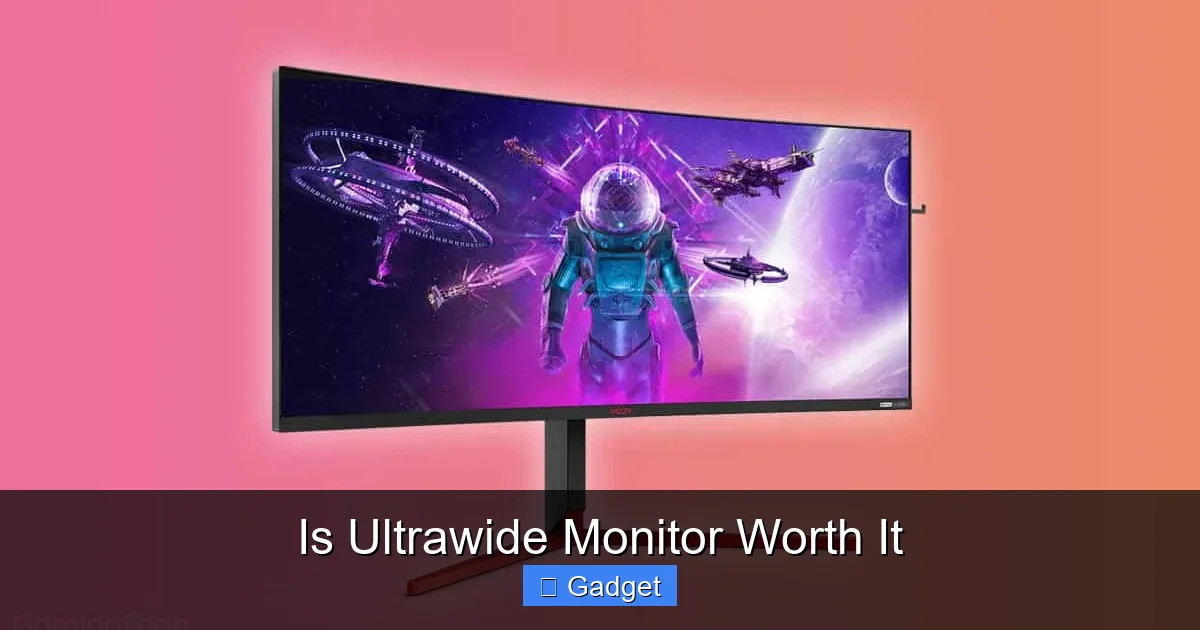 For many professionals and students, productivity is the primary driver for considering an ultrawide monitor. The increased screen real estate can dramatically change how you work.
 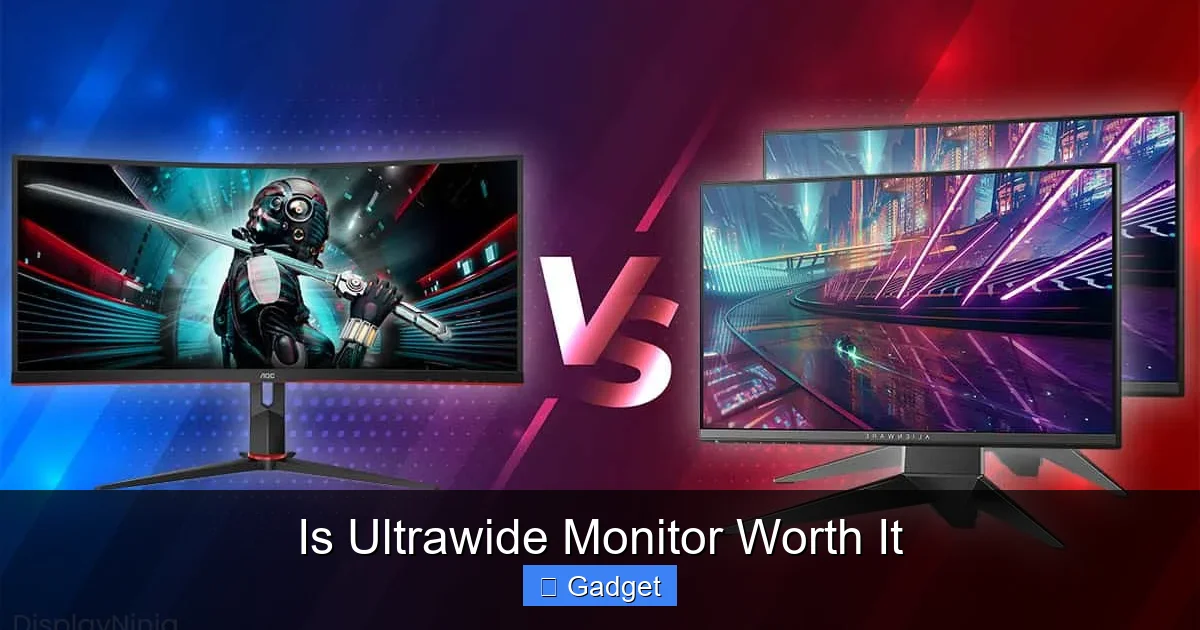 For gamers, an ultrawide monitor can be a revelation. The wider field of view pulls you deeper into the game world, offering a more cinematic and often competitive experience.
  If you watch a lot of movies and TV shows, an ultrawide can be a mixed bag.
Key Takeaways
- Immersive Experience: Ultrawide monitors offer a significantly wider field of view, enhancing immersion in games and media, and providing more screen real estate for multitasking.
- Productivity Boost: The expanded horizontal space allows for side-by-side application viewing, reducing the need to Alt+Tab and improving workflow efficiency for many tasks.
- Gaming Advantages: Many games support ultrawide resolutions, providing a competitive edge and a more engaging visual experience without the need for multiple monitors.
- Cost and Compatibility: Ultrawide monitors can be more expensive than standard displays, and some older games or applications might not natively support the wider aspect ratio, requiring workarounds.
- Desk Space: The increased width of ultrawide monitors requires more desk real estate, which can be a consideration for smaller workspaces.
- Content Viewing: While great for supported content, standard 16:9 videos will often have black bars on the sides (letterboxing) when viewed on an ultrawide screen.
- Choosing the Right One: Key factors include resolution, refresh rate, panel type (IPS, VA, TN), curved vs. flat, and budget.
Understanding Ultrawide Monitors
Before diving into whether it’s worth it, let’s define what an ultrawide monitor is. Typically, standard monitors have an aspect ratio of 16:9, meaning for every 16 units of width, there are 9 units of height. Ultrawide monitors, as the name suggests, are wider. The most common ultrawide aspect ratios are 21:9 and even 32:9. This wider format translates to more horizontal screen space, which can be a game-changer for many users.The Different Flavors of Ultrawide
- 21:9 Aspect Ratio: This is the most common ultrawide aspect ratio. It offers a significant increase in horizontal real estate compared to 16:9, making it great for multitasking and immersive gaming.
- 32:9 Aspect Ratio: These are even wider, often referred to as “super ultrawide” monitors. They provide an experience akin to having two 16:9 monitors side-by-side, without the bezel in the middle.
Is an Ultrawide Monitor Worth It for Productivity?
Visual guide about Is Ultrawide Monitor Worth It
Image source: gamingscan.com
Boosting Your Workflow Efficiency
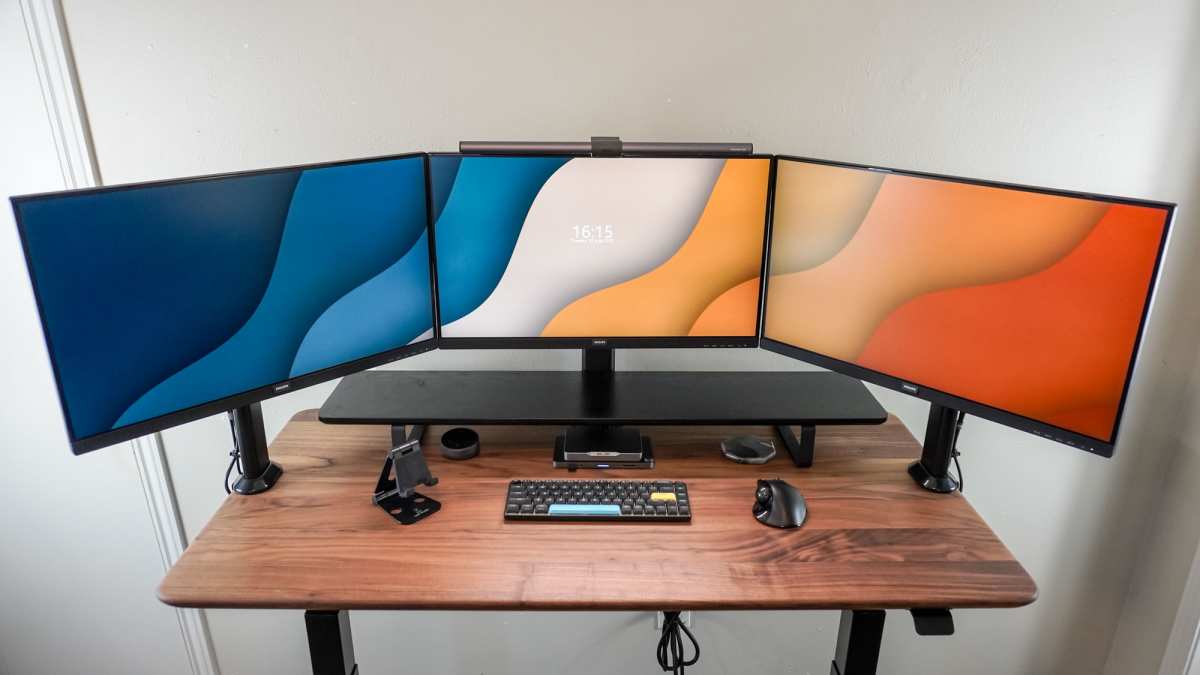
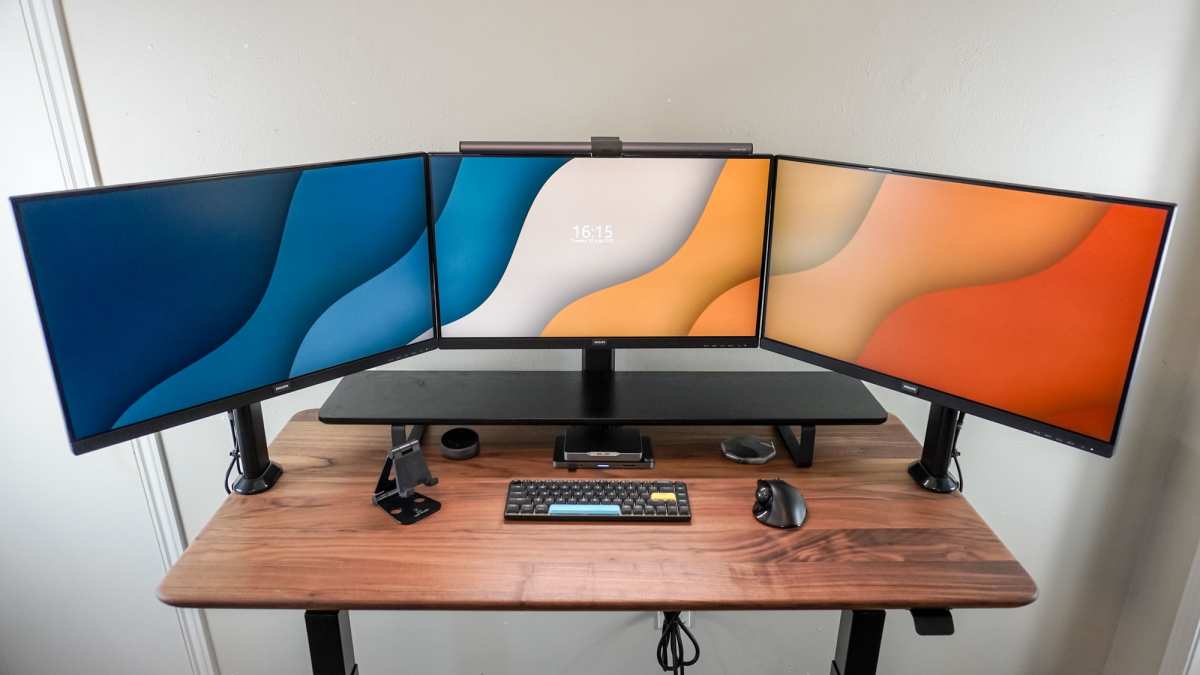
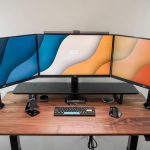
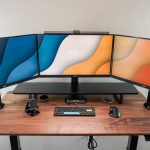
One of the biggest advantages of an ultrawide monitor is the ability to have multiple windows open side-by-side without feeling cramped. Imagine having your email open on one side, a research document on the other, and a reference spreadsheet in the middle. This eliminates the constant need to click between applications (Alt+Tabbing), saving precious time and reducing mental friction.- Software Development: Coders can have their code editor open next to a browser displaying the live preview or documentation. This makes debugging and development much smoother. If you’re a developer, you might also want to read our detailed analysis on whether ultrawide monitors are good for coding.
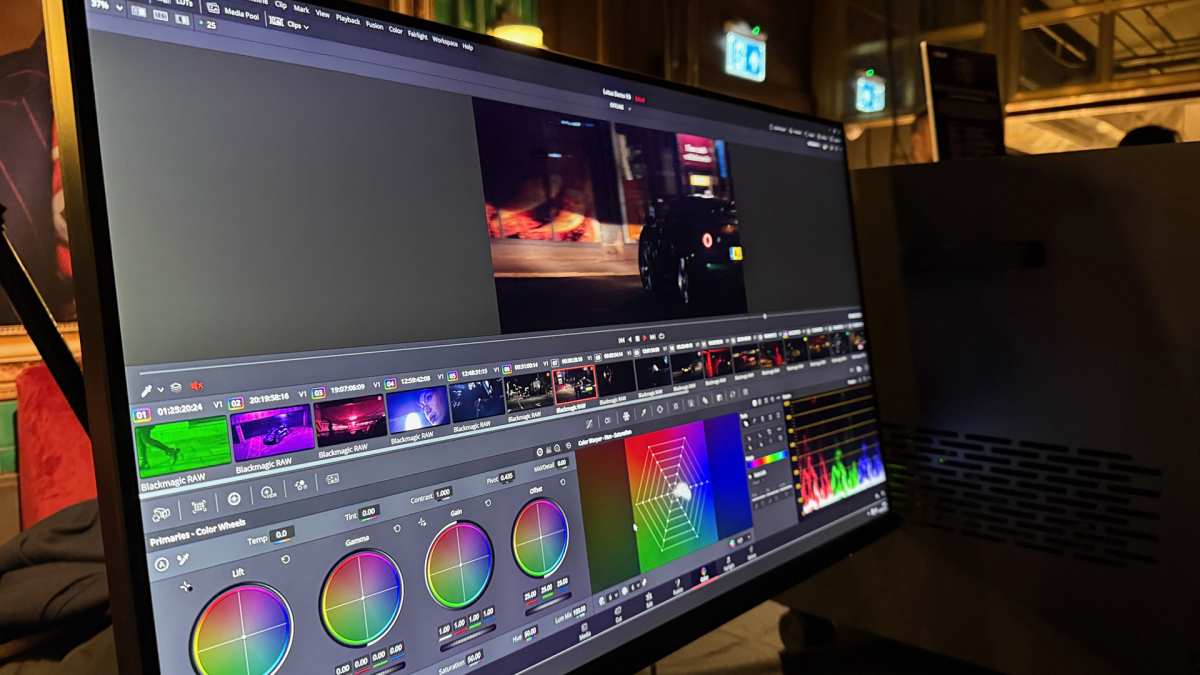
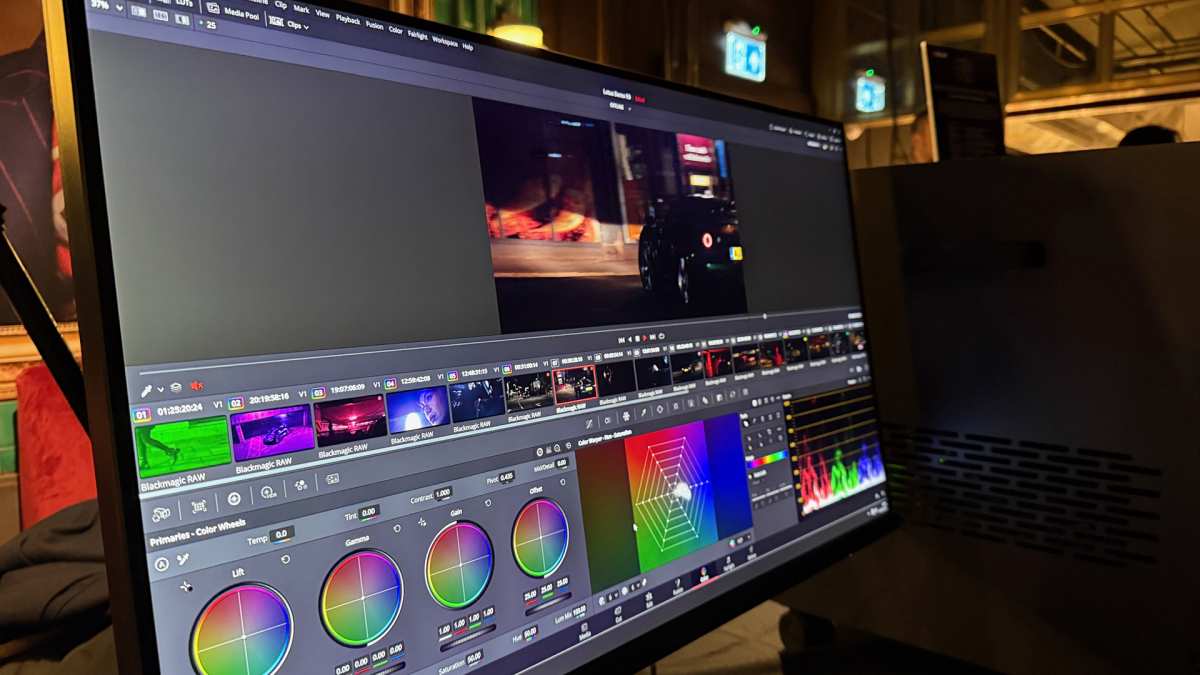
- Content Creation: Video editors can have their timeline stretched out across a large portion of the screen, making it easier to manage and edit footage. Graphic designers can have their design canvas and tool palettes visible simultaneously.
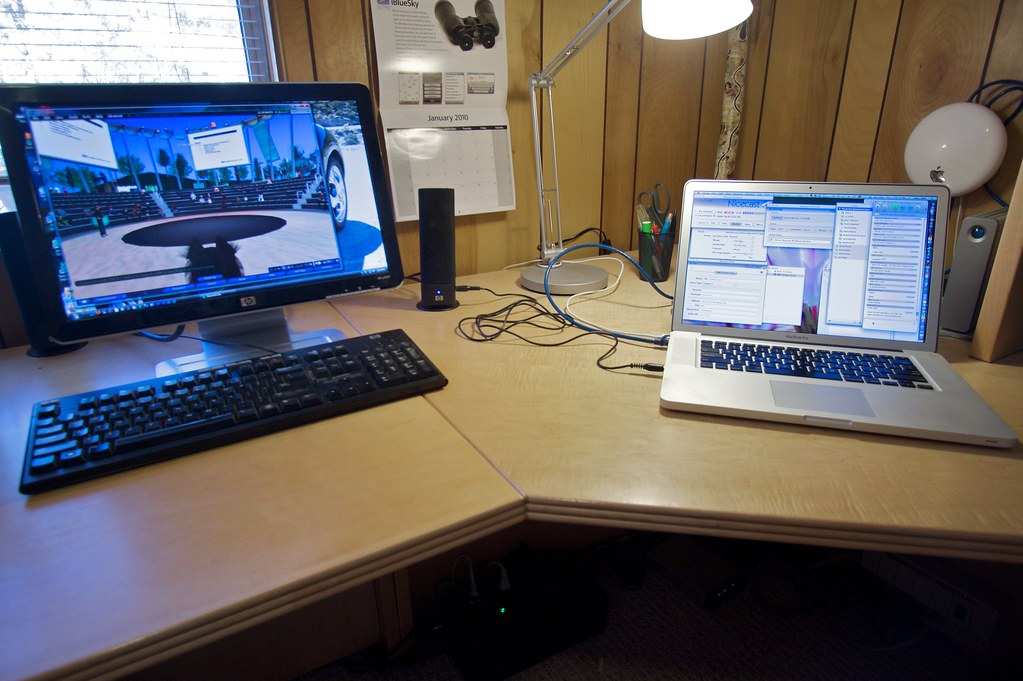
- General Office Work: Spreadsheets, presentations, and word documents can all be viewed and edited concurrently. This is especially useful for data analysis or report writing.
The Immersive Multitasking Experience
It’s not just about fitting more windows; it’s about how much more comfortable it is to do so. The wider view feels more natural for many tasks, allowing your eyes to scan across the screen without as much jarring movement. Example: Instead of resizing two 16:9 windows to fit, you can often have full-sized applications comfortably displayed side-by-side on an ultrawide.Is an Ultrawide Monitor Worth It for Gaming?
Visual guide about Is Ultrawide Monitor Worth It
Image source: displayninja.com
Enhancing Immersion
Many modern games are designed with ultrawide resolutions in mind. When supported, this means you get a much wider perspective of the game world. In first-person shooters, this can mean seeing enemies at the periphery of your vision sooner. In strategy games, you can survey larger areas of the map at once.- Benefits:
- Wider Field of View: You see more of the game world, leading to greater immersion.
- Reduced Need for Multiple Monitors: You get a panoramic view without the distracting bezel line between two screens.
- Cinematic Experience: Many games look stunning at ultrawide resolutions, truly living up to their visual potential.
Gaming Performance and Compatibility
While many games support ultrawide, it’s not universal. Older games or those with strict aspect ratio enforcement might not render correctly, leading to stretched images or black bars on the sides.- Troubleshooting:
- Check Game Support: Before buying, research if your favorite games support ultrawide resolutions. Websites like PCGamingWiki are excellent resources.
- Community Patches: For some games, dedicated communities create patches to enable ultrawide support.
- In-Game Settings: Always check the game’s graphics settings for aspect ratio and resolution options. For competitive gaming, understanding whether monitor response time matters for gaming can further enhance your setup.
Is an Ultrawide Monitor Worth It for Media Consumption?
Visual guide about Is Ultrawide Monitor Worth It
Image source: gamingscan.com
The Cinematic View
When content is filmed in a widescreen format (like most movies), an ultrawide monitor can offer a truly cinematic viewing experience, filling your entire screen without black bars.- Benefits:
- Full-Screen Immersion: Movies and TV shows designed for wider aspect ratios will look incredible.
- More Detail: You might see more of the visual composition as intended by the filmmaker.
The Letterboxing Problem
The caveat is that much of the content you watch, especially standard TV shows and YouTube videos, is still produced in a 16:9 aspect ratio. When you view this on an ultrawide monitor, you’ll typically get black bars on the sides (letterboxing) to maintain the original aspect ratio. Mitigation: While some users might choose to zoom in and crop the image, this cuts off parts of the picture and is generally not recommended. The best approach is to accept the letterboxing for 16:9 content.Potential Downsides of Ultrawide Monitors
It’s not all smooth sailing with ultrawide monitors. There are some significant considerations to weigh.Desk Space and Ergonomics
Ultrawide monitors are, by definition, wide. This means they demand a substantial amount of desk real estate.- Space Requirements: Measure your desk before you buy. An ultrawide monitor can easily take up more than half the width of a standard desk. For precise planning, check out our guide on how much desk space an ultrawide monitor needs.
- Ergonomics: Due to their width, you might find yourself turning your head more to see content on the edges, which can lead to neck strain over time. A curved ultrawide monitor can help alleviate this by bringing the edges closer to your peripheral vision.
Cost
Generally, ultrawide monitors are more expensive than their 16:9 counterparts with similar specifications.- Premium Price: You’re paying for the extra panel space and the technology required to produce that wider image.
- Resolution Considerations: Higher resolutions on ultrawide monitors (like 3440×1440 or 5120×1440) also require a more powerful graphics card to drive them smoothly, especially in gaming.
Compatibility Issues
As mentioned in the gaming section, not all software is designed to play nicely with ultrawide aspect ratios.- Older Applications: Some legacy software might not display correctly, leading to usability issues.
- Full Screen Problems: Even in games that support ultrawide, you might encounter issues with cutscenes or menus not scaling properly.
Choosing the Right Ultrawide Monitor
If you’ve weighed the pros and cons and decided an ultrawide is for you, the next step is choosing the right one. Here are the key features to consider.Resolution and Pixel Density
While wider, the vertical resolution is often the same as standard monitors.- 1440p Ultrawide (3440×1440): This is the sweet spot for many ultrawide users. It offers a significant increase in horizontal pixels over 1440p (2560×1440) without being excessively demanding on your GPU. It provides sharp visuals and ample screen space.
- 1080p Ultrawide (2560×1080): These are more budget-friendly and less demanding on your hardware. However, the pixel density can be lower, meaning the image might not be as sharp, especially on larger screens.
- 4K Ultrawide (5120×2160): These are incredibly sharp and offer massive amounts of screen real estate. They are, however, the most expensive and demand the most powerful GPUs. Learn more about whether ultrawide monitors support 4K resolution.
Refresh Rate and Response Time
These are crucial for gaming and general smoothness.- Refresh Rate (Hz): This is how many times per second the screen updates. Higher refresh rates (120Hz, 144Hz, 240Hz) result in smoother motion. For gaming, aim for at least 120Hz if possible.
- Response Time (ms): This is how quickly a pixel can change color. Lower response times (1ms, 2ms) reduce motion blur, which is important for fast-paced games.
Panel Type
The panel technology affects color accuracy, viewing angles, and contrast.- IPS (In-Plane Switching): Offers excellent color accuracy and wide viewing angles. Great for content creation and general use. Response times are typically good.
- VA (Vertical Alignment): Provides better contrast ratios than IPS, meaning deeper blacks. Good for gaming and media consumption, but viewing angles can be slightly worse, and some can suffer from “black smearing” at higher response times.
- TN (Twisted Nematic): Historically the fastest response times, making them popular for competitive gaming. However, they have the worst color accuracy and viewing angles. Less common in modern ultrawides.
Curved vs. Flat
This is a matter of personal preference and use case.- Curved Ultrawide: The curvature helps bring the edges of the wide screen closer to your eyes, creating a more immersive and comfortable viewing experience. It can reduce eye strain and distortion. Most ultrawides are curved these days.
- Flat Ultrawide: While less common, some users prefer flat panels, especially if their primary use is productivity where extreme curvature might distort straight lines in certain applications.
Connectivity and Features
Consider the ports you’ll need.- USB-C: Increasingly important for connecting laptops with a single cable for display, data, and power delivery.
- HDR Support: If you want to experience High Dynamic Range content, look for monitors with HDR certifications.
- Picture-in-Picture (PiP) / Picture-by-Picture (PbP): Useful features for splitting the screen and displaying multiple inputs simultaneously.
Troubleshooting Common Ultrawide Issues
Even with the best planning, you might encounter a few bumps along the way.Issue: Stretched Images or Black Bars in Games/Applications
Solution: Ensure your game or application is set to the native resolution of your ultrawide monitor (e.g., 3440×1440). Check the display settings within the application or game. If the issue persists, you may need to look for community patches or adjust your GPU’s scaling settings.Issue: Not Enough Desk Space
Solution: This is a hardware limitation. You might need to rearrange your desk, get a larger desk, or consider a monitor arm that can lift the monitor off the desk surface to free up space.Issue: Text Looks Fuzzy or Pixelated
Solution: This could be due to resolution settings or scaling. Ensure your operating system is set to display at the monitor’s native resolution. If you’re using Windows, check the display scaling settings to ensure they are set to 100% or an appropriate level for your resolution.Issue: GPU Can’t Handle the Resolution/Refresh Rate
Solution: If gaming performance is poor, your graphics card may be underpowered. Lowering in-game settings (graphics quality, shadows, anti-aliasing) is the most immediate fix. For a long-term solution, you might need to consider upgrading your GPU or opting for a lower-resolution ultrawide monitor (like 2560×1080) if you’re on a tighter hardware budget.Conclusion: Is an Ultrawide Monitor Worth It?
So, is an ultrawide monitor worth it? For many users, the answer is a resounding yes. The enhanced productivity, immersive gaming experience, and cinematic media consumption can fundamentally change how you interact with your computer. However, it’s not a one-size-fits-all solution. You need to consider your desk space, budget, the software and games you use, and your primary use case. If you’re a gamer seeking deeper immersion, a content creator needing more workspace, or a power user who thrives on multitasking, an ultrawide monitor is likely a worthy investment. If you primarily consume standard 16:9 content, work in an environment with strict software compatibility needs, or have a very small desk, you might find a standard monitor sufficient. Ultimately, the decision is personal. By understanding the benefits and drawbacks, and by carefully considering the features that matter most to you, you can make an informed choice and determine if an ultrawide monitor is the right upgrade to elevate your computing experience.
Similar Posts