Is Ultrawide Monitor Good for Watching Movies
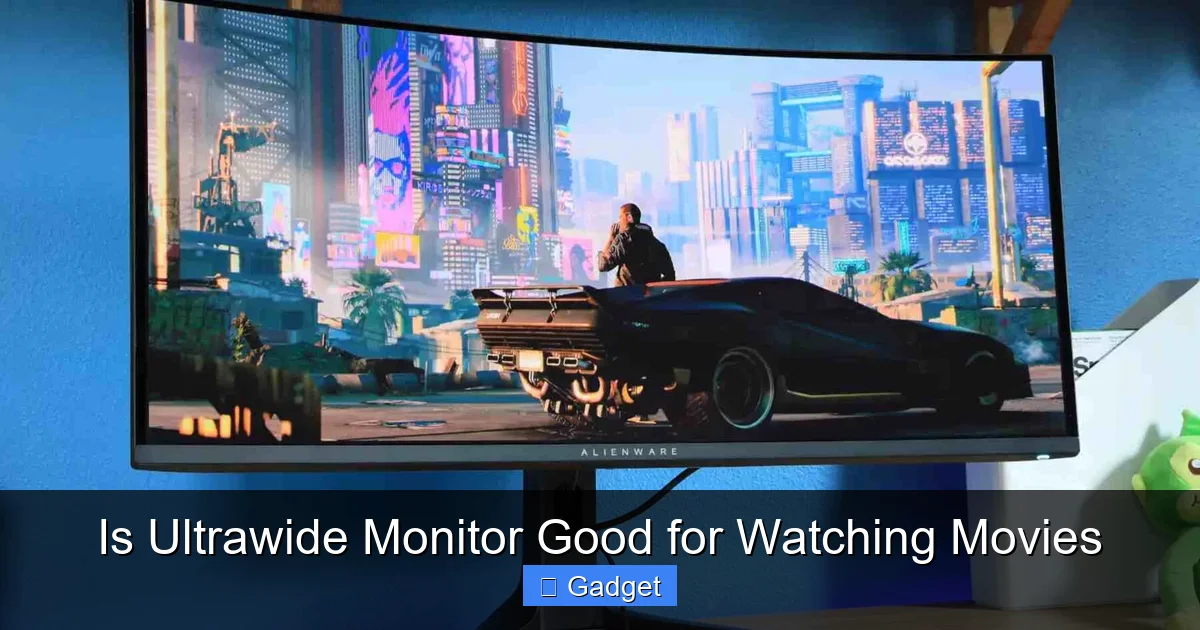
Are ultrawide monitors ideal for movie buffs? This guide dives deep into the cinematic potential of ultrawide displays for watching movies. We’ll explore how their expansive aspect ratios enhance immersion, discuss potential downsides like black bars, and provide tips for optimizing your viewing experience. Ultimately, you’ll learn if an ultrawide monitor is the perfect upgrade for your home theater setup. 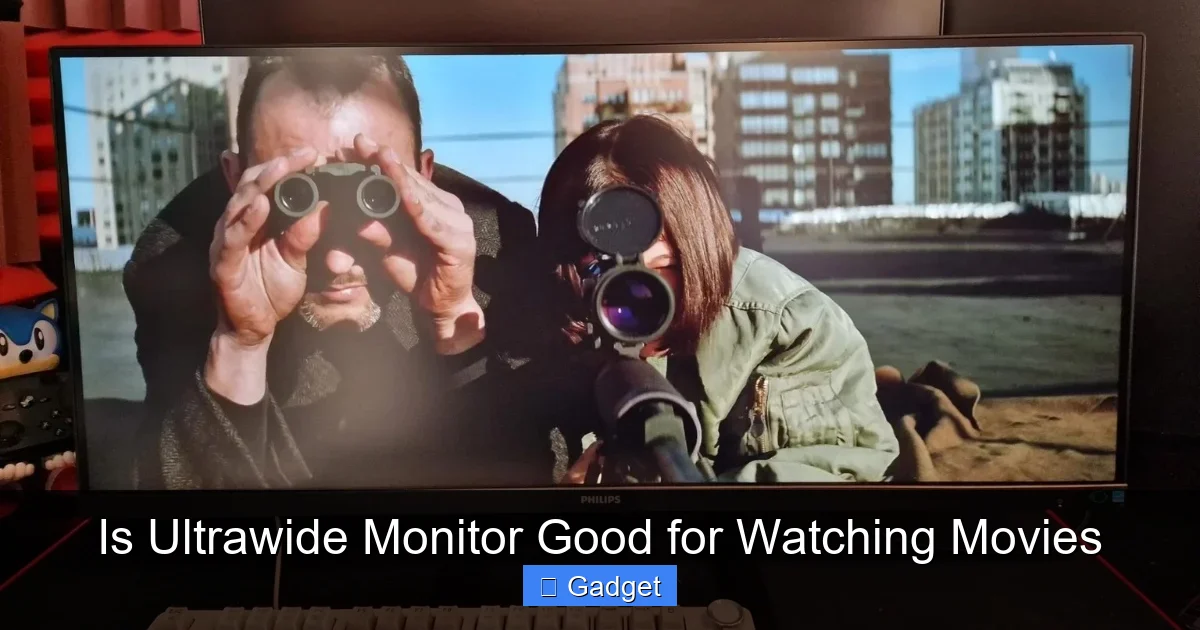 Before we dive into movie watching, let’s quickly define what an ultrawide monitor is. Unlike standard monitors that typically sport a 16:9 aspect ratio (meaning for every 16 units of width, there are 9 units of height), ultrawide monitors stretch this ratio. The most common ultrawide aspect ratios are 21:9 and even 32:9. This wider format is designed to offer a more expansive view, both for productivity and, as we’ll explore, for entertainment.
 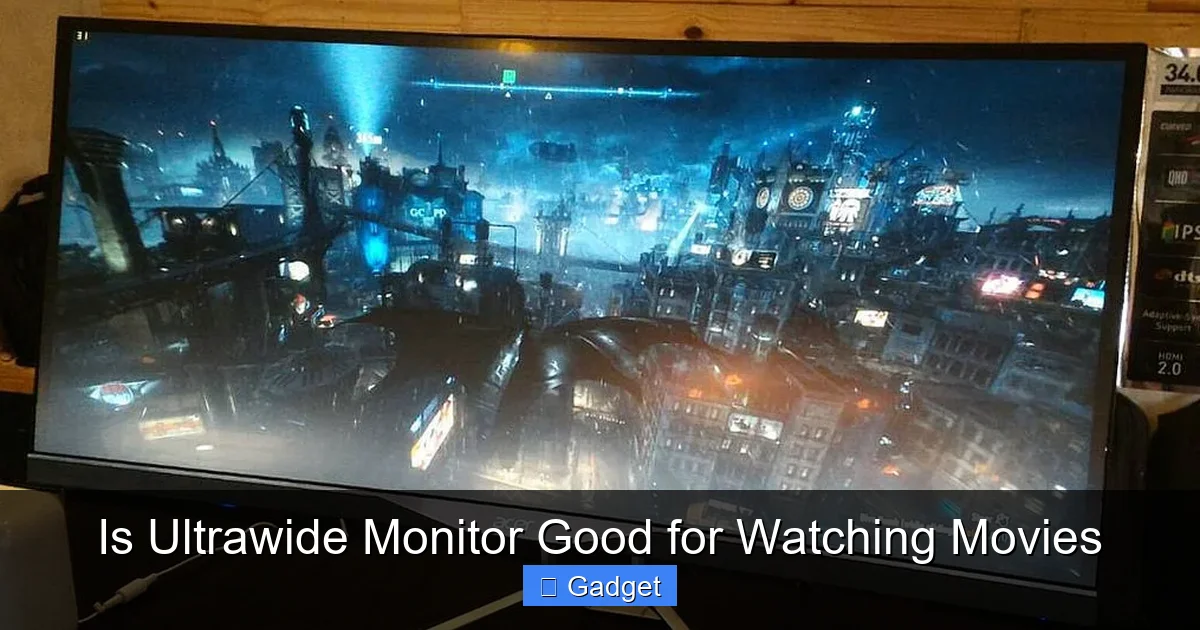 Let’s explore the reasons why an ultrawide monitor can elevate your movie-watching sessions.
 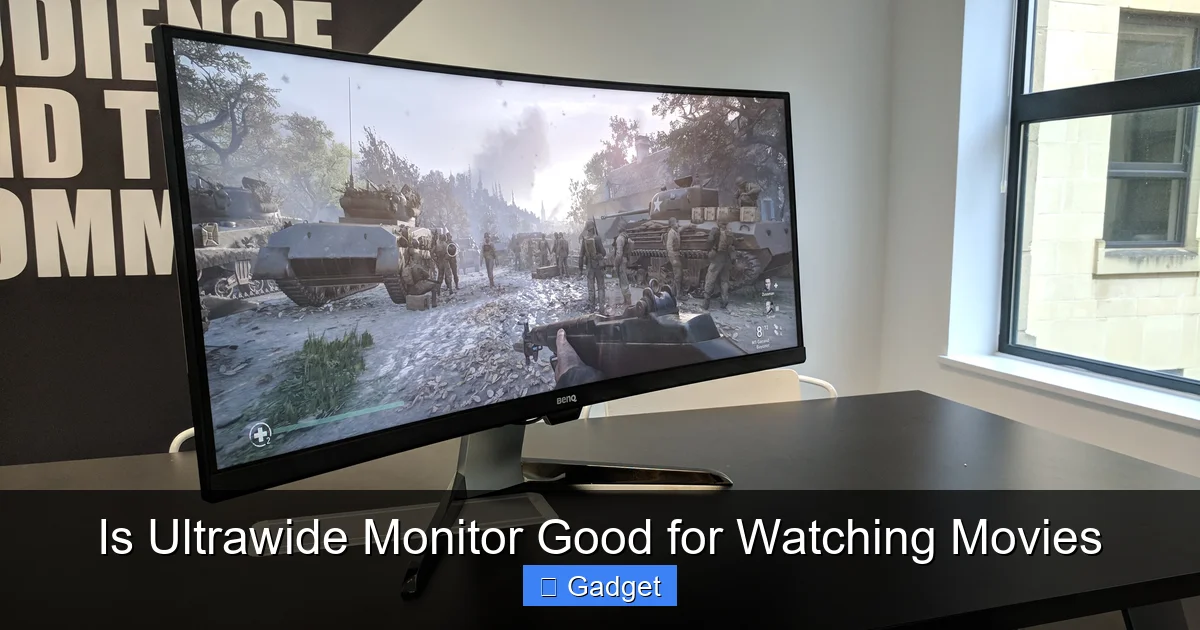 It’s not all cinematic perfection. There are several reasons why an ultrawide monitor might not be the ideal choice for every movie watcher.
Key Takeaways
- Immersive Viewing: Ultrawide monitors offer a more encompassing field of view, drawing you deeper into the movie’s world, especially with content mastered in their native 21:9 aspect ratio.
- Content Compatibility is Key: Not all movies are formatted for ultrawide. You’ll frequently encounter black bars (letterboxing) on standard 16:9 content, which can detract from the experience.
- Edge-to-Edge Enjoyment: When content perfectly matches the ultrawide aspect ratio, the absence of bezels and increased screen real estate creates a truly cinematic feel.
- Potential for Distortion: While rare with good quality ultrawide monitors, extreme viewing angles or lower-resolution content might exhibit some distortion or scaling issues.
- Audio Matters Too: The visual immersion of an ultrawide monitor is best complemented by a strong audio setup to complete the home theater experience.
- Gaming vs. Movies: While excellent for gaming, the movie-watching experience on an ultrawide monitor has unique considerations, primarily around content aspect ratio.
Is Ultrawide Monitor Good for Watching Movies?
So, you’re thinking about upgrading your home entertainment setup. You’ve seen those sleek, expansive ultrawide monitors and wondered, “Are these good for watching movies?” It’s a common question, and the answer isn’t a simple yes or no. Ultrawide monitors offer a unique viewing experience, and whether they’re “good” for movies depends heavily on what you watch, how you watch it, and what you’re looking for. This guide will walk you through everything you need to know. We’ll explore the advantages of ultrawide monitors for cinematic enjoyment, address the potential drawbacks, and offer practical advice to help you make an informed decision. Get ready to discover if an ultrawide display is the perfect addition to your movie-watching sanctuary.Understanding Ultrawide Monitors
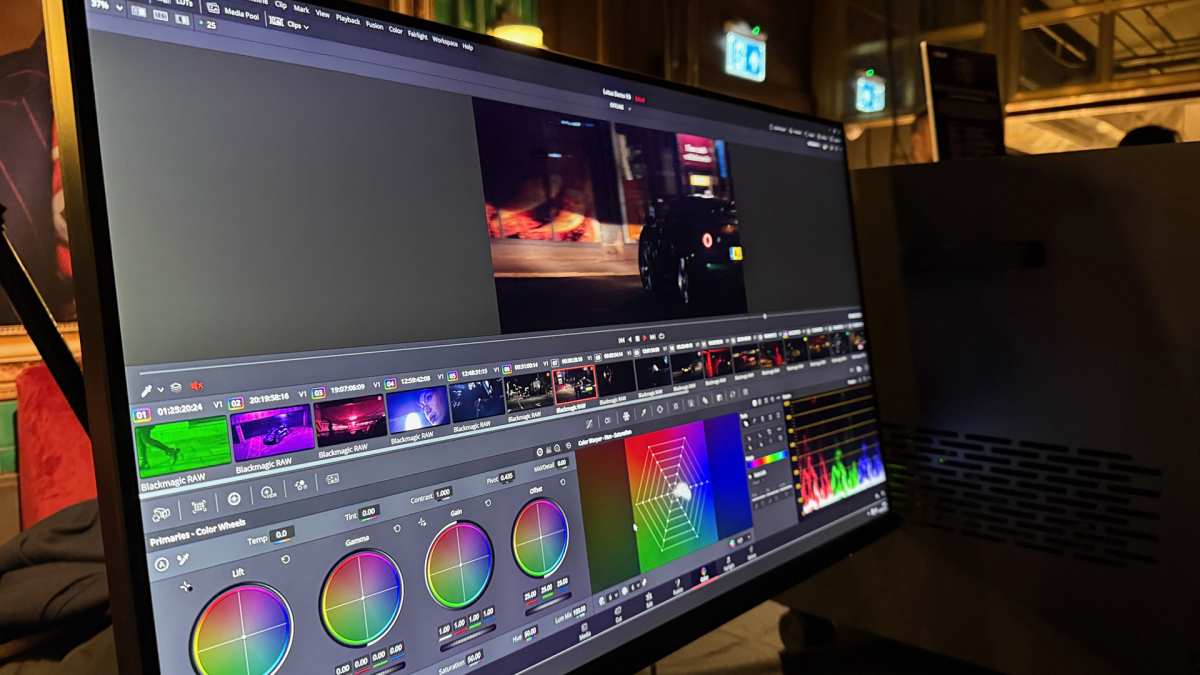
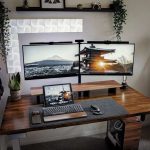
Visual guide about Is Ultrawide Monitor Good for Watching Movies
Image source: robots.net
The Aspect Ratio Advantage
The key differentiator for ultrawide monitors when it comes to movies is their aspect ratio. Many cinematic films are shot and presented in aspect ratios close to 21:9, such as 2.35:1 or 2.39:1. This means that when you play a movie mastered in one of these ratios on an ultrawide monitor, it often fills the entire screen from edge to edge. This creates a wonderfully immersive experience, mimicking what you might feel in a traditional cinema.The Case for Ultrawide Monitors: Why They Can Be Great for Movies
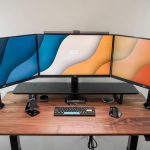
Visual guide about Is Ultrawide Monitor Good for Watching Movies
Image source: computercures.com.au
1. Unparalleled Immersion
This is perhaps the biggest selling point. When a movie perfectly matches the 21:9 aspect ratio, the image stretches across your entire field of vision. There are no black bars on the top and bottom, no wasted space. You’re simply presented with a vast canvas of cinematic storytelling. This edge-to-edge viewing pulls you into the action, making you feel more present in the film’s world. The subtle nuances of the cinematography, the vast landscapes, and the intimate close-ups all have a greater impact when they fill your screen. Example: Imagine watching an epic space opera like “Dune” or a sweeping historical drama like “Lawrence of Arabia” on an ultrawide. The expansive vistas and grand compositions are designed for this wider format and will truly shine.2. Reduced Screen Door Effect (Potentially)
While not exclusive to ultrawide monitors, higher resolution ultrawide displays (like 1440p or 4K ultrawide) often have a higher pixel density. This means pixels are packed closer together, leading to a smoother image and less of a noticeable “screen door effect” (where you can see the grid of pixels). This contributes to a cleaner, more refined viewing experience, especially for detailed scenes.3. Minimal Bezels, Maximum Picture
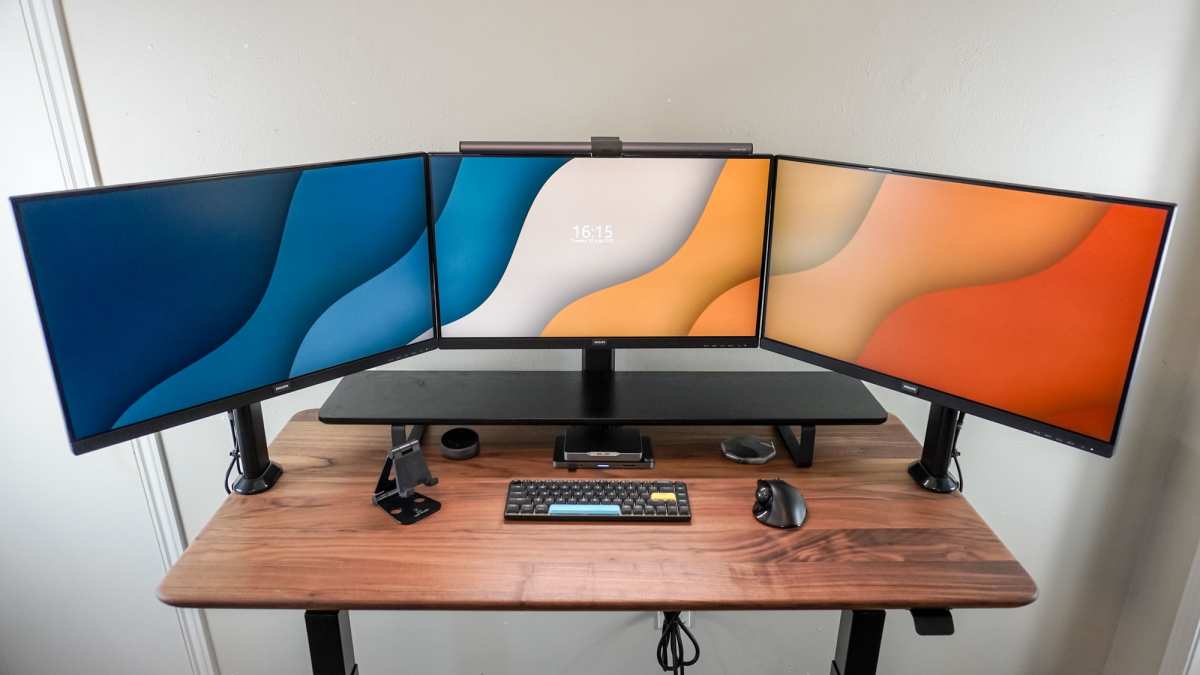
Most modern ultrawide monitors boast very thin bezels. When you’re engrossed in a movie, these minimal bezels further enhance the feeling of a single, uninterrupted screen. This is a significant improvement over older, bulkier monitors or multi-monitor setups where the bezels could be a constant distraction.4. Excellent for Gaming, Complementary for Movies
Many people buy ultrawide monitors for gaming, and it’s true they excel there. The wider field of view in games offers a competitive advantage and a more immersive experience. For movie watchers, this means if you’re already considering an ultrawide for gaming, you’re getting a capable movie display as a bonus. The technologies that make gaming look great, like high refresh rates and HDR, also benefit movie playback. If you’re curious about how ultrawide monitors perform in fast-paced gaming scenarios, check out our guide on whether ultrawide monitors are better for racing games.The Counterarguments: When Ultrawide Monitors Fall Short for Movies
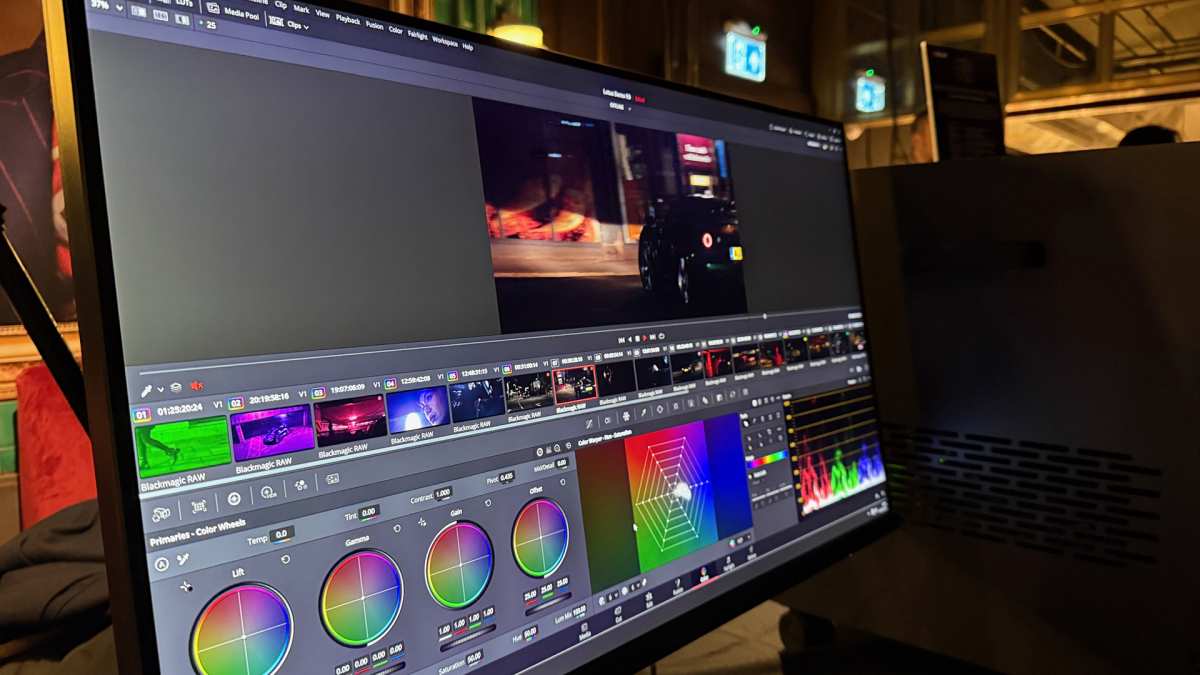
Visual guide about Is Ultrawide Monitor Good for Watching Movies
Image source: cdn.mos.cms.futurecdn.net
1. The Black Bar Dilemma: Content Compatibility
This is the most significant challenge. While many films are in a 21:9 aspect ratio, a substantial amount of content is still produced in the standard 16:9 format. This includes most TV shows, streaming content not specifically mastered for ultrawide, and older movies. When you play 16:9 content on a 21:9 monitor, you’ll be met with prominent black bars on the sides of the screen – a phenomenon known as letterboxing. What causes this? The monitor is wider than the content’s native aspect ratio, so the display has to leave empty space to maintain the original image’s proportions and avoid stretching or distorting it. How bad is it? On a 21:9 monitor, 16:9 content will have roughly 9% of the screen taken up by black bars on each side. This significantly reduces the perceived size of the image and can break the immersion you were hoping for. For a 32:9 monitor, the letterboxing will be even more pronounced.2. Potential for Distortion or Scaling Issues
While most modern ultrawide monitors have excellent image processing, there’s always a small risk of visual artifacts. If a movie isn’t properly scaled or if the monitor’s software isn’t optimized, you might experience slight stretching or compression, especially if you try to force content to fill the screen. However, this is less common with reputable brands and resolutions.3. Not a True Cinema Experience (for all content)
A traditional cinema screen is often wider than 2.39:1, sometimes approaching a 2.40:1 or even wider aspect ratio. While a 21:9 ultrawide is closer to movie theater formats than a 16:9 monitor, it’s still not identical. For content that is exactly 2.35:1 or 2.39:1, it’s a great match. But for content that might be slightly different, you might still see minor black bars, or the image might be ever so slightly compressed or expanded to fit.4. Cost and Size Considerations
Ultrawide monitors, especially those with high resolutions and good panel technology, can be more expensive than their standard 16:9 counterparts. They also tend to be physically larger and may require more desk space. This isn’t directly related to movie quality but is a practical consideration for your home setup. To better understand the physical demands of these displays, read our article on how much desk space an ultrawide monitor needs.Making the Most of Your Ultrawide for Movies: Tips and Tricks
If you decide an ultrawide monitor is for you, or if you already have one and want to optimize your movie experience, here are some tips:1. Prioritize 21:9 Content
Your ultrawide monitor truly shines when watching content mastered in a 21:9 aspect ratio. Seek out films and shows that are presented in this format. Many streaming services and Blu-ray discs will indicate the aspect ratio, or you can research specific titles. Where to find 21:9 content:- Many modern blockbuster movies (especially from major studios).
- Certain curated collections on streaming platforms.
- Blu-ray releases are often the best source for true aspect ratio.
2. Understand Your Monitor’s Settings
Familiarize yourself with your monitor’s image settings. Most ultrawide monitors have options for aspect ratio control, such as “Full,” “Original,” “Wide,” or “Zoom.” “Original” or “Native”: This setting is crucial for 16:9 content. It will display the content in its original aspect ratio, resulting in the black bars but ensuring the image isn’t distorted. “Full” or “Wide”: Be cautious with these. They might stretch the image to fill the screen, leading to a distorted, unnatural look. Unless you don’t mind a stretched image, avoid these for 16:9 content.3. Consider a Soundbar or Surround Sound System
An ultrawide monitor provides an incredibly immersive visual experience. To complete this, pair it with a robust audio setup. A good soundbar or a full surround sound system can significantly enhance the cinematic feel, making the audio as enveloping as the visuals. This is true for any display, but it’s especially important when you’re investing in a more visually immersive screen.4. Use Software for Aspect Ratio Adjustments (with caution)
There are third-party tools and media players (like VLC Media Player) that offer more granular control over aspect ratios and scaling. You might be able to find settings that better accommodate 16:9 content on an ultrawide, though this can sometimes lead to compromises in image quality. Use these sparingly and with an understanding of what they’re doing to the image.5. Think About Resolution and Panel Quality
If you’re buying a new ultrawide primarily for movies, consider a higher resolution (e.g., 3440×1440 or even 5120×2160 for 4K ultrawide) and a good quality panel (like IPS or VA). Higher resolutions mean sharper images, and better panel types offer improved color accuracy, contrast, and viewing angles, all of which contribute to a superior movie experience. For more on resolution compatibility, see our post on whether ultrawide monitors support 4K resolution.6. Distance Matters
Positioning your ultrawide monitor correctly is key. Sit at an appropriate distance where the expansive screen fills your vision without being overwhelming or requiring excessive head movement. Experiment to find the sweet spot for your setup.Troubleshooting Common Issues
Issue: Black bars on all my movies.Solution: This likely means your content is primarily 16:9. Check your monitor’s aspect ratio settings and ensure it’s set to “Original” or “Native” for 16:9 content. Understand that black bars are sometimes unavoidable. Issue: Movies look stretched or distorted.Solution: You’ve probably enabled a “Full” or “Wide” aspect ratio setting that is forcing the image to fill the screen. Revert to “Original” or “Native” to maintain the correct proportions. Issue: Colors don’t look right or contrast is poor.Solution: This might be a monitor calibration issue. Explore your monitor’s picture settings (brightness, contrast, color temperature, gamma). If possible, use a calibration tool or follow online guides for your specific monitor model. Also, ensure HDR content is being displayed correctly if your monitor and source support it.Conclusion: Is Ultrawide Right for Your Movie Nights?
So, back to the original question: is an ultrawide monitor good for watching movies? The answer is a resounding “it depends.” If you are a cinephile who primarily watches films mastered in 21:9 aspect ratios, and you crave that extra layer of immersion that pulls you into the story, then yes, an ultrawide monitor can be an excellent choice. It offers a taste of the cinematic experience right in your living room or home office. The expansive view, especially with compatible content, is undeniably impressive. However, if your viewing habits lean heavily towards TV shows, standard 16:9 content, or if you’re easily bothered by black bars, then an ultrawide monitor might not be the perfect fit. The frequent need to accommodate letterboxed content can detract from the very immersion you’re seeking. Ultimately, consider your personal preferences and your typical media consumption. An ultrawide monitor is a fantastic device that excels in many areas, including gaming and productivity. When it comes to movies, it offers a unique and potentially breathtaking experience, but it’s crucial to be aware of the content compatibility and manage your expectations. For the right user, an ultrawide monitor can indeed be a fantastic way to enjoy your favorite films.
Similar Posts