Is Dual Monitor Setup Good for Trading
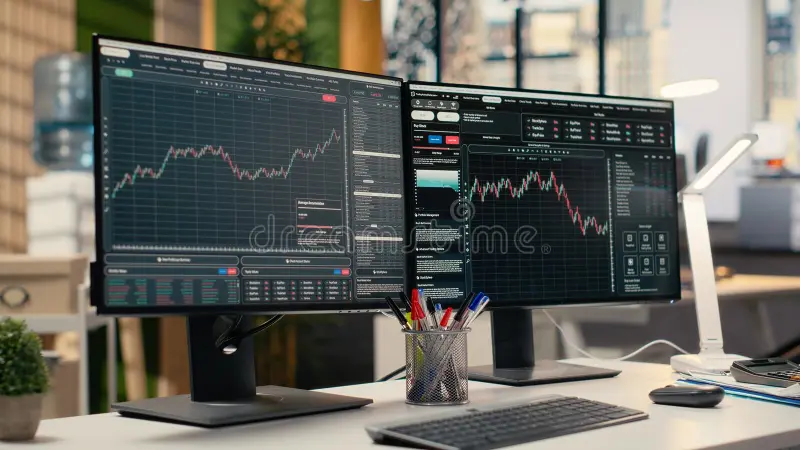
Most traders eventually hit the same wall: you're trying to watch multiple charts, keep an eye on your watchlist, and execute orders without constantly alt-tabbing and losing focus. To answer whether dual monitor setup is good for trading, the honest answer is that it helps a lot of traders, but it is not the right move for everyone. The real question is whether it fits your trading style, experience level, and physical setup.
Research consistently shows that additional screen space reduces cognitive load and workflow friction for active traders. Manufacturer-independent benchmarks show 1440p is the sweet spot for clarity without scaling issues. Per OSHA ergonomic guidance, the top of your screen should sit at or just below eye level for safe long-term use.
Let us break down exactly when a dual monitor setup earns its keep and when it just creates clutter.

Image source: Bing (Web)
The Quick Answer: It Depends on Your Trading Style
Dual monitors improve workflow for active traders. Scalpers and day traders benefit the most. Swing traders often find one screen sufficient.
Setup quality matters as much as quantity.
When Dual Monitors Make a Real Difference
Not every trader needs two screens. But for certain styles, the extra screen space is not a luxury; it is a functional requirement that directly affects performance.
Day Trading and Scalping
If you are day trading or scalping, speed is everything. You need to read price action on one timeframe, execute on another, and monitor level 2 data or order flow without shifting windows. A dual monitor setup lets you pin your execution platform on one screen and keep charts or heatmaps on the other.
This eliminates the dangerous half-second delay when you are alt-tabbing during volatile moments. Active day traders consistently report that dual monitors rank among the highest-impact upgrades to their workflow.
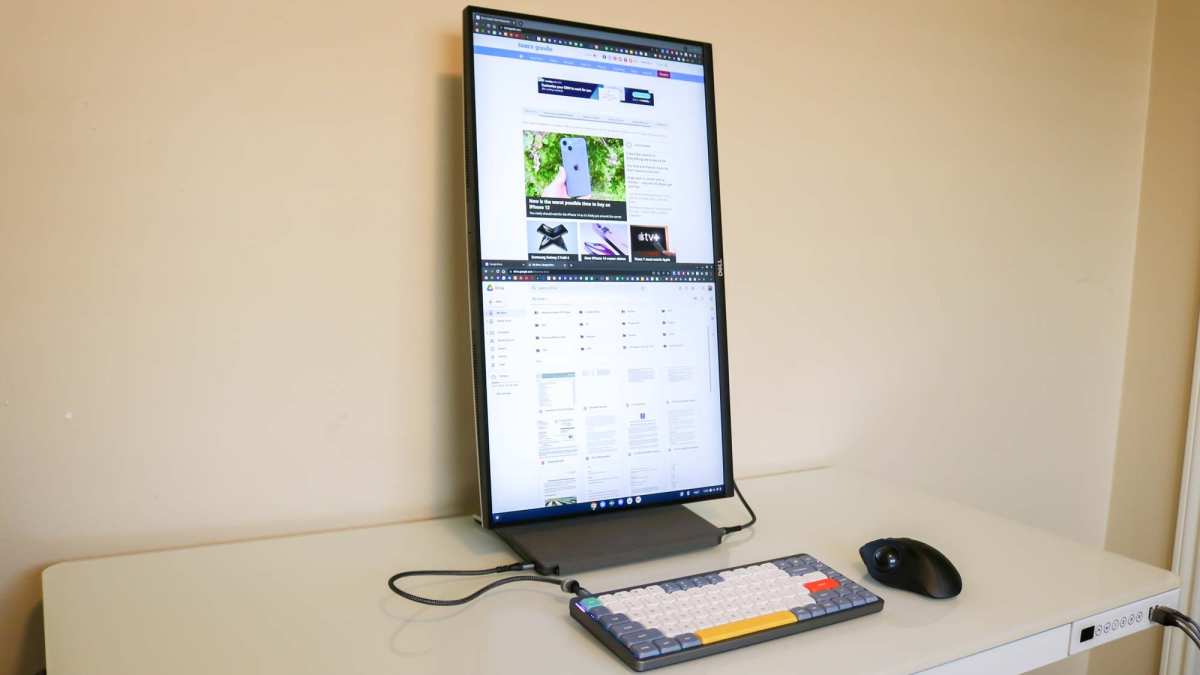
Image source: Bing (Web)
Swing Trading and Position Trading
Swings traders hold positions for days or weeks, so they do not need split-second execution. But they do benefit from comparing multiple timeframes or running a news feed alongside their charting software. In our research, swing traders who adopted dual monitors cited "fewer missed setups" as their top benefit.
They were able to watch higher timeframe trends on one screen while scanning intraday entries on the other. This pairs especially well with platforms like TradingView or MetaTrader 5 that support multi-window layouts.
Options and Multi-Asset Traders
Options traders typically monitor Greeks, implied volatility, and multiple expiration chains simultaneously. If you are trading across equities, futures, or crypto at the same time, one screen simply cannot hold all that data without constant window switching. Dual monitors let you assign each asset class or analysis tool to a dedicated display.
Prop desk traders working in companies like Jump Trading or Citadel Securities routinely use four to six screens, as documented in their publicly shared workstation requirements as of 2026.
When a Single Monitor Is Actually Enough
More screens are not always better. For certain traders, a single well-chosen monitor outperforms a poorly planned dual setup every time.
Long-Term Position Trading and Investing
If you are holding trades for weeks, months, or years, you do not need real-time data on constant display. A single 27-inch 1440p monitor gives you plenty of room for fundamental research, portfolio tracking, and occasional chart review. Adding a second screen in this scenario just creates more space for distractions, not productivity.
Beginners Still Learning the Basics
New traders often want to replicate what they see on professional desks. But if you are still learning candlestick patterns, support and resistance, and basic risk management, a second monitor adds noise, not signal. Information overload is a real problem.
Beginners perform better when they focus on one clean chart and one execution window. Master a single screen first. Add a second only when you consistently feel limited by your current setup.
Laptop-Only Trading Setups
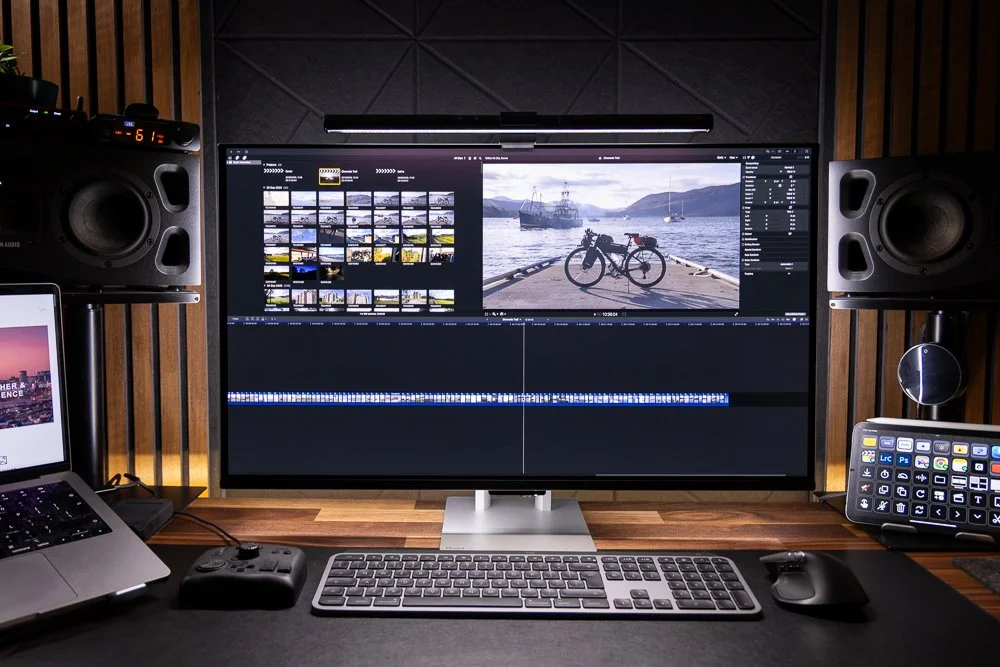
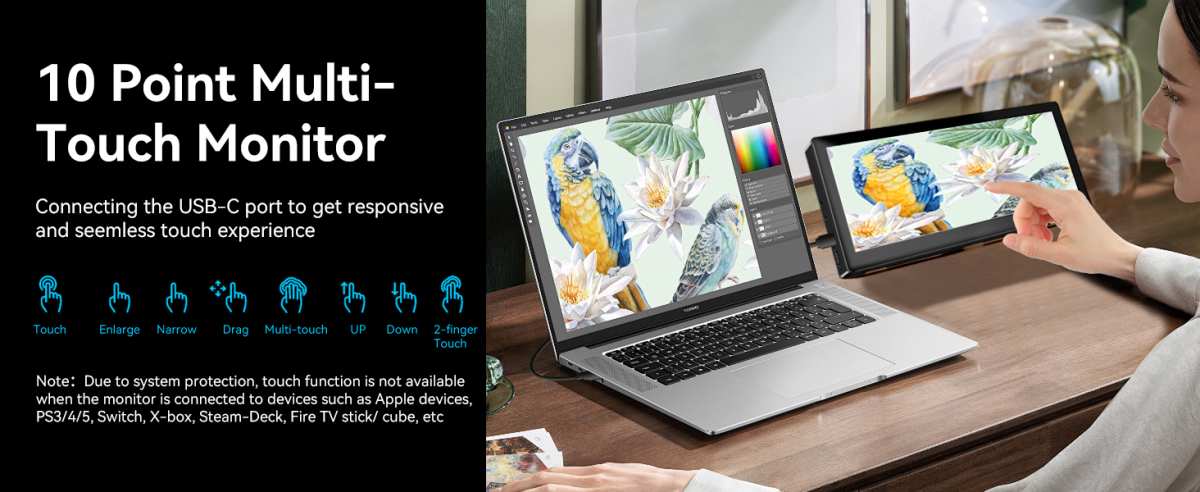
Many traders operate from a laptop with an external monitor as a second screen. This dual-screen portable setup works well for those who travel or trade from co-working spaces. But if you are using only a laptop screen, even adding a single external monitor dramatically improves your workspace.
You do not need a full dual external monitor rig to see benefits.
The Downsides Nobody Talk About
Before you buy a second monitor, you need to understand the real costs. They are not just financial.
Information Overload and Attention Fragmentation
More screens mean more data streams competing for your attention. If you cannot process the information on one screen effectively, adding a second one will not help. It will just give you two screens of data you are not reading.
Aggregate reviews indicate that some traders report decreased performance after adding monitors, primarily due to distraction. The key is discipline. If you find yourself staring at your watchlist instead of your charts, the second screen is hurting you.
Physical Strain and Ergonomics
Staring at screens for hours strains your eyes and your neck. A poorly positioned second monitor forces you to turn your head repeatedly, which causes fatigue and discomfort over long sessions. Per OSHA's Computer Workstation guidelines, your primary monitor should sit directly in front of you at arm's length, with the top of the screen at or below eye level.
A secondary monitor should be angled to minimize head rotation. Ignoring ergonomics turns a productivity upgrade into a health problem.
Desk Space and Cost
Two monitors require a desk at least 30 inches deep and wide enough to hold both screens without crowding your keyboard and mouse. A quality 27-inch 1440p monitor costs between $200 and $400 as of 2026. Add a monitor arm ($30 to $150), cables, and possibly a GPU upgrade if your current card does not support dual displays.
For traders on a tight budget, that money is often better spent on education, better software, or simply more capital in their account.
Dual Monitor vs Ultrawide: Which Setup Wins?
This is one of the most common debates in trading setups. Both have strengths. Neither is universally better.

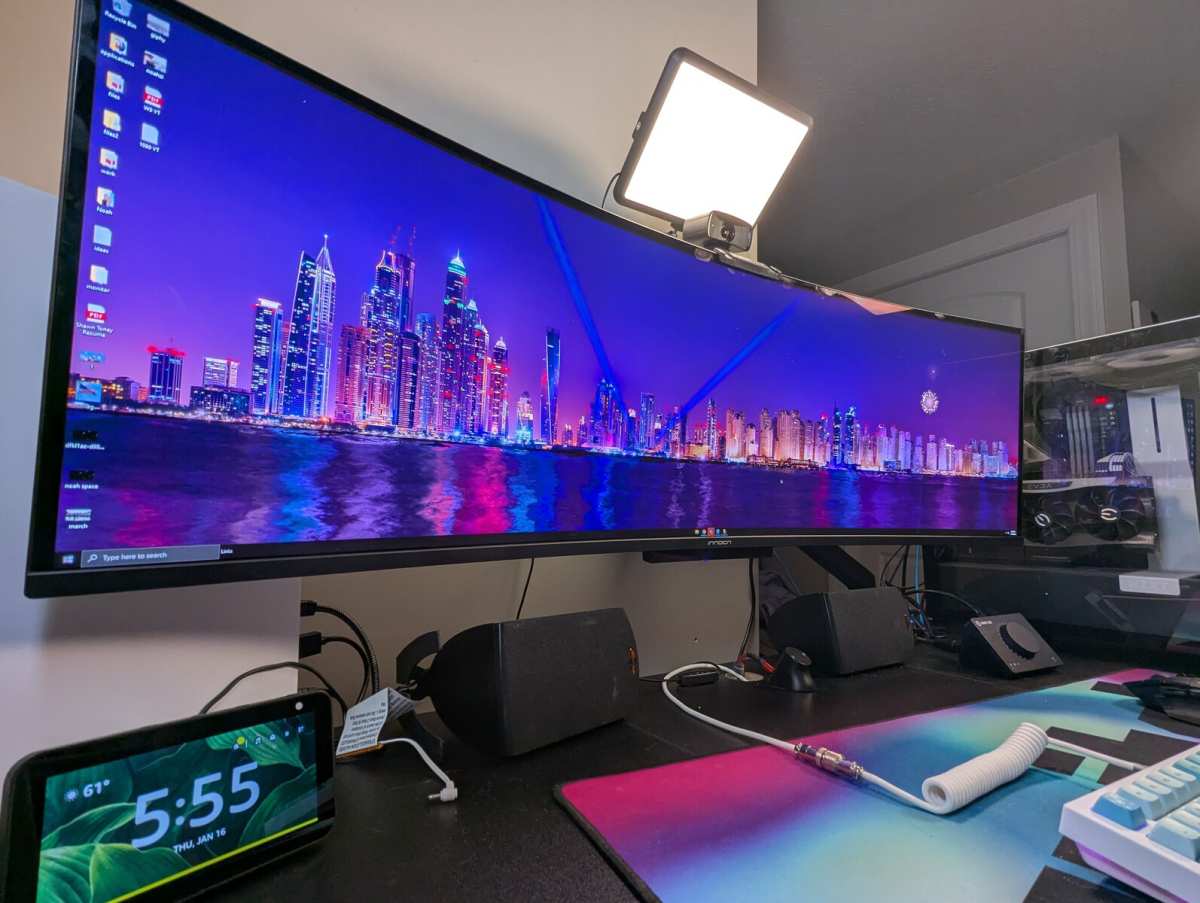
Image source: Bing (Web)
| Factor | Dual Monitor | Ultrawide Monitor |
|---|---|---|
| Screen separation | Natural split between displays | Single continuous display |
| Flexibility | Mix and match sizes/resolutions | One panel, one spec |
| Bezel disruption | Center bezel between screens | No bezel interruption |
| Cost (2026) | $300–$700 for two good screens | $350–$1,200 depending on size |
| GPU requirements | Two outputs needed | One output, less GPU load |
| Best for | Traders who want distinct zones | Traders who want seamless charts |
| Desk space | Requires more depth and width | Single stand, less clutter |
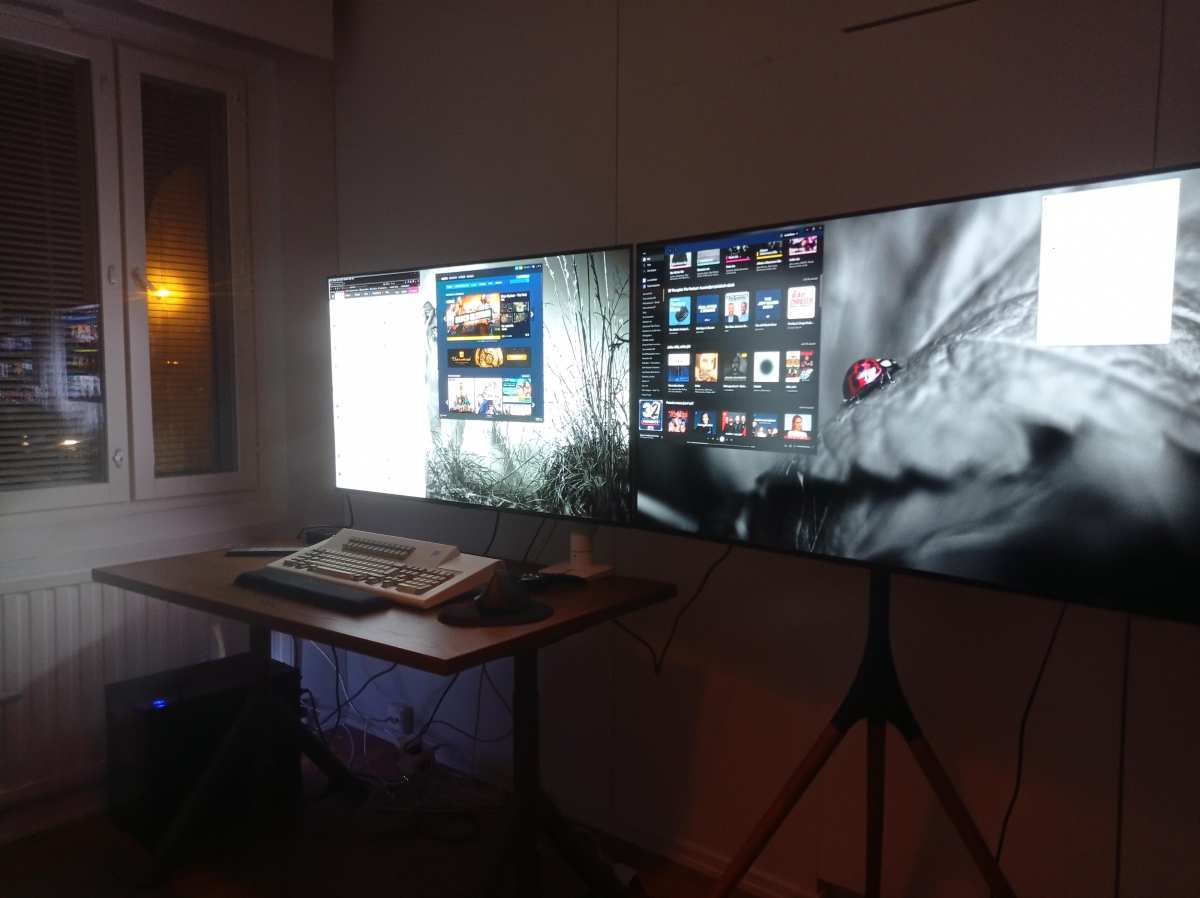
Dual monitors work best when you want to completely separate your workflow zones. One screen for charts, one for execution, for example. The physical bezel creates a natural boundary that helps your brain categorize information.
Ultrawides shine when you want a panoramic chart view without a bezel cutting through the middle of your candlestick data. A 34-inch or 49-inch curved ultrawide can replace two monitors for traders who prioritize visual continuity over strict zone separation.
The honest recommendation from our research: if you are new to multi-screen trading, start with a single good monitor and add a second when you feel the limitation. If you already know you want a panoramic view for charting, an ultrawide may serve you better than two separate screens.
How to Set Up Dual Monitors for Trading
A poor setup kills the benefits. Here is how to get it right.
Step 1: Choose Your Primary and Secondary Screen
Your primary monitor sits directly in front of you. It displays your main charting platform or order execution window. Your secondary monitor goes to the left or right, angled toward you.
It holds watchlists, news feeds, or supplementary charts. For most traders, a 27-inch 1440p IPS panel serves well as the primary. A 24-inch 1080p or matching 27-inch works as secondary.
Matching sizes simplify window management, but mismatched setups work fine if you adjust display scaling in Windows or macOS.
Step 2: Position Them Correctly
Place the primary screen at arm's length, roughly 20 to 30 inches from your eyes. The top edge should sit at or just below eye level per OSHA ergonomic guidelines. Angle the secondary monitor 15 to 30 degrees toward you so you can read it without turning your head excessively.
A dual monitor arm saves desk space and gives you precise height and angle control. It is worth the $40 to $100 investment.
Step 3: Configure Your Display Settings
Open your operating system's display settings. Set the correct resolution for each monitor. In Windows 11, go to Settings > System > Display and drag the monitor icons to match their physical position.
On macOS, go to System Settings > Displays and arrange them under the Arrange button. Set scaling to 100% for 24-inch 1080p screens or 125% for 27-inch 1440p panels. Incorrect scaling causes blurry text and wasted screen space.
Step 4: Assign Your Workspace Layout
Decide what lives on which screen based on frequency of use. Your most time-sensitive data goes on the primary monitor. Common layouts include charts on left and order book on right, or execution platform on primary and news scanners on secondary.
Trading platforms like Thinkorswim and NinjaTrader support custom workspace profiles. Save your layout so you can restore it quickly after disconnections or reboots.
Step 5: Test and Tweak
Sit through a full trading session and note where your eyes travel most. If you find yourself ignoring the secondary screen, rearrange your workspace. If you are turning your head too often, adjust the angle or bring the secondary closer.
Small adjustments make a big difference over eight-hour sessions.
What Dual Setup Works Best for Each Trading Style?
Not every trader should arrange their screens the same way. Here is what tends to work for each approach.
- Scalpers: Primary holds the execution window with DOM or price ladder. Secondary displays a single higher-timeframe chart for context.
- Day traders: Primary shows multiple chart windows on one platform. Secondary runs a scanner, news feed, or broker routing software.
- Swing traders: Primary keeps daily and weekly charts. Secondary holds a watchlist, economic calendar, or trading journal.
- Options traders: Primary displays the option chain and Greeks. Secondary shows the underlying chart and implied volatility data.
- Crypto traders: Primary runs TradingView or Coinigy for charting. Secondary monitors on-chain data sites, Twitter, or liquidation heatmaps.
Beginners Often Make
Buying the Wrong Monitors First
New traders often buy two cheap 24-inch 1080p panels without considering panel type or ergonomics. A slow TN panel with poor color accuracy makes it harder to read stacked indicators. Spending a bit more on one good IPS monitor beats buying two budget screens that frustrate you within months.
Placing Monitors Poorly
Stacking one monitor above the other strains your neck. Placing them too far apart forces excessive head movement. Your screens should form a gentle arc with the primary directly ahead.
Treating Both Screens Equally
If both monitors demand equal attention, you are splitting your focus, not enhancing it. Designate one as primary and let the secondary support it passively.
Skipping Calibration and Ergonomic Setup
Skipping brightness calibration, display scaling, or height adjustment leads to fatigue within days. Take 30 minutes to configure everything properly. You will trade better and feel better doing it.
The Ergonomic Reality
Traders often sit for six to eight hours straight during market sessions. Proper ergonomics are not optional.
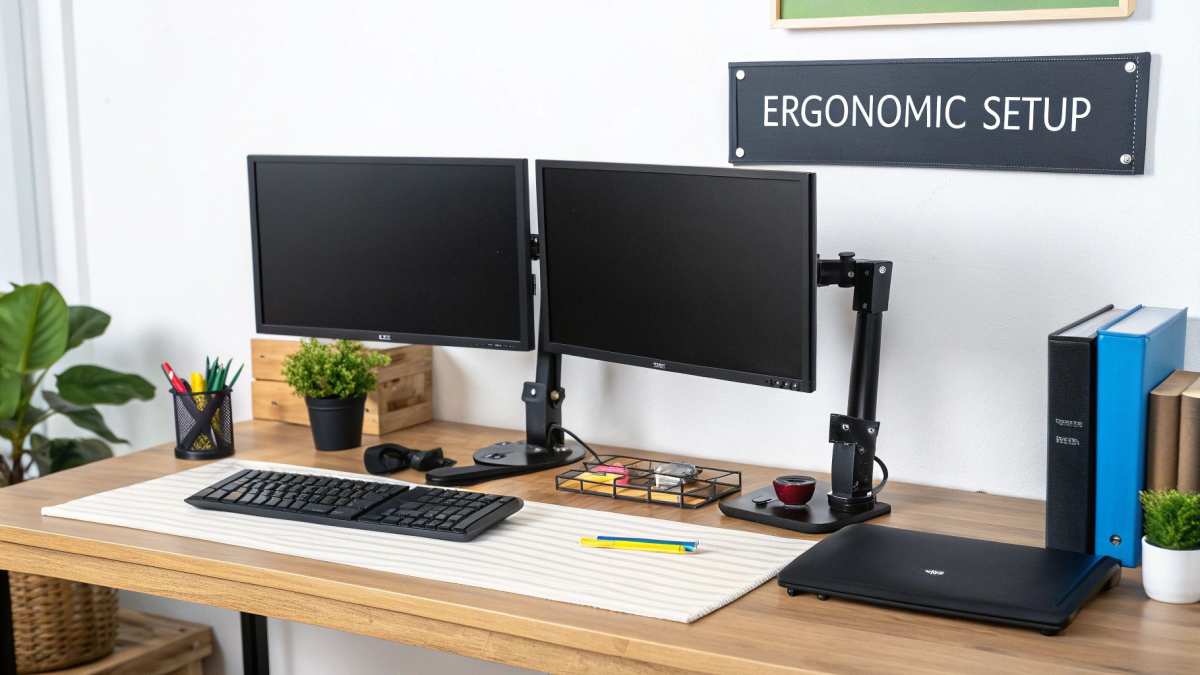
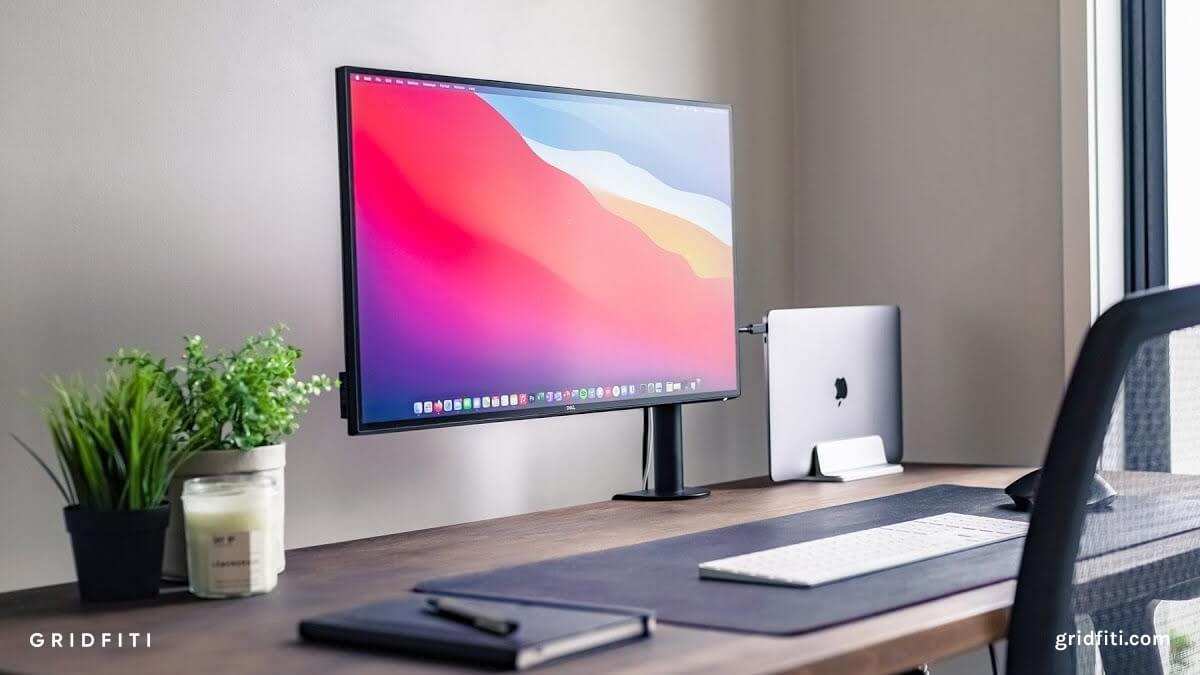
Image source: Bing (Web)
Per OSHA's Computer Workstation eTool guidelines, your monitor should be positioned at arm's length with the top of the screen at or below eye level. Chair height should allow your feet to rest flat on the floor. Your elbows should form approximately 90 degrees when typing.
The 20-20-20 rule helps reduce eye strain: every 20 minutes, look at something 20 feet away for 20 seconds. Blue light filtering and proper room lighting also contribute to comfort during extended sessions. Ignoring these basics leads to chronic neck pain, headaches, and diminished focus over time.
Is Dual Monitor Setup Good for Trading? Decision Guide
Use this quick reference to decide whether you should invest in dual monitors.
| Your Situation | Recommendation |
|---|---|
| Day trading or scalping actively | Dual monitors strongly recommended |
| Swing trading with 3+ positions open | Dual monitors helpful but not essential |
| Long-term position trading or investing | Single high-quality monitor is sufficient |
| Trading options or multiple asset classes | Dual monitors recommended |
| Complete beginner learning basics | Start with one screen, add later |
| Limited desk space ($< 24$ inches deep) | Consider ultrawide or laptop + single external |
| Experiencing eye strain or neck pain | Fix ergonomics before adding screens |
Frequently Asked Questions
Do I need two identical monitors for trading?
No. Matching monitors look cleaner and simplify setup, but mismatched panels work fine. Just adjust display scaling in your OS to match the perceived size.
Many traders run a 27-inch 1440p primary with a 24-inch 1080p secondary without issues.
Will dual monitors slow down my trading platform?
Not if your hardware supports it. Modern GPUs handle three or four displays without performance loss. The only risk is running GPU-intensive custom indicators on multiple charts simultaneously.
Check your GPU manufacturer's specs for maximum supported displays before connecting.
Is a single ultrawide better than dual monitors for day trading?
It depends on personal preference. Ultrawides eliminate the center bezel but lack the natural visual separation that dual monitors provide. If you rely on strict window zones, dual monitors work better.
If you want seamless panoramic charts, go ultrawide.
What is the best budget dual monitor setup for beginners?
A single 27-inch 1440p IPS panel as primary, paired with a used 24-inch 1080p as secondary, offers the best value. This gives you quality where it matters most without overspending. Upgrade the secondary later when your workflow demands it.
Can I use a laptop screen as one of the dual monitors?
Yes. Most modern laptops support at least one external monitor via HDMI or USB-C. This gives you a functional dual-screen setup without buying two external displays.
It is the most cost-effective entry point for new traders.
How much desk depth do I need for dual monitors?
At least 30 inches of desk depth is recommended for dual 27-inch monitors. Shallower desks force you to sit too close, causing eye strain and reducing your field of view. Measure before you buy.

Similar Posts