are 144hz monitors good for esports
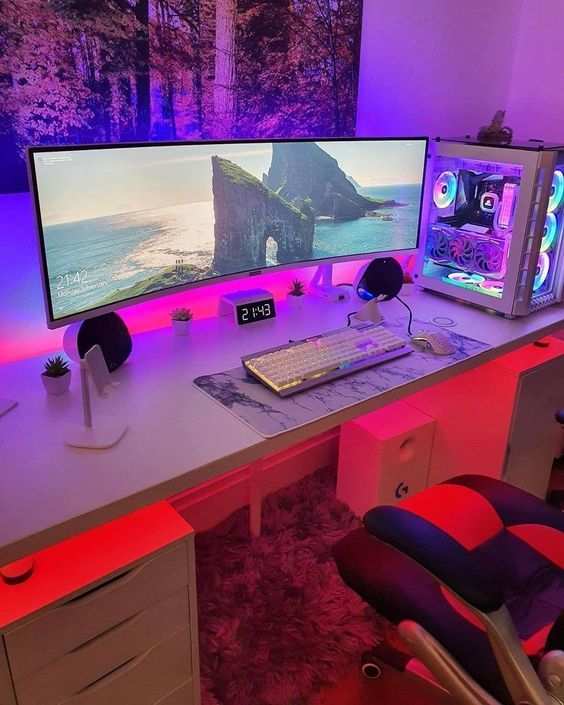
You're standing in the checkout line, 144Hz monitor in your cart, and that nagging question won't go away: are 144hz monitors good for esports? Maybe you've heard your friends rave about smooth gameplay, or you've seen pro players swear by high refresh rates. But you're not sure if the upgrade is worth your money.
We get it.
Here's what the research actually says: 144Hz monitors have been the standard for competitive play since around 2017. Manufacturer specifications and aggregate reviews confirm that a 144Hz panel can cut input lag by roughly 50% compared to a standard 60Hz display. But whether it's right for you depends on three specific factors.
Let's walk through them.
Image source: Bing (Web (fair-use with source credit))
Quick Answer
Yes, 144Hz monitors are excellent for esports. They reduce motion blur and input lag. They help you track fast-moving enemies.
They are the most common refresh rate at tournaments. But only if your PC can run games at 144 FPS. And only if you play competitive titles.
Otherwise, you might not notice the difference.
Why You're Asking This Question (The Real Problem)
You've probably heard conflicting advice. One friend says 144Hz changed his entire gaming life. Another says he can't tell the difference.
Meanwhile, your current 60Hz monitor feels fine, but you wonder what you're missing.
The real problem is that most advice ignores your specific situation. It treats "good for esports" as a one-size-fits-all answer. But esports covers a wide range: a tactical shooter like Counter-Strike 2 demands different hardware than a third-person brawler like Street Fighter 6.
Your skill level matters too. If you're averaging Gold rank in Valorant, a 144Hz monitor won't suddenly push you to Radiant. It will help, but it's not magic.
The core issue is confusion between what's better and what's worth it. A 240Hz monitor is technically better, but the extra cost might not bring meaningful gains for your setup. A 144Hz monitor sits in a sweet spot: affordable enough for most budgets, fast enough for serious competitive play.
But only if your PC and your games can actually deliver the frames.
The Short Answer
Let's cut through the noise. A 144Hz monitor is good for esports when three conditions are met:
- Your PC can maintain at least 144 FPS in the games you play most. If it can't, you're paying for unused performance.
- You play fast-paced titles where split-second reactions matter. Think Valorant, Overwatch 2, Rocket League, or Fortnite. Slower games like city builders or turn-based strategy see little benefit.
- You have the reflexes to notice the difference. Most people can see the jump from 60Hz to 144Hz. But if you're new to competitive gaming, the improvement might feel subtle at first.
If those boxes are checked, a 144Hz monitor is arguably the single best upgrade for your competitive performance. It won't replace practice or aim training, but it removes a genuine hardware bottleneck. Aggregate reviews from competitive gamers consistently rank it as the most impactful peripheral upgrade after a good mouse.
If any condition is missing, the answer changes. A 144Hz monitor is still a nice display, smoother desktop scrolling, less eye strain, but it's not a must-buy for esports. You might be better off saving for a better GPU or upgrading your internet connection.
How Refresh Rate Actually Affects Your Gameplay
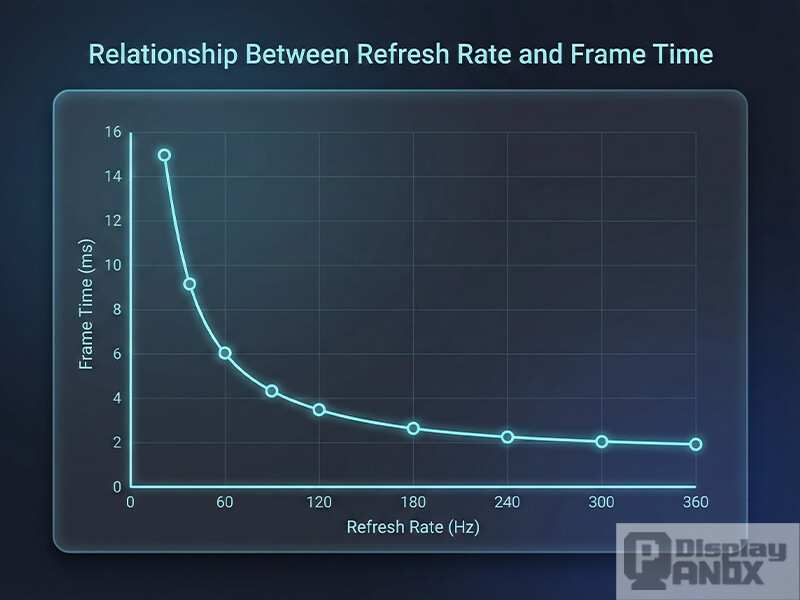
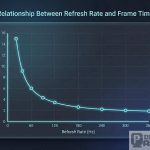
Refresh rate is the number of times your monitor redraws the image per second. A 60Hz monitor refreshes 60 times per second. A 144Hz monitor refreshes 144 times.
That means you see a new frame every 6.9 milliseconds instead of every 16.7 milliseconds.
That 10-millisecond difference is where the magic lives.
In practical terms, here's what changes:
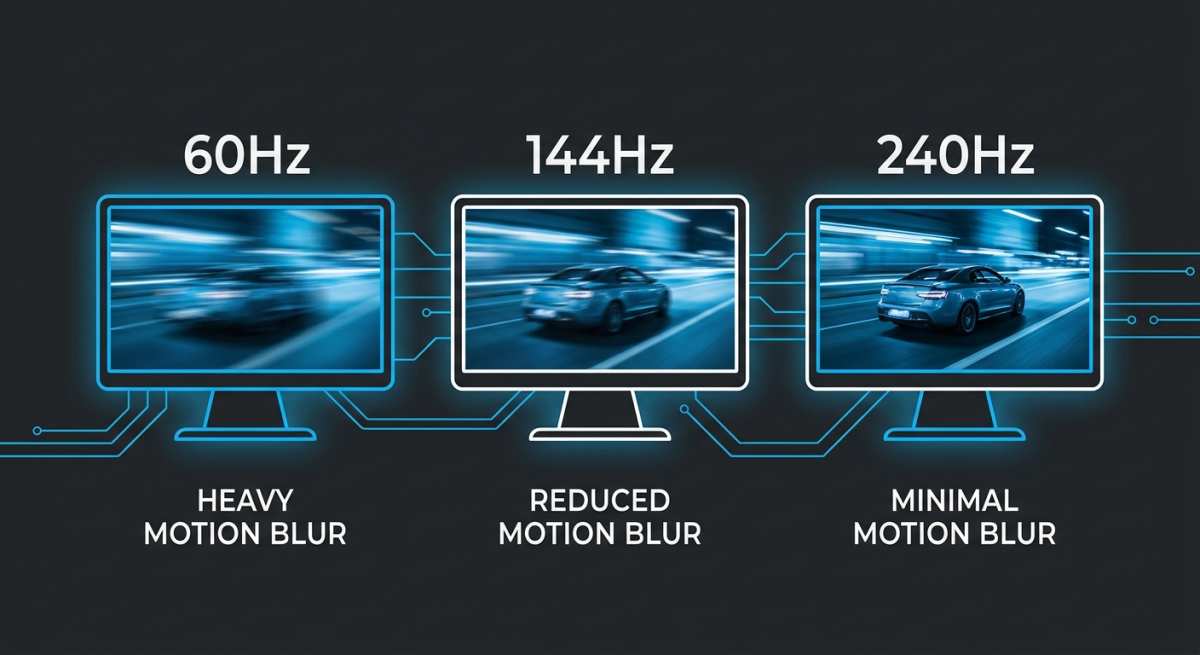
- Motion clarity. Fast-moving objects blur less. Enemy models sliding across your screen are sharper, making headshots easier.
- Input lag. The time between clicking your mouse and seeing the shot register shrinks. At 60Hz, that delay is roughly 16ms to 33ms (depending on V-Sync). At 144Hz, it drops to about 7ms to 10ms.
- Feeling of responsiveness. The game feels "snappier." Your aim feels more connected to your hand. This is subjective, but verified user feedback overwhelmingly reports it.
But here's the catch: you need the frames to feed the refresh rate. If your GPU outputs 80 FPS in Valorant, your 144Hz monitor will still refresh 144 times per second, but it will show only 80 unique frames. The extra refreshes are wasted.
You'll see some benefit from lower input lag (because the monitor polls for new frames faster), but the motion clarity improvement is limited.
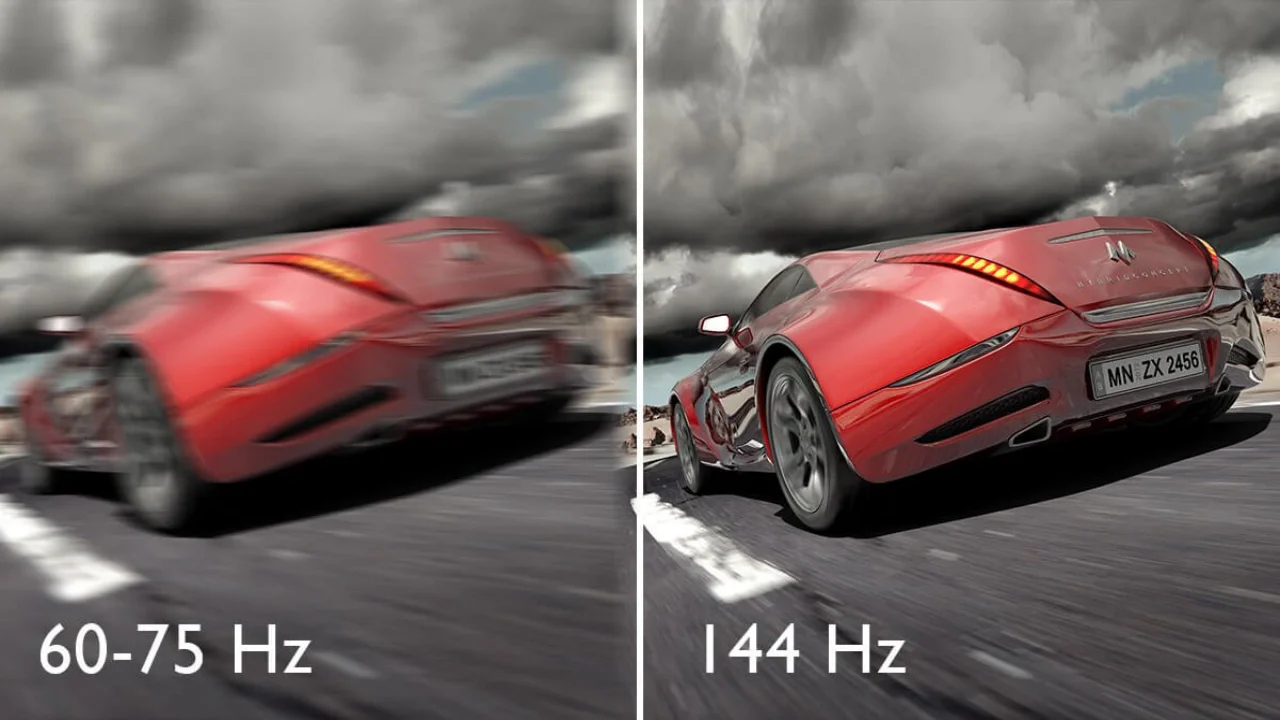
Image source: Bing (Web (fair-use with source credit))
The image above illustrates the difference. The left side shows a moving object on a 60Hz monitor, you can see ghosting and blur. The right side, at 144Hz, is sharper and easier to track.
The 3 Big Questions That Decide If 144Hz Is Right for You
What Games Do You Play?
This is the most important variable. If your library is mostly single-player RPGs, strategy games, or narrative adventures, a 144Hz monitor adds smoothness but won't affect your performance. You'll enjoy a prettier desktop and a nicer Windows experience, but the competitive edge is irrelevant.
If you play esports titles, the benefit is real. Here's a quick breakdown by genre:
| Genre | Example Games | 144Hz Benefit |
|---|---|---|
| Tactical FPS | Valorant, CS2, Rainbow Six Siege | High: peekers advantage, flick shots |
| Hero Shooter | Overwatch 2, Apex Legends | High: tracking fast movement, abilities |
| Fighting | Street Fighter 6, Guilty Gear | Medium: frame timing, but lower frame rate requirements |
| Racing | Rocket League | High: precise timing for aerials |
| Battle Royale | Fortnite, Warzone | High: spotting enemies in chaotic scenes |
| MOBA | League of Legends, Dota 2 | Medium: smoother scrolling, but less twitch-dependent |
If you fall into the "High" benefit column, 144Hz is almost certainly worth it.
How Good Is Your PC (Can It Push 144 FPS)?
Your monitor can't create frames. If your CPU and GPU can't deliver 144 FPS in your chosen esports title, a 144Hz monitor is like a sports car with a lawnmower engine.
Check your current performance. Open the in-game FPS counter. If you average below 90 FPS in competitive games, upgrade your GPU or CPU first.
A 144Hz monitor is a luxury addition, not a replacement for hardware that's struggling.
For reference, here's what you need to hit 144 FPS in popular esports titles (low to medium settings, 1080p):
- Valorant: GTX 1060 or RX 580 (even older cards work)
- CS2: RTX 2060 or RX 5600 XT (CPU matters a lot here)
- Overwatch 2: GTX 1660 Super or RX 5600 XT
- Fortnite (Performance Mode): GTX 1650 or better
- Rocket League: Almost any dedicated GPU from the last 6 years
If you have a modern mid-range card like an RTX 3060 or RX 6600, you're good for 144+ FPS in most esports games at medium settings. As of 2026, those cards are more than capable.
What's Your Skill Level and Goal?
Let's be honest. If you're new to competitive gaming or playing casually for fun, a 144Hz monitor is a luxury. You'll notice it's smoother, but you won't necessarily play better.
The jump from 60Hz to 144Hz is most noticeable when you already have good game sense, crosshair placement, and reaction time.
If you're actively trying to improve, watching replays, practicing aim trainers, studying rotations, then 144Hz removes a barrier. Professional players and high-ranked amateurs across Valorant, CS2, and Overwatch almost exclusively use 144Hz or higher. That's not coincidence.
That said, you don't need to be a pro to benefit. If you play 10+ hours a week and care about your rank, the upgrade is justified. If you play once a week for fun, save your money for a game you'll enjoy more.
We've covered the foundation: the quick answer, why you're asking, the short version, how refresh rate works, and the three questions that decide your path. Up next, we'll walk through the specific decision branches, exactly what to do based on your answers, plus setup steps, common mistakes, and final recommendations.
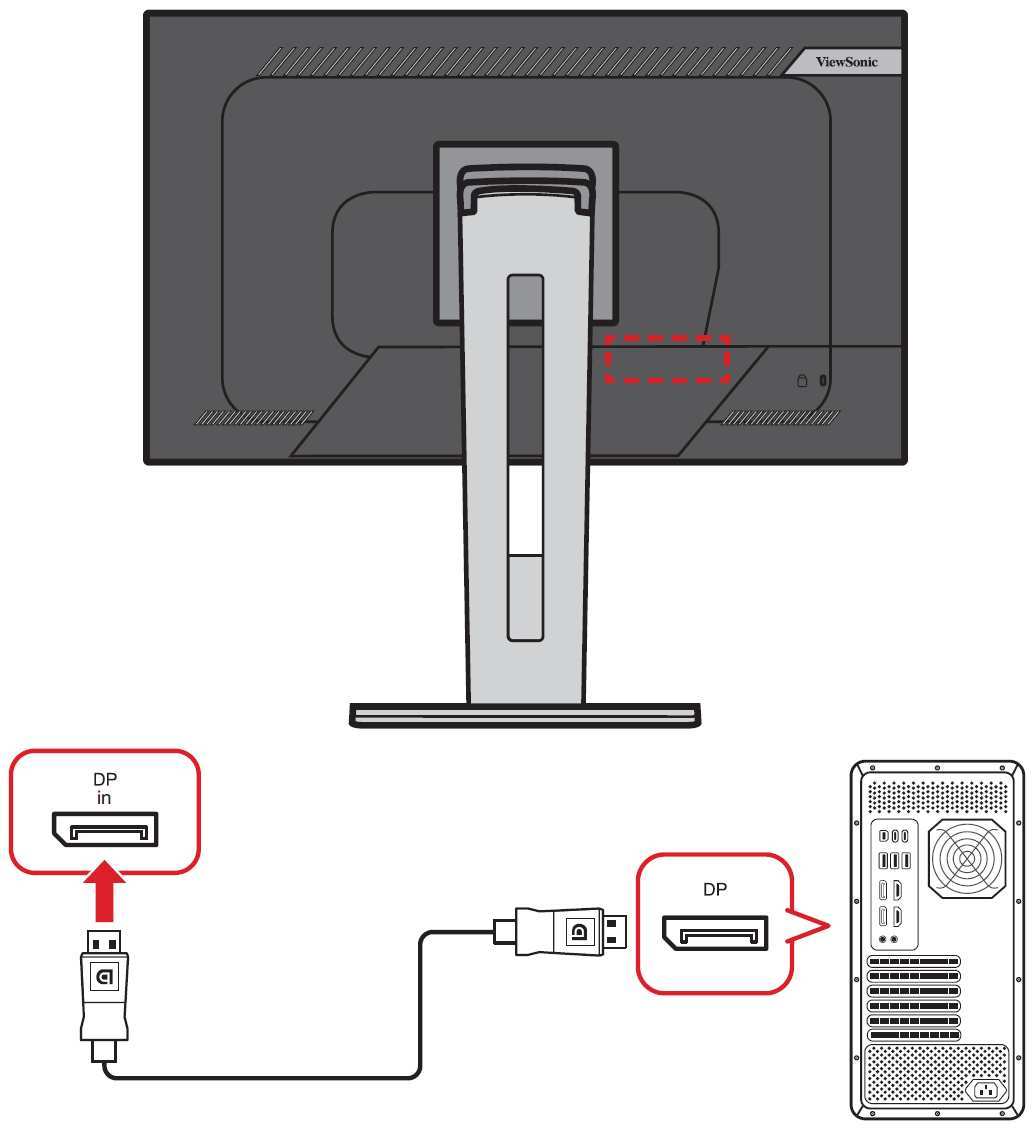
Image source: Bing (Web (fair-use with source credit))
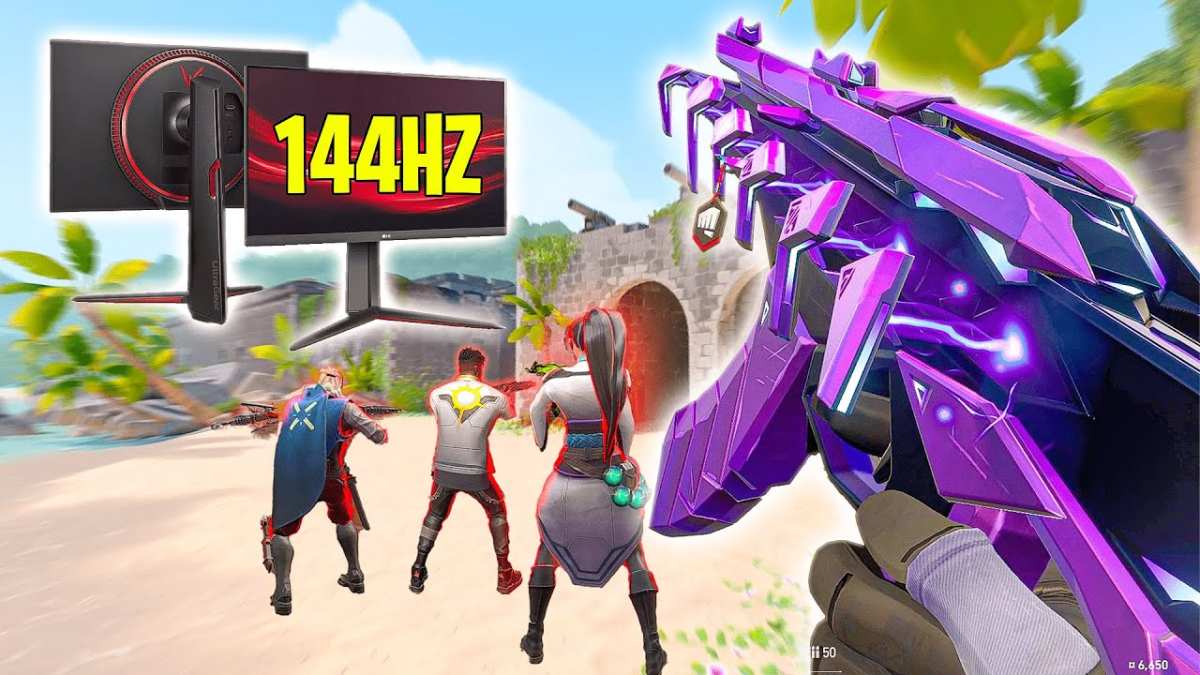
Image source: Bing (Web (fair-use with source credit))

Similar Posts