Why Do OLED Monitors Cost More Than Ips
If you've been shopping for a new monitor lately, you've probably noticed a pretty steep price gap between OLED and IPS panels. So why do OLED monitors cost more than IPS? The short answer comes down to manufacturing complexity, lower production yields, and the fact that OLED panel technology for desktop monitors is still relatively new compared to the mature IPS market.
As of 2026, a quality 27-inch 4K OLED monitor runs anywhere from $650 to $1,300, while a comparable IPS panel with similar resolution and refresh rate sits around $250 to $500. That's roughly a 2 to 3 times price difference, and it's not just a brand markup. There are real engineering and production reasons behind it, and understanding them will help you decide whether the upgrade is actually worth your money.
Quick Answer
OLED monitors cost more because they use self-emitting organic compounds instead of a backlight. Manufacturing these panels is complex and expensive. Production yields are lower than IPS.
The technology is newer for desktop monitors. Panel makers like Samsung Display and LG Display are still scaling up capacity. These factors combine to keep prices 2 to 3 times higher than equivalent IPS monitors.
The Real Reason OLED Monitors Are Priced Higher
Let's get into the meat of it. The price difference between OLED and IPS monitors isn't arbitrary. It's rooted in how each technology is built, how efficiently factories can produce them, and where each technology sits in its lifecycle.
IPS panels have been around for decades. The manufacturing process is refined, the yields are high, and the supply chain is massive. OLED monitor panels, on the other hand, only started hitting the consumer market in force around 2019 and 2020.
That's a huge head start for IPS.
When we talk about "yields," we mean the percentage of panels that come off the production line without defects. A single dead pixel, a slight color inconsistency, or a uniformity issue can disqualify a panel. OLED panels are harder to produce cleanly at larger sizes because each pixel is its own individual light source made from organic compounds.
IPS panels use a simpler backlight-and-liquid-crystal arrangement that's far more forgiving at scale.
The result is that it simply costs more to make a working OLED panel than a working IPS panel of the same size. And those costs get passed directly to you.
Manufacturing Complexity: Why OLED Costs More to Build
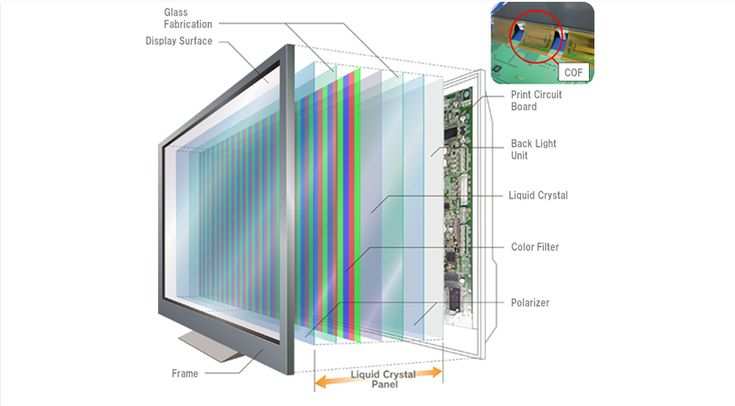
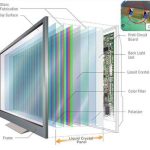
Here's where things get interesting. An IPS monitor is essentially a backlight (usually an array of LEDs) shining through layers of liquid crystals and color filters. It's a well-understood, highly optimized process that's been refined over 30-plus years.
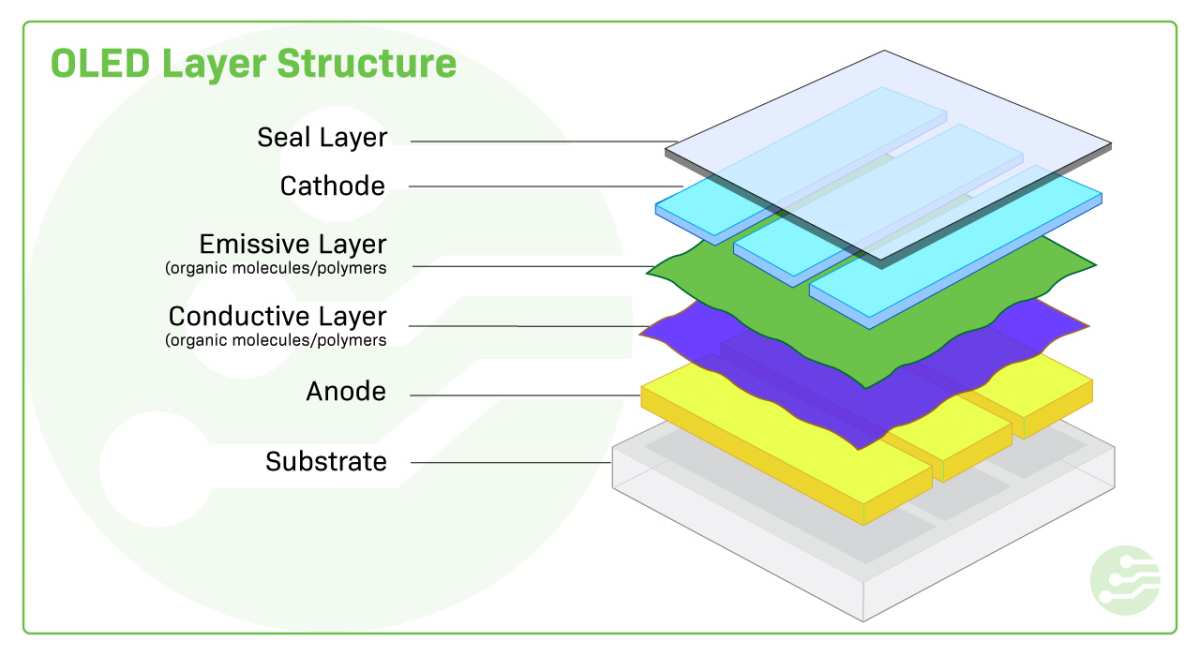
OLED is fundamentally different. Each pixel on an OLED panel is its own tiny organic light-emitting diode. There's no backlight.
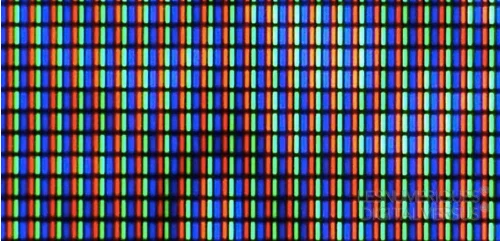
No liquid crystal layer. No color filter in the traditional sense (at least on WOLED panels from LG Display). Instead, you've got layers of organic compounds that emit light when electrical current passes through them.
The Deposition Process
The organic layers in an OLED panel are deposited using a process called vacuum thermal evaporation. This happens in a vacuum chamber where organic materials are heated until they vaporize and settle onto the substrate in incredibly precise patterns. For WOLED panels (LG Display's approach), this involves stacking multiple organic layers to produce white light, which then passes through a color filter.
QD-OLED panels from Samsung Display take a different route. They use a blue OLED emitter combined with quantum dot color converters. This adds another layer of complexity because you need both the OLED deposition and the quantum dot patterning to work perfectly.
Either way, the precision required is extraordinary. We're talking about depositing organic materials at thicknesses measured in nanometers. Any contamination, any misalignment, any inconsistency and the panel is defective.
Why Yields Matter So Much
A lower yield rate means more panels get rejected. And the cost of those rejected panels doesn't just disappear. It gets spread across the panels that do pass inspection.
This is basic economics, but it has a massive impact on final pricing.
Industry data suggests that OLED panel yields for monitor-sized panels (27 to 32 inches) have been improving but still trail IPS yields. LG Display and Samsung Display have both been investing heavily in improving this, but it takes time.
The ABL Factor
OLED panels also require something called Automatic Brightness Limiting (ABL). This is a protective circuit that caps the panel's overall brightness to prevent excessive current draw and premature degradation. It's a necessary engineering solution, but it adds another layer of design complexity that IPS panels simply don't need.
ABL is why a typical OLED monitor might hit 1,000 nits on a small HDR window but only 200 to 250 nits on a full white screen. IPS panels with full-array local dimming can sustain higher full-screen brightness without this limitation.
Side-by-Side: OLED vs. IPS at Every Price Tier
Let's put some real numbers on the table. Here's how the two technologies stack up across common monitor categories as of early 2026.
| Category | OLED Example | OLED Price Range | IPS Example | IPS Price Range |
|---|---|---|---|---|
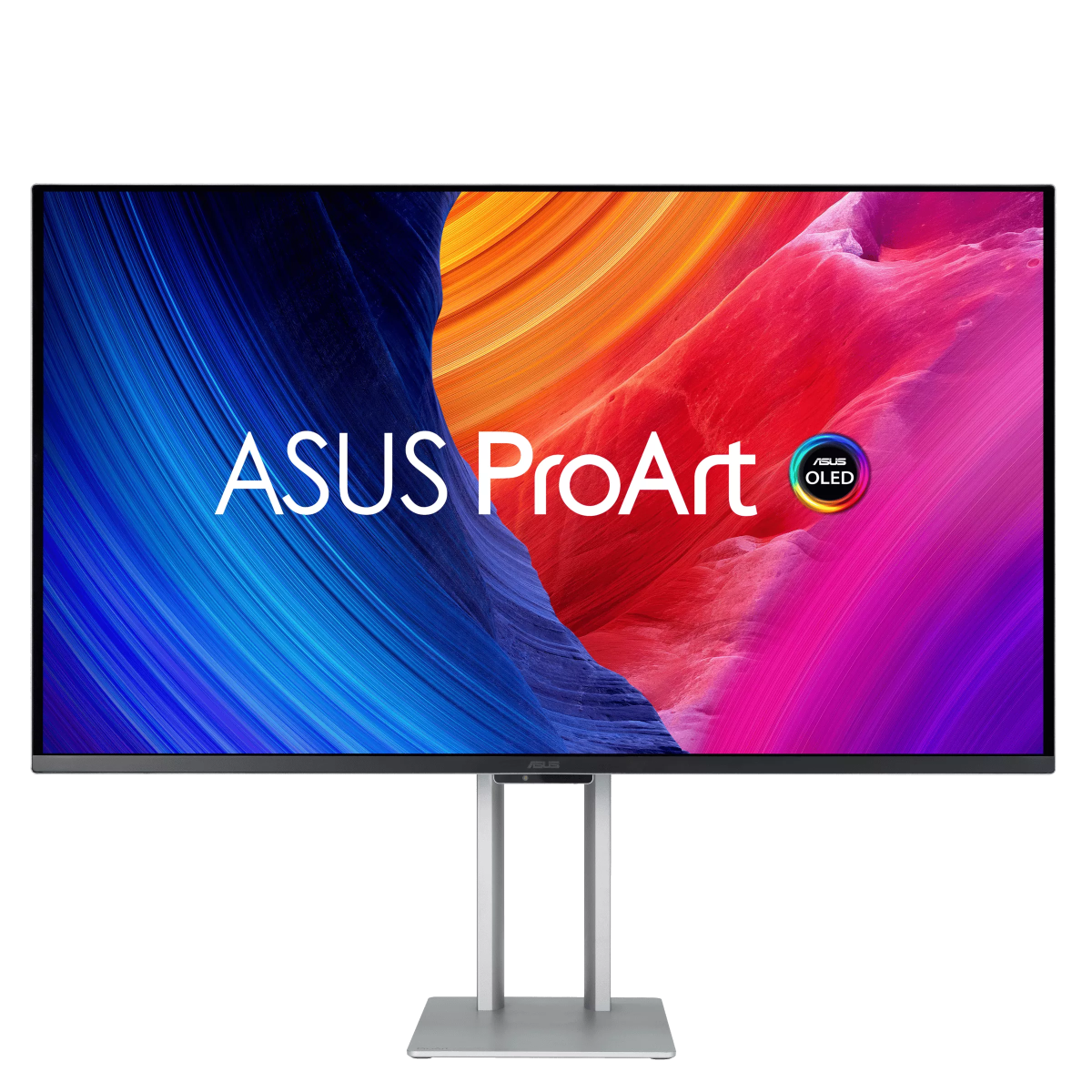
| 27" 4K 144Hz | ASUS ROG Swift PG27UCDM | $900-$1,100 | LG 27GP950-B | $350-$450 |
| 27" 1440p 240Hz | MSI MPG 271QRX | $600-$800 | Dell S2722DGM | $200-$280 |
| 32" 4K 240Hz | Alienware AW3225QF | $800-$1,000 | ASUS ROG Swift PG32UQX | $500-$700 |
| 34" Ultrawide 144Hz+ | MSI MEG 342C QD-OLED | $700-$900 | LG 34GP950G-B | $400-$550 |
| 49" Super Ultrawide | Gigabyte AORUS CO49DQ | $900-$1,200 | Samsung Odyssey G9 | $500-$700 |
What the Numbers Tell You
At every tier, OLED commands a significant premium. The gap is narrowest at the ultrawide category, where OLED's self-emissive nature gives it a natural advantage for curved panel designs. It's widest at the 27-inch 1440p level, where mature IPS panels have become incredibly affordable.
The pricing trend is moving in the right direction for OLED, though. When the first consumer OLED monitors launched in 2020, a 55-inch 4K OLED display could cost $1,500 or more. Now you can get a 27-inch 4K OLED for under $700 during sales.
That's real progress, driven by improved yields and increased production capacity from both Samsung Display and LG Display.
Where IPS Still Holds the Line
IPS panels aren't standing still. Technologies like IPS Black (developed jointly by LG Display and Samsung) have improved IPS contrast ratios from the typical 1,000:1 to around 2,000:1. That's still nowhere near OLED's effectively infinite contrast, but it narrows the gap for users who primarily work with bright content.
Mini-LED backlighting on IPS panels has also improved HDR performance significantly. A Mini-LED IPS monitor with 500+ local dimming zones can deliver impressive HDR that approaches OLED in some scenarios, though blooming around bright objects on dark backgrounds remains an issue that OLED simply doesn't have.
Where OLED Wins (And Where It Actually Doesn't)
This is the part most reviews gloss over. OLED is better in some areas and genuinely worse in others. Let's be honest about both.
OLED's Real Advantages
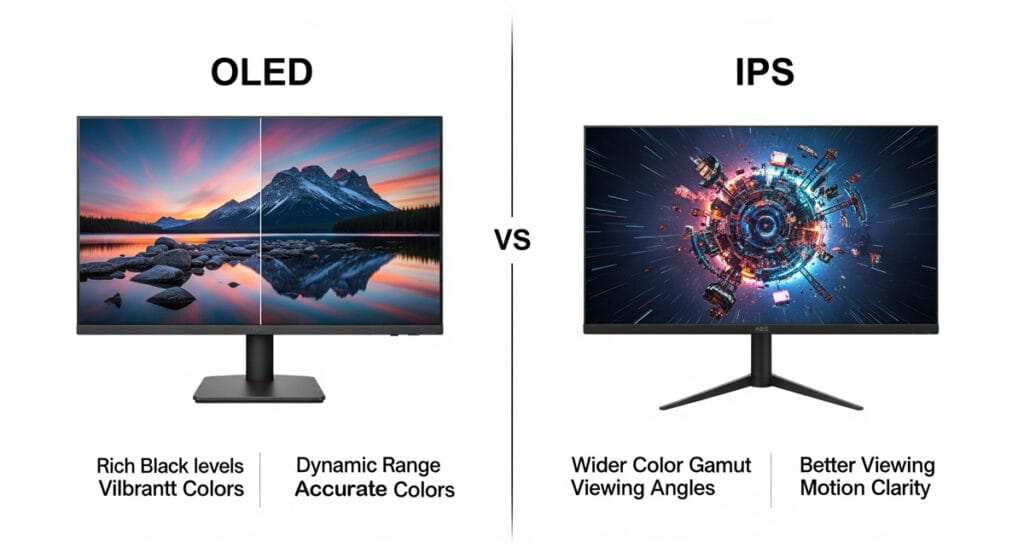
- Perfect black levels. Each pixel turns off completely. No backlight bleed, no IPS glow, no halo around bright objects on dark backgrounds. This is the single biggest visual difference you'll notice.
- Infinite contrast ratio. Because black is truly black, the contrast ratio is essentially unlimited. This makes dark scenes in games and movies look dramatically better.
- Pixel response time. OLED panels achieve gray-to-gray response times of around 0.03 milliseconds. Even the best IPS panels hover around 1 to 3 milliseconds. The result is noticeably cleaner motion, especially in fast-paced games.
- Color volume. WOLED and QD-OLED panels can reproduce a wider color volume than most IPS panels, particularly in HDR content. QD-OLED in particular excels here thanks to the quantum dot color conversion.
- Viewing angles. OLED maintains color accuracy and contrast at extreme viewing angles. IPS is good here too, but OLED is better, especially on curved panels.
Where OLED Falls Short
- Full-screen sustained brightness. Due to ABL, a typical OLED monitor outputs around 200 to 250 nits on a full white screen. A good IPS panel can sustain 350 to 400 nits or more. If you work with bright documents or in a sunlit room, this matters.
- Burn-in risk. OLED panels can develop permanent image retention over time if static elements (taskbars, channel logos, game HUDs) are displayed for extended periods. Modern OLED monitors include pixel refresh and mitigation features, but the risk isn't zero.
- Price per inch. You're paying a significant premium for the OLED label. For budget-conscious buyers, that money might be better spent on a higher-tier IPS monitor with better specs in other areas.
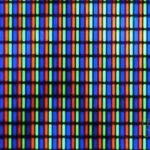
- Text clarity. Some WOLED panels use a WRGB subpixel layout that can make text look slightly less sharp than a standard RGB IPS panel at the same PPI. This has improved with newer panels, but it's still worth noting, especially for text-heavy workflows.
The HDR Factor
If HDR matters to you, OLED is the clear winner. VESA DisplayHDR True Black certification (available on OLED monitors) requires a black level of 0.0005 nits or lower. IPS panels with DisplayHDR 1000 or even DisplayHDR 1400 can't touch that.
The per-pixel dimming on OLED means HDR content looks dramatically more impactful, with specular highlights popping against true black backgrounds.
For console gaming on PS5 or Xbox Series X, where HDR is increasingly the standard, this is a genuine game-changer. The same goes for PC games that support HDR well, like Cyberpunk 2077 or Alan Wake 2.
Burn-In, Brightness, and Other Honest Trade-Offs
Let's talk about the elephant in the room. Burn-in is the number one concern people have about OLED monitors, and it's not an irrational fear. It's a real phenomenon that can happen.
What Burn-In Actually Is
Burn-in (more accurately called "permanent image retention") occurs when organic materials in the OLED pixels degrade unevenly. If a bright static element is displayed in the same position for hundreds or thousands of hours, those pixels wear faster than the surrounding ones. Over time, you get a faint ghost of that element visible even when the screen shows something else.
How Serious Is the Risk?
Modern OLED monitors include several layers of protection:
- Pixel shift. The entire image moves by a few pixels periodically. You won't notice it, but it helps distribute wear.
- Static screen detection. The monitor detects when the image hasn't changed for a while and can dim the screen or display a reminder.
- Pixel refresh cycles. These run automatically (usually after every 4 hours of use) and can also be triggered manually. They help recalibrate individual pixels to even out wear.
- Panel care utilities. Both LG and Samsung offer dedicated software tools that manage these processes.
Aggregate user reviews and long-term testing from outlets like rtings.com suggest that burn-in is less of a concern than it was on early OLED TVs. But it's not zero. If you plan to use your monitor as a secondary display showing a static dashboard 24/7, OLED might not be the best choice.
Brightness Limitations in Practice
The ABL limitation means OLED monitors aren't ideal for every environment. If your workspace gets a lot of natural light, or if you primarily work with bright white backgrounds (spreadsheets, documents, web browsing), you might find the 200 to 250 nit SDR brightness limiting.
HDR content is a different story. On small windows (like a specular highlight or a bright explosion), OLED monitors can hit 1,000 nits or more. That's where the technology truly shines, literally.
But the moment that bright element fills a large portion of the screen, ABL kicks in and pulls the brightness down.
Warranty Coverage
Most major manufacturers now include burn-in coverage in their monitor warranties, typically for 3 years. LG, Samsung, Dell (Alienware), ASUS, MSI, and Gigabyte all offer this on their OLED monitor lineups. This is a significant improvement over the early days when burn-in was explicitly excluded from many warranties.
Always check the specific warranty terms for the model you're considering. Coverage varies, and some manufacturers have more generous policies than others.
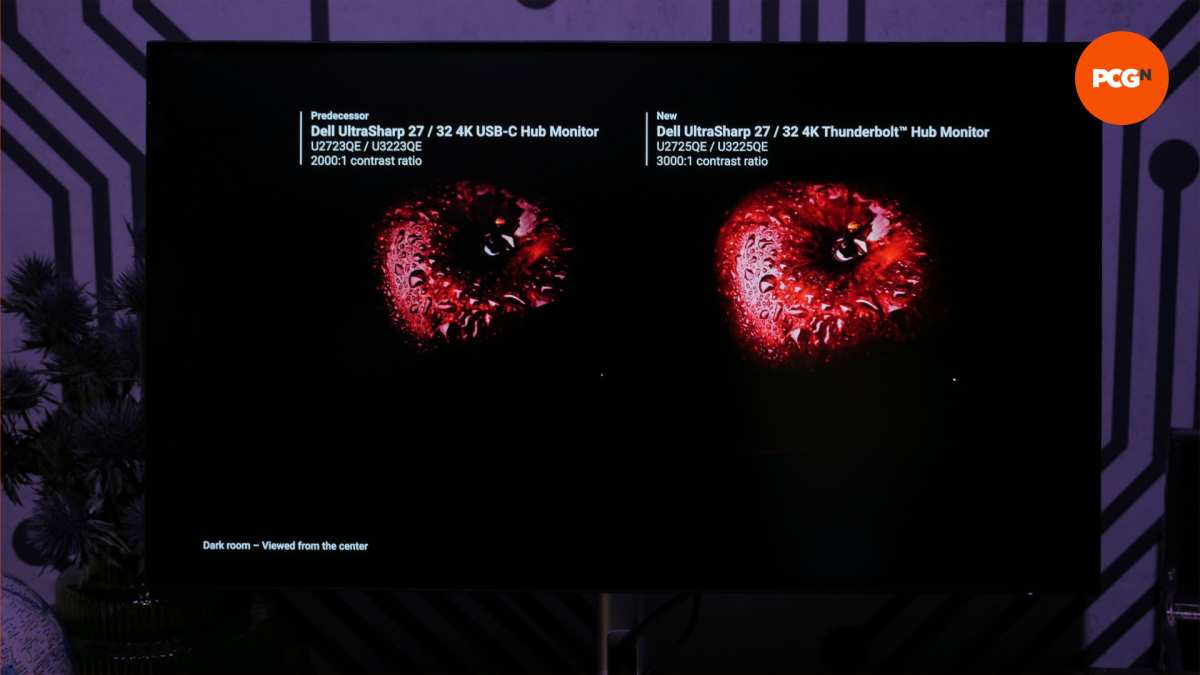
Image source: Bing (Web (fair-use with source credit))

Similar Posts