Is Mini LED Monitor Better for Office Work
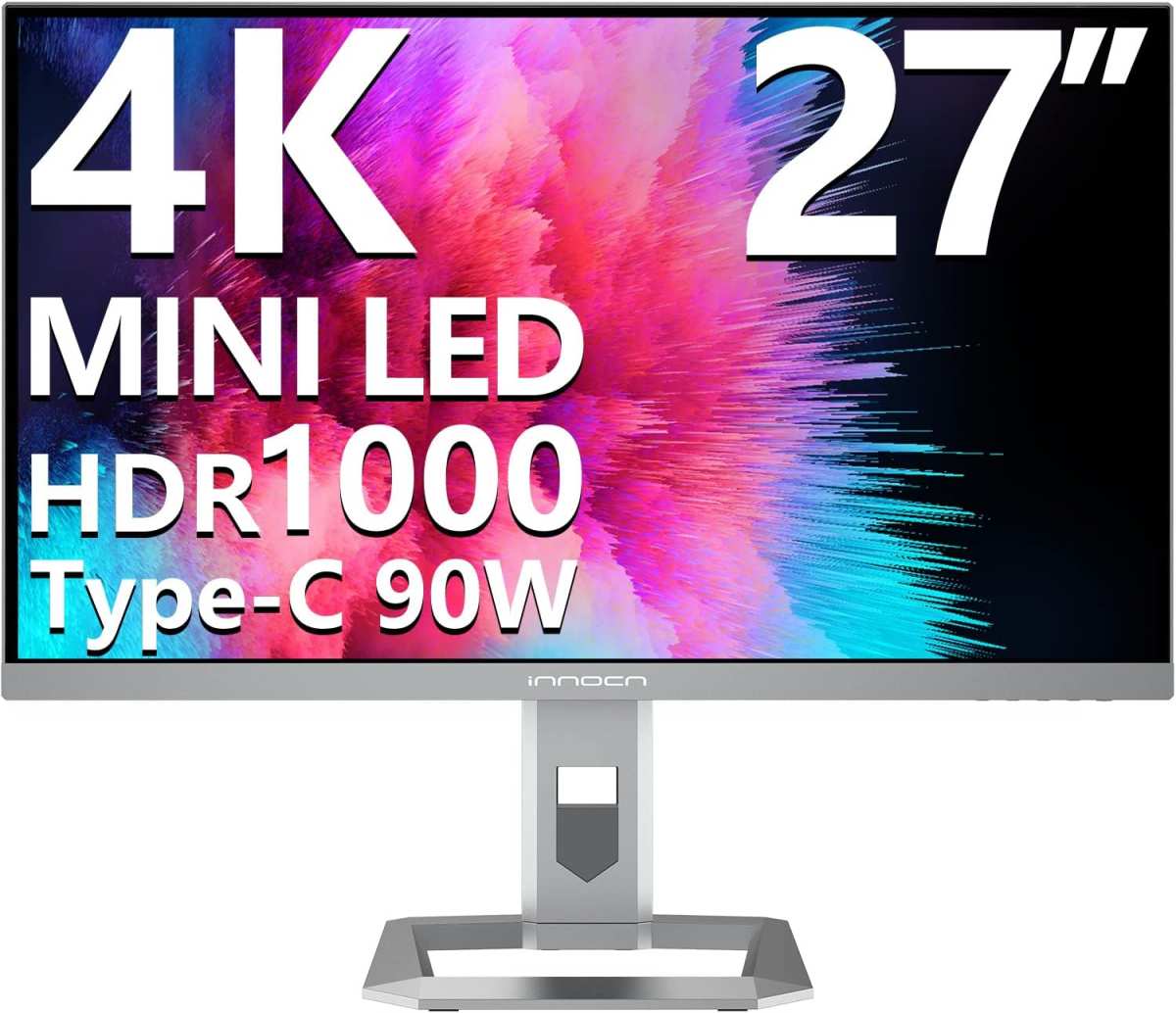
Mini LED monitors sound like a no-brainer upgrade. Better contrast, higher brightness, HDR support. But if you're spending eight hours a day staring at spreadsheets, documents, and email, the answer gets more complicated.
Is a mini LED monitor better for office work? Sometimes yes, sometimes no. It genuinely depends on what kind of office work you do, what your room looks like, and whether you prioritize text sharpness or image quality. This directly compares with our findings on curved vs flat monitor for office work: which is better.
Let's break it down honestly.
Mini LED backlighting is already standard in 2026. Most premium monitors use it now. Office-focused models like the Dell U3225QE, BenQ's design-focused displays, and ASUS ProArt screens all use FALD.
This means higher peak brightness, deeper blacks, and HDR capability. Text looks crisp, colors pop, and contrast is significantly better than older edge-lit displays.
But there are real trade-offs that don't show up in spec sheets. Coating grain, blooming around bright objects on dark backgrounds, and uneven backlight dimming zones can affect your daily experience. If your work is text-heavy, these issues matter. For related troubleshooting and calibration steps, check our walkthrough on which is better mini led or oled monitor.
You'll notice them every day.
Quick Answer: It Depends on What "Office Work" Means to You
Mini LED outperforms standard IPS for mixed media use and HDR content.
For pure text work, a quality IPS or VA monitor often wins on text clarity.
Text-heavy workers do not need a mini LED monitor. It is an expensive upgrade for them.
Mini LED genuinely shines for hybrid work and bright room environments. If you watch content or present often, it pays off.
What Mini LED Actually Is (And Isn't) in a Desktop Monitor
Mini LED is a backlighting technology for LCD panels. It does not replace the panel itself. Your monitor still uses an IPS, VA, or TN layer.
Mini LED only changes how the screen lights up from behind.
Traditional edge-lit monitors use LEDs along one or two sides. The light spreads across the screen through diffusion sheets. This creates uniform but washed-out blacks and limited contrast.
Standard direct-lit monitors place LEDs behind the screen but with limited or no local dimming. They improve uniformity but still can't selectively darken parts of the image.
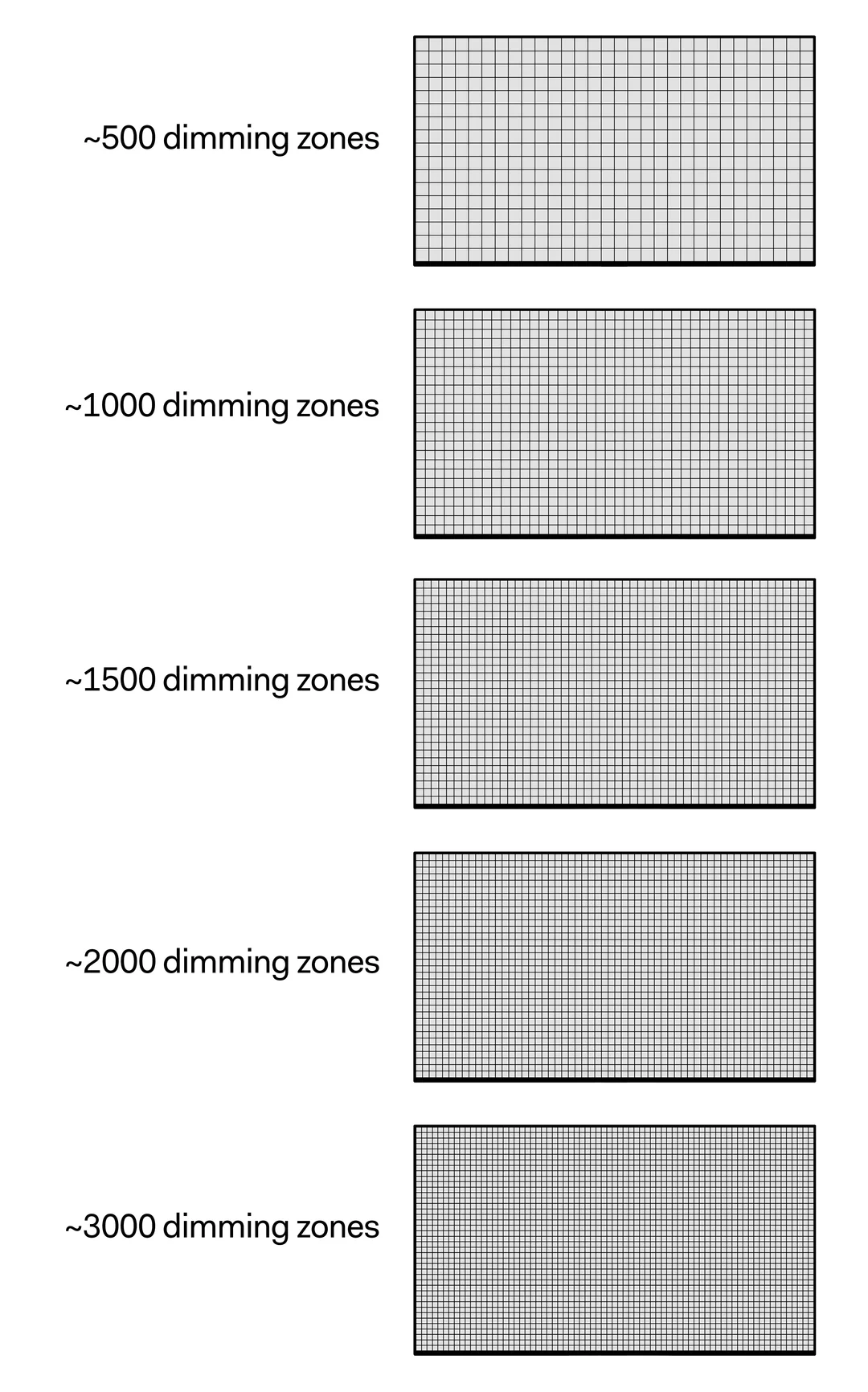
Mini LED packs hundreds of tiny LEDs behind the panel. These group into dimming zones. Each zone can brighten or darken independently.
This is called Full Array Local Dimming or FALD.
The magic number is the dimming zone count. Budget mini LED monitors might have 11 to 16 zones. Mid-range models offer 25 to 50.
Premium options like the Apple Pro Display XDR use far more. More zones mean finer control and less visible blooming.
But here's the critical point. Mini LED is only a backlight. The actual panel type, the optical layers, and the matte or glossy coating on the front all shape your viewing experience.
A mini LED backlight cannot fix a mediocre IPS panel. And a great coating on a standard IPS can look better than a poorly coated mini LED for everyday tasks.
How Mini LED Performs for Real Office Tasks
Spec sheets tell one story. Your desk tells another. Let's walk through the actual scenarios where these monitors succeed and where they stumble.
Text Clarity and Reading Comfort
This is where matters get controversial. Text clarity depends on three things: resolution, panel quality, and surface coating. Mini LED doesn't inherently harm text.
But some mini LED monitors use matte coatings with a visible grain pattern often called "sparkle effect."
At normal desk distances of 60 to 80cm, this graininess can soften text edges. You'll notice it on small font sizes in documents and spreadsheets. High-DPI displays like 4K at 27 inches partially offset this.
The raw pixel density helps mask the coating's limitations.
Jeremy Lee, a writer on MonitorNerds, described it like this: his BenQ SW272U monitor "looks great but definitely has visible sparkle on solid white backgrounds." He set his workspace to a near-white "#F5F5F5" background to reduce the issue afterward. This workaround works. But it shouldn't be necessary on a premium monitor.
Standard IPS monitors with glossy or fine-matte coatings often deliver cleaner text for reading. The difference isn't massive. But if you're sensitive to it, you'll see it every single day.
Spreadsheet and Document Work
Spreadsheets are where the contrast advantage shows up. Mini LED's local dimming creates deeper blacks behind cell borders. Dark spreadsheet themes look cleaner than on edge-lit alternatives.
The darker zones actually dim, creating visible depth.
White-sheet documents work fine too, provided the local dimming algorithm doesn't cause visible transitions. Most modern monitors handle this well at default settings though. Auto brightness sensors adjust to ambient light and keep reading comfortable.
Bright Room and Window Placement Performance
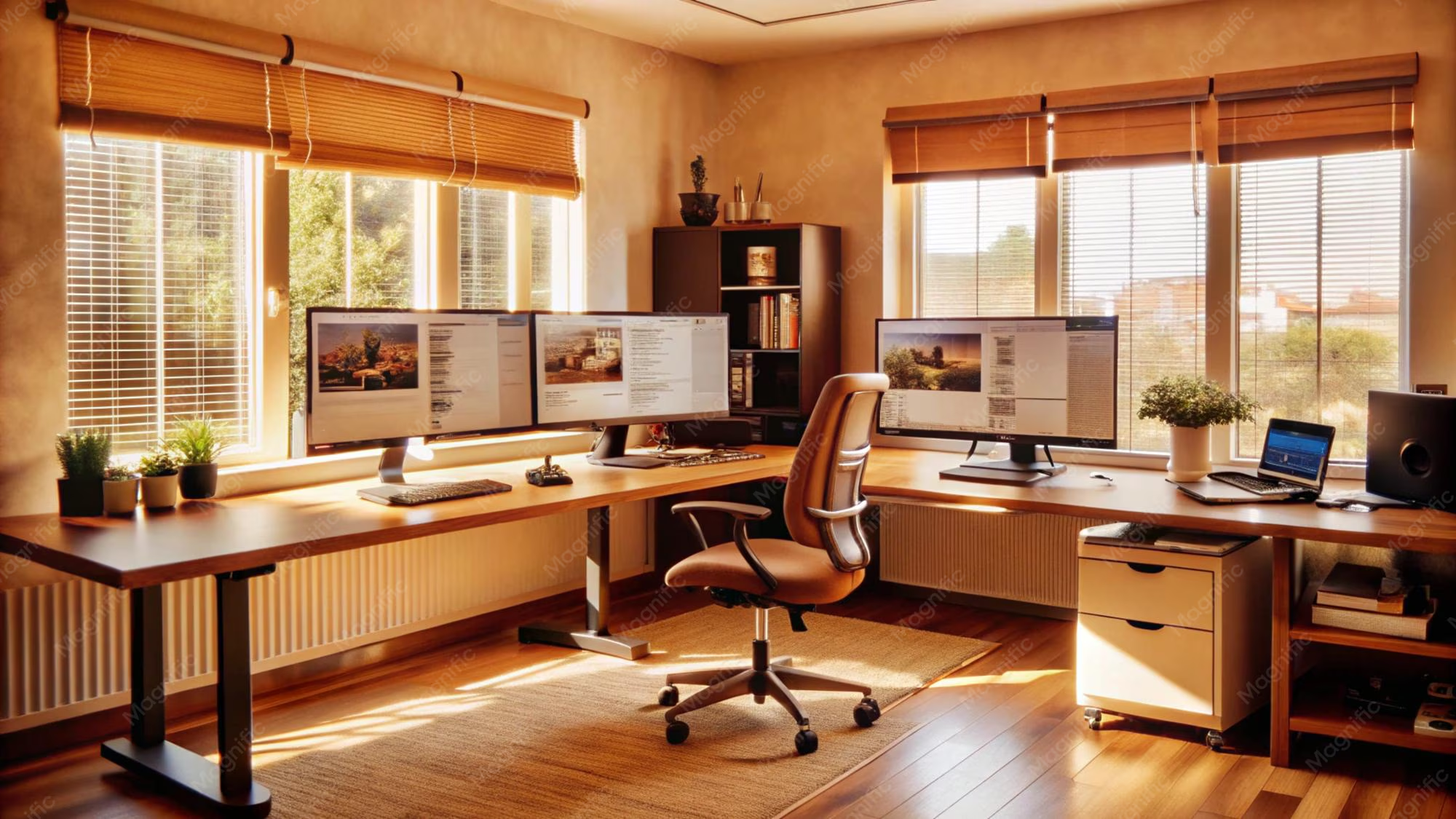
This is where mini LED earns its keep. Higher peak brightness, typically 600 to 1,000 nits on current office models, cuts through glare. If your desk faces a window or sits under harsh overhead lights, a mini LED monitor stays readable while standard IPS displays might wash out.
The reflection handling matters too. Mini LED backlights can push enough brightness to overcome reflections that would cripple a dimmer display. This is a big deal for home offices with inconsistent lighting.
Dark Room and Mixed-Mode Use
Dark-mode apps are popular among developers and power users. Here's the issue. Local dimming can create blooming halos around bright text or UI elements on dark backgrounds.
The zones are large enough relative to small UI elements that some bleed-through occurs.
Most office work doesn't happen in pitch darkness though. In normally lit rooms, local dimming behavior improves and blooming becomes far less noticeable. If you rely on dark mode and work in dim conditions, this is worth testing before you commit.
The Coating Problem Nobody Talks About Enough
This section deserves special attention because it's the single biggest disconnect between expectations and reality with mini LED office monitors.
Mini LED panels require multiple optical layers between the LEDs and your eyes. Diffusion sheets, brightness enhancement films, and the outer display surface itself. The matte coating that most office monitors use to reduce reflections interacts with these layers in a tangible way.
The result is a visible grain or sparkle on solid colors, especially light backgrounds. You'll see it on white document pages, light-themed websites, and spreadsheet cells. It looks like a very fine texture layered over your screen.
Glossy coatings avoid this problem entirely. But glossy finishes increase reflections. There's a mini sweet spot with some manufacturers.
Apple's glossy approach on the Studio Display works optically. But that introduces its own trade-offs in reflective rooms.
Research into this coating effect in 2024 and into 2025 shows that it varies significantly by manufacturer and model. A mini LED monitor from one brand might have noticeable sparkle while another model is much cleaner. There's no reliable way to predict this from specs alone.
User reviews and hands-on impressions become your best resource.
Here's the practical takeaway. If your office work involves mostly light backgrounds (Google Docs, web browsing, white-themed dashboards), prioritize finding a mini LED with a clean matte coating. If you're sticking with dark themes most of the day, this matters far less.
Mini LED vs. Standard IPS vs. VA vs. OLED for Office Work
Let's put the main contenders head-to-head. The table below generalizes across typical models in each category. Individual products vary, but the trend patterns are consistent across current product lines.
Side-by-Side Comparison Table
| Factor | Mini LED (FALD) | Standard IPS (Edge-lit) | VA Panel | OLED |
|---|---|---|---|---|
| Text Clarity | Good to very good (coating dependent) | Excellent (clean IPS coatings available) | Good (slight color shift on dark content) | Excellent |
| Contrast Ratio | Very good with local dimming active | Moderate (1000:1 typical) | High (3000:1+) | Infinite |
| Color Accuracy | Very good to excellent | Excellent | Good to very good | Excellent |
| Peak Brightness | High (600–1000+ nits HDR) | Moderate (300–400 nits typical) | Moderate (300–500 nits) | Good (sustained brightness limited) |
| Bright Room Use | Strong | Adequate | Adequate | Good |
| Dark Room Performance | Good (some blooming possible) | Moderate IPS glow | Strong blacks | Perfect blacks |
| Burn-in Risk | None (LCD backlight) | None | None | Present (mitigated on modern panels) |
| Typical Office Price | Mid to high | Budget to mid | Budget to mid | High to premium |
| Longevity Concerns | Minimal (LEDs dim slowly over years) | Minimal | Minimal | Organic degradation over time |
| Best For | Mixed media, bright rooms, HDR tasks | Pure text work, budget setups | Movie watching in office breaks | Mixed use, premium tier |
Here's the practical breakdown. For dedicated text and spreadsheet work, a standard IPS monitor at 4K resolution is hard to beat. Text looks clean.
Colors are neutral. And you'll spend considerably less.
If you work in a bright room or near windows, mini LED's brightness advantage becomes meaningful. That extra headroom keeps content readable where a standard IPS might struggle.
VA panels punch above their price for contrast. But color shift off-axis can be distracting during color-critical tasks. They're a solid value play for users who read documents and watch content during breaks.
OLED delivers the best image quality across every metric. But for static office use, burn-in risk remains a genuine concern. The mitigation techniques are solid, but for rolling eight-hour office sessions with static UI elements, you should deliberate before investing.
Who Should Actually Buy a Mini LED Monitor for Office Work
Let's get specific about who benefits most. And who's wasting money.
Best Fit Scenarios
Hybrid workers who consume media during breaks. If your day mixes document work with video calls, streaming, or presenting HDR content, mini LED pulls double duty. You get readable text and genuinely impressive image quality when you switch contexts.
People in bright or sunlit rooms. That 600 to 1,000 nit peak brightness isn't just for spec sheets. It's functional. If you've got windows behind you or overhead fluorescents, a mini LED stays legible where a standard IPS gives up.
Light creative work alongside productivity. Photo editing, light video work, and design tasks benefit from the wider color gamut and contrast. Mini LED covers 95 to 99% DCI-P3 on most current models. That's useful if your office work occasionally touches visual content.
Multi-monitor setups with mixed content. One mini LED as your primary display, flanked by cheaper secondary IPS panels. This gives you the best of both worlds without breaking the bank on every screen.
Poor Fit Scenarios
Pure text workers on a budget. If your day is email, documents, and spreadsheets, a standard 4K IPS at 27 or 32 inches serves you better. You'll spend less and get cleaner text rendering.
Dark-mode power users in dim rooms. Developers and designers who live in dark themes and work in low light will notice blooming more. The halo effect around bright UI elements on dark backgrounds is real and persistent.
Anyone sensitive to coating grain. If you know you're bothered by matte coating texture, test before you buy. Some mini LED monitors have visible sparkle on light backgrounds. This doesn't bother everyone.
But if it bothers you, it'll bother you every single day.
Corporate procurement at scale. Outfitting 50 employees with mini LED monitors costs significantly more than standard IPS alternatives. For roles that don't need the brightness or color gamut, that budget is better spent elsewhere.
What You Sacrifice With Mini LED in an Office Setting
Mini LED isn't free. Beyond the higher price, there are real trade-offs that affect daily use.
Text clarity can suffer from coating grain. We covered this earlier, but it bears repeating. The matte coating on many mini LED monitors adds a visible texture to light backgrounds. This softens text edges at small font sizes.
It's the single most common complaint in user reviews.
Blooming is visible in certain conditions. Bright cursors on dark backgrounds. White text on black. Light-themed UI elements against dark surroundings.
In these scenarios, you'll see halos or glow around bright objects. The zone count matters here. More zones mean less blooming.
But even premium mini LED monitors show some effect.
Power consumption runs higher. Mini LED backlights draw more power than edge-lit alternatives. Manufacturer specs indicate roughly 1.4 to 1.7 times the power draw at matched brightness. This matters for energy-conscious setups and for monitors running hot in enclosed desk areas.
Flicker during dimming transitions can bother sensitive users. Some users report visible flicker when local dimming adjusts rapidly. This typically happens during scene changes or when moving between bright and dark content. Flicker-free certifications from TÜV Rheinland help, but they don't eliminate the issue entirely on every model.
The price premium is real. Mini LED office monitors typically cost 1.4 to 2.3 times more than comparable standard IPS models at the same size and resolution. That's a meaningful gap. You need to justify it with actual use cases, not just spec-sheet appeal.
Pricing Reality: What You're Actually Paying For
Let's talk numbers. As of 2026, here's what the market looks like for 27 to 32 inch office monitors.
Standard 4K IPS monitors start around $250 to $350 for decent options. Good office-focused models from Dell UltraSharp or BenQ land in the $350 to $550 range. These deliver excellent text clarity, solid color accuracy, and reliable ergonomics.
Mini LED office monitors start around $450 to $500 for budget options with fewer dimming zones. Mid-range models with better zone counts and color accuracy run $550 to $800. Premium options like the Apple Studio Display or high-end BenQ models push past $1,000.
That premium buys you three things: higher peak brightness, better contrast with local dimming active, and wider color gamut coverage. If you use all three, the price makes sense. If you only need one, you're overpaying.
The sweet spot for most office workers is a standard 4K IPS in the $350 to $500 range. Spend the savings on a good monitor arm, proper lighting, or a quality desk lamp. Your eyes will thank you more than a fancier backlight would.
How to Test Before You Commit
You can't fully evaluate a mini LED monitor from specs alone. Here's what to check before you buy.
Look at a pure white screen first. Open a blank white document or webpage. Check for visible grain or sparkle. Move your head closer and farther from the screen.
If you see texture that doesn't appear on a standard IPS, that's the coating issue. It won't go away with settings adjustments.
Test with your actual workflow. If possible, visit a store or order from a retailer with good return policies. Open your typical applications. Check text rendering at your normal font sizes.
Switch between light and dark themes. Look for blooming around UI elements.
Check local dimming behavior in your preferred mode. Most monitors have a setting to enable or disable local dimming. Test both. Some monitors handle sRGB-clamped office mode better than others.
The dimming algorithm varies significantly between firmware versions, so check for updates.
Evaluate at your typical brightness level. Office work rarely needs full brightness. Most people work comfortably at 80 to 120 nits. Check how the monitor behaves at your actual brightness setting, not just at maximum.
Compare side by side if possible. Nothing beats a direct comparison. Place a mini LED next to a standard IPS at the same resolution and size. The differences in text clarity, coating texture, and contrast become immediately obvious.
Common Mistakes People Make When Choosing Mini LED for Productivity
These are the patterns we see repeated across reviews and user feedback.
Assuming newer technology is automatically better. Mini LED is impressive tech. But "better" depends on your use case. For pure office productivity, a well-calibrated IPS often delivers a more pleasant daily experience.
Ignoring the coating issue until it's too late. Many buyers don't discover the sparkle effect until they've already set up the monitor and loaded their workflow. By then, returns are a hassle. Research coating quality before purchasing.
User photos and reviews are your best resource.
Buying based on HDR specs alone. HDR600 or HDR1000 certification sounds great. But if your office work doesn't involve HDR content, those specs sit unused. You're paying for capability you'll never touch.
Overlooking firmware updates. Local dimming algorithms improve over time via firmware. Some early reviews of specific models complained about blooming that was later reduced through updates. Check manufacturer support pages for recent firmware before judging a monitor's dimming performance.
Choosing zone count over panel quality. A mini LED with 50 zones and a mediocre IPS panel will disappoint. A mini LED with 16 zones and an excellent IPS panel with a great coating might serve you better for office work. The backlight is only one component.
Not considering their actual room lighting. If you work in a dim room with controlled lighting, mini LED's brightness advantage is wasted. Conversely, if you work in a bright sunlit space, that brightness is essential. Match the monitor to your environment, not to a spec sheet.
Frequently Asked Questions
Is mini LED good for office work?
It depends on your tasks. Mini LED works well for mixed media use, bright rooms, and hybrid work. For pure text and spreadsheet work, a standard IPS monitor often delivers better text clarity at a lower price.
Does mini LED cause eye strain?
Mini LED monitors with flicker-free certification from TÜV Rheinland are generally comfortable for office use. However, some users report sensitivity to local dimming transitions. Working at moderate brightness levels (80 to 120 nits) reduces strain on any display type.
Is mini LED better than IPS for reading text?
Not necessarily. Standard IPS monitors with clean matte or glossy coatings often render text more crisply. Some mini LED monitors have visible coating grain that softens text edges, especially at small font sizes.
How many dimming zones do I need for office work?
For office productivity, 16 to 25 zones handles most tasks adequately. More zones reduce blooming but increase cost. Beyond 50 zones, the improvement for office work is marginal compared to the price jump.
Will mini LED burn in like OLED?
No. Mini LED uses a standard LCD panel with LED backlighting. There's no organic material to degrade in the same way as OLED.
The LEDs will dim gradually over many years, but burn-in isn't a concern.
Should I get mini LED or 4K IPS for my home office?
If your work is mostly documents, email, and web browsing, get a 4K IPS. You'll save money and get excellent text clarity. If you also consume HDR content, work in a bright room, or do light creative work, mini LED justifies the premium.
Final Verdict: The Decision Framework
Let's bring it all together. Here's how to decide based on your situation.
Get mini LED if: You work in a bright room, consume HDR content regularly, do light creative work, or want a single monitor that handles everything well. The premium is worth it for hybrid work scenarios.
Skip mini LED if: Your work is primarily text-based, you're on a budget, you work in a dim controlled environment, or you're particularly sensitive to coating grain. A quality 4K IPS serves these needs better and cheaper.
Consider alternatives if: You want perfect blacks and don't mind the burn-in trade-off. OLED monitors are increasingly viable for mixed office use. Just weigh the longevity concerns against the image quality benefits.
The monitor market in 2026 offers excellent options across every category. Mini LED is a strong choice for specific needs. It's not a universal upgrade.
Match the technology to your daily reality, not to a spec sheet. That's the decision that actually matters.

Similar Posts





















