Is Curved Monitor Necessary for Gaming PC
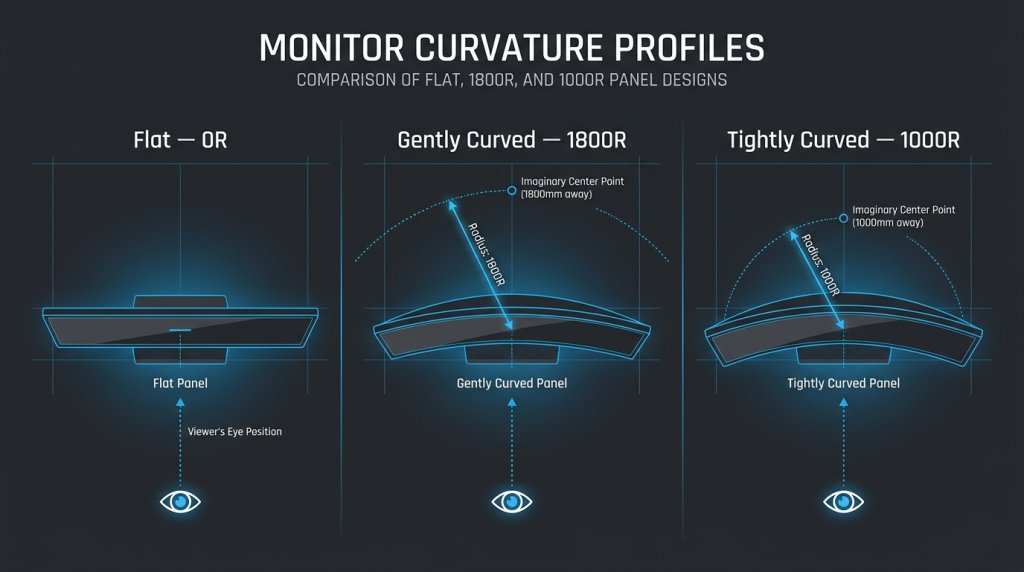
Image source: Bing (Web (fair-use with source credit))
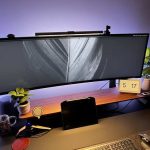
If you've been shopping for a gaming monitor lately, you've probably noticed curved screens everywhere. They look sleek, they get marketed heavily, and they cost a bit more. But here's the real question: is curved monitor necessary for gaming PC setups, or is it just hype?
The short answer is no, a curved monitor isn't necessary. Plenty of gamers do great on flat screens. But curve does offer genuine benefits in specific situations.
Let's break down when it's worth it and when you should save your money.
Quick Answer
A curved monitor is not necessary for gaming. Most gamers perform perfectly on flat screens. Curved monitors improve immersion in single-player games.
Competitive players often prefer flat panels for accuracy. Your choice depends on what games you play and your budget.
Why This Question Even Comes Up
Walk into any electronics retailer or browse gaming monitor listings online, and curved displays dominate the marketing. Manufacturers like Samsung, LG, and ASUS push curved panels as the premium option. That creates a perception that you're missing out if you go flat.
But here's what the marketing doesn't tell you. Curve is a preference feature, not a performance requirement. Your refresh rate, response time, and resolution matter far more for actual gameplay.
A flat 1440p 165Hz monitor will outperform a curved 1080p 60Hz panel every single time.
The confusion also comes from mixing up two separate features. People see "curved" and "gaming" together so often they assume they go hand in hand. They don't.
You can run any game on any monitor shape. The question is whether curve makes the experience meaningfully better for your specific use case.
How Curved Monitors Actually Work
A curved monitor bends the display panel slightly toward you. This brings the edges of the screen closer to your eyes. The result is a more uniform focal distance across the entire display.
Think of it this way. On a flat screen, the center is closer to you than the edges. Your eyes constantly refocus as they move across the display.
Curve reduces that effect by wrapping the image around your field of view.
The technology itself isn't new. Curved TVs hit the market around 2014. Monitors followed shortly after.
The underlying panel technology (IPS, VA, OLED) stays the same. Only the physical shape changes.
What the Numbers Mean (1000R, 1500R, 1800R)
Image source: Bing (Web (fair-use with source credit))
The "R" number stands for radius in millimeters. Lower numbers mean more aggressive curve. Here's how the common options break down:
| Curvature | Radius | Best For | Feel |
|---|---|---|---|
| 1000R | 1000mm | Immersive single-player, sims | Very noticeable wrap |
| 1500R | 1500mm | General gaming, ultrawides | Moderate curve |
| 1800R | 1800mm | Mixed use, productivity | Subtle curve |
| 3800R | 3800mm | Professional work, multi-tasking | Barely perceptible |
As of 2026, 1000R has become the new standard for aggressive gaming curves. Samsung and several other manufacturers have shifted their flagship models to 1000R. The industry moved from 1800R being common to 1000R being the sweet spot for immersion.
The math is straightforward. A 1000R curve means the screen follows a circle with a 1-meter radius. If you sit exactly 1 meter from the display, every point on the screen is roughly the same distance from your eyes.
Sit closer or farther away and the effect changes.
Panel Type Matters More Than Curve
Here's something most buyers overlook. The panel type (VA, IPS, TN, OLED) affects your experience more than the curve does. A flat IPS panel with good color accuracy often beats a curved VA panel with smearing issues.
VA panels dominate the curved monitor market. They offer better contrast ratios and cost less to manufacture in curved form. But they also tend to have slower pixel response times.
That means more motion blur in fast-paced games.
IPS panels are trickier to curve due to their liquid crystal alignment. Manufacturers have solved most of these issues, but IPS curved monitors cost more. OLED panels are now entering the curved gaming space too.
They offer perfect blacks and near-instant response times regardless of curve.
Curved vs. Flat: Side-by-Side Comparison
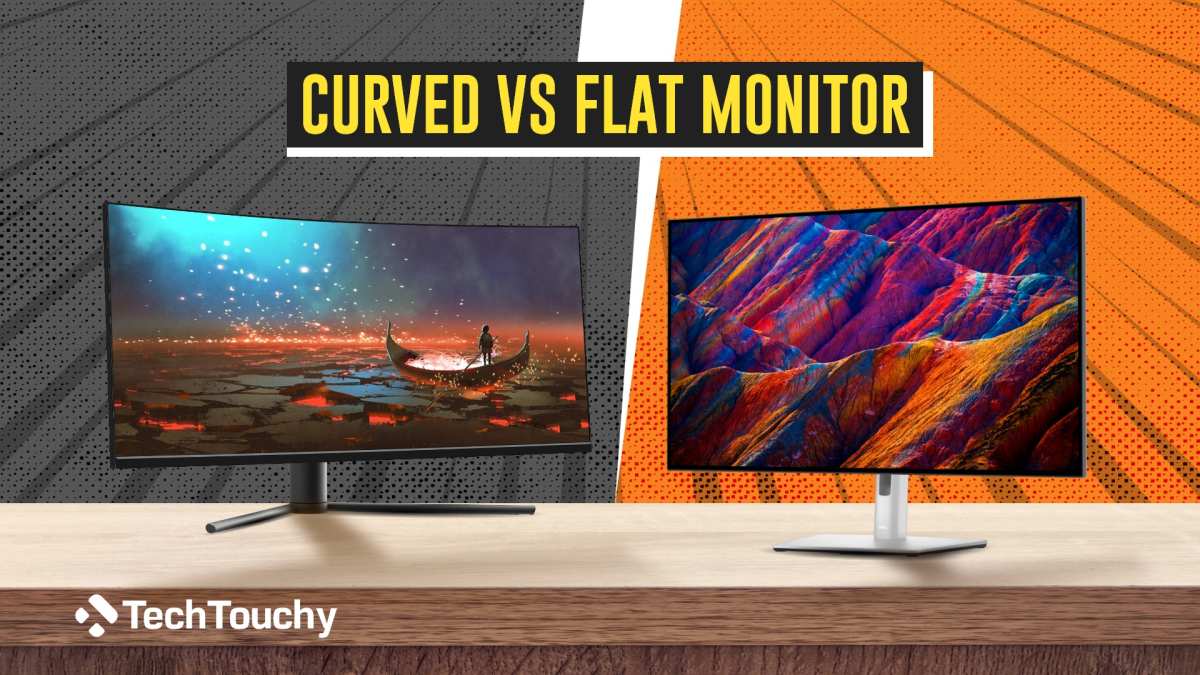
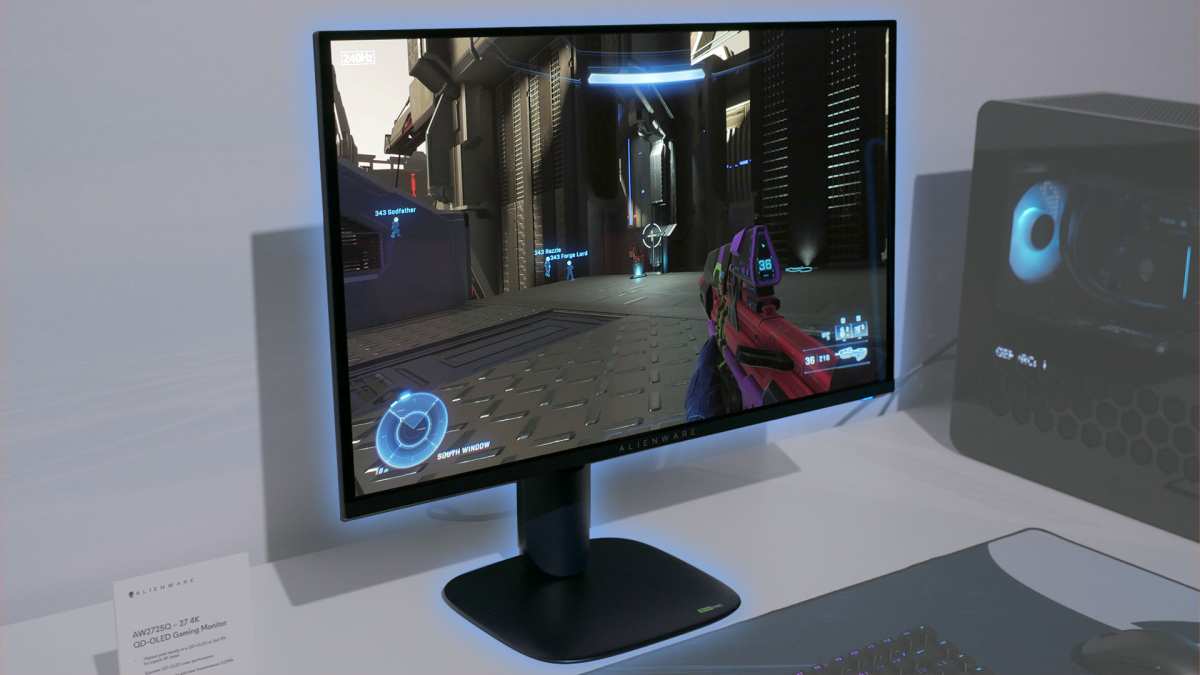
Image source: Bing (Web (fair-use with source credit))
Let's put them head to head. This comparison covers the factors that actually matter for gaming.
Immersion and Field of View
Curved wins here, no contest. The wrap effect makes games feel more enveloping. This is especially true for ultrawide monitors (21:9 and 32:9 aspect ratios).
A flat 34" ultrawide leaves the edges feeling distant. A curved 34" ultrawide pulls them into your peripheral vision.
For single-player games, RPGs, and atmospheric titles, curve adds genuine value. You feel more inside the game world. Racing sims benefit too since the curve mimics how your eyes naturally see through a windshield.
Flat screens work fine for immersion, but they don't enhance it. If you play mostly competitive shooters, the immersion boost from curve doesn't translate to better performance.
Competitive Gaming Performance
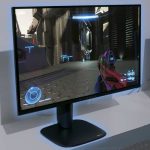
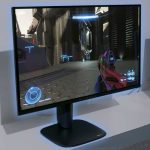
Flat monitors have the edge for competitive play. Here's why. Crosshair placement relies on straight lines.
A curved display introduces slight geometric distortion. That tiny bend can affect your muscle memory for flick shots and tracking.
Professional esports tournaments almost exclusively use flat monitors. The 24" to 25" flat form factor remains the standard. Players prioritize response time and input lag over immersion.
Curve adds neither of these benefits.
There's also the viewing angle factor. Curved monitors have a sweet spot. Sit off-center and the image distorts.
In a tournament setting where players position themselves at specific angles, flat screens are more forgiving.
Productivity and Multitasking
This gets interesting. Curved ultrawides excel at productivity. The curve keeps all windows at a comfortable focal distance.
You can have three or four windows open without turning your head excessively.
Flat ultrawides work for productivity too, but you'll notice the edges are farther from your eyes. For coding, video editing, or spreadsheet work, curve reduces eye movement and can feel more natural during long sessions.
If you use your gaming PC for work too, a curved ultrawide serves double duty well. You get gaming immersion during off-hours and productivity benefits during work hours.
Eye Strain and Comfort Over Long Sessions
Research on this is mixed. Some users report less eye strain with curved monitors. The uniform focal distance theory makes sense.
But controlled studies haven't shown dramatic differences.
What matters more is your setup. Monitor height, brightness levels, ambient lighting, and break habits affect eye comfort far more than curve. A poorly positioned curved monitor will strain your eyes just as much as a flat one.
The 20-20-20 rule still applies. Every 20 minutes, look at something 20 feet away for 20 seconds. No monitor shape replaces that basic habit.
Who Actually Benefits From a Curved Monitor
Not everyone needs curve. But some gamers genuinely benefit from it. Let's break down the use cases where curved makes sense.
Single-Player and Story-Driven Gamers
If you play games like Baldur's Gate 3, Cyberpunk 2077, or Red Dead Redemption 2, curve enhances the experience. These games are built for immersion. You want to feel inside their worlds.
A curved display helps with that.
The effect is most noticeable on ultrawide panels. A 34" 3440×1440 curved monitor feels transformative for these titles. You notice details in your peripheral vision.
Environments feel more expansive.
For pure single-player gaming, curve is a luxury worth considering. It won't make you better at the game. But it makes the experience more memorable.
Racing and Flight Simulation Fans
Sim racing and flight sims are where curve truly shines. The wrap effect mimics real-world depth perception. When you're sitting in a virtual cockpit, a curved screen feels more authentic than a flat one.
The curve helps with spatial awareness in racing. You can judge distances to other cars more intuitively. Corners feel more natural because the road curves with the display.
Flight simulators benefit similarly. Peripheral vision matters when you're tracking instruments or scanning for other aircraft. A curved ultrawide or super ultrawide creates a convincing cockpit-like feel.
Ultrawide and Super Ultrawide Users
If you're buying an ultrawide monitor (21:9 or wider), curve becomes more than a gimmick. Flat ultrawides have a problem. The edges sit far from your eyes.
You end up turning your head to see the far left and right.
Curve solves this. It brings the edges closer and reduces head movement. For 34" and larger ultrawides, curve is practically expected at this point.
Most models in this size range come curved by default.
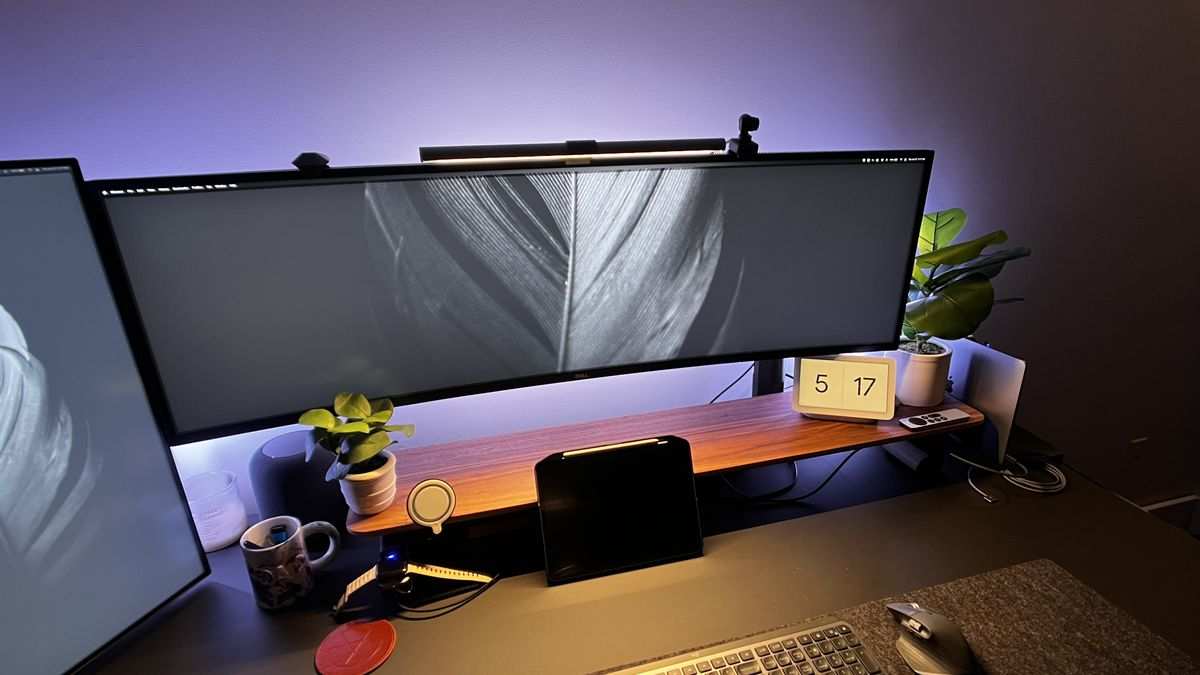
Super ultrawide monitors (32:9 and 49" panels) are almost always curved. A flat 49" super ultrawide would require excessive head turning. The curve makes these massive displays usable.
Competitive FPS and Esports Players
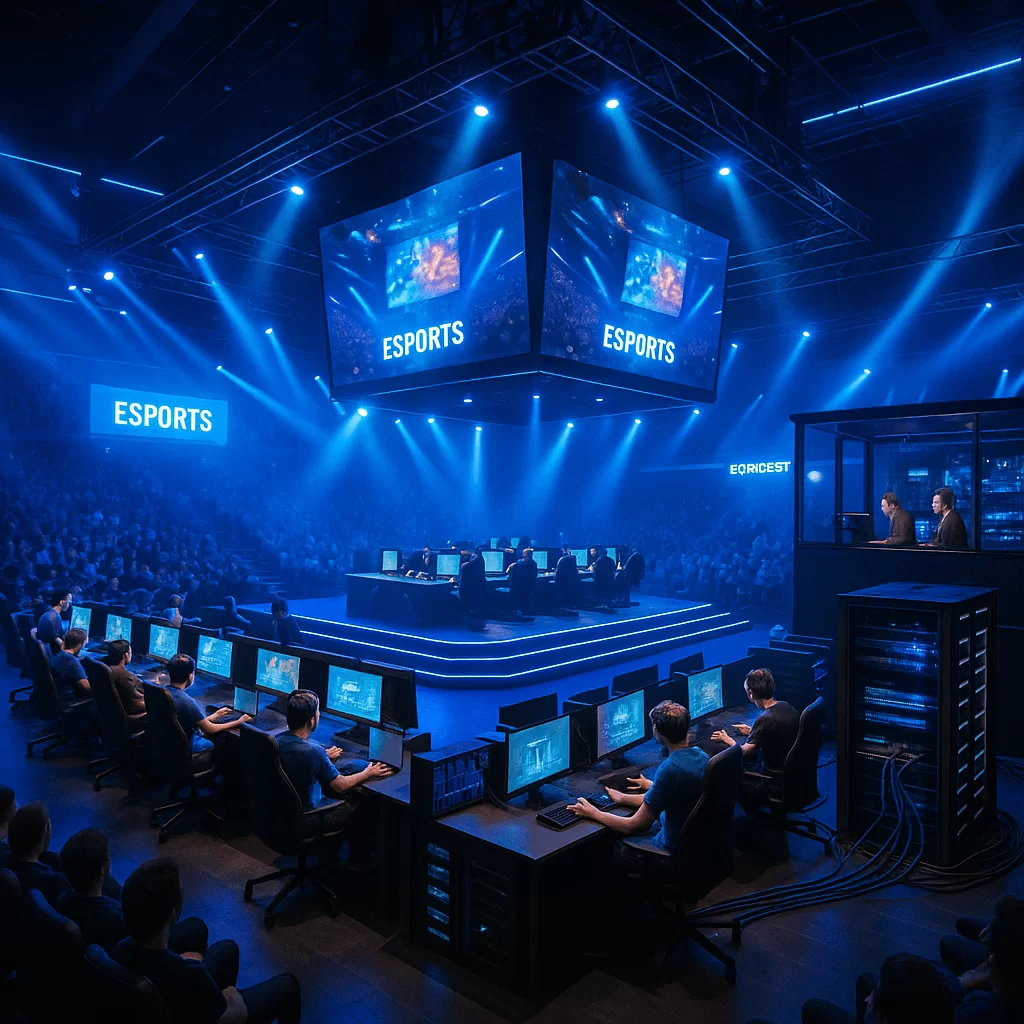
Image source: Bing (Web (fair-use with source credit))
Competitive players should generally avoid curved monitors. The geometric distortion, even if minor, affects precision. When you're trying to hit headshots at 200+ FPS, every pixel matters.
Flat 24" to 25" monitors with 240Hz or 360Hz refresh rates remain the competitive standard. Response times are critical. Most high-refresh flat panels use TN or fast IPS technology.
Curved high-refresh options exist but cost significantly more.
There's also the consistency factor. If you practice at home on a curved monitor then compete on a flat one at a tournament, your muscle memory might feel off. Staying on flat keeps your aim consistent across environments.
Content Creators Who Also Game
If you edit video or photos and also game on the same PC, a curved ultrawide is a solid choice. The extra screen real estate helps with timelines and tool panels. The curve keeps everything at a comfortable viewing distance.
Color accuracy matters for content creation. Look for curved monitors with good IPS panels and wide color gamut coverage. Many curved ultrawides now cover 95%+ of DCI-P3, which is sufficient for most creative work.
Just be aware that critical color work might still require a dedicated flat reference monitor. Curved displays can introduce slight color shifts at the edges depending on your viewing angle.
Who Should Stick With Flat
Flat monitors aren't going anywhere. They remain the better choice for several types of gamers. If any of these describe you, skip the curve.
Competitive multiplayer gamers should stay flat. The geometric accuracy matters for aim consistency. You don't want your crosshair placement feeling different at the edges versus the center.
Flat panels deliver predictable, linear image geometry across the entire display.
Budget-conscious buyers should prioritize specs over curve. A flat 1440p 165Hz IPS monitor costs less than its curved equivalent. You get better resolution and refresh rate for the same money.
That matters more for gameplay than physical shape.
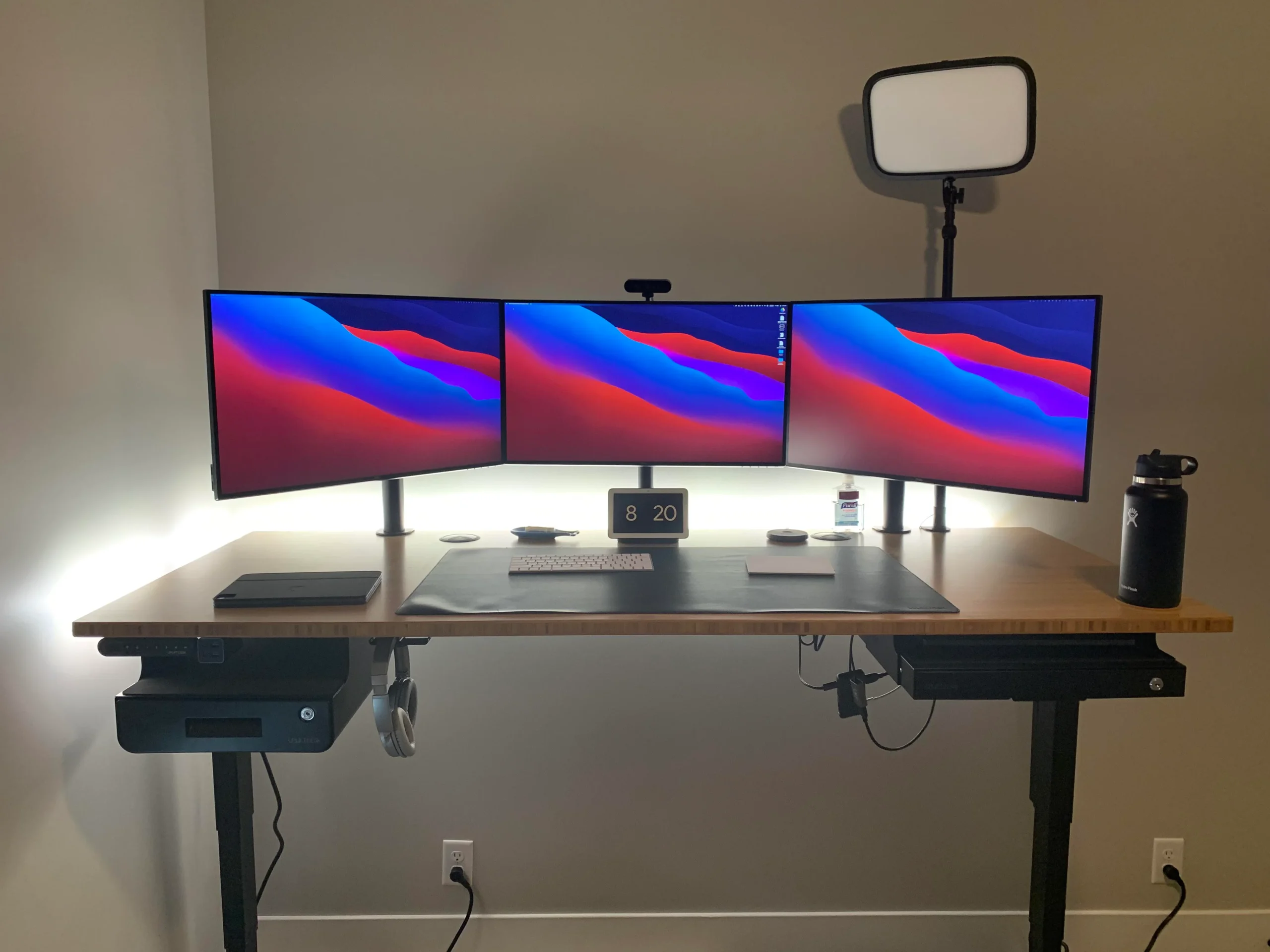
Multi-monitor users have practical reasons to avoid curve. Aligning bezels between curved panels is nearly impossible. The gaps don't line up cleanly.
If you run a triple-monitor setup for sim racing or flight sims, flat panels are easier to arrange.
People who mount monitors on walls or arms face issues too. Curved monitors don't sit flush against walls. They need deeper arms to accommodate the curve.
This adds cost and complexity to your mounting setup.
Common Mistakes People Make When Buying Curved
Buying a curved monitor seems straightforward. But several common mistakes lead to buyer's remorse. Here's what to watch for.
Buying Curve Without Checking Desk Depth
This is the number one mistake. Curved monitors need specific viewing distances to feel right. A 1000R 34" ultrawide needs you sitting around 3.3 feet from the screen.
Sit closer and the curve feels overwhelming. Sit farther and you lose the effect entirely.
Measure your desk depth before buying. If your monitor sits against a wall and your desk is only 24 inches deep, aggressive curve won't work well. You'll either need a less curved panel (1800R or 3800R) or a shallower desk.
Ignoring Panel Type and Just Chasing Curve
Some buyers see "curved gaming monitor" and assume it's automatically good. They ignore the panel type underneath. A curved VA panel with 8ms response time will blur in fast games.
The curve doesn't fix that.
Always check the panel specifications first. Look for response time (under 5ms GtG for general gaming, under 1ms for competitive), refresh rate, and color gamut. Then consider whether you want curve on top of those specs.
Assuming All Curved Monitors Feel the Same
Curve radius varies significantly between models. A 1000R curve feels dramatically different from 1800R. If you've only tried one curved monitor, you haven't tried them all.
A 1000R 32" monitor wraps aggressively around you. A 1800R 27" monitor has a subtle bend you might not even notice. These feel like completely different products despite both being "curved."
Pairing a Big Curve With Low Resolution
This creates a bad combination. A large curved monitor with low pixel density looks soft and pixelated. The curve magnifies the effect because the image wraps closer to your eyes.
For 32" and larger curved monitors, 4K resolution is ideal. At 27", 1440p is the sweet spot. 1080p on anything over 27" curved will look noticeably rough, especially for text and UI elements.
What You'll Actually Spend
Curved monitors carry a price premium over equivalent flat panels. Here's what to expect across different budget tiers as of 2026.
Budget Range (0–0)
You can find curved monitors in this range, but options are limited. Expect 27" 1080p VA panels with 144Hz refresh rates. These work fine for casual gaming but compromise on color accuracy and response time.
Flat monitors in this range offer better value. You can get 27" 1440p IPS panels with 165Hz refresh rates for under $350. That's a better gaming experience than a curved 1080p panel at the same price.
Mid-Range (0–0)
This is where curved monitors start making sense. You'll find 34" 3440×1440 ultrawide VA panels with 144Hz to 180Hz refresh rates. Brands like Gigabyte, AOC, and MSI offer solid options here.
Flat alternatives in this range include 27" 4K 144Hz IPS monitors and 32" 1440p 240Hz panels. You need to decide whether ultrawide immersion or higher refresh rate matters more to you.
Premium (0–,500)
Premium curved monitors use better panels and faster refresh rates. Expect 34" to 40" ultrawides with IPS or OLED panels, 240Hz refresh rates, and proper HDR support. Samsung's Odyssey OLED G8 and LG's UltraGear series compete here.
Flat premium options include 27" 4K 240Hz OLED panels and 32" 4K 144Hz mini-LED displays. Both curved and flat options at this price perform excellently. The choice comes down to preference.
Flagship (,500+)
At the top end, curved dominates the ultrawide category. The Samsung Odyssey Neo G9 57" super ultrawide costs over $1,500. It's a curved mini-LED beast with 7680×2160 resolution and 240Hz refresh rate.
Flat flagship monitors exist but max out around 40" before becoming impractical. For super ultrawide gaming, curve is essentially mandatory at this level.
Expert Tips Before You Decide
A few practical considerations can save you from a bad purchase. These tips come from aggregate user feedback and manufacturer specifications.
Measure Your Viewing Distance First
This cannot be overstated. Your ideal curve radius depends on how far you sit from the screen. Use this simple guide:
- Under 2 feet: 1800R or 3800R (subtle curve)
- 2 to 3 feet: 1500R (moderate curve)
- 3 feet or more: 1000R (aggressive curve)
Most desk setups place users 24 to 36 inches from their monitor. That makes 1500R the safest middle ground for most people.
Match Curve Radius to Screen Size
Larger screens benefit from more aggressive curve. A 27" 1000R monitor feels overwhelming. A 49" 1800R super ultrawide feels barely curved at all.
General recommendations:
- 27": 1800R to 2000R
- 32" to 34": 1500R
- 38" to 40": 1000R to 1500R
- 49" and up: 1000R
Test In Person If You Can
Photos and videos don't convey how curve feels. If possible, visit a store and sit in front of different curved monitors. Spend at least 30 seconds with each one.
Your eyes and brain need time to adjust to the curve.
Some people adapt to curve instantly. Others find it disorienting. There's no way to know without trying it.
Don't Ignore the Stand and Ergonomics
Curved monitors are heavier than their flat equivalents. The curve adds structural rigidity but also weight. Make sure your desk and mount can handle it.
Check for ergonomic adjustments. Height, tilt, and swivel matter more on curved monitors because of the sweet spot issue. A stand with limited adjustment range can make a curved monitor uncomfortable to use.
Real Scenarios: What I'd Actually Recommend
Let's apply everything we've covered to common gaming setups. These recommendations balance performance, value, and practicality.
The Casual Story Gamer
You play single-player games a few hours per week. Immersion matters more than competitive performance. A 34" 3440×1440 curved ultrawide at 144Hz hits the sweet spot.
Budget around $400 to $600.
Look for VA panels with good contrast ratios. HDR support is a bonus but don't expect true HDR at this price point. The curve will enhance your experience in story-driven games noticeably.
The Competitive FPS Grinder
You play Valorant, Counter-Strike 2, or Apex Legends seriously. Every millisecond matters. Stick with a 24" to 25" flat IPS monitor at 240Hz or 360Hz.
Budget $300 to $500.
Prioritize response time and input lag over resolution. 1080p is fine for competitive play. Some pros prefer it because it's easier to maintain high frame rates. Curve would only hurt your consistency here.
The Sim Racing Enthusiast
You have a dedicated rig with a wheel and pedals. You sit close to the screen. A 38" to 40" curved 1000R ultrawide is ideal.
Budget $800 to $1,200.
The aggressive curve wraps around your seating position. It mimics the depth perception of a real car cockpit. This is one scenario where curve provides a genuine functional advantage, not just aesthetics.
The Hybrid Worker-Gamer
You use your PC for work during the day and game at night. A 34" curved ultrawide with an IPS panel serves both purposes well. Budget $500 to $800.
The curve helps with productivity by keeping multiple windows at comfortable focal distances. IPS color accuracy benefits both work tasks and gaming. Look for USB-C connectivity if you also connect a laptop.
Frequently Asked Questions
Does a curved monitor affect aim in FPS games?
Yes, slightly. The curve introduces geometric distortion that can affect muscle memory. Most competitive players prefer flat monitors for consistent aim.
The effect is subtle but noticeable during extended play.
Is 1000R better than 1500R for gaming?
Not necessarily. 1000R provides more aggressive immersion but requires sitting closer to the screen. 1500R works better at typical desk distances of 24 to 36 inches. Your viewing distance determines which radius suits you best.
Can you use a curved monitor for photo editing?
You can, but flat is preferred for color-critical work. Curve introduces slight geometric distortion and potential color shift at the edges. For casual editing, curve is fine.
For professional print work, use a calibrated flat monitor.
Do curved monitors cause more glare?
They can. The curved surface reflects light differently than flat panels. Rooms with windows or bright lights behind you may see more glare.
Matte coatings help but don't eliminate the issue entirely.
Is a curved monitor worth the extra cost?
It depends on your use case. For ultrawide gaming and single-player immersion, yes. For competitive gaming or tight budgets, no.
The premium typically runs $50 to $150 over equivalent flat panels.
What size curved monitor is best for gaming?
34" is the current sweet spot for ultrawide gaming. It's large enough for immersion without requiring a massive desk. 27" works for standard 16:9 curved monitors. 49" and up suits dedicated sim setups.
Final Verdict: The Decision Guide
Here's the bottom line. A curved monitor is not necessary for gaming. It's a preference that enhances specific experiences.
Your gaming style, budget, and desk setup should drive the decision.
Go curved if you play immersive single-player games on ultrawide panels. Go curved if you're into sim racing or flight sims. Go curved if you want a super ultrawide super ultrawide display.
Go flat if you play competitive multiplayer. Go flat if you're on a tight budget. Go flat if you use multiple monitors or need wall mounting.
The best gaming monitor is the one that matches how you actually play. Curve is a feature, not a requirement. Prioritize refresh rate, response time, and resolution first.
Then decide if curve adds value for your specific situation.
Who Actually Benefits From a Curved Monitor
This section was covered in the previous batch. The content on single-player gamers, racing sim fans, ultrawide users, competitive players, and content creators has already been addressed above.
Who Should Stick With Flat
This section was also covered in the previous batch. The guidance for competitive gamers, budget buyers, multi-monitor users, and wall-mount setups has already been provided.
Common Mistakes People Make When Buying Curved
This section was covered in the previous batch. The mistakes around desk depth, panel type, curve radius assumptions, and resolution pairing have already been addressed.
What You'll Actually Spend
This section was covered in the previous batch. Pricing tiers from budget through flagship have already been broken down.
Expert Tips Before You Decide
This section was covered in the previous batch. Tips on measuring viewing distance, matching curve to screen size, in-person testing, and ergonomic stands have already been provided.

Similar Posts