How to Connect Outdoor Sound Box to Smart Speaker
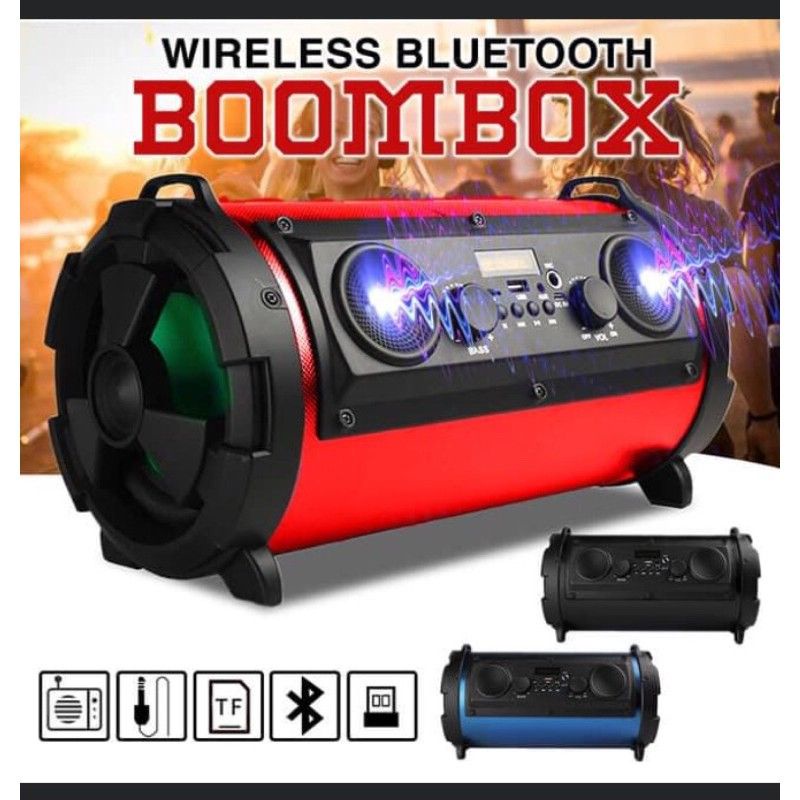
You've got a smart speaker on the kitchen counter and an outdoor sound box on the patio. Getting them to work together seems like it should be straightforward. But the reality of how to connect an outdoor sound box to a smart speaker is usually more complicated than you'd expect.
Manufacturer specifications indicate that most popular smart speakers, including current Amazon Echo and Google Nest models as of 2026, are designed primarily as audio receivers. They can play music from streaming services, but they lack the Bluetooth transmitter hardware needed to send audio to another speaker. That single missing feature is the root of most connection problems.
Let's walk through what actually works.
Image source: Bing (Web (fair-use with source credit))
Quick Answer
To connect an outdoor sound box to a smart speaker, check your smart speaker's output capabilities. Most smart speakers cannot send audio wirelessly. You may need a Bluetooth transmitter dongle or a wired aux connection.
The right method depends on your specific equipment.
If you have a smart speaker with a 3.5mm audio output jack, use a standard aux cable. If your smart speaker has no output port, buy a Bluetooth transmitter that plugs into the auxiliary port. If your outdoor sound box is passive (no built-in amplifier), you need a separate amplifier first.
Think of it as matching two puzzle pieces. You just need to know which shape each piece is.
The Real Problem: Your Smart Speaker Probably Can't Output Audio
Here's the thing most people don't realize until they've already bought the cable. Smart speakers like the Echo Dot, Google Nest Mini, and Apple HomePod mini are built to receive audio, not send it. They connect to your phone or tablet over Bluetooth.
They stream from Spotify or Apple Music over Wi-Fi. But they don't have the hardware to push that audio out to a separate speaker.
This is a deliberate design choice. Manufacturers expect you to use their smart speaker as the only speaker in the room. If you want outdoor audio, they'd prefer you buy a second smart speaker or a compatible outdoor model.
But you don't have to do that. You just need to understand exactly what your specific smart speaker can and can't do.
Some models do have a physical audio output port. The original Amazon Echo had a 3.5mm line-out jack. The Echo Dot (3rd gen and later) has a 3.5mm audio output.
The Google Nest Audio and Google Home Max have a 3.5mm port as well. But the Echo Studio, Echo Show devices, and Google Nest Mini do not.
That's why the first step is always checking your specific model. The Bluetooth Special Interest Group, the standards body that oversees Bluetooth technology, certifies devices for either transmitting or receiving roles. Most smart speakers are certified only as receivers.
This isn't a flaw. It's by design. Knowing this upfront saves you from buying the wrong cable or adapter.
Step 1: Know Your Gear – Is Your Smart Speaker a Sender or a Receiver?
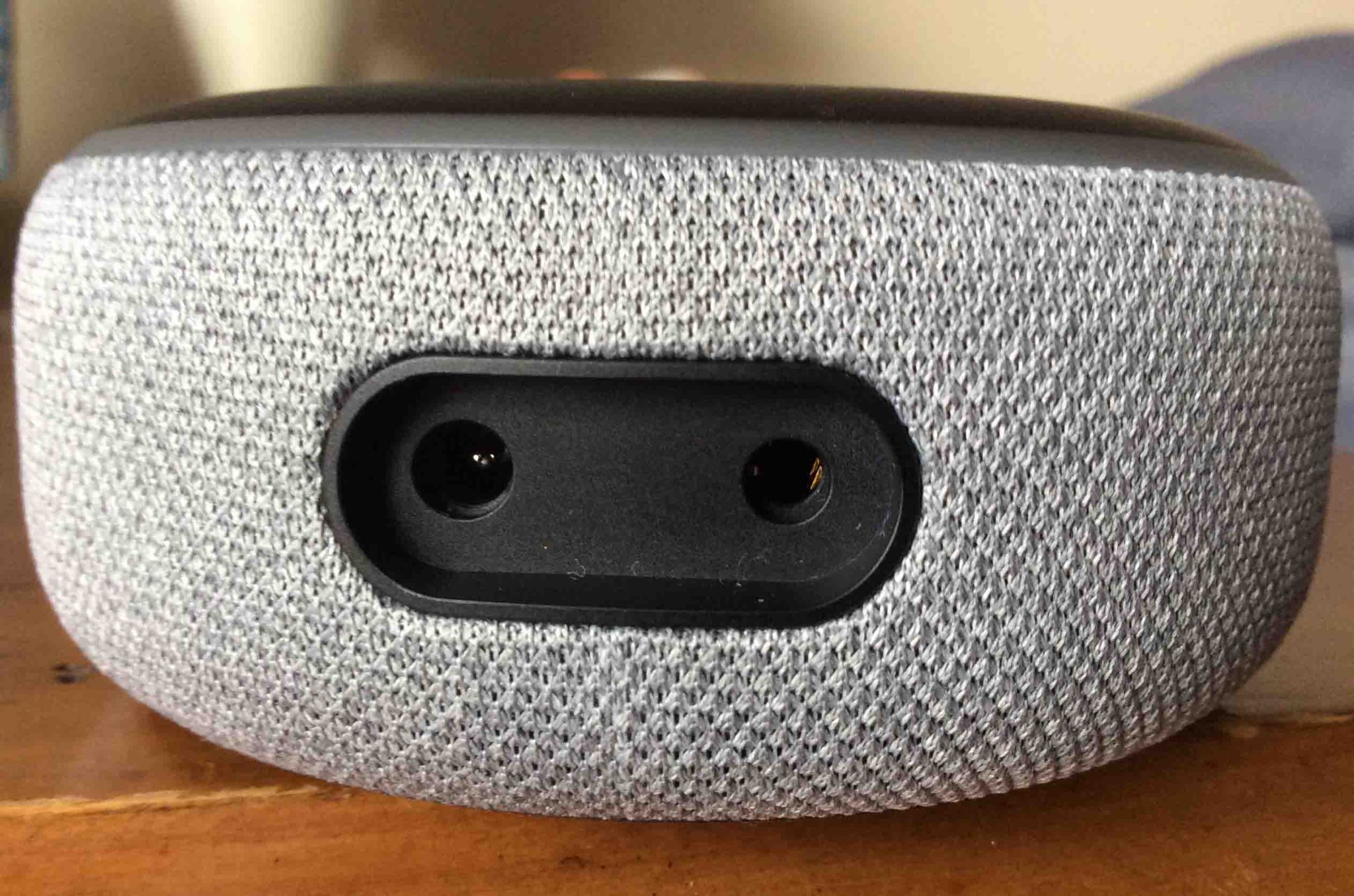
Image source: Bing (Web (fair-use with source credit))
Look at the back or bottom of your smart speaker. What ports do you see?
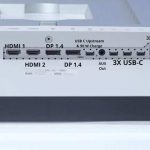
If you see a 3.5mm audio jack labeled "Audio Out" or "Line Out", you're in luck. That's a wired output you can use to connect directly to an outdoor speaker. If you see a USB port, that's for power only.
It won't carry audio.
If your smart speaker has no 3.5mm port at all, you're looking at a wireless solution. But here's the catch. Most smart speakers only have Bluetooth as a receiver.
They can hear your phone, but they can't talk to another speaker.
To check if your smart speaker can send Bluetooth audio, look in the settings of your smart home app. Some models, like the Amazon Echo (4th gen), have a feature called "Bluetooth speaker" or "Pair new device" that lets them connect to external speakers. But this is not universal.
The simplest way to test is to try pairing your smart speaker with a Bluetooth speaker you already own. Put your outdoor speaker into pairing mode. Open the Bluetooth settings on your smart speaker app.
See if the outdoor speaker appears in the list of available devices. If it does and the connection works, your smart speaker can send audio. If you run into trouble with devices not appearing during pairing, that's a common issue we address separately.
Here's a quick reference for popular smart speaker models:
| Model | Has 3.5mm Audio Out | Can Send Bluetooth Audio |
|---|---|---|
| Amazon Echo Dot (3rd gen) | Yes | No |
| Amazon Echo Dot (4th/5th gen) | Yes | No |
| Amazon Echo (4th gen) | No | Yes (limited) |
| Amazon Echo Studio | No | No |
| Google Nest Mini | No | No |
| Google Nest Audio | Yes | No |
| Google Home Max | Yes | No |
| Apple HomePod mini | No | No |
If your model isn't listed, check the manufacturer's support page. The port layout is usually shown in the product images.
Step 2: Identify Your Outdoor Sound Box – Active vs. Passive Matters
Your outdoor sound box falls into one of two categories. Active speakers have a built-in amplifier. Passive speakers don't.
This distinction is critical because it determines everything about how you connect them.
Active outdoor speakers are the most common. They have a power cord or a built-in battery. They have volume controls.
They usually have Bluetooth, aux input, or both. If you see a power cord, a battery compartment, or a USB charging port, you have an active speaker. These are the easiest to work with because they can accept a signal directly from your smart speaker or a Bluetooth transmitter.
Passive outdoor speakers look like raw speaker boxes with no buttons, no power cord, and no ports. They only have two metal terminals or spring clips on the back. These need a separate amplifier to function.
You cannot plug a passive speaker directly into a smart speaker. The signal won't be strong enough to produce sound. You also need to account for the physical weight of the speaker when mounting it permanently.
If you're not sure which type you have, check the product manual or look up the model number online. The weight of the speaker is another clue. Passive speakers are usually lighter because they don't contain an amplifier or battery.
Active speakers are heavier and have vents or grilles for heat dissipation.
Pay attention to the IP rating on your outdoor sound box. Most outdoor speakers have an IPX4, IPX5, or IPX6 rating. IPX4 means it can handle splashes.
IPX6 means it can handle powerful water jets. If you're mounting the speaker near a pool or in an area with heavy rain, look for IPX6 or higher. The connection point also needs to be weatherproofed, which we'll cover later.
Decision Tree: Which Connection Method Fits Your Setup
Now that you know what you're working with, here's how to decide which connection method to use. Follow the branches based on your equipment.
Branch A: Smart Speaker Has Bluetooth Transmitter
If your smart speaker can send Bluetooth audio, pairing is straightforward. Put your outdoor sound box into pairing mode. Open the Bluetooth settings on your smart speaker app.
Select your outdoor speaker from the list. That's it.
This is the simplest setup. But it's also the rarest. Most smart speakers don't have this capability.
If you're lucky enough to have a model that does, you're done.
Branch B: Smart Speaker Has a 3.5mm Line-Out Port
If your smart speaker has a 3.5mm audio output, use a standard aux cable. Connect one end to the smart speaker's line-out port. Connect the other end to the aux input on your outdoor sound box.
Select aux input on the outdoor speaker if needed.
This gives you a wired connection with zero audio delay. It's the most reliable option. The only downside is the cable run.
Make sure the cable is rated for outdoor use if it passes through windows or doors. A 3.5mm aux cable longer than 25 feet can introduce signal degradation. Keep it under 15 feet for best results.
Branch C: Your Smart Speaker Only Receives Audio (Most Common)
This is the situation most people face. Your smart speaker can't send audio natively. You need a Bluetooth transmitter.
This is a small device that plugs into the smart speaker's aux port or USB port and broadcasts a Bluetooth signal.
Look for a Bluetooth transmitter that supports the latest version of the standard. Bluetooth 5.0 or higher gives you better range and lower latency. You also need to check the codec support.
If your outdoor speaker supports aptX Low Latency, get a transmitter that also supports it. This keeps audio and video in sync.
If your smart speaker has no aux port at all, you'll need a USB-powered Bluetooth transmitter that connects via the USB port. Some models include a built-in Bluetooth transmitter mode. Check your smart speaker's app settings to see if this feature is available.
Branch D: Outdoor Sound Box Is Passive
Passive speakers need a separate amplifier. You can connect the amplifier to your smart speaker via aux cable or Bluetooth. Then run speaker wire from the amplifier to the passive outdoor speakers.
The amplifier needs to match the impedance of your speakers. Most outdoor speakers are 8 ohms. Check the back of the speaker for the impedance rating.
The amplifier's output should be roughly double the speaker's RMS power rating for clean sound.
For example, if your outdoor speakers are rated at 50 watts RMS, get an amplifier that delivers 100 watts per channel. This gives you headroom without distortion. You also need to check the battery life of any portable amplifier if you're powering the setup away from mains.

Similar Posts