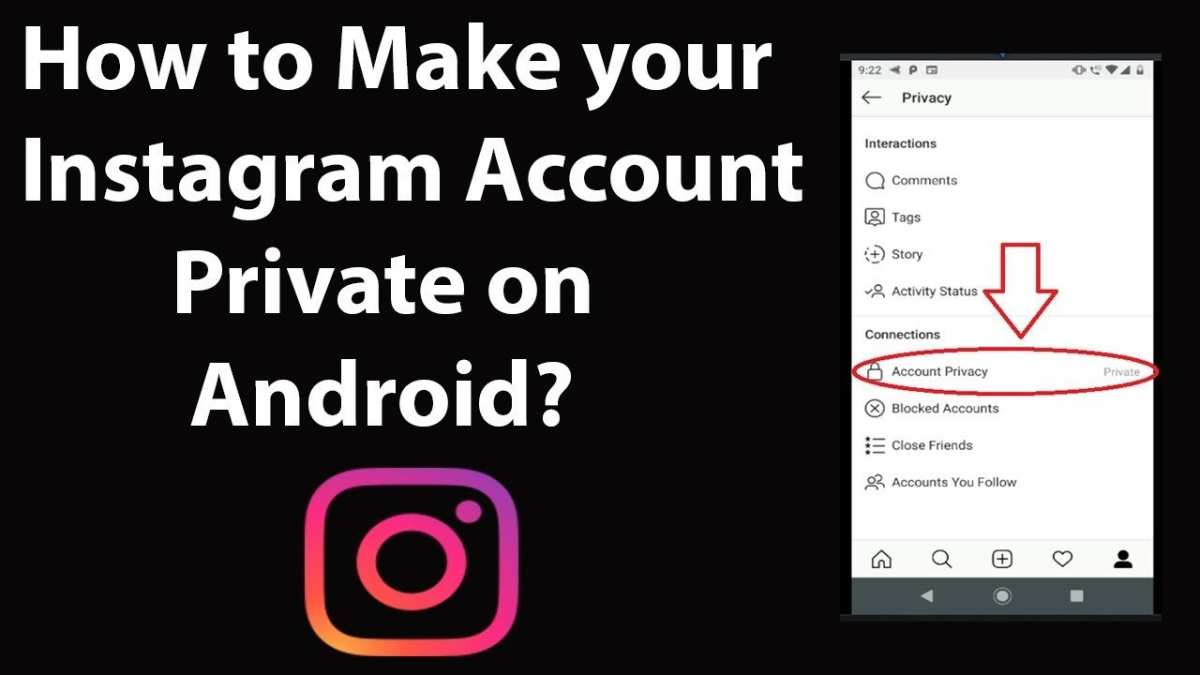
How To Make Your Instagram Private On Android In 55?
To make your Instagram private on Android, go to your profile, tap the menu, select Settings, then Privacy, and toggle on Private Account. If…
To make your Instagram private on Android, go to your profile, tap the menu, select Settings, then Privacy, and toggle on Private Account. If…
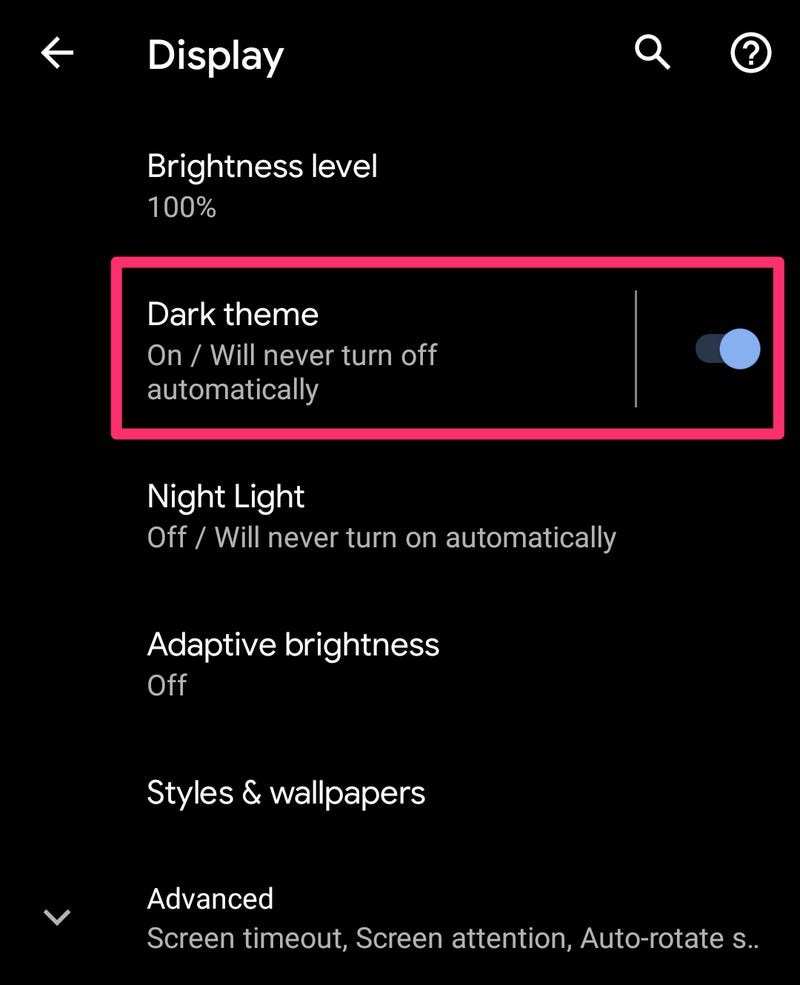
To activate dark mode on Instagram for Android, simply switch your device to dark theme in settings, and the app will follow suit. Wondering…
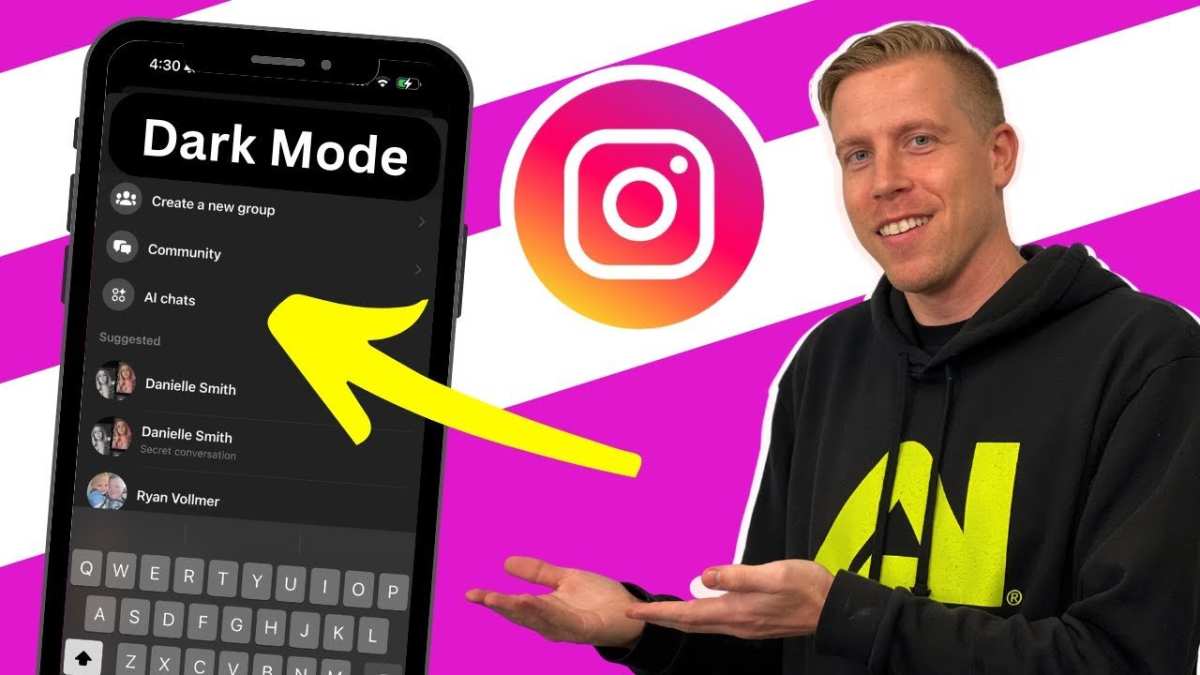
To make your Instagram black on Android, simply enable dark mode in your device settings or within the app itself. This change instantly gives…
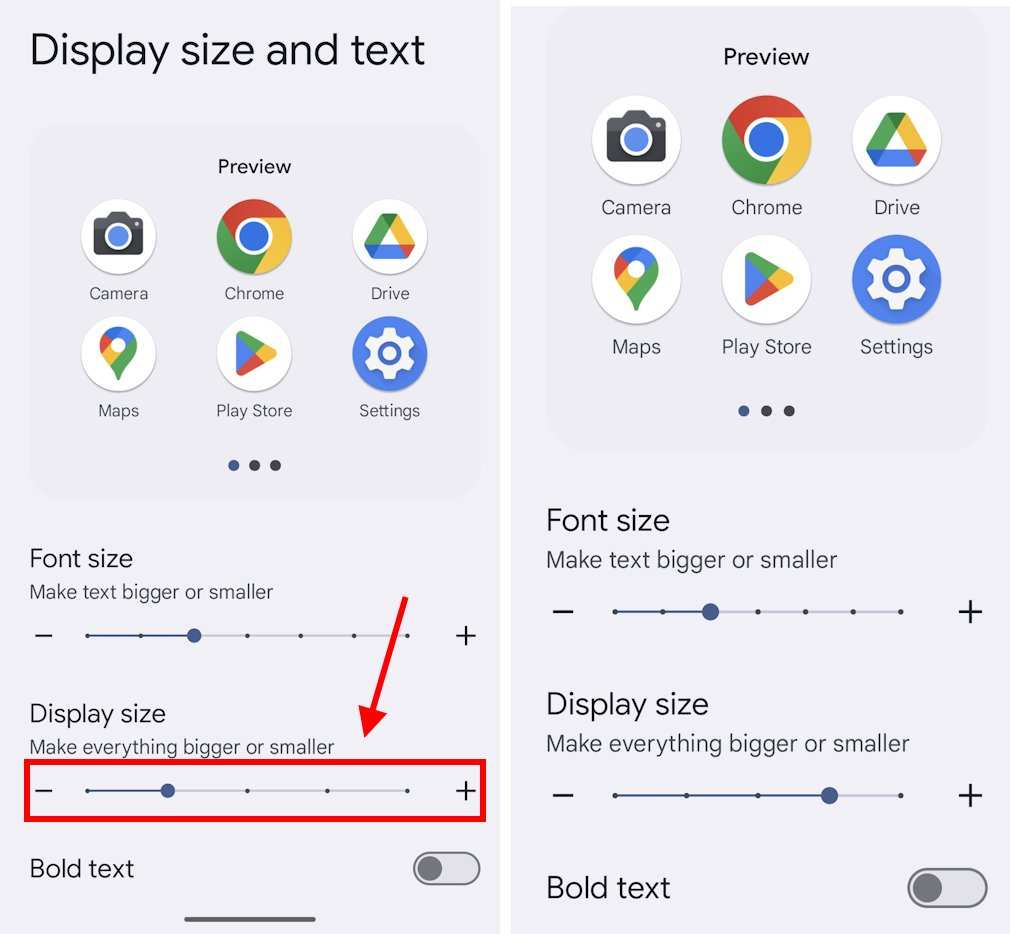
To make your icons smaller on Android, simply adjust the icon size in your launcher settings or use a third-party app. **Most Android devices…

To make your handwriting a font on Android, you need to create a custom font file from your handwriting and then install it on…
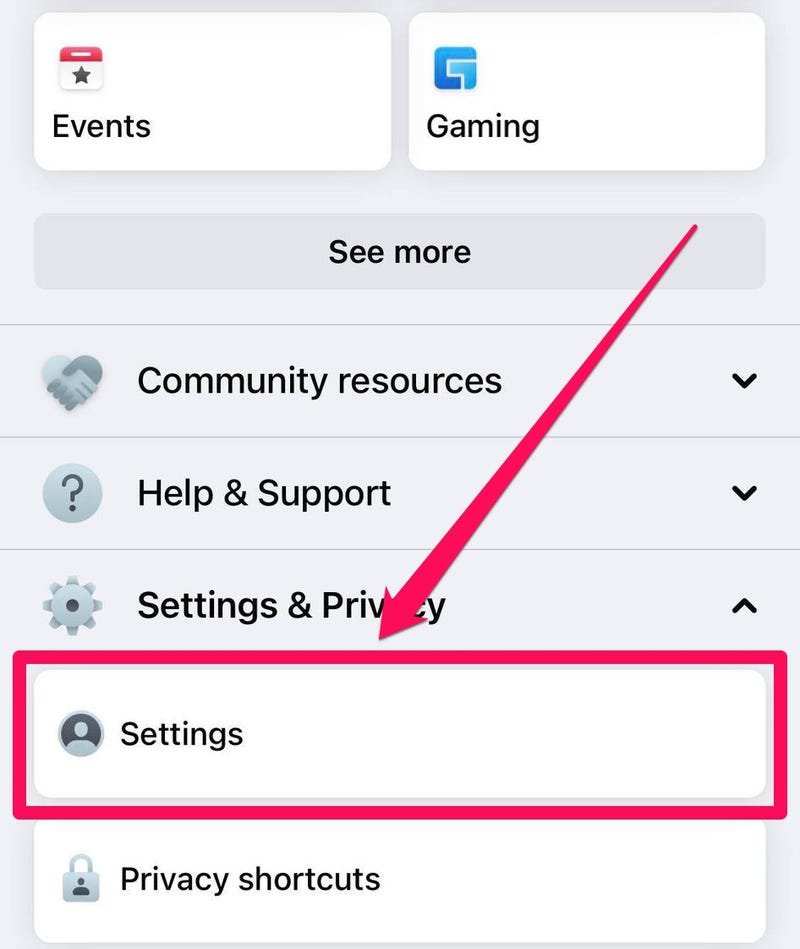
To make your friends list private on Facebook Android, you simply need to adjust your privacy settings. **Go to your profile, tap the menu,…
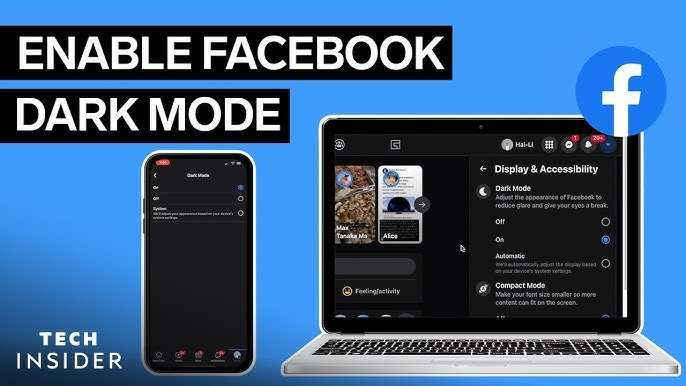
To activate dark mode on Facebook for Android, simply go to your app settings, tap on Dark Mode, and select ‘On.’ It’s a quick…
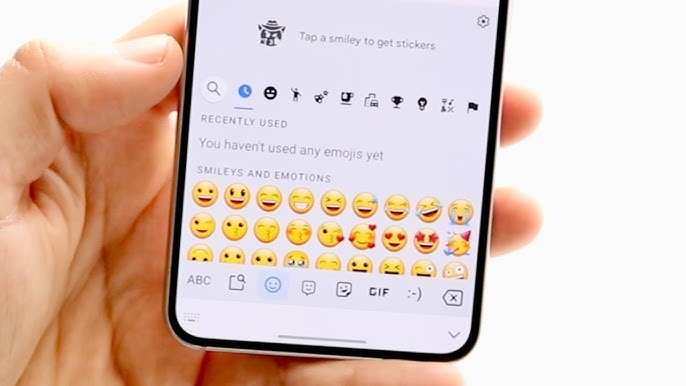
To make your emojis black on Android, you can modify your device’s settings or use a custom keyboard. **Changing the emoji color directly isn’t…
To make your data last longer on Android, start by enabling data saver mode and restricting background app activity. **Adjusting your app settings and…
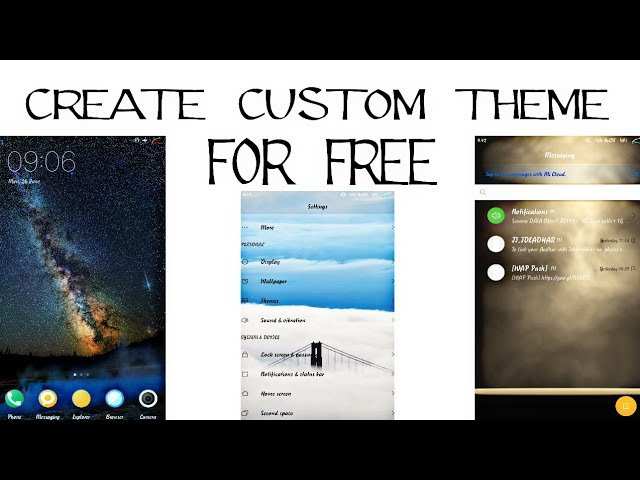
To make your own theme on Android, start by choosing a customization app like Substratum or Theme Editor. **You can easily create a personalized…
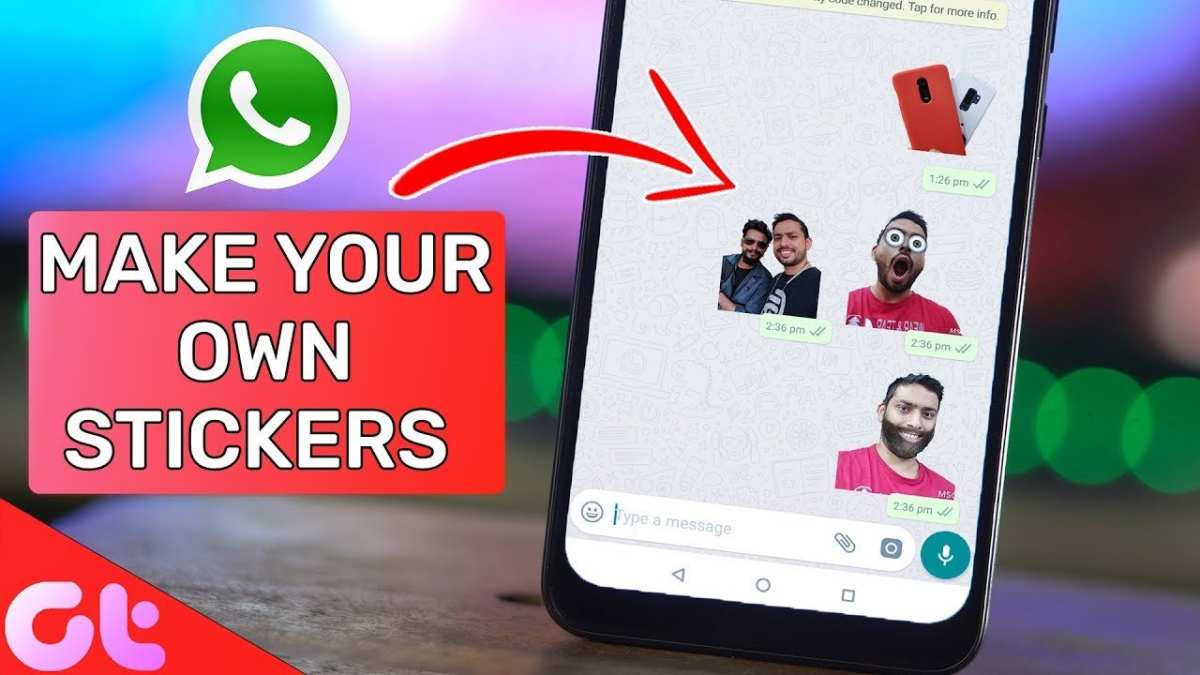
To make your own stickers for WhatsApp Android, you simply need a photo editing app and a little creativity. **You can create custom stickers…
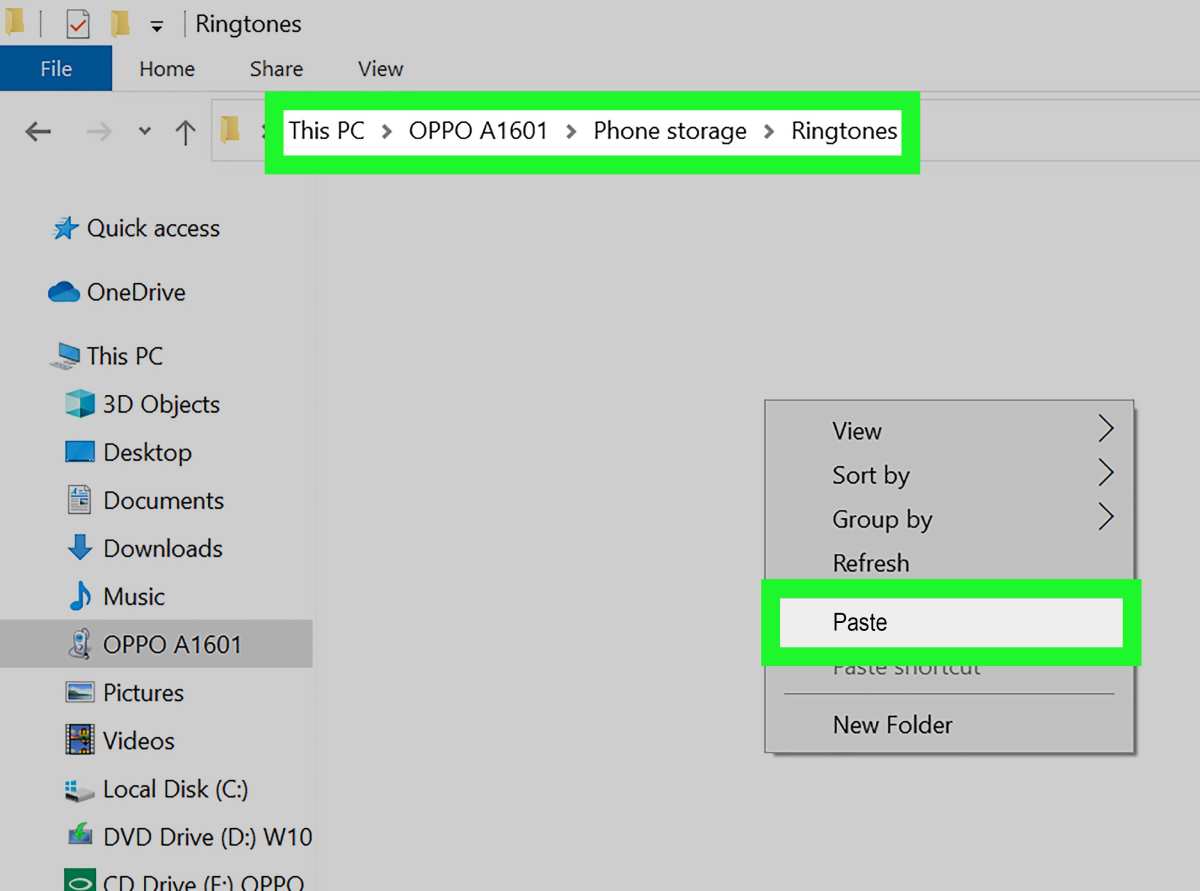
To make your own ringtones for Android phones, you simply need a good audio editor and access to your music files. **The process involves…