What Is the Difference Between Ultrawide and Super?
Confused by ultrawide and super ultrawide monitors? This guide breaks down the distinctions in aspect ratio, screen real estate, and their ideal applications. Discover which display is perfect for your gaming, productivity, or creative workflow. Ultrawide monitors offer an immersive experience, while super ultrawide monitors push the boundaries of horizontal space. 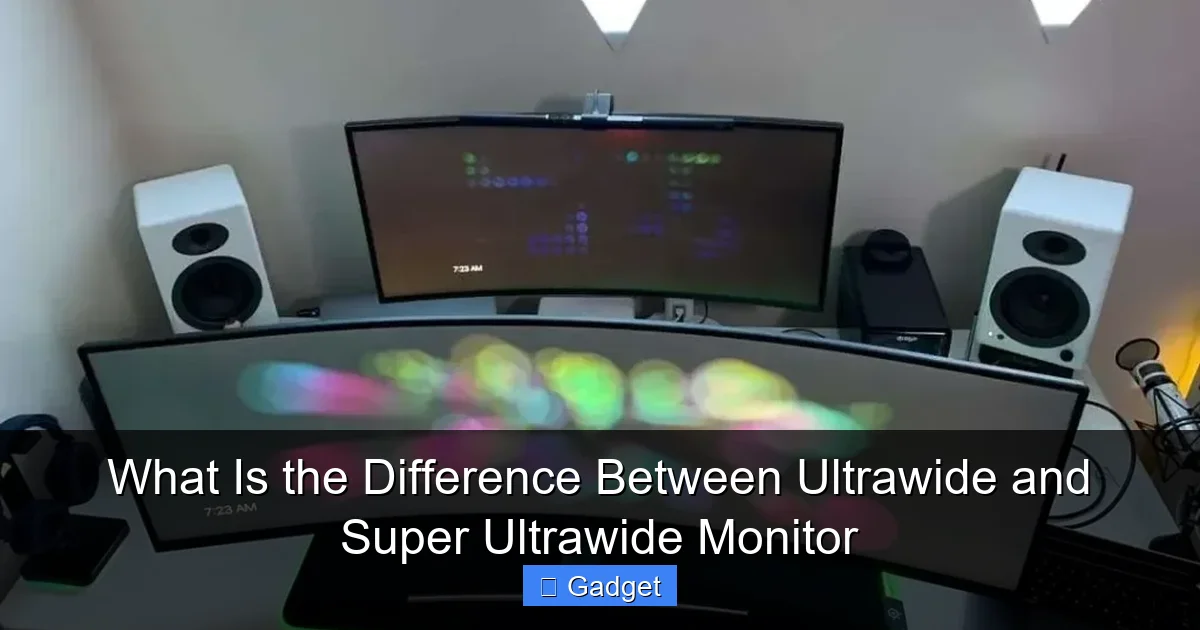 Now that we’ve established the aspect ratios, let’s break down the key distinctions in more detail. These differences impact everything from how you use the monitor to the hardware you need to power it.
 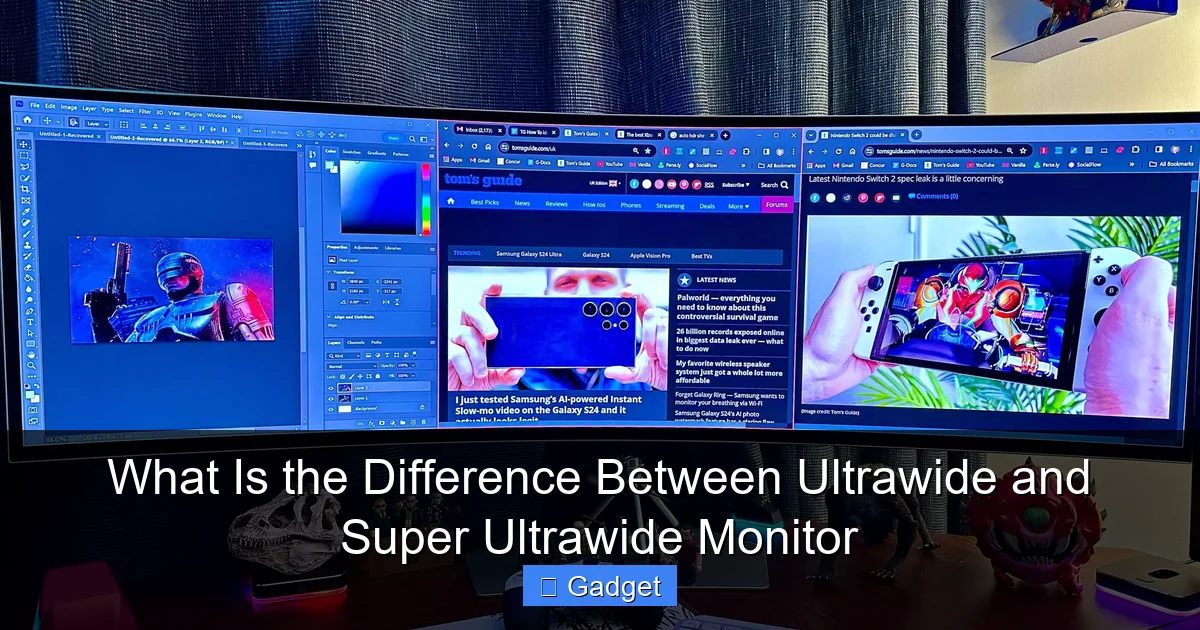 The choice between an ultrawide and a super ultrawide monitor ultimately depends on your individual needs, budget, and how you plan to use your display. Let’s consider some common scenarios.
  When choosing between these monitors, keep these practical points in mind: * **Desk Space:** Super ultrawide monitors are very long. Measure your desk carefully to ensure you have enough space. Consider their depth as well, as some stands can be quite large. * Ergonomics: Due to their width, you might find yourself turning your head more to see the edges of a super ultrawide. Some users find ultrawide monitors to be more ergonomically comfortable for prolonged use. Consider a monitor arm to adjust positioning. * **Content Support:** While many games and applications support ultrawide and super ultrawide resolutions, some older or niche content might not. Check reviews and forums for specific titles or software you use regularly. * **GPU Power:** For super ultrawide monitors, especially those with higher resolutions like 5120×1440, invest in a capable graphics card. Your gaming performance and general responsiveness will thank you. * **Refresh Rate and Panel Type:** As with any monitor purchase, consider refresh rate (for smooth motion, especially in gaming) and panel type (IPS for color accuracy and viewing angles, VA for contrast, TN for speed). These factors are independent of aspect ratio but crucial for overall monitor quality.
What Is the Difference Between Ultrawide and Super Ultrawide Monitor
Welcome! Are you looking to upgrade your monitor setup and wondering about the buzz around ultrawide and super ultrawide displays? You’ve come to the right place. In today’s tech landscape, monitors are becoming more than just screens; they’re gateways to enhanced productivity, immersive gaming, and seamless creative workflows. But with so many options, understanding the nuances between terms like “ultrawide” and “super ultrawide” can be confusing. This comprehensive guide will demystify these popular monitor types. We’ll dive deep into what makes them different, explore their unique benefits, and help you figure out which one is the perfect fit for your specific needs. By the end of this guide, you’ll have a clear understanding of ultrawide versus super ultrawide monitors and be equipped to make an informed decision for your next tech purchase. Let’s get started by defining what we mean when we talk about these expansive displays.Key Takeaways
- Aspect Ratio is the Core Difference: Ultrawide monitors typically have a 21:9 aspect ratio, offering more horizontal space than standard 16:9 displays. Super ultrawide monitors push this further with 32:9 aspect ratios, essentially providing two 16:9 monitors side-by-side without bezels.
- Screen Real Estate Expands Significantly: Super ultrawide monitors offer considerably more horizontal screen real estate than their ultrawide counterparts, providing an even more expansive viewing area for multitasking and immersive content.
- Common Resolutions Differ: Ultrawide monitors often come in resolutions like 3440×1440 (WQHD ultrawide). Super ultrawide monitors frequently feature resolutions like 3840×1080 (a very wide FHD) or 5120×1440 (DQHD ultrawide), reflecting their increased horizontal pixel count.
- Use Cases Evolve with Immersion: Both are great for productivity and gaming, but super ultrawide excels in scenarios where extreme horizontal multitasking or a deeply immersive gaming experience is paramount.
- Cost and Hardware Demands Increase: Super ultrawide monitors generally come with a higher price tag and demand more powerful graphics cards to drive their higher resolutions and wider aspect ratios effectively.
- Choosing Depends on Your Needs: The “better” choice depends entirely on your budget, desk space, and primary use case. For enhanced multitasking, ultrawide is excellent. For ultimate immersion and a dual-monitor feel without the bezel, super ultrawide takes the lead.
Understanding Monitor Aspect Ratios
Before we can differentiate between ultrawide and super ultrawide, it’s crucial to understand the concept of an aspect ratio. Simply put, an aspect ratio describes the proportional relationship between a display’s width and its height. It’s usually expressed as two numbers separated by a colon, like 16:9.The Standard: 16:9
For many years, the 16:9 aspect ratio has been the industry standard for monitors, televisions, and video content. This means for every 16 units of width, there are 9 units of height. It’s a versatile ratio that works well for a wide range of applications, from watching movies to general computing.Stepping Up: Ultrawide (21:9)
As technology evolved, so did the desire for more immersive and productive screen experiences. This led to the development of ultrawide monitors. The most common aspect ratio for ultrawide monitors is 21:9. This signifies that for every 21 units of width, there are 9 units of height. Compared to a standard 16:9 monitor of the same height, a 21:9 ultrawide monitor is significantly wider. This extra width translates to more screen real estate horizontally, which is where the magic happens for many users.Pushing the Limits: Super Ultrawide (32:9)
Now, let’s talk about super ultrawide monitors. These displays take the concept of “wide” to an entirely new level. The most common aspect ratio for super ultrawide monitors is 32:9. Imagine two standard 16:9 monitors placed side-by-side without a bezel in between – that’s essentially what a 32:9 aspect ratio approximates. This means for every 32 units of width, there are 9 units of height. This enormous horizontal expanse offers an unparalleled amount of screen real estate. So, the fundamental difference lies in the degree of horizontal expansion. Ultrawide offers a noticeable increase over standard, while super ultrawide offers an even more dramatic leap.Key Differences: Ultrawide vs. Super Ultrawide
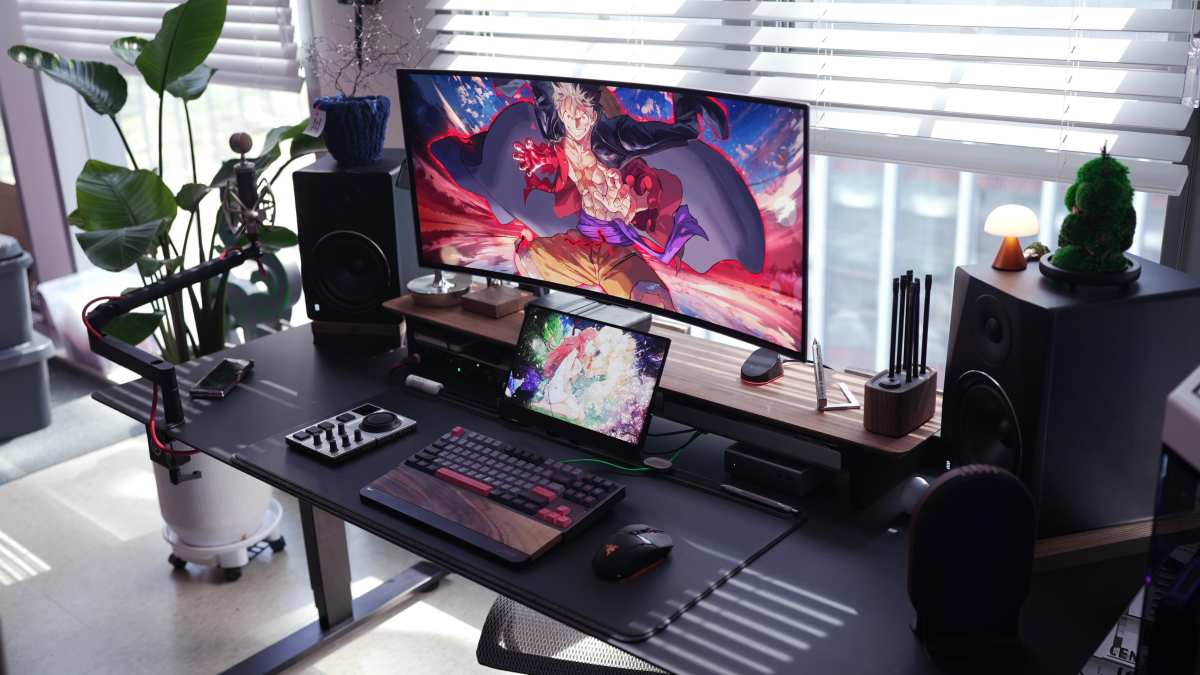
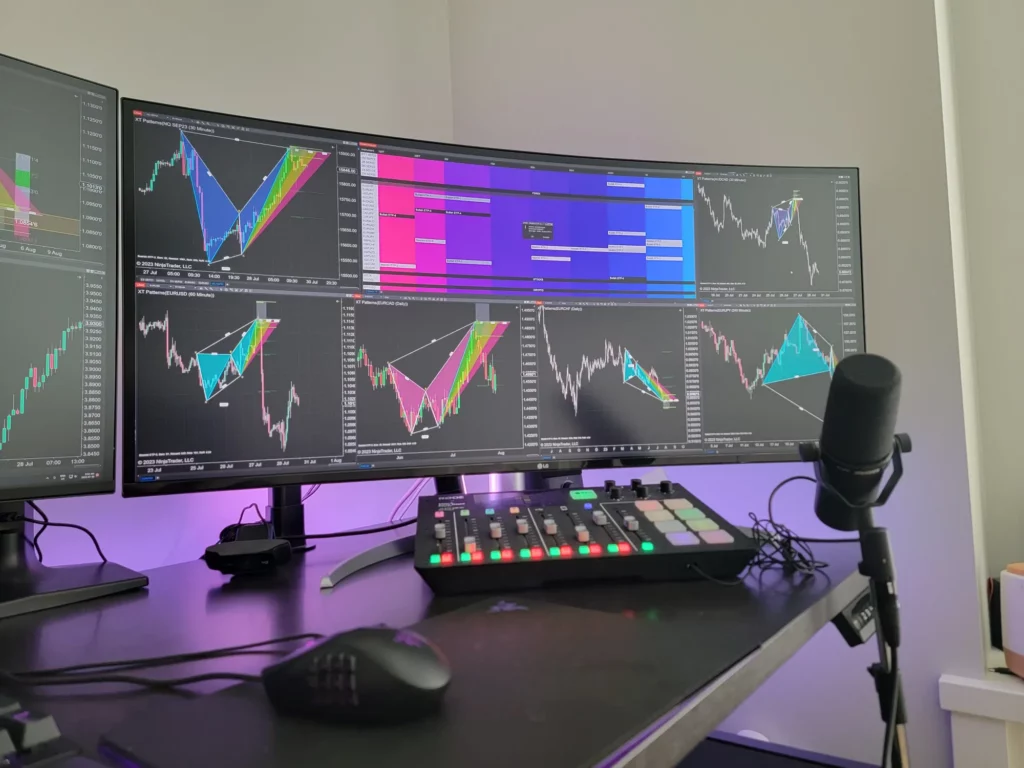
Visual guide about What Is the Difference Between Ultrawide and Super Ultrawide Monitor
1. Aspect Ratio and Screen Real Estate
* Ultrawide (21:9): Provides a wider field of view than 16:9, making multitasking more comfortable and gaming more immersive. You gain extra horizontal space for applications, timelines, or multiple windows. * Super Ultrawide (32:9): Offers a vastly expanded horizontal view, essentially providing the screen real estate of two 16:9 monitors combined. This is ideal for extreme multitasking or a deeply immersive panoramic experience. The difference in screen real estate is substantial; a 32:9 monitor is significantly wider than a 21:9 monitor of the same height. Think of it this way: if a standard 16:9 monitor is your comfortable living room couch, an ultrawide (21:9) is like a slightly larger sofa, and a super ultrawide (32:9) is like a sectional that wraps around your entire entertainment area.2. Resolutions
The aspect ratio directly influences the resolutions commonly found on these monitors. Higher horizontal aspect ratios require more pixels to maintain sharpness and detail. * Common Ultrawide Resolutions: * **3440 x 1440 (WQHD Ultrawide):** This is perhaps the most popular resolution for 21:9 ultrawide monitors. It offers a significant upgrade in sharpness and detail over standard 1440p (2560×1440) monitors. * **2560 x 1080 (Full HD Ultrawide): While less common for higher-end ultrawides, this resolution offers a wider aspect ratio at a more accessible price point, but with a lower pixel density compared to WQHD ultrawide. * Common Super Ultrawide Resolutions: * **3840 x 1080 (Very Wide Full HD):** This resolution is sometimes seen on 32:9 monitors, offering a very wide experience but with a pixel density similar to standard 1080p. It’s a good entry point for super ultrawide. * **5120 x 1440 (DQHD Ultrawide): This is the “gold standard” for many super ultrawide users. It offers a resolution equivalent to two 2560×1440 monitors placed side-by-side, providing exceptional sharpness and detail across its vast expanse. * **3840 x 1200:** Another resolution you might encounter, offering a balance between width and vertical height. The higher resolutions of super ultrawide monitors mean they contain more pixels, demanding more processing power from your graphics card.3. Immersion and Field of View
* **Ultrawide:** Offers a noticeably more immersive experience than standard 16:9 monitors, particularly in gaming and cinematic content. The wider field of view pulls you into the action without feeling overwhelming. * **Super Ultrawide:** Delivers a significantly more immersive experience. In games, this means seeing more of the game world around you, which can provide a competitive edge and a deeper sense of presence. For movies with a wider aspect ratio, you’ll see fewer black bars, or none at all. The extra horizontal real estate on a super ultrawide monitor truly wraps around your peripheral vision, creating an unparalleled sense of immersion.4. Multitasking Capabilities
This is where the distinction becomes very practical for productivity users. * Ultrawide: Excellent for multitasking. You can comfortably have two applications open side-by-side, like a document and a web browser, or a video editing timeline and your media bin. It reduces the need to constantly switch between windows. * Super Ultrawide: Takes multitasking to an extreme. You can effectively run three or even four applications side-by-side with ease. Imagine having your code editor, a terminal window, documentation, and a communication app all visible simultaneously without any overlap. It’s like having a command center on your desk. For users who spend a lot of time juggling multiple applications, the super ultrawide monitor can be a game-changer, dramatically improving workflow efficiency.5. Gaming Experience
Both ultrawide and super ultrawide monitors enhance the gaming experience. * Ultrawide: Many modern games support 21:9 resolutions, offering a wider field of view that can be incredibly engaging. It allows you to see more of the game world, potentially giving you an advantage in competitive titles or simply making cinematic games feel more grand. * **Super Ultrawide:** When games support 32:9 resolutions, the immersion is taken to another level. You get an incredibly expansive view that can drastically alter the feel of games, especially in simulators, racing games, or open-world titles. However, not all games natively support 32:9, and you might encounter issues with UI scaling or black bars on the sides if support is limited. It’s important to check game support for these wider aspect ratios before committing to a purchase.6. Cost and Hardware Requirements
This is a significant factor for most buyers. * **Ultrawide:** Generally more affordable than super ultrawide monitors. They also require less powerful graphics hardware to run smoothly at their native resolutions compared to super ultrawides. * **Super Ultrawide:** Typically come with a higher price tag due to their larger size, more complex panel technology, and higher resolutions. They also demand more from your PC’s graphics card. Driving resolutions like 5120×1440 at high frame rates requires a powerful GPU. If you’re on a tighter budget or have an older gaming PC, an ultrawide monitor might be a more practical choice.Which One Is Right for You?
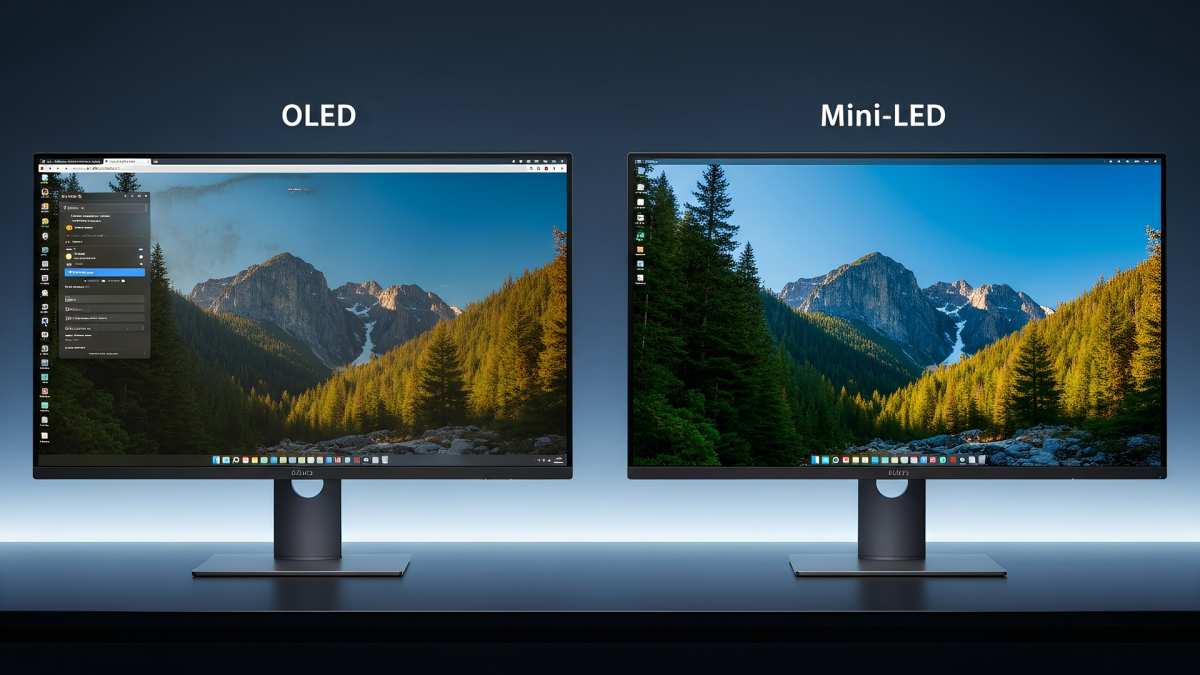
Visual guide about What Is the Difference Between Ultrawide and Super Ultrawide Monitor
When to Choose an Ultrawide Monitor (21:9)
* You’re a Gamer Looking for Enhanced Immersion: If you want a more engaging gaming experience than a standard 16:9 monitor without breaking the bank or demanding an extremely powerful PC. * **You’re a Multitasker Who Needs More Space: If you frequently work with two applications side-by-side and find yourself wishing for just a little more room. * **You Consume a Lot of Ultrawide Content: For watching movies and TV shows that are often formatted in 21:9, you’ll get a more cinematic viewing experience with fewer black bars. * **You Have Desk Space but Not Infinite Space:** Ultrawide monitors are wider than standard monitors but generally more manageable in size compared to super ultrawides. * **You Have a Mid-Range Gaming PC:** Ultrawide monitors are more forgiving on your GPU compared to super ultrawides. Example: A student who needs to research on the web while writing an essay, or a gamer who wants to get into ultrawide gaming without needing the absolute top-tier PC.When to Choose a Super Ultrawide Monitor (32:9)
* You Demand the Ultimate Immersive Gaming Experience: If you want to be completely enveloped by your game world and have the budget and hardware to support it. * **You Are a Power Multitasker or Productivity Powerhouse: If your workflow involves managing many applications simultaneously and you want to see them all clearly without compromise. This is where super ultrawide truly shines. * **You Want to Replace a Dual-Monitor Setup Seamlessly:** If you’re looking to achieve the effect of two monitors side-by-side without the distracting bezel. * You Have Ample Desk Space: These monitors are significantly wider and require a substantial amount of desk real estate. * **You Have a High-End Gaming PC or Workstation:** To fully utilize the resolution and enjoy smooth performance, you’ll need a powerful graphics card. Example: A programmer who needs to monitor multiple code windows, logs, and documentation simultaneously; a video editor who can lay out their entire timeline and all asset windows in one view; or a hardcore gamer who wants the most visually expansive experience possible.Practical Tips and Considerations
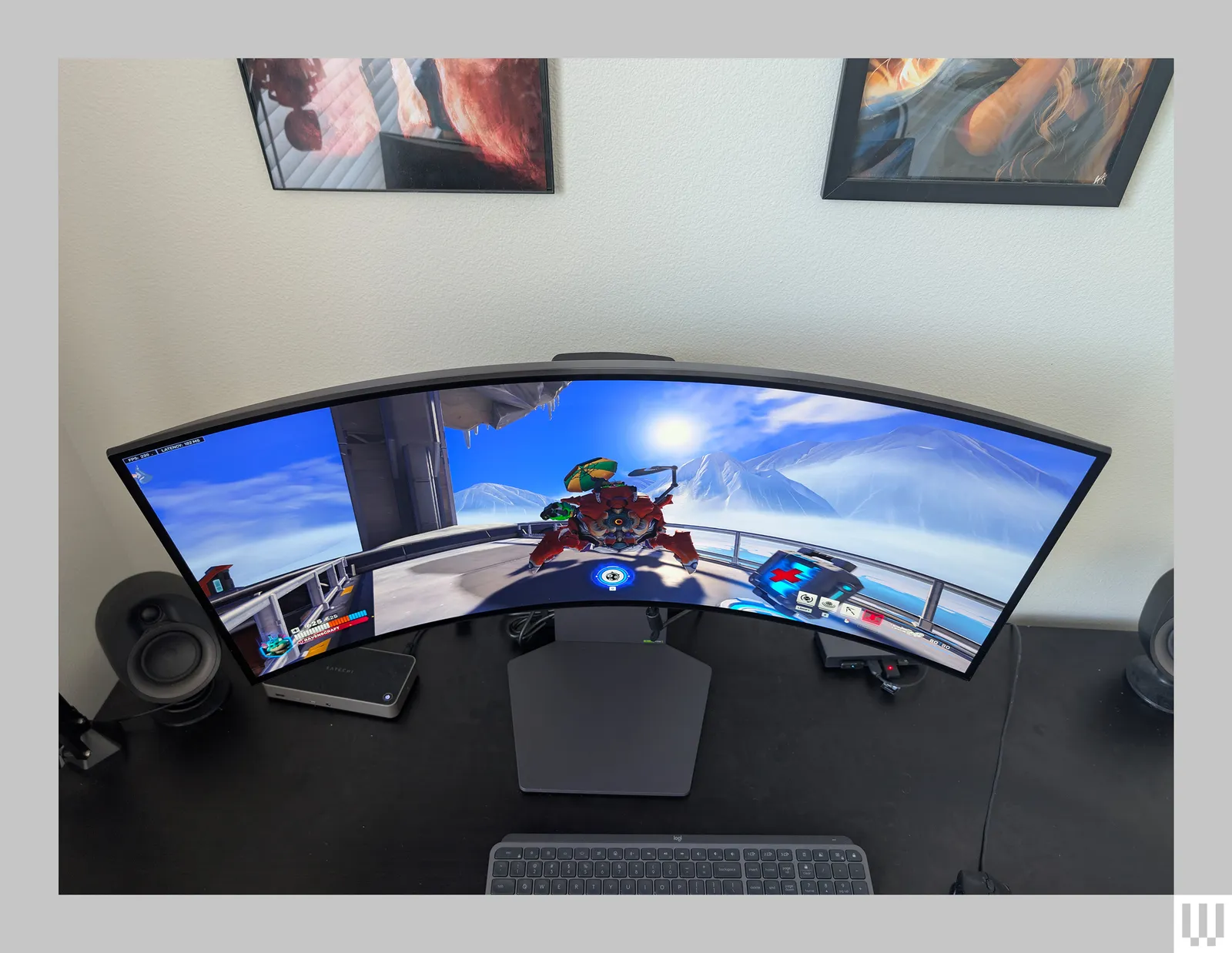
Visual guide about What Is the Difference Between Ultrawide and Super Ultrawide Monitor
Troubleshooting Common Issues
While generally well-supported, you might encounter a few issues: * Black Bars (Letterboxing/Pillarboxing): This occurs when content isn’t formatted for your monitor’s aspect ratio. For example, a standard 16:9 movie on a 21:9 or 32:9 screen might have black bars on the sides or top/bottom. Many monitors and graphics drivers have settings to stretch or zoom content, but this can distort the image. * UI Scaling Issues:** Some applications or older games might not scale their user interfaces correctly on ultrawide displays. This can result in tiny menus or buttons. Look for in-game settings or application preferences to adjust UI scaling. * Performance Drops:** If you’re experiencing lag in games, especially on super ultrawide monitors, it’s likely due to your GPU struggling to render all the pixels. Lowering in-game graphical settings or resolution might be necessary.Conclusion
The difference between ultrawide and super ultrawide monitors boils down to one thing: more screen. Ultrawide monitors, typically 21:9, offer a significant step up in horizontal space for enhanced productivity and immersion. Super ultrawide monitors, most commonly 32:9, push this even further, delivering an expansive panoramic experience that can rival dual-monitor setups. Choosing between them is a personal decision. If you’re seeking a noticeable improvement in multitasking and a more immersive gaming experience without requiring a top-tier PC, an ultrawide monitor is an excellent choice. However, if you crave the absolute pinnacle of immersion, need to juggle an extreme number of applications, and have the budget and hardware to support it, a super ultrawide monitor will undoubtedly impress. By understanding the aspect ratios, resolutions, and use cases, you’re now well-equipped to make the right choice for your setup. Happy viewing and productive computing!
Similar Posts