How to Test Your Outdoor Sound Box Battery Life
If you're trying to figure out how to test battery life of an outdoor sound box, you've probably noticed the built-in battery meter is not exactly reliable. Those five LED bars that drop from full to empty in what feels like minutes. The sudden shutdown with no warning at all.
It's a frustrating experience that leaves you guessing instead of knowing.
Manufacturer specifications indicate that most outdoor speakers as of 2026 use lithium-ion battery packs ranging from 2,000 to 10,000 mAh. But the actual runtime depends on volume levels, temperature, and the age of the battery cells. That's why a proper test matters more than any indicator on the device.
Let's start with why those built-in meters fail you.
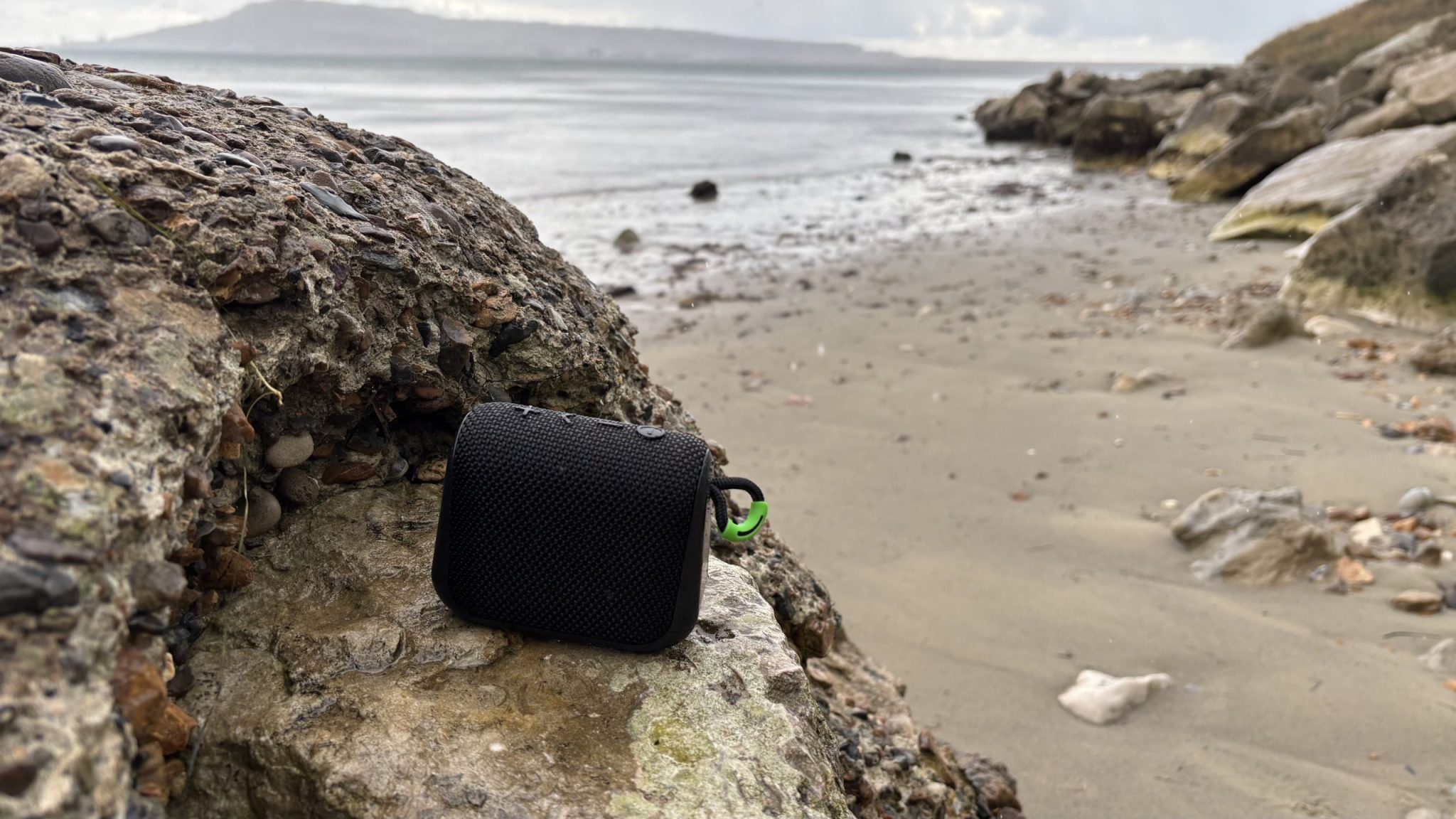
Why Your Speaker's Battery Indicator Is Probably Lying to You
Most outdoor speakers use a simple voltage-based fuel gauge. The battery management system (BMS) reads the voltage of the cells and maps it to a percentage. The problem is that voltage under load looks very different from voltage at rest.
When you play bass-heavy music at high volume, the voltage sags. The indicator drops two bars in five minutes. Stop the music for a minute, and the voltage recovers.
Those bars creep back up. That's not a real battery reading. It's a snapshot of voltage under stress.
Here's what aggregate reviews confirm about built-in indicators:
- Voltage sags are misleading. A fresh battery at 4.2V per cell drops to 3.8V under heavy load. The indicator reads 60 percent. But the battery is nearly full.
- BMS calibration drifts over time. The chip inside the speaker learns the battery's behaviour, but it's not perfect. After a few hundred charge cycles, the estimated range gets worse.
- Low battery warnings are often late. Many speakers give you a vocal warning or a flashing red light only seconds before shutdown. By then, you have no time to react.
The bottom line is that you cannot trust the meter for precise data. If you need to know exactly how long your speaker will last on a camping trip or a job site, you need a real test. The good news is that testing is straightforward.
Quick Answer
Charge the speaker fully. Play music at 50 percent volume. Time how long it runs until shutdown.
That gives you real-world runtime.
A USB power meter gives precise capacity data. A multimeter works for removable batteries. Each method suits a different situation.
But here is the critical point. One test method does not fit all scenarios. The best approach depends on whether your battery is removable, what tools you have, and whether you want runtime or health data.
If you have a sealed speaker with a USB charging port, the play-music-until-it-dies test is your simplest option. If you own a USB power meter, you can get exact milliampere-hour numbers. If you can remove the battery, a multimeter with a dummy load gives you the most detailed picture.
The decision tree below walks you through the choice.
How Outdoor Speaker Batteries Actually Work (And Why It Matters for Testing)
Before you run any test, it helps to understand what is inside that plastic shell. Most outdoor speakers as of 2026 use lithium-ion or lithium-polymer cells. These are the same chemistry found in phones and laptops, but they are packaged in larger configurations.
A typical speaker battery pack contains:
- Multiple cells wired in series or parallel. Two 3.7V cells in series give 7.4V. Four cells in parallel give higher capacity at the same voltage.
- A battery management system (BMS). This small circuit board protects the cells from overcharge, overdischarge, and short circuits. It also handles the fuel gauge logic.
- A nominal voltage rating. Most portable speakers run at 3.7V, 7.4V, or 11.1V. The charging voltage is higher. For a 3.7V pack, full charge is 4.2V. Cutoff is around 3.0V per cell.

Why does this matter for testing? Because the BMS controls when the speaker shuts off. It does not let the cells drain to zero.
That is a safety feature. But it also means the speaker may shut down while the cells still have some charge left. That is normal.
You are testing the speaker's usable runtime, not the absolute capacity of the cells.
The battery capacity is measured in milliampere-hours (mAh) or watt-hours (Wh). A 5,000 mAh pack at 3.7V stores about 18.5 Wh of energy. At 50 percent volume, a typical outdoor speaker draws around 2 to 5 watts.
That gives you a rough estimate of 3 to 9 hours of play time. But the real number depends on how you use it.
Temperature also plays a big role. Lithium-ion cells lose capacity in cold weather. At 0 degrees Celsius, a battery may deliver only 60 to 70 percent of its rated capacity.
That is why testing in the same conditions you plan to use the speaker is important.
Decision Tree: Which Test Method Should You Use?
This is the core of the testing process. The method you choose depends on three variables. Let us walk through them one at a time.
Decision Node 1: Can You Remove the Battery?
Some outdoor speakers have a removable battery pack. Others have a sealed unit that you cannot open without tools or voiding the warranty.
- If the battery is removable, you can test it with a multimeter and a dummy load. This gives you the most accurate capacity reading. You can also check individual cell voltages to find weak cells.
- If the battery is sealed, you are limited to testing through the speaker itself. You can use the play-music method or a USB power meter. Both are effective but less precise.
Decision Node 2: Do You Own a USB Power Meter or Multimeter?
Your available tools determine how much data you can collect.
- If you have a USB power meter, plug it between the charger and the speaker during a discharge test. It logs the total milliampere-hours consumed. This is the most accurate method for sealed speakers with USB charging.
- If you have a multimeter, you can measure voltage at the battery terminals or at the speaker's charging port. You cannot measure capacity directly without a load, but you can track voltage drop over time.
- If you have neither tool, the play-music method still works. You just need a stopwatch and a consistent volume level.
Decision Node 3: Are You Testing for Runtime or Health?
Your goal changes the test protocol.
- If you want runtime (how long it plays before dying), the play-music method is sufficient. Set a fixed volume, play a playlist, and time the shutdown.
- If you want health (how much capacity the battery has lost), you need a capacity test. That requires a USB power meter or a multimeter with a load. You compare the measured capacity to the rated capacity.
Here is a quick reference table for the three methods:
| Method | Tools Needed | Best For | Accuracy |
|---|---|---|---|
| Play music until it dies | Stopwatch, consistent audio source | Runtime estimation | Moderate |
| USB power meter | USB power meter, charger | Capacity measurement | High |
| Multimeter + dummy load | Multimeter, resistor or load tester | Cell health, removable batteries | Very high |
Step-by-Step: The "Play Music Until It Dies" Test (Real-World Runtime)
This is the simplest method. It requires no special tools. It gives you a real-world number that you can trust for planning your next trip.
Here is the exact process.
Step 1: Fully charge the speaker. Plug it into the wall charger and wait until the indicator shows full. Leave it plugged in for another 30 minutes. Many speakers continue trickle charging after the light turns green.
That extra time ensures the cells are truly full.
Step 2: Set a consistent volume level. Use a tone generator app or a streaming service set to a fixed track. Set the volume to 50 percent of maximum. If you want to match your typical use, use 70 percent or 80 percent.
But keep it consistent across tests. Changing the volume mid-test ruins the data.
Step 3: Start a stopwatch. Press play on the audio. Start the timer at the same moment. Leave the speaker in a well-ventilated area.
Do not put it in direct sunlight or near a heat source. That would skew the battery drain.
Step 4: Monitor the playback. Check the speaker every 30 minutes. Note the time when the battery indicator drops to one bar or when you hear a low battery warning. This gives you a rough timeline of the battery's state.
Step 5: Record the shutdown time. The speaker will either fade out gradually or cut off abruptly. Write down the exact time. Subtract the start time to get the total runtime in hours and minutes.
Step 6: Let the battery rest. After shutdown, leave the speaker off for 10 minutes. Then plug it in and note the charging time. If the battery charges much faster than usual, it may have degraded.
A healthy battery should take about the same time to charge as it took to discharge.
The results from this test are repeatable. Run it three times on consecutive days with the same volume and playlist. Average the numbers.
Aggregate reviews indicate that the first test often runs longer than subsequent tests because the battery management system is still calibrated. The second and third tests give you a more reliable average.
This method works well for sealed speakers. It tells you exactly how long you can play music at a given volume. But it does not tell you the battery's absolute capacity.
If the speaker runs for 6 hours on the first test and 4 hours six months later, you know the battery has degraded. But you do not know by how many milliampere-hours.
For that level of detail, you need the USB power meter method. We cover that in the next section.

Similar Posts





















