Phone Stuck on 2G? How to Fix It Fast
If your phone is stuck on 2G, it's usually because something is forcing it off the faster network. A wrong network mode, a stale SIM, missing VoLTE, or a tower that's simply out of reach can all do it. Learning how to fix phone stuck on 2g really starts with one question.
Is it your phone, or is it the network?
The numbers make the gap obvious. EDGE tops out around 384 kbps, and plain GPRS crawls at roughly 114 kbps. Compare that with LTE, which routinely delivers 10 to 100 Mbps.
Here's how to work out which branch you're on.

Quick Answer
To fix a phone stuck on 2G, switch the network mode back to automatic. Toggle airplane mode, then restart the phone. Check mobile data, roaming, and VoLTE settings.
Reseat or replace the SIM card. Update carrier settings and reset the APN. If nothing works, the carrier or the tower is the problem.
Why Your Phone Is Stuck on 2G (And What It's Telling You)
2G, EDGE, and GPRS: what you're actually seeing
2G is the second generation of mobile tech, built on the GSM standard. When your status bar shows a G, you're on GPRS. When it shows E for EDGE, you're on a slightly faster 2G data layer.
Neither one is a fault on its own. Your phone is holding on to the last signal it can reach.
Here's how the generations stack up in practical terms.
| Status label | Network type | Typical peak speed |
|---|---|---|
| G (GPRS) | 2G | ~114 kbps |
| E (EDGE) | 2G | ~384 kbps |
| H / H+ | 3G (HSPA+) | 2 to 42 Mbps |
| 4G / LTE | 4G LTE | 10 to 100 Mbps |
| 5G | 5G NR | 100 Mbps to 1 Gbps+ |
Manufacturer specifications indicate LTE and 5G radios have shipped in nearly every handset made in the past decade. So a stuck 2G connection is rarely about the phone being too old.
The four things that force a phone down to 2G
- Coverage: you're in a 4G dead zone, or a nearby tower is down.
- Settings: the network mode is pinned to 2G only, or a toggle got flipped.
- SIM and provisioning: the card is dirty, loose, or not set up for VoLTE.
- Account or hardware: the line is suspended, the IMEI is blocked, or the radio has failed.
Work through them in that order. It's the cheapest and fastest way.
The one-line answer before you dig deeper
If every phone on your carrier shows 2G, the network is the problem. If only yours does, it's your device or SIM. That single check saves you an hour of pointless resets.
First: Work Out Which Branch You're On
Is it just your phone, or every phone on your carrier?
Check another phone on the same network before you touch a single setting. That one test separates a carrier fault from a handset fault, instantly.
If a friend's phone on the same carrier also drops to 2G, stop resetting things. Call the carrier instead, or check their outage map. If their phone sits happily on 4G and 5G, the fault lives in your device or SIM.
Is it only at home, work, or one location?
If 2G only appears in one place, you're looking at coverage, not settings. Concrete walls, basements, and metal cladding all eat mid-band and high-band signal.
Walk two blocks away and check again. Signal returning on the move confirms a coverage gap rather than a configuration fault.
Did it start after an update, SIM swap, or carrier change?
Yes, and each trigger points somewhere different. A software update can wipe carrier bundles. A SIM swap often leaves provisioning incomplete for a few hours.
A carrier change can expose missing bands.
Be honest about the timeline. If the problem appeared the same day as a change, fix that first. Our notes on post-update network glitches cover the software side properly.
Are you roaming, on a dual SIM, or on an MVNO?
Each one adds a layer. Roaming partners sometimes only allow 2G for data. Dual SIM handsets can knock one line down while the other is active.
An MVNO rents space on a host network, so it gets deprioritized first when things get busy.
Quick Fixes That Solve Most 2G Lockups
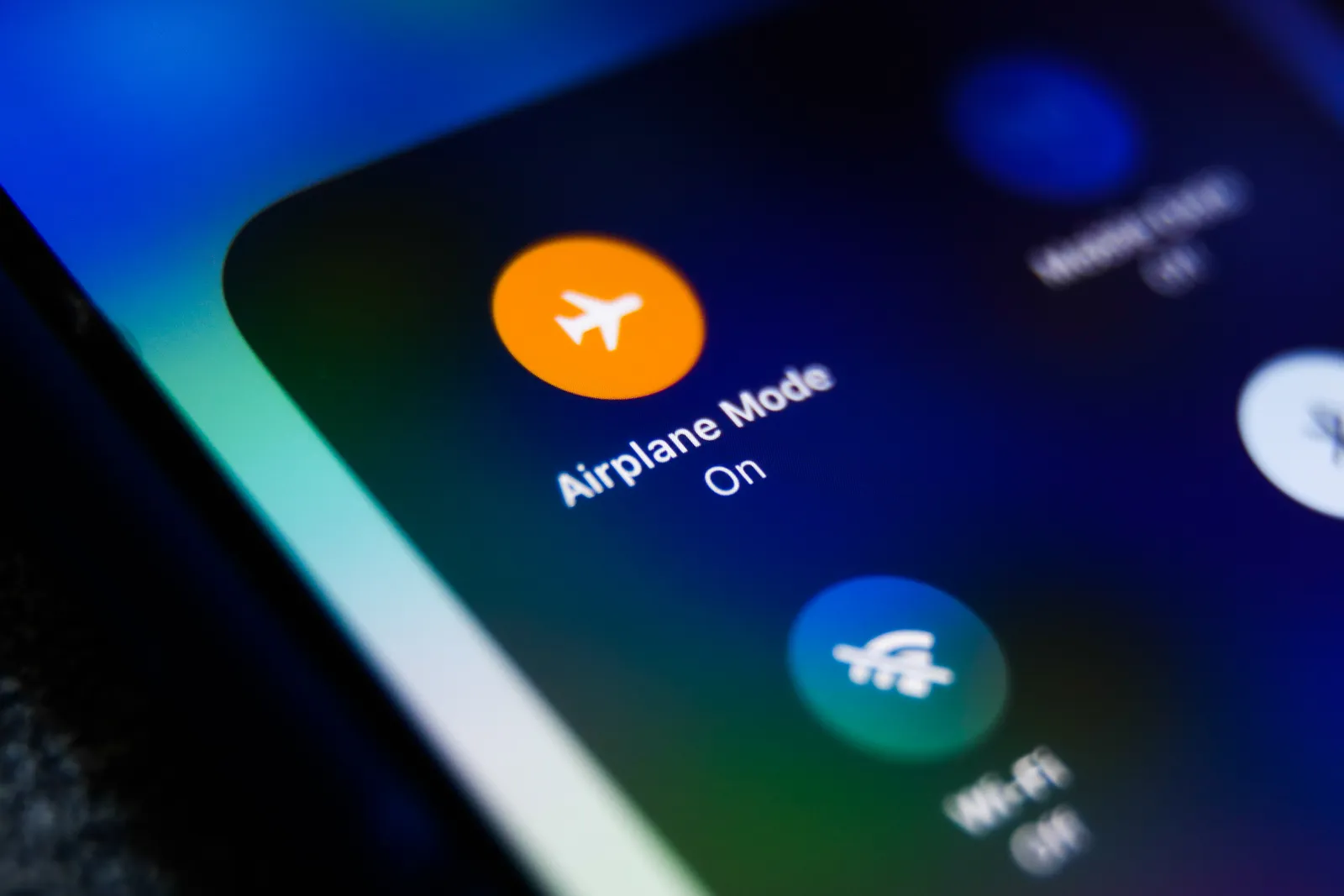
Step 1: Airplane mode toggle and a full restart
Turn airplane mode on, wait ten seconds, then turn it off. This forces the phone to re-register with the network from scratch. If that fails, do a full power cycle rather than a quick reboot.
Step 2: Change your network mode (the 2G-only trap)
Open Settings, then Mobile Network, then Preferred Network Type. Make sure it's set to 5G/4G/3G/2G auto, not 2G only. Plenty of people flip this while travelling to save battery, then forget about it.
Step 3: Check mobile data, data roaming, and VoLTE toggles
In our research, a missing VoLTE toggle is one of the most common reasons a 4G phone falls back to 2G for calls. If your carrier relies on VoLTE and your handset can't deliver it, calls drop to the legacy network by design.
Step 4: Reset APN and update carrier settings
The APN is the address book your phone uses to reach the internet. Reset it to default, then look for a manual carrier settings update in your phone's About menu.
Step 5: Reset network settings without wiping your data
This clears saved Wi-Fi passwords, Bluetooth pairings, and APN data. It does not delete photos, apps, or messages. For most people, this is the last software fix worth trying.
The SIM and Carrier Branch: Provisioning, eSIM, and Account Issues

Reseating and cleaning a physical SIM
Power the phone off first. Pop the tray, lift the card out, and wipe the gold contacts with a dry lint-free cloth. Look for scratches or a chipped edge, then seat it firmly until it clicks.
Swapping SIMs to isolate the fault
Put your SIM in a working phone and see what it does. If it still shows 2G, the card or the line is the issue. If it works perfectly, your handset is the weak link.
This is the fastest diagnostic step in the whole process.
Fixing a stubborn eSIM profile
Delete the eSIM profile, then re-add it using the carrier's QR code. Provisioning can stall on the carrier's side, so give it fifteen minutes before retrying. A locked Apple account can also block settings that sync through iCloud, so sort that out first.
When it's the carrier's problem, not yours
If the line isn't provisioned for VoLTE, no amount of tinkering will help. Ask the agent three things. Is VoLTE active on my line, is my IMEI fully compatible, and is there an outage near my address?
The Device and Coverage Branch: Bands, Carrier Locks, and Dead Zones
Missing LTE bands and imported phones
Every carrier runs on specific LTE and 5G bands. An imported handset may lack the exact ones your network uses. Check your model's band list against your carrier's published list before assuming a fault.
VoLTE provisioning and why 2G is your fallback
VoLTE carries voice calls over the 4G network as data. If it isn't enabled, your phone falls back to 2G or 3G for calls. Since 3G has been shut down across much of the US and UK as of 2026, 2G is often the only thing left to fall back to.
Carrier lock, IMEI status, and blocked accounts
A carrier-locked phone will refuse a rival SIM. A blocked IMEI can't register at all. Both show up as a handset that won't leave 2G or won't connect at all.
Run your IMEI through the carrier's own checker to confirm.
2G sunsets, 3G shutdowns, and coverage gaps near you
Regulators including the FCC have overseen the retirement of older networks, and the freed spectrum gets reused for 5G. Check your carrier's coverage map for your ZIP code or postcode.
Hardware faults are the last branch. If Bluetooth accessories are misbehaving too, that points to a wider radio or power problem. Our notes on a stylus that stops connecting and on a charge that won't hold walk through the same isolation steps.
Mistakes to Avoid When Your Phone Won't Leave 2G
Factory resetting before you've ruled out the carrier
A factory reset wipes everything and fixes almost nothing. Our research shows most stuck-on-2G cases come from the network side, not the handset. If every phone on your carrier shows the same thing, a reset is a wasted afternoon.
Confirm the carrier is innocent first. If you've already jumped in, our guide to a clean software install walks through recovering properly.
Confusing data problems with voice problems
Slow data and dropped calls are different faults. If calls are fine but the internet crawls, you likely have an APN or data provisioning issue. If calls drop but data works, VoLTE is the usual suspect.
Treat them as separate problems, or you'll chase the wrong fix for hours.
Band-locking your way into a worse signal
Some handsets let you pin a single LTE band through Field Test Mode. It feels clever, but it often locks you to a weaker band. Your phone then ignores better options and falls back to 2G.
Leave band selection on automatic unless a technician tells you otherwise.
Buying a new phone for a fixable SIM issue
A dead SIM costs nothing to replace. A new handset costs hundreds. Before you upgrade, borrow a working SIM on the same carrier and test it in your phone.
If the phone jumps to 4G, you've just saved yourself a big purchase.
Decision Guide: Match Your Symptom to Your Next Move
Symptom-to-cause quick reference table
Use the table below to shortcut the diagnosis. Match what you see on screen to the most likely cause, then jump straight to the right branch.
| Symptom | Most likely cause | First move |
|---|---|---|
| Every phone on carrier shows 2G | Network outage or coverage gap | Check the outage map |
| Only your phone shows 2G | SIM, settings, or hardware | Test the SIM in another phone |
| Calls work, data crawls | APN or data provisioning | Reset APN settings |
| Data works, calls drop | VoLTE not provisioned | Call the carrier |
| 2G only in one location | Coverage gap or thick walls | Move away and retest |
| Started after swap or update | Provisioning or software | Update carrier settings |
When to call your carrier, when to visit a repair shop
Call your carrier if another phone on the same network shows the same problem. Call them if your IMEI is blocked, your line is suspended, or VoLTE isn't active. Visit a repair shop only after you've swapped SIMs and confirmed the fault follows the handset.
Standards bodies like the GSMA publish the network rules carriers follow, which helps you ask sharper questions.
Warning signs it's hardware, not settings
Hardware clues matter. If the phone runs unusually hot, drops calls indoors everywhere, or refuses every SIM, the modem or antenna may have failed. Water damage and hard drops crack internal antennas.
That's a bench job, not a settings fix.
Frequently Asked Questions
Why does my phone say 2G when I have 4G coverage?
You have 4G coverage, but your phone isn't using it. The usual causes are a network mode pinned to 2G only, a missing VoLTE profile, or a SIM that isn't fully provisioned. Check network mode first, then reset the APN.
Can a carrier force my phone onto 2G?
Yes, sometimes. Carriers deprioritize MVNO lines during heavy congestion. If VoLTE isn't provisioned on your line, calls fall back to 2G by design.
You can't fix either one in settings, so call support.
Does 2G still work for calls and texts?
It depends on where you are. As of 2026, most US and UK carriers have retired 2G entirely. In parts of Europe, Asia, and Africa, 2G still handles calls and SMS fine.
Check your carrier's sunset timeline before relying on it.
Will a new SIM card fix a phone stuck on 2G?
Sometimes, yes. A worn or damaged SIM is a common culprit. Ask your carrier for a free replacement and get the line re-provisioned.
If a fresh SIM still shows 2G, the problem sits with the phone or the network, not the card.
Is it safe to keep using 2G for calls?
No, not really. 2G uses old encryption that security researchers broke years ago. IMSI catchers can intercept calls and track your location over it. Move to VoLTE as soon as you can, even if 2G still technically works.

Similar Posts




















