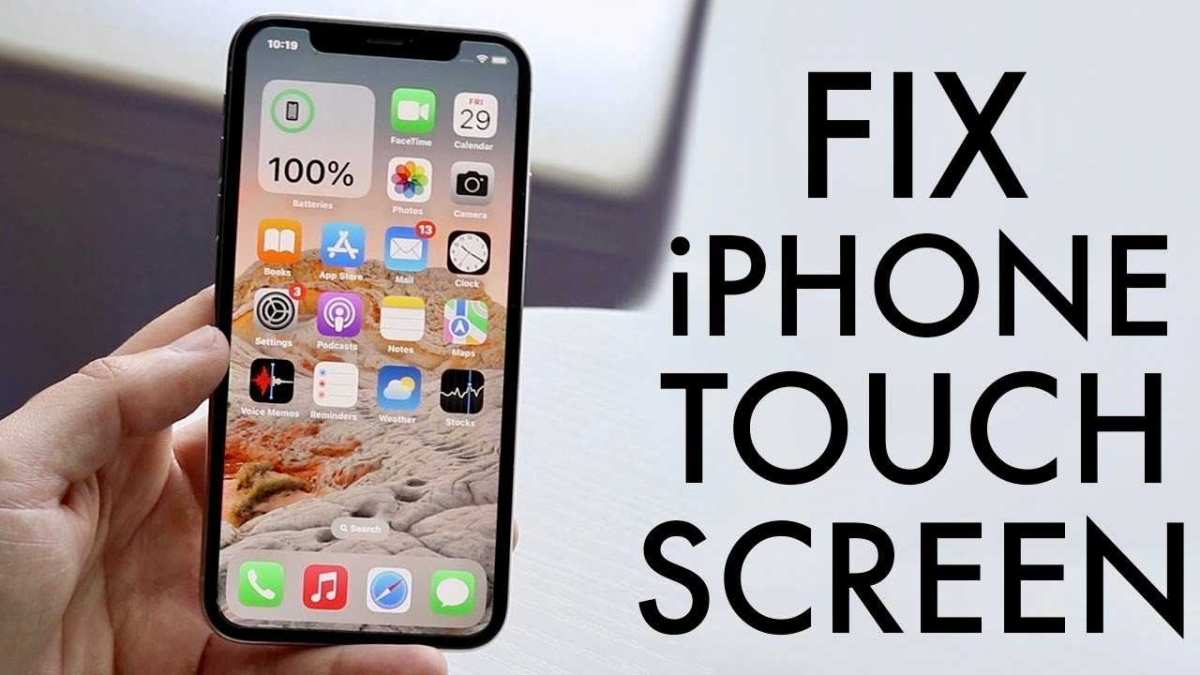
How To Fix Iphone Screen Not Working Effectively
If your iPhone screen suddenly stops responding, don’t panic—there are quick fixes you can try before seeking professional help. First, perform a force restart…
If your iPhone screen suddenly stops responding, don’t panic—there are quick fixes you can try before seeking professional help. First, perform a force restart…

To maximize your device’s performance and prolong battery life, disabling unused features is a simple yet effective strategy. By turning off unnecessary services, apps,…

To keep your MacBook’s battery healthier longer, avoid always charging it to 100%. Instead, try to keep the battery level between 20% and 80%…

Ensuring proper ventilation is like giving your home or workspace a breath of fresh air—crucial for keeping temperatures down and comfort high. The key…

Activate FileVault to encrypt your data by turning on the feature in your Mac’s security settings, ensuring your information stays safe even if your…
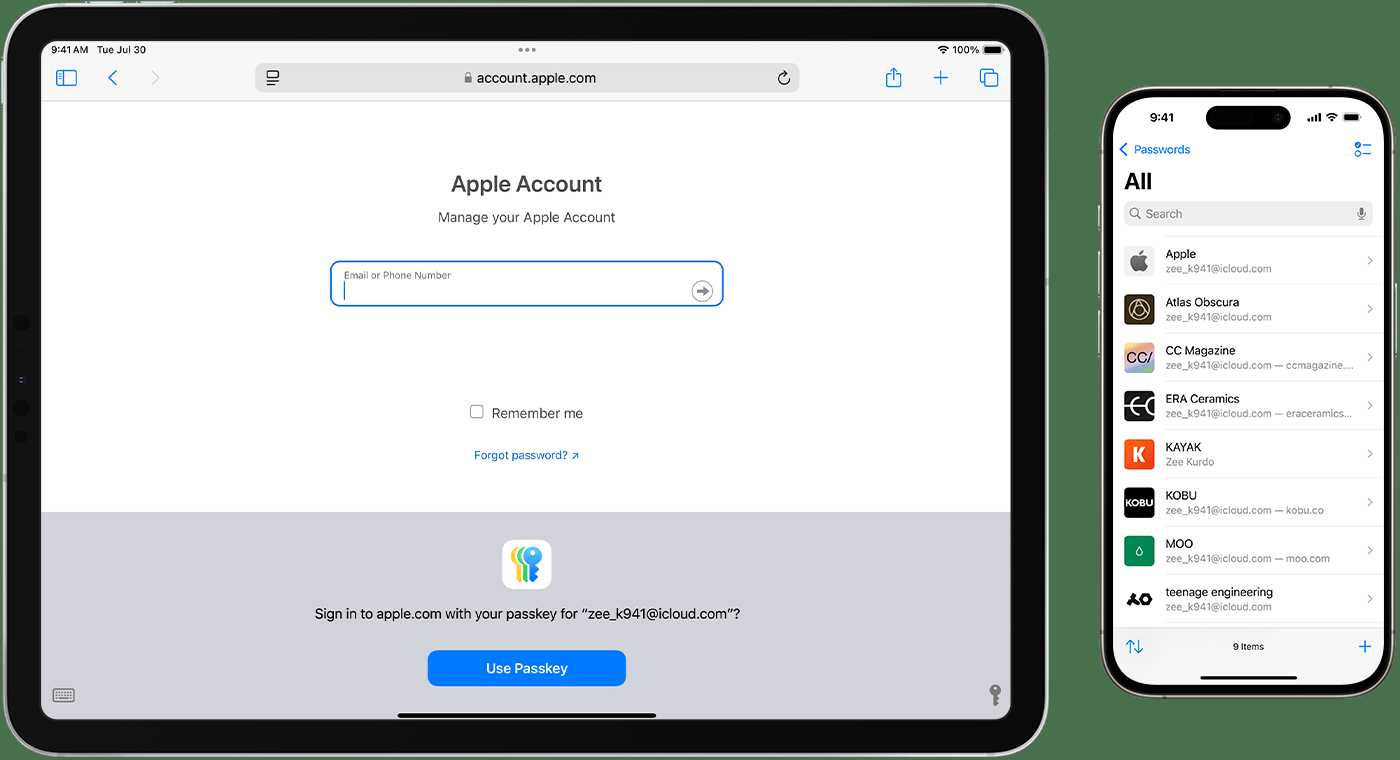
To safeguard your MacBook with a strong password, start by creating a unique, complex combination of letters, numbers, and symbols that’s difficult for others…
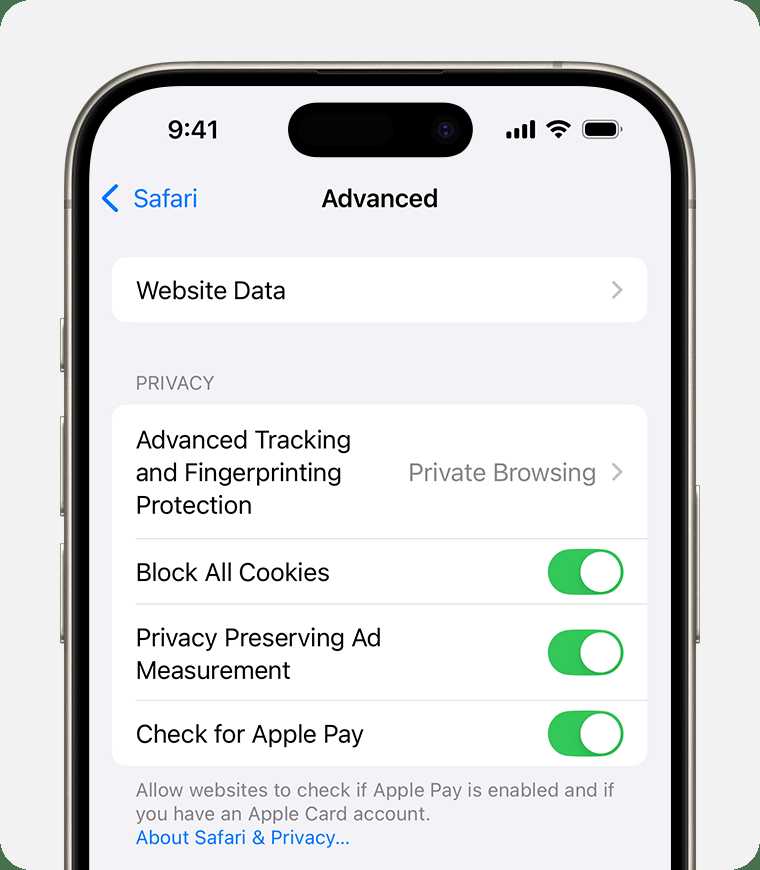
To keep your browsing smooth and secure, managing your browser extensions and cookies is essential. A quick way to do this is by regularly…

To keep your computer healthy, steer clear of unreliable third-party cleaners that can do more harm than good. Instead, use built-in tools or trusted…
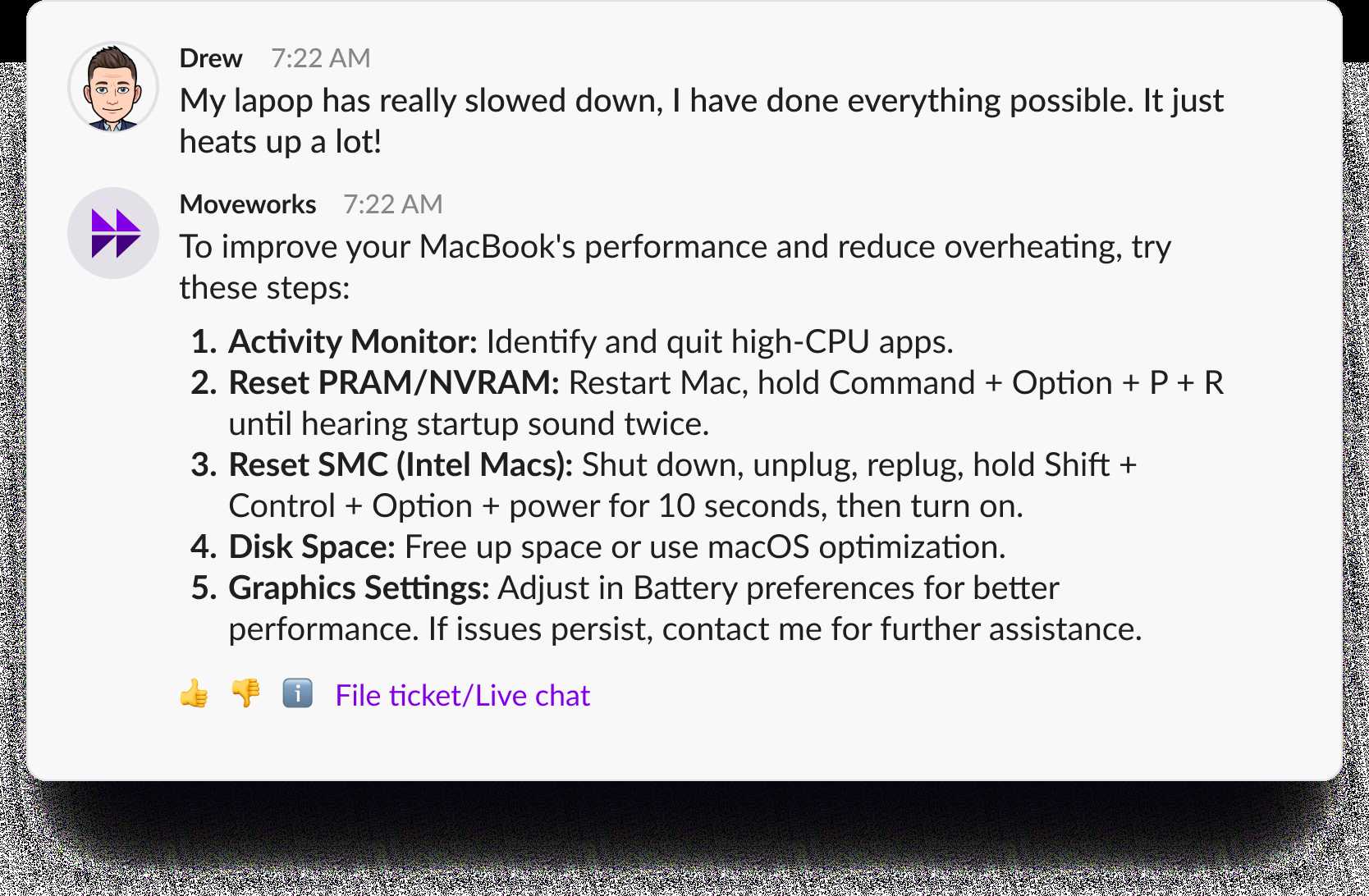
If your Mac is acting sluggish or behaving strangely, resetting the SMC and PRAM can often breathe new life into your machine. These resets…
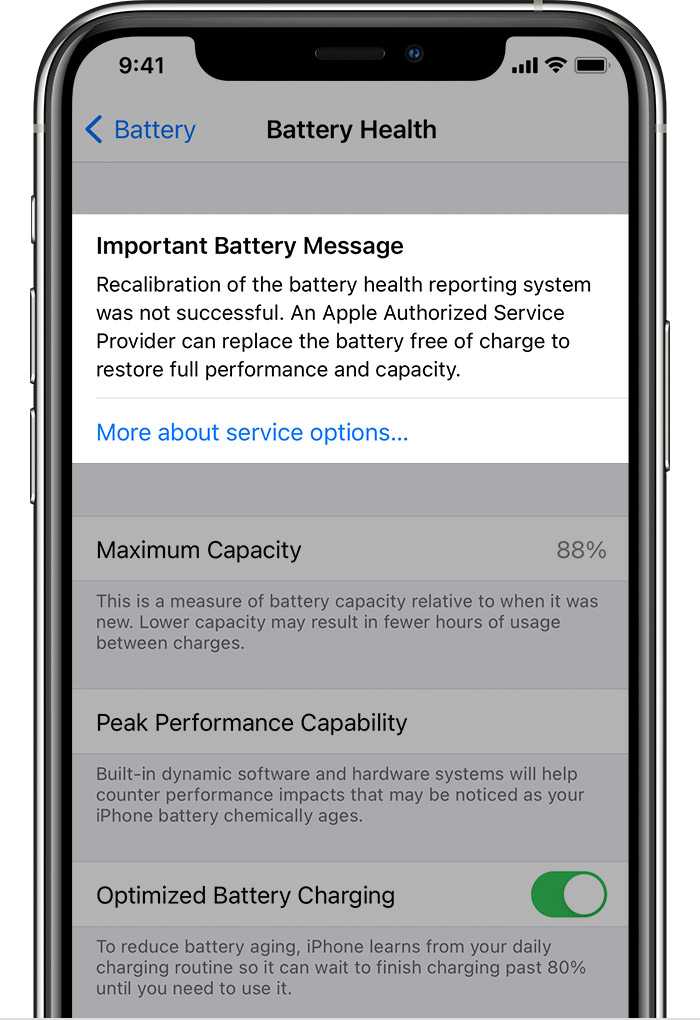
To calibrate your battery for better health, fully charge it to 100%, then let it drain completely until the device shuts off. Recharge it…
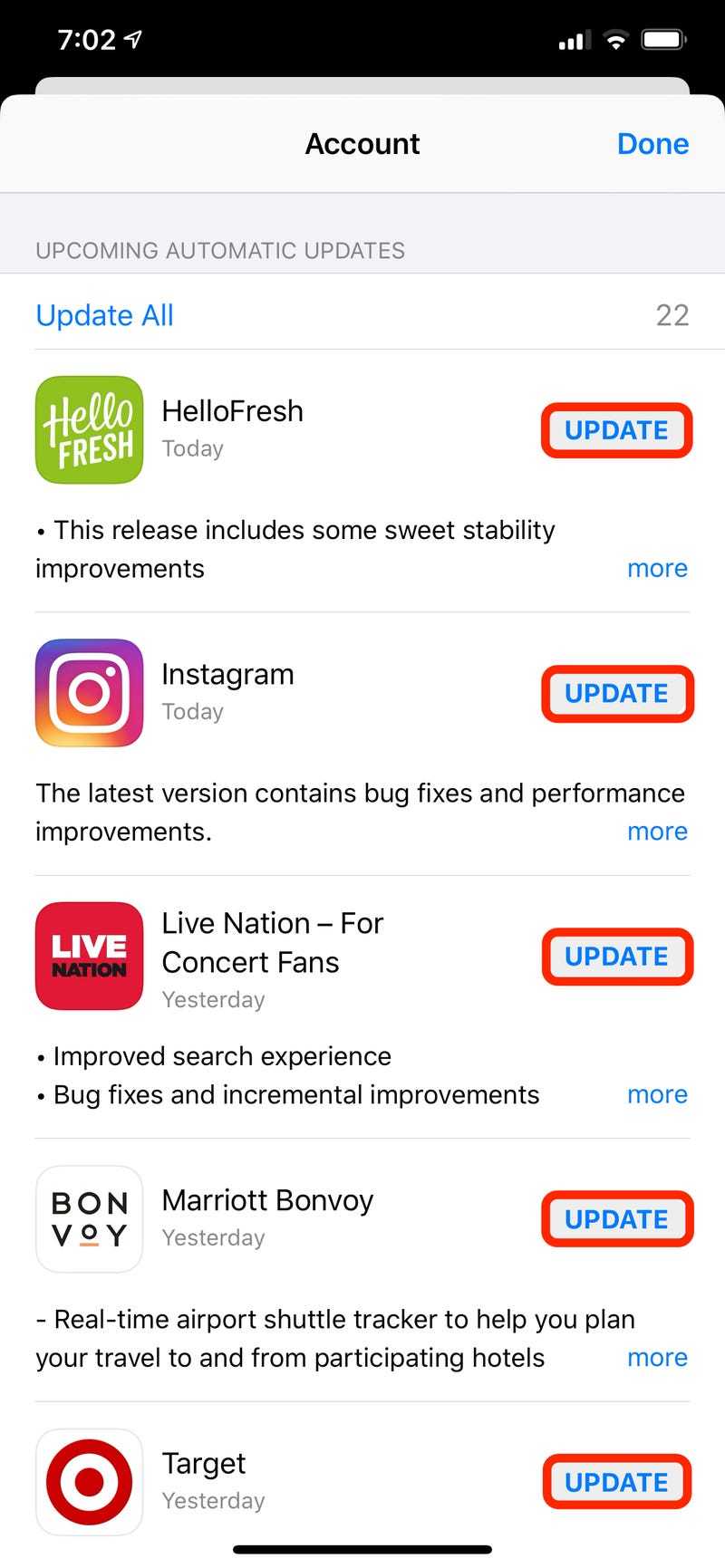
To update your apps quickly, simply use the App Store for automatic updates or do it manually whenever needed. Keeping your apps up to…
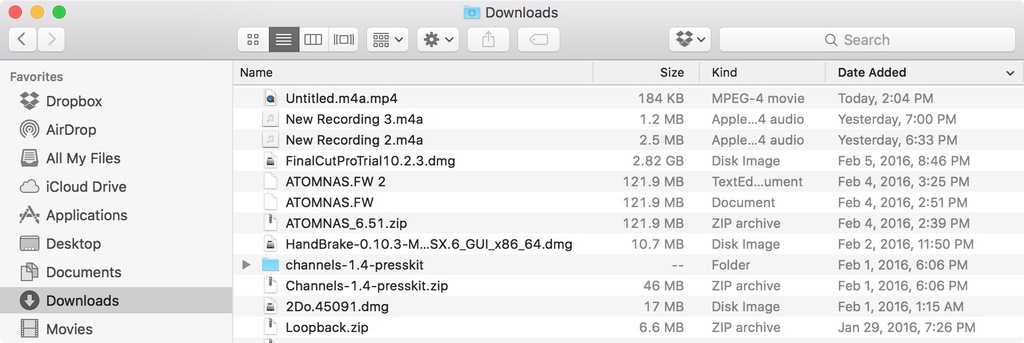
To efficiently tidy up your Downloads and Desktop folders, start by sorting through files, deleting what you no longer need, and organizing the rest…









