Are OLED Monitors Good for Photo Editing
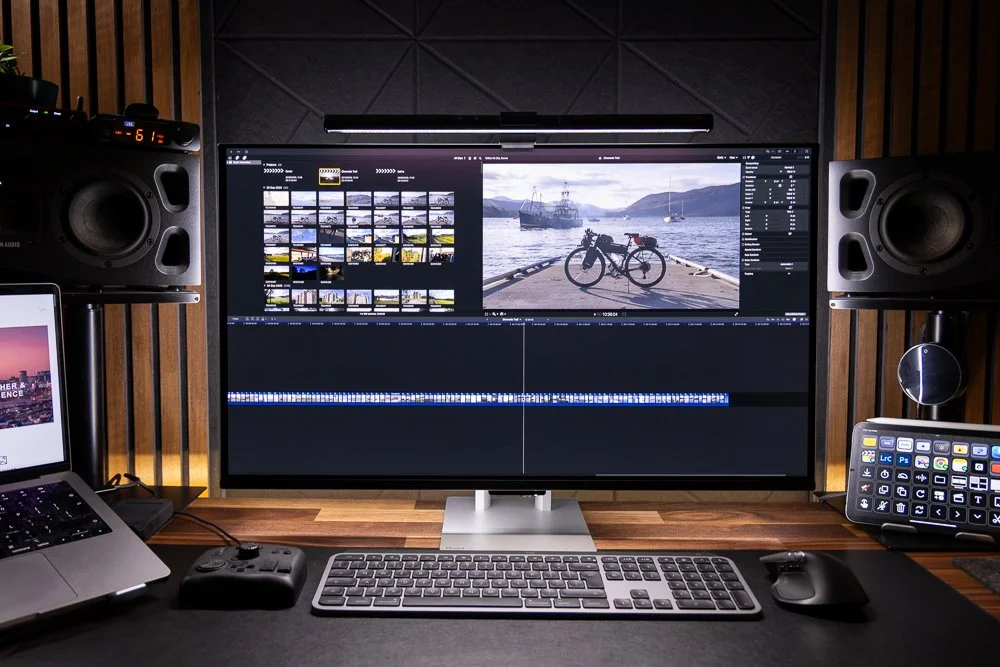
Are OLED monitors good for photo editing? The honest answer is yes, with some real caveats you need to understand before spending your money. OLED panels deliver stunning image quality that can genuinely improve how you evaluate photos, but they're not the automatic best choice for every editing workflow.
Our research shows that modern OLED monitors have closed the gap on color accuracy and longevity concerns that held them back just a few years ago. Manufacturer specifications indicate that current professional-grade OLED displays cover 98-99% of DCI-P3 and achieve Delta E values below 2 out of the box, which meets ISO 12646 standards for color reproduction work. The trade-offs around sustained brightness, burn-in prevention, and price still matter though, and they'll shape whether OLED is the right fit for your specific situation.
Image source: Bing (Web (fair-use with source credit))
The Short Answer: Are OLED Monitors Good for Photo Editing?
OLED monitors are excellent for photo editing when you prioritize contrast, black levels, and HDR workflow. They're less ideal if you need sustained high brightness for print-proofing in bright rooms.
Here's the breakdown. OLED panels produce perfect blacks because each pixel emits its own light and turns off completely. This gives you a theoretical infinite contrast ratio.
Color accuracy on current professional OLED monitors meets industry standards for photo editing. The main concerns are burn-in risk from static interface elements and lower sustained brightness compared to Mini-LED alternatives.
Why This Question Isn't as Simple as It Sounds
The "OLED is best" narrative gets pushed hard in marketing, but photo editing has specific demands that don't always align with what OLED does best. You're not just viewing pretty pictures. You're making critical decisions about color, shadow detail, and highlight clipping that directly affect your final output.
Several factors change whether OLED works for your editing setup. Your typical editing environment matters a lot. A dim, controlled studio room plays to OLED's strengths.
A bright office with windows works against it. Your workflow matters too. If you spend hours in Lightroom with static panels and toolbars visible, burn-in becomes a real consideration.
If you mostly edit in full-screen mode with dark interfaces, that risk drops significantly.
The type of photography you do also shifts the equation. Landscape and night photographers benefit enormously from OLED's shadow detail. High-key commercial work with lots of bright, uniform areas can trigger ABL (Automatic Brightness Limiter) behavior that dims your screen unexpectedly.
Print-proofing workflows need consistent brightness and color uniformity that OLED handles differently than IPS or Mini-LED panels.
Budget plays a role as well. Professional OLED monitors cost significantly more per inch than comparable IPS options. You're often paying a premium for that perfect black performance, and you need to decide whether that premium delivers value for your specific work.
How OLED Technology Actually Works for Color-Critical Work
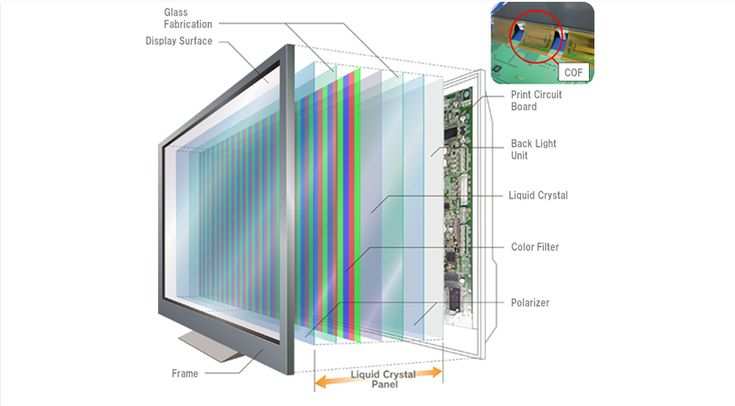
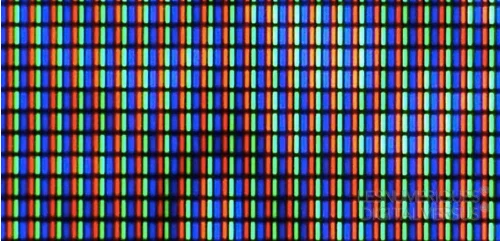
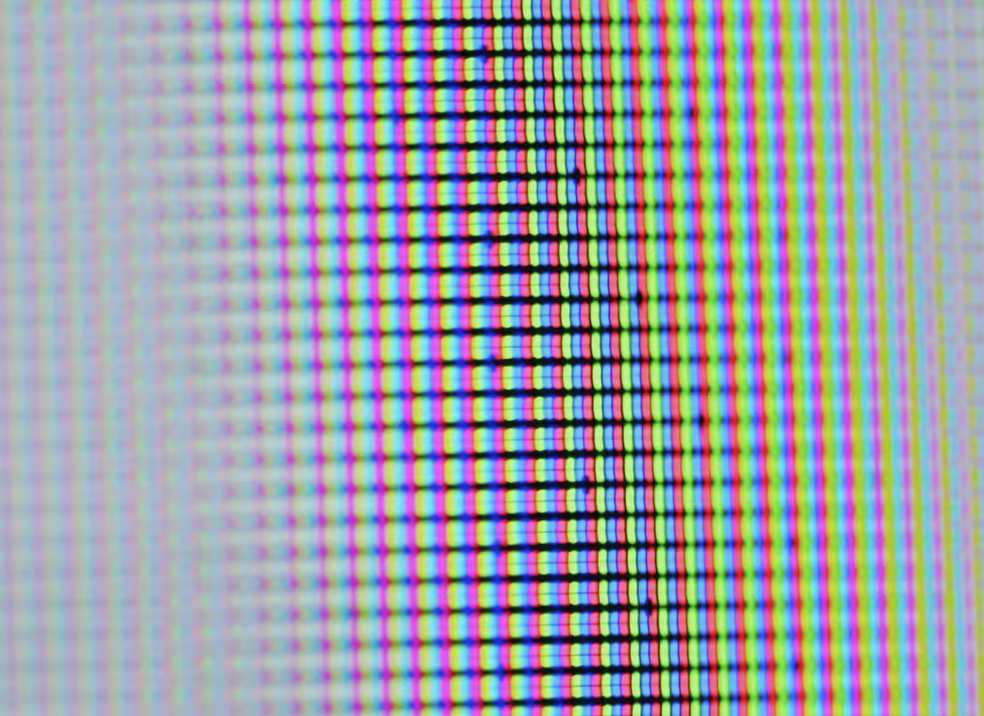
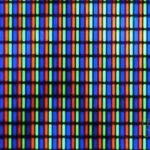
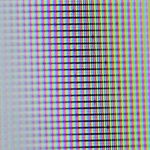
OLED stands for Organic Light Emitting Diode. Unlike traditional LCD panels that use a backlight shining through liquid crystals, every single pixel on an OLED panel generates its own light. When a pixel needs to display black, it simply turns off.
No light leaks through, no backlight bleed, no IPS glow in the corners.
This per-pixel dimming is what creates that infinite contrast ratio. In practical terms, you can see detail in deep shadows that would disappear into a gray haze on a backlit display. For photo editing, this means you're making decisions based on more accurate tonal information, particularly in the lower end of the histogram.
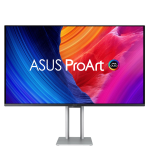
Color reproduction on OLED has improved dramatically. Current professional panels use blue OLED emitters with color conversion layers or WRGB subpixel structures to achieve wide gamut coverage. The ASUS ProArt PA32DC, for example, uses a JOLED panel that covers 99% of DCI-P3 and 99% of Adobe RGB according to manufacturer specifications.
That's competitive with the best IPS panels available.
Where OLED differs from LCD in ways that affect editing is in how it handles brightness across the screen. An IPS panel with a full-array backlight can sustain uniform brightness across the entire surface. OLED panels use ABL to manage power consumption and heat.
When a large bright area fills the screen, the panel may reduce overall brightness to stay within thermal limits. This behavior is more noticeable during full-screen bright image review than during normal editing with mixed content.
Pixel response time on OLED is essentially instantaneous, measured in microseconds rather than milliseconds. This doesn't directly affect color accuracy, but it eliminates ghosting and smearing that can make fine detail evaluation harder on slower LCD panels.
Where OLED Monitors Excel for Photo Editing
The advantages of OLED for photo editing are substantial and immediately visible the moment you sit down with one.
Perfect black levels and infinite contrast. This is the headline feature. When you're evaluating shadow detail in a night sky or checking whether you've crushed blacks in a portrait, OLED shows you exactly what's there. No backlight bleed, no IPS glow, no guessing about whether that dark corner is truly black or just dark gray.
Wide color gamut coverage. Professional OLED monitors routinely cover 98-99% of DCI-P3 and most of Adobe RGB. This gives you headroom for both print-oriented workflows (Adobe RGB) and display-oriented work (DCI-P3, Rec. 709).
No backlight uniformity issues. LCD panels, even expensive ones, can suffer from backlight bleed, clouding, and IPS glow. OLED eliminates these problems entirely because there's no backlight. Every pixel is independently controlled.
Excellent viewing angles. Color and contrast remain consistent even at extreme angles. This matters when you step back to evaluate a full image or when multiple people view the screen during a client review.
Thin, clean design. OLED panels don't require backlight housings, so the monitors are remarkably thin. The ASUS ProArt PA32DC is under 6mm thick at its thinnest point. This creates a cleaner desk setup and reduces visual bulk in smaller workspaces.
HDR photo editing capability. With peak brightness reaching 450-500 nits in HDR mode on current professional OLED panels, you can evaluate HDR content with meaningful specular highlights. It's not the 1,000+ nits you'd get from a Mini-LED display, but it's sufficient for most HDR photo workflows.
Where OLED Monitors Fall Short for Photo Editing
The drawbacks are real and worth understanding before you commit.
Burn-in risk from static elements. This is the big one. Lightroom's panels, Photoshop's toolbars, your operating system's taskbar, all of these stay in the same position for hours. Over time, these static elements can cause uneven pixel wear that manifests as faint ghost images.
Modern OLED panels include pixel shifting, pixel refresh cycles, and ABL to mitigate this, but the risk isn't zero. Manufacturer warranties vary significantly on burn-in coverage.
Lower sustained brightness. Professional OLED panels typically sustain around 250-350 nits in SDR mode. Compare that to 400-600 nits on a good IPS or Mini-LED display. In a bright room, this can make the screen feel dim and reduce your ability to evaluate images accurately under ambient light.
ABL behavior during bright content. When you view a large bright image or work with a predominantly white interface, the ABL may kick in and reduce overall brightness. This can be disorienting if you're making precise adjustments and the screen suddenly dims.
Color uniformity at very low luminance. Some OLED panels exhibit slight color shifts or uniformity issues in the darkest 5-10% of the tonal range. This is most visible when viewing gradient test patterns and less of an issue in real photo editing, but it's worth noting for critical work.
Higher cost. Professional OLED monitors command a significant premium. You're often paying 30-50% more than a comparable IPS panel with similar color accuracy specs.
Limited size options. As of 2026, professional OLED monitors are primarily available in 27-inch and 32-inch sizes. If you want a 24-inch or 40-inch display, your OLED options are extremely limited.
OLED vs IPS vs Mini-LED: Side-by-Side for Photo Editors
Here's how the three main panel technologies stack up for photo editing work.
| Factor | OLED | IPS (Standard) | Mini-LED |
|---|---|---|---|
| Black Level | Perfect (pixel off) | Good (IPS glow present) | Very good (local dimming) |
| Contrast Ratio | ~1,000,000:1 | 1,000:1 to 1,500:1 | 10,000:1 to 100,000:1 |
| Sustained Brightness (SDR) | 250-350 nits | 350-500 nits | 400-600 nits |
| Peak HDR Brightness | 450-500 nits | 400-650 nits (HDR400-600) | 1,000-1,600 nits |
| Color Gamut (DCI-P3) | 98-99% | 95-98% | 98-99% |
| Burn-In Risk | Present (manageable) | None | None |
| Backlight Bleed | None | Possible | Minimal (zone-dependent) |
| Price Range (32" pro) | $1,200-$2,500 | $600-$1,500 | $1,500-$3,500 |
| Best For | Contrast-critical work, HDR | Budget-conscious, bright rooms | Maximum brightness, HDR |
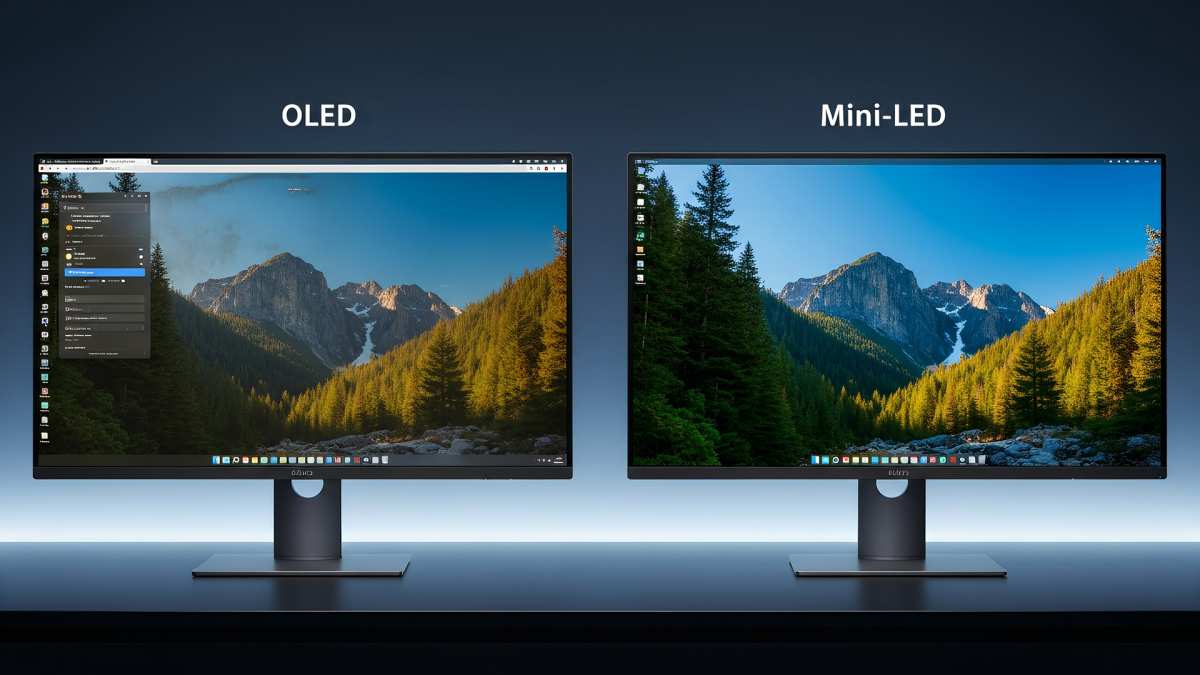
Image source: Bing (Web (fair-use with source credit))
OLED wins on pure image quality and contrast. IPS wins on price, sustained brightness, and zero burn-in risk. Mini-LED wins on peak HDR brightness and sustained full-screen luminance.
Your choice depends on which of these factors matters most to your actual workflow.
Who Should Actually Buy an OLED Monitor for Photo Editing
OLED makes the most sense for photographers and editors who fit a specific profile.
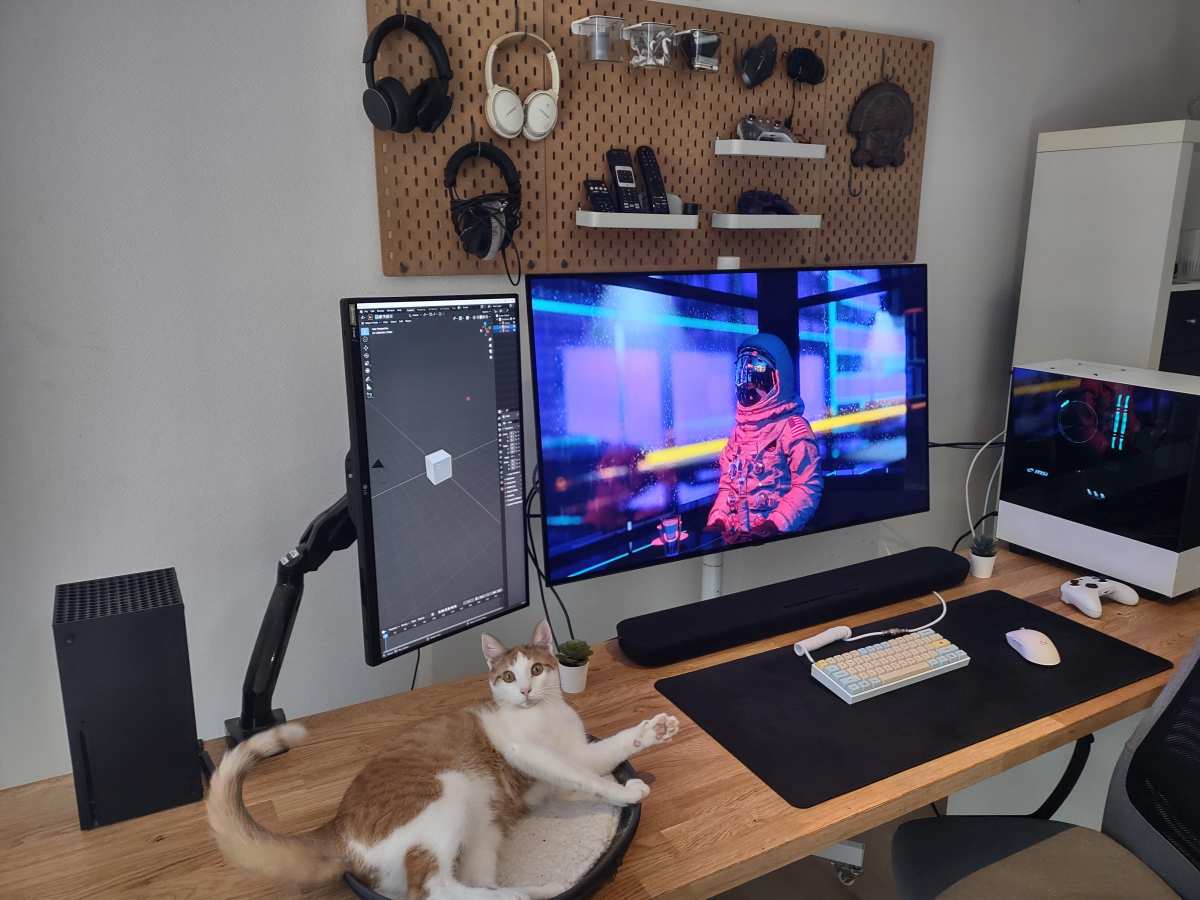
You work in a controlled lighting environment. If you edit in a dim room or a studio where you control ambient light, OLED's lower sustained brightness won't bother you. The perfect blacks and contrast will shine.
Your work emphasizes shadow detail and tonal range. Night photography, astrophotography, concert photography, and any genre where deep shadows matter will benefit enormously from OLED's ability to reveal detail in the darkest areas.
You edit HDR content. If you're working with HDR photos for display on HDR-capable devices, OLED's per-pixel dimming gives you a more accurate preview of how that content will look than edge-lit or even many FALD IPS panels.
You value image quality over raw brightness. If you'd rather have the most accurate, most pleasing image at moderate brightness than a brighter screen with backlight bleed and IPS glow, OLED delivers.
You're willing to follow burn-in prevention practices. This means using dark mode interfaces, auto-hiding taskbars, running pixel refresh cycles, and not leaving static images on screen for extended periods. If that sounds like a hassle, OLED might frustrate you.
You present work to clients on-screen. The visual impact of an OLED display during a client review is significant. Images look more three-dimensional and vibrant, which can help sell your work.
Who Should Stick with IPS or Mini-LED Instead
Not everyone needs what OLED offers, and that's perfectly fine.
You edit in a bright room with lots of ambient light. If your workspace has large windows or bright overhead lighting, that 250-350 nit sustained brightness on OLED will feel underpowered. A good IPS panel at 400-500 nits or a Mini-LED at 600+ nits will cut through ambient light better.
You do a lot of print-proofing. Print evaluation benefits from higher sustained brightness and consistent uniformity across the entire screen. Mini-LED displays with full-array local dimming handle this workload particularly well.
You leave your editing software open for hours with static panels visible. If you're not willing to adopt dark mode, auto-hide your taskbar, and run pixel refresh cycles, the burn-in risk on OLED becomes harder to justify. IPS panels have zero burn-in risk regardless of your habits.
Budget is a primary concern. You can get a very capable 32-inch IPS photo editing monitor for $600-$900. The OLED equivalent starts around $1,200 and climbs quickly. That price difference could fund a good colorimeter, calibration software, or other gear that improves your workflow more directly.
You need maximum screen real estate. Professional OLED monitors top out at 32 inches for most models as of 2026. If you want a 38-inch or 42-inch display, IPS and Mini-LED offer more options.
Burn-In Risk: What's Real and What's Overblown
Burn-in is the most discussed concern with OLED monitors, and the reality sits somewhere between the fear-mongering and the dismissive reassurances.
Burn-in happens when certain pixels age faster than others due to displaying the same content for extended periods. Organic compounds in OLED emitters degrade with use, and pixels that display bright static content wear faster than those showing darker content. Over hundreds or thousands of hours, this uneven wear becomes visible as a faint ghost image.
Modern OLED monitors include several mitigation strategies. Pixel shifting moves the entire image by a few pixels periodically, so static elements don't hit the exact same subpixels continuously. Pixel refresh cycles run automatically (usually every 4 hours of cumulative use) to measure and correct for pixel wear.
ABL limits overall brightness to reduce thermal stress on the panel.
Manufacturer warranties vary. ASUS covers burn-in on the ProArt PA32DC for 3 years. LG's warranty terms for their OLED monitors have historically been more restrictive, often excluding burn-in from standard coverage.
Samsung's OLED monitor warranties fall somewhere in between. Always check the specific warranty terms for your region before buying.
Aggregate user reviews suggest that with reasonable precautions, burn-in is unlikely to become a problem within the typical 3-5 year replacement cycle for a professional monitor. The photographers who report burn-in issues tend to be those who left bright static interfaces on screen for 8+ hours daily without using any mitigation features.
How to Set Up an OLED Monitor for Safe Photo Editing
If you go OLED, a few setup habits will significantly reduce your burn-in risk and improve your editing experience.
Enable dark mode in your operating system and editing software. Lightroom Classic, Photoshop, and Capture One all offer dark interfaces. This reduces the brightness of static panels and toolbars, lowering the wear differential between UI elements and the image area.
Set your taskbar to auto-hide. That persistent row of icons at the bottom of your screen is a classic burn-in culprit. Auto-hiding it means it's only visible when you actively move your cursor there.
Use a screen saver or set your display to sleep after 5-10 minutes of inactivity. This prevents static images from sitting on screen during breaks.
Run pixel refresh cycles when prompted. Most OLED monitors will notify you when a refresh cycle is needed, typically after every 4 hours of cumulative use. These take 5-10 minutes and you can't use the monitor during that time. Don't skip them.
Keep brightness at reasonable levels. Running your OLED at 100% brightness accelerates pixel wear unnecessarily. For SDR photo editing, 40-60% brightness is usually sufficient in a controlled lighting environment.
Vary your content. If you spend an hour editing a batch of bright, high-key images, switch to something darker before taking a break. This helps even out pixel wear across the panel.
Calibration and Color Accuracy on OLED: What to Expect
OLED monitors can achieve excellent color accuracy, but calibration works slightly differently than on LCD panels.
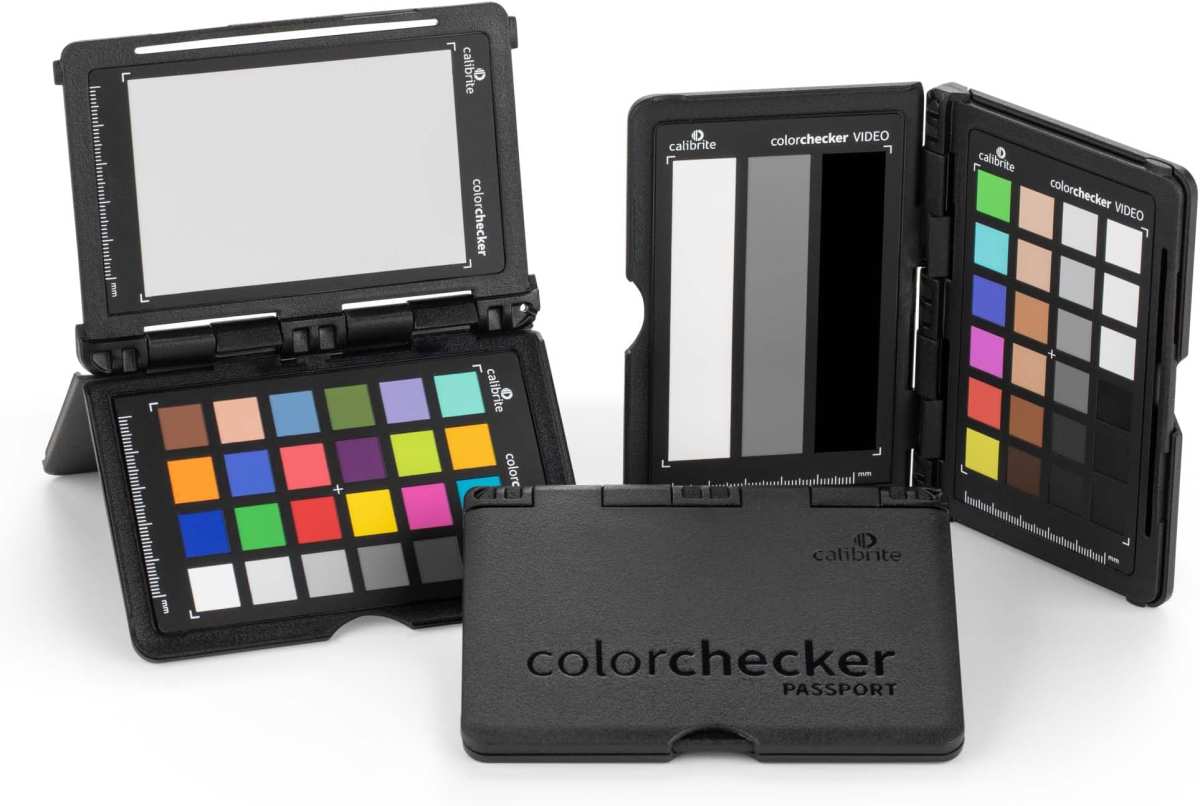
Image source: Bing (Web (fair-use with source credit))
Out of the box, professional OLED monitors typically measure Delta E below 2 across most of the color gamut. That's good enough for most photo editing work without calibration. However, calibration will tighten that further and ensure your display matches your intended output color space.
Hardware calibration is the gold standard. Monitors like the ASUS ProArt PA32DC and BenQ SW series include built-in lookup tables (LUTs) that a colorimeter can write calibration data directly to. This bypasses your graphics card's LUT and produces more accurate results.
The Calibrite ColorChecker Display Pro and X-Rite i1Display Pro are both well-supported options.
OLED panels can be calibrated to target sRGB, Adobe RGB, or DCI-P3 color spaces. Most professional OLED monitors let you switch between color space presets, each with its own calibration target. This is useful if you work across both print (Adobe RGB) and web/social media (sRGB) outputs.
One calibration consideration specific to OLED is white point stability at low brightness. Some panels exhibit a slight shift in white point as brightness decreases below 20%. If you edit at very low brightness levels, verify your calibration holds across your typical working range.
Recalibrate every 2-4 weeks for critical work. OLED panels can shift slightly over the first few hundred hours of use as the organic compounds stabilize. After that initial period, drift is minimal but still worth checking regularly.
Real-World Pricing and Which Models Are Worth Considering
Professional OLED monitors span a wide price range, and the market has matured significantly as of 2026.
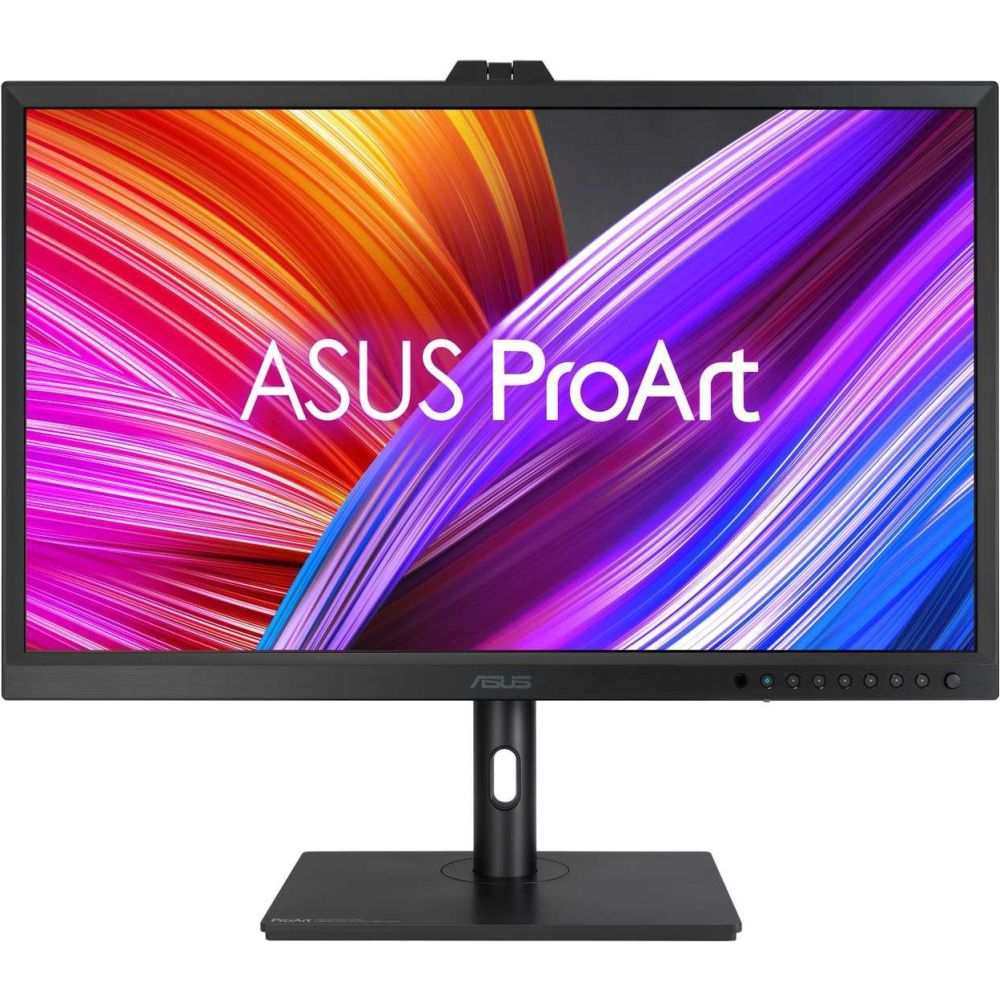
Image source: Bing (Web (fair-use with source credit))
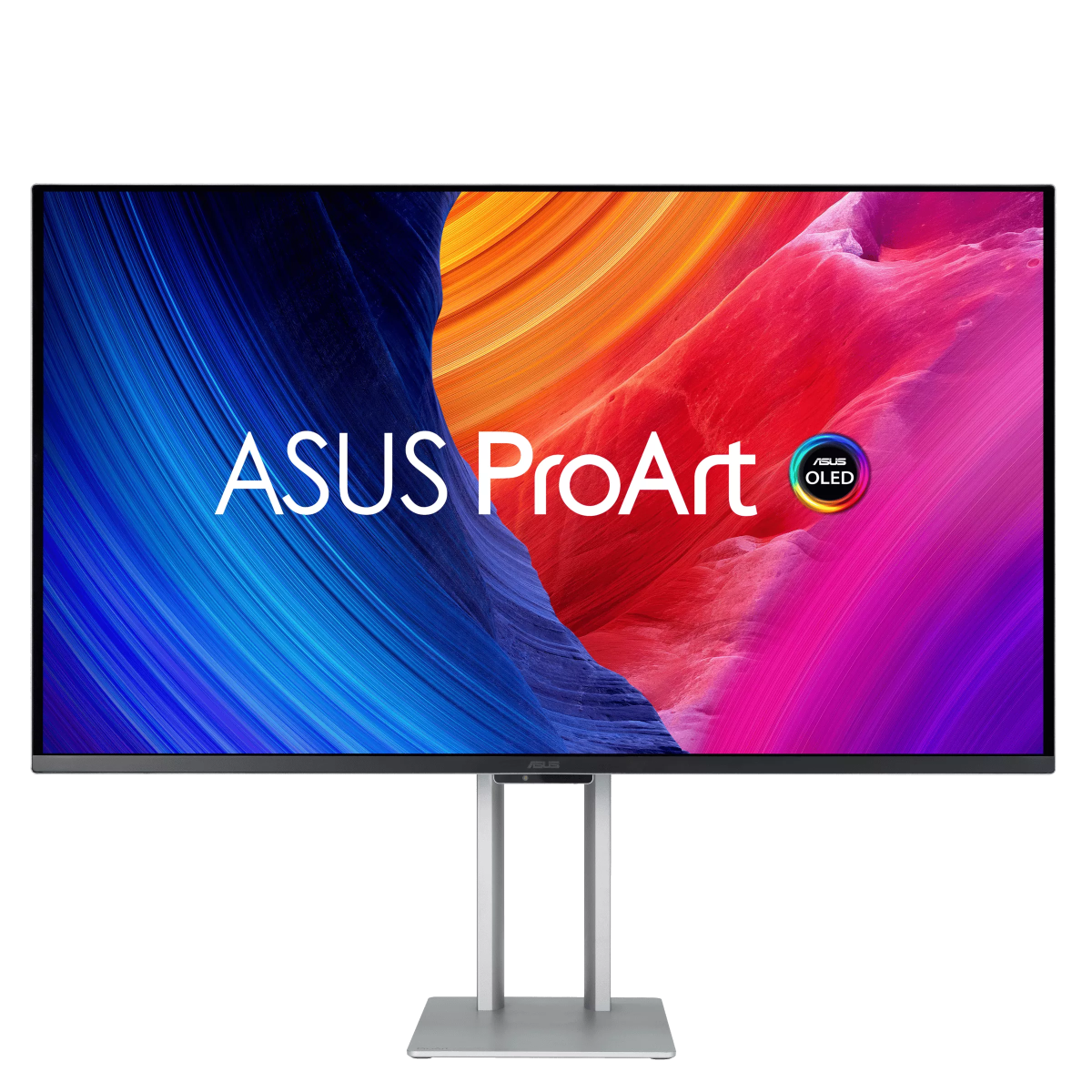
The ASUS ProArt PA32DC sits at the top of the professional OLED monitor category. It's a 32-inch 4K OLED with a built-in hardware calibration LUT, 99% DCI-P3 and Adobe RGB coverage, and a factory-calibrated Delta E below 1. It retails around $2,000-$2,500.
The panel is fanless, which makes it completely silent, a nice bonus in a quiet editing room.
The LG 32EP950 is another professional option in the 32-inch OLED space. It covers 98% of DCI-P3 and supports hardware calibration through LG's calibration software. Pricing typically falls in the $1,500-$2,000 range.
Samsung's Odyssey OLED G8 (S32DG80) takes a more consumer-oriented approach but still delivers strong color accuracy. It's a 32-inch 4K OLED with 99% DCI-P3 coverage and a 175Hz refresh rate. At around $900-$1,100, it's the most affordable entry point into OLED photo editing, though it lacks hardware calibration support.
For 27-inch options, the ASUS ProArt PA27DCEV and LG 27EP950 offer similar professional features in a smaller form factor. Expect to pay $1,000-$1,500 for these models.
When comparing prices, factor in that you may not need to buy a separate reference display for client previews. The visual quality of OLED can serve double duty as both an editing tool and a presentation display, which adds value beyond the raw specs.
Common Mistakes People Make When Switching to OLED for Editing
The most frequent mistake is cranking brightness to 100% and leaving it there. This accelerates pixel wear and triggers ABL more often. Keep it at 40-60% for SDR work in a controlled room.
Another common error is ignoring dark mode. Running Lightroom or Photoshop with a bright gray interface for hours every day is the fastest path to uneven pixel wear. Switch to dark mode immediately.
Skipping pixel refresh cycles is a quiet killer. That 5-10 minute wait is annoying, but it's how the panel corrects for uneven wear. Don't postpone it repeatedly.
Some editors also forget to recalibrate after the first 100-200 hours of use. OLED panels shift slightly during the initial break-in period. Your calibration from week one may not hold by month two.
Expert Tips for Getting the Most Out of an OLED Editing Display
Use a colorimeter with hardware calibration support. Software-only calibration adjusts your graphics card's output, which reduces bit depth. Hardware calibration writes directly to the monitor's LUT and preserves full 10-bit accuracy.
Set up a consistent editing environment. OLED's advantages are most visible in controlled lighting. Use bias lighting behind the monitor (6500K, dim) to reduce eye strain and improve perceived contrast.
Create separate color space presets for different workflows. One calibrated preset for Adobe RGB print work, another for sRGB web output. Switch between them based on the project rather than trying to make one calibration serve everything.
Monitor your panel's pixel refresh log. Most professional OLED monitors track cumulative hours and refresh cycles. If you're approaching the recommended refresh interval, plan your editing schedule around it.
Final Verdict: Should You Use an OLED Monitor for Photo Editing?
OLED is an excellent choice for photo editors who work in controlled lighting, prioritize image quality, and are willing to follow basic burn-in prevention habits. The contrast and black level performance are unmatched by any LCD technology.
If you edit in a bright room, do heavy print-proofing, or want zero maintenance concerns, a high-quality IPS or Mini-LED display will serve you better. The ASUS ProArt PA32DC represents the current best-in-class for OLED photo editing, but the Samsung Odyssey OLED G8 offers a compelling entry point at a lower price.
The technology has matured to where OLED is a legitimate professional tool, not just a consumer display with good marketing. Just go in with realistic expectations about brightness limitations and panel care.
Frequently Asked Questions
Will an OLED monitor burn in from photo editing?
Burn-in is manageable with modern OLED panels if you use dark mode, auto-hide your taskbar, and run pixel refresh cycles. Most photographers won't encounter burn-in within a normal 3-5 year monitor lifespan with reasonable precautions.
Is OLED better than IPS for photo editing?
OLED wins on contrast, black levels, and HDR performance. IPS wins on sustained brightness, price, and zero burn-in risk. Neither is universally better.
Your specific workflow determines which matters more.
Can you hardware calibrate an OLED monitor?
Yes, professional OLED monitors like the ASUS ProArt PA32DC and LG 32EP950 support hardware calibration. This writes calibration data directly to the monitor's internal LUT for more accurate results than software-only calibration.
How long do OLED monitors last for photo editing?
Manufacturer estimates suggest 30,000-50,000 hours before noticeable brightness degradation. At 8 hours daily use, that's roughly 10-17 years. Burn-in is a bigger concern than overall lifespan, but it's preventable with proper habits.
What brightness should I use for photo editing on OLED?
For SDR editing in a controlled room, 40-60% brightness is typically sufficient. This translates to roughly 150-200 nits on most professional OLED panels, which matches common print-proofing luminance targets.

Similar Posts