Are Ultrawide Monitors Good for Photo Editing
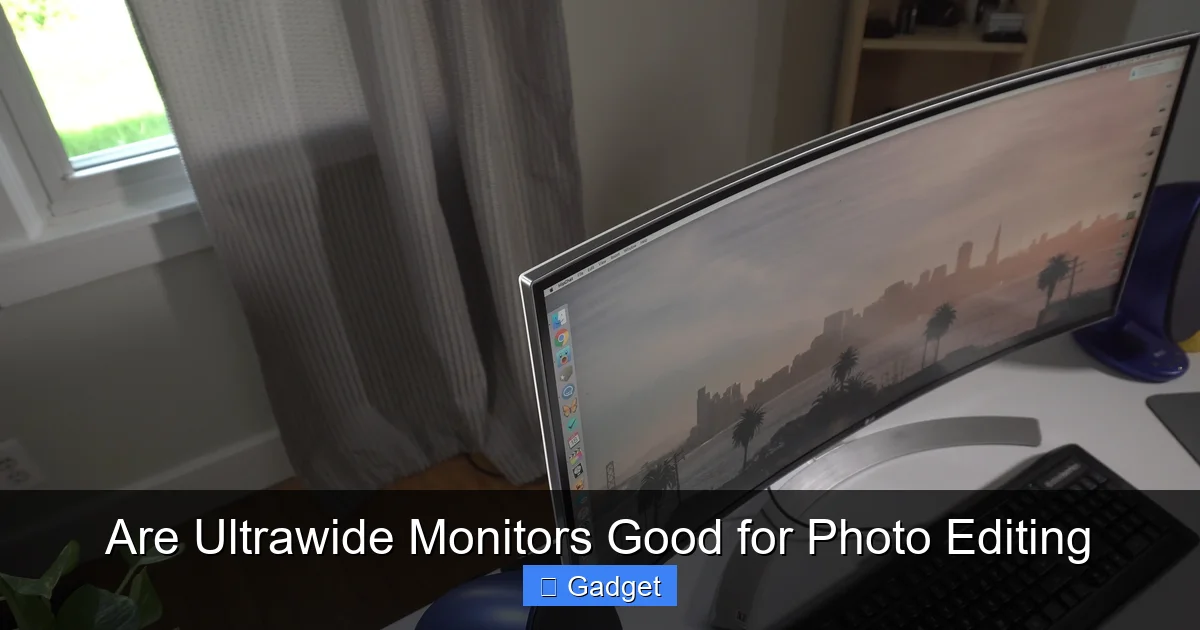
As a photographer or digital artist, your monitor is your most crucial tool. It’s where your vision comes to life, where colors are precisely calibrated, and where every pixel is scrutinized. For years, the standard has been the 16:9 aspect ratio monitor. But in recent times, ultrawide monitors have surged in popularity, not just for gaming and media consumption, but also for productivity and, yes, photo editing. The question on many creative minds is: are ultrawide monitors good for photo editing?
The answer, for many, is a resounding yes. However, like any tool, they come with their own set of advantages and considerations. This guide will walk you through everything you need to know to decide if an ultrawide monitor is the right upgrade for your photo editing setup.
Key Takeaways
- Immense Workspace: Ultrawide monitors provide significantly more horizontal screen real estate, allowing you to spread out toolbars, palettes, and even multiple documents without constant scrolling.
- Enhanced Immersion: The expansive view can create a more immersive editing experience, helping you focus on the details of your photographs.
- Improved Workflow Efficiency: With more space, you can arrange your editing software interface in a way that suits your personal workflow, leading to faster edits.
- Color Accuracy is Paramount: For photo editing, ensuring the ultrawide monitor boasts excellent color accuracy, wide color gamut coverage (sRGB, Adobe RGB, DCI-P3), and good calibration is non-negotiable.
- Resolution Matters: Higher resolutions (like 3440×1440 or 5120×2160) are crucial on ultrawide displays to maintain sharp details and prevent pixelation in your edits.
- Potential Drawbacks: Considerations include desk space requirements, potential for distorted images if not properly configured, and the higher cost compared to standard aspect ratios.
- Curved vs. Flat: Curved ultrawide monitors can enhance immersion and reduce eye strain, but flat panels might be preferred by some for critical color work.
Understanding Ultrawide Monitors
Before diving into the specifics of photo editing, let’s clarify what an ultrawide monitor is. Typically, standard monitors have an aspect ratio of 16:9. Ultrawide monitors, as the name suggests, are wider. The most common ultrawide aspect ratios are 21:9 and 32:9. This extra width translates to more horizontal pixels, offering a panoramic viewing experience.
For example, a common ultrawide resolution is 3440 x 1440, which is significantly wider than a standard 27-inch 16:9 monitor with a resolution of 2560 x 1440. This extra width is what sparks interest for many professionals. If you’re curious about how much physical space such a monitor requires, check out our guide on how much desk space an ultrawide monitor needs.
The Advantages of Ultrawide Monitors for Photo Editing
The benefits of an ultrawide monitor for photo editing are numerous and can significantly impact your workflow. Let’s explore them:
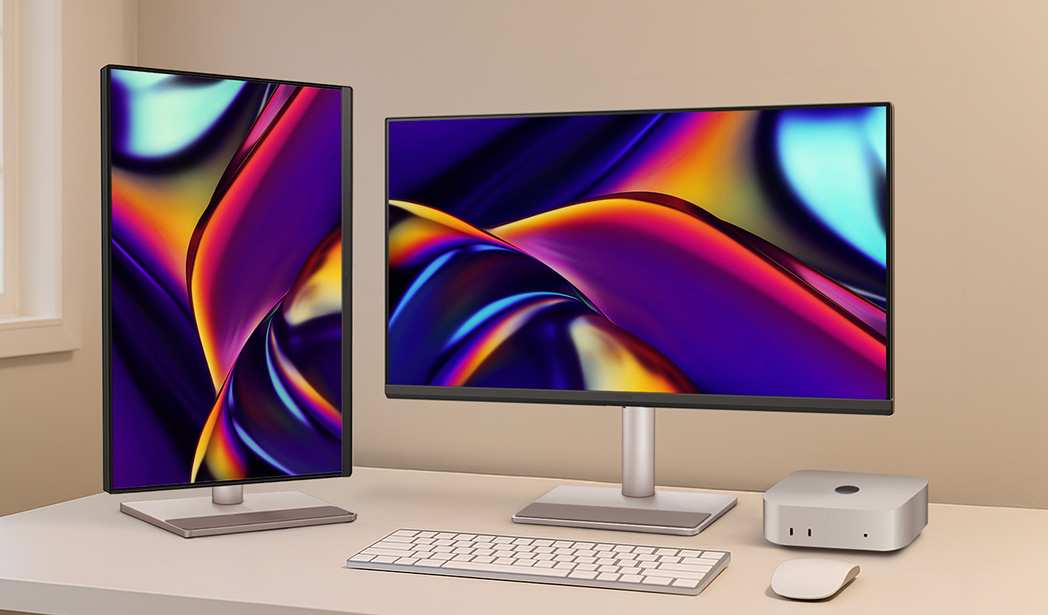
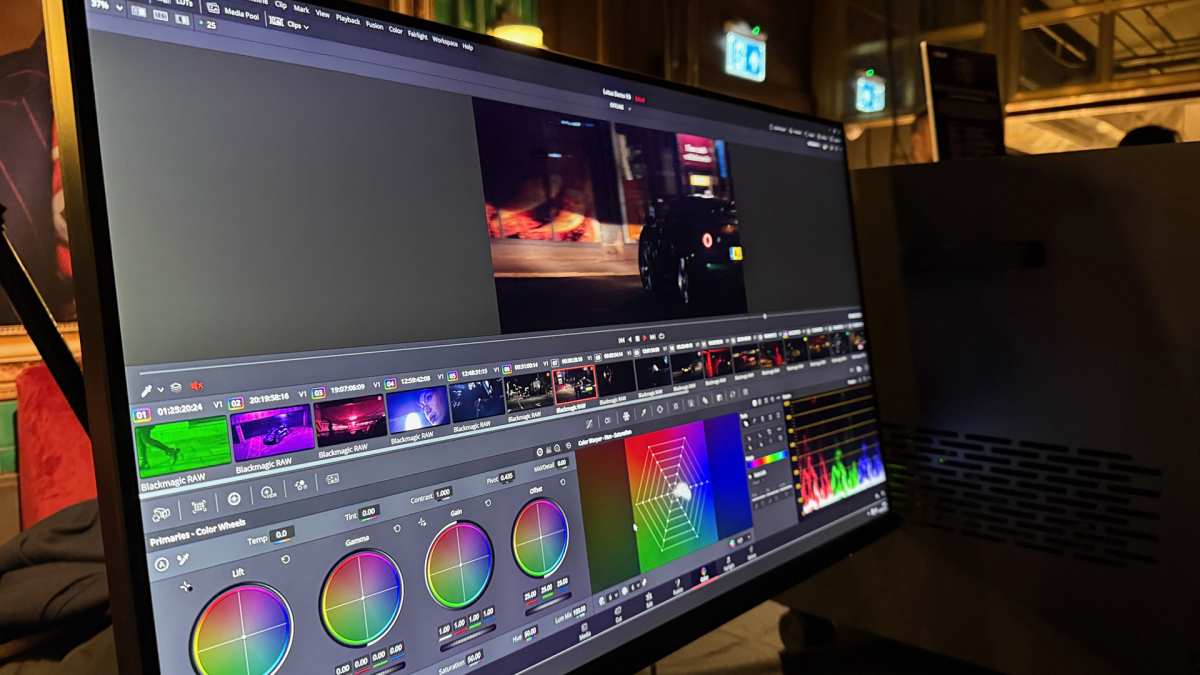
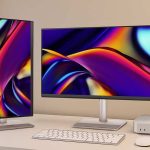
Visual guide about Are Ultrawide Monitors Good for Photo Editing
Image source: 9to5mac.com
1. An Expansive Workspace for Your Editing Software
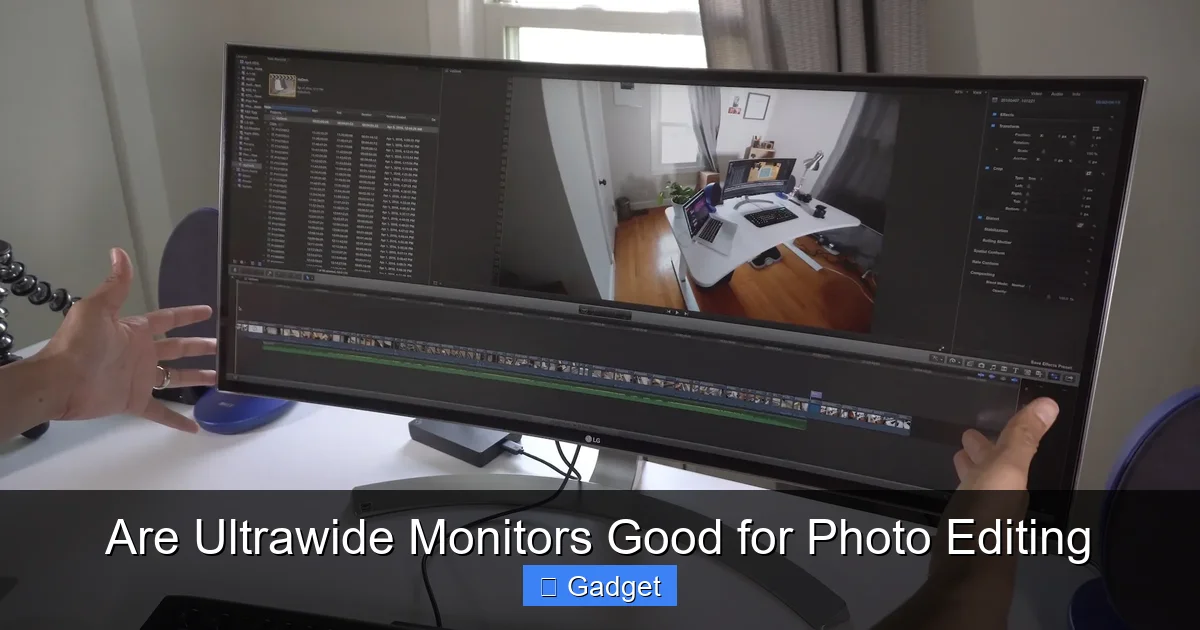
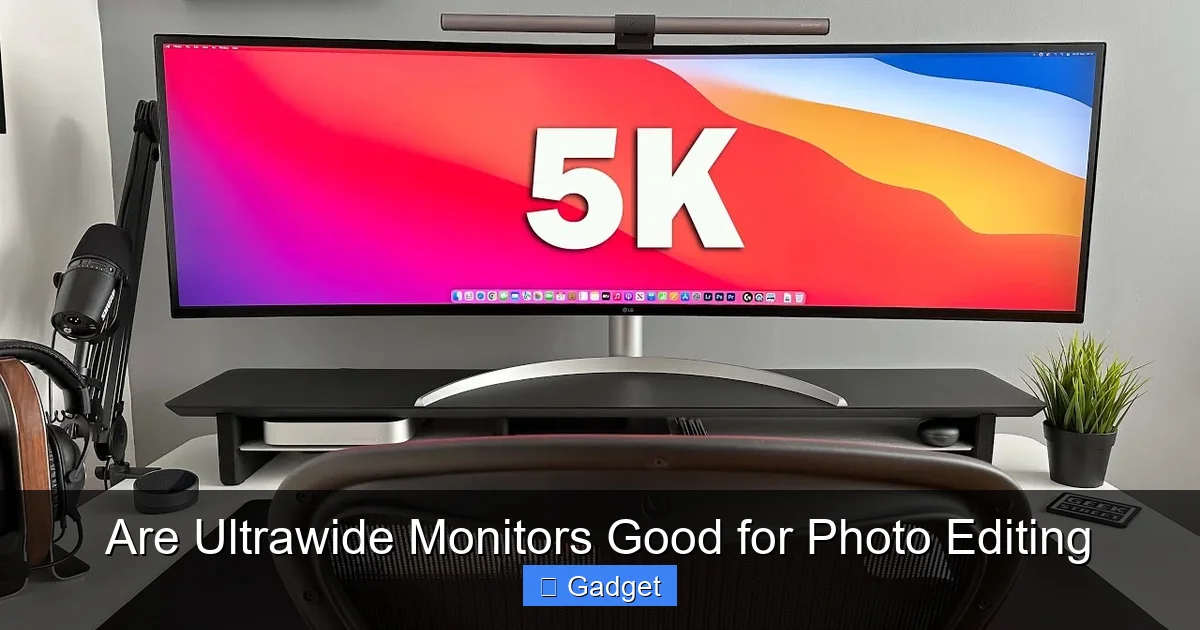
This is arguably the biggest draw of an ultrawide monitor. Photo editing software, like Adobe Photoshop or Lightroom, often comes laden with toolbars, panels, and menus. On a standard monitor, these can quickly clutter the screen, forcing you to constantly open and close panels or scroll to access different tools. An ultrawide monitor changes this dynamic entirely.
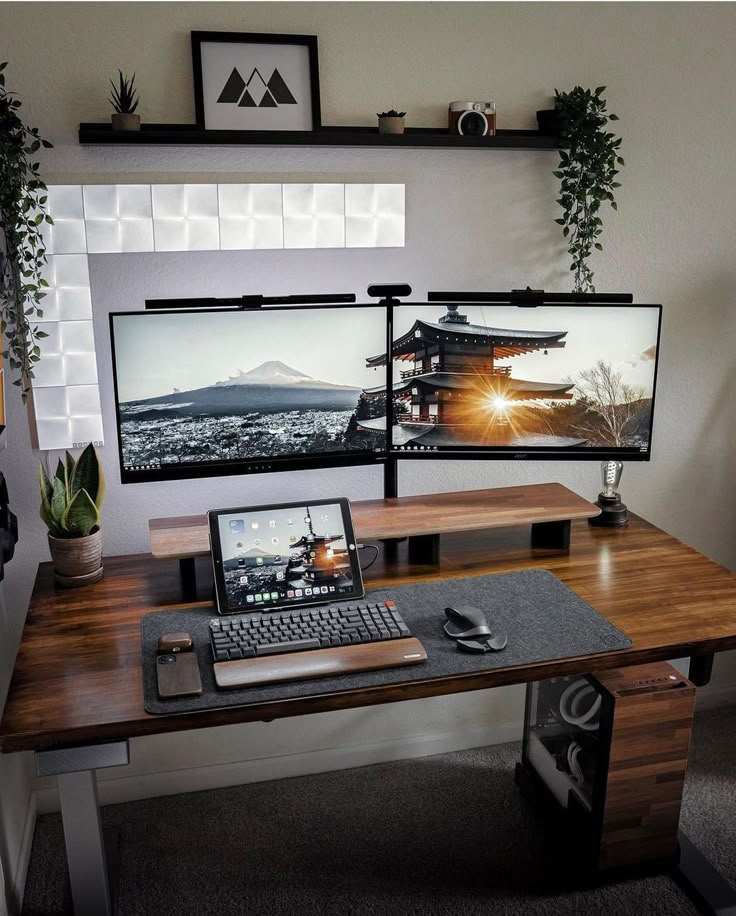
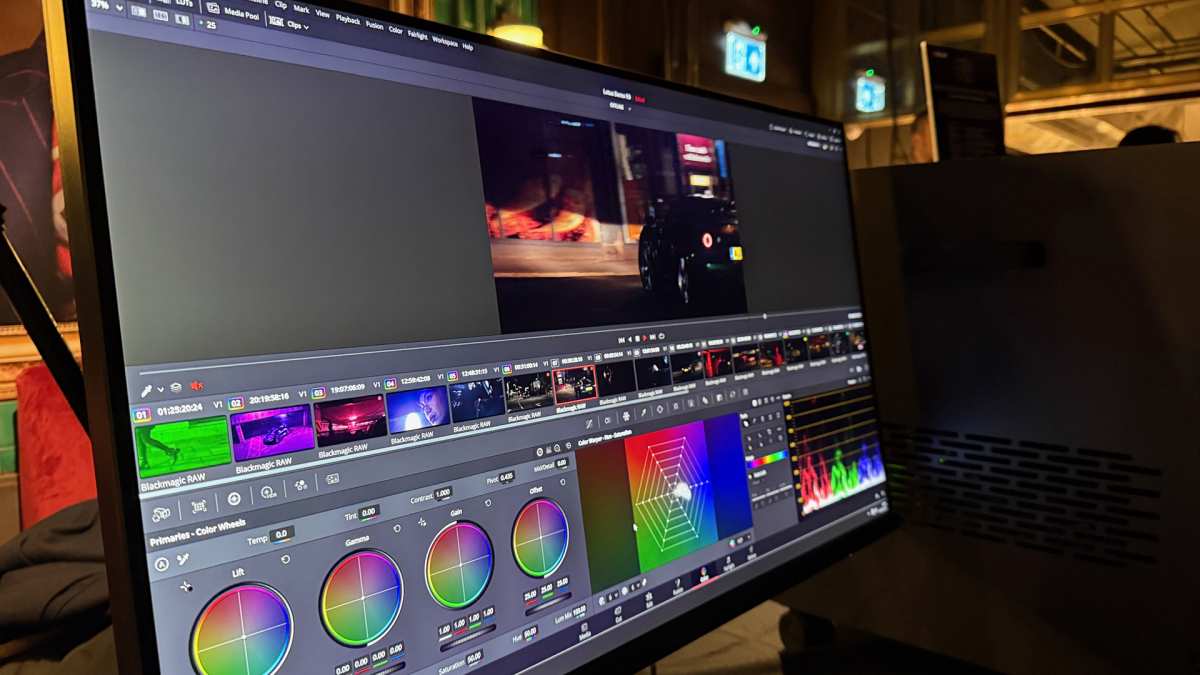
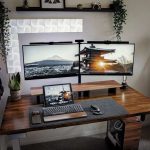
Visual guide about Are Ultrawide Monitors Good for Photo Editing
Image source: i.ytimg.com
Arranging Your Panels and Tools
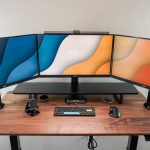
With the extra horizontal real estate, you can comfortably lay out your entire editing environment. Imagine having your histogram, layers panel, adjustment sliders, and even your navigator all visible simultaneously, without them overlapping or obscuring your image. This means less time spent navigating menus and more time focused on the creative process.
Working with Multiple Images or Documents
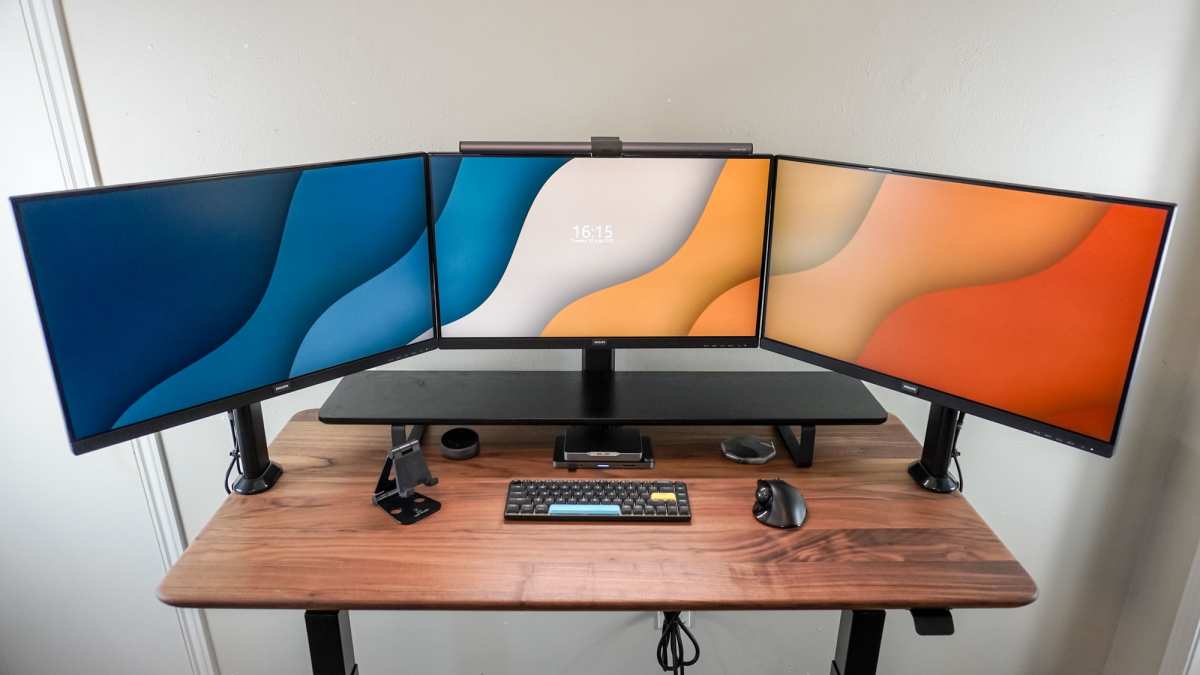
If you often work with multiple images open at once, or if you use complementary software (like Photoshop and Lightroom side-by-side), an ultrawide monitor excels. You can view two full-sized documents or applications next to each other without any compromise in size or the need to toggle between windows. This is a game-changer for tasks like culling photos, comparing edits, or blending images.
2. Enhanced Immersion and Focus
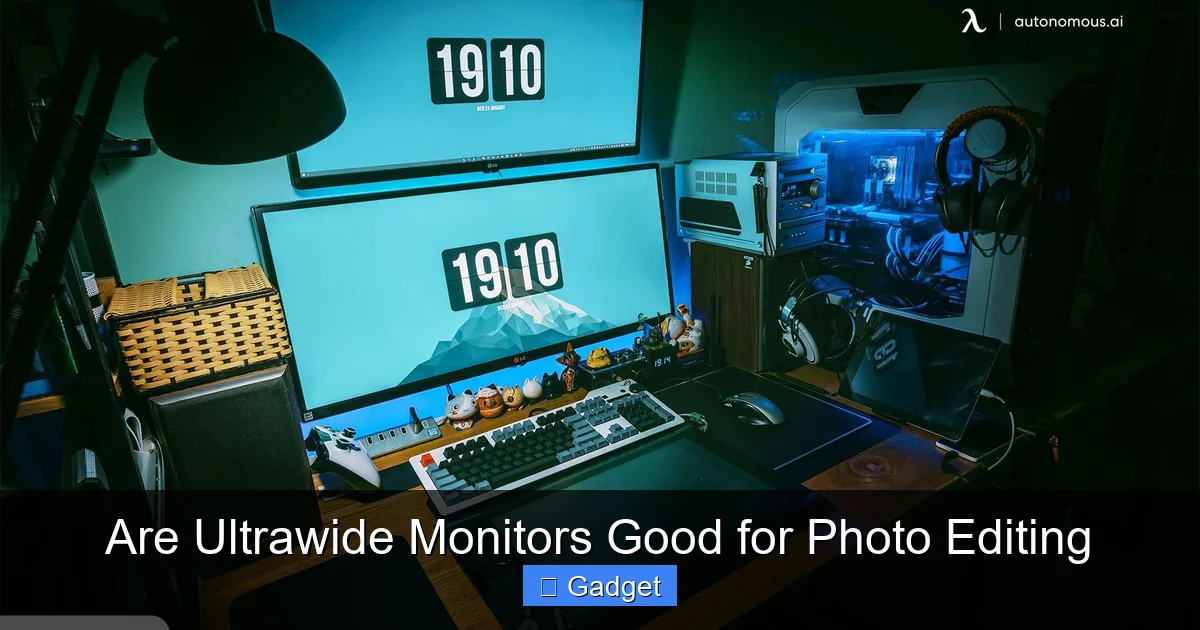
The expansive field of view offered by an ultrawide monitor can create a more immersive editing experience. When you’re working on a detailed edit, being able to see your image without the distraction of cluttered menus or small screen real estate can help you concentrate better on the nuances of color, tone, and detail. It feels like you’re stepping into your photograph.
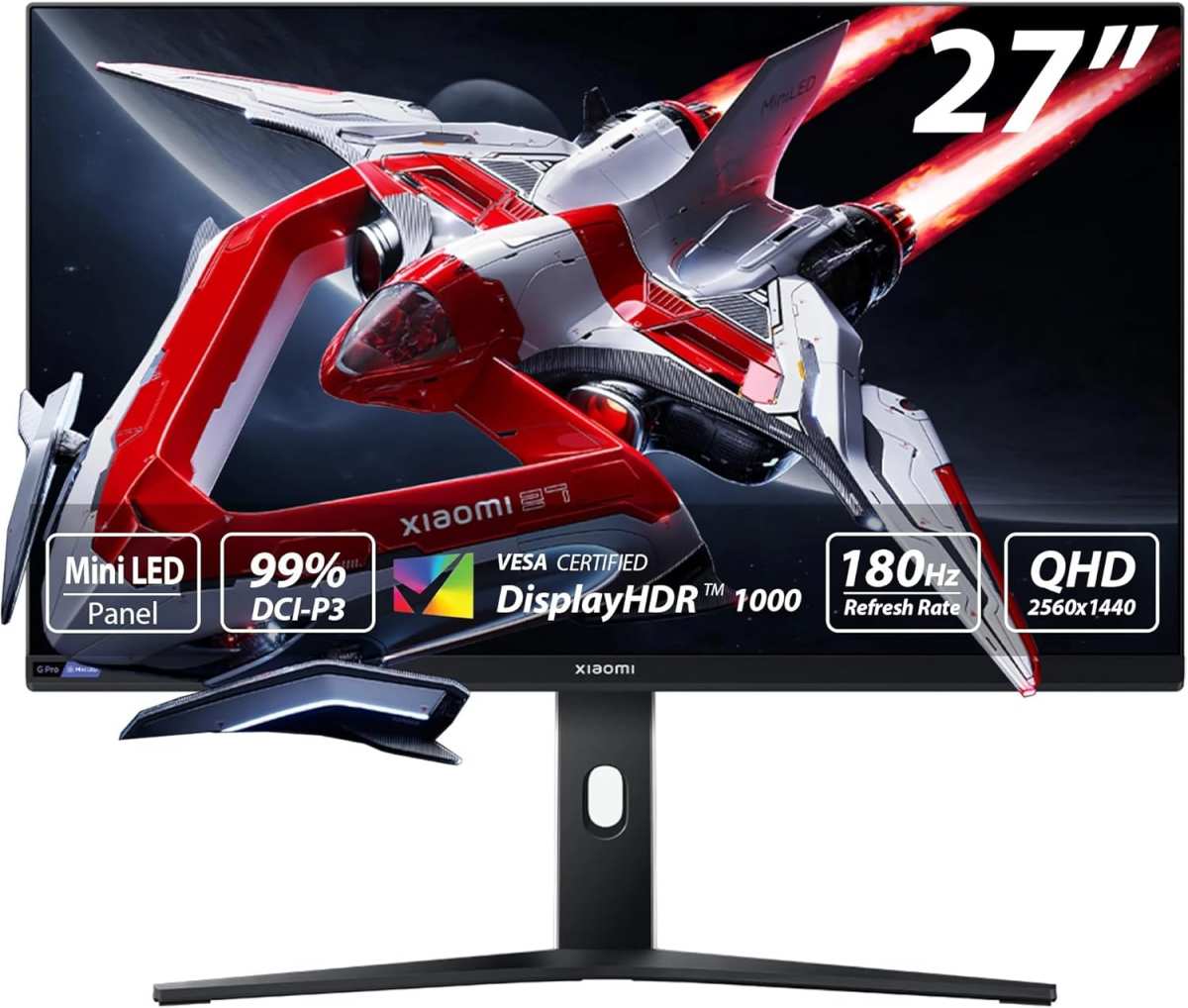
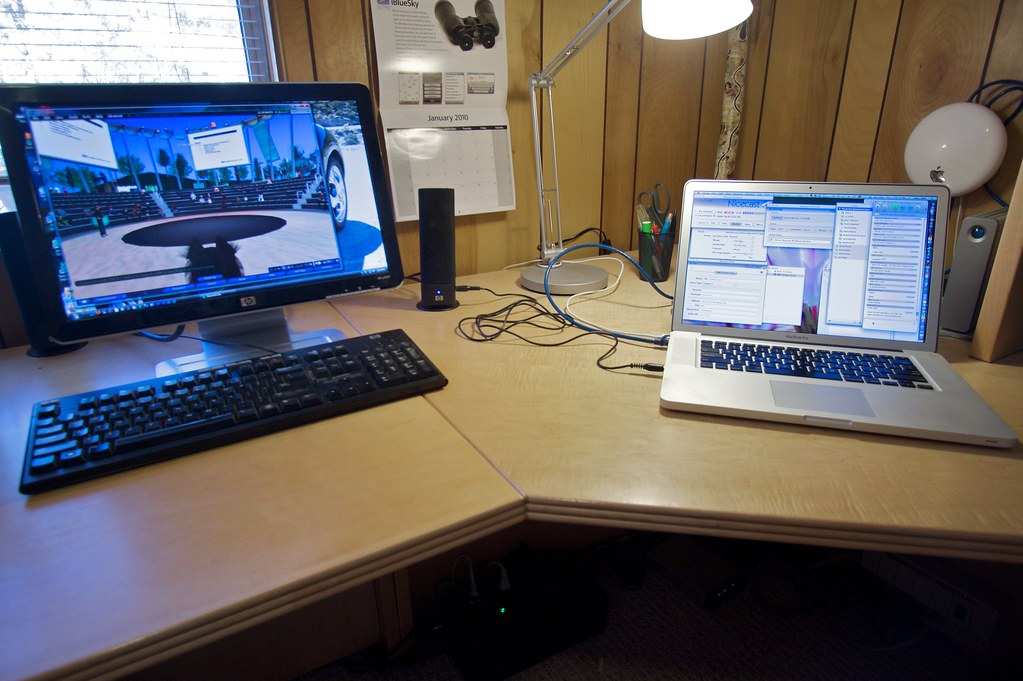
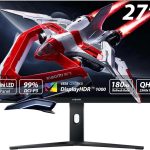
Visual guide about Are Ultrawide Monitors Good for Photo Editing
Image source: cdn.autonomous.ai
Reduced Eye Strain (Potentially)
For curved ultrawide monitors in particular, the curvature is designed to wrap around your field of vision. This can reduce the amount of eye movement required to take in the entire screen, potentially leading to less eye strain during long editing sessions. However, this is subjective and depends on individual preference and monitor curvature.
3. Improved Workflow Efficiency
When your tools are readily accessible and your workspace is organized, your workflow naturally becomes more efficient. Less time fumbling with menus or resizing windows translates directly into faster editing times. You can develop a personalized layout that perfectly suits your editing habits, leading to a more fluid and enjoyable creative process.
Customization for Your Needs
Think about your typical editing process. Do you always have the histogram open? Do you frequently use the clone stamp tool? With an ultrawide monitor, you can dedicate specific areas of the screen to your most-used tools and information, making them instantly accessible whenever you need them.
What to Look for in an Ultrawide Monitor for Photo Editing
While the benefits are clear, not all ultrawide monitors are created equal, especially when it comes to the demands of professional photo editing. Here are the key specifications to prioritize:
1. Color Accuracy and Gamut Coverage
This is the most critical factor. If your monitor can’t accurately display colors, all the extra screen space in the world won’t help. You need a monitor with excellent color accuracy out of the box and the ability to reproduce a wide range of colors.
Color Accuracy Standards
Look for monitors that can achieve Delta E values below 2 (ideally lower) for factory calibration. This means the difference between the color displayed and the intended color is virtually imperceptible to the human eye.
Color Gamut Coverage
- sRGB: The standard color space for web content and most general displays. Aim for 100% sRGB coverage.
- Adobe RGB: A wider color space often used for print photography. If you do a lot of printing, aim for high coverage (90%+).
- DCI-P3: A color space commonly used in digital cinema. It’s increasingly relevant for HDR content and modern displays.
The wider the gamut coverage, the more colors your monitor can display, leading to more vibrant and accurate images. Many high-end ultrawide monitors offer excellent coverage of these gamuts. If you’re also working with HDR content, be sure to review whether ultrawide monitors support HDR effectively for your needs.
2. Resolution and Pixel Density
On a larger, wider screen, resolution is crucial to maintain sharp image quality. A low resolution on an ultrawide monitor will result in a lower pixel density (PPI), making images appear less sharp and potentially pixelated.
Recommended Resolutions
For ultrawide monitors, aim for at least 3440 x 1440 (WQHD ultrawide). For even more detail and larger screen sizes, consider 5120 x 2160 (5K ultrawide). The higher the resolution, the more detail you can see and edit accurately. Wondering if higher resolutions like 4K are supported? Find out more in our article on whether ultrawide monitors support 4K resolution.
Pixel Density (PPI)
A good PPI for photo editing is generally considered to be around 100 PPI or higher. This ensures that individual pixels are not noticeable at a normal viewing distance, resulting in crisp images.
3. Panel Type
The type of panel used in a monitor affects its color reproduction, viewing angles, and response times. For photo editing, IPS (In-Plane Switching) panels are generally the preferred choice.
IPS Panels
IPS panels are known for their excellent color accuracy, wide viewing angles, and consistent color reproduction. This means that the colors you see remain true even when viewed from the side, which is important when editing and presenting your work.
While other panel types like VA (Vertical Alignment) offer better contrast, they can sometimes suffer from color shifting at wider viewing angles, making IPS a safer bet for critical color work.
4. Refresh Rate and Response Time
While not as critical as color accuracy for still photo editing, a decent refresh rate and response time can still contribute to a smoother experience, especially if you also use your monitor for video editing or casual gaming.
Smoothness for Video
If you edit videos, a higher refresh rate (e.g., 75Hz or 100Hz and above) and a low response time (e.g., 4ms or lower) will make motion appear smoother and reduce motion blur.
5. Curvature
Ultrawide monitors often come with a curved design. The degree of curvature is measured in ‘R’ values, such as 1800R or 1500R (lower numbers indicate a tighter curve). A tighter curve can offer more immersion.
Curved vs. Flat
Curved: Can enhance immersion, reduce perceived distortion at the edges, and potentially reduce eye strain by keeping the screen more equidistant from your eyes. However, some users find that straight lines can appear slightly distorted on a heavily curved display, which could be a concern for precise graphic design or architectural photography.
Flat: Offer a traditional viewing experience. Some users prefer flat panels for their perceived accuracy and to avoid any potential distortion of straight lines. The choice often comes down to personal preference and the type of photography you do.
6. Connectivity and Ergonomics
Ensure the monitor has the necessary ports (e.g., DisplayPort, HDMI, USB-C) to connect to your computer. USB-C connectivity is particularly useful as it can carry video, data, and power to your laptop, simplifying your setup. For more on connecting ultrawide monitors to portable devices, see our guide on whether ultrawide monitors can connect to a laptop.
Ergonomic Adjustments
Look for a monitor stand that allows for height, tilt, and swivel adjustments to ensure you can position it comfortably for long editing sessions.
Potential Drawbacks and Considerations
While ultrawide monitors offer many advantages, it’s important to be aware of potential downsides:
1. Desk Space
Ultrawide monitors, by their nature, are wider. Make sure you have adequate desk space to accommodate one comfortably. You might need a larger desk or a monitor arm to position it optimally.
2. Software Compatibility and Scaling
Most modern photo editing software is well-optimized for ultrawide resolutions. However, older software or less common applications might not display correctly or may have interface elements that look stretched or out of proportion. You may need to experiment with display scaling in your operating system to achieve a comfortable viewing experience.
3. Cost
Ultrawide monitors, especially those with high resolutions and excellent color accuracy, tend to be more expensive than standard 16:9 monitors of similar quality. This is an investment, so consider your budget.
4. Curved Distortion (for some)
As mentioned, while curvature enhances immersion, some users find it can subtly distort straight lines. If your work heavily relies on perfectly straight lines (e.g., architectural photography), you might prefer a flat ultrawide or a standard aspect ratio monitor.
5. HDR Content
If you work with High Dynamic Range (HDR) content, ensure the ultrawide monitor you choose has good HDR support, including high peak brightness and wide color gamut coverage.
Troubleshooting Common Issues
If you’re experiencing issues with your ultrawide monitor for photo editing, here are a few common problems and solutions:
1. Image Looks Stretched or Distorted
Cause: The monitor’s aspect ratio settings might be incorrect, or the graphics card drivers are not set up to output the correct resolution.
Solution:
- Check your monitor’s on-screen display (OSD) settings to ensure the aspect ratio is set to “16:9,” “Full,” or “Original,” depending on the content and your preference.
- Update your graphics card drivers to the latest version.
- In your operating system’s display settings, ensure the correct ultrawide resolution is selected and that scaling is set appropriately.
2. Colors Don’t Look Right
Cause: Monitor calibration issues, incorrect color profile, or the monitor itself isn’t accurate.
Solution:
- Ensure you have the correct color profile installed for your monitor in your operating system.
- Consider using a hardware calibration device (like a calibrator probe) to calibrate your monitor for the most accurate color reproduction.
- Check the monitor’s OSD settings for any color presets or adjustments that might be affecting the image.
3. Text is Too Small or Too Large
Cause: Incorrect display scaling in your operating system.
Solution:
- Adjust the display scaling in your operating system’s display settings. You can usually find options to make text, apps, and other items larger or smaller. Experiment until you find a comfortable setting.
Conclusion: Is an Ultrawide Monitor Right for You?
So, are ultrawide monitors good for photo editing? For many, the answer is a definitive yes. The expansive workspace, enhanced immersion, and potential for improved workflow efficiency can revolutionize how you approach your creative tasks. The ability to see more of your image and have all your tools readily accessible is incredibly powerful.
However, it’s not a one-size-fits-all solution. You must prioritize critical factors like color accuracy, resolution, and gamut coverage. You also need to consider your desk space, budget, and personal preferences regarding curved versus flat displays. If you’re looking to elevate your photo editing experience, boost your productivity, and truly immerse yourself in your work, an ultrawide monitor is definitely worth serious consideration.
Ultimately, the best way to know is to try one out if possible. But based on the capabilities and advancements in ultrawide monitor technology, they are no longer just for gamers and movie buffs; they are a viable and often superior choice for dedicated photo editors.

Similar Posts