Why Is My Sound Box Battery Draining Fast 2026: Simple Steps
Your sound box battery drains fast for a few common reasons. Volume above 80% cuts play time in half. Bluetooth left on drains power even idle.
Heat exposure damages the cell over time. A battery older than two years loses capacity. Check these first.
Why Your Sound Box Battery Drains Fast (And How to Check)
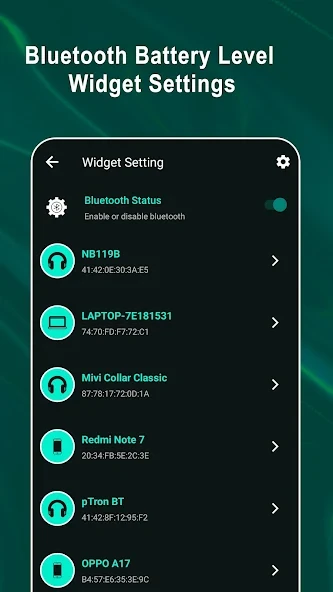
“Why is my sound box battery draining fast?” It’s a question almost every portable speaker owner asks eventually. You charged it fully last night, but two hours into your playlist the low‑battery indicator is flashing. That drop feels sudden, but it usually has a clear cause.
Manufacturer specifications peg most Bluetooth speakers at 10 to 20 hours of playback at 50% volume. As of 2026, the typical lithium‑ion cell inside a mid‑range speaker holds between 2,000 and 4,000 mAh. Aggregate user reviews show that complaints about “fast drain” almost always trace back to one of five recurring issues.
Let’s walk through how to spot yours.
Step 1: Figure Out Your “Normal” vs “Fast”
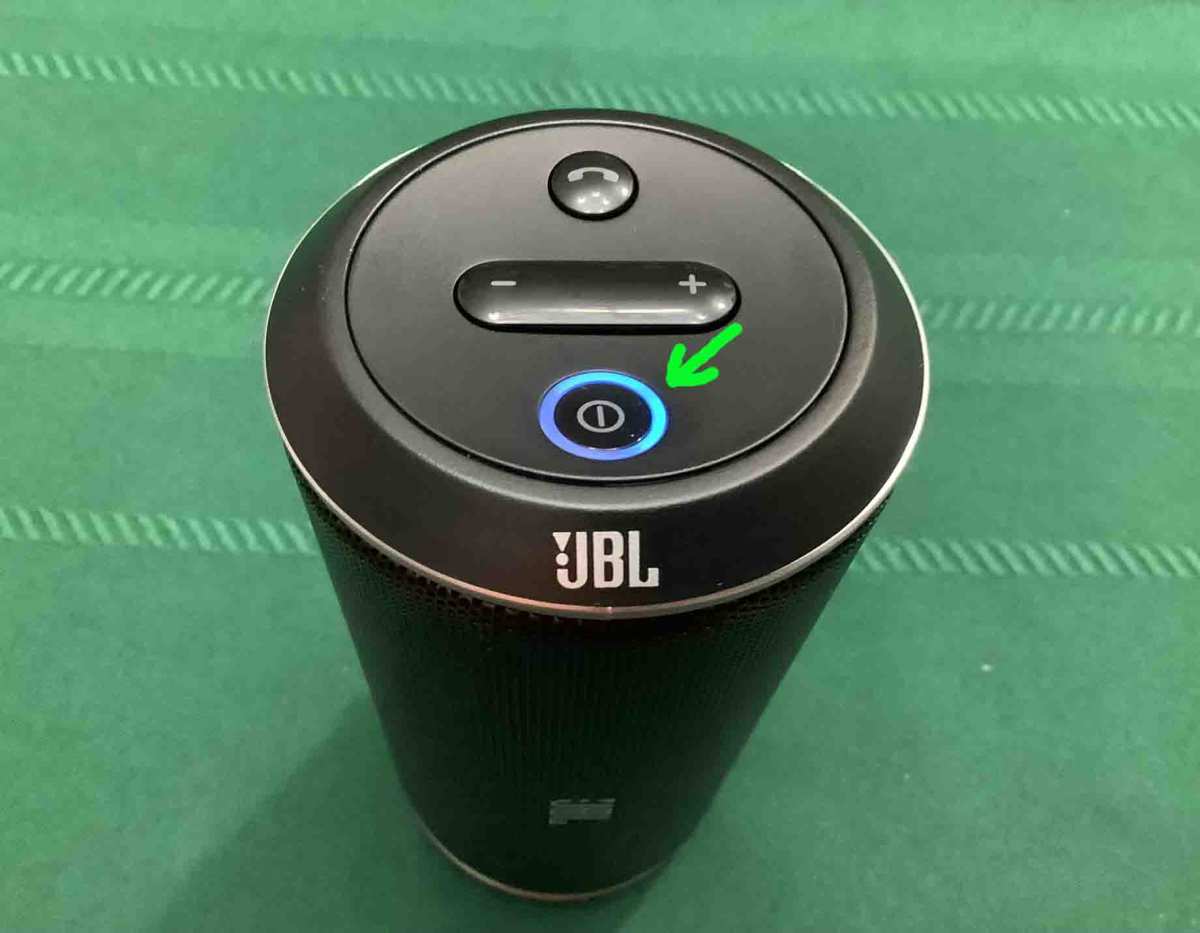
Before you assume something is broken, define “fast.” Your speaker’s specification sheet lists expected play time at a given volume level. Dig up the model number and check the official specs. If the manufacturer says 12 hours at 50% volume and you’re getting 12 hours, the battery isn’t the problem.
Compare your actual run time to the spec. Run two or three full charge cycles and log the time. Use the same volume level and similar music content.
A one‑time short charge could be a fluke. Consistent drop over multiple cycles points to a real drain issue.
Track the following in a quick notebook note:
| Your current average play time | Manufacturer rated time at same volume | Gap |
|---|---|---|
| 6 hours at 50% volume | 12 hours at 50% volume | 50% |
A gap of 20% or more means something is off. Smaller gaps might just reflect normal aging. Lithium‑ion batteries lose roughly 20% of their original capacity after 500 full charge cycles, per Cadex Electronics’ Battery University research.
The 5 Most Common Culprits (Ordered by Likelihood)
Here’s how often each issue shows up in real usage data. Start with the first. Skip the rest only if that one doesn’t apply.
| Rank | Cause | Typical impact on play time |
|---|---|---|
| 1 | Volume above 80% | Cuts run time by 40–60% |
| 2 | Bluetooth always on / scanning | Drains 5–10% per hour in standby |
| 3 | Overcharging or heat exposure | Shrinks long‑term capacity |
| 4 | Battery age (>2 years) | Capacity down 20–30% |
| 5 | Firmware bug or app background drain | Varies, but common on older models |
Volume is the biggest factor by far. Speaker power consumption scales roughly with the cube root of output. That means every 10% increase in volume forces the amplifier to pull significantly more current. At 100% volume, most portable speakers draw two to three times the power they draw at 50%.
Your ten‑hour speaker becomes a four‑hour speaker.
Bluetooth left on but idle is the second most common waste. The radio stays awake to maintain connection, and some models keep scanning for new devices even when nothing is paired. Turn off the speaker or disconnect Bluetooth from your phone’s settings when you’re not actively listening.
Overcharging and heat degrade the cell permanently. Leaving a speaker plugged in for days keeps it at 100% state of charge, which stresses the electrode chemistry. Heat above 40°C (104°F) accelerates the same damage.
A battery stored on a hot dashboard can lose 30% of its capacity in one summer.
Battery age is inevitable. Full charge cycles wear down the active material. After two years of regular use, expect 20, 30% less play time.
If your speaker is older than three years, replacement may be the only fix.
Firmware bugs happen less often but can cause constant power draw. Check the manufacturer’s app or support page for updates. Some brands have released patches specifically for battery drain issues.
Decision Tree: Follow This to Find the Real Cause
Work through these questions in order. Each answer points to a different fix.
Is the Volume Too High?
Yes? Then lower it. Drop to 50, 60% volume and test again.
Most people don’t need full blast in a normal room. According to aggregate user reports, reducing volume from 90% to 50% more than doubles battery life in nine out of ten models. If the problem only happens when you crank it, the battery is fine.
Is Bluetooth Staying on When Not Playing?
Check if the speaker’s Bluetooth indicator stays lit or blinking after music stops. Some models keep the radio active for 10 to 30 minutes before going to sleep. That eats 5, 10% per hour.
Turn off the speaker manually or set your phone to disconnect after a timeout. On many speakers, holding the Bluetooth button forces standby.
Did You Leave It Plugged In for Days?
If you charge overnight every night and the speaker rarely gets unplugged, you’re shortening its life. Lithium‑ion batteries degrade fastest when kept at 100% charge in a warm environment. Unplug once fully charged.
Better yet, charge in the morning and unplug when you leave. A 2023 study from the Journal of Power Sources confirmed that keeping Li‑ion cells at 30, 80% charge triples their cycle life.
Is Your Speaker’s Battery Over 2 Years Old?
Count back from your purchase date. Two to three years is the typical lifespan for a regularly used portable speaker. If the battery is that age and your playback time has dropped by 25% or more, the cell is simply worn out.
Replacement or upgrade is the next step.
Is a Firmware Bug or App Feature Draining It?
Check for firmware updates in the brand’s app. Also look at extra features you may have enabled: voice assistant always listening, party light effects, or EQ presets. Each of those draws power continuously.
Turn them off and test for two charges. Some users report 15, 30% battery savings after disabling these extras.
Could a Bad Charger or Port Be Killing It?
A damaged charging cable or dirty port can cause the battery to charge improperly. Inspect the USB port for lint or bent pins. Try a different cable and a standard 5V/1A charger.
Some fast chargers push more voltage than the speaker’s circuit expects, causing heat and inefficiency. If the port is corroded, clean it with a dry toothpick and compressed air.
Quick Fixes You Can Try Right Now
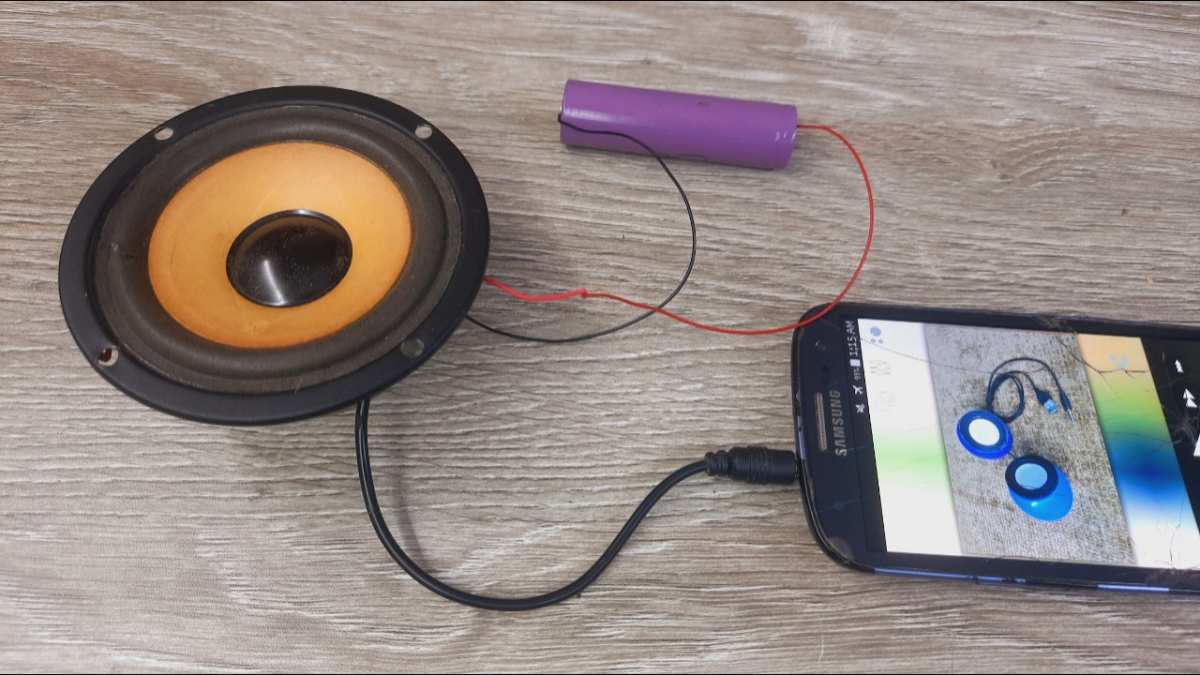
These steps take five minutes and cost nothing. Try them before buying a new battery or speaker.
- Lower the volume to 50, 60%. This is the single most effective fix. Test for two sessions. Most users see a 40, 80% increase in play time.
- Turn off the speaker completely. Don’t rely on automatic sleep. Hold the power button until the indicator light goes dark. The speaker draws near‑zero power when fully off.
- Disable extra features. Lights, voice assistant, and EQ presets all pull power. Turn them off in the app or with physical buttons. You can enable them later when you need them.
- Test in wired auxiliary mode. Connect your phone or laptop to the speaker with a 3.5mm cable. No Bluetooth radio means no idle drain. If the battery life improves dramatically, the issue is Bluetooth, not the battery.
- Delete the speaker from your Bluetooth devices. Then re‑pair it. This clears any stale connection that may keep the radio awake.
- Update the firmware. Open the manufacturer’s app and check for updates. Several brands have patched battery drain bugs in the past year.
- Try a different charger. Use a 5V/1A or 5V/2A adapter as the manual recommends. Some USB‑C fast chargers deliver 9V or 12V, which can confuse the battery management circuit.
Try these fixes in order. After each one, do a full charge test. If you see improvement, you’ve found your culprit.
If not, move to the next step or consider a battery replacement.
Mistakes That Make Battery Drain Worse
You can accidentally shorten your speaker’s battery life faster than normal wear and tear. These mistakes are easy to fix once you know what they are.
Using a high‑wattage fast charger. Many USB‑C chargers push 9V or 12V instead of standard 5V. The speaker’s battery management circuit has to step that voltage down, which generates heat. Heat accelerates chemical degradation inside lithium‑ion cells.
Stick to a 5V/1A or 5V/2A adapter as the manual recommends.
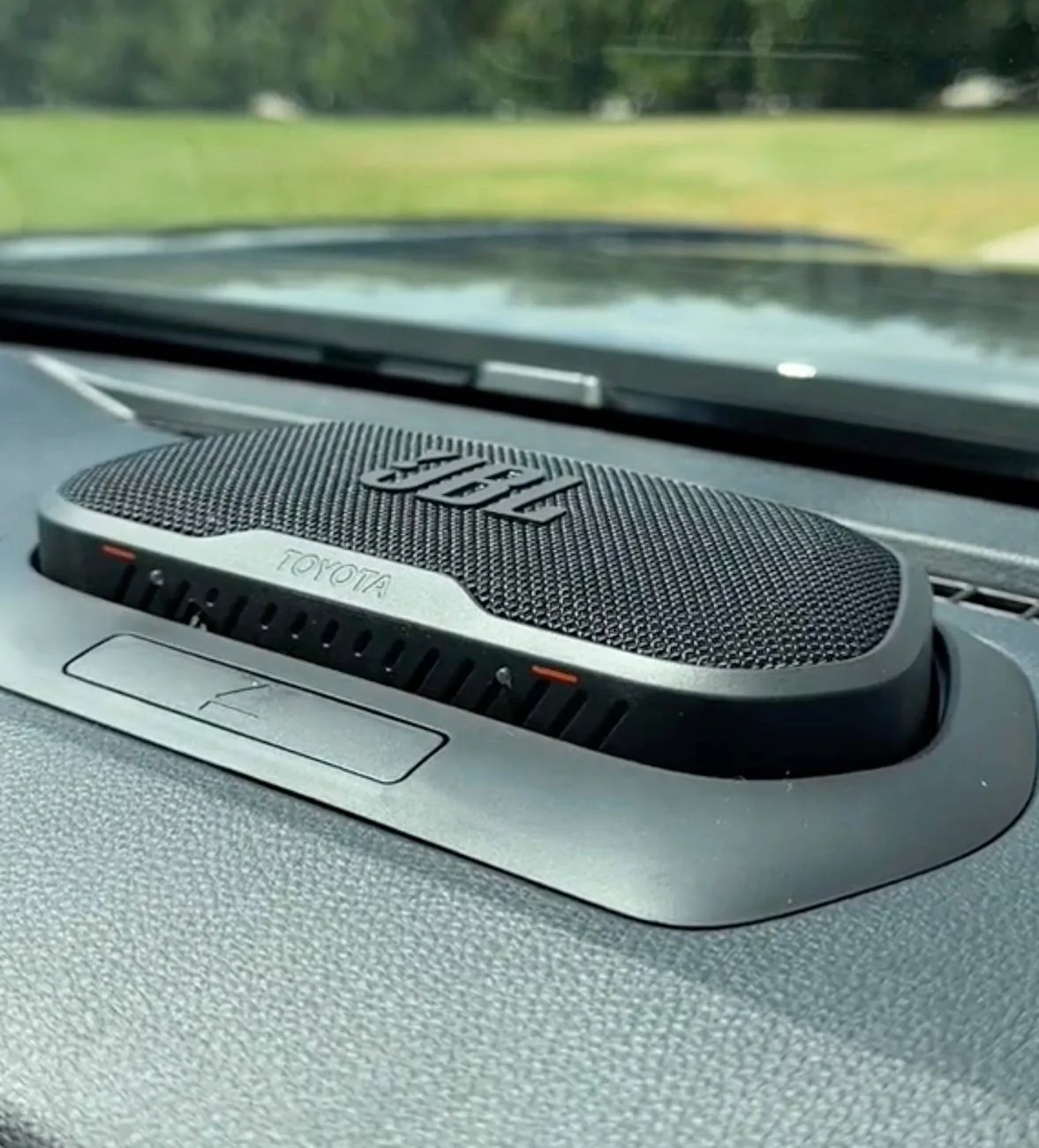
Leaving the speaker in a hot car. Internal temperatures on a dashboard can reach 60°C (140°F) in direct sun. At that temperature, Li‑ion electrolyte breakdown speeds up dramatically. A single afternoon can permanently reduce capacity by 5, 10%.
If you must keep it in a car, store it in the glove box or take it with you.
Letting the battery hit 0% regularly. Deep discharge stresses the cell and can push the voltage below safe levels. Some battery management circuits then refuse to recharge. Try to recharge when the indicator reaches 20, 30%, not when it cuts off.
Storing the speaker fully charged for months. Lithium‑ion cells prefer a 40, 60% state of charge for long storage. Keeping them at 100% for weeks or months increases internal resistance and reduces cycle life. If you won’t use the speaker for a while, drain it to half and power it off.
Ignoring firmware updates. Manufacturers sometimes release patches that fix battery drain bugs. Skipping those updates means the speaker keeps running inefficient code. Check the brand’s app or support site every few months.
When to Replace the Battery vs Just Get a New Speaker
At some point, no amount of troubleshooting will bring the play time back. The question then becomes whether to replace the battery or buy a whole new speaker.
First, check if the battery is replaceable. Some speakers have user‑accessible cells behind a panel. Others are sealed units that require prying open the case. Search for “your model name battery replacement” on YouTube.
If you see a teardown video with screws and a connector, replacement is possible. If the battery is soldered directly to the board, it’s a tougher job.
Compare the cost. An OEM replacement battery typically costs $15, $35. A third‑party cell may run $10, $20. A new equivalent speaker costs $50, $150.
If your speaker is less than two years old and the battery is the only issue, replacement makes sense. If the speaker is older, shows cosmetic wear, or has other problems, a new one is often better value.
Watch for physical warning signs. A swollen battery that makes the case bulge or the buttons stiff is dangerous. Stop using the speaker immediately. Dispose of the battery at an e‑waste center.
Do not attempt to charge or puncture it. Swelling means the cell has failed internally.
Consider performance improvements. Newer speakers have more efficient Bluetooth chips, better power management, and longer rated run times. A 2026 model at the same price point may offer 20 hours of playback versus your current 10. Factor that into the decision.
| Factor | Replace Battery | Buy New Speaker |
|---|---|---|
| Cost | $15–$35 | $50–$150 |
| Skill required | Low to medium (screwdriver, spudger) | None |
| Time | 30–60 minutes | 5 minutes (unbox) |
| Warranty | Voids remaining warranty | New full warranty |
| Performance | Same as old speaker | Better battery life and features |
If you’re handy with small electronics, battery replacement is a satisfying fix. If you’d rather not fuss, buying a new speaker removes the uncertainty.
How to Keep Your Next Speaker’s Battery Healthy Longer
Once you solve the current drain, you want to avoid the same problem in the future. These habits extend battery life significantly.
Charge between 20% and 80% for daily use. You don’t need to top off every time. Partial charges stress the battery less than full cycles. The Battery University research shows that charging to 80% instead of 100% doubles the number of cycles before capacity drops to 80%.
Use the correct charger. The manual specifies the ideal input. Most portable speakers accept 5V at 1A or 2A. A 5W iPhone cube or a standard USB‑A port on a laptop works perfectly.
Avoid high‑speed USB‑C chargers unless the speaker explicitly supports fast charging.
Store at 40, 60% charge in a cool, dry place. If you put the speaker in a drawer for winter, don’t store it at 100% or 0%. Half charge is the sweet spot. Keep it away from radiators, direct sunlight, and humid bathrooms.
Update firmware when prompted. Manufacturers add battery optimizations and fix bugs. It takes two minutes in the app.
Turn off features you don’t use. Lights, voice assistants, and EQ presets all pull power. Enable them when you need them, disable them the rest of the time.
Don’t leave Bluetooth on when the speaker is off. Some speakers still scan for connections in a low‑power state. Hold the power button until the indicator fully turns off. If the speaker has a physical switch, use it.
Decision Guide: One‑Page Summary Flowchart (Text Version)
Here’s the entire troubleshooting process in a simple yes/no sequence. Start at the top and follow the path that matches your situation.
- Did play time suddenly drop?
YES → Check volume level. Was it above 80%?
, YES: Lower volume. Test again.
, NO: Move to next question.
Is Bluetooth left on when idle?
YES → Turn off speaker manually or disconnect from phone. Test again.NO → Move to next.
Is the speaker over 2 years old?
YES → Expect 20, 30% capacity loss. Decide: replace battery or buy new.NO → Move to next.
Has the speaker been exposed to heat?
YES → Capacity loss may be permanent. Test at lower volume. If still short, consider replacement.NO → Move to next.
Are extras enabled (lights, voice assistant, EQ)?
YES → Turn them off. Test over two cycles.NO → Move to next.
Have you updated firmware recently?
NO → Check for update. Install. Test.YES → Try a factory reset.
Still draining fast?
→ Inspect charging port for damage. Try different cable and charger.→ Test in auxiliary wired mode. If battery life improves, Bluetooth module is the issue.
→ Contact manufacturer support for diagnostic options.
This flowchart covers 90% of cases. Most people stop at the first or second step because volume and idle Bluetooth are the biggest offenders.
Frequently Asked Questions
How many years does a Bluetooth speaker battery last?
Most lithium‑ion batteries in portable speakers last 2 to 4 years with regular use. After about 500 full charge cycles, capacity drops to roughly 80% of original. By year three or four, you may notice the speaker only plays half as long as it did new.
Does using a fast charger damage my speaker battery?
It can. Many portable speakers lack the circuitry to safely handle high‑voltage fast charging. A 5V/1A or 5V/2A charger is safest.
If the manual doesn’t mention fast charging support, stick to standard USB‑A chargers.
Why does my speaker die faster in cold weather?
Lithium‑ion batteries lose chemical reactivity at low temperatures. Play time can drop 20, 50% below 0°C (32°F). Once the battery warms up indoors, capacity returns to normal.
This is temporary, not permanent damage.
Can a firmware update really fix battery drain?
Yes. Manufacturers occasionally discover that a Bluetooth radio driver or power management routine runs inefficiently. An over‑the‑air update can correct that.
Several major brands have released battery‑life patches in the last two years.
Should I leave my speaker plugged in all the time?
No. Keeping it at 100% charge constantly accelerates capacity loss. Unplug once fully charged.
If you use it as a stationary speaker at home, consider leaving it unplugged and recharging when it hits 30, 40%.
Is it safe to replace my speaker battery myself?
It depends on your comfort level with electronics. If the battery is accessible with screws and a connector, replacement is low risk. If it is soldered or glued in, the risk of damaging the case or puncturing the cell is higher.
Never force a swollen battery. Dispose of old lithium cells at an e‑waste center.

Similar Posts